A digital business card helps networking when it supports the whole process: before the event, during the introduction, and after the follow up.
Quick answer
Use your digital card before the event in your outreach, during the event with QR or NFC, and after the event in a short follow up message that reminds the person why you connected.
Key takeaways
- Use a live profile as the source of truth.
- Add QR sharing because it works across more devices.
- Add NFC when in person sharing is part of your workflow.
- Keep the main action clear so people know what to do next.
- Use Zapped where an editable profile, QR, NFC, and team controls belong in one place.
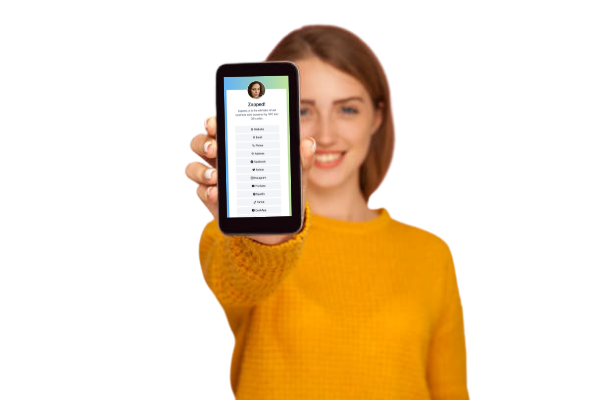
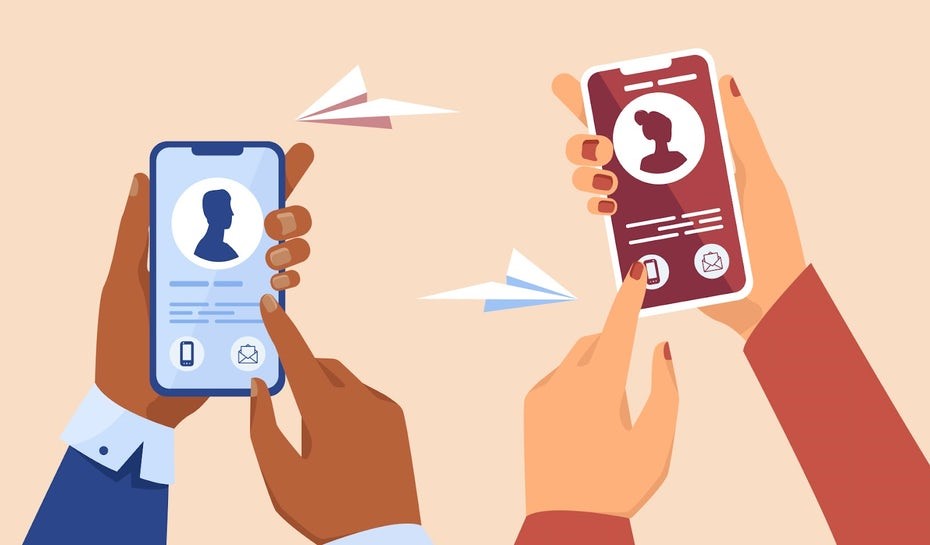
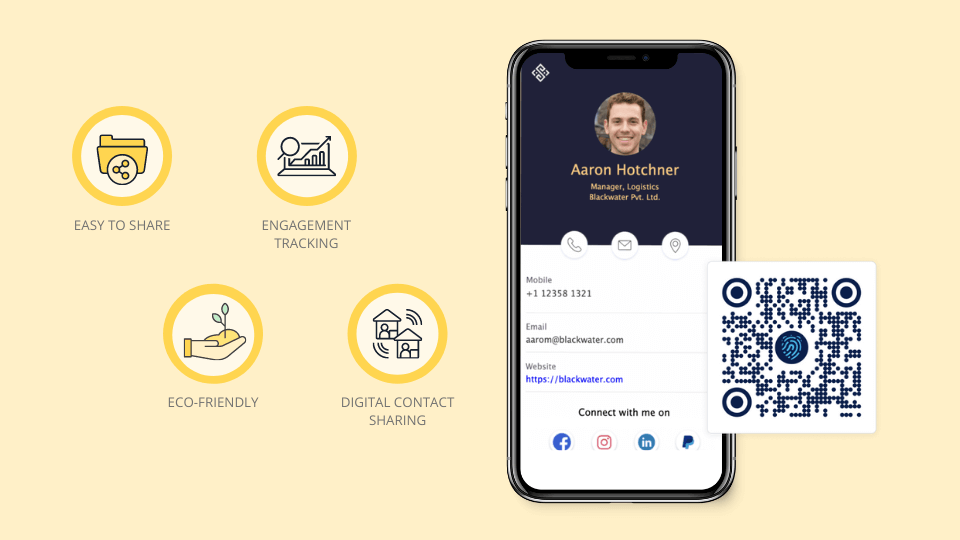
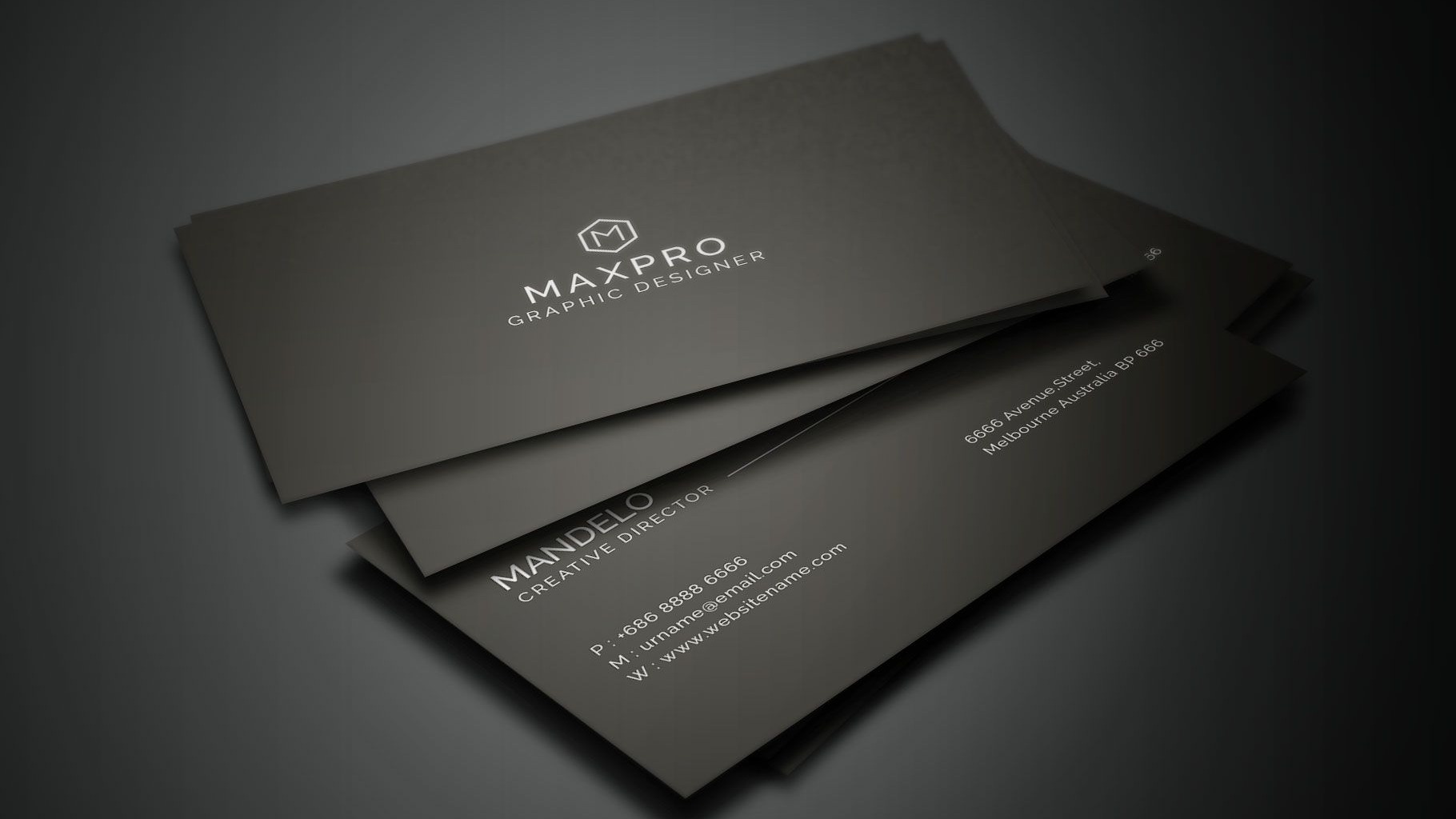
Use this image as a reference point while you compare the options below. The important idea is that the card, code, or NFC tap should lead to a profile that is easy to save and act on.
Best options by use case
| Moment | How to use the card | Goal |
|---|---|---|
| Before | Add it to event outreach | Warm up the introduction |
| During | Share by QR or NFC | Reduce friction |
| After | Send link with a personal note | Continue the conversation |
| Team event | Use consistent employee cards | Make the brand memorable |
| Review | Check what people clicked | Improve next time |
Before, during, and after
Before the event, add the card link to your email signature and calendar invite. During the event, use QR or NFC for the exchange. After the event, send a short note that connects the link to the conversation.
That rhythm turns the card from a novelty into a follow up system.
What to include
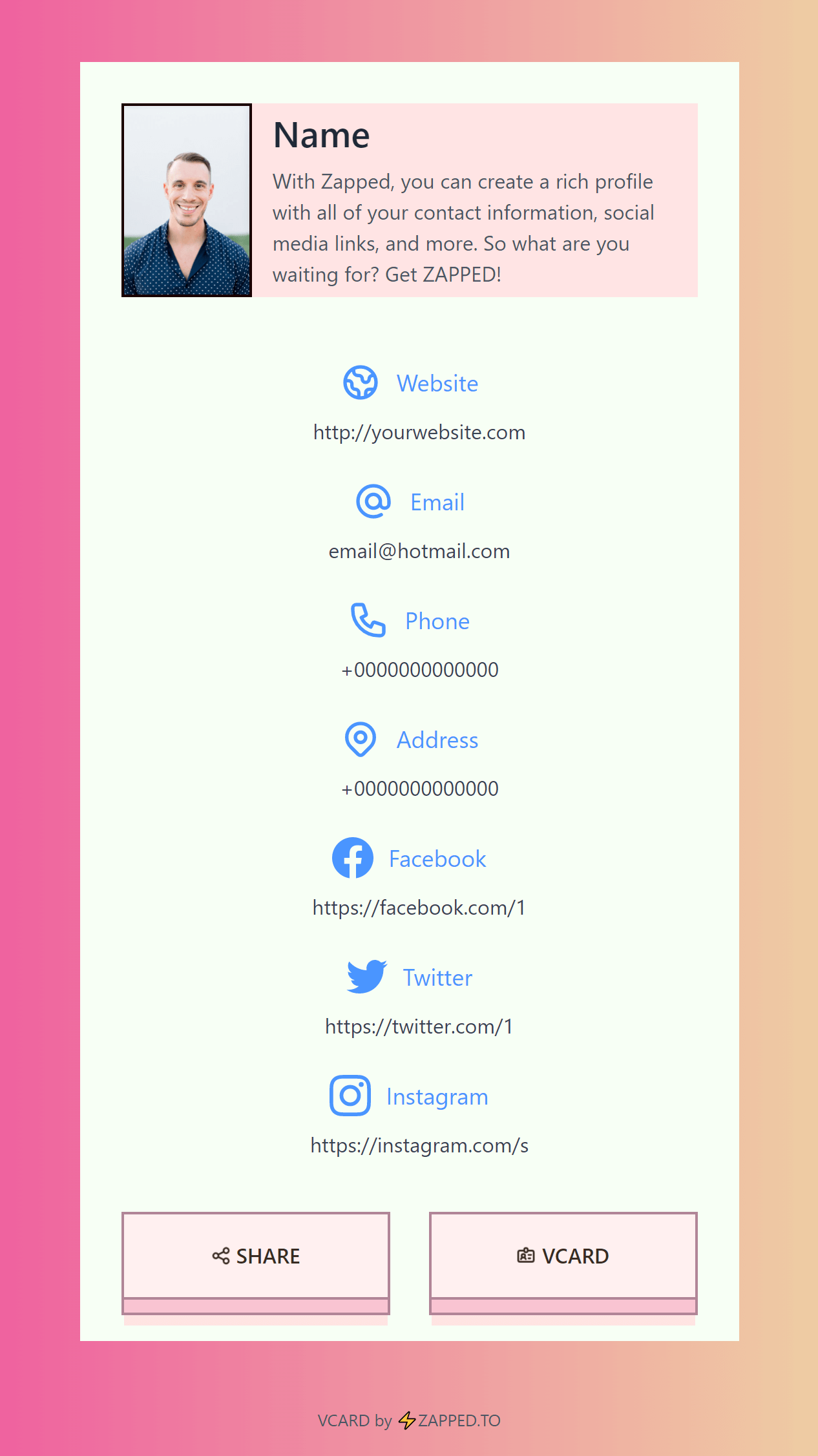
A strong digital business card usually includes:
- Name, role, and company.
- Phone, email, and website.
- A save contact action.
- One primary call to action.
- QR code or direct sharing link.
- NFC support when useful.
- Social, portfolio, booking, payment, or review links when they help.
Simple setup checklist
- Create the live profile.
- Add your essential contact fields.
- Choose one primary action.
- Generate and test the QR code.
- Add NFC or Wallet sharing if the use case needs it.
- Test the experience on iPhone and Android.
- Update the profile whenever your details change.
Practical networking script
You can keep the exchange natural with a simple line: I have a digital card if you want my details. Then show the QR code or offer the NFC tap. The technology should support the conversation, not interrupt it.
After the meeting, send a short message with the same card link and one specific note about what you discussed. That makes the follow up feel personal.
Team event tip
For company events, give each team member a consistent profile structure. Prospects should recognize the brand while still seeing the right person, role, and contact path.
Networking follow up system
A digital card is most useful when it supports the follow up after the room clears. Treat it as part of a lightweight networking system.
Before the event, update your profile and set one clear goal. During the event, share the QR code, NFC card, or direct link. After the event, send a short message that references the conversation and includes the same profile link.
For teams, use one template across the event staff so prospects see consistent branding. A scattered set of personal cards makes follow up harder to measure and harder to trust.
What to update before an event
Before a networking event, review the card like a landing page. Make sure the profile photo is current, the title is accurate, the booking link works, and the first button matches the event goal. If the goal is meetings, lead with booking. If the goal is recruiting, lead with company or career links.
After the event, look at which links received attention. Use that data to simplify the profile before the next event.
Use Zapped as your networking follow up hub
A modern digital business card should support the whole networking moment: the intro, the scan or tap, the saved contact, and the follow up after the event. Zapped gives that workflow one profile instead of scattering it across a QR app, a link page, a contact file, and a spreadsheet.
Before an event, update your Zapped profile with the right title, meeting link, social proof, and company page. During the event, share it by QR, NFC, or link. After the event, the same profile gives new contacts a clear way to reach you, book time, or revisit what you discussed.
FAQs
What is the best digital business card format?
The best format is usually a live web profile with a QR code, direct link, and optional NFC card. That gives people more than one way to open the same profile.
Do people need an app to view my digital business card?
Usually no. A web based profile should open in a normal browser. Apps can help the card owner manage the profile, but the recipient should not need to install anything just to view your details.
Should I use NFC or QR for how to use a digital business card for networking?
Use both when the card will be shared in person. NFC feels fast when someone knows where to tap, and QR gives a visible backup for any phone with a camera.
Can I update the card after sharing it?
Yes, if the QR code, NFC tag, or shared link points to an editable profile. That is one of the biggest advantages over a static printed card.
Where does Zapped fit?
Zapped is a good fit when you want one editable digital card profile that can be shared by link, QR code, NFC card, and team workflows without rebuilding the card every time details change.
Sources
- NFC Forum, NFC technology and NFC Forum, NFC is in almost everything: Used for short range NFC behavior and NFC card context.
- IETF RFC 6350, vCard format specification: Used for vCard contact data context.
- Apple Support, scan a QR code with iPhone camera: Used for iPhone QR scanning behavior.