Digital business card ideas are strongest when they match the person using the card. A realtor, consultant, creator, recruiter, and event team should not all use the same layout.
Quick answer
The best ideas add a useful next step: book a meeting, save contact, view listings, see a portfolio, open WhatsApp, join a newsletter, pay, review, or share the company page.
Key takeaways
- Use a live profile as the source of truth.
- Add QR sharing because it works across more devices.
- Add NFC when in person sharing is part of your workflow.
- Keep the main action clear so people know what to do next.
- Use Zapped where an editable profile, QR, NFC, and team controls belong in one place.
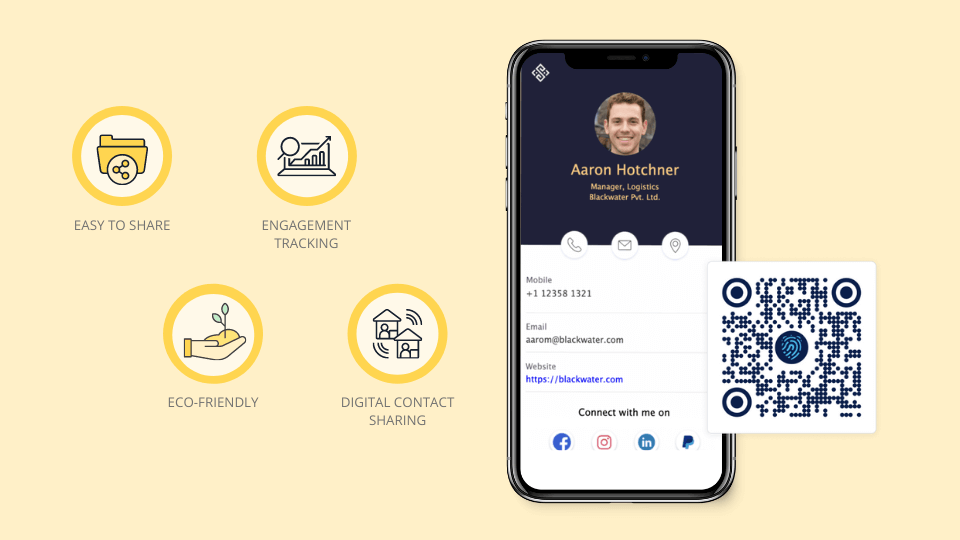
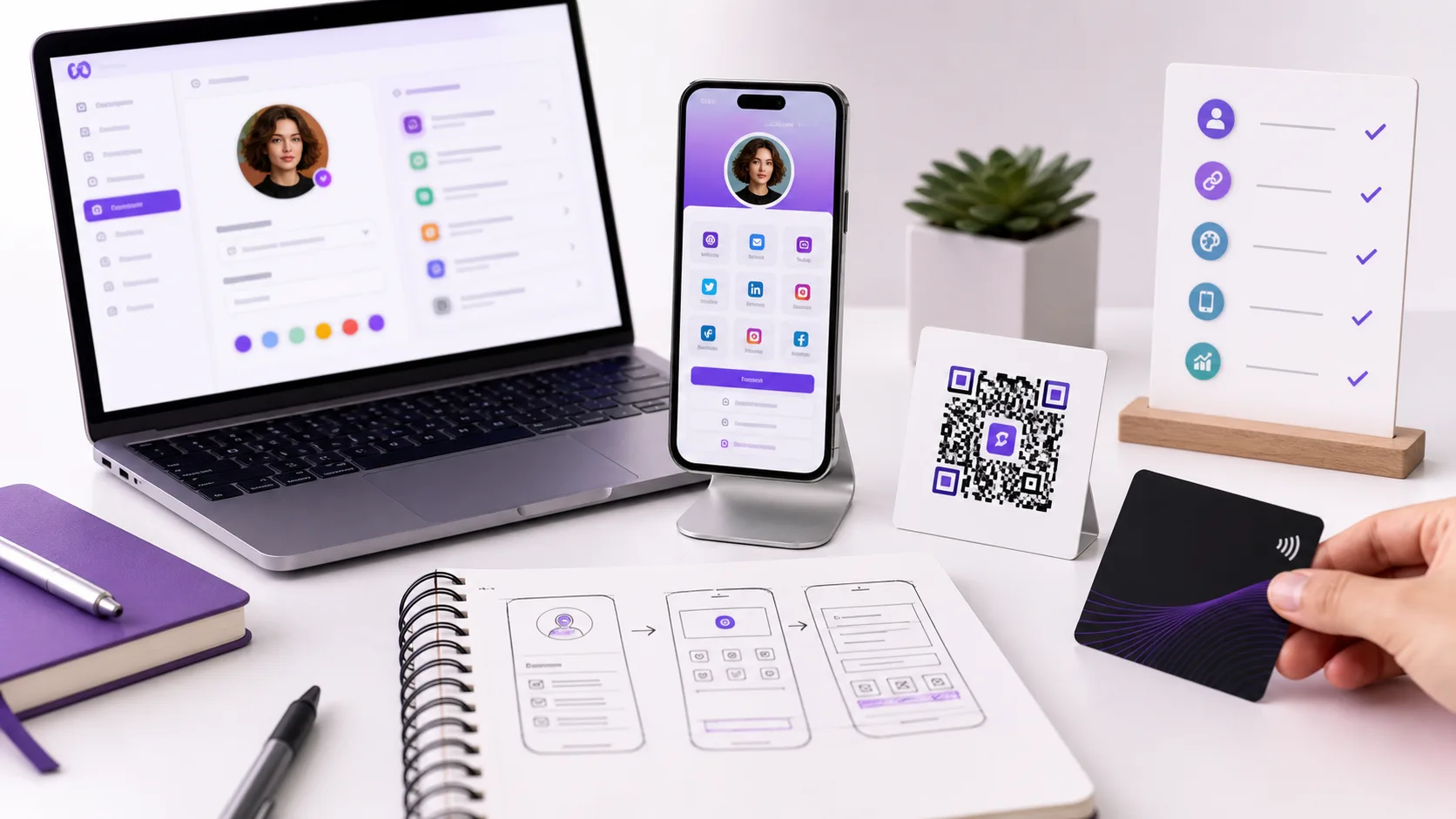
Use this image as a reference point while you compare the options below. The important idea is that the card, code, or NFC tap should lead to a profile that is easy to save and act on.
Best options by use case
| User | Useful digital card idea | Best CTA |
|---|---|---|
| Consultant | Services, case studies, booking link | Book a call |
| Realtor | Listings, reviews, open house links | Schedule a showing |
| Creator | Portfolio, social channels, shop | View work |
| Recruiter | Company page, open roles, calendar | Connect on LinkedIn |
| Restaurant or venue | Menu, reservations, maps | Reserve a table |
How to choose the right idea
Pick the idea that solves your recipient's next problem. If they need proof, show a portfolio. If they need an appointment, show a booking link. If they need a quick reply, show WhatsApp or text.
The card should feel like a small landing page, not a storage closet for every link you own.
What to include
A strong digital business card usually includes:
- Name, role, and company.
- Phone, email, and website.
- A save contact action.
- One primary call to action.
- QR code or direct sharing link.
- NFC support when useful.
- Social, portfolio, booking, payment, or review links when they help.
Simple setup checklist
- Create the live profile.
- Add your essential contact fields.
- Choose one primary action.
- Generate and test the QR code.
- Add NFC or Wallet sharing if the use case needs it.
- Test the experience on iPhone and Android.
- Update the profile whenever your details change.
Idea prompts by goal
If the goal is sales, include proof and booking. If the goal is recruiting, include the company story and open roles. If the goal is local service work, include phone, map, reviews, and quote request. If the goal is creator growth, include portfolio, social channels, shop, and email signup.
Make the idea easy to act on
The idea is only useful when the recipient can act. A beautiful card with no obvious next step will underperform a simpler card with a clear button. Treat every idea as a path from introduction to action.
Ideas by goal
A strong card idea starts with the action you want after the scan. Different users need different buttons, sections, and proof.
| Goal | Useful card idea |
|---|---|
| Book more calls | Calendar button near the top |
| Get referrals | Save contact plus short intro text |
| Show work | Portfolio, case studies, or listing links |
| Drive sales | Product page, payment link, or offer page |
| Build audience | Social links and email signup |
| Support teams | Branded template with department fields |
The best ideas are practical, not decorative. If the idea does not help someone act, simplify it.
Ideas that work well with QR and NFC
Some ideas become stronger when they are paired with a physical trigger. A consultant can put a QR code on proposals. A realtor can put NFC at an open house table. A creator can add the card link to packaging. A service business can place the QR code on invoices or appointment cards.
The profile should match the context. If the scan happens after a service appointment, reviews and rebooking may matter most. If it happens at an event, saving contact and booking a call may matter more.
Turn the idea into a Zapped card
The best digital business card idea is the one that helps someone act after they meet you. Zapped lets you turn the design idea into a live profile with contact saving, QR sharing, NFC support, booking links, social links, files, and company details.
Use the visual idea for the first impression, then let the Zapped profile handle everything that changes or needs more space. That gives you a cleaner card, a more useful scan, and a profile you can keep improving without starting over.
FAQs
What is the best digital business card format?
The best format is usually a live web profile with a QR code, direct link, and optional NFC card. That gives people more than one way to open the same profile.
Do people need an app to view my digital business card?
Usually no. A web based profile should open in a normal browser. Apps can help the card owner manage the profile, but the recipient should not need to install anything just to view your details.
Should I use NFC or QR for digital business card ideas people actually use?
Use both when the card will be shared in person. NFC feels fast when someone knows where to tap, and QR gives a visible backup for any phone with a camera.
Can I update the card after sharing it?
Yes, if the QR code, NFC tag, or shared link points to an editable profile. That is one of the biggest advantages over a static printed card.
Where does Zapped fit?
Zapped is a good fit when you want one editable digital card profile that can be shared by link, QR code, NFC card, and team workflows without rebuilding the card every time details change.
Sources
- IETF RFC 6350, vCard format specification: Used for vCard contact data context.
- NFC Forum, NFC technology and NFC Forum, NFC is in almost everything: Used for short range NFC behavior and NFC card context.