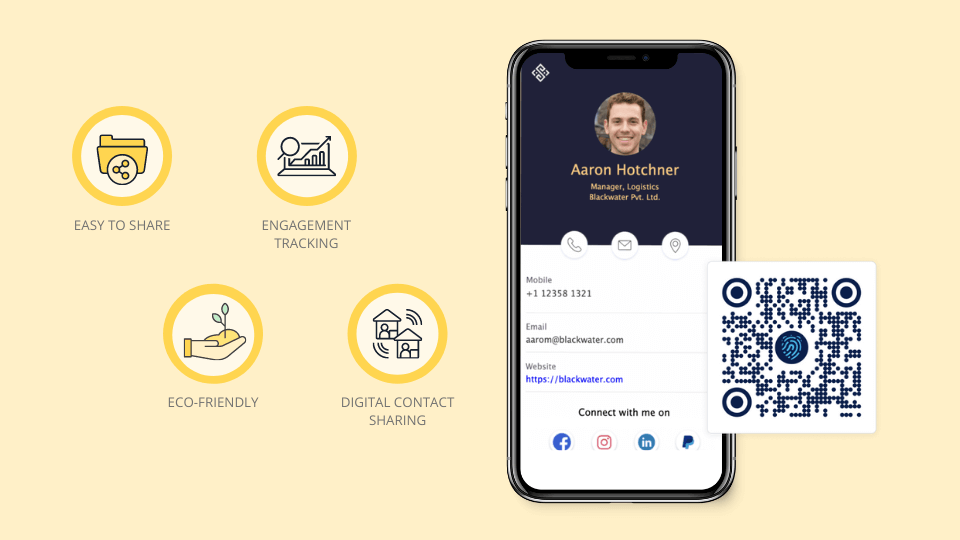
A good digital business card starts with a simple profile, then adds the right sharing methods. The card should help someone save your details, contact you, and understand what to do next.
Quick answer
To make a digital business card, create a mobile profile, add your core contact details, choose a strong call to action, generate a QR code, test the link, and add NFC or Wallet sharing if it fits your workflow.
Key takeaways
- Use a live profile as the source of truth.
- Add QR sharing because it works across more devices.
- Add NFC when in person sharing is part of your workflow.
- Keep the main action clear so people know what to do next.
- Use Zapped where an editable profile, QR, NFC, and team controls belong in one place.
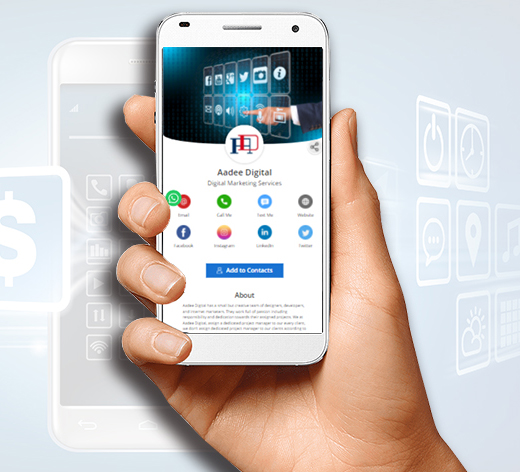
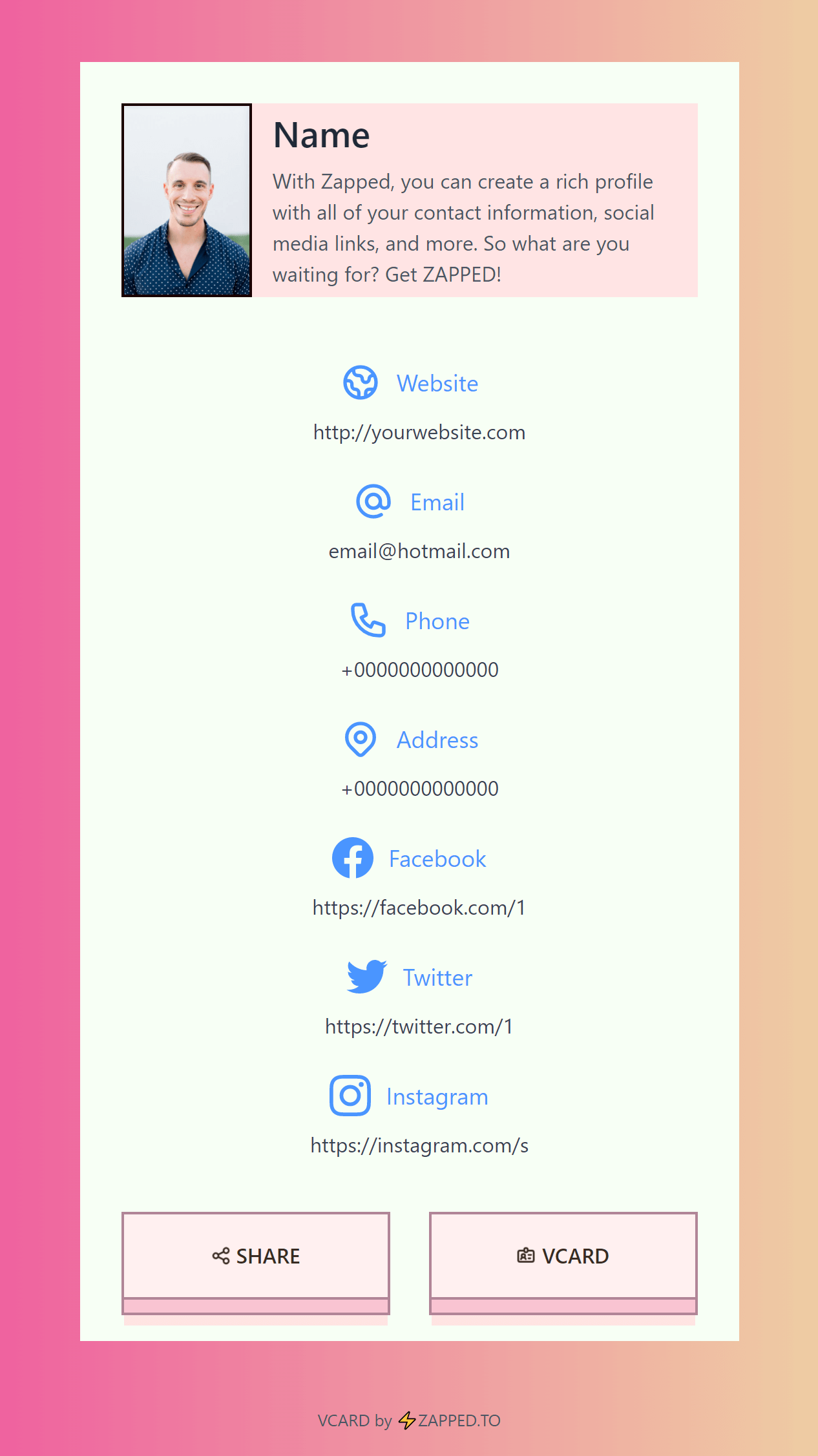
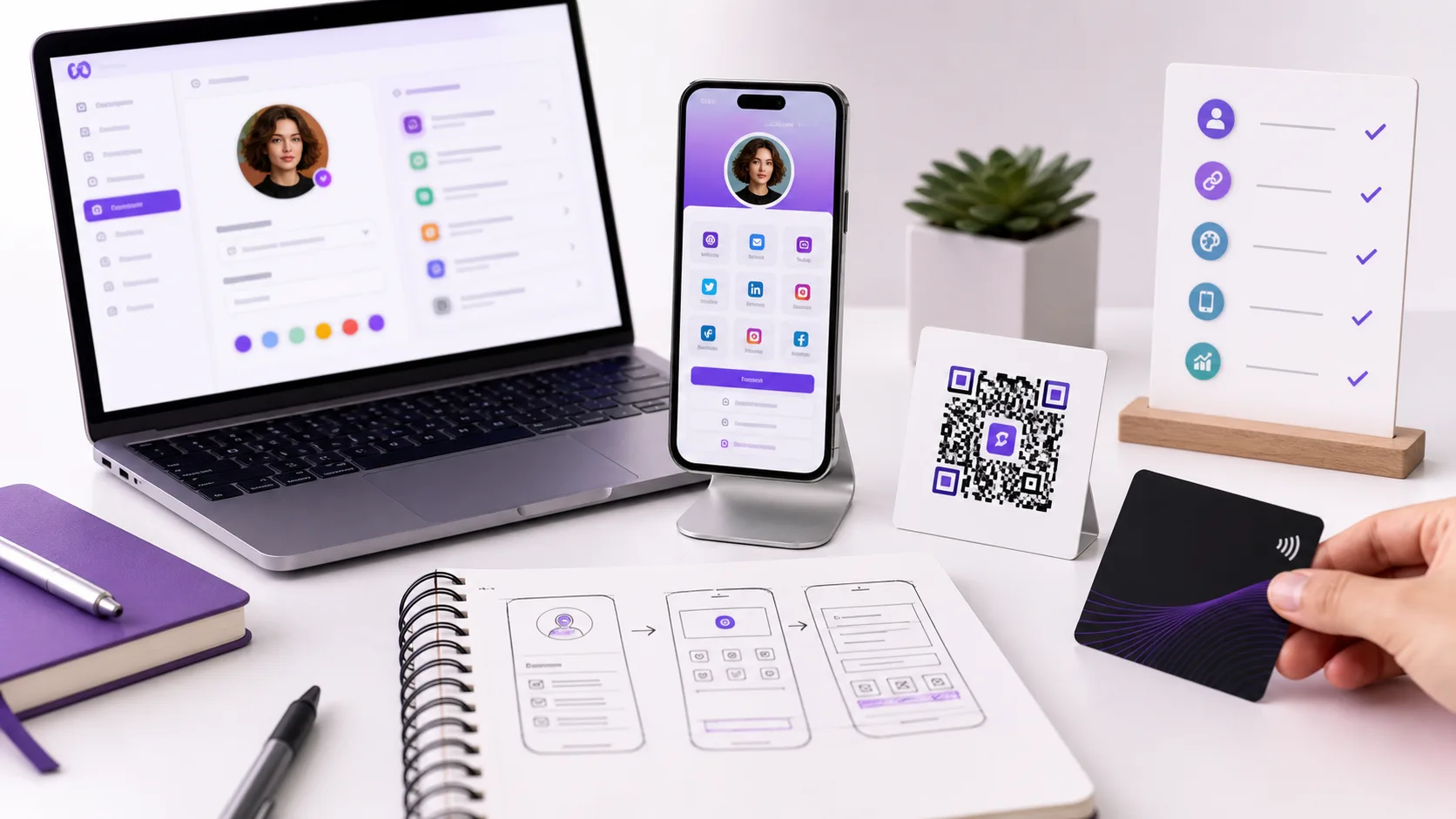
Use this image as a reference point while you compare the options below. The important idea is that the card, code, or NFC tap should lead to a profile that is easy to save and act on.
Best options by use case
| Step | What to do | Quality check |
|---|---|---|
| Profile | Add core identity and links | Can a stranger understand you in 10 seconds? |
| Action | Choose one primary CTA | Is the next step obvious? |
| QR | Generate and test it | Does it scan from printed size? |
| NFC | Write the profile URL | Does it open on iPhone and Android? |
| Follow up | Prepare a message | Does it remind people why you met? |
Build the card around one next step
A card with every possible link can feel busy. Choose the one action that matters most, then add supporting links below it.
For Zapped users, that primary action might be save contact, book a call, open WhatsApp, view a portfolio, or visit a company page.
If the job genuinely needs more than one call to action, a portfolio review, a vendor pick, a hire, building the card as a deliberately ordered mini website still keeps one primary action easy to find; it just gets to sit above more proof instead of standing alone.
What to include
A strong digital business card usually includes:
- Name, role, and company.
- Phone, email, and website.
- A save contact action.
- One primary call to action.
- QR code or direct sharing link.
- NFC support when useful.
- Social, portfolio, booking, payment, or review links when they help.
Simple setup checklist
- Create the live profile.
- Add your essential contact fields.
- Choose one primary action.
- Generate and test the QR code.
- Add NFC or Wallet sharing if the use case needs it.
- Test the experience on iPhone and Android.
- Update the profile whenever your details change.
Build order that works
Creation searches usually come from people who want a fast result, but the order still matters. Start with the destination profile, then add sharing methods after the page is useful.
- Add your name, role, company, photo, and contact details.
- Choose one primary action, such as book a call, save contact, or view portfolio.
- Add only the links that support that action.
- Test the page on mobile.
- Create the QR code.
- Add NFC, Wallet, or printed material after the link works.
This keeps the card focused. A digital card with too many buttons can feel like a messy link page instead of a professional contact profile.
Free vs paid starting point
A free card is fine for proving the workflow. Use it to test your photo, links, QR code, and save contact action. Move to a paid plan when you need custom branding, analytics, team controls, more profile flexibility, or a cleaner professional presentation.
Do not buy NFC cards before the profile works. A physical card can amplify a good profile, but it cannot rescue a confusing one.
Make the card in Zapped when you want it to stay useful
If you are making a digital business card for real use, build it around a profile you can update. Zapped gives you the profile, QR code, NFC destination, save contact action, links, and team options in one place.
Start with the essentials: name, role, phone, email, company, photo or logo, and one primary action. Then add the links that support your goal, such as booking, portfolio, reviews, payment, files, or social profiles. When those details change, update the Zapped profile instead of remaking the card.
FAQs
What is the best digital business card format?
The best format is usually a live web profile with a QR code, direct link, and optional NFC card. That gives people more than one way to open the same profile.
Do people need an app to view my digital business card?
Usually no. A web based profile should open in a normal browser. Apps can help the card owner manage the profile, but the recipient should not need to install anything just to view your details.
Should I use NFC or QR for how to make a digital business card that gets used?
Use both when the card will be shared in person. NFC feels fast when someone knows where to tap, and QR gives a visible backup for any phone with a camera.
Can I update the card after sharing it?
Yes, if the QR code, NFC tag, or shared link points to an editable profile. That is one of the biggest advantages over a static printed card.
Where does Zapped fit?
Zapped is a good fit when you want one editable digital card profile that can be shared by link, QR code, NFC card, and team workflows without rebuilding the card every time details change.
Sources
- NFC Forum, NFC technology and NFC Forum, NFC is in almost everything: Used for short range NFC behavior and NFC card context.
- IETF RFC 6350, vCard format specification: Used for vCard contact data context.
- Apple Support, scan a QR code with iPhone camera: Used for iPhone QR scanning behavior.
- Android, how to scan QR codes on Android: Used for Android QR scanning behavior.