A realtor digital business card should do more than show a phone number. It should help a buyer, seller, referral partner, or open house visitor take the next step while the conversation is still fresh.
Quick answer
Realtors should use a digital card that includes direct contact actions, active listing links, reviews, calendar booking, social proof, and a QR or NFC sharing method for open houses and referrals.
Key takeaways
- Use a live profile as the source of truth.
- Add QR sharing because it works across more devices.
- Add NFC when in person sharing is part of your workflow.
- Keep the main action clear so people know what to do next.
- Use Zapped where an editable profile, QR, NFC, and team controls belong in one place.
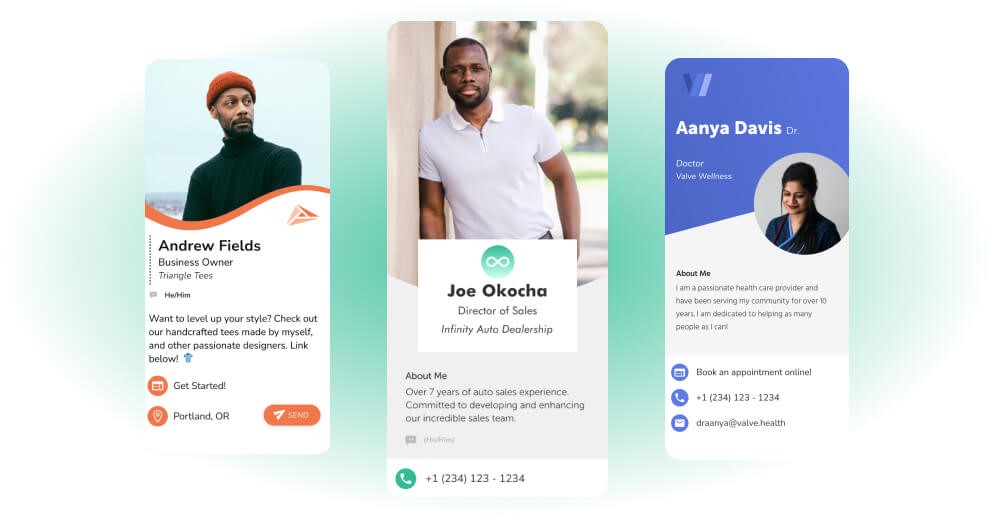
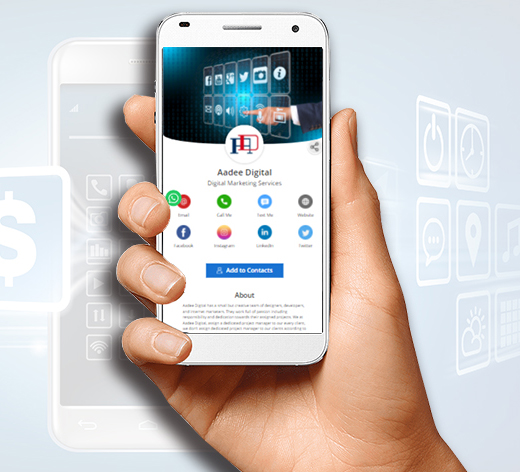
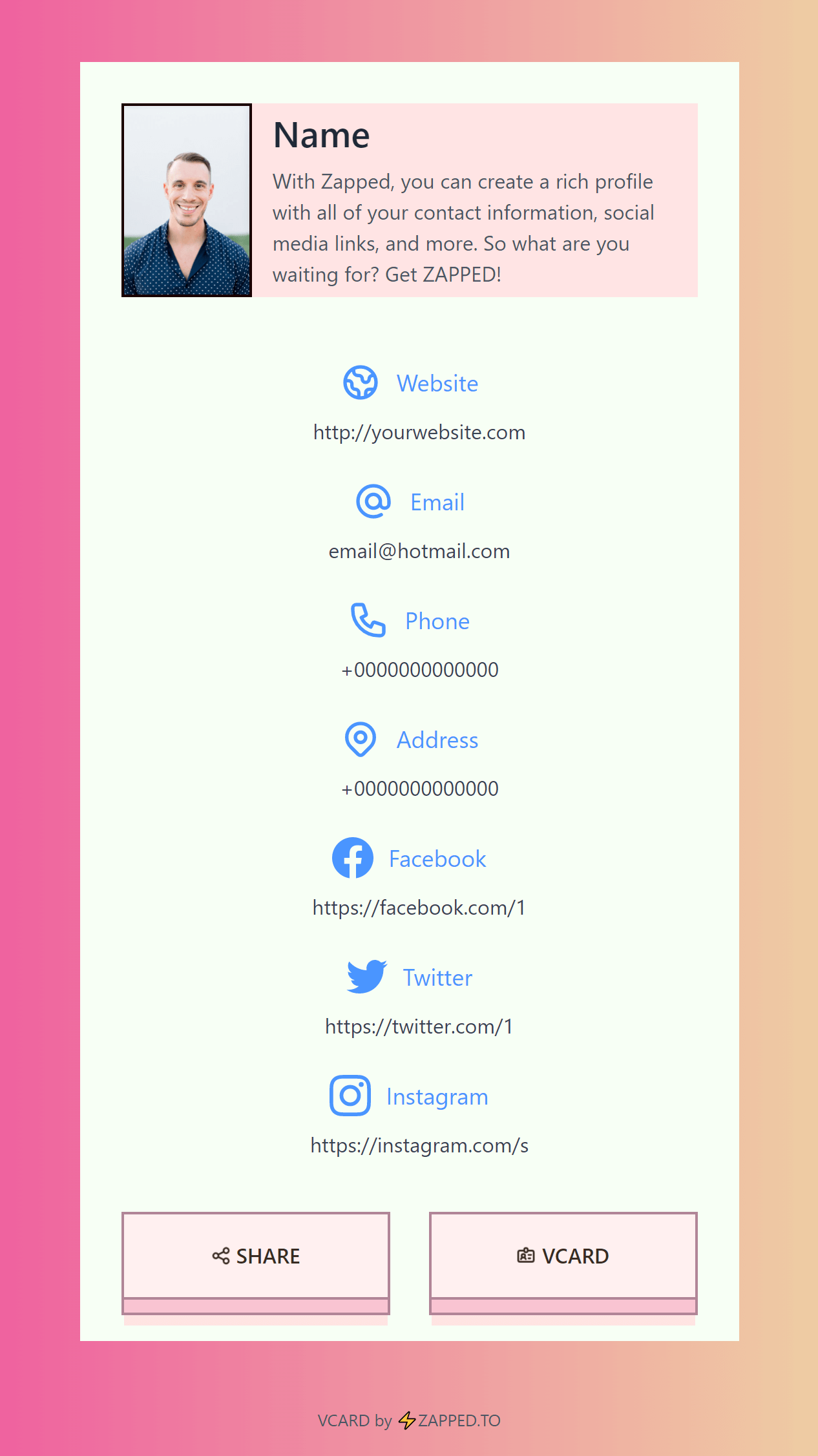
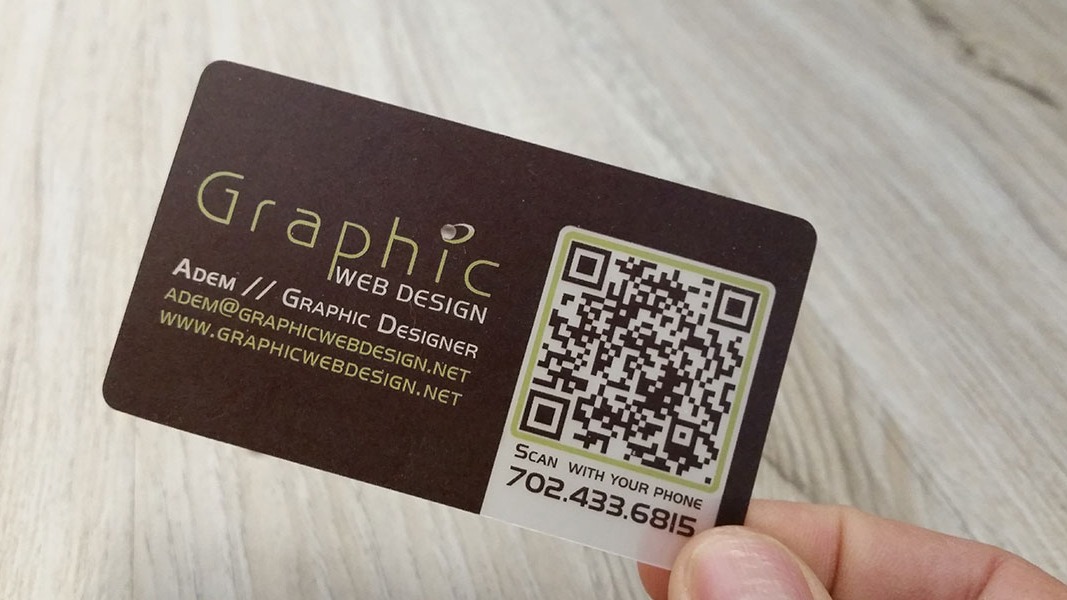
Use this image as a reference point while you compare the options below. The important idea is that the card, code, or NFC tap should lead to a profile that is easy to save and act on.
Best options by use case
| Section | What to include | Why it helps |
|---|---|---|
| Contact | Call, text, email, WhatsApp | Prospects can reach you quickly |
| Listings | Featured active listings | Keeps the card useful after meetings |
| Proof | Reviews and brokerage details | Builds trust |
| Booking | Schedule a showing or call | Creates next step |
| Social | Instagram, LinkedIn, YouTube | Shows market presence |
Open house workflow
At an open house, place a QR code on a sign, keep an NFC card available, and send the same profile link in follow up texts. The profile should point to the listing, your calendar, and the best way to contact you.
For the property conversation workflow behind that handoff, see NFC business cards for real estate agents.
Compliance and brand details
Use your brokerage details and professional name consistently. If you use REALTOR terminology, follow NAR trademark guidance and local brokerage rules.
What to include
A strong digital business card usually includes:
- Name, role, and company.
- Phone, email, and website.
- A save contact action.
- One primary call to action.
- QR code or direct sharing link.
- NFC support when useful.
- Social, portfolio, booking, payment, or review links when they help.
Simple setup checklist
- Create the live profile.
- Add your essential contact fields.
- Choose one primary action.
- Generate and test the QR code.
- Add NFC or Wallet sharing if the use case needs it.
- Test the experience on iPhone and Android.
- Update the profile whenever your details change.
Realtor specific card fields
Realtors need more than a phone number and headshot. The card should help a buyer, seller, renter, or referral partner take the next step without digging through a website.
Useful fields include:
- Direct call and text buttons.
- Active listings or search page.
- Booking link for consultations.
- Brokerage and license details where required.
- Neighborhood or service area links.
- Review or testimonial link.
- Save contact button for follow up.
Open house workflow
At an open house, put the QR code on a sign in sheet, flyer, or table card. If you use NFC, keep the QR code nearby too. After the visit, send the same profile link in a follow up message so the contact path stays consistent.
Buyer and seller paths
A realtor card should support both sides of the market. Buyers may want listings, mortgage partners, school area links, or a showing calendar. Sellers may want a home valuation link, marketing plan, reviews, and a direct consultation button.
If both audiences use the same card, put the most universal actions near the top: call, text, save contact, active listings, and book a consultation. Then use secondary links for buyer and seller resources.
Use Zapped for realtor follow up
A realtor card has to do more than show a phone number. Zapped lets the card open a profile with your contact details, listings, calendar link, reviews, social proof, office information, and save contact action.
That is useful at open houses, listing appointments, neighborhood events, and referral conversations. The printed card or NFC card starts the interaction, while the Zapped profile gives buyers, sellers, and referral partners a reason to come back later.
FAQs
What is the best digital business card format?
The best format is usually a live web profile with a QR code, direct link, and optional NFC card. That gives people more than one way to open the same profile.
Do people need an app to view my digital business card?
Usually no. A web based profile should open in a normal browser. Apps can help the card owner manage the profile, but the recipient should not need to install anything just to view your details.
Should I use NFC or QR for digital business cards for realtors?
Use both when the card will be shared in person. NFC feels fast when someone knows where to tap, and QR gives a visible backup for any phone with a camera.
Can I update the card after sharing it?
Yes, if the QR code, NFC tag, or shared link points to an editable profile. That is one of the biggest advantages over a static printed card.
Where does Zapped fit?
Zapped is a good fit when you want one editable digital card profile that can be shared by link, QR code, NFC card, and team workflows without rebuilding the card every time details change.
Sources
- National Association of Realtors, digital age networking and NAR trademark guidance: Used for real estate networking and REALTOR mark context.
- NFC Forum, NFC technology and NFC Forum, NFC is in almost everything: Used for short range NFC behavior and NFC card context.
- IETF RFC 6350, vCard format specification: Used for vCard contact data context.
- Apple Support, scan a QR code with iPhone camera: Used for iPhone QR scanning behavior.