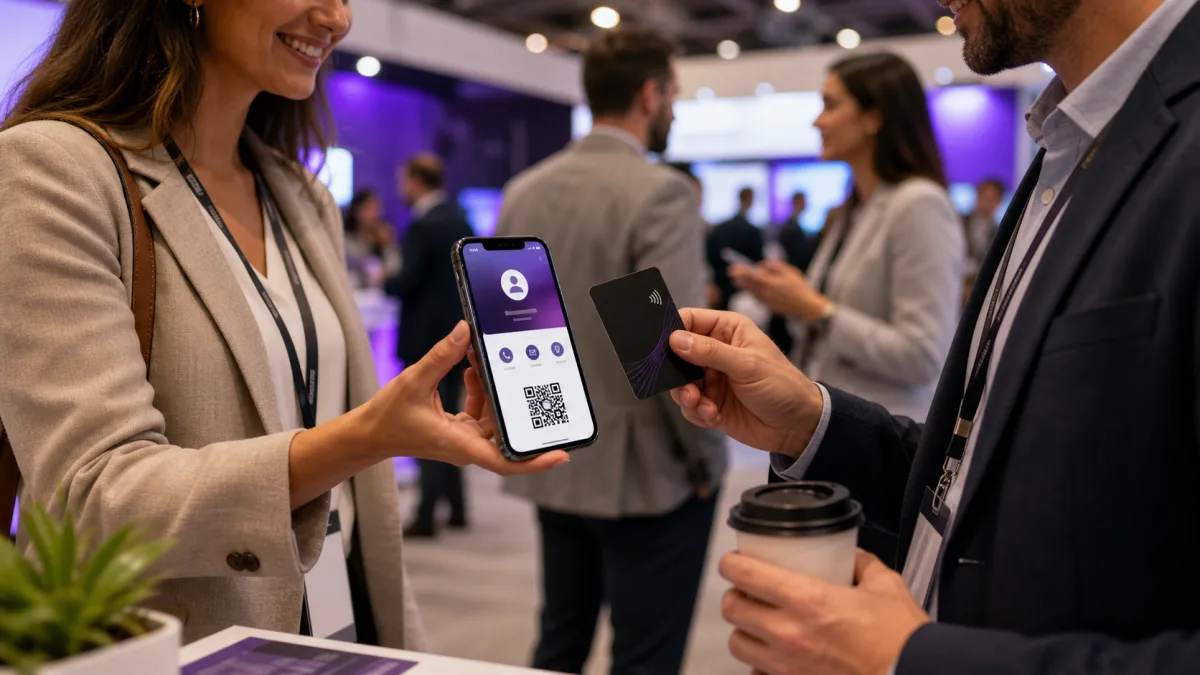
NFC business cards for real estate agents work best when they route the conversation, not when they try to display every listing and credential at once. Use one stable agent profile as the home base, put a QR and readable link beside the tap, and send each conversation to one clear next action.
The card is the handoff. The destination is the system that must stay current when a listing changes, a showing ends, a phone number moves, or a campaign is over.
Build one agent home base first
Start with a profile that identifies the agent and gives the recipient an obvious way to continue. That may be saving the contact, booking a consultation, viewing the current buying or selling resources, or opening a specific listing route from a secondary link.
The digital business card guide for realtors covers the broader profile choice. This article focuses on what changes when the physical handoff happens at an open house, listing appointment, buyer meeting, referral, or follow up conversation.
Keep the agent profile separate from a listing page. A listing can sell, expire, change price, or move to a different status. The agent profile should remain the stable home base, with current property links that can be removed or replaced without reprinting every card.
At Zapped, our digital vCard is one example of this destination layer. It can be shared by QR code, NFC, or link, opens in a normal browser without a recipient app or account, supports contact saving, and can be edited after sharing. Use those destination facts as the reason to keep the card stable. They do not turn the profile into a listing service, brokerage system, or compliance authority.
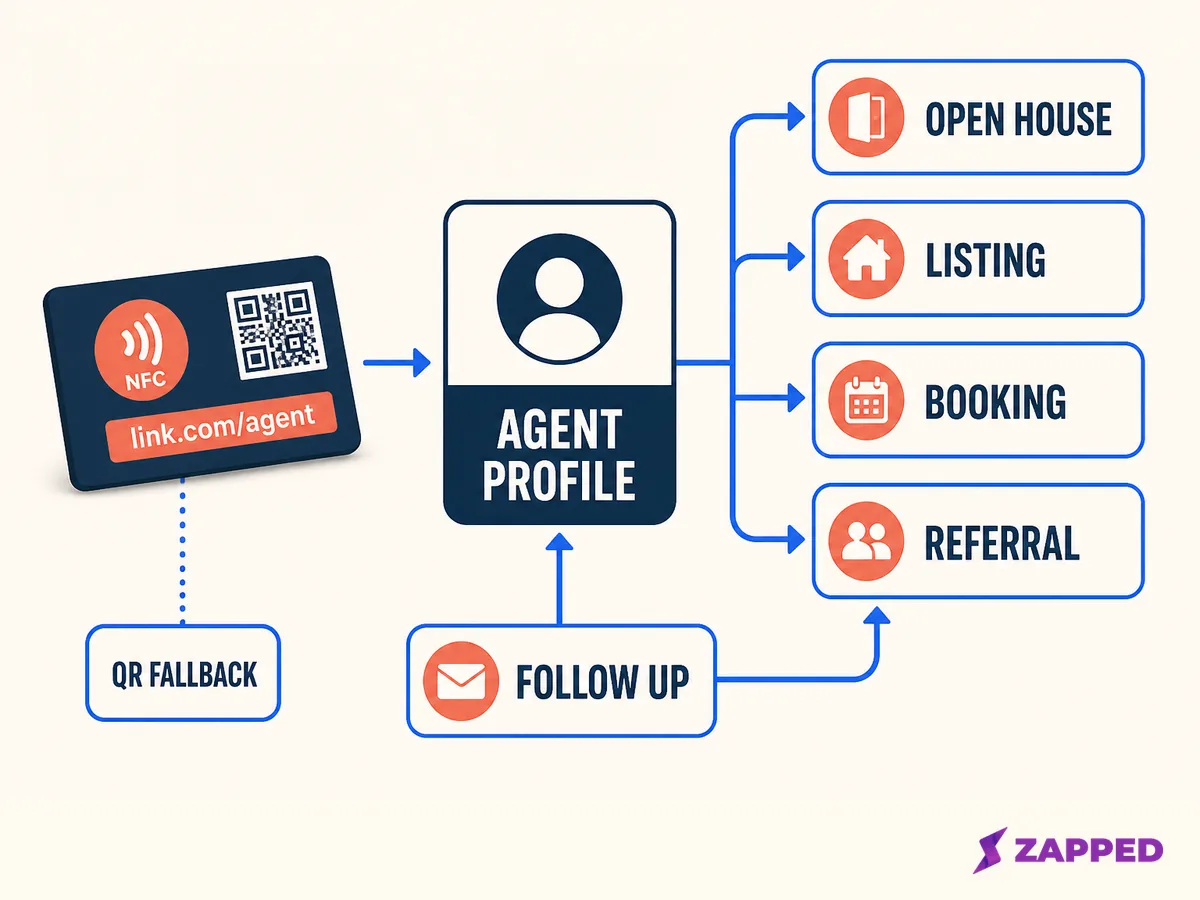
An original workflow showing how one stable agent profile can route several conversation moments. It contains no listing data or lead result.
Route the moment, not the entire business
The first screen should answer why this person is tapping now. Use a small routing table before you design the card or the profile.
| Conversation moment | Primary destination | Fallback | Maintenance owner |
|---|---|---|---|
| Open house | Current property page or showing request | Agent profile and readable link | Listing or marketing owner |
| Listing presentation | Seller consultation booking | Agent profile and save contact | Agent or team coordinator |
| Buyer consultation | Buyer intake or consultation request | Agent profile and direct contact | Agent or brokerage process owner |
| Referral introduction | Agent profile with save contact action | QR and short URL | Referring agent or team owner |
| Post showing follow up | Follow up contact route or resource page | Agent profile | Agent or CRM owner |
This does not mean every card needs a new destination for every meeting. It means the profile needs a deliberate first action, and the person maintaining the card should know which secondary route belongs in the current context.
Do not make a recipient choose between six equal buttons before they can save your details. Put the immediate action first, then let the profile carry the rest of the relationship.
The networking guide for real estate agents is useful for the human part of the exchange. The NFC card should support that conversation with a fast handoff, not replace the conversation with a menu.
Make NFC, QR, and the readable link agree
Mark where to tap. The NFC Forum wayfinding guidance is designed to show the presence and location of the touchpoint, which matters when the recipient is holding a card while touring a property or standing near a busy sign in an open house.
Keep a QR code and readable link beside the tap. NFC may be unavailable, unfamiliar, disabled, or awkward to use through a wallet or sleeve. The fallback is part of the design, not an admission that the tap route failed.
DENSO WAVE's QR guidance specifies a quiet zone four modules wide around the symbol. Preserve that clear margin, use strong contrast, and point QR and NFC to the same current public destination unless a documented campaign needs a different route. The NFC and QR comparison can help with that decision.
For more placement detail, use the digital business card QR guide. On a real estate card, readable means more than technically scannable. The name, role, phone number, tap instruction, and recovery link must remain understandable when the recipient is moving between rooms or carrying other papers.
Keep property and professional claims current
Property language ages quickly. Remove a sold listing, update a showing route, and review the first screen when a campaign ends. The profile owner should know who is responsible for each link, image, statement, and call to action.
NAR Article 12 says REALTORS should be honest and truthful in real estate communications and present a true picture in advertising, marketing, and other representations. NAR also describes Internet content standards within its code. Treat this as NAR guidance for its covered members, not as a universal rule for every agent, state, brokerage, or association.
The same discipline applies to professional marks. NAR's trademark rules and its Membership Marks Manual explain that REALTOR marks are membership marks with specific use rules. Check your membership, brokerage, association, and local requirements before putting a mark or claim on a card, profile, listing route, or advertisement.
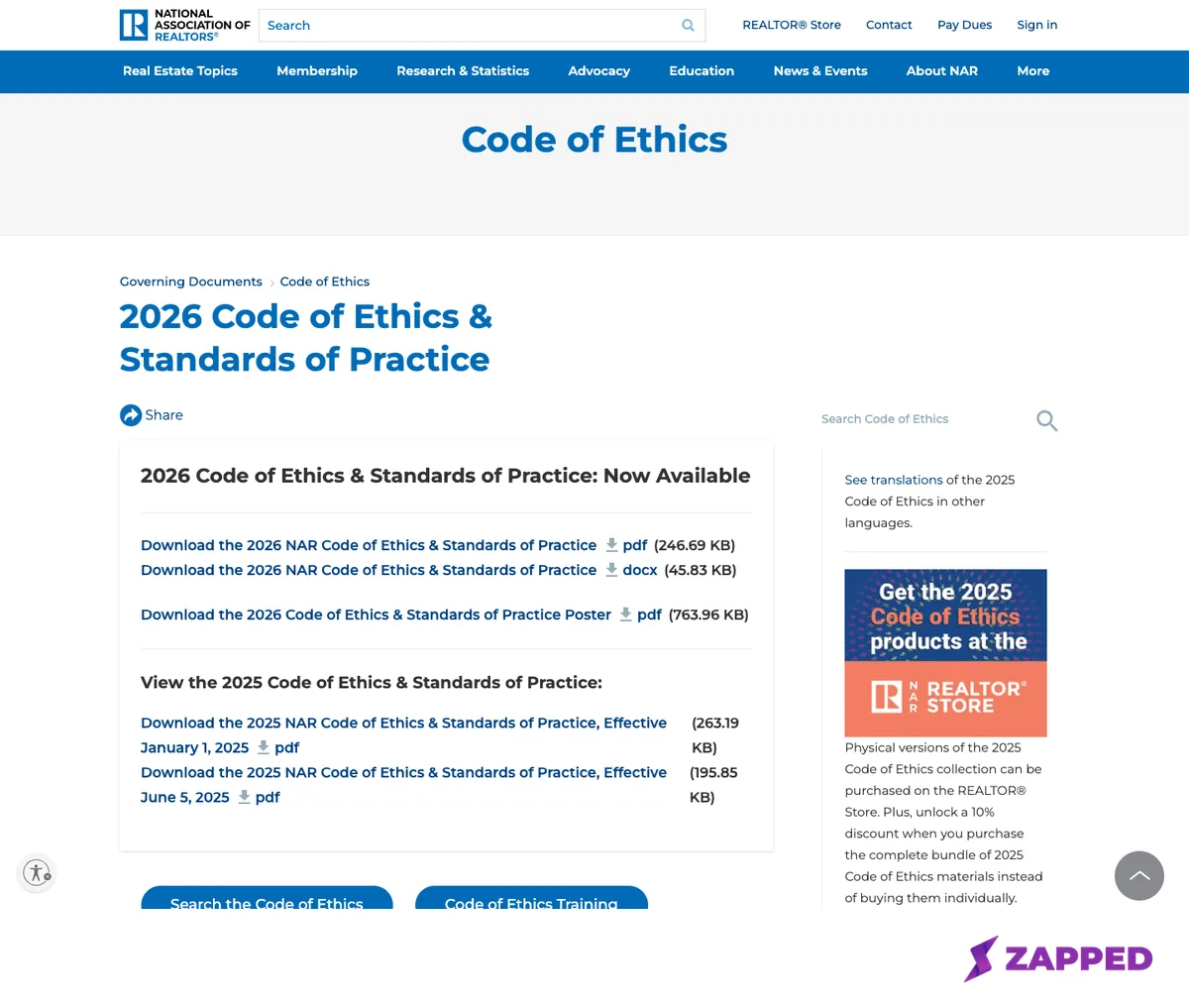
Source: NAR, 2026 Code of Ethics and Standards of Practice, captured 2026-08-06. The screenshot is NAR guidance for its members and marks, not a universal legal conclusion.
Give the team an owner for every route
An individual agent can usually maintain a small profile alone. A brokerage or team needs an owner for the profile, listing links, QR destination, card artwork, and access changes. If those responsibilities are not named, a card can remain live while nobody knows whether its content is still approved.
For a team rollout, link the card to a stable profile and define which fields are controlled by the agent, which are controlled by the team, and which need approval. The broader digital business cards for teams guide covers team context. Your NFC workflow should add the physical card, route owner, and replacement record.
Use a simple route register with these columns: card or asset ID, agent, public URL, primary action, listing or campaign link, QR destination, owner, last review, and next review. Keep the agent's name as a field, not as the only identifier. People change teams, offices, titles, and markets.
Approve the handoff before using it publicly
Write the public profile URL to the tag, not an editor page or dashboard address. Then test NFC, QR, and the readable link from the finished card. Confirm that the browser page identifies the agent, shows the intended action, and offers the expected contact save path.
Android documents NDEF URI dispatch through its tag system, while device state and Android version can change the flow. Apple documents background tag reading on supported iPhones with conditions of its own. Use the phones, cases, card holders, and finishes that the agent will actually use.
Do not turn one successful tap into a promise about every phone. Record the route that was checked, the finish used, the fallback link, and the owner who will repair a broken destination.
At an open house, ask a colleague who did not build the profile to try the card. Can they find the tap point? Can they reach the property page? Can they get back to the agent profile? Can they save the contact without asking what to do next? Those are design questions, not conversion claims.
Keep follow up inside the destination plan
The card should make the next conversation easier. A buyer may need a consultation, a seller may need a listing appointment, and a referral may only need the agent's details. Use one primary action for the moment, then preserve a stable route back to the agent.
After the meeting, review the link that was shown. Remove a temporary property route when the campaign closes, update the booking action when availability changes, and confirm that the QR code still reaches the same live destination. A card that keeps opening a stale event page is a maintenance failure, not a printing problem.
If a tap or link stops working, use the NFC business card troubleshooting guide to separate the physical read from the web destination. That distinction can save a working card from being replaced unnecessarily.
A real estate card readiness checklist
Before printing
- Choose the stable agent profile and one primary action.
- Decide which property links are temporary and who owns them.
- Mark the tap point, preserve QR clear space, and print a readable link.
- Check names, roles, marks, photos, and property language with the responsible brokerage or association.
Before distribution
- Write the public URL, not an editor or dashboard address.
- Test NFC, QR, and the readable link on representative phones.
- Confirm the agent profile, save contact action, and current route.
- Record the card owner, destination owner, and next review date.
After a listing or role changes
- Update or remove the property route.
- Review the profile's first screen and contact details.
- Check the QR and NFC destinations again.
- Decide whether the card, public URL, and team access still belong together.
Questions real estate agents ask
Should the card open a listing or the agent profile?
Use the destination that matches the conversation. Keep the agent profile as the stable home base, then make the listing or booking route the first action when that is what the recipient needs.
Do real estate agents need both NFC and QR?
The pair gives the recipient a choice and keeps a readable recovery path visible. Use both when the card will be shared across devices, settings, and situations you do not control.
Can the agent change the page after cards are printed?
Yes, when the tag continues to point to a public destination that the owner can maintain. Changing the profile behind the URL is a different operation from rewriting the tag.
Sources
- NAR, 2026 Code of Ethics and Standards of Practice
- NAR, Logos and Trademark Rules
- NAR, Membership Marks Manual
- NFC Forum, Branding and Marks
- Android Developers, NFC basics
- Apple Developer, Adding Support for Background Tag Reading
- DENSO WAVE, Point for determining the QR Code area
- Zapped, our own product site