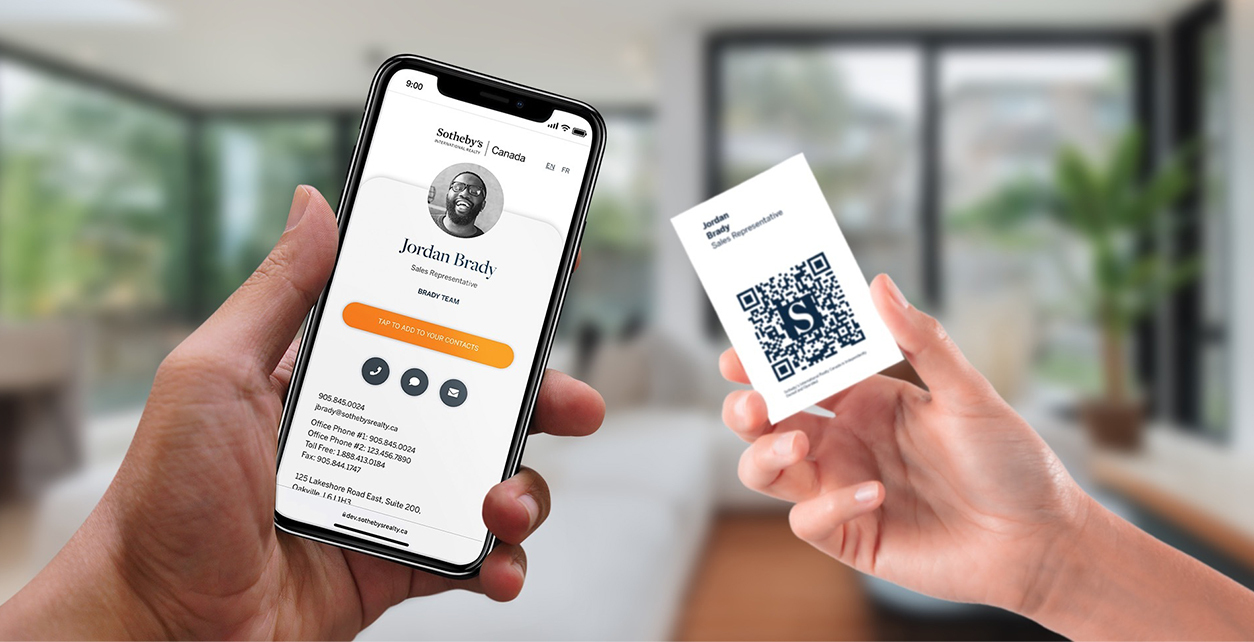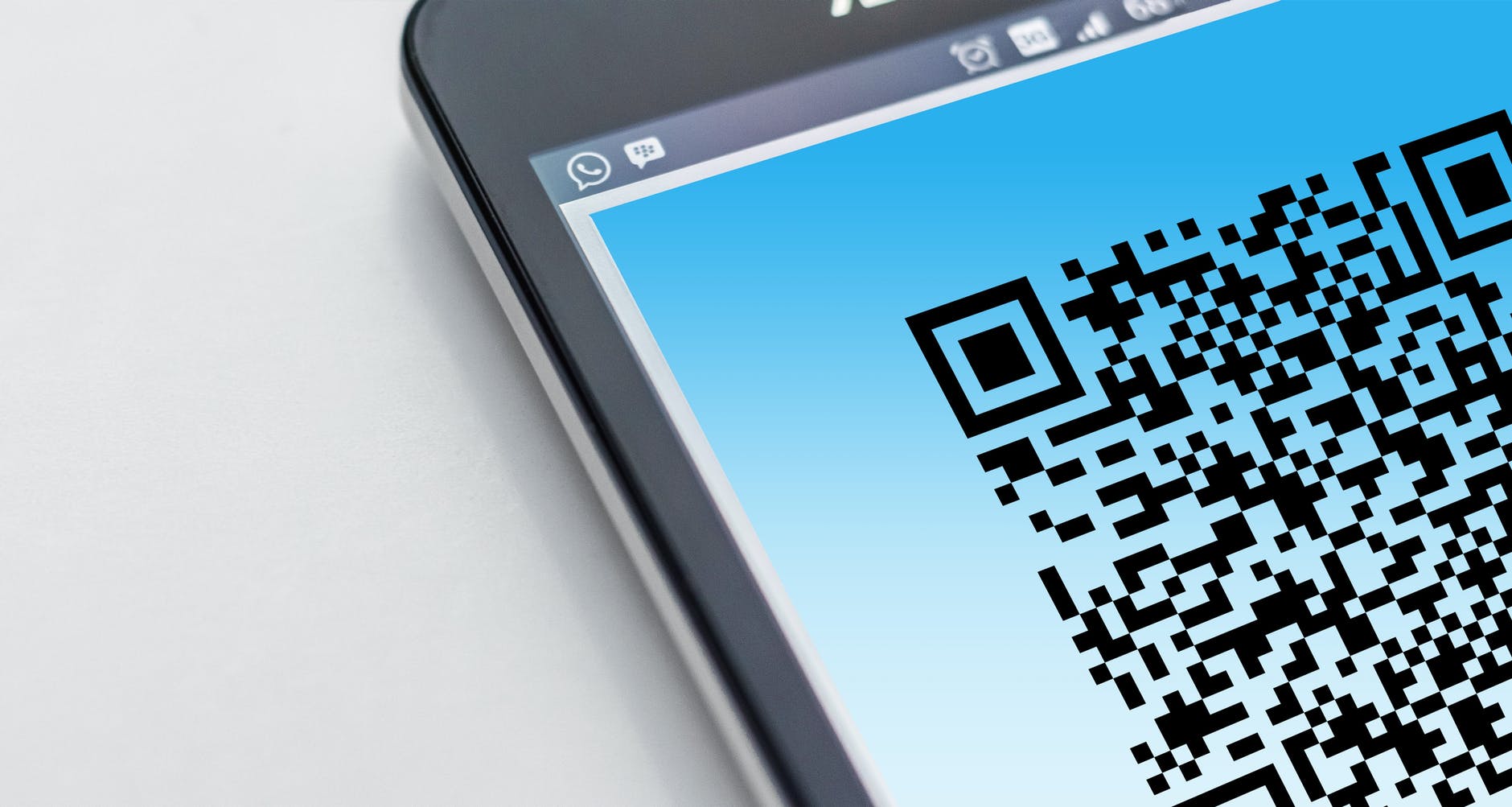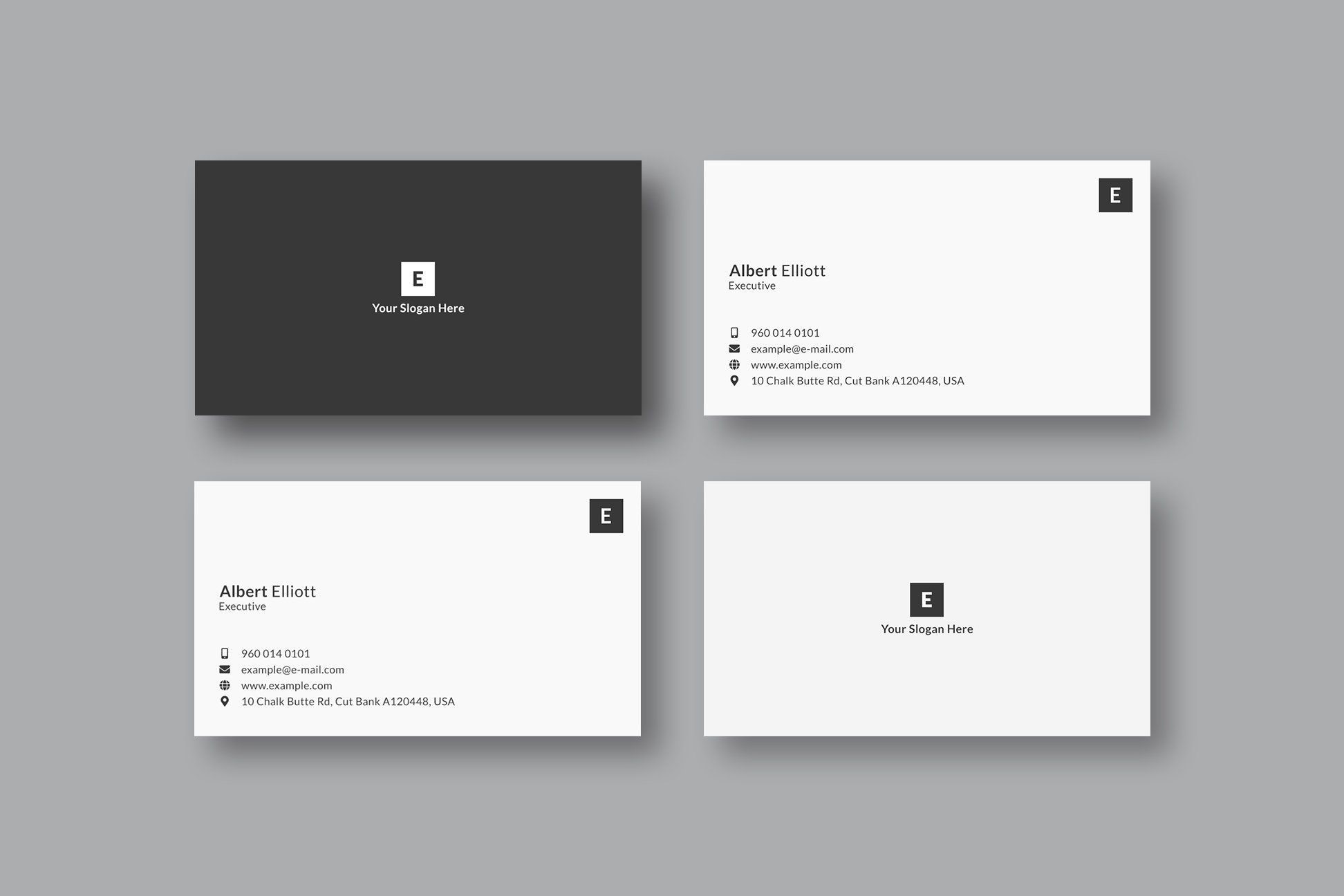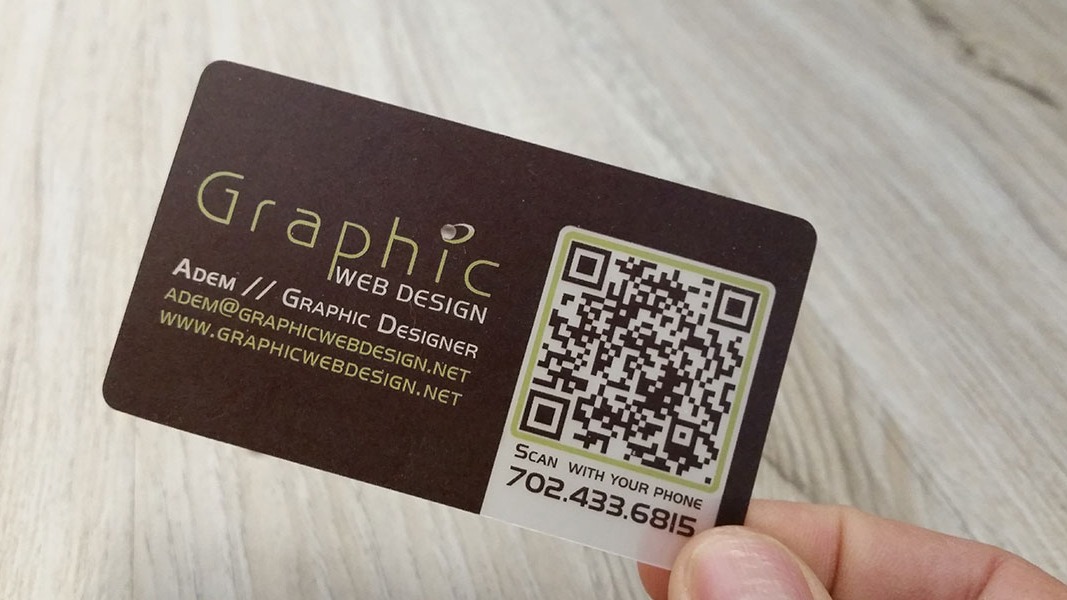
Yes, you can put a QR code on a business card. In many cases, it makes the card more useful because it lets someone open your digital profile, save your contact details, book a call, or visit a landing page without typing anything.
Quick answer
You can put a QR code on a business card as long as it is large enough, high contrast, surrounded by clear white space, and linked to a useful destination. The best QR code usually opens a live digital business card profile instead of embedding fixed contact data directly in the code.
Key takeaways
- A QR code works best when it has a clear purpose, such as saving your card or booking a call.
- Put the code where it has enough space, usually on the back or in a clean corner.
- Use a live profile URL if your details may change.
- Test the code from a printed proof, not only on screen.
- Keep the visible card design simple so the QR code does not compete with everything else.
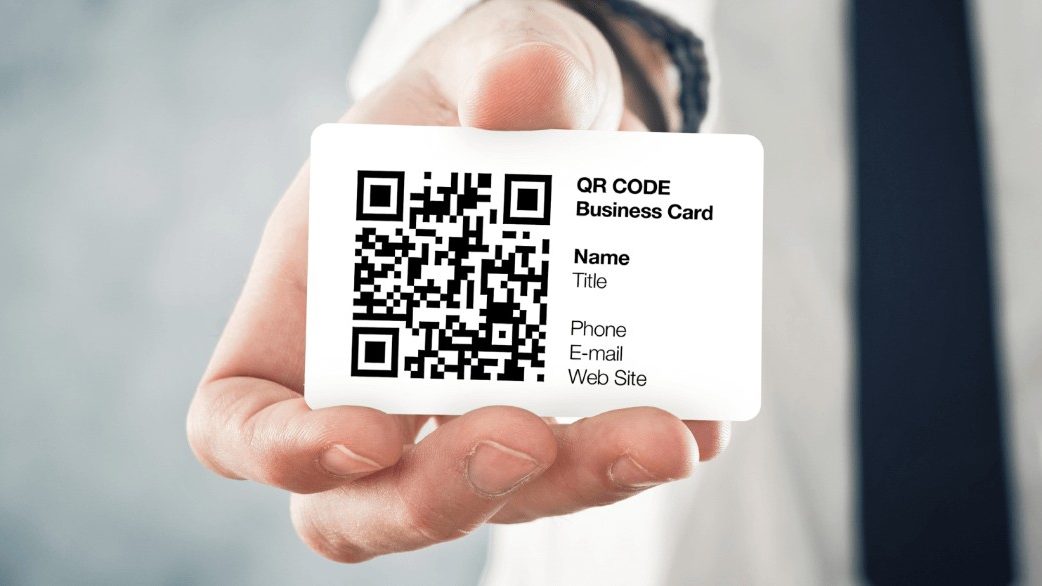
What should the QR code link to?
The QR code should link to the action you want the person to take after meeting you. For most professionals, that means a digital business card profile.
Useful destinations include:
| Destination | Best for | Why it works |
|---|---|---|
| Digital business card | Networking and sales | Shows contact details, links, and save contact options |
| Calendar page | Sales, recruiting, consulting | Turns the card into a booking path |
| Portfolio | Designers, creators, agencies | Shows proof quickly |
| Menu or service page | Restaurants, salons, clinics | Helps customers act immediately |
| WhatsApp chat link | Service businesses | Starts a direct conversation |
A homepage is usually weaker unless it is built for contact capture. A QR scan is a high intent moment. Send people somewhere specific.
Where should the QR code go on the card?
The best placement depends on the card design, but the QR code needs room to breathe. Do not squeeze it between phone numbers, icons, and decorative elements.
Common placements:
- Back side, centered, with a short instruction.
- Front side, lower corner, if the design is minimal.
- Next to a short line like
Scan to save my card. - On a two sided card where the front carries brand and name, and the back carries actions.
If the card is already text heavy, move extra details into the digital profile and let the QR code carry the expansion.
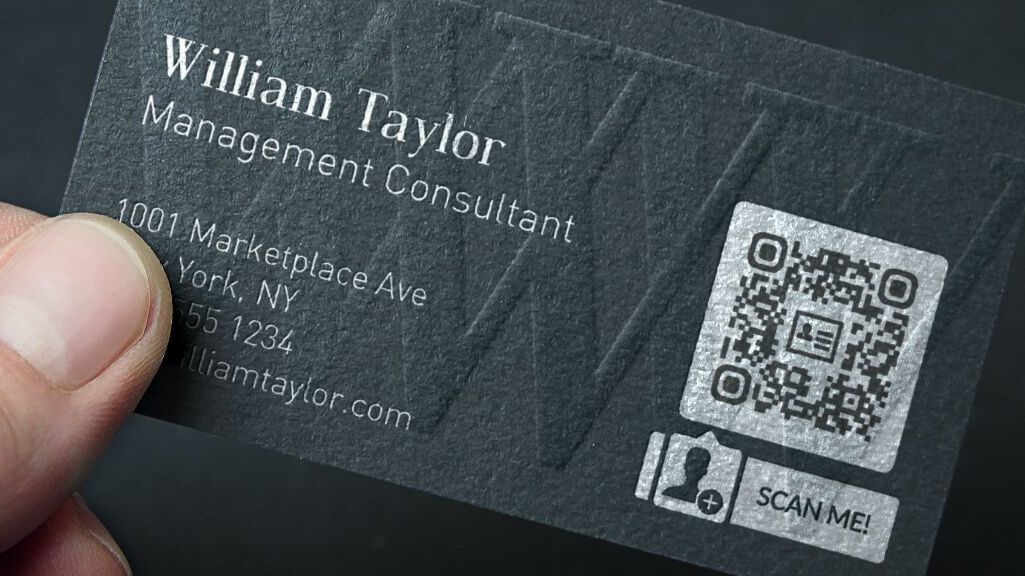
Design rules for QR code business cards
Use this checklist before printing:
| Rule | Practical guidance |
|---|---|
| Size | Keep it large enough to scan from normal hand distance |
| Contrast | Dark code on a light background is safest |
| Quiet zone | Leave blank space around the code |
| Label | Tell people what happens after scan |
| Short URL | A shorter URL creates a cleaner pattern |
| Test print | Scan the physical proof before ordering |
A QR code can be branded, but do not over style it. If the code becomes hard to scan, the design has failed its job.
Should you use QR, NFC, or both?
QR and NFC solve the same problem in different ways. QR is visible and universal. NFC feels fast in person. The best card often uses both. Our full comparison of NFC and QR code business cards works through device reach, cost, editability, and failure modes if you want the reasoning behind that.
| Method | Strength | Best use |
|---|---|---|
| QR code | Works on almost every modern smartphone | Printed cards, badges, signage, presentations |
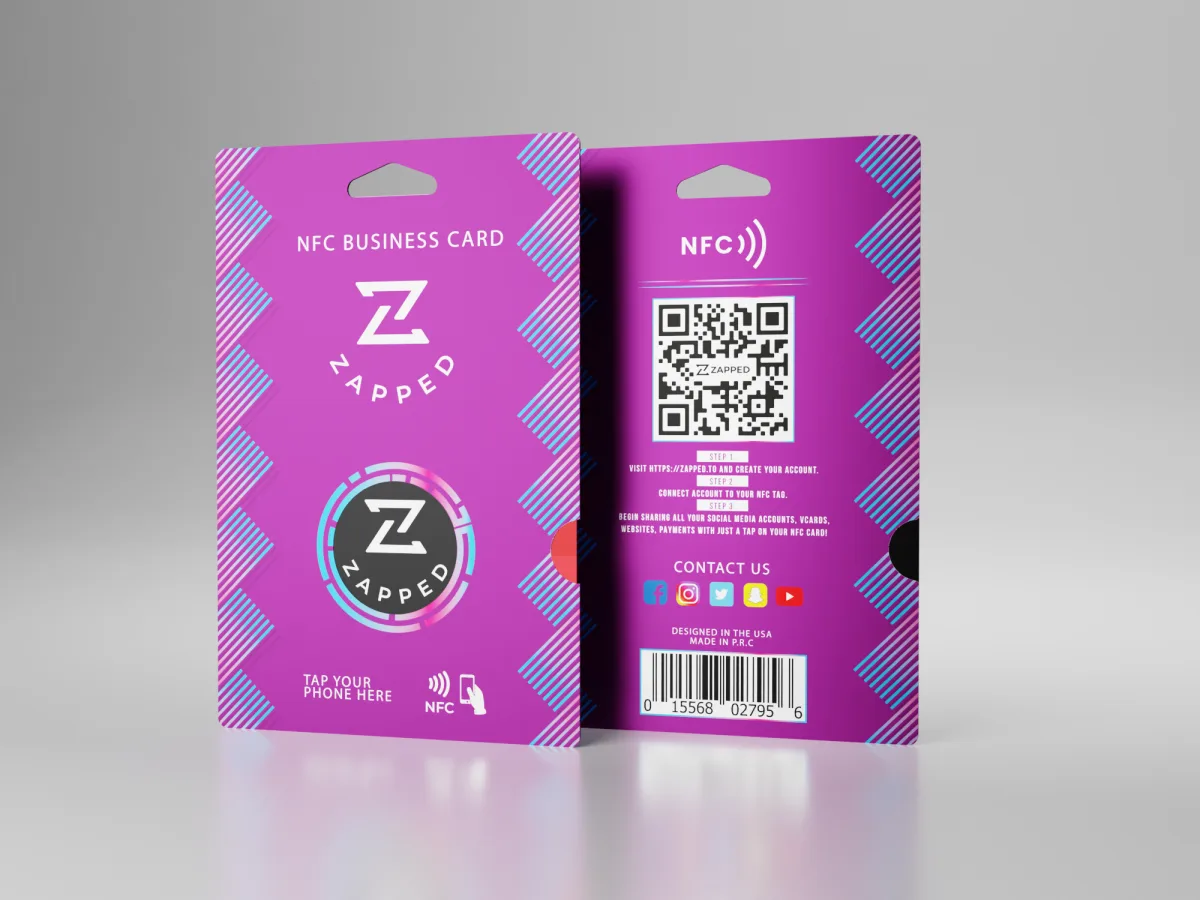
| NFC tap | Smooth face to face sharing | Premium business cards, sales teams, events |
| Direct link | Easy to send in text or email | Follow-up messages and email signatures |
With Zapped, these can all point to the same editable profile. That means your card, QR code, NFC tap, and email signature do not become separate systems to maintain.
Common mistakes
Do not link to a page that is not mobile friendly. QR scans happen on phones, so the destination must load quickly and make the next step obvious.
Do not place the QR code too close to the trim edge. Printing shifts happen. Give the code enough margin so it does not get cut or distorted.
Do not assume every scan means success. The destination matters. If the profile does not make saving or contacting easy, the scan becomes a dead end.
Quick print proof checklist
Before approving the final design, print one proof at actual size and scan it in normal lighting. Check the front and back of the card, because glossy finishes, dark backgrounds, and tight spacing can all affect scanning. If the code scans instantly and the destination feels useful on a phone, the design is ready for a larger order.
Make the QR code open a Zapped profile
A QR code works best when the scan has a clear payoff. Instead of sending people to a broad homepage, you can point the QR code to a Zapped profile with your contact details, save contact button, booking link, social links, files, and company page.
This keeps the printed card clean while giving the recipient more room to act. If your phone number, offer, calendar link, or social profile changes, you update the Zapped profile rather than reprinting every card with a new QR destination.
FAQs
Is it professional to put a QR code on a business card?
Yes. A QR code can look professional when it is placed cleanly and links to a useful destination. The key is to make it feel intentional, not like an afterthought.
What size should a QR code be on a business card?
There is no single perfect size, but it should be large enough to scan from normal hand distance and surrounded by clear space. Always test the printed proof before ordering a large batch.
Can a QR code replace all my printed contact details?
It can reduce clutter, but you should still show the most important visible details, such as name, company, role, and maybe one direct contact method. The QR code can carry the deeper profile.
Can I track scans from a QR code on a business card?
You can track engagement if the QR code points to a digital profile or trackable URL. Static contact data inside a QR code usually does not provide useful analytics by itself.
Should my QR code go to Zapped or my website?
Use Zapped when the goal is contact exchange and saving your card. Use your website when the goal is browsing broader company information. Many people link the Zapped profile to the website too.