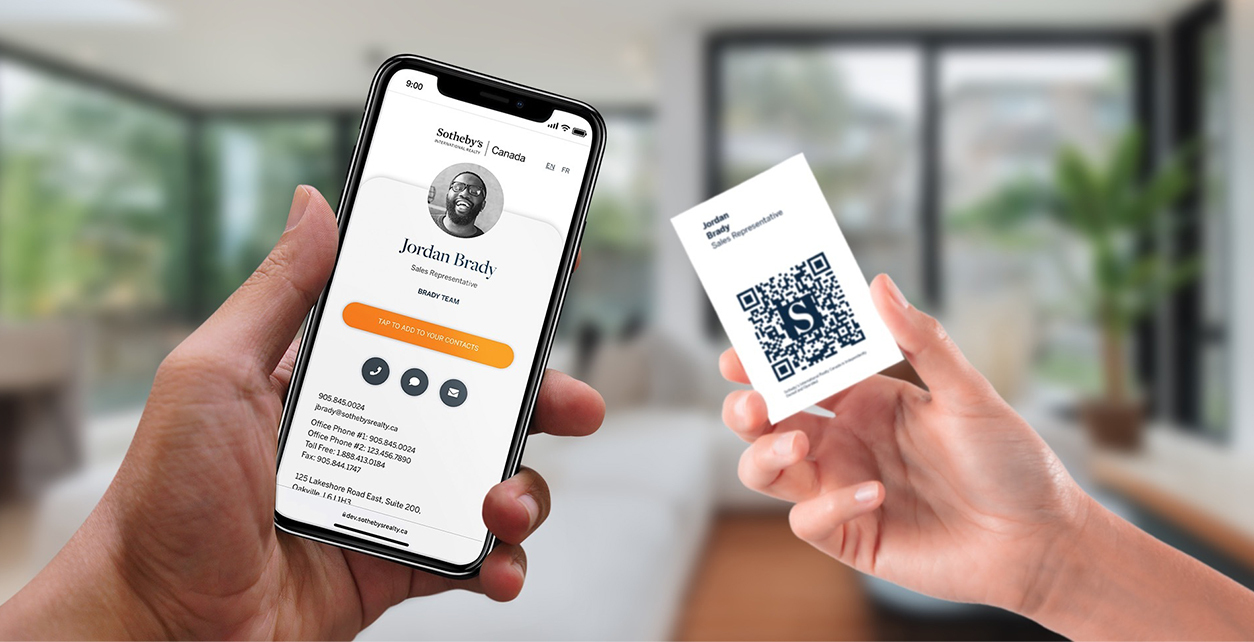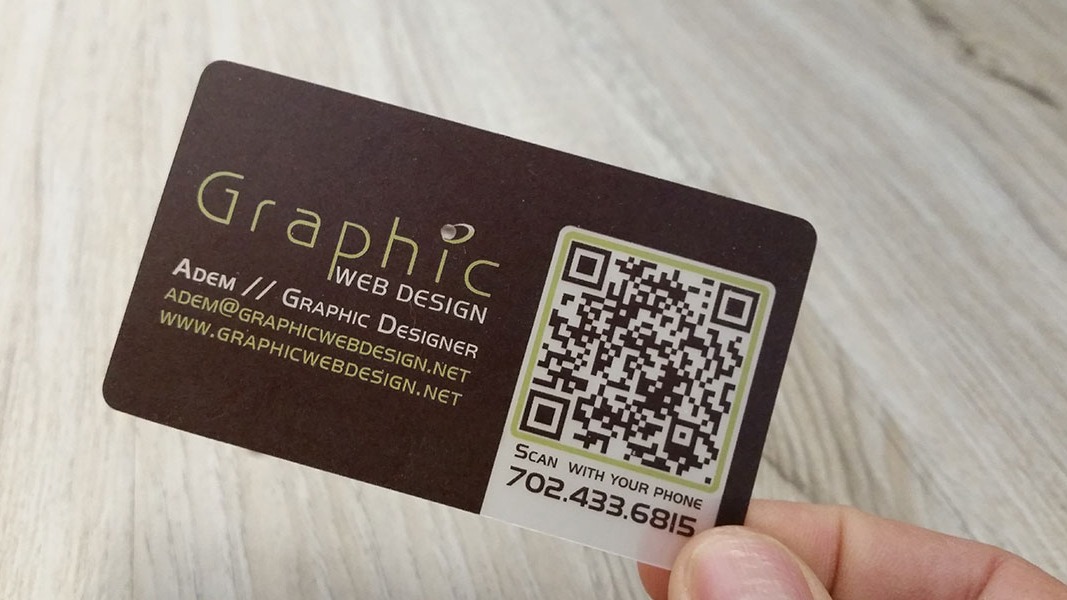
A vCard QR code helps someone save contact details from a scan. It can either store contact fields directly or point to a page where the person can view and save your contact details.
Quick answer
To generate a vCard QR code, create or confirm your contact profile, choose whether the QR code should store fixed vCard data or open a live profile URL, generate the code, then test it on iPhone and Android before printing. For most business use, a live profile URL is easier to update later.
Key takeaways
- A vCard is a standardized format for exchanging contact information.
- Static vCard QR codes are simple, but changes usually require a new code.
- A live digital card profile is more flexible for professionals and teams.
- Always test scanning, saving, and link behavior before printing.
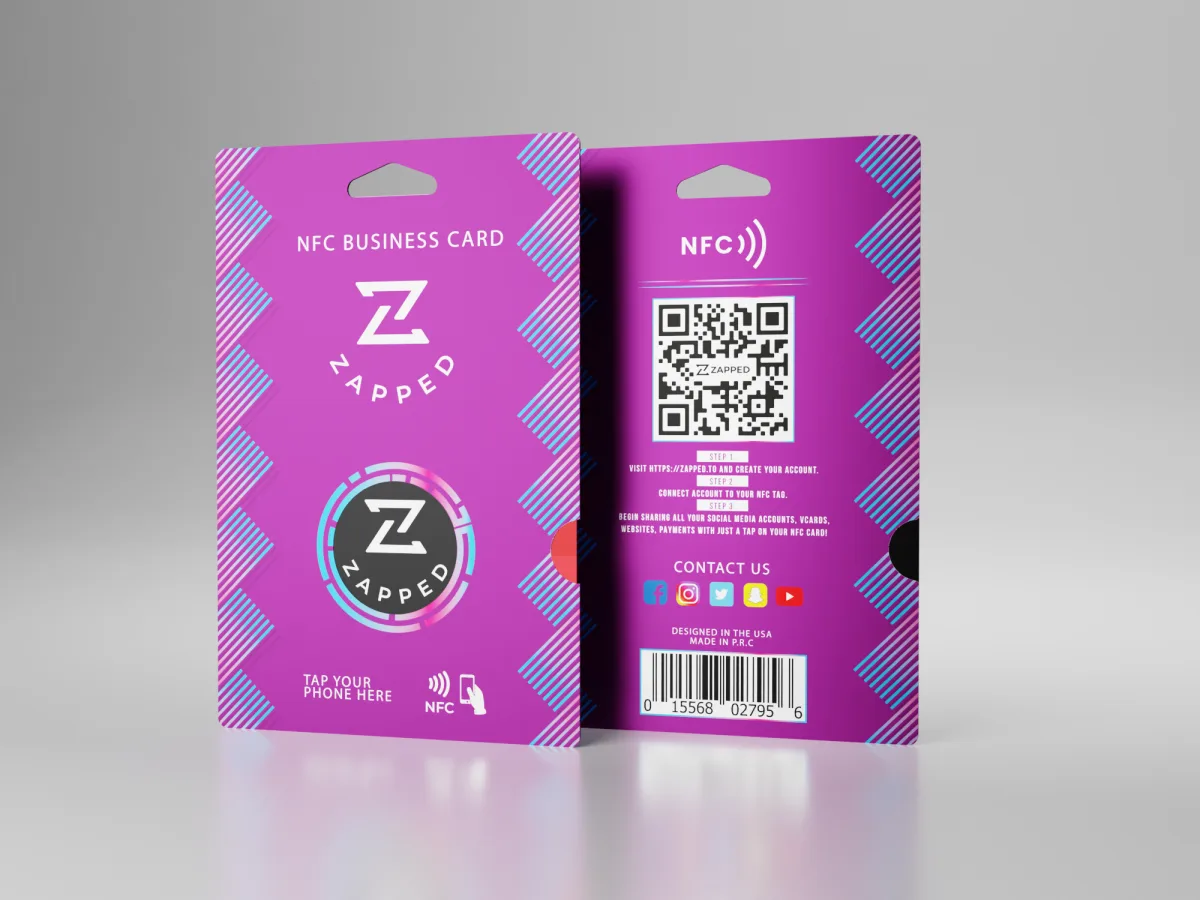
- Zapped can act as the live profile behind your QR code, NFC card, and direct link.
What is a vCard QR code?
A vCard QR code is a scannable code connected to contact information. The vCard format is defined by IETF RFC 6350 and can represent details such as name, organization, phone number, email, address, URL, logo, and other contact fields.
There are two common ways to use it:
| QR code type | How it works | Best for |
|---|---|---|
| Static vCard QR code | The contact fields are encoded into the QR code or file | Simple personal cards with details that rarely change |
| Live profile QR code | The QR code opens a digital profile with save contact options | Business cards, teams, events, and profiles that may change |
A static code can be fine for a one person card. A live profile is better when you want analytics, updated links, team consistency, or a cleaner printed code.
How to generate a vCard QR code
Follow this practical workflow:
- Decide what the scanner should do first: save contact details, open a profile, book a call, or visit a page.
- Prepare your contact details, including name, company, role, email, phone, website, and LinkedIn.
- Create a vCard file or digital profile.
- Generate the QR code from either the vCard data or the profile URL.
- Download the QR code as a high resolution PNG or SVG if your print workflow supports it.
- Test the QR code from your phone screen.
- Test it again from a printed proof.
- Add a label such as
Scan to save my card.
If you use Zapped, the simpler path is to create the profile first, then use the profile QR code. That gives people a clean destination and lets you update details later.
Static vCard or live profile?
The right choice depends on how often your details change and what you want the scanner to do.
| Need | Better choice | Why |
|---|---|---|
| One fixed phone and email | Static vCard QR code | Simple and direct |
| Multiple links and calls to action | Live profile | Easier to organize |
| Team cards | Live profile | Admins can update details centrally |
| Analytics | Live profile | Static QR codes cannot track profile engagement by themselves |
| Printed cards that may last years | Live profile | Details can change without reprinting |
For business cards, the live profile usually wins because a contact exchange is rarely just a phone number anymore.
What should the profile include?
Keep the profile focused. A scanner should understand who you are and what to do next within a few seconds.
Start with:
- Name, company, and role.
- Professional photo or logo.
- Email and phone, if you want direct contact.
- Website or product page.
- LinkedIn or primary social profile.
- Calendar link for sales, recruiting, consulting, or services.
- Save contact button.
Do not overload the profile just because the page can hold more. A useful card gets saved because it is clear.
Common mistakes to avoid
Most vCard QR code problems show up after the code has already been printed. That is why the planning step matters.
Avoid these common issues:
| Mistake | Why it hurts | Better choice |
|---|---|---|
| Encoding too much information directly in the QR code | Dense QR codes scan more slowly and can look messy on small cards | Use a short profile URL when the card needs more than basic contact fields |
| Using a low resolution image | Printed codes can blur or lose contrast | Export a high resolution PNG or SVG for print |
| Forgetting a call to action | People may not know what the code does | Add short copy such as Scan to save contact |
| Linking to an unfinished page | The scan works, but the experience feels incomplete | Test the destination as if you were a new contact |
| Printing before testing on multiple phones | Camera behavior can vary | Test on iPhone, Android, and a printed proof |
A good vCard QR code is not just technically valid. It is clear enough that someone will actually scan it.
Testing checklist
Before printing, test the QR code like a real recipient.
| Test | Pass condition |
|---|---|
| iPhone camera | Opens the expected destination |
| Android camera or scanner | Opens the expected destination |
| Printed proof | Scans quickly in normal lighting |
| Save contact | The contact record has useful fields |
| Link behavior | Buttons open the right pages |
| Edit test | Updating the profile does not require a new QR code |
This is especially important for cards, booth materials, and signage. A broken printed QR code is expensive to fix.
Use Zapped when the QR code needs to stay editable
A static vCard QR code is useful when your details never change. In real networking, details change often: phone numbers, calendars, social links, offers, team pages, and company pages all move over time. Zapped solves that by making the QR code open a live profile instead of a fixed contact file.
The person scanning still gets a simple mobile experience with your contact details and save contact action. You get a destination you can update later without replacing the QR code on printed cards, event badges, flyers, email signatures, or NFC products.
FAQs
Is a vCard QR code the same as a digital business card QR code?
Not always. A vCard QR code usually focuses on contact data. A digital business card QR code usually opens a richer online profile with contact details, links, media, booking, and save contact options.
Should I put all contact data inside the QR code?
Usually no. A short profile URL makes the QR code cleaner and lets you update information later. Directly embedding all fields can work, but it is less flexible.
Can iPhone and Android scan vCard QR codes?
Modern iPhone and Android devices can scan QR codes, but the exact contact saving behavior depends on the destination and contact format. Test on both platforms before printing.
Can I print a vCard QR code on a business card?
Yes. Use high contrast, enough white space, and a practical size. Add a short instruction so people know the code saves or opens your contact card.
What is the best QR code format for teams?
For teams, use a live profile URL for each person. That makes updates, role changes, and brand consistency easier to manage than static vCard files.