Learn when search visibility helps a digital business card, what to optimize, and why not every card should be indexed.
Quick answer
SEO for a digital business card matters when the profile is meant to be discovered by name, company, service, or location. It does not mean every personal card should be indexed. The useful work is making public business profiles accurate, trustworthy, fast, and clearly linked to the right brand.
Key takeaways
- Make the recipient journey clear before choosing the card format.
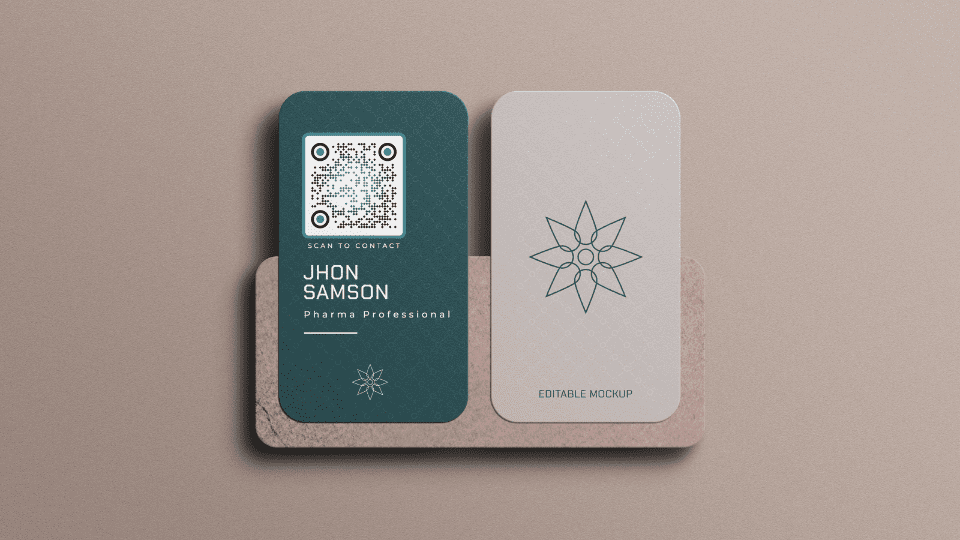
- Use QR or NFC as entry points, not as the whole strategy.
- Point scans and taps to an editable destination whenever details may change.
- Test the complete flow before printing or rolling it out.
What this means in practice
Search visibility should match the purpose of the card. A sales profile, local service profile, or company page may benefit from discoverability, while a private or temporary card may be better kept out of search results.
A refreshed business card should answer three questions quickly: who is this person, why should I care, and what should I do next? When the card points to a live profile, those answers can change as the business changes.
What to optimize
| Element | Why it matters |
|---|---|
| Name and company | Helps branded discovery and trust |
| Page title | Explains who the profile is for |
| Clear links | Helps visitors and search systems understand the page |
| Fast mobile load | Most opens happen on phones |
| Noindex when needed | Keeps private or low-value profiles out of search |
How to use this well
Start with the outcome. If the goal is a saved contact, make the save action obvious. If the goal is booking, put the booking link near the top. If the goal is local trust, include reviews, service area, and a clear way to call or request a quote.
Do not send every person to a generic homepage. A business card scan or tap should open a page made for that handoff. The page can still link to the full website, but it should not make the recipient hunt for the basic next step.
What SEO can and cannot do for a card
A digital business card can support discoverability, but it should not be treated like a full website replacement. The profile can clarify who you are, what you do, where you serve, and which links matter. That helps people and search engines understand the page, especially when the profile is public and indexable.
SEO is less useful when the card is thin, duplicated, or filled with generic phrases. A profile should be specific enough to be useful even if it never ranks: real services, location context when relevant, a strong title, and a clear next step.
Build for humans first
Use simple headings, readable contact details, descriptive link labels, and a profile URL you would be comfortable sharing in public. If a profile is meant for search visibility, avoid doorway-style pages, copied bios, and unrelated links. A useful profile can support brand search and local trust, but the primary job is still helping a real recipient act after a meeting.
Make the card useful with Zapped
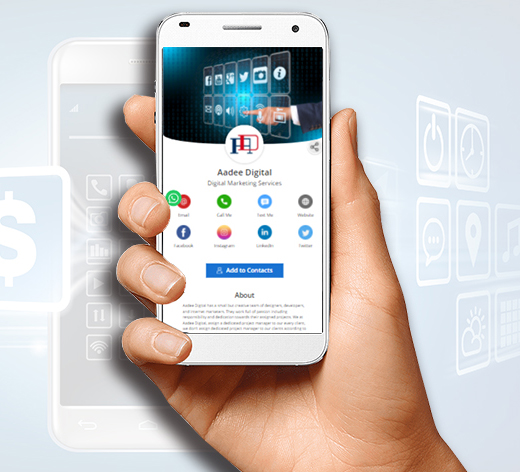
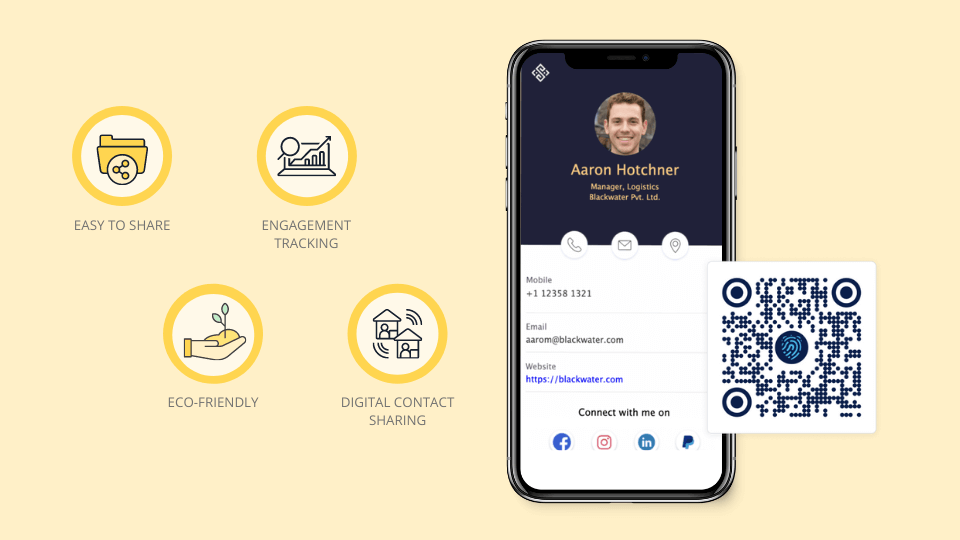
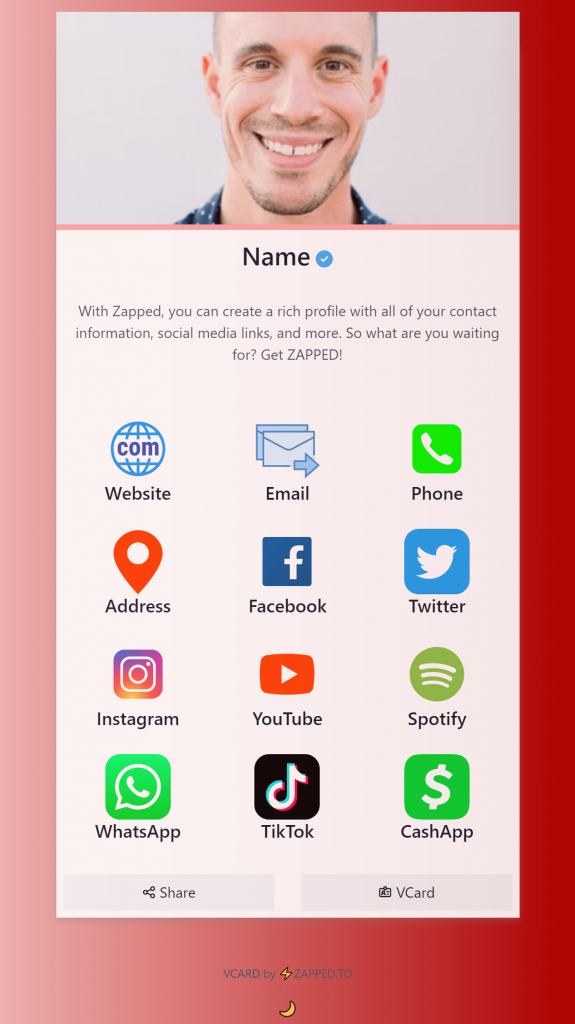
Zapped gives the card a live destination instead of locking every detail into print. The same profile can support QR codes, NFC taps, direct links, email signatures, social links, booking pages, and save contact actions.
That is the practical advantage of a digital card: people still get a simple handoff, but you can keep the profile accurate after the card is shared.
Examples by use case
A realtor can use the card to share listings, calendar booking, WhatsApp, and a saved contact. A consultant can point to a profile with case studies, a booking link, and a short service explanation. A restaurant or food business can link to menus, ordering, reviews, and loyalty signup. A creator can combine portfolio, store, social links, and email signup.
These examples work because the card is not trying to be everything. It is matching the recipient's next likely question. What do you do? Can I trust you? How do I contact you? What should I click first?
How to make the follow-up stronger
The card should support the conversation that just happened. After a networking event, sales call, local appointment, or customer interaction, the recipient should land on a page that reminds them who you are and why they should act. That means the first screen matters.
Use one primary action, then support it with proof. A buyer may need reviews, a portfolio, a service area, a booking button, or a short explanation of the offer. If the profile tries to serve every audience at once, it becomes less persuasive. Build the page around the next step that would make the relationship move forward.
FAQs
Do people need an app to open the card?
No. A strong recipient experience opens in a normal browser from a QR code, NFC tap, direct link, or message.
Should I use QR or NFC?
Use QR when visibility matters and NFC when fast close-range sharing matters. Many business cards should use both.
What should the profile include?
Include contact details, a save contact action, website or company link, and the most important next step for that audience.
How should I test the card?
Test the QR code, NFC tap, page speed, save contact action, and important links on both iPhone and Android before printing or sharing widely.
Sources
- NFC Forum technical overview for NFC tap behavior and common NFC use cases.
- IETF RFC 6350 for the vCard contact data format.
- Google Business Profile review guidance for review link and QR code workflows.