Start with the app or browser profile if you mostly share online, by QR code, or from your phone. Add an NFC card when you meet people in person often enough that a physical tap removes a repeated step. Keep a QR code or direct link ready too. The tap is a shortcut, and every good shortcut needs another route when the first one stalls.
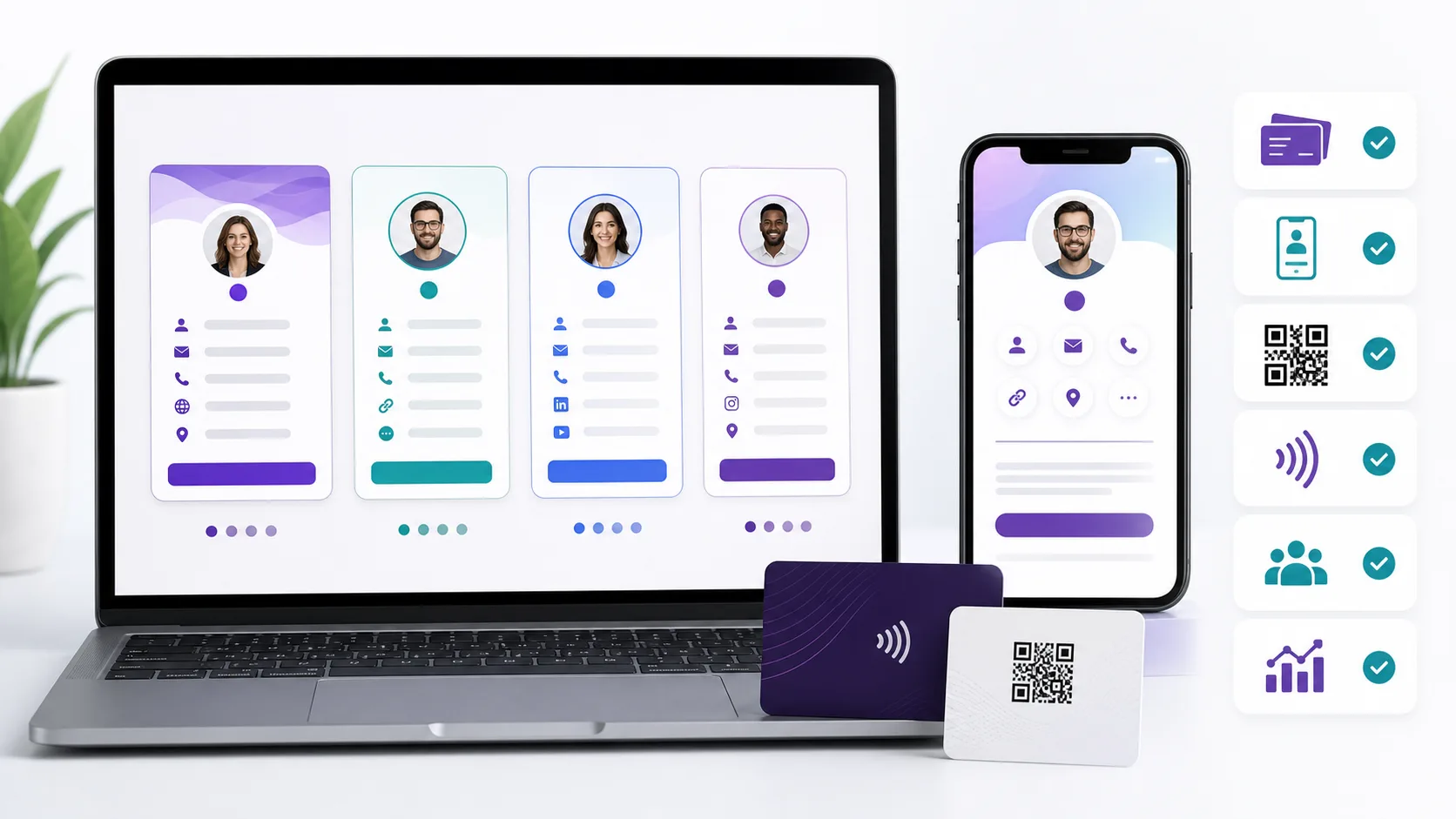
For most people, that points to a hybrid: one live profile with more than one entrance. The card handles the face-to-face moment. The profile holds the details, while the QR code or link gets you through when a phone won’t cooperate.
A tap is faster, until the small stuff matters
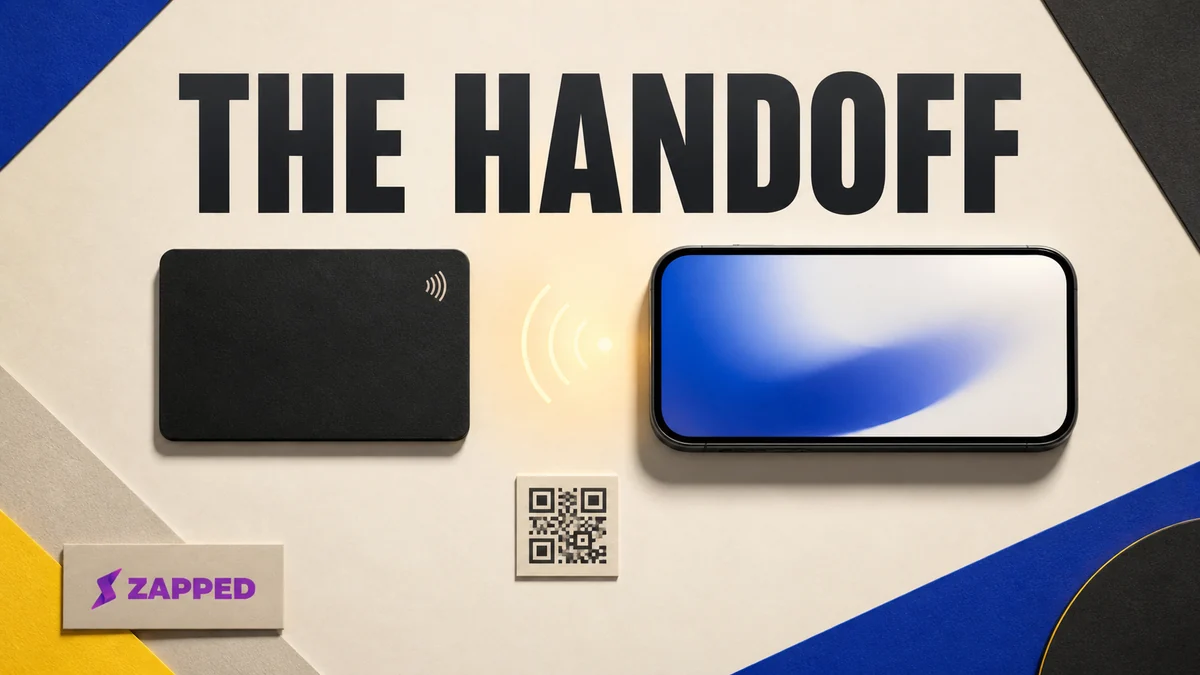
Picture a busy meetup. You’ve got one hand occupied, the other person is already turning toward the next conversation, and asking them to search your name feels like assigning homework. A card they can tap is a cleaner handoff.
Android describes NFC as short range, usually requiring a distance of 4 cm or less to start the connection, and says Android devices can read passive tags in reader and writer mode. Blinq describes its NFC card as a physical trigger that opens a profile in the recipient’s browser, rather than a replacement for the profile itself. The entrance is the quick part. The destination still has to do the work.
That entrance can fail for ordinary reasons. Blinq says its card works with iPhone 11 and newer phones with NFC, but that thick rugged or metal cases can interfere. An r/NFC discussion makes the same practical point: NFC can be fast at a conference, but it may be switched off and a phone case may block the tap. A QR fallback is worth having. The other person doesn’t need a troubleshooting ritual. They need another way in.
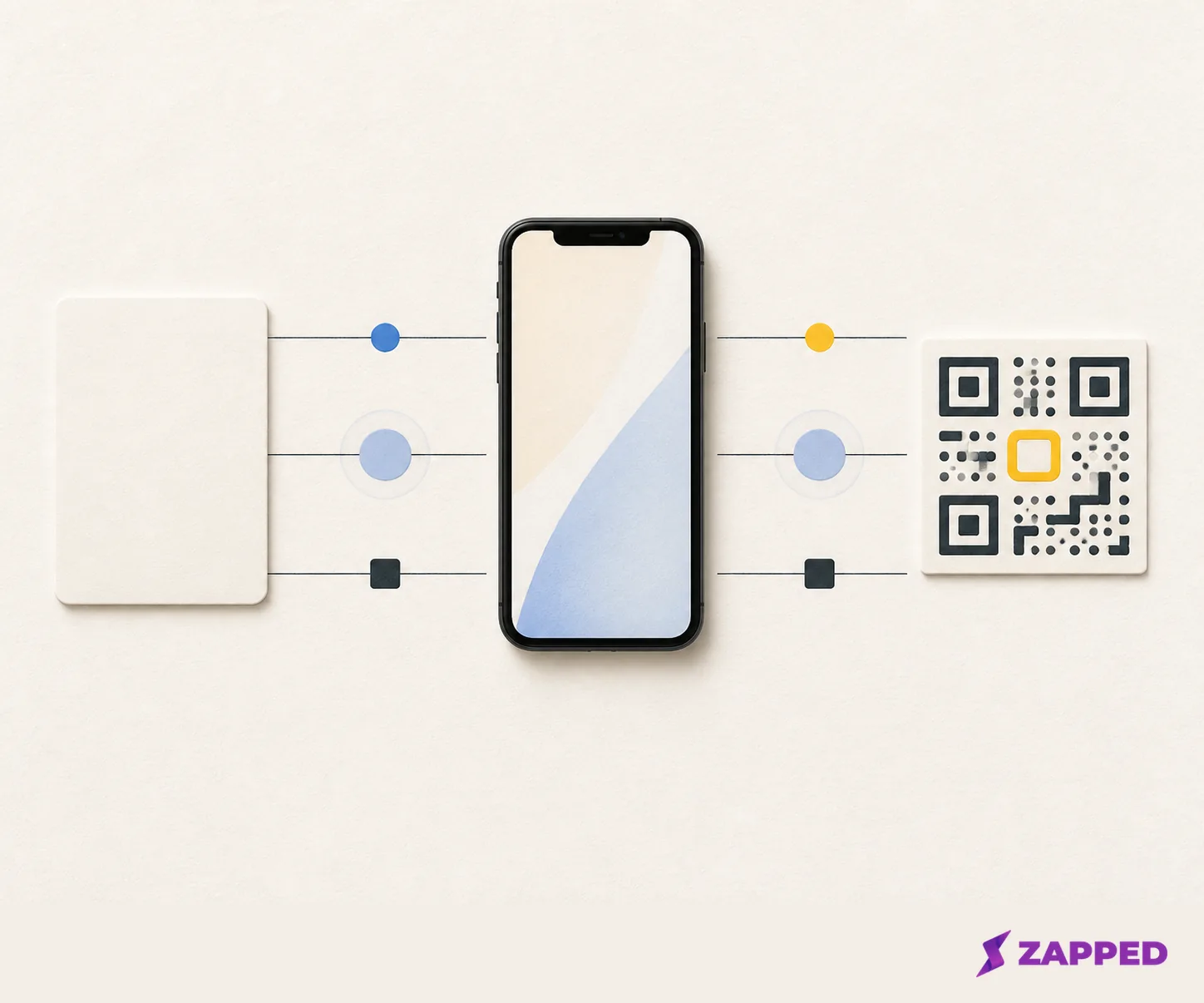
This is where an app or browser profile earns its place. Blinq Free includes QR code, widget, email, SMS, and wallet sharing alongside unlimited sharing, while HiHello Personal includes QR, widget, email, SMS, and wallet sharing on its free plan. Popl describes browser sharing through QR, text, wallet, email signature, and other routes. If app only is starting to look like the better fit, compare the best virtual business card apps before you buy a physical entrance.
The important distinction isn’t card versus app as competing products. It’s a physical entrance versus a phone-held entrance. The live profile is what keeps either one useful after your title, phone number, or preferred link changes.
The fallback is part of the product
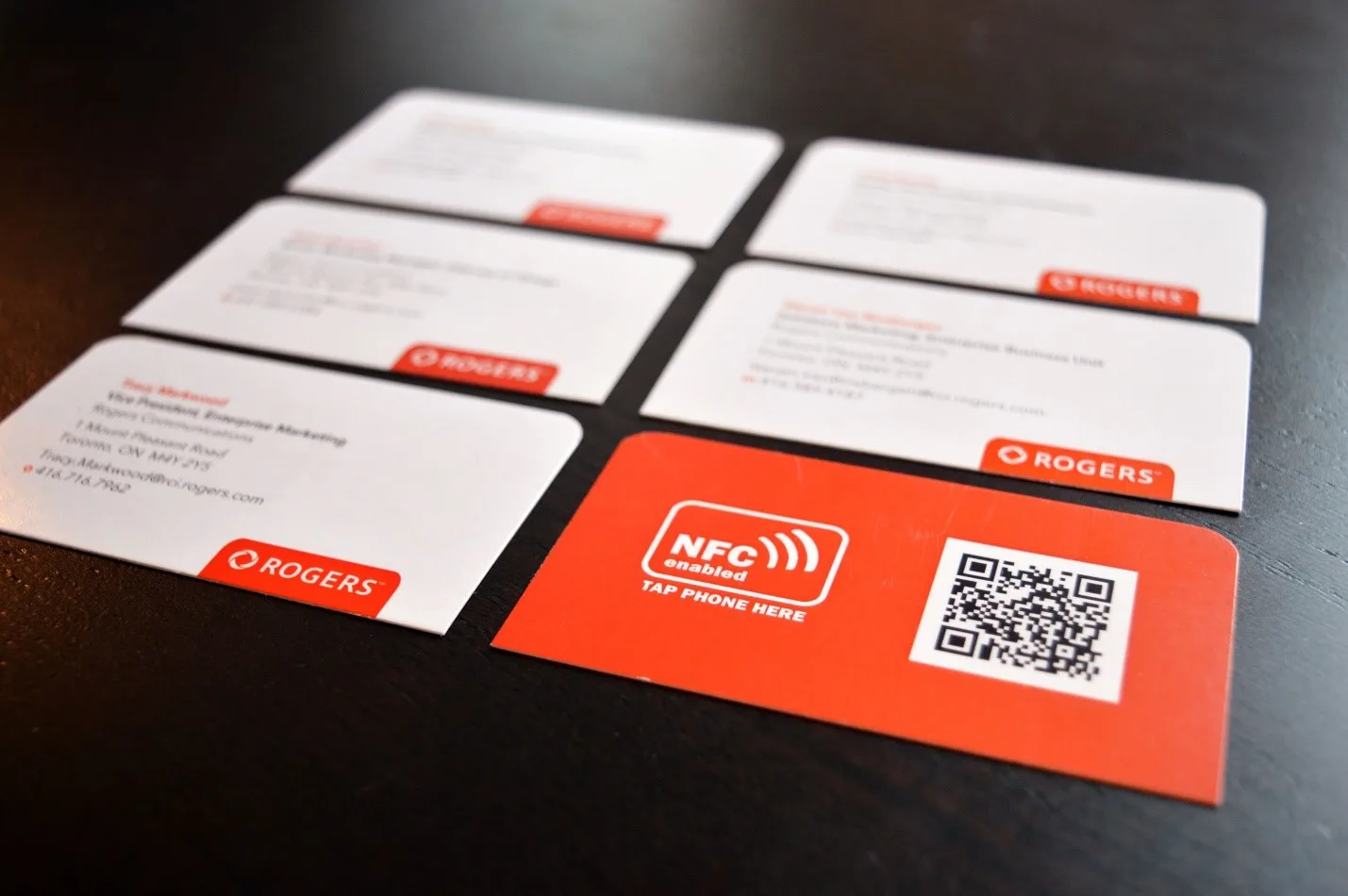
Print the QR code on the card. Keep the profile link ready to send. If NFC is off, the case gets in the way, the phone doesn’t support the tap, or the recipient doesn’t know where to touch, switch entrances without making the moment awkward. Blinq specifically lists a QR fallback for older or NFC disabled phones.
The page behind the tap matters just as much. A Reddit discussion about NFC business cards separates the speed of a direct vCard from the flexibility of a hosted profile, then points out that a slow or confusing landing page can undo the advantage. The recipient shouldn’t have to install an app or create an account just to see your details.
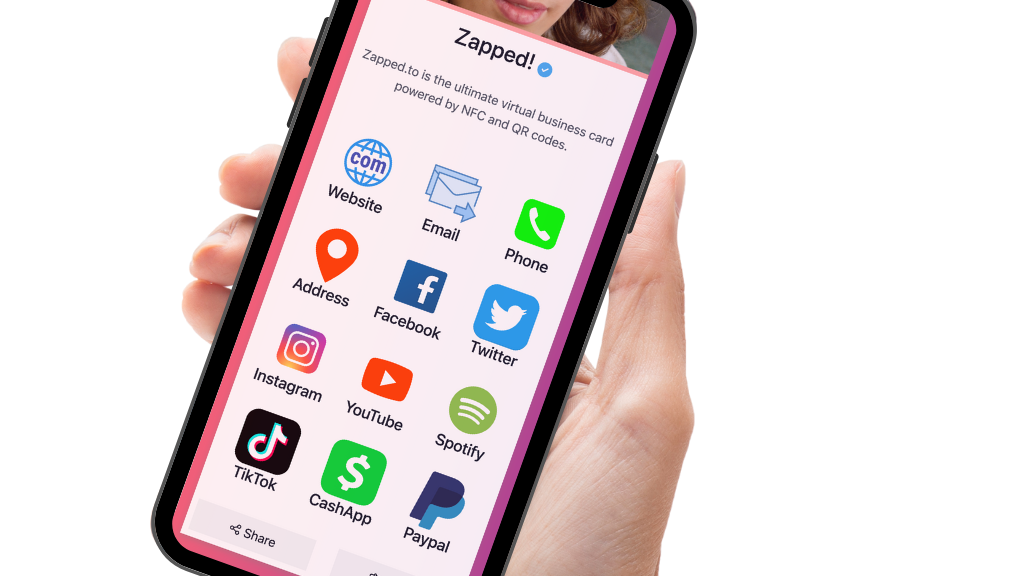
Our card opens from a QR code, NFC tap, or link in a normal browser, so a recipient can save your details without installing an app or creating an account. The card is also live, which means shared links and printed QR codes keep working after edits. That’s the right browser-first shape for a hybrid setup. The Free plan includes QR, link, and NFC sharing, but the card is limited to one digital card and five content blocks, shows a Zapped badge, and keeps 60 days of analytics history. Those limits are the receipt for starting at $0.
If you are still deciding whether you want any physical card at all, read the physical versus digital comparison. NFC is one reason to choose a physical object, not a requirement that you buy one.
The receipt changes the argument
The physical card is a one-time purchase. The profile may be free, or it may become a monthly decision once you need more cards, stronger branding, analytics, or team controls. Here’s the price shape from pages checked in August 2026:
| Provider or route | Free or entry plan | Paid terms when checked | What changes the decision |
|---|---|---|---|
| Blinq | Free forever, with two digital cards and unlimited sharing | Premium is $9.99 per month billed monthly. Business is $6.99 per user per month, with payment for at least five team cards. | The physical card runs $19.99 standard, $24.99 wood, $33.99 metal, or $60 custom. Material changes the price and presentation, not a proven durability result. |
| HiHello | Personal is free forever, with four digital cards | Professional is $6 per month. Business is $5 per user per month. | Free covers basic sharing. Professional and Business add the paid features, including analytics at the levels listed on the pricing page. |
| Zapped | Free is $0, with one digital card, five blocks, QR, link, NFC, and 60 days of analytics history | Starter is $14 per month. Professional is $49 per month. Large rollout is custom. | Paid plans expand cards, analytics history, workspaces, and branding controls. Free keeps the Zapped badge. |
| Popl | No fixed individual price is published on the checked pricing page | Teams choose a digital card or event lead capture plan and request a custom quote | It is a quote conversation, not a clean individual price comparison. |
For the hardware itself, Blinq’s listed range is enough to show the spread: $19.99 for a standard card, $24.99 for wood, $33.99 for metal, and $60 for custom. Pick the material because you like how it feels and looks in the hand. Do not turn a higher number into a durability verdict the evidence does not make.
The free profile can be the sensible starting point. Blinq says its NFC cards can use a free digital profile with no subscription required. HiHello offers a free Personal plan. Zapped Free gives you one digital card with five blocks, QR, link, and NFC sharing, plus 60 days of analytics history. If the job is simply “let someone save my details,” paying before you know what you share is backwards.
The paid edge appears when the job gets larger or more deliberate. Branding, extra cards, analytics, and workspaces are not the same need as a tap. Decide which one you actually have before a monthly figure sneaks into the budget as if it came with the card.
A profile is more important than the chip
Before buying hardware, open the profile you’d send after the tap. Can it show the details you need? Can you edit it when those details change? Does the plan give you enough cards, blocks, branding, and analytics for the way you share?
The answer is the same whether the card comes from Blinq or your own setup: the card points to a live destination. A static object in your wallet can’t fix an out-of-date profile. That’s why an app or browser profile is the base layer, even when the card is what makes the first exchange feel easy.
We think Zapped is a reasonable hybrid option when the browser-first handoff, QR fallback, and live profile are the center of the job. Zapped’s plans put QR, link, and NFC sharing on Free, and Free includes 60 days of analytics history while paid plans expand that history. Zapped is built around card creation, sharing, contact capture, and analytics. Zapped isn’t centered on deep CRM-style follow-up automation, so a sales team that needs it should evaluate the CRM layer separately.
There’s one subscription question worth asking before you anchor your card to a paid plan. HiHello’s checked pricing page doesn’t say what happens to an individual profile after a paid Professional subscription lapses. That silence doesn’t prove the profile disappears, but it’s not a detail to guess around. Ask the vendor before purchase if your shared card is going to be part of a long-lived workflow.
The tap is not the follow up system
If your real job ends when someone saves your contact, a free profile and a QR code may be plenty. If you need to know which networking moments led to visits, analytics can matter. If you need to collect leads, enrich contacts, route them to a CRM, or manage a team, you’re buying more than an entrance.
Blinq lists contact scanning, AI Notetaker, and enrichment on Premium, then team and lead capture features on Business. Its pricing page also lists card analytics, attribution, ROI, and campaign reporting. HiHello lists card analytics on Professional and team analytics on Business. Popl describes lead capture and CRM integrations, team analytics, and offline lead storage that syncs after service returns.
Those are meaningful differences, but they don’t turn the tap into magic. The card gets a profile in front of someone. The service determines what happens after that person leaves. If you’re comparing a card to an app because you want better follow-up, inspect those features first and the material second.
For a small team, the numbers can change the call. Blinq Business bills per team card and requires a minimum payment equal to five team cards; it also lists automated provisioning and bulk card creation through an API. HiHello Business is priced per user. Zapped’s Large rollout tier is custom. A solo user shouldn’t pay for team machinery, and a team shouldn’t pretend that five individual free profiles are a rollout plan.
If the real alternative is a printed card rather than an app, compare NFC cards with paper cards. The question is whether a changeable profile and a tap are worth the extra object, not whether NFC has defeated every other way to share a name.
Which setup should you buy?
App only makes sense when most sharing happens through a link, QR code, wallet, email, SMS, or a phone widget. It costs less to carry, works in more contexts, and a free tier from Blinq or HiHello can cover the basic save my details job. Zapped Free is another browser-first starting point when one digital card, five blocks, QR, link, NFC, and 60 days of analytics history fit the job.
Add an NFC card when you repeatedly meet people in person and the physical tap removes a real pause. Start with the profile, then add the card. Keep the QR code visible and the link ready. The best card is the one that still works when NFC is off.
Keep both entrances when you want the memorable handoff and broad reach. That’s the setup we’d pick for someone who networks regularly: a live browser profile, NFC for the face-to-face introduction, and QR or link sharing for every situation the chip can’t solve.
Spend on the live profile first. Buy the physical card only when it removes a repeated in-person step. The card is the handshake prop. The profile and the system for following up are the relationship. Before checkout, ask about any paid plan’s lapse behavior, then make sure you’ll actually keep the QR fallback ready.