If a search result told you Haystack is expensive or only talks to other tools through Zapier, check it before you rebuild a card your team already hands out. Some of those complaints don't hold up against Haystack's current pages. A few real frictions do, and they point to different replacements. If you're still deciding on a category rather than leaving Haystack, start with our guide to the best digital business card.
Quick picks by missing job, each with its deciding limit:
- Several personal cards: HiHello, but free scans stop at five a month.
- Team rollout: HiHello Business or Blinq Business, each billed per user.
- Event badge capture: Popl, but team pricing is quoted, not published.
- Physical NFC card: Mobilo, but its page shows two different Pro prices.
Check what Haystack already does before you leave
Haystack's card shares by QR code or unique URL, and recipients don't need the app to view and save it. Its pricing page lists card design customization, smart email signatures, CRM integrations, and exposure analytics among paid features. So "it can't share a QR" is not a reason to switch. Signatures are listed on paid plans, so if your tier lacks them, that can be a fair reason to compare.
The friction that is real is narrower. The pricing page advertises unlimited cards on Personal, but the FAQ says a free account gets one card per email address, and several cards on the same email need a paid plan. The FAQ names Salesforce, Microsoft Dynamics, and HubSpot as CRM platforms, and it also describes Zapier as a way to connect other tools. It doesn't say which connectors are native or which plan includes them, so ask before you count on one.
Then there's money. Haystack displays dollar figures without naming the currency, and it lists both USD and AUD payment options. Don't treat any Haystack number as a US price until Haystack confirms it.
Pick a shortlist by the job that's missing
A more personal card, or a few identities. HiHello's free Personal plan includes four cards, but only five card or badge scans a month. Professional lists 16 cards and 20 scans. Blinq's Free plan gives you two cards with unlimited sharing, and Premium adds up to five cards, an AI notetaker, and contact export. Five scans a month is your upgrade signal.
A team that needs the same card everywhere. HiHello Business starts at five users and lists CRM integrations, team templates, SSO, and directory sync. Blinq Business adds team management, templates, CRM, and analytics. Mobilo advertises Teams with unlimited members, though its page doesn't say whether the rate is per user.
Event lead capture. Popl's Event Lead Capture covers badge, business card, and QR scanning, AI enrichment, CRM syncing, and qualification. It needs its own Event Lead Capture subscription, and Popl quotes team pricing in a meeting rather than publishing it. HiHello Business and Blinq Business also list event capture, so compare the workflow.
A physical NFC item. Mobilo sells NFC cards with QR. Its page shows a branded card at $9.50 with Pro included for the first 90 days, and it doesn't say what Pro costs afterward. Read the full hardware and subscription terms before ordering. Haystack's own sharing runs on QR and URL, so hardware isn't required to stay put.
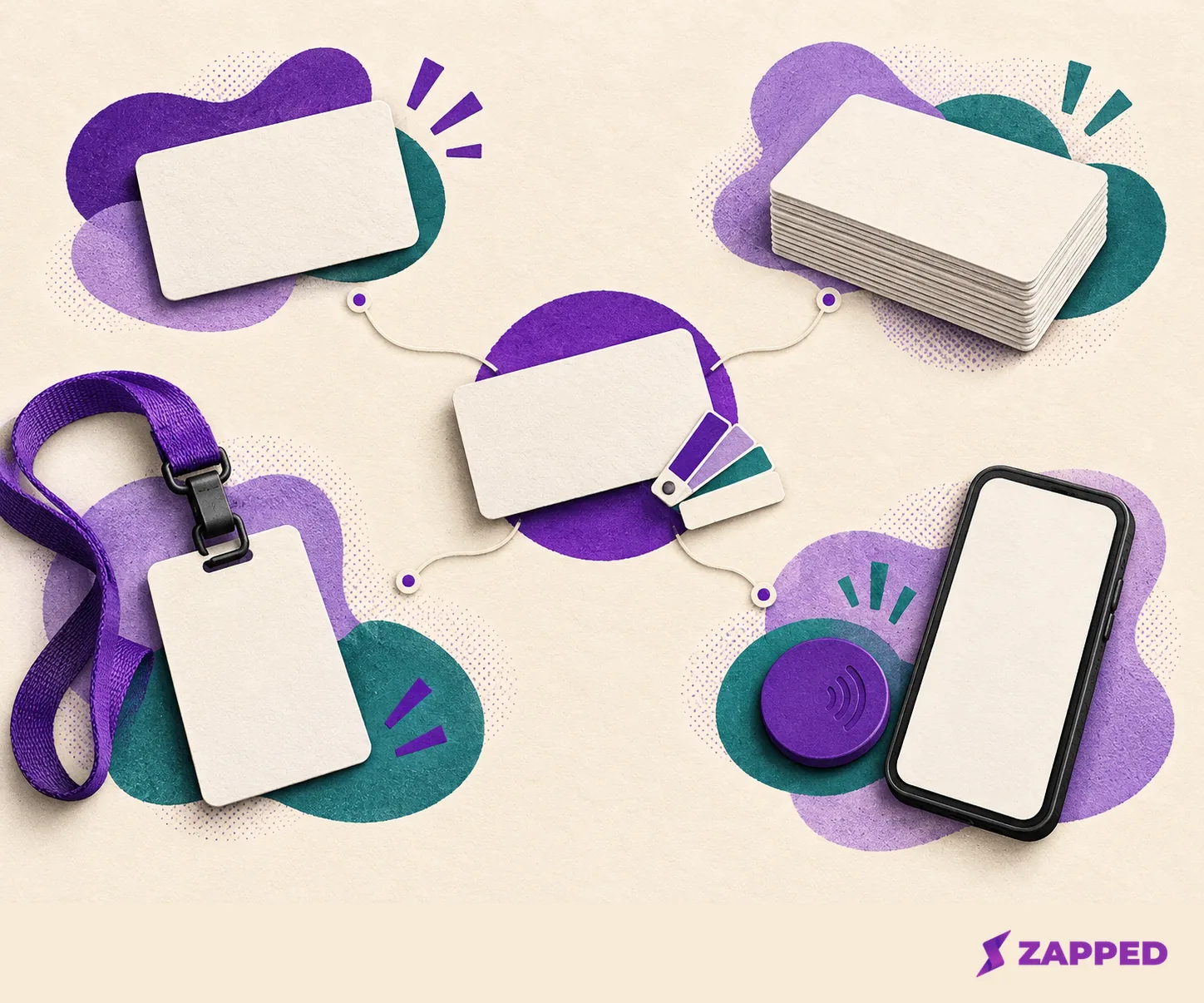
Compare plans in their real billing units
The prices below are not one monthly column, so each keeps its own billing unit.
| Option | Best fit | Free or entry plan | Paid terms | Capture and analytics | Team |
|---|---|---|---|---|---|
| Haystack | Staying put with QR, URL, signatures | One free card per email | Dollar prices with no stated currency | CRM integrations, exposure analytics | Business for teams of 10+ |
| Blinq | Individual cards, team lead capture | Free, two cards | Premium $9.99 monthly or $7.33 monthly billed yearly; Business $6.99 or $4.99 per user monthly billed yearly | Event campaigns; $9.99 per lead for custom qualifiers and lead forms | Team management on Business |
| HiHello | Personal branding, several free cards | Free, four cards, five scans a month | Professional $6 monthly or $72 yearly; Business $5 per user monthly or $60 per user yearly | Card analytics; Business adds event capture, unlimited scans, team analytics | Five-user minimum |
| Popl | Event scanning and follow-up | Not stated | Team price by quote | Badge scanning, enrichment, CRM sync | Quoted, no published price |
| Mobilo | NFC cards with digital profile | Pro shown as $0 and as $3 on the same page | Teams $4 and Business $5 monthly billed yearly, not labeled per user | Unlimited leads on Pro | Unlimited members on Teams |
| Zapped | Software-first sharing by link, QR, NFC | Solo, one person, up to 3 live cards; free trial on monthly plans, payment card required | Solo $19 monthly or $180 for the year; Team from $79 monthly for 5 people, Team 10 $99 monthly or $948 for the year | Per card statistics | Team plans for 5 to 30 people with an admin or editor login for every person; Business adds separate workspaces |
Two things change a decision. Blinq lists $9.99 per lead captured and enriched for custom qualifiers and lead forms, with credit consumption billed monthly, so confirm whether your capture workflow uses it. And the yearly numbers for HiHello and Zapped are full annual charges, not monthly equivalents.

Where Zapped fits, and where it doesn't
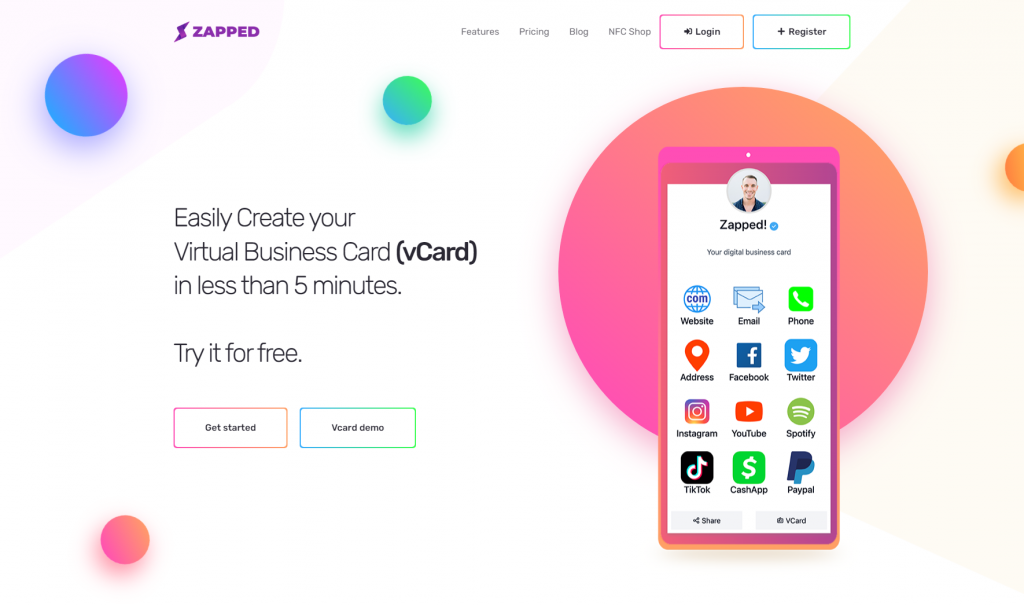
Zapped is the software-first option in the table. A card opens in a normal browser from a link, QR code, or NFC tap, with no recipient app, and you can update it after it's shared. Plans are priced by people. On Solo the Zapped badge stays on, Team plans can turn it off with one click, and Business plans carry no Zapped branding and add separate workspaces. Its card statistics cover views, visitors, and interactions.
The limit matters for an events crew: Zapped is built around creating, sharing, capturing, and measuring cards, not deep CRM follow-up automation. If badge scanning is your missing job, Popl is the closer match.
Switch in an order that reduces the risk of stranding a QR code
Haystack says you can cancel and return to the free plan, effective at the end of the billing period. Its pages don't say whether an old card URL or QR code, paid templates, contact history, or analytics survive a downgrade, so treat the old card as live until Haystack says otherwise.
- Keep the Haystack account active and ask Haystack in writing what happens to your card URL, QR code, contacts, and analytics after a downgrade.
- Build the replacement card. Zapped's CSV import previews each row and saves private drafts, so nothing publishes by accident.
- Test the new link and QR code from a second phone. At Zapped, we advise scanning a printed proof before you share it widely.
- Replace the old code and link everywhere people find it: printed cards, signatures, slide decks, the team directory.
- Wait until the replacement has been scanned in real use, then cancel Haystack.
A Zapped Flexible QR code belongs to the account, so you can change what it opens after printing. That helps the next switch, not this one.
If no candidate solves your missing job at a price you can verify, stay on Haystack and put the downgrade question to them. A card that works beats a better one nobody can scan.