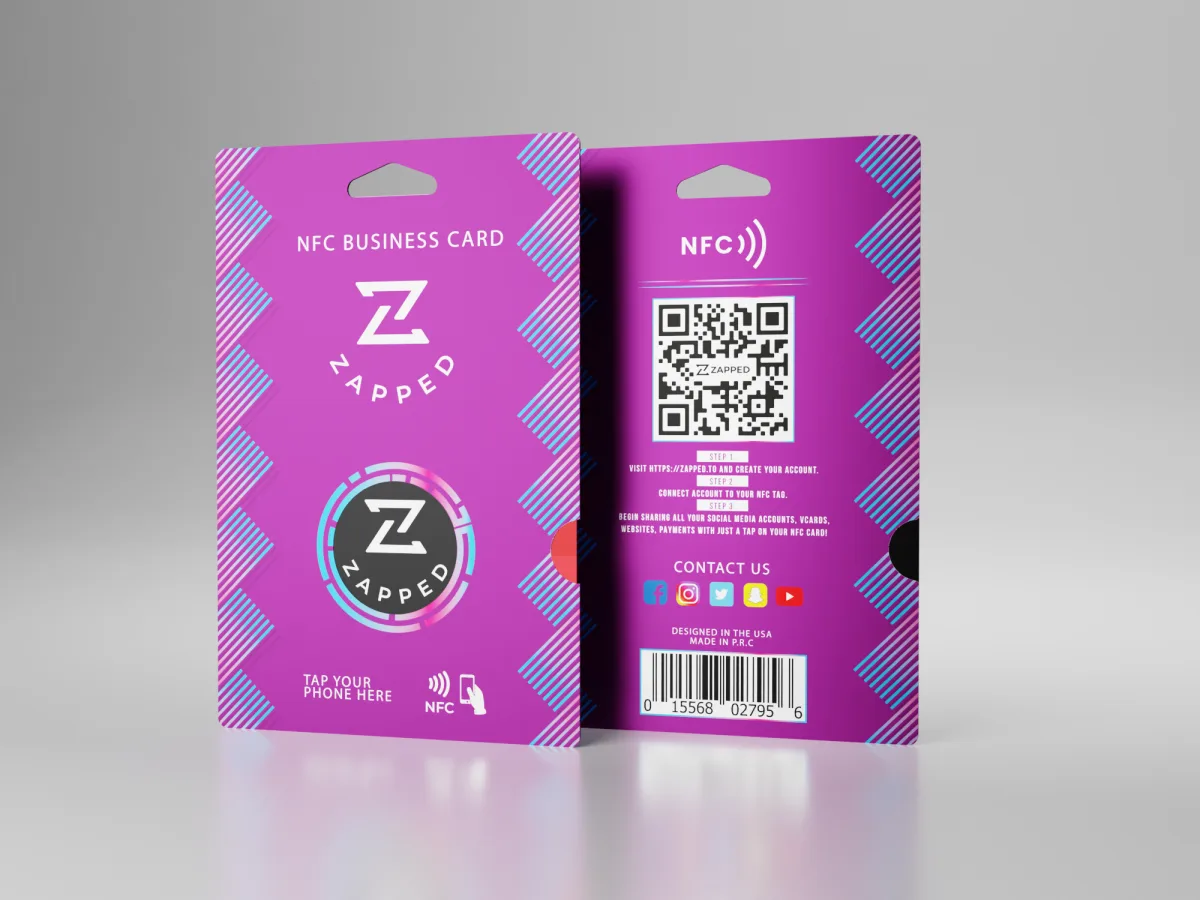
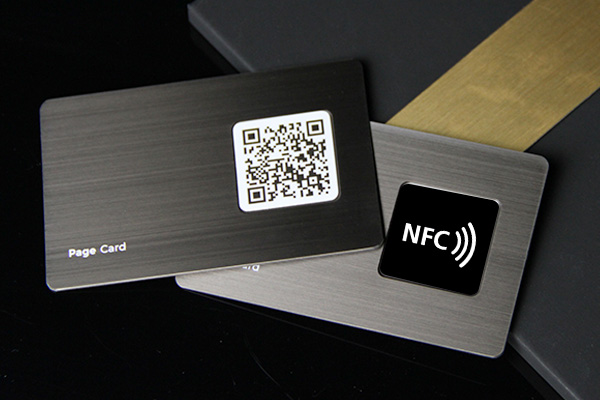
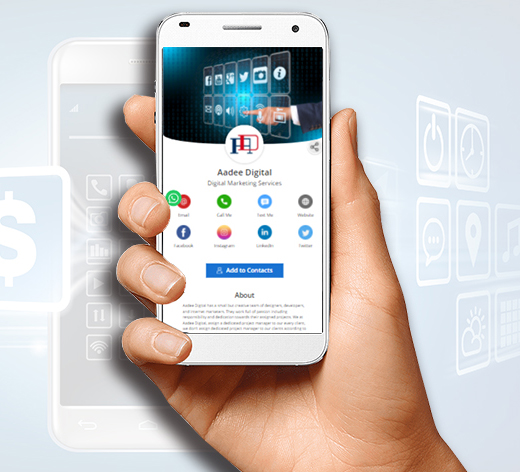
NFC contact cards are useful, but the digital profile behind the tap is usually the more important part. A card that cannot be updated or backed up by QR is less flexible.
Quick answer
Choose a digital business card first, then add NFC if you meet people in person. NFC is a sharing method. The editable digital profile is what keeps the card useful over time.
Key takeaways
- Use a live profile as the source of truth.
- Add QR sharing because it works across more devices.
- Add NFC when in person sharing is part of your workflow.
- Keep the main action clear so people know what to do next.
- Use Zapped where an editable profile, QR, NFC, and team controls belong in one place.
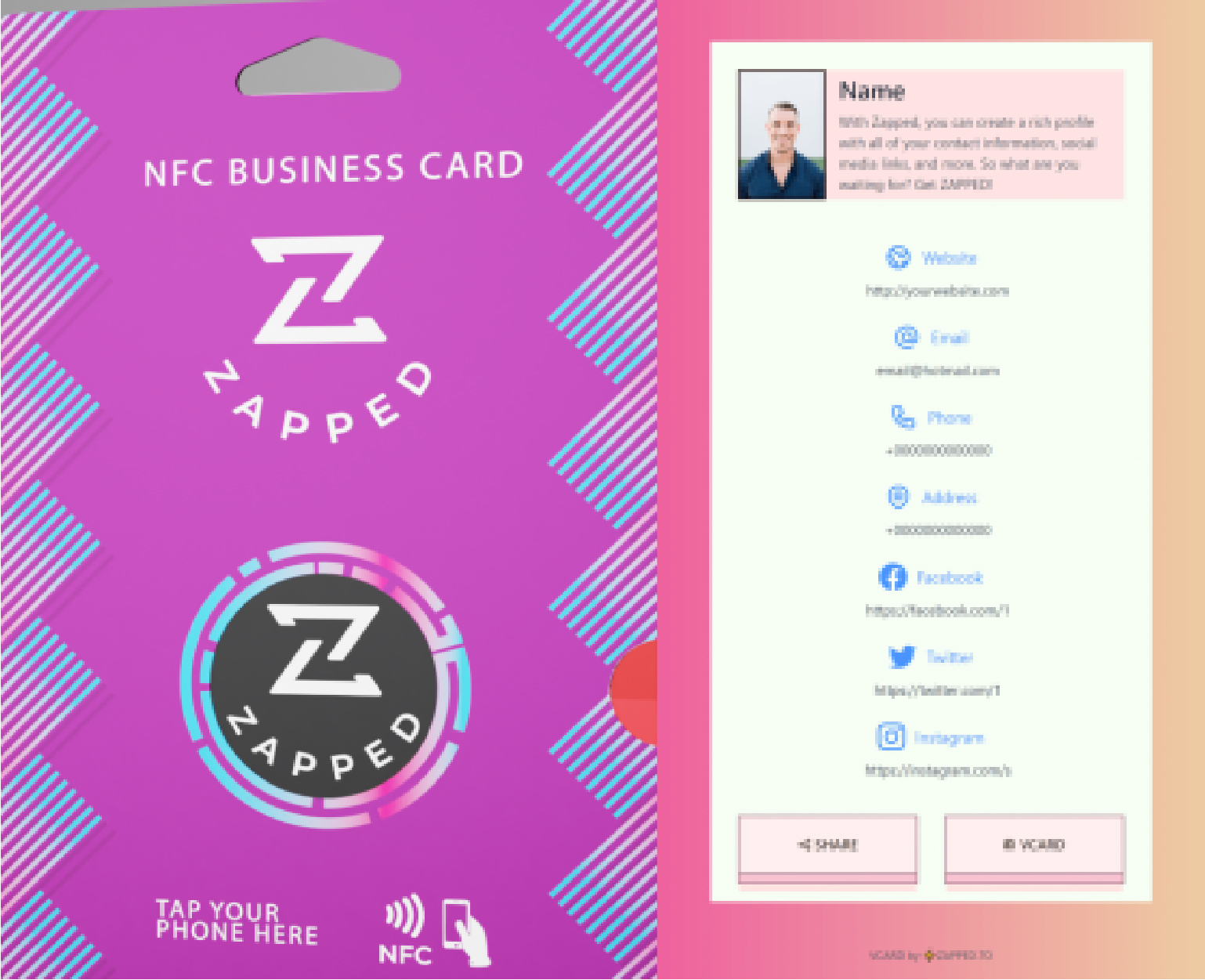
Use this image as a reference point while you compare the options below. The important idea is that the card, code, or NFC tap should lead to a profile that is easy to save and act on.
Best options by use case
| Choice | Strength | Weakness |
|---|---|---|
| Digital profile | Editable and linkable | Needs a sharing trigger |
| NFC card | Fast physical tap | Can confuse some recipients |
| QR code | Visible and universal | Less flashy than NFC |
| Static contact card | Simple save action | Limited context |
| Zapped style profile | Link, QR, NFC, and updates together | Needs initial setup |
Why the profile matters more than the chip
An NFC chip can usually open a URL, but the URL destination creates the value. If the destination is editable, branded, and useful, the card stays relevant. If it is static, the card can become outdated quickly.
Use NFC as the fast trigger, QR as the visible backup, and the digital profile as the source of truth.
What to include
A strong digital business card usually includes:
- Name, role, and company.
- Phone, email, and website.
- A save contact action.
- One primary call to action.
- QR code or direct sharing link.
- NFC support when useful.
- Social, portfolio, booking, payment, or review links when they help.
Simple setup checklist
- Create the live profile.
- Add your essential contact fields.
- Choose one primary action.
- Generate and test the QR code.
- Add NFC or Wallet sharing if the use case needs it.
- Test the experience on iPhone and Android.
- Update the profile whenever your details change.
Better decision rule
Do not choose between digital and NFC as if they are competing products. Choose the digital profile first, then decide whether NFC is one of the sharing methods. This keeps the focus on the experience after the tap.
When NFC alone falls short
NFC alone falls short when the recipient does not know where to tap, the phone case blocks the interaction, the device has NFC disabled, or the card points to a destination that cannot be updated. A QR code and direct link solve many of those gaps.
Practical example
Imagine you print 500 NFC cards with a static destination. Three months later, your calendar link changes. If the card points to a live profile, you update the profile once and every card stays useful. If the chip or QR code points to a static destination you cannot control, you may need to replace the cards.
That is the core advantage of a digital card first approach: the sharing method can stay the same while the profile improves.
Why Zapped beats a static NFC contact card
A static NFC contact card can feel impressive, but it is limited if the chip only stores fixed contact details. Zapped makes the NFC card more useful by turning the tap into an editable profile with contact saving, QR backup, links, files, booking paths, and team context.
That matters after the card is printed. You can update the destination, improve the profile, change the call to action, or add new links without replacing the physical card. For teams, it also keeps profiles consistent instead of leaving every card as a one time object.
FAQs
What is the best digital business card format?
The best format is usually a live web profile with a QR code, direct link, and optional NFC card. That gives people more than one way to open the same profile.
Do people need an app to view my digital business card?
Usually no. A web based profile should open in a normal browser. Apps can help the card owner manage the profile, but the recipient should not need to install anything just to view your details.
Should I use NFC or QR for digital business cards vs nfc contact cards?
Use both when the card will be shared in person. NFC feels fast when someone knows where to tap, and QR gives a visible backup for any phone with a camera. Our criteria by criteria comparison covers device reach, cost, and failure modes if you want to weigh them properly.
Can I update the card after sharing it?
Yes, if the QR code, NFC tag, or shared link points to an editable profile. That is one of the biggest advantages over a static printed card.
Where does Zapped fit?
Zapped is a good fit when you want one editable digital card profile that can be shared by link, QR code, NFC card, and team workflows without rebuilding the card every time details change.
Sources
- NFC Forum, NFC technology and NFC Forum, NFC is in almost everything: Used for short range NFC behavior and NFC card context.
- IETF RFC 6350, vCard format specification: Used for vCard contact data context.
- Apple Support, scan a QR code with iPhone camera: Used for iPhone QR scanning behavior.