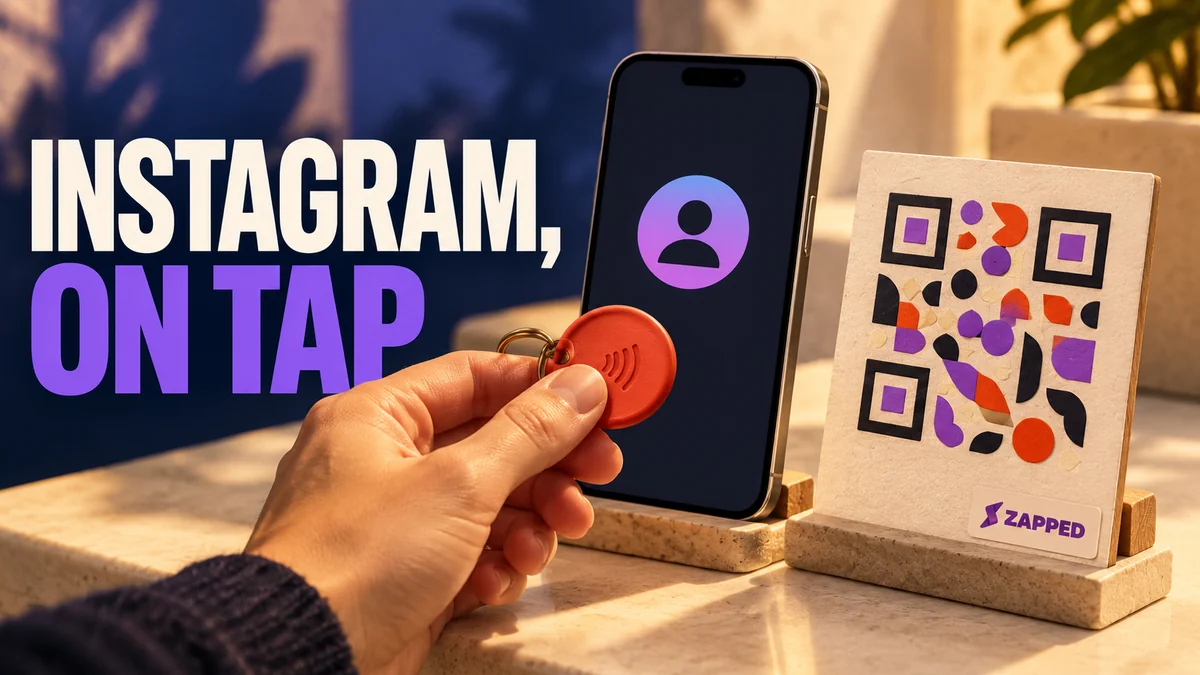
Write the Instagram profile's ordinary HTTPS URL as an NDEF URL record on a writable NFC tag. The tag gives a phone a web address to handle; it does not guarantee that Instagram opens in its app. A person may need to follow a phone prompt before the profile appears.
Decide what the tap should open
If Instagram is the only destination, use the profile's ordinary HTTPS address, in this form:
https://www.instagram.com/username/Choose a landing page when visitors need more than Instagram or you expect the destination to change. A public Zapped card opens in a browser, and you can update what visitors find there while the tag keeps pointing to the same page. You still write the card's URL to the physical tag; see the Zapped NFC writing guide.
Pick a writable tag and a form
Look for a writable NFC Forum Type 2 tag that stores an NDEF message. An NTAG213 is one compliant example, with 144 bytes of user memory; you can use another tag that meets the same writable Type 2 and NDEF criteria. Stickers can mark a fixed spot, key fobs can travel with someone, and plates can sit on a counter. Digifeel's guide lists these forms.
A blank writable tag suits a direct profile link. If you want a finished branded item, TAPiTAG's Instagram tag listing advertises NFC and QR, an editable profile destination, tap and scan analytics, and no subscription. Those are the seller's claims. Before buying, check how destination edits work and confirm the QR and NFC routes lead to the same place after an edit.
Write and verify the URL before locking
A Type 2 tag supports NDEF messages, so write the ordinary web address as a URL record.
- Confirm that the tag is writable and supports NFC Forum Type 2 and NDEF.
- In an NFC writing app, choose a URL record and enter the exact Instagram profile address or landing page address you chose.
- Write the record, scan the tag again, and read back the saved URL. Open it with a second phone before locking the tag. NXP says the static lock bits on its NTAG21x chips cannot be reset, so verify the destination before making that choice.
For the writing app sequence, see our guide to programming an NFC tag.
How an iPhone handles a tag
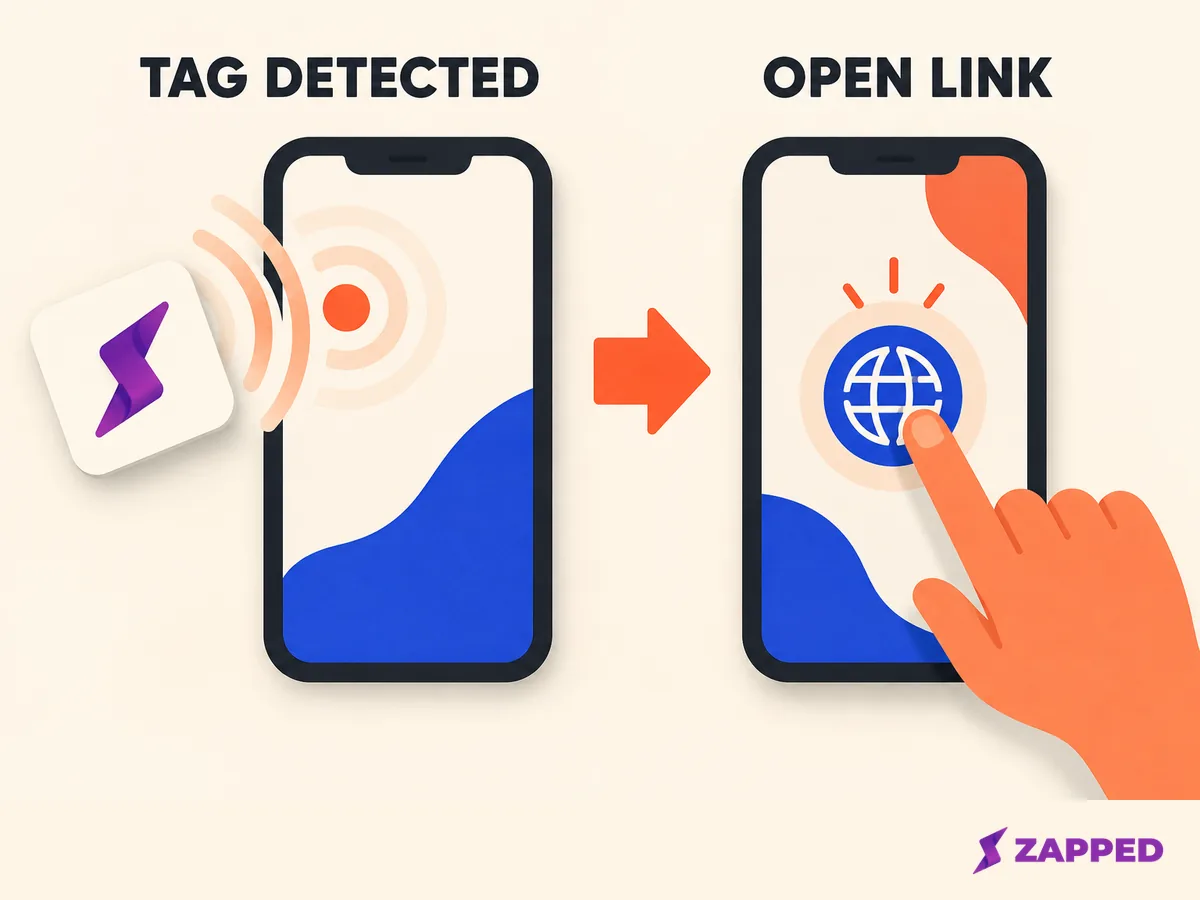
iPhone XS and later support background NFC tag reading. After a new tag is read, iOS shows a notification, and the person taps it before iOS delivers the tag data. If no app is associated with a supported universal link, the web address opens in Safari. A locked iPhone asks the person to unlock it first.
Expect a prompt before the profile appears, and tell visitors to follow it before deciding the read failed. Apple's background reader does not support custom URL schemes, so an ordinary HTTPS address fits this handoff.
How Android handles a tag
Android usually looks for NFC tags while the screen is unlocked, unless NFC is turned off in Settings. It reads the NDEF data and routes the URI to an activity that can handle it. Android's NFC documentation says web link scans use ACTION_VIEW starting in Android 16; Android 17 presents an open link notification that needs the person's action.
Tell visitors to unlock the phone, bring it to the tag, and follow any prompt. A prompt is part of handing off the link, not proof that the read failed.
Check account privacy and leave a second route
Instagram's privacy setting controls who can see the account, even when a visitor arrives by NFC. Meta explains that private posts stay limited to approved followers, so check the account's visibility before sharing the tag publicly.
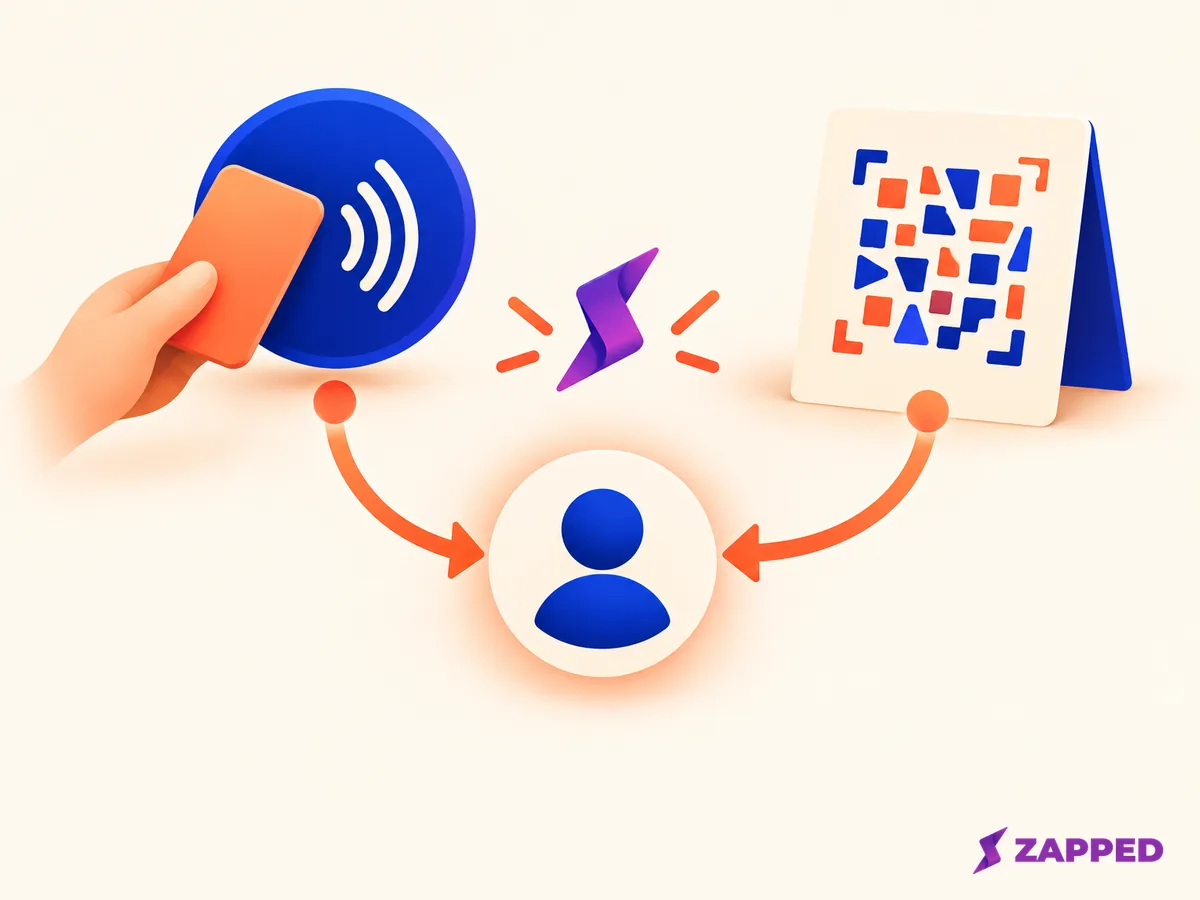
Put a QR code for the same URL where people can see it, and keep the account handle nearby. Either gives visitors another way to find the profile if NFC is off, the phone does not read the tag, or the prompt is unclear. If you would rather have people scan than tap, see our guide to creating an Instagram QR code.
Further reading
- NFC Forum Type 2 Tag Specification
- NTAG213, 215, and 216 data sheet
- Apple background tag reading
- Android NFC documentation
- Meta on Instagram private accounts
- For another camera-first profile handoff, see our guide to creating a LinkedIn QR code.