Write the complete HTTPS destination URL to the tag. If the only job is getting someone to your Instagram profile, use that profile URL. If the destination needs contact details, booking, lead capture, analytics, or future changes, use an editable card or link in bio page instead.
The useful order is destination first, hardware second. A tap that works but opens the wrong account is still a failed card. Test the finished card from another phone, and keep a QR code pointing to the same destination where people can see it.
Pick the destination before you buy the card
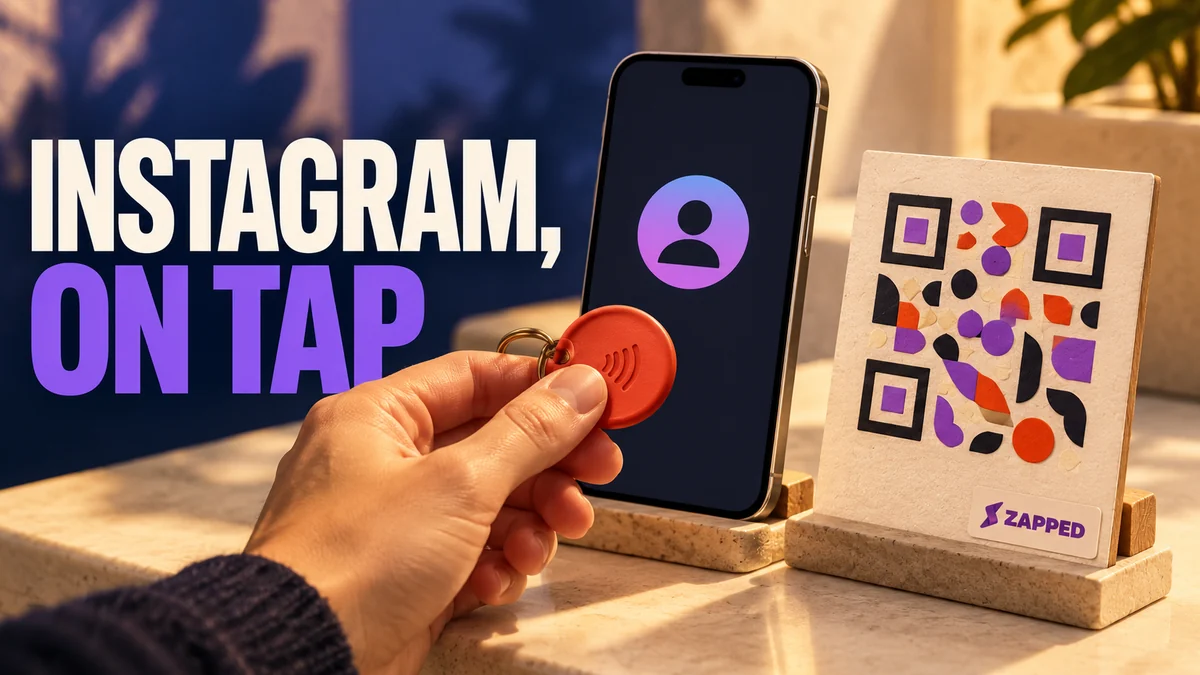
Someone asks for your Instagram at a showing, behind a counter, or after a service appointment. A direct profile URL removes the spelling and searching step. Digifeel describes an Instagram NFC tag as a chip programmed with a direct Instagram profile link, which is exactly the shortest route when Instagram is the whole handoff.
That route suits one account and one clear action: open the profile and follow it. It’s also the least forgiving. If the card is printed with a final Instagram destination and you later want to send people to a booking page, campaign, or contact form, the physical card has become a reminder of the old plan.
A link in bio page earns its extra hop when Instagram is only one of several things you need to share. Linktree lists unlimited links, social icons, scheduled links, click tracking, and a contact form with lead capture. Beacons says individual links can be scheduled, redirected, and tracked with click analytics. That’s a better fit for a creator, realtor, or shop owner who changes campaigns or wants to measure more than a profile visit.
The tradeoff is simple. Direct Instagram is the shortest follow path. A link hub is the more flexible front door, but it asks the visitor to make one more choice after the tap. Use that extra step only when the extra destinations earn it.
Write the URL the tag is meant to open
An NFC tag stores a URI record. Android’s documentation describes the standard URI record and shows writing an HTTPS URL with createUri(). Android then maps that URI record into the URI delivered by the NFC intent, so the first record should contain the destination you actually want the phone to open, as described in its NFC URI mapping.
For an Instagram only card, write the complete HTTPS URL for the exact profile. Don’t rely on someone to add the @handle, search Instagram, or guess which account belongs to the business. Check the profile owner before writing or locking the tag. An available username isn’t proof that you selected the right account. On an Android phone, you can write the URL from Chrome without installing an app.
For a destination that can change, put an editable profile or redirect layer behind the tap. The card then keeps one stable URL while the page behind it changes. A recent NFC discussion makes the practical case for dynamic redirects when destinations change, and recommends making a tag read only after its final write. That observation is useful as a habit, not as a reason to make every tag dynamic.
If the next question is the general writing process, use this general NFC programming path. If the bigger question is what NFC business cards are and how tap sharing differs from a printed card, start with what NFC business cards are.
A successful tap can still be the wrong handoff
Don’t stop when a phone opens a page. Test the finished card from a second phone and confirm three things: the tap opens, the account is the intended account, and the visible QR code opens the same destination.
That second check catches the expensive sort of success. A tag can be written correctly and still point to an old account, an expired campaign, or a page that’s editable only somewhere you no longer control. If the tap and QR code disagree, pause before printing more cards or handing the card to customers. The card isn’t finished.
QR is the practical recovery path for people who can’t or don’t want to tap. Put it beside the card or on the same printed face, and make it resolve to the same Instagram profile, link hub, or hosted card. The goal is one destination with two ways in, not an NFC route and a QR route that quietly drift apart.
If the account is unavailable, stop before the tag is locked. Verify the exact profile owner first. If the destination will change, use the editable layer instead of baking a campaign URL into every card.
The hardware choice changes the economics
There are three useful physical formats: a custom card already prepared for the destination, a tag or card you can program yourself, and a hosted profile that lets the physical object point to an editable page. The right one depends on whether you’re handing out one memorable card, repeating the same handoff at a shop counter, or buying for a team.
| Option | Dated price or fee | Editable destination | QR fallback | Best use |
|---|---|---|---|---|
| MoxiCards custom Instagram card | $22.35 starting price | Not stated on the listing | Yes | One custom card, with a proof before printing |
| Digifeel Instagram NFC tag | $39.90, listed as sold out | Not stated | Not stated | A preformatted Instagram object when available |
| Cardiqo packs | $44.90 for 20, $69.90 for 50, or $119.90 for 100 | Yes, editable public profile | Yes | Small batches without a subscription |
| Tap2Connect custom tags | From $5 per tag for larger batches | Not stated | Not stated | Repeated direct social links for a larger run |
| TAPro hosted card | No monthly fee stated | Yes, update without reprinting | Yes | One reusable card with Instagram and other links |
Competitor prices and availability as listed in August 2026.
The MoxiCards listing asks for an Instagram username or profile link and sends a proof before printing. It gives a 24 to 48 business hour proof window, followed by 1 to 2 business days of print production, so it suits a one off card when you want the physical design handled for you. The listing starts at a $22.35 custom card. If the destination might change later, ask the seller whether the chip can be reprogrammed after purchase before you order.
Cardiqo is the clearer small batch choice in this set. Its packs include NFC cards, QR backup, and an editable public profile, with no subscription required. Twenty cards make sense for repeated showings or a small service team. One hundred cards make sense only when the handoff is already a habit, because a cheap per card figure isn’t useful if the destination is wrong on all one hundred.
Tap2Connect starts at $5 per tag for larger batches and says its custom tags can link to Instagram, Facebook, or TikTok without an app or subscription. That’s attractive for a counter, event, or team run. Before you treat the lower starting price as a complete solution, ask whether the destination can be edited later and whether a QR code comes with the tags.
TAPro takes the opposite approach. Its hosted profile can include Instagram and other links, has a QR fallback, and can be updated without reprinting, and the product page lists no monthly fee. Use that kind of object when the physical card is meant to survive several campaigns. The page, rather than the chip, carries the change.
Decide what you are paying for
The physical options above are listed as one time prices. Recurring fees and limits show up in the destination layer.
Linktree's monthly prices run $0 Free, $5 Starter, $9 Pro, and $24 Premium. Its Free analytics cover the last 28 days, while Premium provides lifetime analytics. Beacons lists a $0 Free plan, a $10 monthly Creator plan, and a $30 monthly Creator Plus plan, with real time analytics on Free and a 9% seller fee on Free. Those are sensible costs when scheduled links, lead capture, or campaign measurement is the actual job.
The comparison isn’t just card price versus subscription price. It’s a short direct route versus a destination you can keep changing. A $22.35 card that must be replaced for every campaign can cost more in practice than a higher priced card pointing to an editable page. A free profile layer that can’t handle the action you need isn’t free for long.
Where a Zapped card fits
Zapped is built for the handoff where Instagram belongs next to your contact details. A Zapped digital vCard can carry your Instagram on a browser based digital card, and the tap, the QR code and the link all open it in the visitor’s normal browser, with no app or account on their side.
The Zapped plans start with Solo: $19 a month, or $15 a month billed yearly, for one person with up to 3 live cards, QR, link and NFC sharing, the lead Inbox and 12 months of stats, with the Zapped badge on the card. Team plans start at $79 a month for 5 people. Team plans can turn the Zapped badge off, and Business plans carry no Zapped branding. Try Zapped free on a monthly Solo, Team or Business plan; a payment card is required, and you pay nothing if you cancel before the trial ends. That gives you a real number to set against a custom physical card you might reprint each time the destination changes.
If the job is scheduling links, capturing leads from a campaign or measuring it, Linktree and Beacons are built for exactly that. A Zapped card earns its place when the card itself, your details with Instagram on them, is what people should keep.
The finished card needs two ways in
Before you release the card, write the complete HTTPS destination, tap it from another phone, open the QR code, and compare what both routes show. Confirm the Instagram account or editable page belongs to the intended business. Then keep the QR fallback visible enough that a person who doesn’t tap still has an obvious next move. For a direct profile card, a free Instagram QR code from the username gives you that fallback.
The right route depends on what this handoff has to survive. A direct Instagram card is the fastest path to one profile, provided you’re comfortable with that destination staying fixed. A link hub earns its extra hop when scheduled links, lead capture, or campaign measurement are part of the job. An editable hosted card makes more sense when Instagram needs to share space with contact details and the destination must outlive the current campaign.