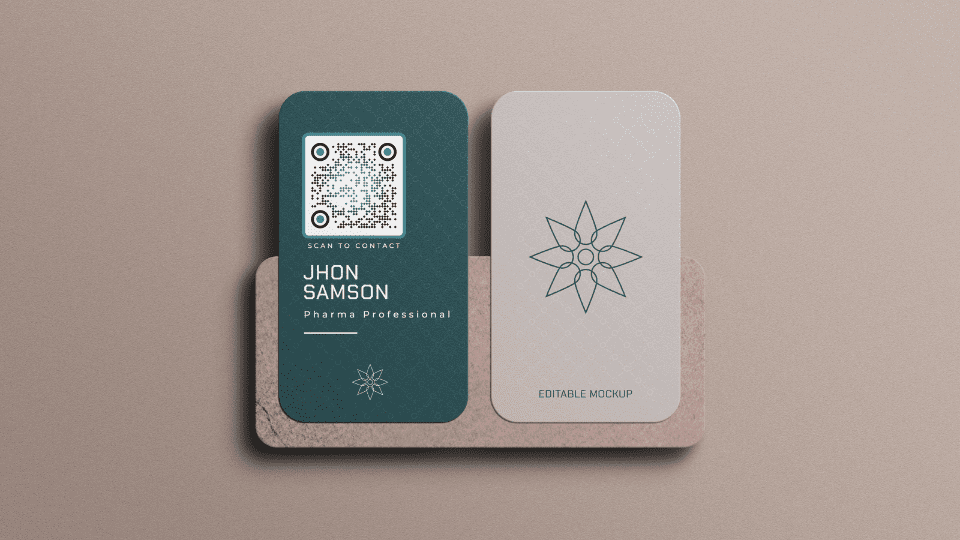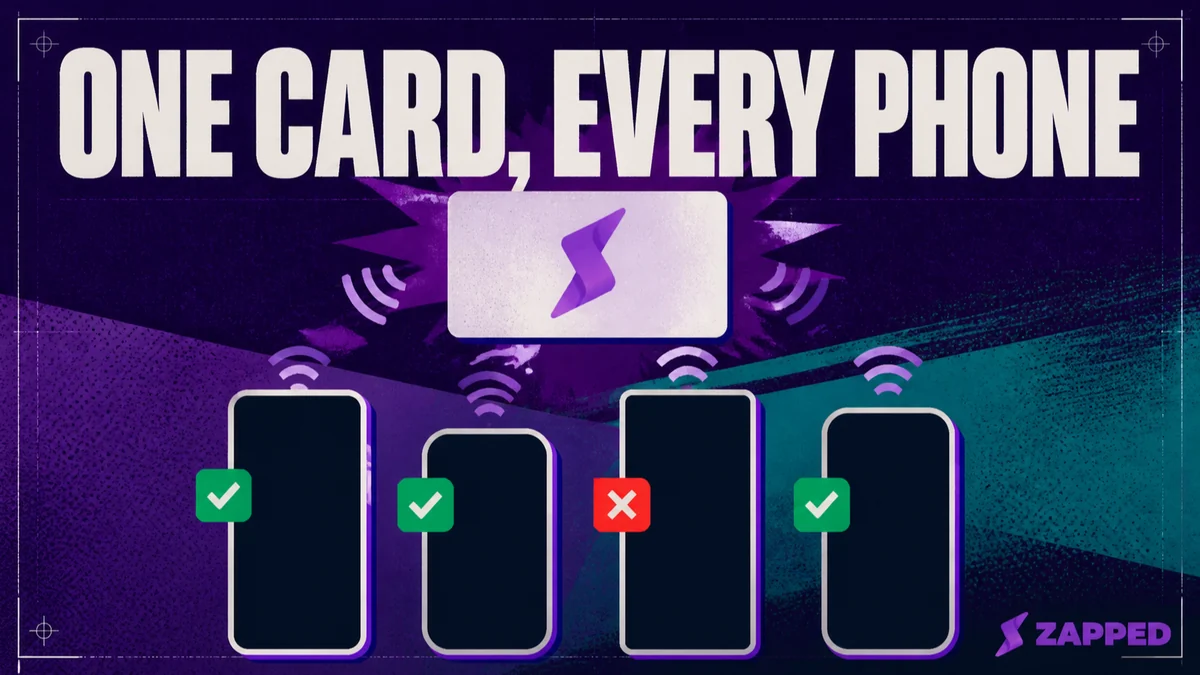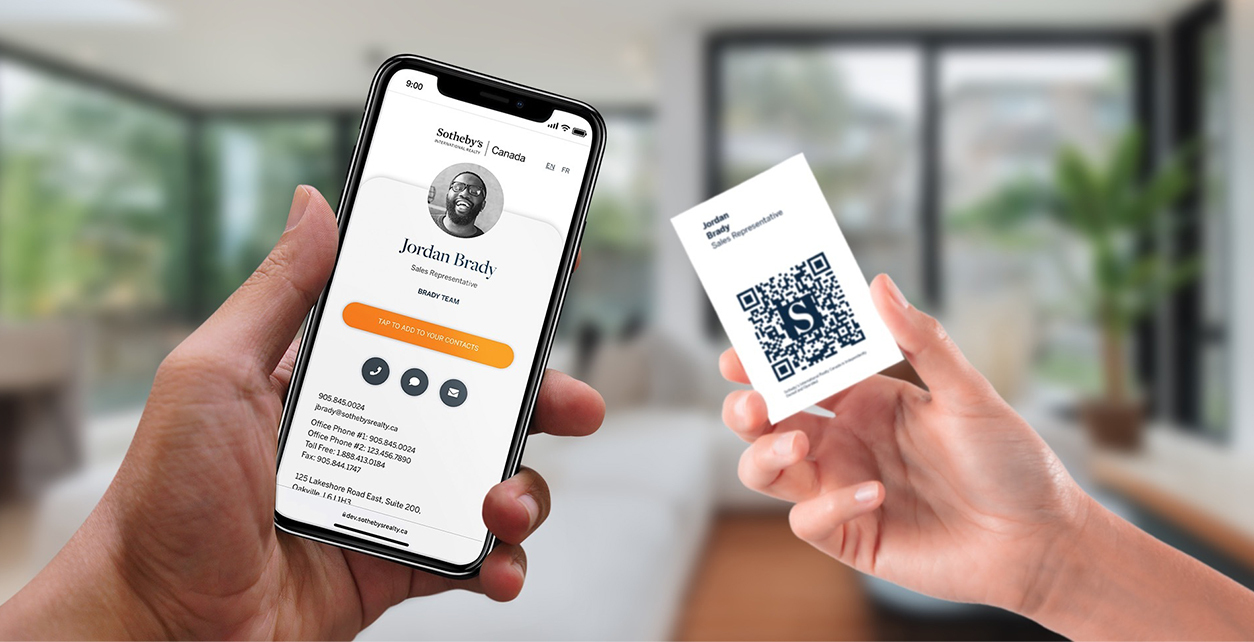
You can put a vCard directly on an NFC business card. For a mixed iPhone and Android audience, though, a live HTTPS destination is usually the smoother handoff. Use a direct vCard when a compact contact snapshot is the point. Use a vCard first and URL second only when direct Android contact saving matters enough to test the workaround on the phones your audience actually carries.
NFC can hold a vCard. That's not the hard part. The hard part is deciding whether the chip should carry the person or point to the person.
The payload decides the handoff
A vCard is contact data. RFC 6350 defines vCard as a format for representing and exchanging information about people and other entities, including names, addresses, email addresses, telephone numbers, photographs, and related fields. Put that data into an NDEF message and the NFC card can carry a contact snapshot.
The recipient's phone still gets a vote. Apple background tag reading looks for an NDEF URI record and supports HTTP and HTTPS website URLs. Apple's background tag reading is therefore naturally suited to a live web destination. Android supports MIME and URI records, and its tag dispatch behavior gives the first NDEF record special weight. Android's NFC dispatch model is not the same handoff as Apple's background reader.
That leaves three sensible payloads:
- A direct vCard carries the contact data on the chip. It's self-contained and doesn't need a hosted page, but changing the phone number means rewriting every card with the old one.
- A live HTTPS URL sends the recipient to a browser profile or a publicly reachable contact file. It's easier to maintain, but the destination must remain available and the recipient needs a network connection to reach it.
- A two-record hybrid puts the vCard first and the URL second. Shop NFC describes this as a workaround where Android can read the first vCard and iPhone can use the second URL to reach a public .vcf file. Shop NFC's hybrid guidance is vendor guidance, so test the exact result before you print a stack of cards.
For a mixed audience, start with a live URL. Let real device checks earn the hybrid later. The URL is the better primary experience when the profile needs editing. The hybrid earns its space when direct contact saving on Android is important enough to justify the test.
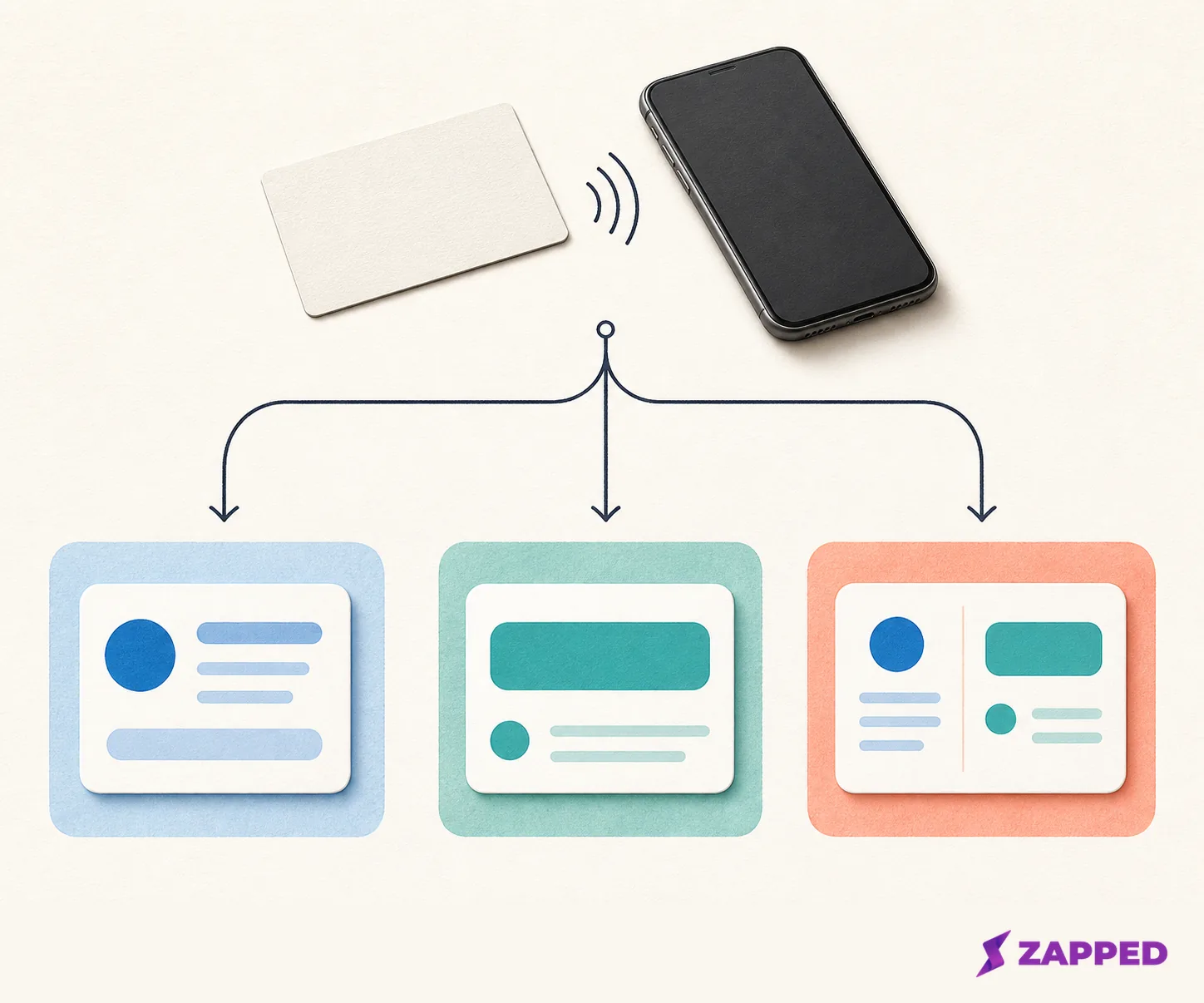
Direct contact, live destination, or both?
The direct vCard wins when the contact record itself is the product. Use it for a short, settled set of fields such as a name, work email, phone number, role, and website. It gives you a frozen snapshot that can pass from the chip without relying on a profile service.
That snapshot is also the maintenance bill. A new number, title, or domain means rewriting the card. Whatever fields you include sit on a physical object that may be passed around for a long time. Keep the record compact and public by design.
A live HTTPS destination wins when the details will change, several people will share the same profile, or the card needs more than a contact file. The NFC card stays the same while the destination changes. A browser page can also offer a contact save action alongside the details, without asking the recipient to install an app.
Zapped offers one browser-first option for that route. Our public card opens from a QR code, NFC tap, or link in a normal browser, and the recipient can save the contact without an app or account. Zapped's no-app recipient flow handles the awkward part of the handoff: the other person doesn't need to prepare for your card before tapping it.
The hybrid is the compromise. Put the vCard first and the URL second, then make sure the URL leads somewhere public and useful. If the first record is ignored, the second one is the recovery path. If the phone shows a warning or an unfamiliar chooser, make the URL the primary experience and keep the contact fields on the destination instead.
The phone split is real, so test the exact card
Android's NDEF model can use the first typed record to help decide how the message should be interpreted. Apple background reading is URI-oriented. That's why the same tap can feel like a contact import on one phone and a browser prompt on another.
Shop NFC's documented hybrid puts a vCard first and a URL second, with the URL reaching a publicly accessible .vcf file for the iPhone path. A Reddit poster describes a direct .vcf working on Android but not scanning on iOS. Commenters describe a contact record first and URL second opening the contact directly on a Galaxy Z Fold 4 while an iPhone 15 Pro Max opened the URL, with occasional warnings. That community report is a test signal, not a compatibility guarantee.
The release check is small:
- Tap the finished card with at least one iPhone that matters to your audience. Confirm the HTTPS destination opens and that any public .vcf file is reachable.
- Tap it with at least one Android phone. Confirm whether the first vCard opens the contact path you intended.
- Check the saved contact fields. A successful tap that drops the phone number or email address is not a successful card.
- Open the second record directly, then scan the QR code or open the plain link. Leave that fallback ready for the recipient.
If a hybrid produces a warning or confusing chooser, keep the card and make the URL the primary experience. If a direct vCard doesn't open cleanly on an iPhone, add a public HTTPS URL or QR code that reaches a hosted .vcf file or browser profile.
Privacy is part of the payload choice
The direct record and the hosted route expose different things. A direct vCard exposes the fields written to the chip when the card is tapped and shared. A live URL exposes a hosted destination, which can be edited but also needs an owner and a public location.
For either route, write only contact details you're comfortable handing to a stranger. A work email, business phone, role, and website are reasonable public fields. Private notes, a personal address, or details meant for one specific conversation don't belong in a card that can be tapped by anyone holding it.
A free generated-link tool can make the ownership question easy to miss. vCard-Go says its flow creates a unique link, asks the owner to encode that link on an NFC tag, and is free. It also says the data is stored on the NFC tag rather than its server. vCard-Go's free link flow is attractive when you want a no-cost generated route, but read its storage model carefully before assuming it behaves like a hosted profile.
vCard.Link takes a different path. Its two-step form creates an online business card with a shareable link and QR code, and an email plus password allows later edits. vCard.Link's edit flow doesn't state subscription terms or what happens if the hosted card is no longer maintained. That silence is not a reason to panic. It's a reason to know who owns the destination before you print the URL on a hundred cards.
How much chip space do you need?
Choose the chip after choosing the fields. Shop NFC lists 144 bytes for an NTAG213 and recommends a short link or only three to four vCard fields at that size. It lists 888 bytes for an NTAG216 and recommends that larger capacity for a fuller vCard. Shop NFC's chip guidance makes the practical rule clear: if the complete contact record doesn't fit, use the shorter URL instead of deleting fields until the contact becomes misleading.
The record structure also takes space, so don't treat the advertised memory as space available for visible text alone. A short HTTPS URL leaves much more room than a full contact snapshot and gives you a recovery path when the card is too small for every field.
If you want tactile hardware, an Etsy listing describes a black stainless-steel card with 540 bytes of memory, free programming, and credit card size. Its July 30 search result preserved an original price of $20.88 with 50% off, but the fetched listing page on August 16, 2026 did not expose that same price. The listing shows a 5.0 rating from 19 reviews, with comments about metal quality, engraving, responsiveness, and a quickly sent replacement. The Etsy hardware listing gives you a concrete hardware example, not a durability guarantee or a confirmed current price.
Free links and paid card platforms
The right service depends on whether you need a link, a profile, or a small operating system for a team. Here is the useful comparison, with monthly prices checked in August 2026.
| Option | Price or limit checked in August 2026 | Best fit |
|---|---|---|
| vCard-Go | Free, vendor stated | A generated link that you write to an NFC tag, with data the vendor says is stored on the tag |
| vCard.Link | Price not stated on the checked page | An online card with a shareable link and QR code, plus later edits through email and password |
| Blinq Free | $0 forever, two cards | An individual profile with unlimited sharing and unlimited contact creation |
| Blinq Premium | $9.99 per month, billed monthly | Contact scanning, AI notetaking, contact enrichment, branded QR codes, custom design, and contact export |
| Blinq Business | $6.99 per month per user, billed monthly | Team cards, admin controls, automated provisioning, lead capture, CRM integrations, and team analytics |
| Zapped Free | $0, no credit card, one card and five blocks | A browser card with QR, link, and NFC sharing |
| Zapped Starter | $14 per month | A paid Zapped plan at the checked monthly price |
| Zapped Professional | $49 per month | Larger card capacity, unlimited blocks, longer analytics history, team workspaces, and branded domains |
Blinq's free and paid rows come from its monthly pricing page. Its paid tiers earn their cost when contact capture, CRM connections, team controls, or analytics matter more than simply getting a URL onto a tag.
Zapped's monthly plans put a live browser destination on the same ladder as the hardware decision. QR, link, and NFC sharing are available on every plan. Free is one card and five content blocks with 60 days of analytics history. Professional reaches 100 cards, unlimited blocks, 365 days of analytics history, team workspaces, and custom branded domains. Zapped's monthly plan details make the upgrade decision concrete: start with one editable card, then pay when the rollout needs more cards, capacity, history, or team control.
No hosted route should be treated as immortal by default. Ask what happens to a public card or NFC destination after a subscription lapses, before a hosted URL becomes the only copy of your contact details.
Make the choice before you program
The decision is easier if you start with the handoff you want:
- Pick a direct vCard when the details are short, stable, and valuable as a self-contained snapshot. It's the cleanest fit when the contact record itself matters more than future edits.
- Pick a live HTTPS URL when the profile needs editing, the recipient should land in a browser, or the chip can't hold every field. It keeps the physical card stable while the destination changes.
- Pick the two-record hybrid when direct Android contact handling matters and you're willing to test the exact card on the exact phones that matter. Keep the URL public and useful, because it's the recovery path when the first record is ignored.
Then check the memory. NTAG213 is a short URL or a few fields. NTAG216 gives a fuller vCard more room. Hardware such as the 540-byte Etsy card sits between those examples, so measure the payload before ordering a stack.
Once the payload is decided, follow the NFC business card programming guide to write the card. Test one iPhone, one Android phone, the saved fields, the browser destination, and the QR or plain-link fallback before you hand it over.
The memorable part is also the practical one: an NFC card is only as current as the destination you're willing to maintain. Choose the payload that matches the life of the contact, then let the release check decide whether the handoff is ready.