At a networking event, someone says "I'll follow you later" and starts spelling your username into their notes app. A tap should replace that moment, but only if the page it opens has one obvious job. Our answer: point the card at a single public profile when one account is the clear next step, at a page of links when people should choose, and at a digital business card when those links belong next to your contact details. Whichever you pick, put an address you control behind the tag.
Start with what you want the other person to do
The tap is only the doorway. What matters is the action waiting on the other side: follow one account, pick from several, or save you as a contact.
That is also how Lynkle frames the choice. A digital business card is contact-first, and a conventional link page is content-first. Neither is better in general. The right one makes the visitor's next action obvious.
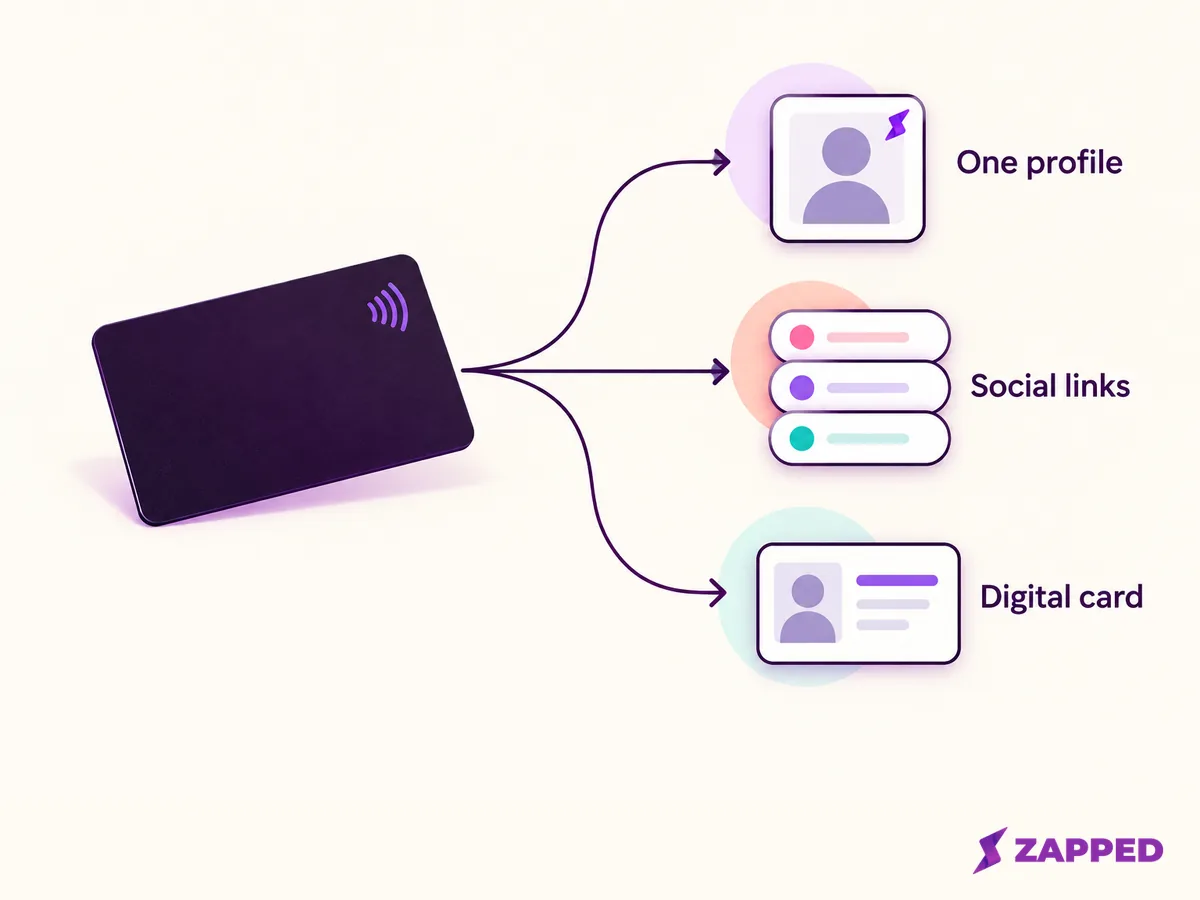
If the honest answer is "they should follow me on Instagram," a direct profile keeps the route simple, and our walkthrough for an Instagram NFC business card covers the platform specifics. If the honest answer is "it depends who I'm talking to," a single profile will feel like a dead end by the second event.
A page of links buys flexibility and can bury the one thing you wanted
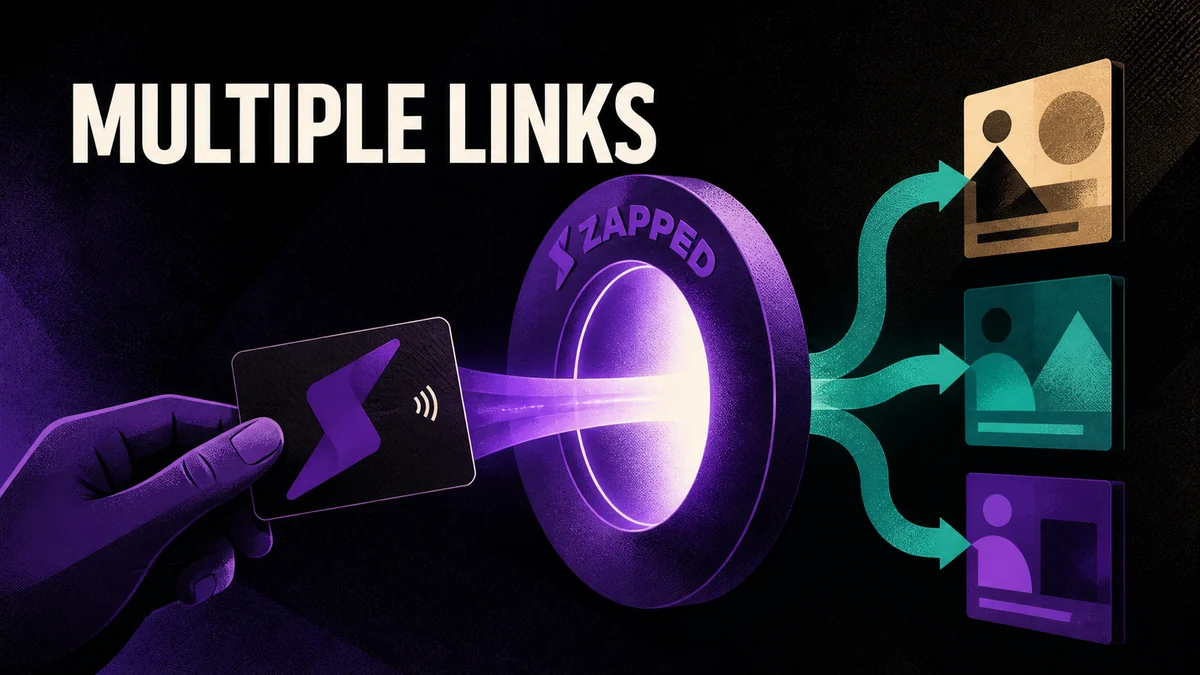
A link page lets you offer several accounts and change their order. On Linktree, for example, you open the Links page, hold the six dots beside a link and drag it where you want it. ProfileTap's social card page promotes the same idea: one page for several profiles, reorderable links, and counts of views and clicks.
The cost is one extra tap for the visitor, and a temptation to list every account you own. Put the platform you actually want people to use at the top, and leave off channels you don't maintain. A page with eight equal buttons gives the recipient eight reasons to do nothing.
When the links should sit beside your contact details
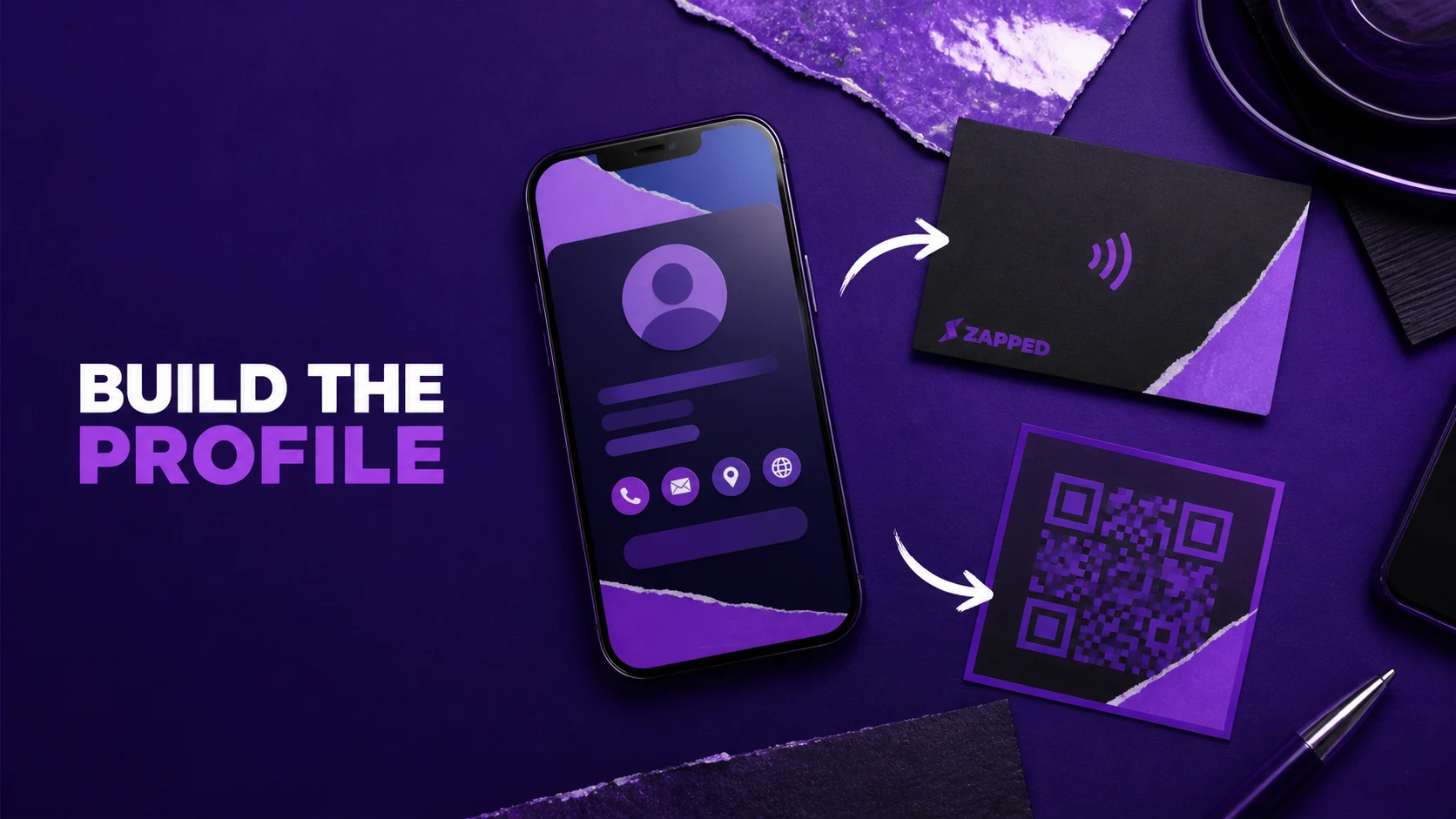
Some people you meet want to follow you, and others want your email. A digital business card handles both on one page. Zapped is one example: you share a card by QR code, NFC tap, or link, and you can update and publish card details and content without reprinting, as our homepage shows. The recipient opens it in a browser, with no app to install.
On the Free plan, a card gives you one digital card, five content blocks, QR and NFC sharing, and a 60 day analytics snapshot, as our pricing section shows. That is enough for a contact block, a couple of social links, and one clear call to action, but not for a sprawling profile. Zapped's monthly view listed Starter at $14 and Professional at $49 per month when we checked on October 16, 2026, so confirm current figures before you buy.
If you only need a bare list of links and no contact details, a simpler link page will do the job, and so would a direct profile.
Point the tag at something you can keep current
A physical NFC tag holds one link. NFCore's guide lays out the tradeoff plainly: a single profile link is simpler, while a hub page costs the visitor one extra tap but lets you add, reorder, or drop a platform later without touching the tag. Only the hub's content changes.
That matters more than it first appears. LinkedIn lets members change a custom public profile URL up to five times in six months, and the old URL stays linked to you for six months unless you unlink it. If your priorities shift every quarter, repeatedly renaming a profile is the wrong lever. Keep the tag pointed at a page or address you own, and change what sits behind it. Popl makes the same point about its own cards: its QR code and share link both point to one live profile you can update anytime.
Two habits will save you a reprint:
- Write the tag with the URL record type, paste your destination, and leave the tag unlocked until the address is settled. NFCore notes that locking makes the contents permanent.
- Before you hand out a single card, pull the tag away and tap it fresh, the way a stranger would.
Be wary of a hosted page on someone else's domain. ProfileTap’s card page, for one, does not say what happens to a hosted profile after you cancel, so ask your provider before you print cards that point at it.
Look at the page the way a stranger will
Before you encode or print anything, open the destination while signed out. A direct profile may show less than you see when you're logged in, or something different.
For LinkedIn, the public URL only exists if you have a public profile. On mobile, open your profile, tap More beside Add section, choose Contact info, and copy the link under Your Profile. LinkedIn says that URL won't appear if you have no public profile. You can then tap your photo, open Settings, tap Visibility, and edit your public profile to hide individual sections. Even a public profile can show nonmembers a prompt to sign in or sign up to view parts of it. If LinkedIn is your destination, our guide to creating a LinkedIn QR code walks through the sharing and visibility steps.
The same stranger test applies to a card. A card in a social bio reaches a wider audience than one you hand to someone you just met, so Lynkle suggests deciding on purpose which details any visitor can see. A work email or booking page is often a better public choice than a personal phone number, and a home address rarely helps anyone take the next step.
One more rule applies to the link itself. Google says URL paths and parameters must be free of personally identifiable information, including email addresses and personal mobile numbers. Label tracking by event or channel, such as spring_expo, never by a person's name or number.
Give the phone that won't tap a second way in
NFC is not identical on every phone. On Android, the system generally looks for tags while the screen is unlocked, unless NFC is turned off in Settings. On a Pixel, the switch lives under Settings, Connected devices, Connection preferences, NFC, Use NFC, and Google notes that some of those steps need Android 14 or later and that a missing setting means the phone has no NFC. On an iPhone, background tag reading may show a notification that the person has to tap, a locked phone prompts them to unlock, and reading can be unavailable while Camera or Wallet is in use, in Airplane Mode, or after a restart until first unlock.
If a tag seems dead, NFCore suggests checking the NFC toggle, holding the tag against the antenna, usually near the top back of the phone, for a full second, and removing a thick case or a wallet stuffed with metal cards.
When none of that works, hand them a QR code or say the short web address out loud. It should lead to the same destination. Kurmah offers a printed QR code as the alternative for devices that don't support NFC. Recipients scan it in familiar ways. On an iPhone, they open Camera in Photo mode, frame the code, and tap the link that appears, or use the Scan Code control in Control Center. On a Pixel, they open Camera, make sure Camera scan suggestions is on, keep the whole code in frame, and tap the bubble that appears. Test your own QR code on a phone before it goes to print, as QR TIGER recommends catching readability errors early.
Be careful with app-only routes. One Reddit user reported that an Instagram URL stored on an NFC card opened in a browser and never continued to the Instagram app. That is a single report, not a rule, but it is a good reason to test the exact link on a couple of different phones.
A tap is not a follow, so measure each step on its own
After the event, your dashboard shows activity, and it's tempting to read it as success. A scan means a phone read your card. A page view means someone landed. A link click means a visitor showed interest in one account. None of these shows whether someone followed or saved your contact, so check the social platform's own insights where available.
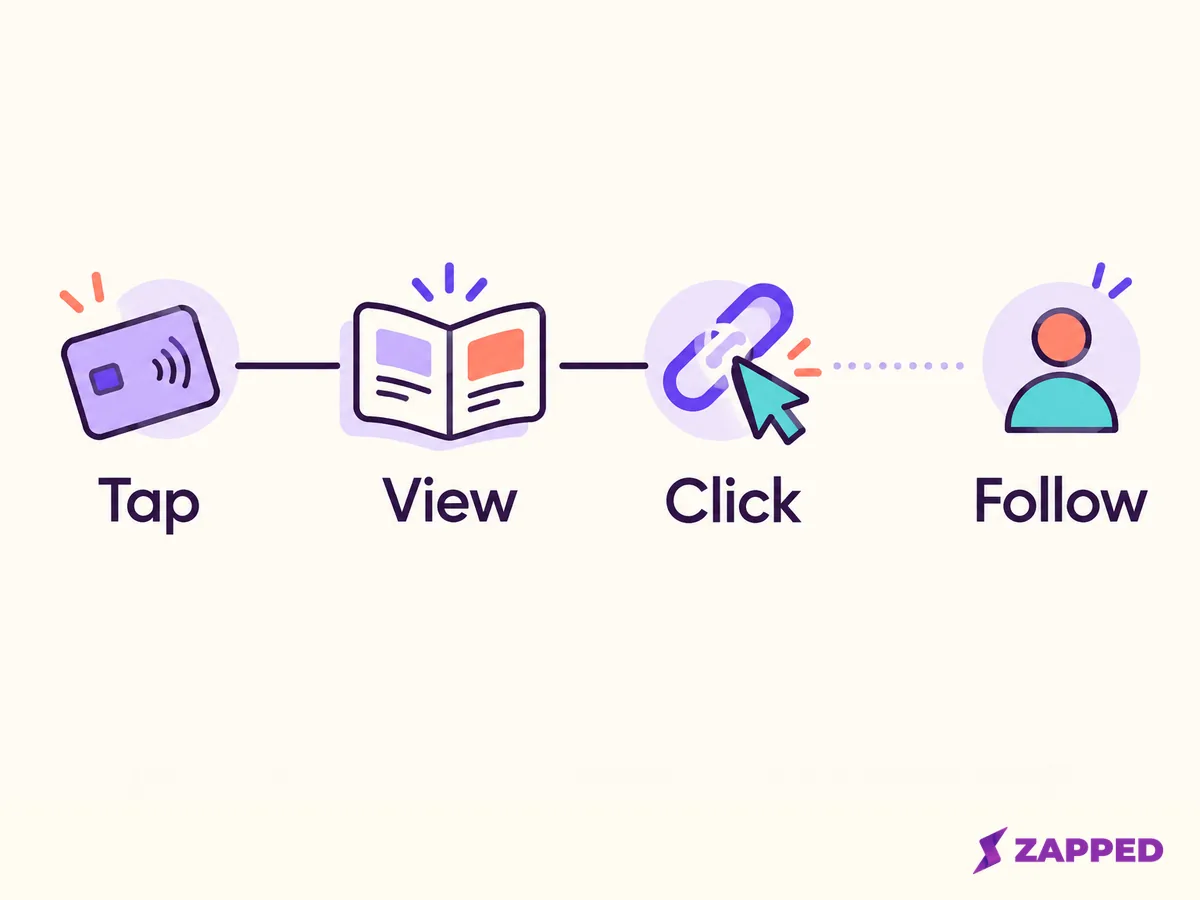
At Zapped, we keep this separation by reporting views, saves, clicks, scans, and sources as separate signals. Treat each one as interest, and compare them with what the social platform itself reports.
To compare sources, tag the links you control. Google Analytics recommends utm_source, utm_medium, and utm_campaign in the Campaign URL Builder, and the results show up under Acquisition, then Traffic acquisition, once visitors click through to a site you've instrumented. The values are case sensitive, so Meta and meta are reported separately. Pick lowercase and stick to it, and a missing parameter can show up as "not set."
Then decide what counts as a win before the next event: more link page clicks to your priority account, more saved contacts, or simply fewer people squinting at a username.