The table sign is at the printer, the tags are in a box, and someone on the team has just asked the question that decides everything: how will we know it worked? If the honest answer is "people will tap it," stop before the print run. A tap is not a result. A useful plan starts by naming the visitor action you want to count, before you print.
Pick one visitor action before you build a single URL
Choose the one thing you want a person to do after the phone opens the page. A submitted form, a booking, a coupon claim. One action, with its own event in your analytics, is what turns "we got attention" into "we got a result." Google's own setup order agrees: create or identify the action event first, then mark it as a key event.
Everything else you will want to report, taps, visits, scans, is context for that action, not a substitute for it. If you cannot name the action in one short sentence, the campaign is not ready to print.
A tap, a session, a page view and a conversion are four different numbers
Vendor language tends to blur these. Tapped's campaign page says "NFC tags carry UTM parameters that fire perfectly every time," and it advertises scan analytics and conversion paths. Google's documentation describes something more modest and more useful: UTM values ride along on the destination URL, the visit is one measurement, and the later action is another.
Here is what each number can and cannot tell you.
| What you see | What it establishes | What it does not |
|---|---|---|
| A tag read | A phone read the tag | That a page loaded or anyone acted |
| A GA4 session | A visit whose attribution can include source, medium and campaign when the tagged URL arrives intact | A raw count of tag reads, because the report counts sessions |
| A page_view | The page loaded, which GA4 can collect each time a page loads when enhanced measurement is on | That the visitor did anything |
| Your chosen event | The action you defined happened | Which physical object caused it, unless the UTMs held |
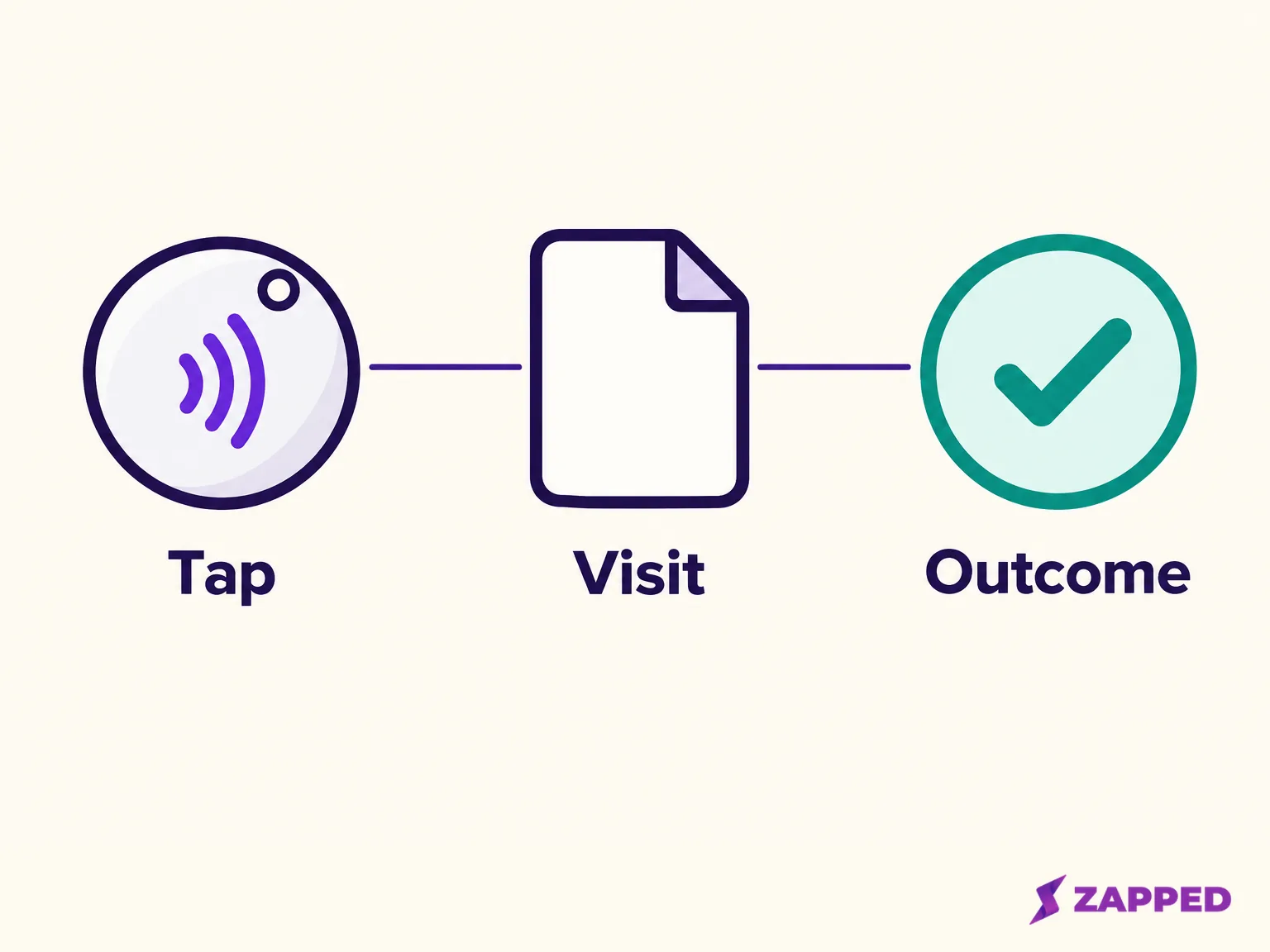
The page visit belongs in the middle of the funnel, not at the end of it. Plan to measure it and the action separately.
Send NFC and QR to the same page, and keep the channels distinguishable
Use one destination for both. Then separate the channels in the link itself. Google recommends consistent UTM naming with distinct values for separate channels, and it treats values as case-sensitive, so NFC and nfc become two different rows.
Keep source and campaign the same across both links and change only the medium:
https://example.com/open-house?utm_source=booth&utm_campaign=fall-open-house&utm_medium=nfc
https://example.com/open-house?utm_source=booth&utm_campaign=fall-open-house&utm_medium=qr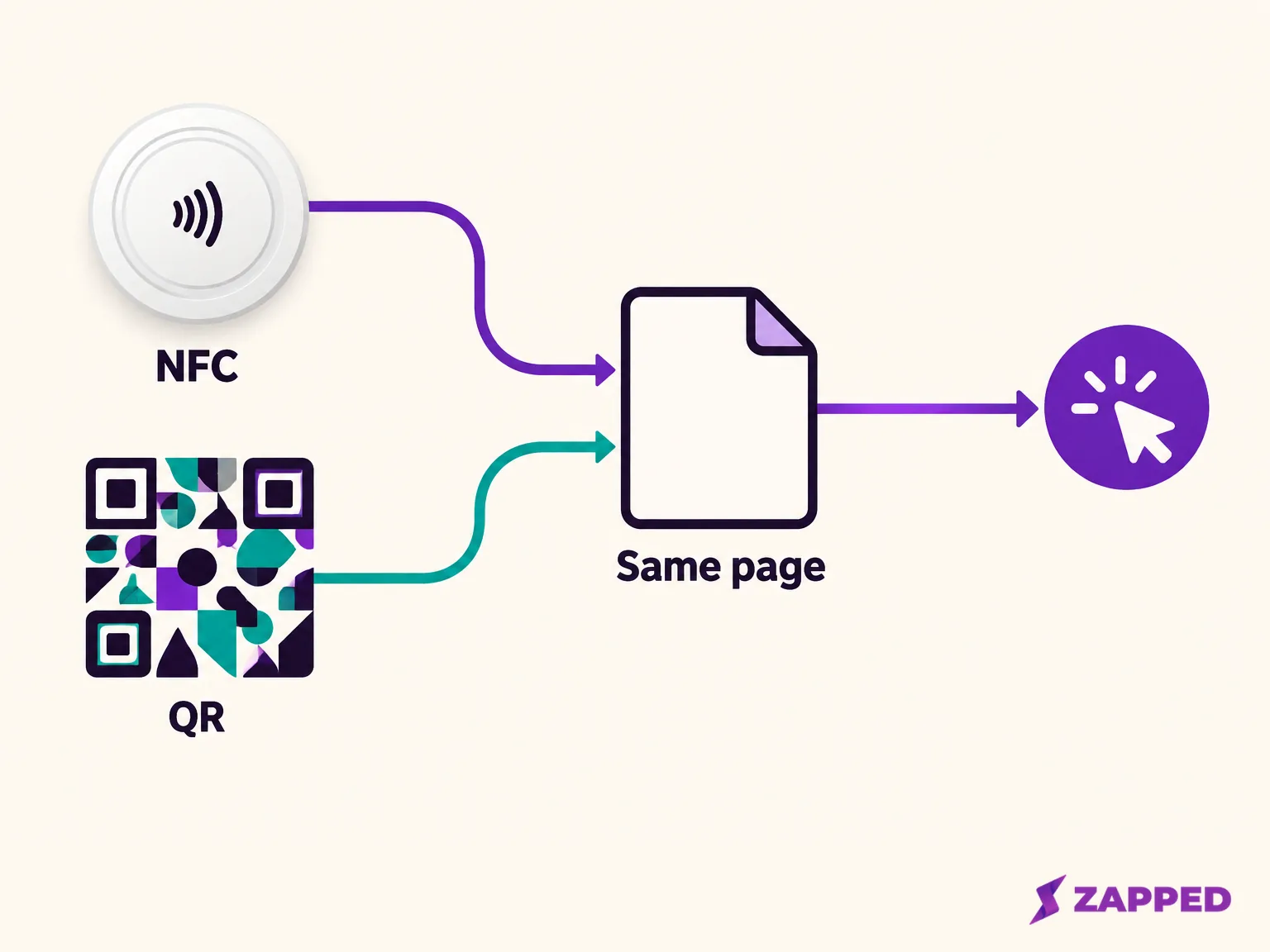
Add a content value only when you are comparing two locations or two designs, say utm_content=front-desk against utm_content=table-card. Pick the lowercase spellings now and write them down, because the person who prints the second batch will not remember them.
Choose a destination that can deliver the action on a phone, with a short form or a clear booking step. If you are still deciding whether the tag should open a page at all, or just get someone onto Wi-Fi, the NFC tag versus Wi-Fi question is worth settling first.
Set up the action event in Tag Manager and GA4
This assumes you control the destination site and already run Google Tag Manager and a GA4 property there. If you do not control the page, skip to the fallback near the end.
- In Tag Manager, choose Tags, then New.
- Select Google Analytics: GA4 Event, then pick your GA4 configuration tag.
- Name the event after the action, for example
open_house_booking. - Create a trigger for the completed action, such as a successful form submission or booking confirmation. Use a button click only when that click itself completes the action. The right trigger depends on how your page is built.
- Save, then choose Preview and test the container draft before you publish it. The debug view shows which tags fired, what they passed and what failed to fire.
- In GA4, open Admin, then Data display, then Events, and mark the received event as a key event. If the event does not appear yet, use + Create event.
- Open Admin, then Data display, then DebugView to confirm your test events arrive. The Realtime report also lists events from the last 30 minutes and lets you open one to see its parameters.
If your action ends on a thank you page, there is a no-code shortcut. Under Admin, Data display, Events, choose + Create event, name it something like thank_you, set it to match a page_view whose URL is your confirmation page, and create it. Google walks through that example with a thank-you URL.
One more setting is worth a glance. For most other key events, the key event lookback window decides how far back a touchpoint can earn credit, with a 90-day default and 30- or 60-day options; engaged-view key events have a separate 3-day default. A short campaign with a short purchase path may want a shorter window.
Decide whether GA4 sessions are enough
GA4 can tell you how many tagged visits arrived and how many took the action. It will not tell you how many times a tag was physically read. If your question is whether tagged visits produced the action, sessions plus the action event may answer it. If you require raw per-tag reads, you need separate tag-level measurement, and a dedicated service can supply it. As of October 16, 2026, Tapped, for one, lists a free tier for up to five tags, Essential at $9.99 a month or $99.99 a year for up to 100 tags, and Professional at $49.99 a month or $479.99 a year with metered usage above 100, all in USD, on its pricing page. It also advertises a per-scan log with tag, time, device, browser and approximate location.
Before you rely on any of it, ask the provider three plain questions. What counts as a scan? How are repeat taps by the same person treated? What attribution window and model sit behind its conversion paths? Tapped's campaign attribution page shows conversion paths and first and last touch comparisons but does not state the window or model for its examples, so get those answers in writing first.
Optional branch: the landing page is a Zapped card
For a team event or a sales follow-up, the destination is often a person, and a published card can be the page. This branch covers card-level activity and lead capture only, not campaign source reporting. A Zapped NFC card can open one published card, and every NFC card has its own QR code as a fallback. QR scans are counted separately from taps there.
Per-card statistics show views, visitors and interactions, with devices and referrers when available, and they describe activity rather than intent. Check in your own account how far back that history goes, and do not promise a reporting period you have not confirmed. The card's Lead Form collects visitor details in Inbox, separate from the Save contact button, which fits an action like "leave your details."
Zapped isn't built for campaign attribution. Keep source and campaign reporting in an analytics tool that actually receives the tagged URL. For what card-level numbers do and do not mean, read card analytics and what they measure, and for how a visitor becomes a lead record, the capture side.
Keep personal details out of the link and the form
Put campaign names and location codes in your UTMs, and nothing about a person. Google requires that URLs, query parameters and UTM values sent to Analytics be free of personally identifiable information, so no names, email addresses or phone numbers in the link.
If the form collects personal information from California consumers, check what the CCPA requires. The regulations call for a Notice at Collection at or before the point of collection, and an online form can place it near its fields or its submit button.
Run a small pilot, and know where each failure hides
Before the full print order, make a handful of tags and codes and walk the whole path on real phones. Proximate's measurement guide recommends testing devices in the venue and keeping the configuration and results, which is cheap insurance when someone asks later why the numbers moved.
For each phone, tap the tag and scan the QR code, then check three things: both open the same intended page, the final URL still carries your UTMs, and both page_view and your chosen event show up in DebugView or Realtime. Then work from the break you find.
The phone does not read the tag. Android generally looks for tags while the screen is unlocked and NFC is enabled, and from Android 17 shows an open link notification the person has to act on. On supported iPhones, a read shows a notification the person taps, and a locked phone asks them to unlock first. Zapped's setup tips add the physical ones: hold the card near the top of the phone's back, take off a thick case, keep it away from metal. Whatever the cause, keep the QR route printed beside the tag.
The page loads but the source is missing. Look at the final URL after every hop. Redirects and URL shorteners can strip UTM values before the visitor lands, so test the exact link you will program, not the one you typed into a spreadsheet.
The event never appears. Open Tag Manager Preview and check whether your trigger fired. If it did and GA4 still shows nothing, privacy controls or denied analytics consent can keep test events out of DebugView, so test with analytics consent granted.
If the pilot shows the same destination, intact UTMs and a counted action on every phone you tried, print more. If it does not, you have found the problem for the price of a few tags.
If you cannot add an event before launch
Start with one tagged destination and a QR route that reaches the same page. Record destination sessions as sessions, not as tag reads or conversions, and say so in your report. Add the action event as soon as you control the page, and you will have a clean baseline to compare it against.