You have a phone number, a QR code and maybe a profile with a handful of links, and it still feels like a phone number with extras. The fix is not a bigger page. It's a smaller, sharper one: a single page that says who you are, what you do and what a new contact should tap next. If you're starting from zero and want the broader picture first, start with our guide to making a digital business card.
Some vendors call this a mini website. EGVcard describes its card that way, with one click actions for contact and business details. It's a fair description as long as you treat it as a front door, not a house.
Put your name and one action above everything else
A visitor who scans your code at a meeting gives you a few seconds. In that time the page has to answer two things: who is this, and what do I do now?
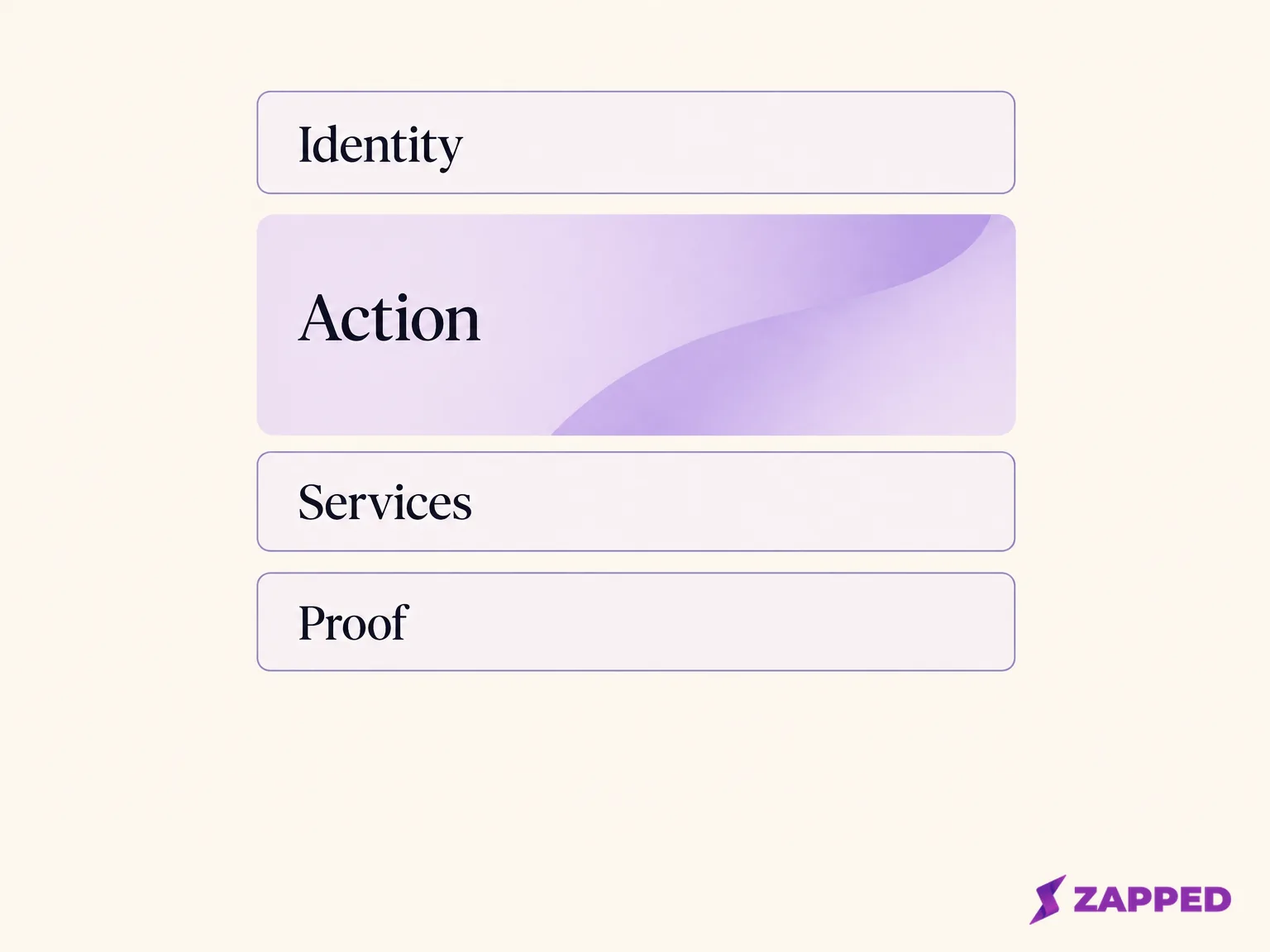
So open with your name or business name and one line on the work you do. Then make the most useful action impossible to miss. That might be saving your contact details, calling, emailing, booking or opening a portfolio. Lynkle's design guide lands in the same place: a focused identity, a few purposeful links and one primary call to action. Kado Networks says much the same about one clear action and a recognizable identity.
Here's the test. Open the phone preview and glance at it briefly. If you can't say which button matters most, you have too many links. Delete the lowest priority ones until one action wins.
Add a section only if it answers the visitor's next question
After the opening, every extra block should earn its place by answering something a new contact is likely to wonder. The usual candidates are broad, and SmartProfile's guide lists identity, contact methods, services, location, reviews and a clear action. You don't need all of them.
Work through them like this:
- Services or a few work samples belong on the page when the visitor can't guess what you do from your job title. Three examples beat a catalogue.
- Reviews or media belong there when they're proof for the exact work you want more of. QRCodeChimp's guide covers media, scheduling and lead collection as optional content, which is the right way to read them: optional.
- A public location belongs there only when people need to visit you. If your address is a home office, leave it off. Show an address only when it's meant for customers.
If a section doesn't help someone pick a next step, cut it or link out to a fuller page. A card with a wall of links isn't more useful, it's just harder to read on a phone.
Building it in Zapped, and where the card stops
Here's one concrete way to build this, using Zapped. In the Zapped card creation guide, we suggest starting with your name, role and a short explanation of how you help, then adding a contact or portfolio block.
- Sign in, choose your workspace, open Cards and choose Create vCard.
- Fill in the required details. If creation fails, check the required fields first.
- Open Profile and Theme. Use the card preview to inspect the phone layout, and keep the description short enough to fit a phone screen.
- Open Blocks, add the block types you need and fill in their required settings. Then arrange them in the order a visitor should use them.
- Wait for the private draft save, then choose Review and Publish.
- Open the public card URL and confirm what a visitor sees.
Two limits are worth knowing before you build. If a block you added doesn't show up on the live card, check its visibility and publish the draft again, because a disabled block stays hidden from visitors. And be clear about which block does what. A link block sends people to an existing website or booking page. A Lead Form collects their details inside Zapped. Linking to an external form does not create an Inbox lead on its own, so if you want enquiries to land in Zapped, use the Lead Form.
That's also the honest boundary of a Zapped card. The card is a focused contact page. It can send people to your bigger site or booking flow, and it isn't meant to replace them.
Check it on a phone before anyone else does
Preview isn't the same as use. Pull up the published page on a real phone and run a short pass.
Start with width. WCAG says ordinary scrolling content should reflow at a width equivalent to 320 CSS pixels without losing information or forcing sideways scrolling. If something runs off screen, simplify the layout.
Then work through the rest:
- Contrast. Text should reach at least 4.5:1 against its background, or 3:1 for large text. Pale grey on white fails more often than you'd expect.
- Headings and labels. They should describe their topic or purpose. "Book a fitting" tells a visitor more than "Click here".
- Link text. A visitor should be able to tell where a link goes from its words or its surroundings.
- Keyboard. The page's actions should be operable from a keyboard, so tab through them once.
- Tap size. WCAG 2.2 sets a minimum target of 24 by 24 CSS pixels, with some exceptions. If your main button is hard to hit with a thumb, make it bigger or move it into the normal flow of the page.
This is a sanity check, not a conformance audit. It catches the cramped, low contrast, hard to tap problems that make a card feel unfinished.
Decide whether the card can carry the whole job
The tempting question is how many pages you need. The better one is what the visitor has to finish doing.
A one page card is enough when it answers the first contact question and points someone to one next action. Someone checks who you are, glances at a few examples, then calls or emails. That fits on a phone screen in one visit.
Move to, or link to, a fuller website when the visitor needs something that doesn't fit: a deep catalogue, many separate service pages, ongoing content, pages meant to be found through search, checkout, or a booking process with several steps. CardView sells mini websites and says to add a full website when you're ready to scale. It doesn't say what ready means, so use the visitor's task as the line. If you're weighing a link page against a proper site, Linktree versus a website goes through that choice.
One person on Reddit says a one page site with a small gallery and a contact form is enough for their local creative work, and they use a digital card to point to it. That's one person's experience, not a rule, but it shows the pattern: a card up front, one focused page behind it.
If your builder can't hold a real portfolio, store or booking flow, don't force it. Keep that work on your existing site and link to the exact destination, not just the homepage.
Share it by link or QR first, and add NFC only after a tap test
Keep your direct link ready to paste anywhere, as the fallback if a scan or tap doesn't work. A QR code is another way to share the card. iPhones scan QR codes with Camera or Control Center, and Pixel phones use the Camera app or Quick Settings, with help on focus, lighting and framing when a scan fails.
In Zapped, publish the card first, because drafts have no QR code. Then follow the QR code guide: open Share from the card row menu or the editor and download PNG or SVG. Print it at least 2 cm wide with its white border, and scan a printed proof before you print many copies.
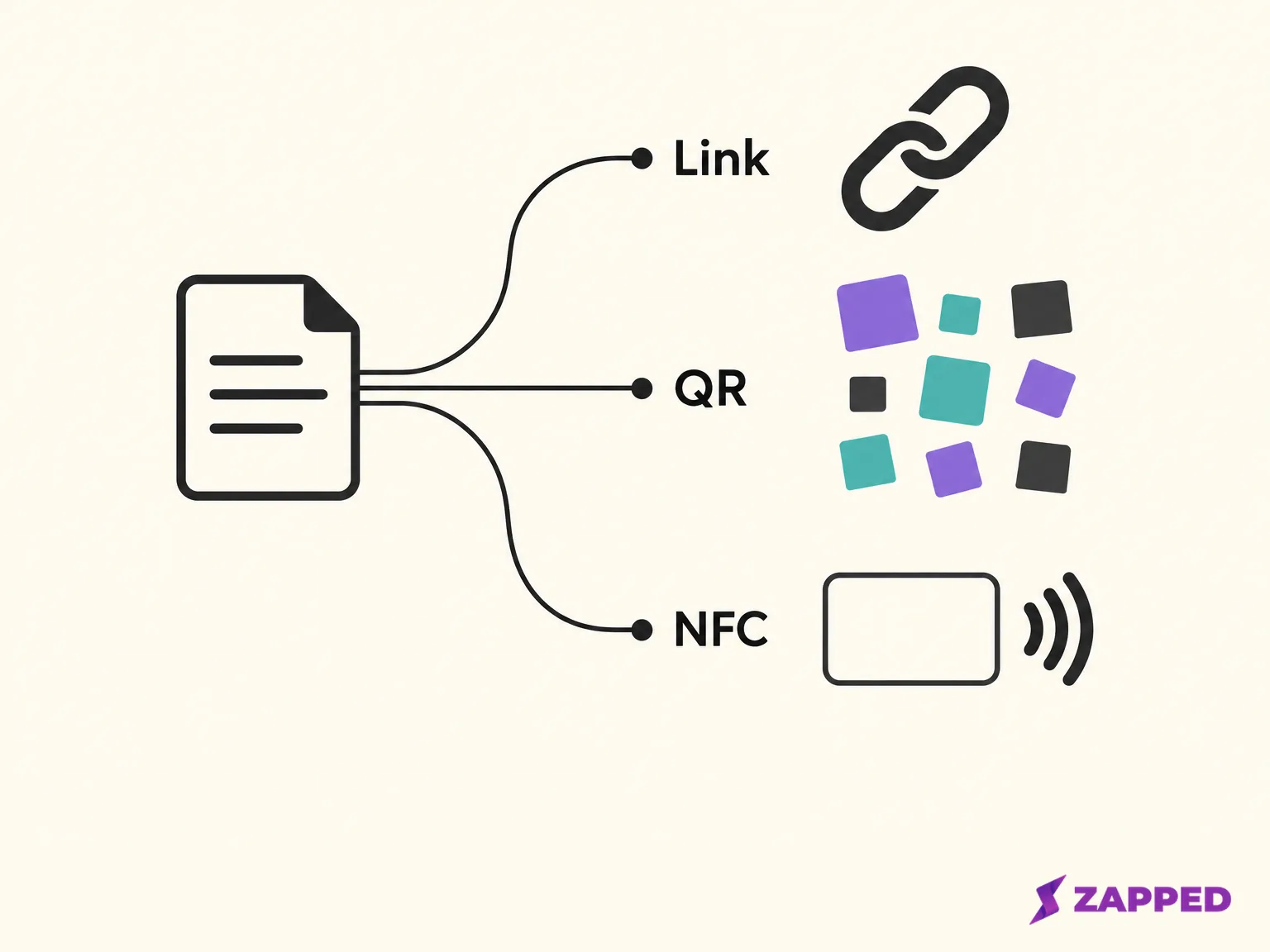
NFC is optional. Use a writable tag. In Zapped, add an NFC card and select the published card it should open. Follow the platform-specific writing steps in the Zapped NFC guide, then test the tap. Phones need to support it too: iPhone XS and later can read tags in the background, and Android devices usually look for tags while the screen is unlocked unless NFC is switched off in Settings. If nothing happens, unlock the phone, hold the tag near the top of its back, take off a thick case and keep it away from metal. If it still won't read, hand over the QR code or the link. Zapped advises keeping a QR code available for visitors whose phones don't read NFC.
One more thing for printed cards. An r/AskMarketing thread has differing views on QR only cards, including a suggestion to keep readable contact details beside the code. Print readable contact details next to the code.