
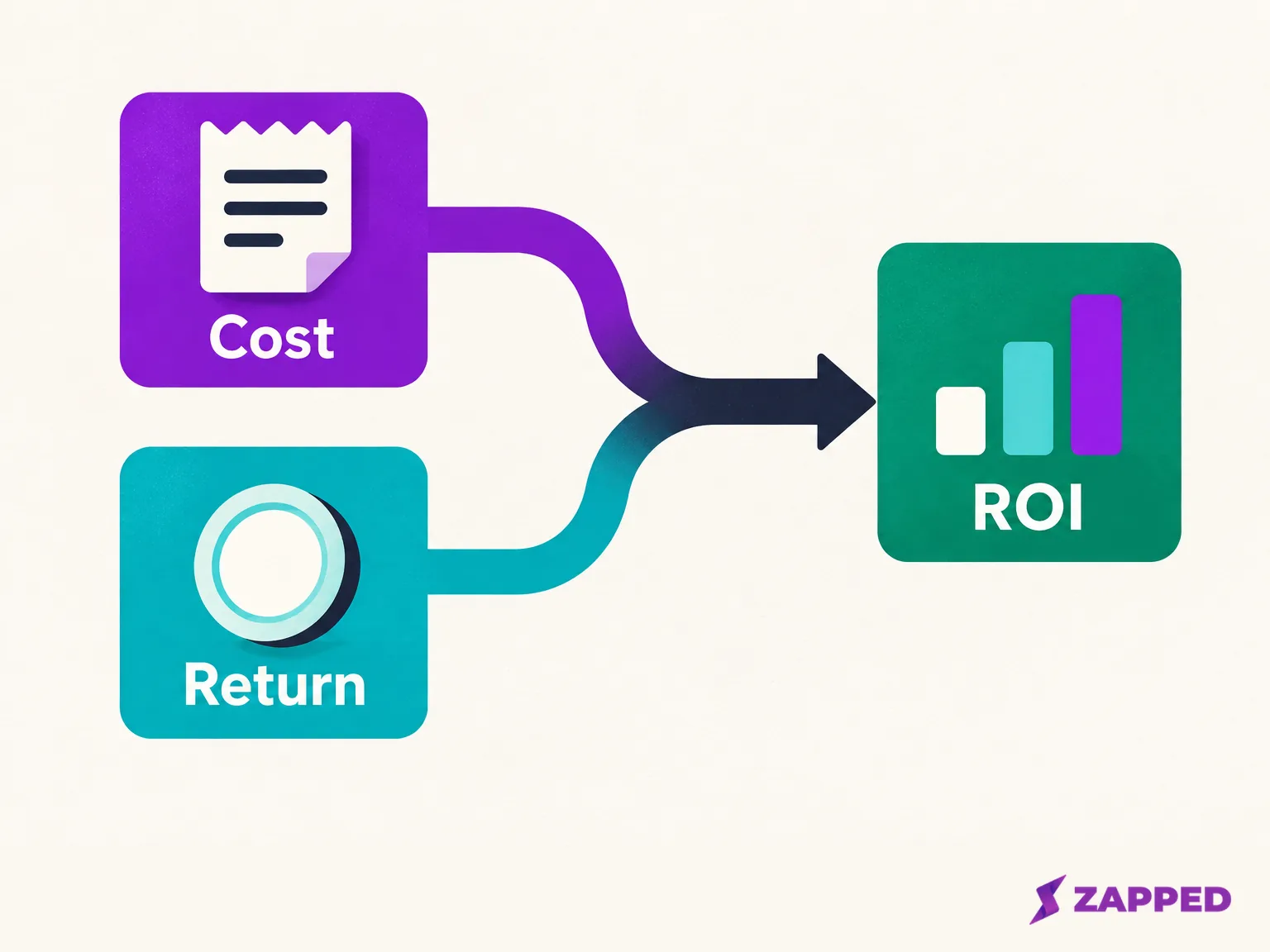
The booth invoice is open in one window, the lead report in another, and finance has just asked whether the show paid for itself. The honest answer comes from one subtraction and one division: take the net monetary benefit, which is the return minus everything the event cost, and divide by that fully loaded cost. Here the return is contribution margin from closed wins, not revenue or open pipeline. Everything else in a good worksheet exists to make sure those two numbers are the right ones.
The same sheet also answers the question you will face before next year's contract. Given what the booth costs and what a won deal is worth to you, how many deals and qualified leads does the event need to break even, and what maximum all in cost per qualified lead supports the ROI target you choose? We'll build it in the order you would fill it in, with one invented example in US dollars carried all the way through. Every figure below is made up, and none is a benchmark for your market.
If you are still deciding what to track between a badge scan and a closed deal, start with the event lead capture guide.
Add every cost once before you divide anything
The percentage means nothing until the denominator is complete. ROI Institute's method asks for the fully loaded cost, including travel, lodging, salaries, facilities and overhead, and calls including all of it the conservative approach. For a booth, that translates into a short list of rows.
ConventionGrid's exhibit calculator splits a show budget into exhibit cost categories: booth space, booth build, freight and handling, show services, travel, marketing and other costs. It then adds staff time as people times days times a loaded daily cost, and flags staff time as the line most teams leave out. Follow-up belongs on the same list. EventIQ counts internal event time (planning, sales coverage, delivery, follow up, data reconciliation and reporting) inside event cost, priced at the loaded rate your finance team already uses.
Pull the numbers from documents rather than memory: the organizer's exhibitor kit for space and services, your fabricator's quote, and last year's expense report for travel. The technology row is where lead retrieval rentals land, and our trade show lead capture guide covers which setups and rental fees belong there.

Shared costs get one more rule. If an annual platform, a reusable booth or a retained agency supports several events, EventIQ says to allocate shared costs by a consistent rule your finance team accepts, so each is counted once.
In our example, all of those rows add up to $35,000.
Pick one return field and keep pipeline out of it
Now the numerator, which is where most worksheets quietly go wrong. You have three different things in your CRM: closed revenue, the margin you keep on that revenue, and open pipeline that might still close. Give each its own column.
Revenue alone flatters the result. Cvent's guide describes a revenue approach that does not factor in cost of goods sold next to a margin approach that considers gross margins, and notes that revenue may not reflect actual profit. For a percentage you can defend, use contribution margin: what a won deal contributes after the costs of delivering it. The SBA defines contribution margin as the difference between price and what it costs to make the product. Whatever you choose, write it at the top of the sheet so nobody reads margin as revenue or revenue as profit.
Open pipeline stays out of the return field. EventIQ says to keep attributed pipeline outside ROI until it closes, with its stage, currency, snapshot date and measurement window visible. It is a forecast, so label and date its own row.
For attribution rules, lead definitions and long sales cycles, the broader event ROI guide goes deeper than a worksheet should.
The percentage and the multiple are different outputs
Here is the ROI formula in ROI Institute's terms: ROI (%) = (net program benefits ÷ program costs) × 100. The word net matters: subtract cost from the benefit before dividing.
A benefit to cost ratio is a separate figure: total benefits divided by cost. The same source shows that a 2:1 ratio corresponds to an ROI of 100%, because you get your money back plus one more dollar for each dollar spent. Label both outputs if you display both.
Calculators blur this. GetMobly's calculator labels its result "Projected ROI" and says to aim for 5x. A 5x outcome is a multiple, and read as a percentage under the net formula it would be 400%. It also shows event spend, projected pipeline and projected revenue, but no contribution margin input, so a margin based result cannot come out of it. Treat that 5x as one vendor's framing, not a target for your event. EventIQ is blunt about this: there is no industry ROI benchmark, and the threshold is one your own finance team sets.
Work one example from lead to percentage
Invented inputs: $35,000 total event cost, $30,000 in revenue per won deal, a 50% contribution margin, and a 10% rate at which qualified leads become won deals.
Start with contribution per deal. $30,000 × 50% is $15,000.
Break even deals come next. The rule is total cost divided by contribution per deal, rounded up. $35,000 ÷ $15,000 is 2.33, so you need 3 deals. Vendelux uses the same round up logic on a revenue basis, with round up deal count equal to cost divided by average deal value. Using margin instead of revenue is what keeps the answer honest. If contribution per deal is zero or negative, no number of wins covers the cost, and the sheet should say so instead of printing a huge lead target.
Now the lead goal. Qualified leads needed equals total cost ÷ (contribution per deal × qualified lead to won rate), rounded up. Here that is $35,000 ÷ ($15,000 × 10%), or 23.3, so 24 qualified leads. The 10% is the part you must replace with your own number. CEIR's sales team example describes an executive who asks how many calls it takes to generate a sale and sets the lead goal from that, because the team buys into numbers that are theirs. ConventionGrid suggests pulling close rate and deal value from your CRM, and if you have no past shows, using a discounted inbound rate for your close rate.
The last output is the ceiling on what you can pay per qualified lead, counting the whole event cost. The worksheet formula is maximum all in event cost per qualified lead = expected contribution per qualified lead ÷ (1 + target ROI as a decimal). Lenskold's lead generation example computes it the same way, with a maximum CPL formula of profit per sale divided by one plus the target ROI, times the lead to sale rate. Event specific sources don't state this exact formula, so treat it as a derivation from the pieces above, not a standard.
Our contribution per qualified lead is $15,000 × 10%, or $1,500. You choose the target. With an invented 50% target, the ceiling is $1,500 ÷ 1.5, which is $1,000 per qualified lead. Set yours with finance.
Now check a result. Suppose the show produces 3 wins. Closed revenue is 3 × $30,000, or $90,000. Contribution margin is 3 × $15,000, or $45,000. Net benefit is $45,000 − $35,000, or $10,000, and $10,000 ÷ $35,000 × 100 is 28.6% ROI. The $90,000 never enters the percentage. It sits in its own column, labeled as revenue.
Three scenarios on the same costs
A single expected case invites false confidence, so run three on identical costs and an identical 10% conversion rate. Only the number of qualified leads changes.

| Case | Qualified leads | Expected wins | Total contribution margin | ROI on $35,000 |
|---|---|---|---|---|
| Cautious | 10 | 1 | $15,000 | -57.1% |
| Expected | 30 | 3 | $45,000 | 28.6% |
| Optimistic | 50 | 5 | $75,000 | 114.3% |
The cautious case loses more than half the budget. The expected case is the worked example above. The optimistic case more than doubles the money, and each step is built from the same cost and margin per win, so you can see what the lead count alone is doing. Keep your pipeline snapshot in its own field next to the table, and don't let it count toward any of these percentages. These figures are invented, not typical event returns.
Lay out the sheet and run four checks
Set the sheet up with input rows and formula rows, so changing one assumption updates everything.
Inputs: each cost line, closed revenue, contribution margin per deal, qualified lead to won rate, qualified leads captured, and open pipeline with its snapshot date.
Outputs: total cost, all in event cost per qualified lead, ROI percentage, break even deals, break even qualified leads and maximum all in event cost per qualified lead. All in event cost per qualified lead is simply total cost divided by qualified leads. In the example with 30 leads, that is about $1,167, which is above the $1,000 maximum, and that is exactly why the expected case comes in under the 50% target.
Before you send it to finance, run these checks:
- The ROI formula subtracts cost from the benefit before dividing, so a sale that exactly covers cost shows 0%, not 100%.
- Revenue is not sitting in a cell labeled profit or net benefit.
- Shared costs appear once across all events, and staff and follow up hours are in the total.
- The as of date shows whether you are looking at a forecast or matured results.
That last check matters if the show is recent. If sales have not closed, or margin and conversion rates are unknown, leave those cells visibly empty and show the cautious, expected and optimistic cases as forecasts. EventIQ recommends early and mature views, the first labeled as leading indicators and the second updating the same leads with won, lost and still open opportunities after the agreed revenue window, keeping the snapshot dates. A final ROI is not reportable until then. Revisit the number when outcomes mature, and settle the attribution window and sales cycle first.