The safest trade show lead capture workflow is to choose the data path before the show, ask only the questions that change the next action, and test the handoff before the team leaves. A badge scan, QR exchange, short form, or paper fallback can all work, but only if every captured record has an owner and a next step.
The expensive mistake is not missing one scan. It is returning with a large list nobody can route.
Start with the record, not the scanner
Before you compare apps, decide what a useful record needs to say. At minimum, that usually means who the person is, what they cared about, how urgent the opportunity is, who owns it, and what happens next. The last two fields matter most once the booth is packed and everyone's memory has started to blur.
Keep the qualification signal small. A rating, an interest choice, a note, or a next action is useful when it changes ownership or follow-up. A questionnaire that asks for everything your CRM can store is a queue disguised as a form. Eventleaf supports lead ratings, detailed notes, and CSV or Excel export, while Cvent says qualification answers can route a lead to the right representative and deliver it to CRM or outreach workflows. Eventleaf's lead app features and Cvent's iCapture workflow point to the same practical rule: collect the answer that changes the next decision.
Write the field set before the event, then make one person responsible for changing it if the team discovers a real gap. A booth rep should not be deciding, mid-conversation, whether the team needs twelve more fields.
Choose a rental when the show is the exception
An organizer's lead retrieval service makes sense when you attend one show, need the basic registration data the organizer controls, and do not need to carry the workflow to the next event. The official ATD 2026 order form lists CMR Lead Plus at $495 to $545 and the first CMR Mobile App license at $350 to $400, depending on when the order is placed. That is a one-show decision, not automatically a bad one.
Choose a repeatable capture app when your team works across shows, needs its own questions, wants offline capture, or expects CRM delivery or file export to be part of the routine. A vendor roundup from Wave Connect lists per-lead pricing at $10 pay as you go, $8 or $7 per prepaid lead, with the first 10 enriched leads free and custom pricing beyond 2,000 leads per year. The same roundup makes the useful distinction: an organizer rental can still be the sensible answer for a once-yearly event that only needs basic registration data.
Do not fill the gaps in a vendor's price page with optimism. The checked Cvent iCapture page presents a contact form rather than a public price, and snapAddy's trade show pricing is also unstated. That silence is a reason to ask for a quote, not a reason to assume the tools cost the same.
| Path | Checked cost model | What it is good at | The decision it creates |
|---|---|---|---|
| Organizer rental | ATD example: $495 to $545 for CMR Lead Plus, or $350 to $400 for the first mobile app license | Basic registration data for one event | Worth considering when the show is rare and the organizer already owns the badge path |
| Cross-show app | Wave Connect example: $10 pay as you go, or $8 or $7 per prepaid lead | A reusable capture workflow with its own pricing model | Compare the repeat cost with the work saved across several shows |
| Cvent iCapture | Public price not stated on the checked page | Badge, business card, photo, or manual entry with qualification routing | Ask for a quote if CRM delivery and consistent rep behavior matter |
| snapAddy VisitReport | Public trade show price not stated on the checked page | Configurable questions, offline capture, review, reporting, and CRM transfer | Ask how its workflow and synchronization fit the team's destination |
| Zapped Free card | $0, one business card, five content blocks, QR code, shareable link, and a 60 day analytics snapshot | Giving someone the team's details through a browser-friendly exchange | Useful as the exchange path, not a replacement for event qualification |
The comparison is less about finding the cheapest scanner than deciding who owns the data path. We would start digital and rent hardware only when the organizer's badge data is genuinely worth the cost.
For the broader category tradeoff, the event lead capture guide is the useful next stop. The narrower question here is what happens when the chosen path meets a real booth.
Ask less, but ask something that changes the route
The best booth form is short enough that a rep can use it while still listening. Give the team a small set of choices such as interest, urgency, or the next action, then make the owner obvious. If two answers would send the contact to the same person with the same timing, they probably do not need to be separate questions.
There are two workable modes. The rep can capture the contact and add the signal in the moment, or the prospect can complete a short QR form while the rep keeps the conversation moving. The second option is valuable when a crowded booth makes manual entry unrealistic. The Trade Show Network's method overview treats QR scanning, paper forms, business card exchange, and mobile apps as different paths with different setup and manual entry tradeoffs.
The form should not ask a prospect to navigate a full CRM record. A HubSpot Community discussion captures the practical problem: teams need event properties and interests without making sales staff work through the entire CRM during a busy event. That is the right level of ambition. Capture enough context to make the next action clear, then let the destination system hold the rest.
Give every arrival a path
The person who walks up with a badge is not the same input as the person who wants your details. Plan for both.
Cvent iCapture supports badge, business card, photo, and manual entry through a common lead form. That gives the team one process when the person arrives with a badge, hands over a card, or needs to be entered another way. Eventleaf describes badge capture on a smartphone or tablet and lets exhibitors choose which attendee information is displayed. Those options are useful when the organizer permits badge capture, but they do not remove the need for another route.
For the exchange side, Zapped digital cards can be shared by QR code, NFC tap, or link. The recipient opens one in a normal browser without installing an app, and the live profile can keep pointing to the latest details after the conversation. That is a clean way to give someone the team's contact page. It is not the qualification record. Keep the event signal, owner, and next action in the capture path so a pleasant exchange does not become an unassigned contact later.
This is also where a photo or manual entry earns its place. A person may have no badge, the badge may not be supported, or the rep may need to record the conversation without asking the visitor to repeat it. The point is not to force every person through one ideal input. The point is to preserve the record when the ideal input is missing.
Build the booth recovery path before the floor fills
Test three failures before the show: the official scanner is unavailable, the venue connection drops, and the rep cannot keep up with entry. If the team only practices the happy path, the first crowded hour becomes the test environment. That is a poor place to discover that the form cannot work offline.
snapAddy documents offline capture with automatic synchronization when a connection returns, alongside review, reporting, and CRM transfer. Launch Team also recommends testing a phone-based capture app before the event and describes iCapture as supporting offline badge or business card scanning with CRM synchronization. These are not details to admire on a feature page. Put a device in airplane mode, capture a sample, restore the connection, and confirm what arrives.
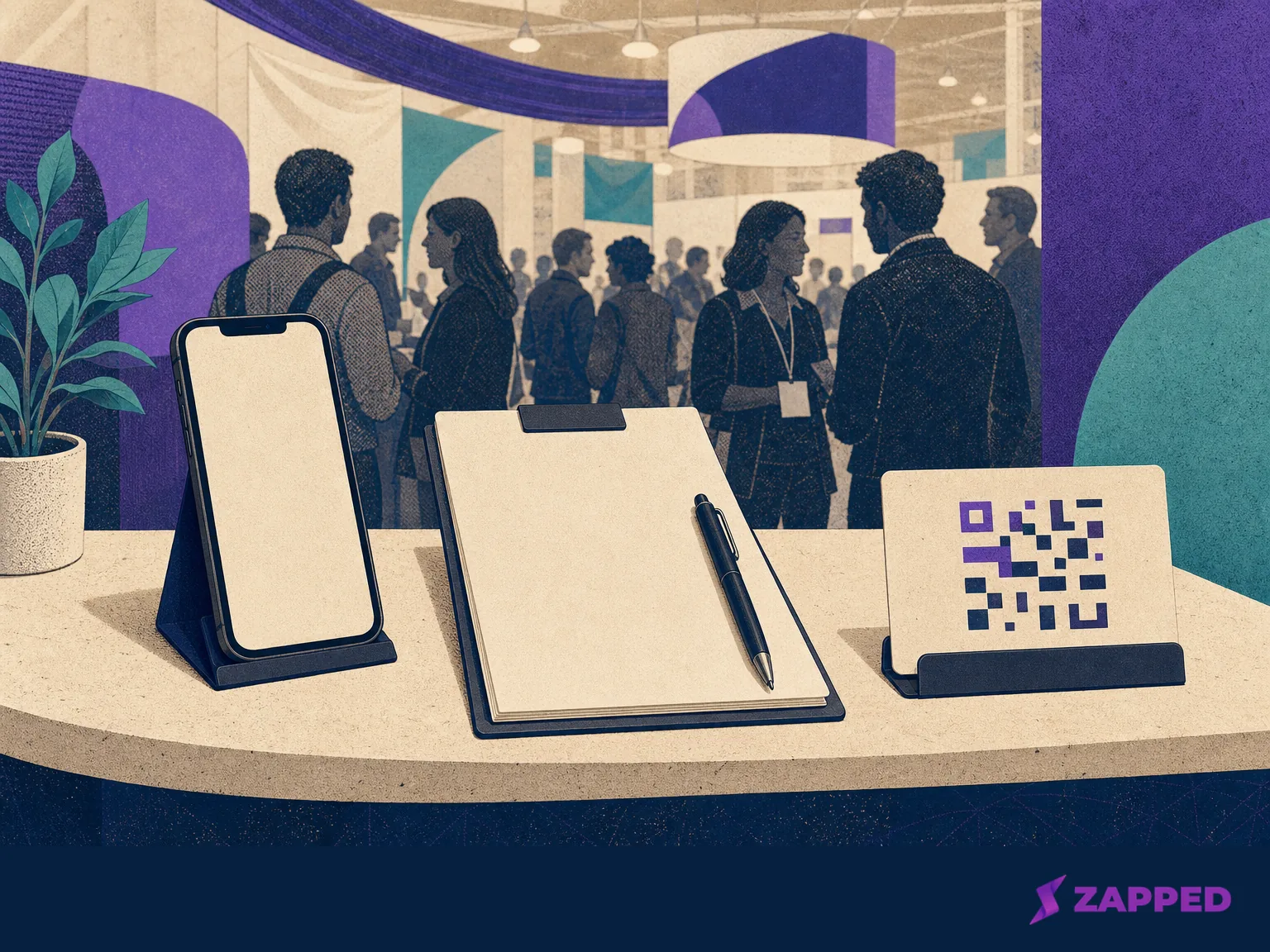
If there is no scanner, use the pretested phone or tablet path for a QR code, business card, photo, or manual form. If the connection fails, capture locally or use paper, then reconcile the records and export or sync them before follow-up. If the booth is too busy for rep entry, hand the visitor a short prospect-completed QR form with the same small field set the team already chose.
SocialPoint's trade show guidance addresses both crowded booths and the case where an exhibitor does not have a badge scanner. Treat that as a planning prompt. Put the fallback device, paper form, and QR card where a rep can reach them without leaving the conversation.
Paper is not the failure. Unreconciled paper is.
Handoff is part of capture
The record is not captured when the camera beeps. It is captured when the intended destination has it, the owner is known, and the next action survived the trip.
Decide the destination before the event. That might be a CRM, a shared list, or a CSV or Excel file that someone can review and route. Eventleaf supports CSV or Excel export after capture. Cvent says its qualification answers can deliver leads to CRM systems and trigger nurture or outreach workflows. snapAddy describes CRM transfer for captured leads. The exact destination can vary, but the test cannot: capture a sample, send it through the entire path, and check the resulting record as the person who will follow up.
At the end of each show day, assign anything unowned before the team packs up. Check that the contact identity is readable, the interest or rating is present, the note has enough context, and the next action is not a vague instruction such as “reach out.” Give it a person and a timing cue. A manager should be able to open the destination list and answer, for every useful row, who acts next and why.
The separate question is what happens after the event, when the list needs organizing, retrieval, and continued handling. Use the lead retrieval guide for that next step, then keep this event workflow focused on a clean handoff.
Judge the show by usable records
Raw lead count is the easiest number to celebrate and the least useful one on its own. Review capture completeness, qualification coverage, ownership, response status, and the event signals the chosen tools can actually provide. If half the rows have no next action, the show did not produce half a pipeline. It produced half a sorting job.
For the exchange path, Zapped lets teams see scans, visits, saves, clicks, sources, and campaign signals. Those signals can help explain which networking moment or shared card path drew attention, while the event capture record supplies the qualification context. Keep the two connected by a campaign or source label when the team has chosen one, but do not confuse a card visit with a qualified lead.
Zapped's Free card is enough for a simple exchange: one card, five content blocks, a QR code, a shareable link, and a 60 day analytics snapshot. A larger team may need a different plan or a separate event capture system for the qualification and routing work. Zapped is strongest here as the live details page people can open without an app, with measurement around the exchange. The follow-up system still needs an owner and a next action.
Make the call before you order
Make the rental call from the event in front of you. A rare show that only needs basic registration data can justify the organizer path, including its one-time cost. A team that repeats the motion, needs its own questions, must work through weak connectivity, or wants a reusable CRM or export handoff has a reason to choose a cross-show app.
Whatever you choose, define the smallest useful record before the booth opens. Support the badge, QR, card, photo, and manual routes that your actual visitors will use. Test the offline and no scanner cases. Then confirm that the final record has context, an owner, and a next action before anyone leaves the floor.
Use Zapped when the person in front of you wants the team's details and a normal browser is the right exchange path. Use the event capture workflow when the team needs to remember why that person mattered. The best system is the one that keeps those two moments connected without pretending they are the same thing.