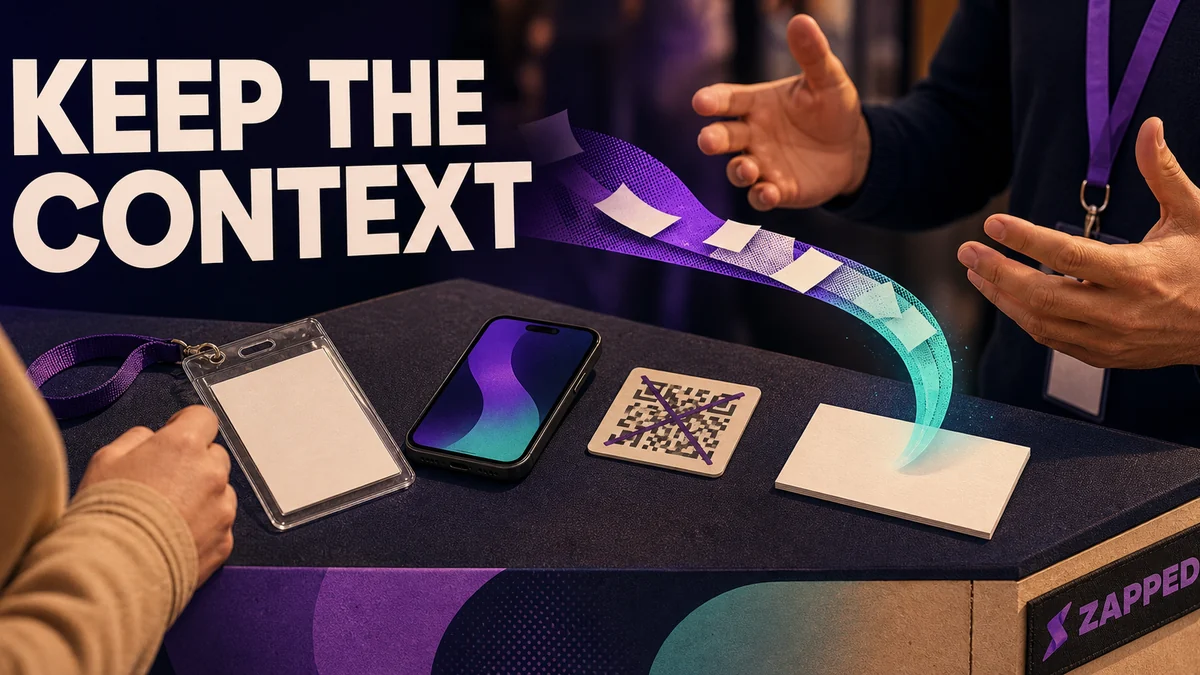
Start with the event, not the scanner. Match the capture path to the room, then make the handoff the last useful beat of the conversation. Accept a badge or QR code, business card, manual entry, or short attendee form, but record only the context that changes what happens next.
That sounds simple until the floor gets loud. A scanner appears before anyone knows why they should share, a form asks for ten fields nobody can answer, or the team comes home with hundreds of names and no idea who owns the next move. A useful lead is not a scan count. It is a person, the reason for the conversation, and a next action that survives the handoff.
Let the conversation earn the handoff
People are more willing to share details when the exchange gives them something useful first. A prepared call to action, an interactive activity, or a promised resource can create a natural reason to continue the conversation and share contact information, according to Cadmium's event follow up guidance.
Talk through the problem, show the resource, answer the question, or agree on what would be useful afterward. Then offer the attendee a choice: tap a badge, scan a QR code, exchange a card, or enter a few details themselves. The request should feel like the next useful step, not a toll booth at the front of the booth.
The broader map matters if you are still deciding what event lead capture includes across registration, the floor, and the follow up afterward. The guide to event lead capture lays out that wider set of paths. Here, the operating rule is narrower: preserve the conversation while you capture enough context to act on it.
Pick the tool for the room
The right capture category depends on who owns the event and where the conversation happens. At another organization's event, an exhibitor scanner tied to the badge system can be the cleanest route. When your team owns registration and needs control over routing, a hosted event platform makes more sense. For meetings, dinners, and networking beyond a formal event, a mobile first contact path is usually easier to carry.
Repetition changes the economics. InviteDesk's dated guide lists iCapture at $8,000 per year as one example of an owned exhibitor tool. The same guide lists conference rentals at $300 to $500 per person per event, describes rentals as a reasonable fit for one to three events a year, and says owned software is usually cheaper at six or more events. Use those figures as planning markers, not a break even formula. Your event count, staffing, and required handoff decide the answer.
If rented scanners, organizer badges, and exhibitor rules dominate, see the more focused guide to trade show lead capture. If the team is moving through many smaller conversations, keep the capture route light enough that it can leave the booth with you.
Keep more than one door open
One unavailable input should not end a promising conversation. A sound event workflow can accept a badge or QR code, a business card, or manual entry when the preferred route is blocked. A short attendee form adds a fourth door when the person would rather enter their own details.
These should not become four unrelated systems. Standardize what happens after each input. Every route should preserve the event, the owner, the reason for the conversation, and the promised next action. That lets a badge scan sit beside a handwritten note without turning the list into a forensic exercise later.
For attendee self entry, keep the form short and make the event attribution automatic through a campaign, UTM link, or event property. HubSpot's community guidance also flags the ugly failure mode here: repeated form submissions need duplicate protection and careful identity entry so one person's details do not overwrite another person's record. A short, consistent form is safer on a crowded floor than asking staff to hunt through a long CRM record after every conversation.
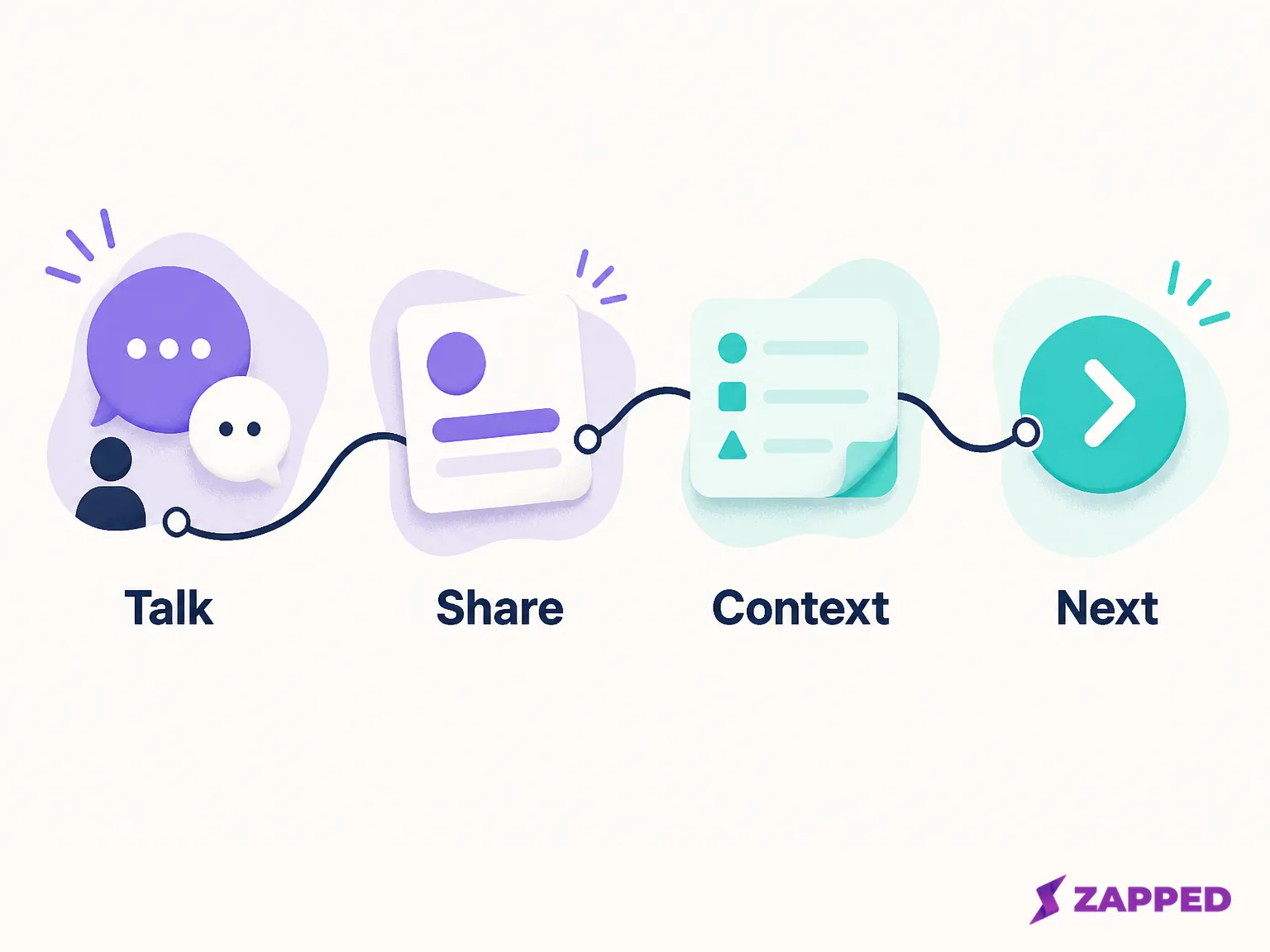
Ask only for context that changes the next move
Qualification earns its place when it changes what the team does next. It is wasteful when it is a small biography collected because the form had room.
Use one or two prompts that preserve the decision in front of you. A short qualifier, note, tag, rating, event name, or owner can record interest, need, timing, priority, and responsibility. The event lead capture guidance from Cvent makes the same practical case: notes and qualification fields turn a captured record into something a team can act on, while ownership and fast export keep the follow up connected to the original conversation.
Ask what the person wants to solve, what resource you promised, or who should follow up. Do not ask all three if one answer settles the next step. “Send the venue checklist” is better than a perfect profile nobody reads.
Make the owner explicit before the record leaves the floor. “Someone from sales will reach out” is not ownership. Put a name or team on the record, along with the action that person is expected to take.
Choose the moment before the mechanism
Capture works better after a useful conversation or a low commitment interaction than at the opening line. CrowdComms' advice on respectful event capture is blunt about the sequence: create a reason to engage, then ask for the details.
That sequence protects the staff, too. A scanner is a tool, not a greeting. Bring it in when the attendee understands why the exchange is worth continuing. If someone is only passing by, offer a QR code or a small resource and let them choose whether to share. If they are already explaining a problem, capture the problem and the promised answer before you ask for anything else.
The useful test is whether the attendee can name what happens next. If they cannot, the request is early or the offer is vague. Fix that first.
Carry permission and attribution with the record
An organizer's badge system does not automatically grant access to every attendee detail. Cvent states that when an attendee did not consent during registration, the information is not shared by lead scanning. Confirm the organizer's rules before the event and make the team's fallback respect them.
If a scan is blocked, do not turn the block into a reason to pressure the attendee. Offer a QR code or short link for voluntary entry. Exchange a business card only with permission. If the person opts into a follow up but does not want a form, write a brief conversation note and record the event, owner, and promised action through the approved manual route.
Attribution deserves the same care. Every record should say which event produced it, even when it arrived through a direct link or a paper card. Otherwise the team can follow up, but it cannot tell which event created the conversation or compare the quality of different rooms.
Test the failure path before the doors open
Testing the happy path is not enough. Test the selected app or form on the actual device, with the real fields, export, and recovery behavior before the event. Launch Team's event capture checklist puts the device, field flow, export, and recovery path in the pre event test for good reason.
Connectivity is part of the tool choice. Offline capture can protect the workflow when the venue connection fails, but Cvent's iCapture documentation makes the boundary clear: offline support belongs to the selected tool and must be verified. Do not promise offline behavior because the sales page sounds confident.
Run one rehearsal with a dead connection, one with a missing badge, and one with a device that cannot complete the preferred flow. Confirm that the team knows where the record goes, how the event tag is added, and who owns the manual reconciliation.
If the preferred path fails, switch to the tested paper or manual route. Write the event, owner, and promised next action before the note leaves the booth. A recovery path that preserves consent and attribution is useful. A pile of mystery cards is not.

Release useful records while the conversation is fresh
The event is not finished when the scanner closes. Cadmium recommends beginning follow up within 24 to 48 hours, personalizing the message with the conversation, delivering the promised material, and defining the next step. That 24 to 48 hours is a useful operating clock, especially for records that include a clear request.
Release qualified records with their notes and owners while the details are still fresh. Send the resource you promised. Give the recipient one clear next action, such as choosing a meeting time, reviewing a checklist, or replying with a missing detail. Do not make every contact wait for the team to clean the entire event list.
Measure the handoff all the way through. Scan volume can tell you how busy the floor was. It cannot tell you whether the records had useful context, whether an owner followed up, whether the recipient engaged, or whether the event produced pipeline or revenue. Cvent's event lead evaluation criteria point toward lead quality, engagement, follow up ownership, and pipeline signals alongside the raw count.
Spend according to the event rhythm
Cost matters when it changes the route. A team at one annual conference may reasonably rent the event hardware and accept the organizer's workflow. A team at eight similar events may save time and money with an owned system, provided it exports the context and ownership the team actually uses.
InviteDesk's published examples give the shape of the decision: $300 to $500 per person per event for rentals, an example of $8,000 per year for iCapture, and a rough split between one to three events and six or more. Compare the total operating burden, not only the line item. A cheap scanner that produces unowned records is expensive in the week after the event.
Give direct sharing a place in the handoff
Some conversations do not belong to the organizer's badge system. A person meets you in a hallway, at dinner, or after a session and wants your details without installing anything. Zapped gives that moment a browser based contact handoff: a digital vCard can be shared by QR code, NFC tap, or link, and the recipient opens it in a normal browser without an app.
That makes Zapped a useful sharing layer when the attendee chooses to save your details. Zapped covers contact sharing and analytics. Badge scanning, lead retrieval, CRM sync, and automated follow up after the event fall outside what Zapped does, so pair direct sharing with the event tag, owner, and next action your team needs.
Make team control part of the measurement
Direct sharing still needs a way to show what happened afterward. Zapped's card statistics can show views, visitors, interactions, devices, and referrers for a selected card and time period. That gives a team more to inspect than a QR count, especially when a card is used at several conversations.
The card statistics view is useful for engagement, not a substitute for event lead retrieval. Add the event context in the capture record or campaign process around the share, then compare the resulting interactions with the conversations your team marked as useful.
For a team, access is part of data quality. Zapped gives you team roles and access scopes that can control who views, edits, creates, or deletes cards and which projects or cards they can access. Give the people at the event enough access to keep the handoff moving, and keep ownership clear enough that the post event review has a responsible person attached to it.
Leave the floor with the next move already named
An exhibitor scanner fits when the organizer's badge workflow is the source of truth. A hosted platform fits when registration, consent, and ownership sit with your event team. A mobile or browser sharing path fits when the best conversations happen outside the formal booth. Keep badge or QR capture, business cards, manual entry, and attendee forms available as compatible doors, then standardize the event, owner, note, permission, and promised action behind them.
The process earns its keep when the floor is crowded and the connection is poor. Test it before the doors open, keep a manual recovery path, release qualified records within 24 to 48 hours, and measure usable follow up and engagement instead of celebrating a large scan count. If the reader needs a direct contact handoff, Zapped offers browser based QR, NFC, and link sharing. If the job is badge retrieval or CRM automation, use a documented event capture system built for that work.