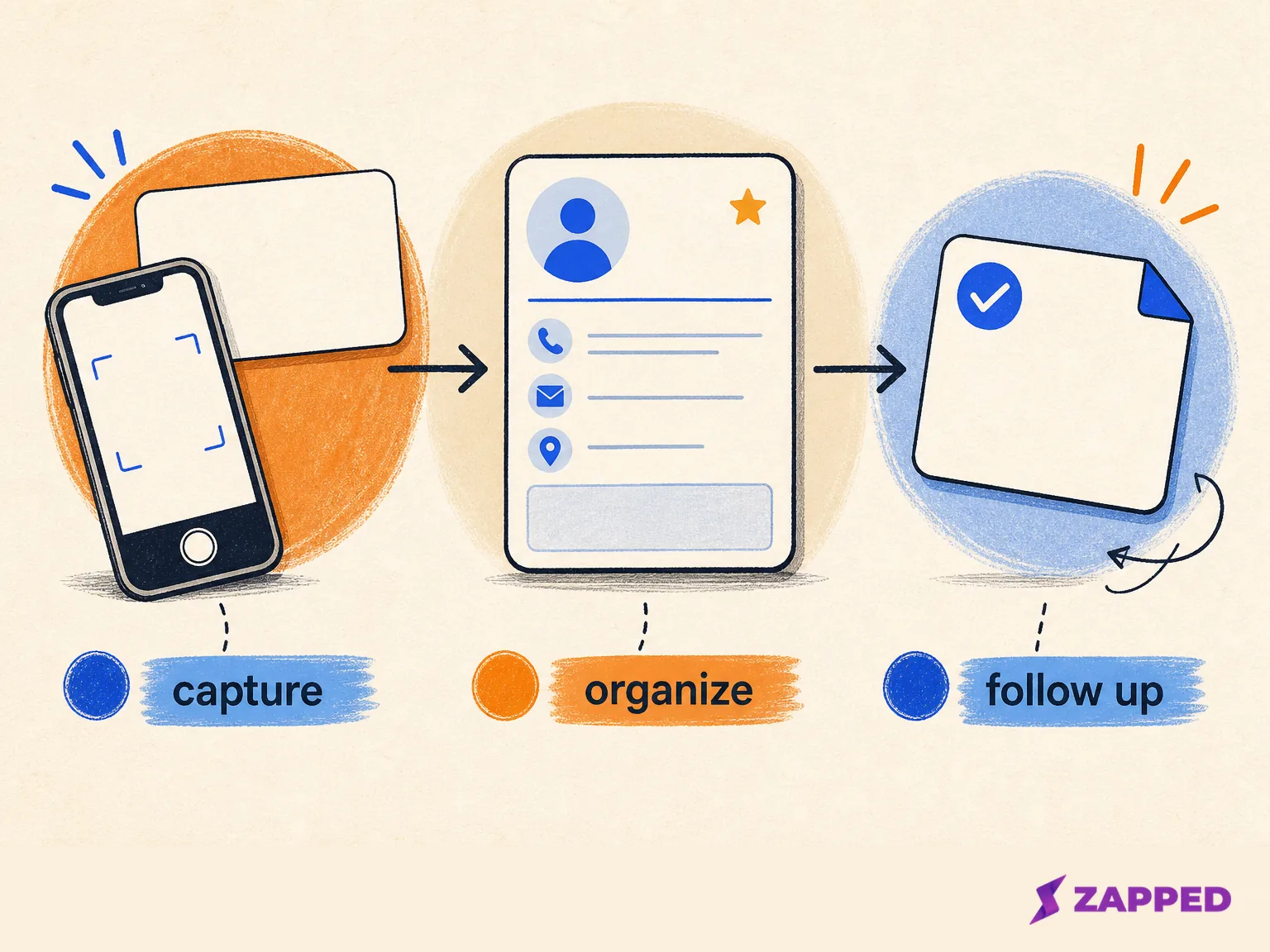
You can save a person's name and still lose the relationship. The name lands in your phone, an inbox, a spreadsheet, or a digital card, while the useful part of the conversation disappears. Contact management keeps one usable record of who they are, where you met, what happened, and what should happen next.
That makes the software decision smaller than most lists suggest. Use a lightweight contact manager when the job is searchable records, notes, tags, history, and reminders. Move to a CRM when the work adds shared ownership, formal stages, automated follow-ups, team activity, or reporting. Keep the capture layer connected to the relationship system, but do not assume they are the same product.
A saved name is not a working record
Contact management is the practice of collecting and organizing contact information while tracking interactions with the people behind it. AWS's description of contact management makes the maintenance part explicit: the database needs updates and backups. Without them, changed details and recovery needs quietly turn yesterday's useful list into today's stale one.
The useful unit is not a name and an email address. It is a maintained record that can answer four questions when the conversation is no longer fresh:
- Who is this person, and where do they belong?
- How did we meet, or which source brought them in?
- What has already happened?
- Who owns the next dated action?
That is why contact management looks more like a shared view of people and relationship history than a digital address book. Front's explanation of team contact management calls out permissions, ownership, consistent data entry, and visibility across a team. If two people can see a contact but neither knows who follows up, the list is organized only on the surface.
Capture the context while the conversation is still warm. “Met at the Toronto design meetup, asked about the spring launch, send the pricing page Friday” does more work than another generic tag. The note preserves the source and the promise. The date makes the promise executable.
Choose the system for the work
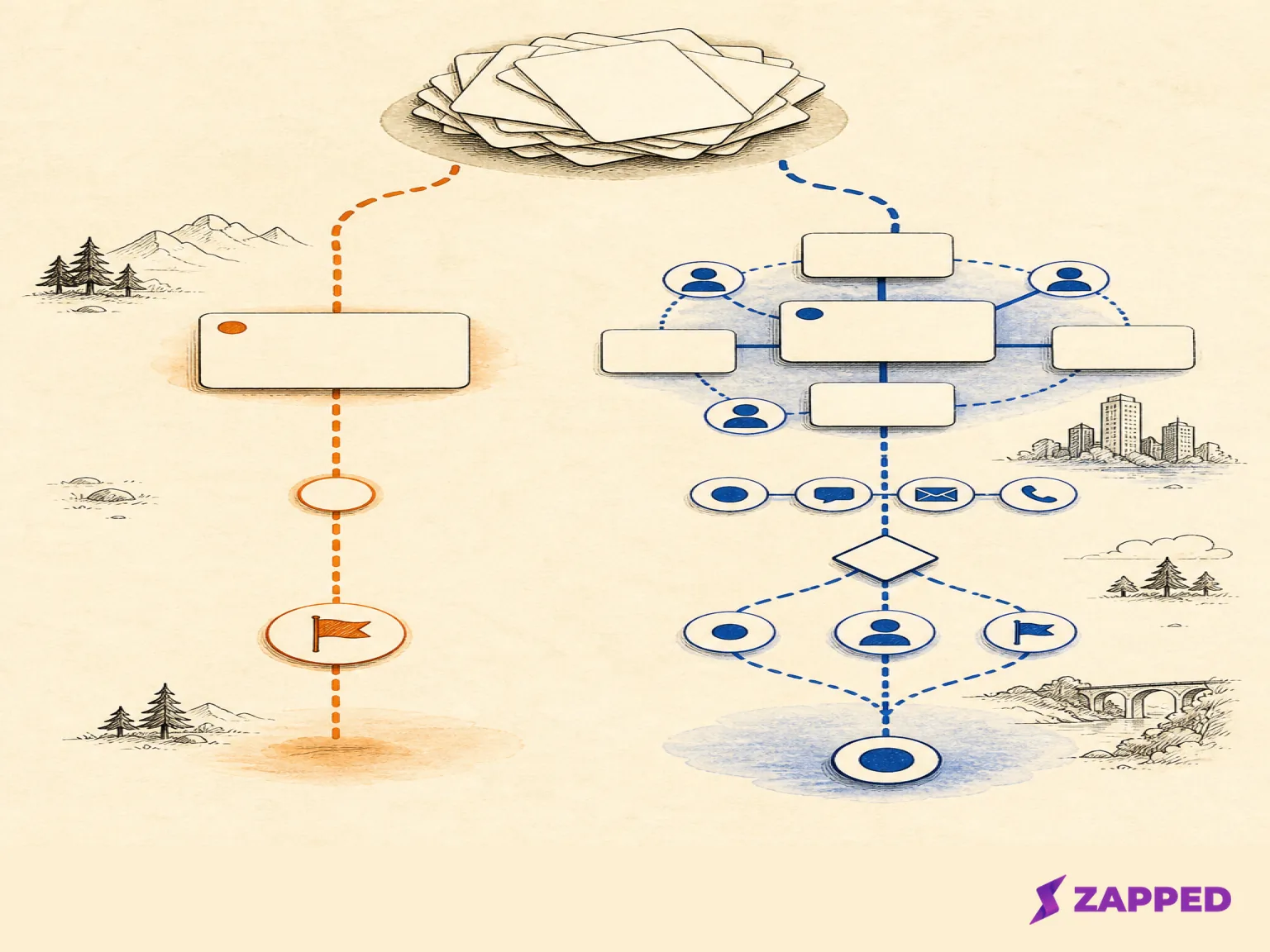
The dividing line between a contact manager and a CRM is not the size of your list. It is the process wrapped around each record.
| If your work looks like this | Start here | What changes the decision |
|---|---|---|
| Find people quickly, keep notes, add tags, remember the next touch | Lightweight contact manager | Shared ownership, formal stages, or repeatable team work |
| Track leads and deals, log activity, assign tasks, and inspect performance | CRM | The extra process must happen often enough to repay the setup |
| Keep a small personal list with occasional updates | One canonical spreadsheet | Duplicates, missed reminders, or recurring cleanup become normal work |
| Capture a new connection at an event or on a call | Digital card, scan, import, or structured manual entry connected to the system | The handoff must preserve source, context, identity, and next action |
CRM.org's comparison of contact management tools draws the same practical distinction: a contact manager handles organized records and basic history, while a CRM adds leads and deals, automated tasks or follow-ups, and team activity or performance.
A CRM is not automatically the grown-up choice. If all you need is a reliable list with notes and reminders, a pipeline can become another place to maintain. The point where the lightweight option stops holding usually shows up in the work: you merge duplicates every week, two teammates contact the same person, a promised follow-up lives in someone's memory, or a manager wants activity and conversion reporting. Those are process problems, not requests for a prettier address book.
Build a record that can do something
Before choosing a tool, define the fields that make a contact actionable. A workable record carries identity, organization, contact method, source, tags or other useful fields, notes, last interaction, owner, and a dated next action.
That is a deliberate baseline for an actionable record. A record with no source cannot tell you which event, form, card, or introduction created it. One with no last interaction cannot show whether the relationship is current. One with no owner is a shared task with someone's name typed in the corner.
HubSpot's contact management guidance includes previous interactions, notes, tasks, follow-ups, meetings, and activity imported or logged from existing tools. Use that as a record test, not a demand to buy HubSpot. If the system cannot hold the context you already need, changing the color of the contact list will not fix the gap.
The input can vary. A digital card is useful when a person is standing in front of you. A scan of a business card helps with a pile collected at an event. An inbox or form import is better when the relationship begins online. Structured manual entry is still the right answer when the source is unusual or the context matters more than speed.
Whichever route you choose, preserve the source and conversation context with the contact details. A fast capture that drops the reason for the connection is only fast at creating future detective work.
Make the list searchable, clean, and portable
Search, filters, tags, notes, and reminders are the small features that turn stored names into a system for follow-up. ACT's contact management overview treats those capabilities as the bridge from storage to action. They should let you answer a question such as “who did we meet at this event who asked for a product update?” without opening five apps and trusting your memory.
Duplicates are the tax on collecting from several sources. A scan, an inbox import, a shared spreadsheet, and a manually added card can all describe the same person slightly differently. Look for duplicate detection and merging before the list gets large. ContactsPlus is one named example built around sync across multiple accounts, scanning business cards, duplicate merging, reminders, tags, activity history, and CSV, Excel, or vCard imports, as its product description shows.
Portability deserves its own test. Check that the system can import and export the fields you care about, supports the integrations your workflow depends on, and gives you a backup path. Then run a small migration with a handful of records. Export them, import them somewhere else, and inspect whether the organization, source, notes, owner, dates, and tags survived.
LeadSquared's portability guidance treats import, export, integrations, and a small migration test as practical checks. Its reporting point is useful too: analytics can help a team inspect sources, activity, engagement, and conversion signals, but a simple personal address book does not need a reporting department attached to it.
If a dedicated tool is too much for your current volume, use one canonical spreadsheet. Give each contact a stable ID, name, organization, contact method, source, context note, owner, next action, and last updated date. Keep one exportable copy and back it up. The spreadsheet is not the problem. Three unofficial ones with no clear current version are.
For a practical starting sequence, organize business cards digitally once you have the physical or digital collection in front of you. Then apply the same record model to every new source instead of creating a second intake habit.
Decide how much follow-up you actually need
Manual reminders are enough for a simple relationship list. If you have a few people to contact after a meeting, a dated next action and a calendar reminder can keep the promise visible.
The case for a CRM begins when follow-up is a shared, repeatable process. You may need assigned tasks, activity logging, automated reminders, a lead or deal stage, and reports that show where work is stuck. The extra machinery earns its keep when several people rely on the same process or when missing a step has a measurable cost.
This is where ownership becomes more than a field. A team needs to know who can edit a record, who is responsible for the next touch, what counts as a completed interaction, and how another person can understand the history without asking around. A CRM can formalize that work. It cannot supply the context your capture step discarded.
Reporting should answer a decision, not decorate a dashboard. If you need to compare contact sources, activity, engagement, or conversion-related signals across a team, the reporting layer may justify a CRM. If you only want to remember that Maya asked for an introduction, a reminder is enough. Do not buy a process to solve a missing note.
Put the digital card at the front of the handoff
The first capture often happens before anyone has chosen a perfect system. That is where a digital card can remove friction without pretending to own the relationship afterward.
Zapped lets a person share a digital card by QR code, link, or NFC tap. The recipient opens it in a normal browser and can save the details without installing an app. The card stays live after sharing, so edits continue to flow through the shared link, QR code, or NFC card. That solves the first exchange and the stale printed-detail problem.
Zapped also provides card-level networking signals such as views, saves, clicks, scans, sources, and campaign signals. That gives you a way to see which networking moments produced attention, while campaigns or projects keep related cards together. Paid plans add team workspaces with member seats and roles.
The boundary matters. Zapped is the capture and measurement layer here. The contact manager or CRM should own the durable record, export, permissions, reminders, activity history, and deeper follow-up. At Zapped, we don't claim that a recipient's saved contact is exported into a CRM, and we don't position Zapped as a deep CRM automation system.
The monthly plan context makes the capture decision concrete. In our monthly billing view as of August 2026, Free is $0 and includes one card, five content blocks, QR, link, and NFC sharing, with analytics history capped at 60 days. Starter is $14 per month and Professional is $49 per month, while a large rollout uses a custom quote. The free card carries Zapped branding, and removing that badge is a Professional feature. Choose those limits for the capture and signal work they cover, then test the handoff into the system that will manage the relationship.
Run the small test before the big commitment
Take ten recent contacts and run the workflow end to end:
- Capture each person from its real source, whether that is a digital card, scan, inbox, form, or manual entry.
- Add the organization, source, context note, last interaction, owner, and dated next action.
- Search and filter for the people you need next.
- Merge a deliberate duplicate and confirm the history remains understandable.
- Export the records, import them into a test location, and inspect the fields.
- Assign one follow-up to another person if the work is shared.
The test should expose the real failure early: lost notes, broken dates, duplicate records, unclear ownership, or a handoff that depends on copying everything by hand. If none of those happen and the list is personal, stay lightweight. If they happen repeatedly, the cost of a CRM is easier to defend because you can name the work it removes.
Contact management is where a real conversation gets a reliable next action. Give the record enough identity, context, history, ownership, and portability to survive the week after you met. Keep a spreadsheet when the volume is modest and one person can keep it honest. Choose a contact manager when search, notes, tags, reminders, and basic history are the job. Add a CRM when shared stages, automated tasks, team activity, or reporting become the work. Put Zapped at the front when browser-friendly capture, live card updates, and networking signals matter, then let the downstream system keep the relationship alive.