You have a Google review link, a printed QR code, and a bare counter. The question now is where the NFC tag goes so a customer can tap it and land on the right page. The short answer: tuck the tag flat behind a thin, nonmetal front face, mark the spot, and print the QR code on that same face. Everything else in this build is about keeping that arrangement working after a month of wiping, bumping and link changes.
If you still need the review URL or the QR artwork, start with our Google review QR guide. This page picks up once you have both.
Choose a face a phone can read through
The front has to be thin and nonmetal so the phone can reach the tag, and the base has to keep the stand upright when tapped. Wetop's stand specification asks for a base deep enough that the stand doesn't tip when tapped, and says to keep the tap mark and the QR code on one face.
A few real forms show how makers handle it:
| Form | Face material | What to notice |
|---|---|---|
| Birch sign with engraved QR and NFC chip | Wood with an acrylic finish | CRAFICA says it lies flat, stands on one leg, or pairs two signs into a tent |
| Rectangular stand, 110 x 150 mm | Glossy black acrylic | NFC Tag Shop sells it with a pre-encoded tag and a QR code |
| A5 display stand | Foamex, a rigid foam board | TAPiTAG lists NFC and QR paths on one display |
Ready-made or custom, check the same three things: a thin nonmetal face, a stable base, and room for the tap mark and QR code on one face. Then the paths split. For a ready-made stand, find out how that specific tag can be updated before you buy. For a custom build, pick a pocket, insert or adhesive that suits your face and cleaning routine.
Wetop says a tag behind 3 to 6 mm of acrylic reads reliably at close range, but it adds that it read-tests each exact build on a paid sample. Treat that as a starting point, and tap a spare tag against a scrap of your chosen face before you commit.
EvoMaxTap's buyer guide favors cast acrylic or moulded plastic over card or laminated paper, and it wants a stand that stays upright on its own and wipes clean. It's a seller's view, but stability and wipe-clean points suit any busy counter.
Center the tag under the tap mark, QR beside it
Mount the tag on the back of the front face, directly behind a printed tap mark, and mark the center so nobody has to guess where to aim. Apple describes NFC as working within a few centimeters, and says an iPhone doesn't need to touch the tag. So the mark is an aiming guide, not a spot to press.
Keep the tag parallel to the phone's back. STMicroelectronics' antenna design note shows face-to-face, parallel antennas as the best orientation in its example, and read range drops to zero when the antennas are perpendicular. In practice that means a flat tag on a front face that tilts back a little, not a tag standing on its edge in the base.
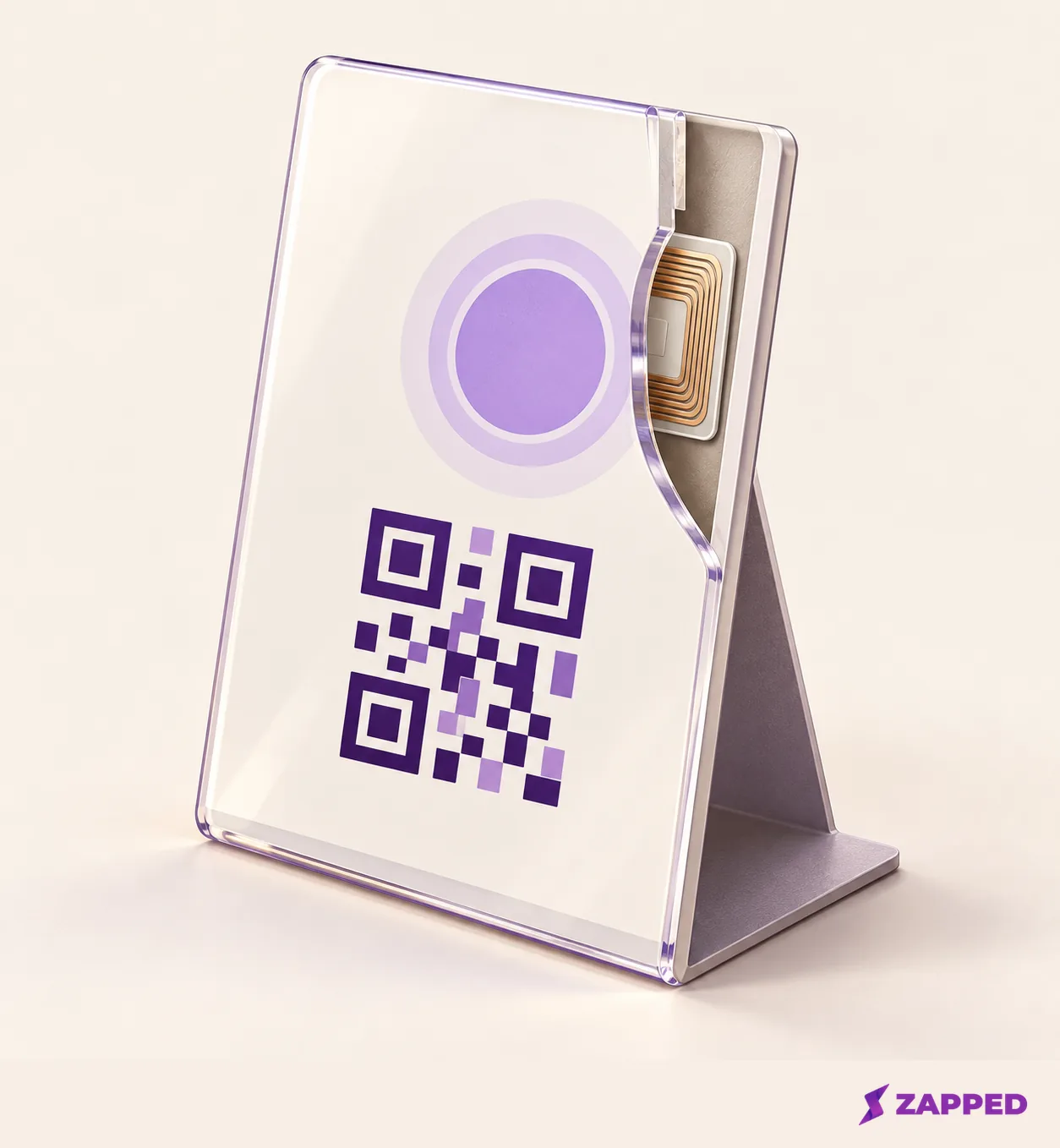
Then put the Google QR code on that same face, close to the tap mark. Google says its review QR code can be displayed in a store, so a printed code on the stand is a supported use. Tapilink's guide says the tag and QR should share one review link, so a customer gets the same page either way.
Keep the QR clear of the base, any cutout, and anything a hand might cover while tapping. That one rule is what makes the QR a real fallback and not decoration.
Pull the tag away from metal
A tag that works on your desk can fail in a metal stand or on a metal counter. NXP explains that metal near an NFC antenna can absorb energy and detune it, and that ferrite shielding can protect the antenna from the metal's influence.
You have two ways out. Move the tag behind a nonmetal front panel, with no metal between tag and phone or directly behind the tag. Or use a tag sold as an on-metal type with ferrite shielding. The first is the simpler default.
Metal can also hide in finishes. Wetop tells builders to keep the tag away from metal bases, foil, mirrored acrylic, and metallic or metal-effect inks, so a tap mark printed in a metallic gold or silver ink is a worse idea than it looks. On a metal counter, EvoMaxTap says a raised stand on a metal counter that holds the chip off the surface usually reads normally, and that you should test it in place. Our NFC sticker versus NFC card comparison covers why materials affect antennas.
Check whether the tag can change before you fix it in place
The review link may change someday, and a tag sealed into a stand is hard to swap. The NFC tag and the printed QR artwork are two separate things to update. Google's review-link help explains how to create and share the code, but it doesn't describe updating artwork that's already printed. So if the link changes, you reprint the QR panel and either rewrite or replace the tag.
Whether you can rewrite the tag depends on the stand:
- CRAFICA says its sign's chip can be updated using Android and iOS apps.
- NFC Tag Shop's listed tag is write-protected against overwrite or deletion, which is safe but means you replace the tag to change it.
- TAPiTAG's product page describes initial setup but doesn't specify later updates, so ask before you buy.
EvoMaxTap separates a direct link stored on the chip, which you can rewrite yourself, from a seller redirect that depends on the seller keeping its link running. It also says to check that the chip is rewritable and not locked, so buy or build for that if the link may change.
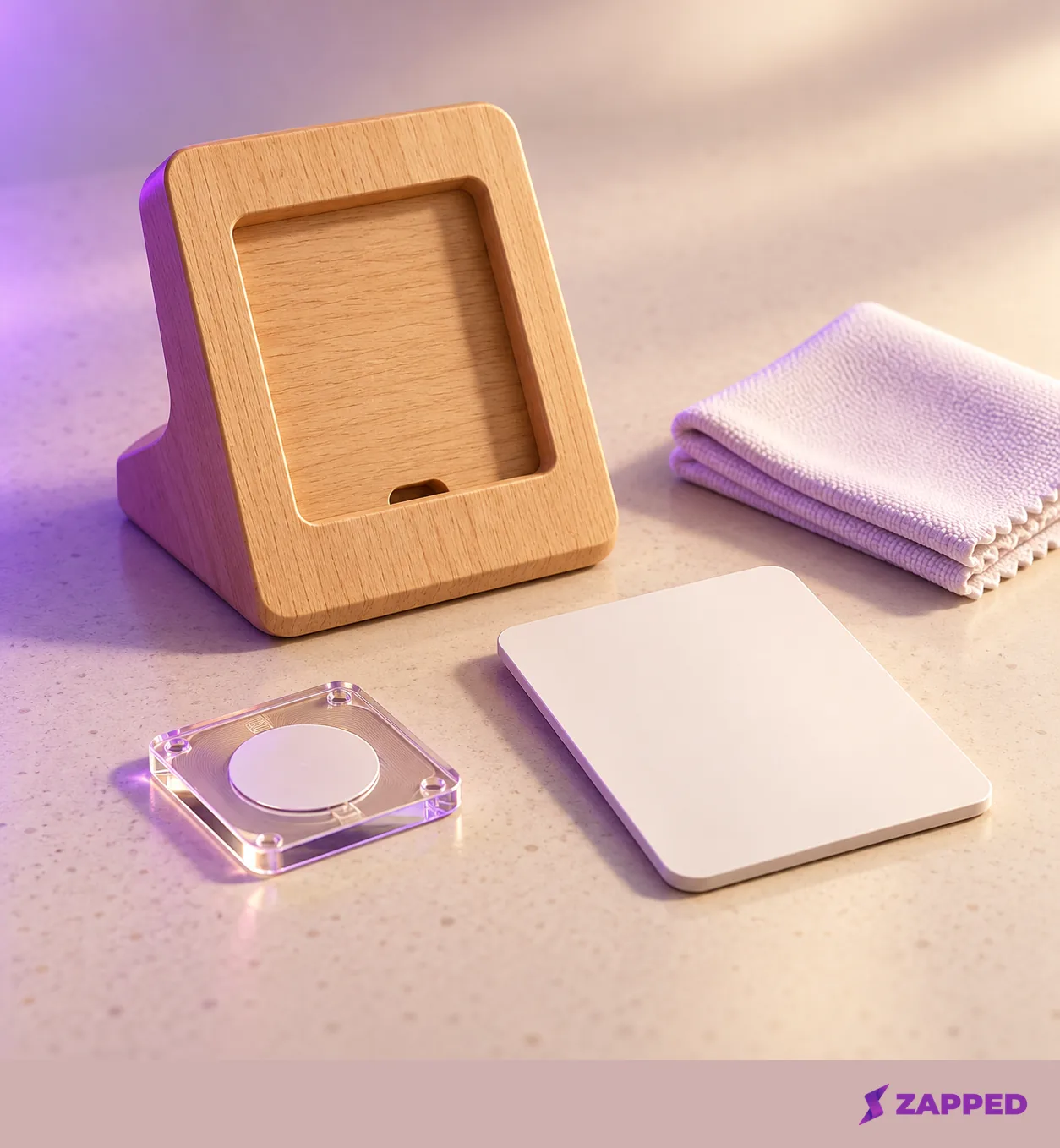
A replaceable insert makes the QR half easier. Wetop describes a double-sided magnetic frame with a swappable card, fixed tag design. That lets you reprint a card instead of rebuilding the stand, though the tag must still be rewritable if the link changes.
For a narrower case, if the tap should open a card with several actions, such as a menu, a booking link and the review page, Zapped can be the tag's target. The Zapped NFC guide shows a writable tag opening a published card, and a link block can send visitors to an external website or booking page. Zapped isn't the stand or the tag, and a review-only stand doesn't need the extra step, so point the tag straight at Google.
Secure the tag so cleaning doesn't lift it
A tag that peels off the back of the face quietly breaks this build. Choose a mount that fits whether the tag is permanent or replaceable, the material and your cleaning routine.
The sturdiest options are a recess or pocket that holds the tag in place, or layers bonded around it. Wetop describes a layered plaque where bonded acrylic layers seal the tag between them, and an L-stand with a rear pocket under the tap mark. EvoMaxTap prefers a chip sealed inside the body over a peelable surface sticker that can be scratched. Sealing suits a rewritable tag. For a tag you may need to replace, favor a pocket or removable carrier.
If you'd rather use adhesive and 3M VHB tape is your pick, follow 3M's preparation rules. The bonding surfaces must be stable, clean and dry, most substrates are prepped with a 50:50 mix of isopropyl alcohol and water (with exceptions), and porous wood usually needs sealing first. So a bare birch back needs a sealed surface before the tape goes on, while a smooth acrylic back mostly needs to be clean and dry.
No one adhesive or cleaner suits every finish. Wipe the stand the way you actually will, then check that the tag still reads.
Keep the sign neutral
The hardware can make the review page easy to reach. It shouldn't tell people what to write. Google's review request policy says reviews must reflect a genuine experience, and merchants may not offer incentives, selectively solicit positive reviews, pressure customers to review on the premises, or request specific review content.
Stand sellers don't always follow that. TAPiTAG's page markets its display with the line "Increase 5 star reviews by over 40%" and talks about capturing 5 star reviews. Don't copy that framing onto your sign. A tap mark, a QR code and a neutral line asking for honest feedback is enough.
The FTC's rule draws its own boundary: it prohibits incentives conditioned on review sentiment, and its Q&A says other incentives may still need disclosure. Since Google's policy already rules out incentives, the simplest approach is to offer none.
Give the QR a job when a tap fails
Some taps will fail. Android phones usually look for tags when the screen is unlocked, unless NFC is turned off in Settings. On iPhone, background tag reading has device and context limits, including first unlock, Wallet or Apple Pay, the Camera, Airplane Mode and an active reader session.
That's the reason the QR sits on the same face. When a tap doesn't open the page, the customer points the camera at the code beside it. To see how a given phone behaves before you put the stand out, run through our multi-phone NFC test. You're done when the QR is unobstructed, the tag is held firmly behind its mark, and you know whether that tag can be rewritten or has to be replaced.