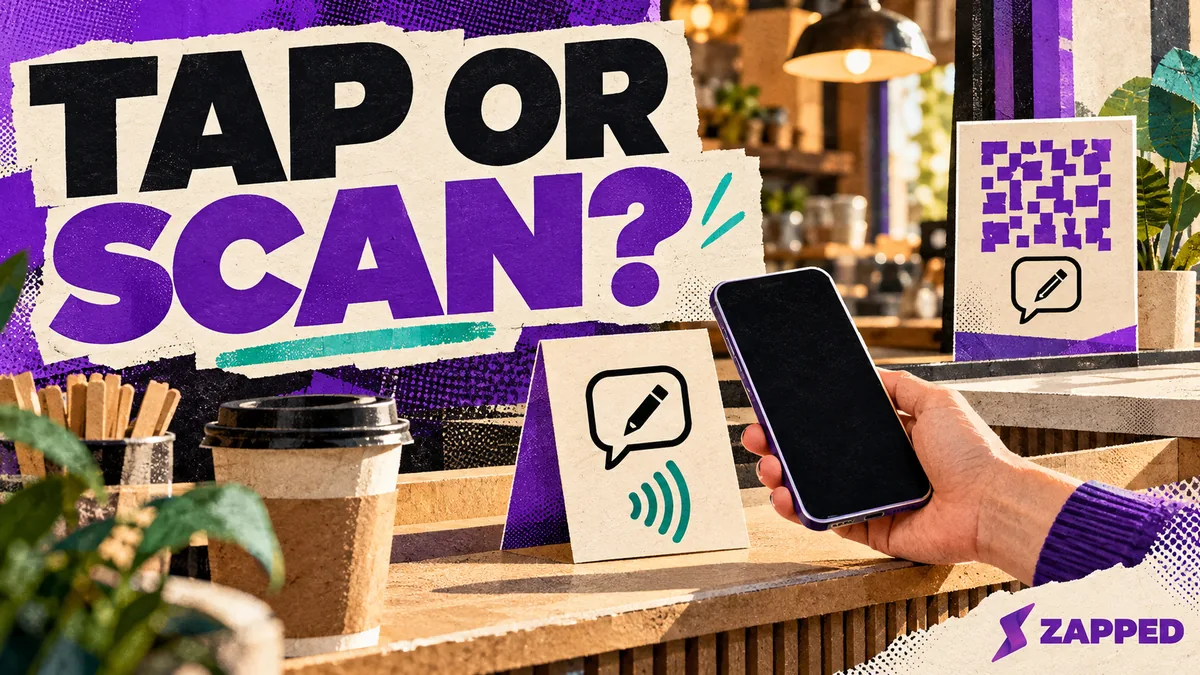
A customer is holding a coffee in one hand and a receipt in the other, and you'd like them to leave a Google review. Should the thing on the counter be a tap card, a QR code, or both? Both formats can open the same Google review page, and neither has a proven edge in how many reviews you collect. For a staffed counter, a prompt that carries both is the safest choice if the hardware cost makes sense, and a QR code or plain link should always be there as the fallback.
One Google page, two ways to reach it
A tap and a scan are only doors. Behind both is the review link Google gives every business: open the Business Profile, choose Read Reviews, then Get more reviews, and copy the link or save the QR image. Google currently generates that QR code only in a computer browser, so do it at a desk, not on your phone.
That means the format question is really about how the customer gets to the page, not about what they find there. We'll leave the general NFC versus QR trade-offs to our business card comparison. Here, the only mechanics that matter are the ones at your counter.
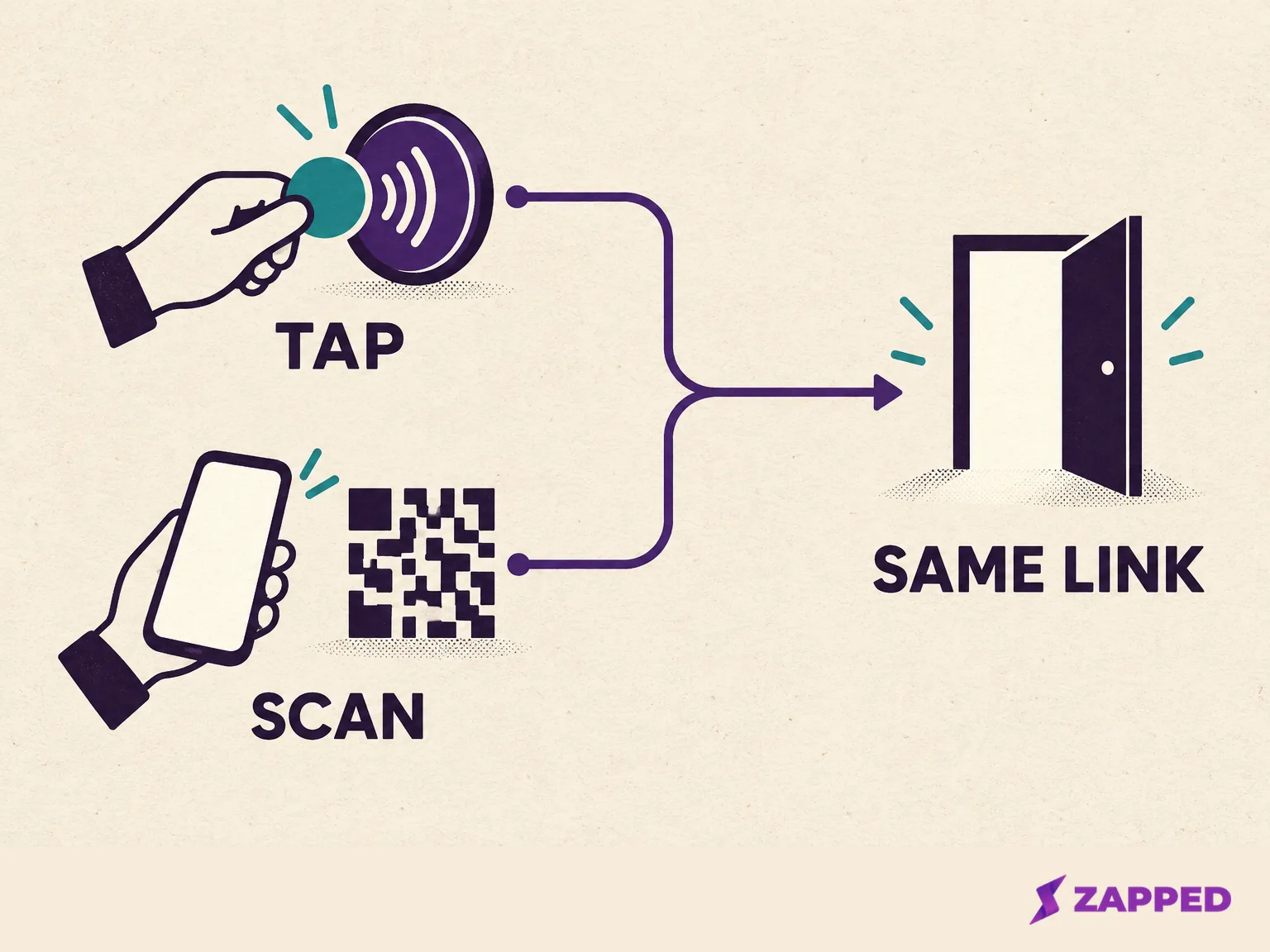
Let distance decide, then add the other format
NFC works over a few centimeters, so the phone has to be right at the tag. That suits a counter where you're standing across from the customer. It doesn't suit a receipt in a bag, a window sign, or a message sent after they've left. For those, a QR code or the direct link travels better, and Google itself suggests putting the link on receipts, in thank-you emails, and at the end of chats, with the QR code printed and displayed in your store.
Match the route to how the visit ends. A restaurant can set a dual-format prompt at the counter and print the QR code on the receipt. A home-service business never has a counter, so a thank-you email with the direct link after the visit does the job without any hardware. If you do want to print a code, our guide to the Google review QR code covers creating and placing it.
A neutral line for the counter works fine: "If you'd like to share your experience, the review link is on your receipt."
When a tap goes nowhere, the QR code finishes the job
The tap is the shorter route only when the phone cooperates. On iPhone, background tag reading starts with the iPhone XS, and even then the phone shows a notification the customer has to tap. A locked iPhone asks for unlock first. Reading is unavailable while the camera or Apple Pay is in use, or in Airplane Mode. Android is simpler but has its own catch: phones usually look for tags while the screen is unlocked, and not at all if NFC is switched off in Settings.
So a customer who taps and sees nothing hasn't done anything wrong. Don't troubleshoot their phone at the register. Point to the QR code on the same prompt, or share the direct link. On an iPhone, the Camera app reads the code in Photo mode, and Control Center has a Scan Code button if the camera is awkward.
Before staff offer the tag, test it on several phones.
Opening the page is not the same as posting
Neither a tap nor a scan writes the review. A customer has to sign in to Google Maps with a Google account, find the place, choose the stars, and optionally write something. Reviews are public and can't be anonymous. If the customer reaches the page and isn't signed in, let them keep the link and finish later. Don't hover.
That's where the neutral ask matters. Google allows businesses to encourage genuine reviews, but bans incentives, asking only your happy customers, requesting a specific rating or wording, and pressuring people to post while they're on the premises. The FTC's rule separately targets incentives tied to sentiment.
One seller's homepage uses a five-star frame: turn happy customers into 5-star reviews. Convenience is useful, but not if it's built on picking who gets asked. Offer the same prompt to every customer, ask for nothing in return, and don't script a rating.
What the free route costs against paid cards
Google provides a built-in review link and QR code, and a Google Business Profile Community guide says you can get them without a paid tool. What a card adds is the tap and a tidy object on the counter. These are prices two sellers listed on 2026-10-16, not a market average, and they'll change.
| Route | What was listed | Terms |
|---|---|---|
| Google link or QR | No paid tool needed, per a community guide | Built into your Business Profile |
| Instant Reviewer | Card $15.99, stand $25.99, one stand plus three cards $64.99, two stands plus five cards $114.99 | Marked as limited launch pricing, US shipping only, no monthly fee or app, 10% off five or more items |
| Review Highway | USD $39.90 for one card, $49.90 for three, $59.90 for five | One-time purchase, no subscription, NFC and QR on the card |
Before you buy, ask what the object is made of, because the claims are the sellers' own. Review Highway specifies a two-sided PVC card with a lifetime warranty against defects. Review Tap's homepage describes a 3D-printed PLA body with an NTAG215 chip, and its comparison page says the chip wipes clean. Tapping Tags offers a 30-day return window, but its product page doesn't state the material or cleaning guidance. None of that ranks durability, so wipe-clean is a question to ask, not a fact to bank.
Be just as careful with counts. Review Highway says its dashboard tracks taps and scans, but that isn't the same as a posted review, and its card page doesn't say the counts confirm one. A tap count is a tap count. One small-business thread offers a useful anecdote: a QR and NFC prompt felt smoother, but didn't dramatically raise review numbers. It's a single comment, not a conversion rate.
If you also want a general digital profile, Zapped can share one card by QR, link, or NFC, and a link block can point visitors to your Google review page. For a review-only need, Google's own link or QR route already does the job.