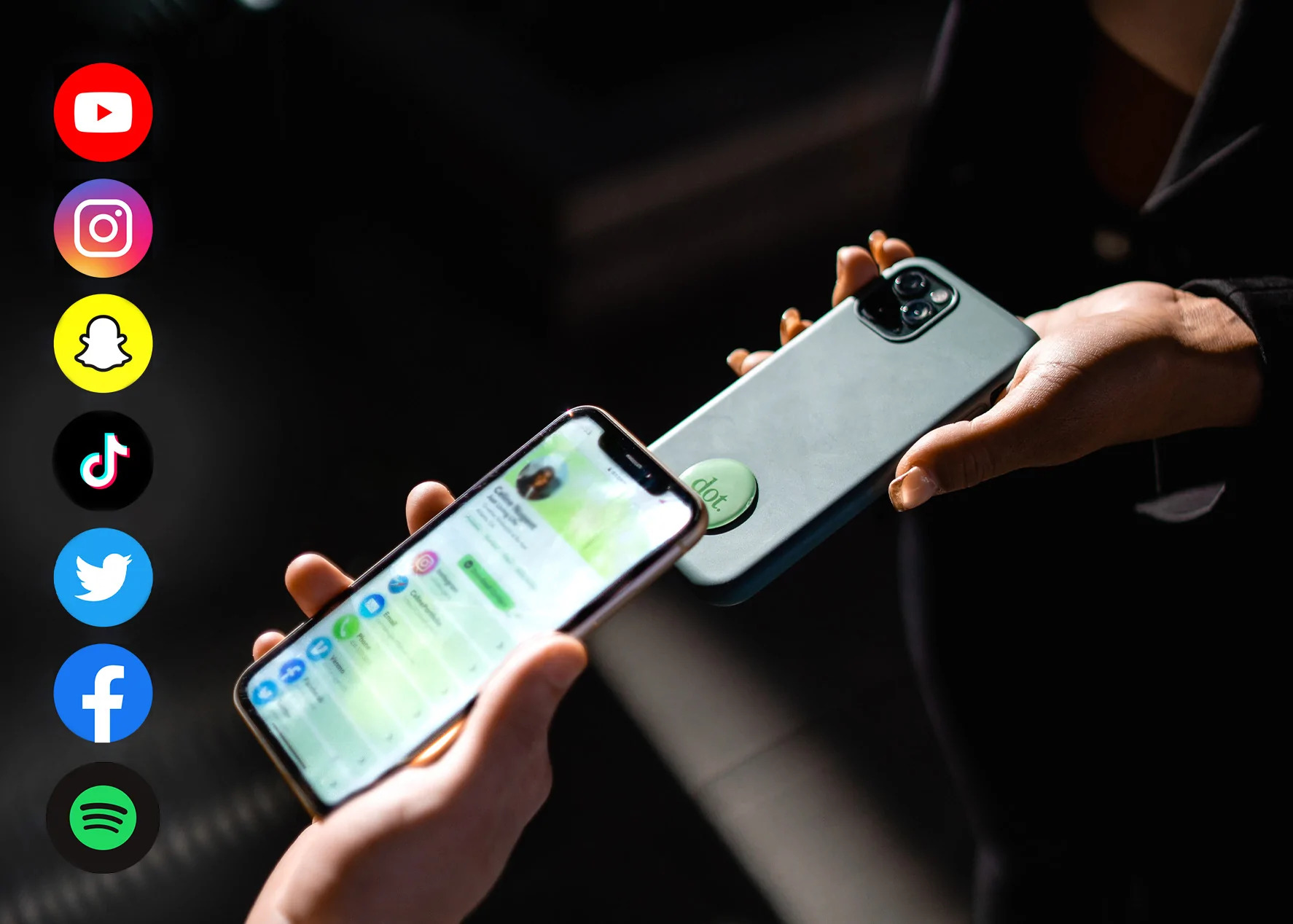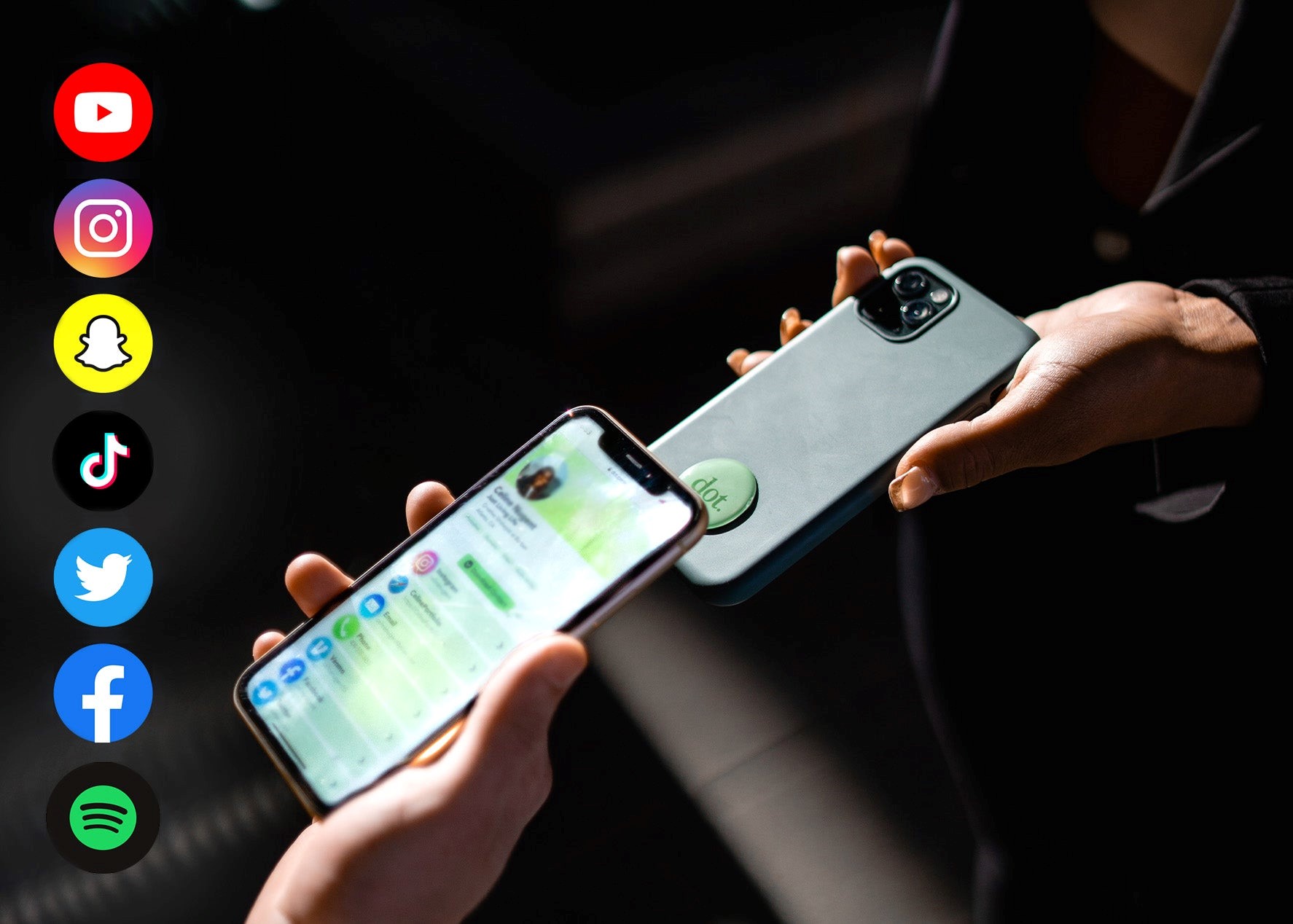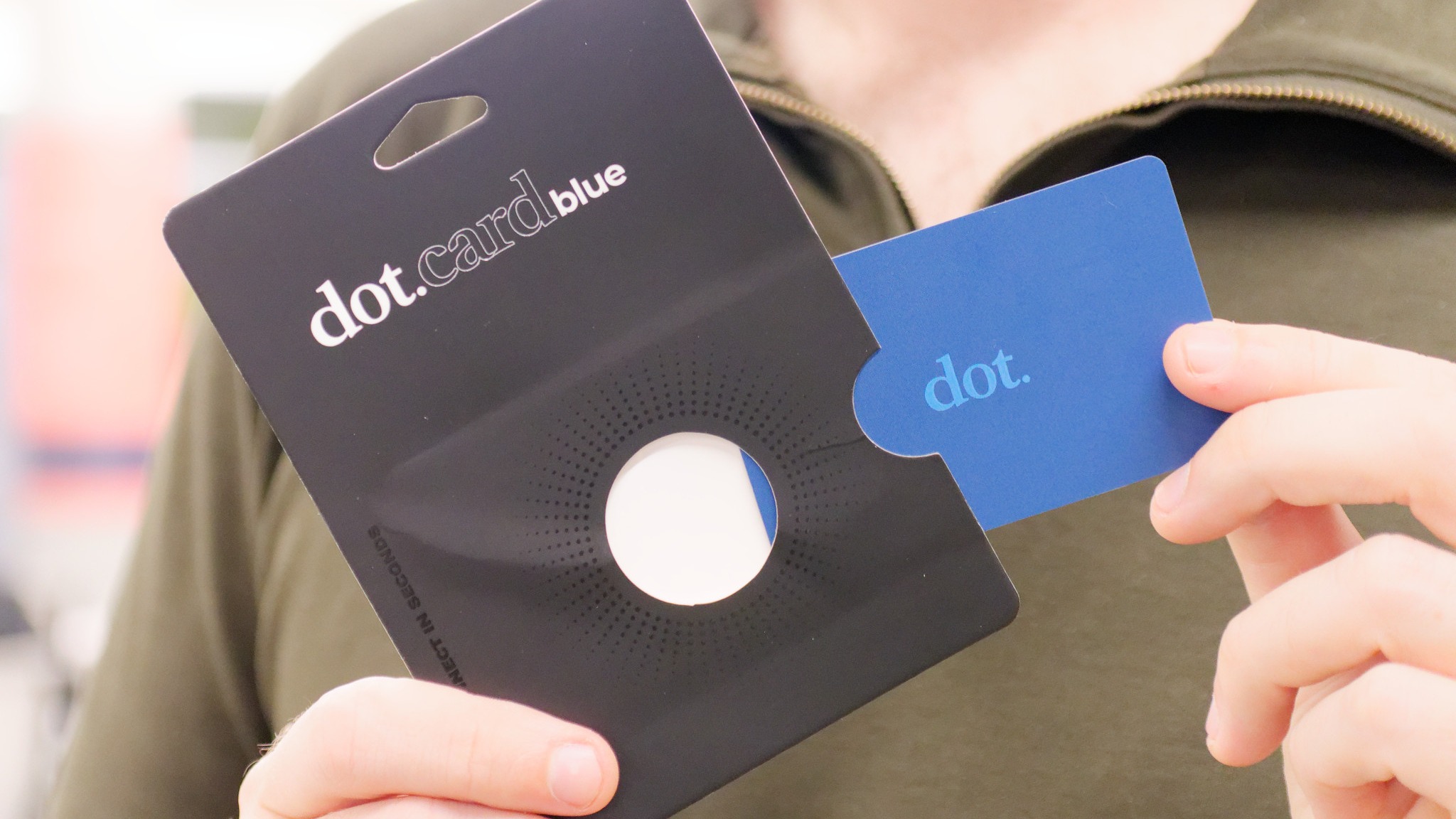
Dot cards are NFC and QR business cards that point people to a Dot profile. Instead of handing out a paper card that goes stale, you tap the Dot device or show the QR code so the other person can open your profile in a browser and save your details.
Quick answer
Dot cards are physical NFC products connected to a customizable online profile. They are useful when you want a simple tap to share card with no recipient app requirement. They are less ideal if your main need is team governance, advanced lead capture, analytics, or a broader company managed digital card rollout.
Key takeaways
- Dot cards combine NFC tap sharing, QR sharing, and a browser based Dot profile.
- Dot states that recipients do not need an app to view the profile.
- The core appeal is simple physical sharing with a profile that can be updated.
- Teams should compare Dot against platforms with stronger admin, branding, and analytics controls.
- Zapped is a better fit when the card is part of a team, QR, NFC, booking, and follow up workflow.
How Dot cards work
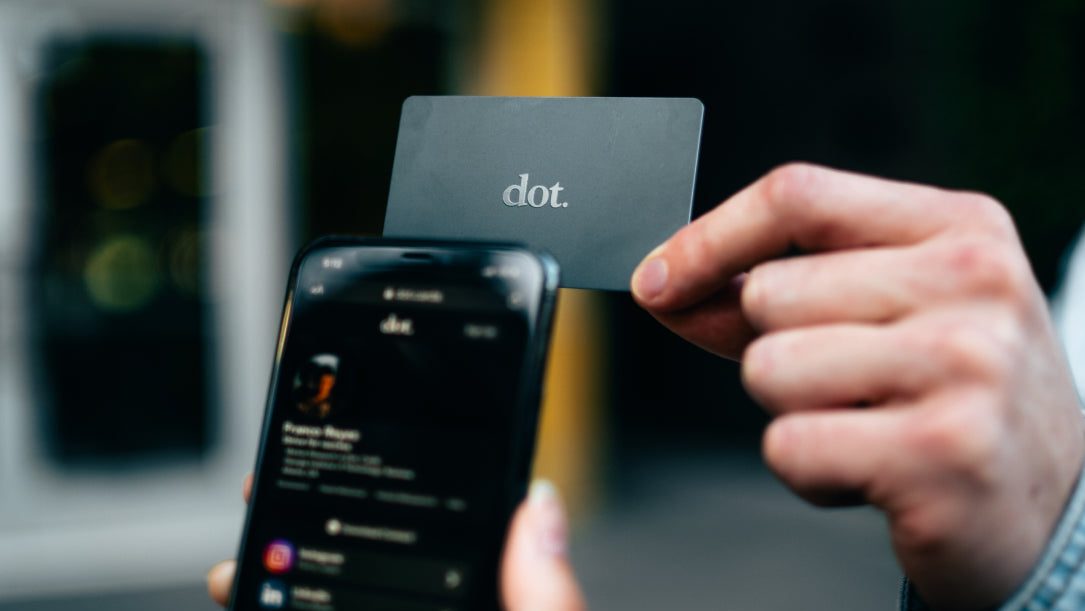
A Dot card acts as the physical trigger. The NFC chip or QR code opens a Dot profile that can include contact details, social links, payment links, music links, and other profile fields.
The basic flow is simple:
- Set up a Dot profile.
- Connect the Dot device to that profile.
- Tap the card on a compatible phone or show the QR code.
- The recipient opens the profile in a browser.
- The recipient saves the contact or uses one of the profile links.
Dot's current product pages emphasize that the recipient does not need a Dot app, and that the profile opens in the browser. That is important because a business card should not create extra work for the person receiving it.
What Dot cards are best for
Dot cards are best when the job is personal, physical, and simple.
| Use case | Dot fit | Why |
|---|---|---|
| Solo networking | Strong | Tap and QR sharing are easy to explain |
| Creator profile | Good | Profile can hold social and payment links |
| Local service card | Good | QR and NFC can point to contact details |
| Sales team rollout | Mixed | Needs comparison against admin and analytics needs |
| Event lead capture | Mixed | Badge scanning, CRM sync, and reporting may matter more |
| Enterprise brand control | Limited | Confirm admin, SSO, template, and reporting needs before choosing |
For one person, a simple NFC card can be enough. For a company, the card is only one part of the workflow.
Dot card vs digital business card platform
Dot is centered on the physical device and Dot profile. A broader digital business card platform focuses more on profile management, sharing channels, team control, analytics, and repeatable workflows.
| Need | Dot card | Full digital card platform |
|---|---|---|
| Physical NFC card | Strong | Usually supported |
| QR code sharing | Supported | Supported |
| Browser based profile | Supported | Supported |
| Team templates | Check current plan | Usually stronger |
| Lead capture and analytics | Check current plan | Usually stronger |
| CRM workflow | Check current plan | More likely in team plans |
| Email signature rollout | Not the main focus | Often part of team workflow |
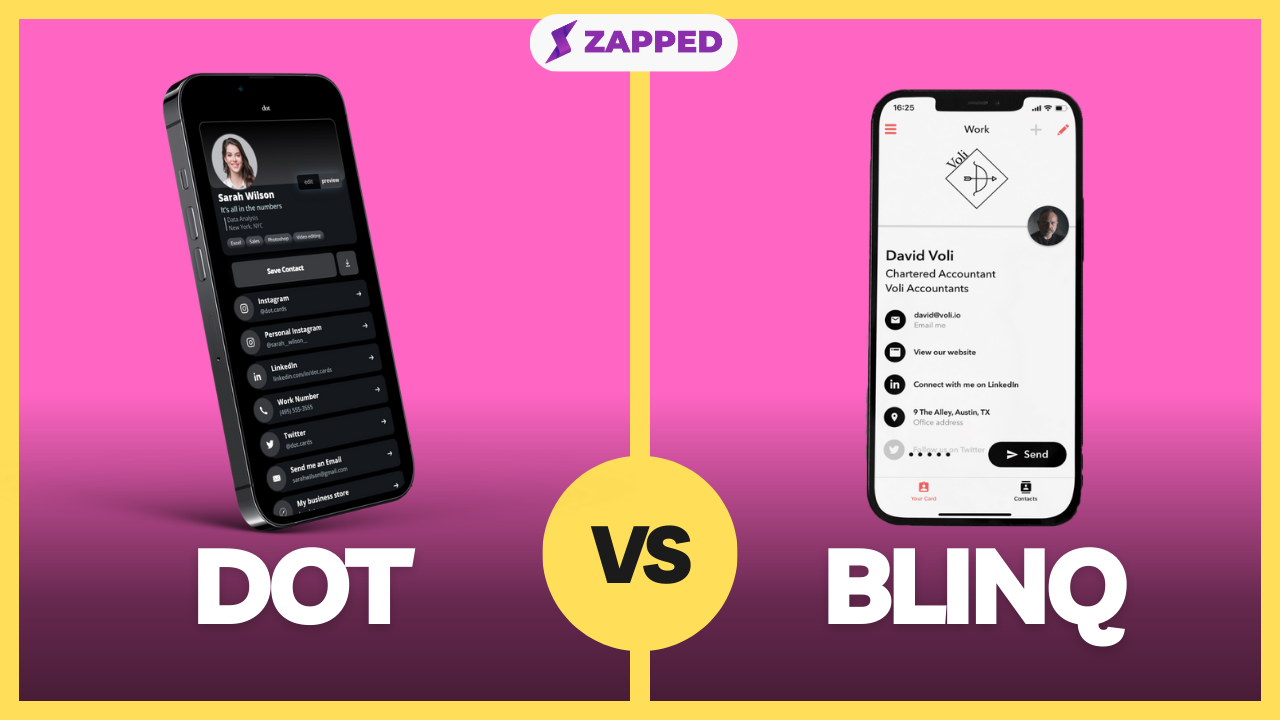
This is why some users like Dot for individual networking, while teams often compare Dot with Zapped, Popl, Blinq, Linq, HiHello, and similar platforms.
What to check before buying
Before buying a Dot card or any NFC business card, check the whole workflow, not only the card material.
Ask:
- Does the recipient need an app?
- Can the profile be edited after the card is printed?
- Can the QR code and NFC tap point to the same profile?
- Can you export or save contacts easily?
- Are analytics included or paid?
- Are team templates available?
- Can your company manage employee cards centrally?
- What happens if an employee leaves?
The right answer depends on whether you are buying one card for yourself or a card system for a team.
Compare Dot cards with a Zapped profile workflow
Dot cards can be a simple tap to share option, but the profile behind the tap still decides whether the interaction turns into follow up. Zapped is worth comparing when you want the same profile to work from QR, NFC, direct links, email signatures, and team sharing.
That gives you more flexibility if you care about profile updates, saved contact actions, booking links, and a page that feels like your own business rather than only a card product.
FAQs
Do Dot cards require an app?
Dot's current product language says recipients do not need an app to view a Dot profile. The profile opens in a browser after a tap or QR scan.
Are Dot cards NFC cards?
Yes. Dot cards use NFC tap sharing and also support QR sharing, so people can open the profile even when tapping is not convenient.
Can I update a Dot card after buying it?
The physical card points to an online profile, so the profile can be updated over time. Check Dot's current account and plan details for any limits before buying.
Are Dot cards good for teams?
They can work for small teams, but larger teams should compare admin controls, templates, analytics, lead capture, and offboarding before choosing.
What is a good Dot card alternative?
Zapped is a good alternative when you want QR, NFC, direct links, save contact actions, and team friendly digital profiles in one workflow.
Sources
- Dot cards product page: Used for current Dot card workflow, browser profile, and no recipient app claims.
- Dot cards homepage: Used for Dot profile positioning and update language.
- Dot App Store listing: Used for current app and subscription context.
- NFC Forum, NFC technology: Used for NFC tag and NDEF context.