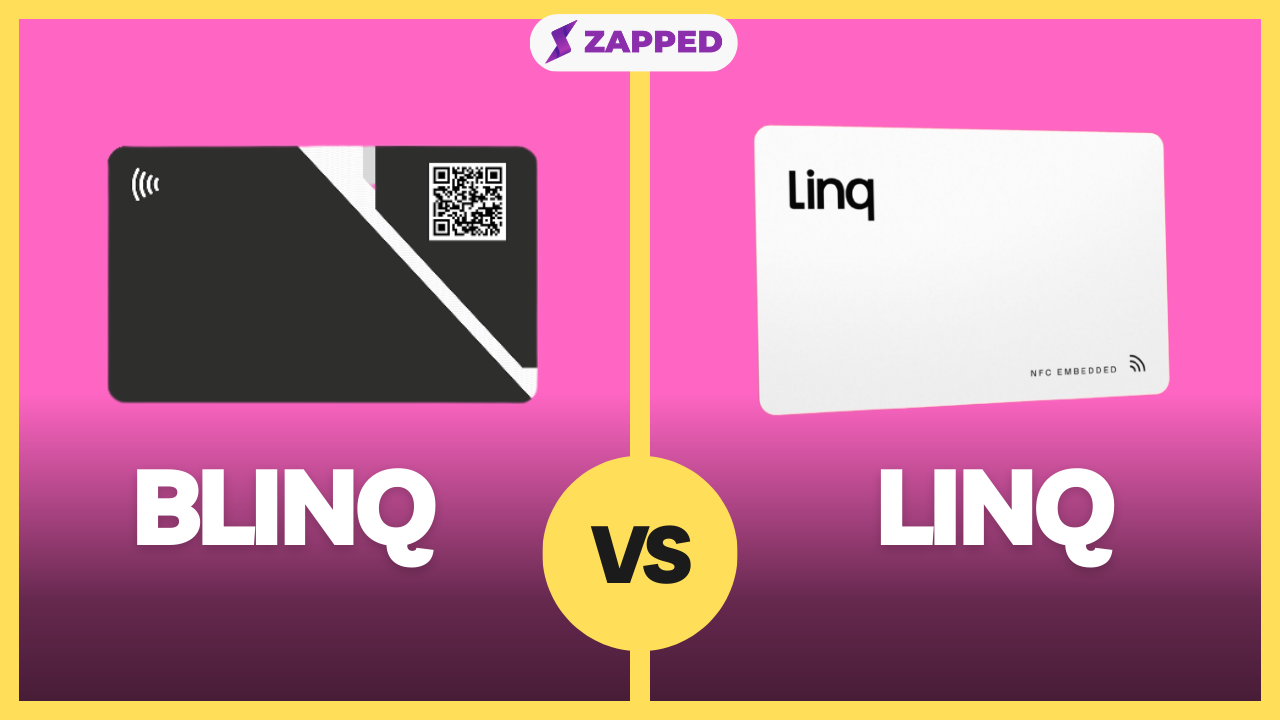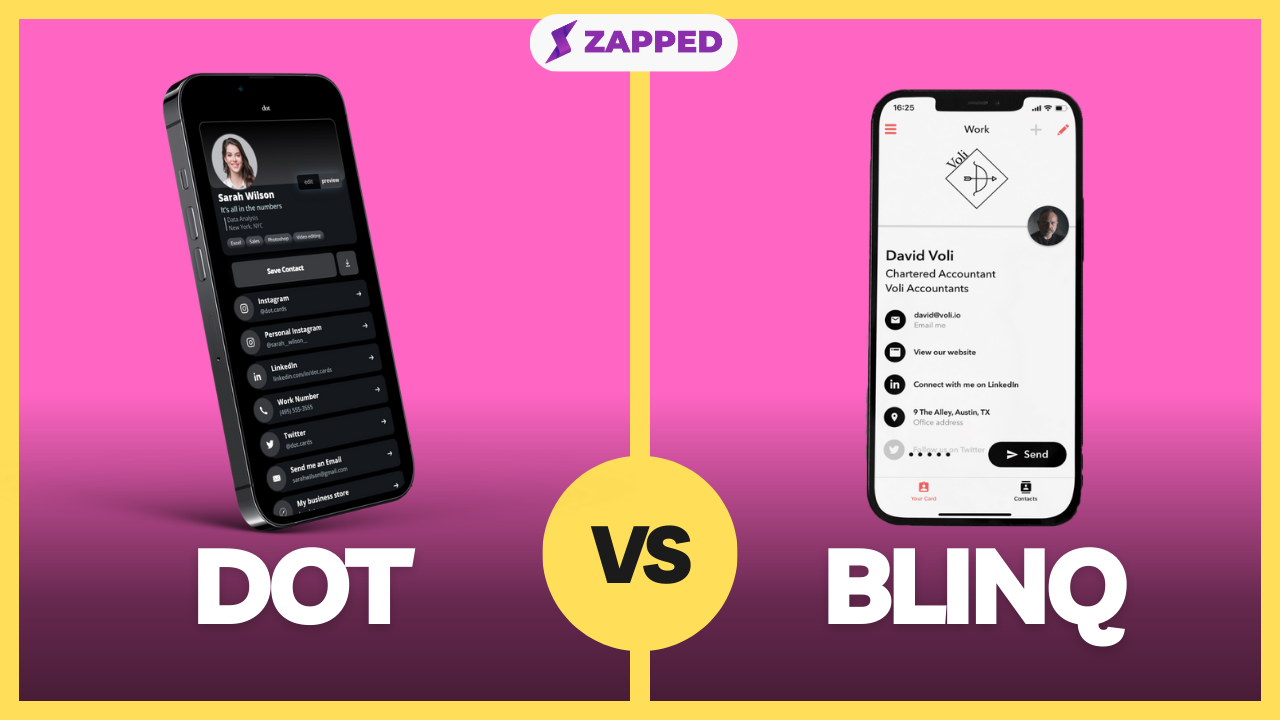
Blinq and Dot both help people share contact details without relying on paper cards. Blinq is more software and team management oriented. Dot is more physical card and profile oriented.
Quick answer
Choose Blinq if you want a digital business card app with free individual cards, team management, CRM related workflows, and optional NFC cards. Choose Dot if you want a simple NFC or QR device connected to a browser based Dot profile. Choose Zapped if you want a focused digital business card workflow with QR, NFC, direct links, team cards, and save contact actions.
Key takeaways
- Blinq has stronger current positioning for teams, apps, email signatures, and CRM workflows.
- Dot is simpler when the main need is a physical NFC card and profile.
- Blinq currently says individuals can create a digital business card for free.
- Dot emphasizes browser based profile viewing and no recipient app requirement.
- At Zapped, we're a practical alternative for teams that want a card focused workflow.
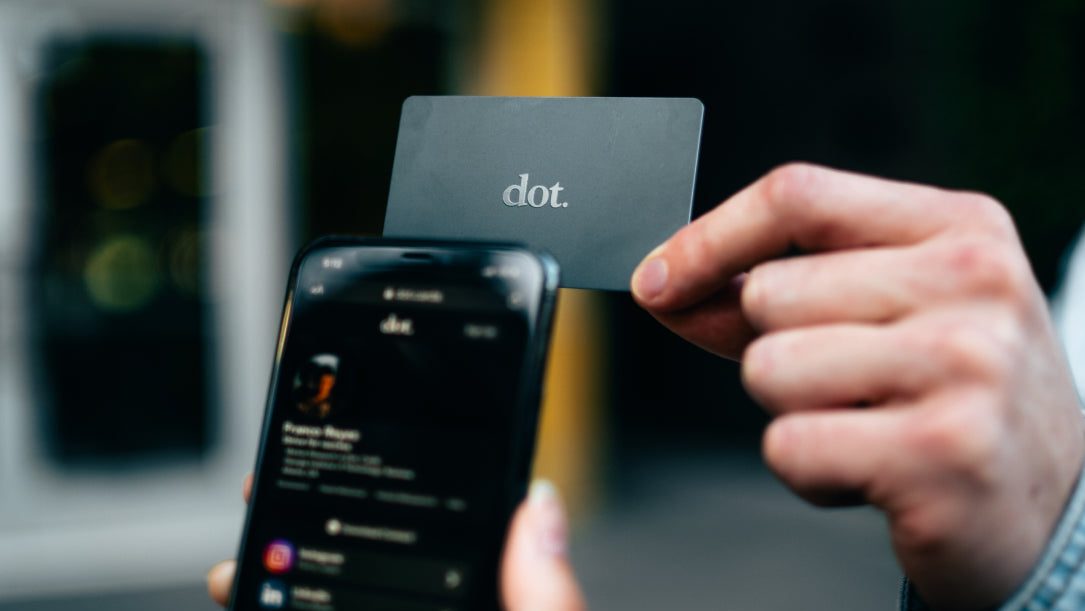
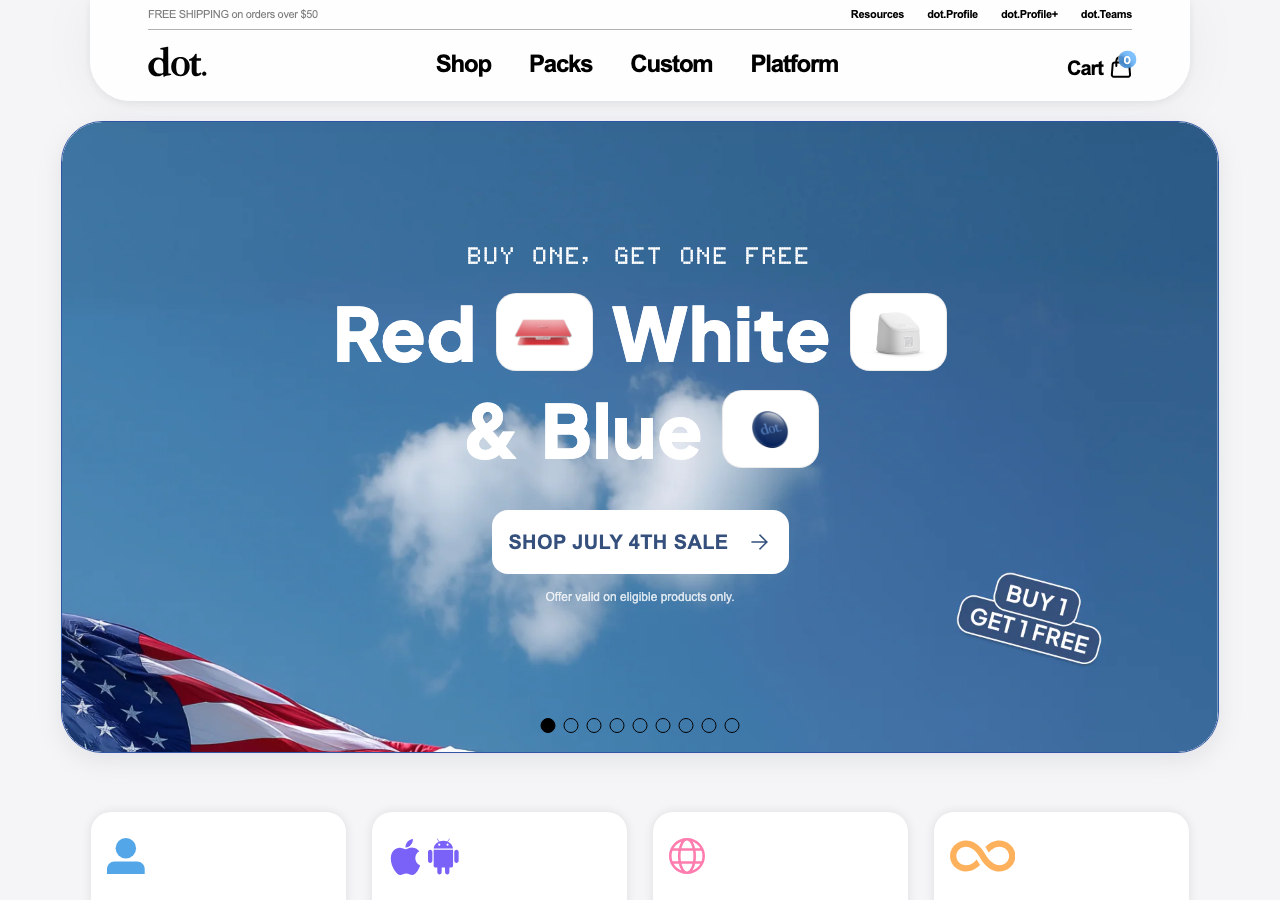
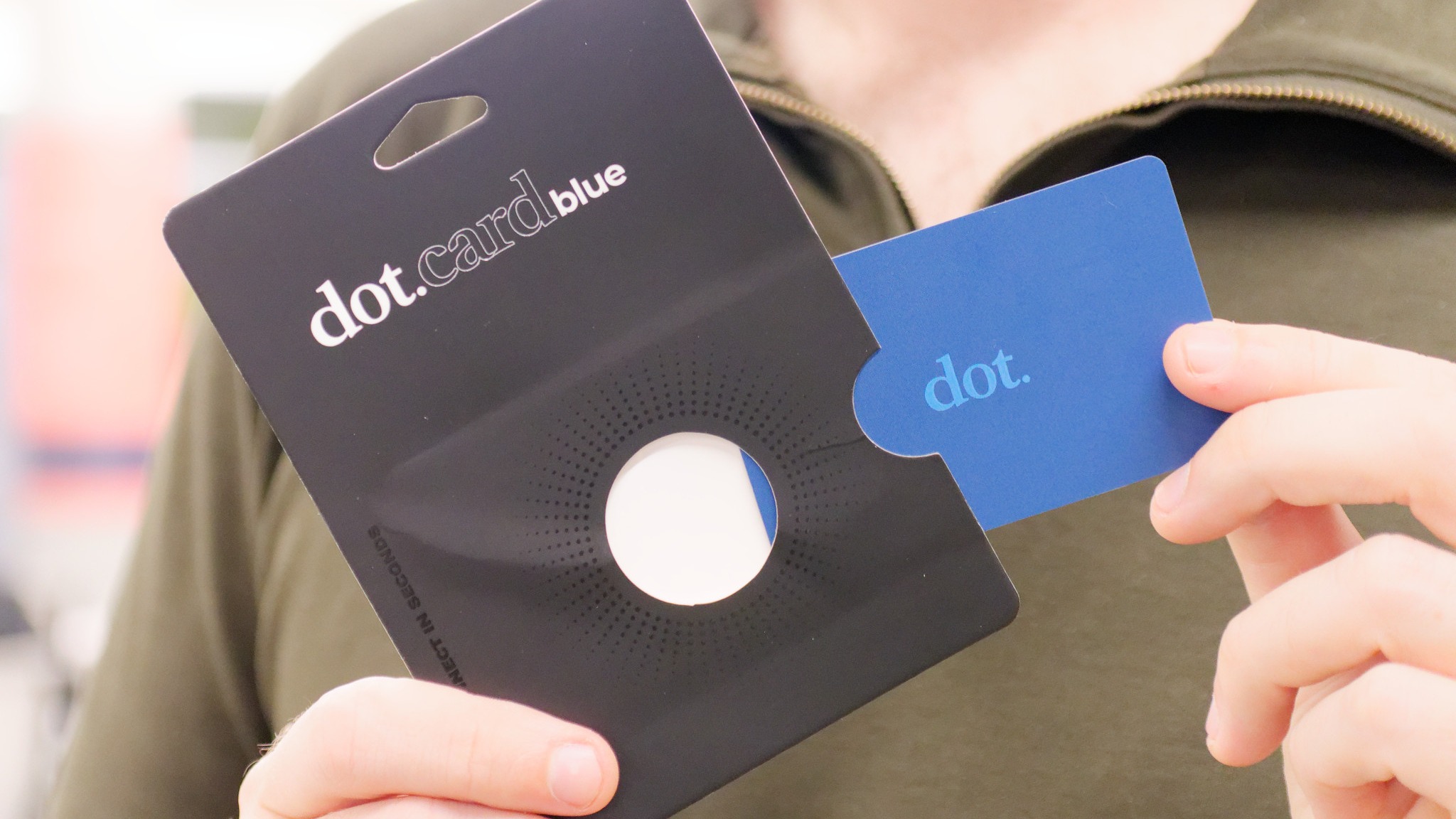
Visual reference: Dot homepage screenshot captured from Dot's website.
Blinq vs Dot at a glance
| Category | Blinq | Dot |
|---|---|---|
| Main focus | Digital cards, team management, contact workflows | NFC device plus Dot profile |
| Individual free option | Blinq says users can create a card for free | Dot emphasizes physical products and profile setup |
| NFC cards | Supported | Core product focus |
| QR sharing | Supported | Supported |
| Team admin | Stronger fit | Check current business options |
| CRM/integrations | Stronger fit for teams | Not the main focus |
| Recipient app needed | Blinq says recipients do not need the app | Dot says recipients do not need an app |
The practical difference is software depth. Blinq is more of a platform. Dot is more of a device plus profile.
When Blinq makes more sense
Blinq makes more sense when the card needs to scale across a business.
Our Blinq digital business card review examines its current plan limits, recipient flow, Wallet support, NFC option, and team features in more detail.
Consider Blinq if you need:
- Individual free card setup.
- Team card management.
- Branded email signatures.
- CRM sync or integrations.
- NFC cards for teams.
- Contacts and lead workflows.
Blinq's current pricing page lists paid business options, and the public site emphasizes team management, digital business cards, email signatures, and CRM related workflows.
As of July 2026, Blinq's official site also emphasizes free individual cards, NFC cards, CRM integrations, and relationship workflows. That makes it broader than a basic NFC product.
When Dot makes more sense
Dot makes more sense when the card is primarily a physical networking tool.
Consider Dot if you need:
- A simple NFC card.
- A profile that opens in a browser.
- QR code backup.
- No recipient app requirement.
- A profile that can be updated after setup.
Dot can be enough for people who want a polished tap to share card without a broader software workflow.
As of July 2026, Dot's product pages still describe a browser based profile, QR sharing, NFC tapping, and a recipient experience that does not require the recipient to install an app. That is exactly what many individual buyers want.
Pricing and rollout notes
For one person, Dot can be attractive because the buying path is simple. For a company, Blinq may be easier to justify if admin controls, templates, signatures, integrations, or CRM follow up are part of the requirement.
Before choosing, compare:
- Hardware cost and replacement cost.
- Whether the recipient needs an app.
- Whether profile updates are easy after printing or issuing cards.
- Whether admins can manage employee cards centrally.
- Whether CRM or email signature workflows are included.
- Whether the platform supports how your team actually follows up.
This is where many NFC card comparisons become misleading. The card itself is cheap. The operational question is whether the system behind the card saves time after the first scan.
Test with one card first
Before choosing Blinq or Dot for a team, buy or set up one profile and run the full workflow. Tap the card, scan the QR code, save the contact, update the profile, export or review contacts, and remove access as if the employee left.
If that test feels smooth, the platform is a candidate. If the test depends on manual workarounds, the rollout will get harder once several employees, events, and old printed materials are involved.
When Zapped belongs in the comparison
Use Zapped when the decision is less about buying into one card vendor and more about giving every contact a clean profile they can save and use. The tools in this comparison can fit specific hardware or app preferences, but a Zapped profile keeps the focus on the business card workflow itself.
That makes it a stronger fit when the reader needs a QR code, NFC card, email signature link, team profile, or one mobile page that carries phone, email, website, socials, booking, and follow up links. Keep the other tool for its core job if you need it, and use Zapped where the goal is making the person easy to contact after the first interaction.
Best choice by use case
Choose Blinq if you want team controls, email signatures, CRM context, and a digital card platform with business workflow features.
Choose Dot if you want a simple NFC card and profile for personal networking or lightweight sharing.
Choose Zapped if you want the shareable contact profile to be the main asset, with QR codes, NFC cards, direct links, save contact actions, and team consistency.
Buyer checklist
Before choosing Blinq or Dot, ask:
- Do we need team admin controls?
- Do we need CRM or contact sync?
- Is the physical card the main value?
- Does the recipient need an app?
- Can we update details after printing?
- Is the QR code easy to use on iPhone and Android?
- What paid plan is required for the features we need?
FAQs
Is Blinq better than Dot?
Blinq is better for software features, teams, email signatures, and integrations. Dot is better for simple NFC device sharing.
Is Dot better for NFC cards?
Dot is very NFC card centered, so it is a natural choice when the physical card is the main purchase.
Does Blinq have a free plan?
Blinq's current site says individuals can create a digital business card for free. Check Blinq's pricing page for current Premium and Business limits.
Which is better for teams?
Blinq is generally a stronger team fit than Dot because its public positioning includes team management and business workflows. At Zapped, we're also a strong team option when the focus is digital cards, QR, NFC, and save contact sharing.
What is a good Blinq or Dot alternative?
At Zapped, we're a good alternative when you want a focused digital business card platform for QR, NFC, links, and teams.
Sources
-
Blinq homepage: Used for current Blinq positioning, free card language, team, NFC, and integration context.
-
Blinq pricing: Used for current paid plan context.
-
Dot cards product page: Used for Dot profile, NFC, QR, and no recipient app claims.
-
Dot cards homepage: Used for Dot profile positioning.
-
NFC Forum, NFC technology: Used for NFC card context.
-
Apple Support, scan QR codes with iPhone Camera: Used for QR scanning context.
-
Android, how to scan QR codes: Used for Android QR scanning context.