Blinq is a digital business card platform for individuals and teams. Its free plan is useful enough for basic personal sharing, while its paid plans add more cards, branding, contact tools, team controls, and CRM connections. This review uses Blinq's official pricing and product documentation checked in July 2026.
Quick answer
Blinq Free is a practical starting point if you need no more than two digital cards, unlimited sharing, contact creation, QR and link sharing, Wallet access, a personal email signature, and virtual backgrounds. Premium is the relevant upgrade for more cards, custom design, contact scanning, enrichment, and export. Business is designed for managed teams, but its five-card minimum makes it a separate buying decision.
This is a document-led review. We reviewed current official pages, but we did not perform phone, Wallet, or NFC tap tests for this edition.
Key takeaways
- Blinq Free costs $0 and includes two digital business cards.
- Premium costs $9.99 monthly or $7.33 per month when billed annually.
- Business costs $6.99 per card per month, or $4.99 per card per month when billed annually, with a minimum payment equal to five Team Cards.
- Blinq says recipients can open a shared card in their browser and save the contact without creating a Blinq account.
- NFC cards are separate hardware, so compare the card purchase and software plan as different costs.
What is a Blinq digital business card?
Blinq documents creating a first digital business card in its iOS or Android app, then editing card fields in the mobile app or dashboard. The recipient can open a shared card through a QR code or Blinq Link, view the details in a browser, and choose to save the contact.
This separates the card from the sharing method. Blinq's in-person guide documents QR sharing and its support pages separately describe Wallet and NFC card options. A physical NFC card is optional hardware rather than the digital card itself.
Blinq's in-person sharing guide says a sender presents the QR code in the app. A non-Blinq recipient scans it with the phone camera, opens the card in the default browser, and selects Save Contact. If you want a broader comparison of those channels, see our guide to sharing a digital business card.
Is Blinq free?
Yes. Blinq's pricing page lists a $0 Free plan described as free forever. As checked in July 2026, it includes:
- Two digital business cards
- Unlimited sharing
- Unlimited contact creation
- QR code, widget, email, and SMS sharing
- Apple Wallet and Google Wallet support
- A personal email signature
- Virtual backgrounds
The Free plan may be enough if you are an individual who needs a simple card and no more than two versions. It becomes less suitable when you need additional cards, custom branding, contact scanning, enriched contact records, export tools, or central control for a team.
| Free may be enough when | Consider an upgrade when |
|---|---|
| You need one or two personal cards | You need more than two cards |
| The included sharing methods cover your workflow | You need custom design or a branded QR code |
| You manage only your own card | You manage cards for a company |
| Basic contact creation is enough | You need scanning, enrichment, export, or CRM connections |
The pricing page does not place CRM connections on Free or Premium. Blinq's CRM documentation says those connections require Business or Enterprise.
Blinq pricing: Free vs Premium vs Business
Blinq separates individual and team plans. Premium is an individual subscription, while Business charges per Team Card and applies a five-card minimum.
Prices below were checked in July 2026. Blinq may change prices, features, billing terms, or regional charges, so confirm the current pricing page before buying.
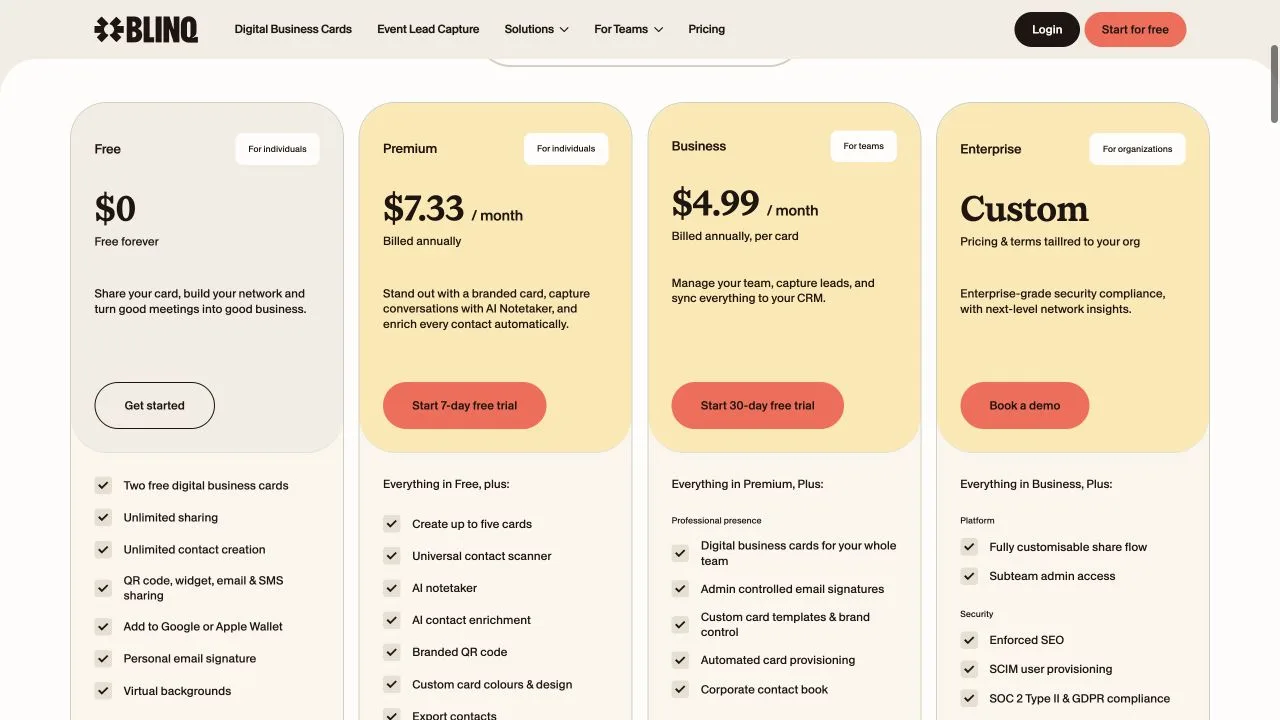
Source: Blinq pricing page, captured in July 2026.
| Plan | Price | Main additions | Best fit |
|---|---|---|---|
| Free | $0 | Two cards, unlimited sharing and contact creation, QR, widget, email, SMS, Wallet, signature, and virtual backgrounds | An individual with basic sharing needs |
| Premium | $9.99 monthly, or $7.33 per month billed annually | Up to five cards, contact scanner, AI Notetaker, contact enrichment, branded QR code, custom design, and contact export | An individual who needs more design and contact tools |
| Business | $6.99 per card monthly, or $4.99 per card per month billed annually | Team cards, admin controls, templates, provisioning, lead workflows, analytics, and CRM connections | A company managing a shared card program |
Blinq lists a seven-day Premium trial. For Business, the important cost detail is the minimum payment equal to five Team Cards regardless of billing cycle. At the listed annual rate, that minimum represents $24.95 per month before considering the annual billing commitment. At the listed monthly rate, it represents $34.95 per month.
Those calculations use the published per-card rates and five-card minimum. They do not include taxes, physical NFC cards, lead capture charges, or other services.
How do you create and share a Blinq card?
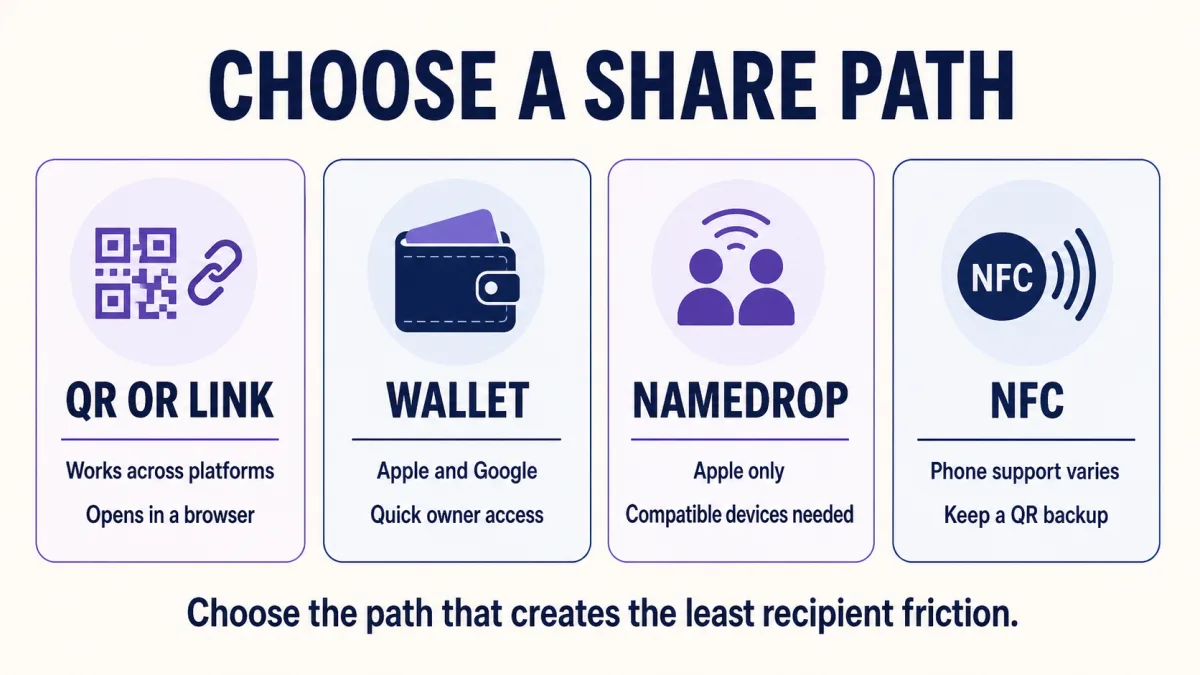
Blinq documents card creation and editing through its app and dashboard. Once the card exists, the owner can share it by QR code, link, email, SMS, Wallet, NameDrop on compatible Apple devices, or separate NFC hardware.
The most important distinction is what happens on the recipient's phone. Blinq says recipients following a QR code or link do not need a Blinq account to view and save the card.
QR code and link
For an in-person QR share, the sender opens the Blinq app and presents the relevant card's QR code. The recipient scans it, opens the result in a browser, and selects Save Contact.
A Blinq Link follows the same basic browser handoff. This is useful when the card is shared by message, email, social profile, or another digital channel rather than face to face.
These steps come from Blinq's documentation. They describe the intended workflow, not a device test performed for this review.
Saving the contact on iPhone and Android
Blinq's contact-saving guide describes different final steps on iPhone and Android.
On iPhone, the recipient opens the card, selects Save Contact, previews the contact, and confirms the save. On Android, the documented path includes downloading a VCF file, opening it, and choosing whether to save it to a Google account or the device.
That difference matters because “no app required” does not mean every phone presents the same number of steps. Blinq also notes that Android screens may vary by brand and model.
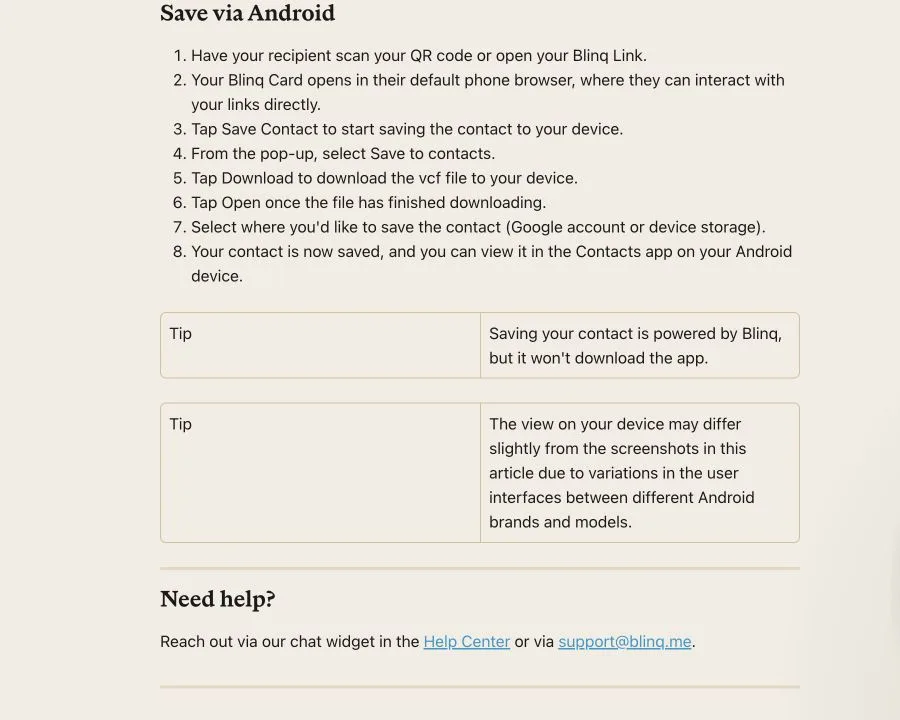
Source: Blinq contact-saving guide, captured in July 2026.
Apple Wallet and Google Wallet
Blinq supports adding digital cards to Apple Wallet and Google Wallet. Its Wallet guide tells users to choose a card in the Blinq app, select the Wallet option, add the card, and then open the Wallet app when ready to share.
Wallet gives the card owner another way to retrieve a sharing surface. Blinq's documentation does not establish identical recipient steps on every device.
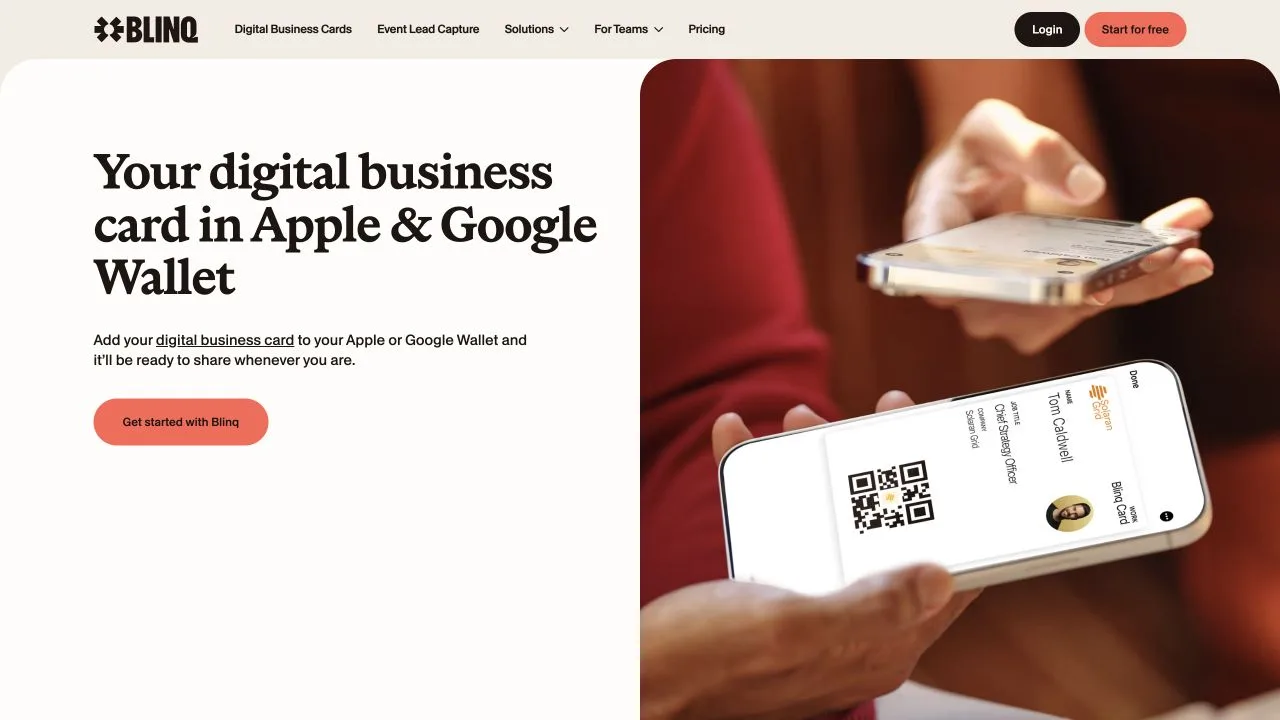
Source: Blinq Wallet page, captured in July 2026.
For more context about this sharing method, see digital business cards for iPhone Wallet.
NameDrop
Blinq documents NameDrop as an Apple-only sharing method. Both people need a compatible iPhone or Apple Watch and a supported operating system.
The Blinq NameDrop guide says it does not work with Android recipients. Blinq identifies QR codes, links, and NFC as the cross-platform alternatives.
The choice is easier when each sharing method is matched to the situation rather than treated as an interchangeable feature.
Does Blinq work with NFC cards?
Yes. Blinq sells physical NFC cards that open a Blinq profile, but the hardware purchase is separate from the software plan.
Blinq's NFC business card page describes the digital profile as free with no subscription and says the recipient does not need an app. The hardware is purchased separately, and its price and availability can change by product, region, and date.
NFC compatibility needs more qualification than a simple “works on every phone” promise. Blinq's system requirements say some phones may need NFC enabled and advise checking the phone manufacturer's documentation when uncertain. The NFC page also describes a printed QR code as the fallback for older or unsupported phones.
We did not obtain a Blinq NFC card or measure tap reliability for this review. Before ordering cards for a team, test one card on the actual iPhone and Android models your contacts are likely to use.
What changes for branding, contacts, and teams?
Premium adds individual design and contact tools. Business changes the scope from one person's cards to a centrally managed company program.
Premium for an individual
Premium raises the card allowance from two to five. Blinq's current pricing page also lists:
- A universal contact scanner
- AI Notetaker
- AI contact enrichment
- A branded QR code
- Custom card colours and design
- Contact export
Premium is therefore most relevant when the Free plan already works as a sharing tool, but the owner needs more card versions, stronger branding, or a richer contact workflow. Blinq lists Premium as a subscription for one person.
Business for a team
According to Blinq's pricing page, Business adds team cards, admin-controlled email signatures, card templates, brand controls, automated provisioning, lead capture, event attribution, analytics, and user management.
Blinq's current CRM guide says integrations are available on Business and Enterprise, not Free or Premium. It identifies Salesforce, HubSpot, Microsoft Dynamics, and Marketo as native connections. It also describes routes for Zoho, Pipedrive, Outlook Exchange, and other tools through Zapier, so not every destination should be treated as the same type of integration.
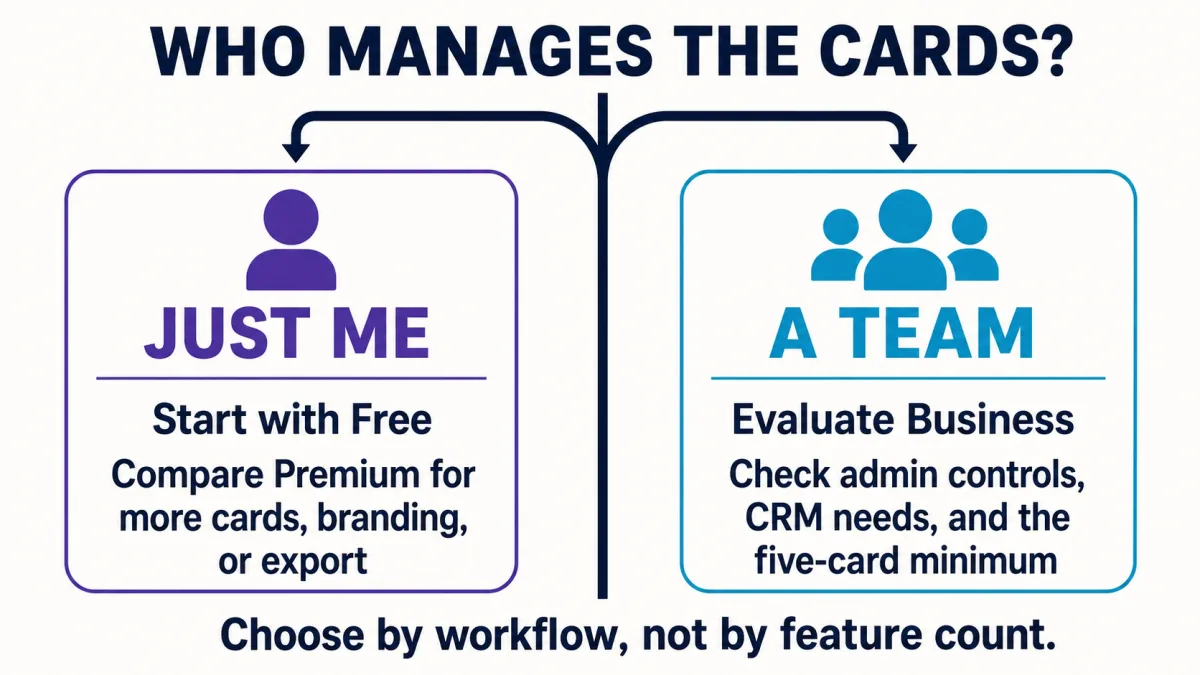
The five-card billing minimum is the main threshold for a small team. A company should compare the full minimum cost, administration needs, lead workflow, and rollout process rather than choosing Business only because one feature looks useful.
Our digital business cards for teams rollout guide explains the broader planning questions, including templates, employee ownership, QR and NFC channels, training, and follow-up.
Who is Blinq best for?
Blinq is a strong fit when its documented plan boundaries match a clear workflow. It is less compelling when the buyer needs evidence that is not available from product documentation alone.
| Reader | Fit-based conclusion |
|---|---|
| Individual needing one or two cards and basic sharing | Start with Free |
| Individual needing more cards, branding, scanning, enrichment, or export | Compare Premium |
| Team needing central administration and CRM connections | Evaluate Business and its five-card minimum |
| Buyer focused on NFC hardware | Compare card cost separately from the software plan |
| Buyer needing proven device performance or cancellation behavior | Run a controlled trial before committing |
The last row is important. This review did not test onboarding time, NFC tap success, Wallet behavior, downgrade behavior, support response, or a real team rollout. Blinq's documentation supports the product and plan descriptions, but it cannot establish every real-world outcome.
When should you consider a Blinq alternative?
Consider an alternative when your deciding factor is a specific hardware ecosystem, event lead workflow, software experience, or fee model. A broad review cannot replace a direct comparison built around that need.
If security controls and account ownership are the deciding factors, use the most secure digital business card checklist alongside the product comparison.
- Start with our best digital business card guide for a wider buyer checklist.
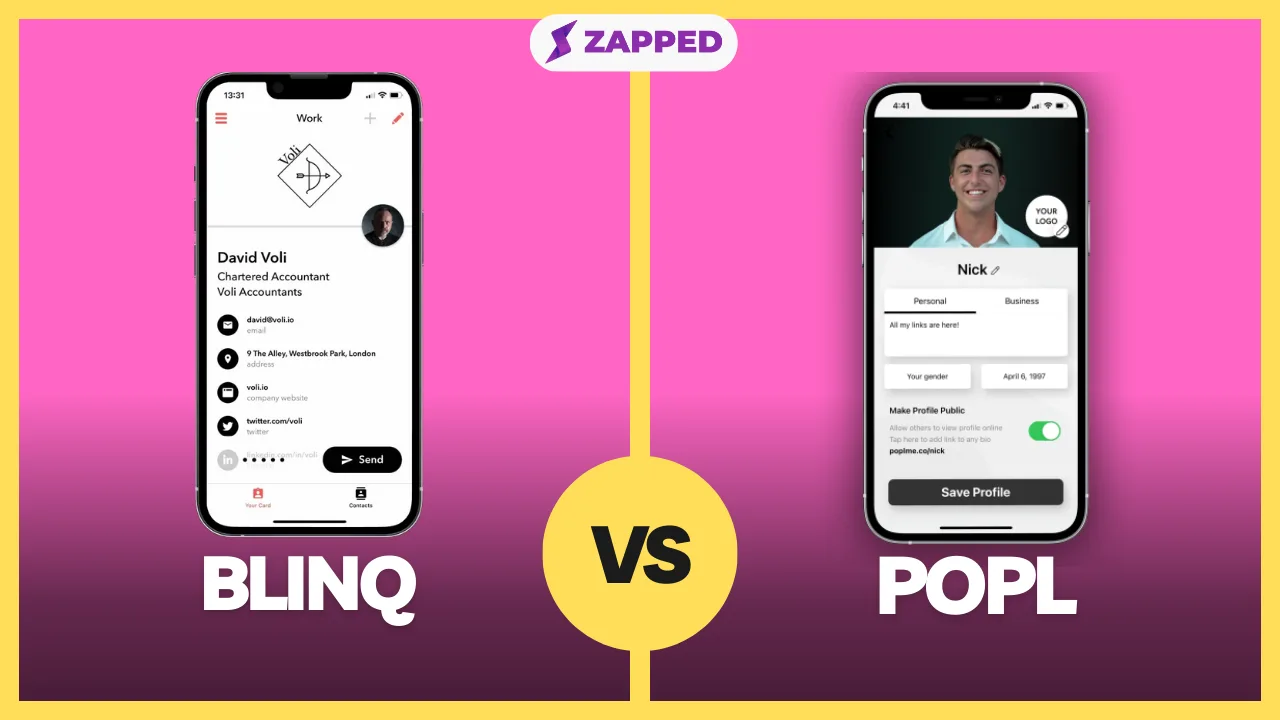
- Read Blinq vs Popl when events and field lead capture drive the decision.
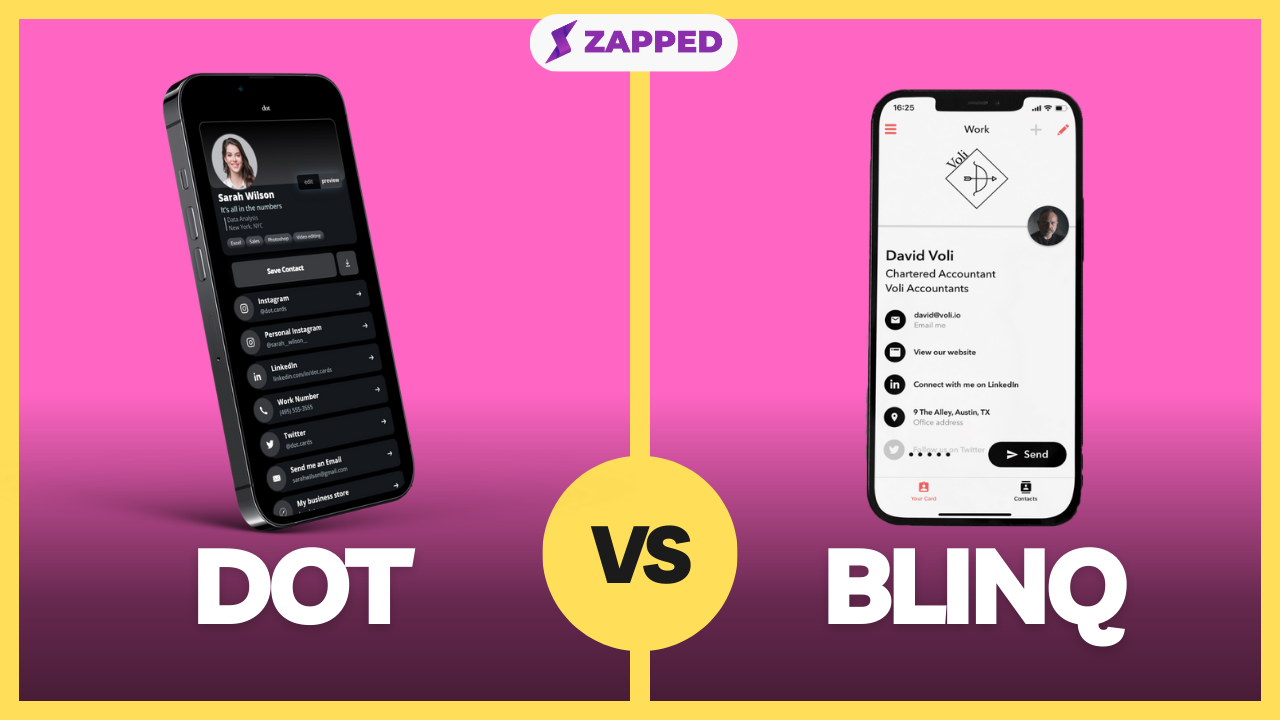
- Read Blinq vs Dot when you are comparing an app and team platform with a more physical-card-focused option.
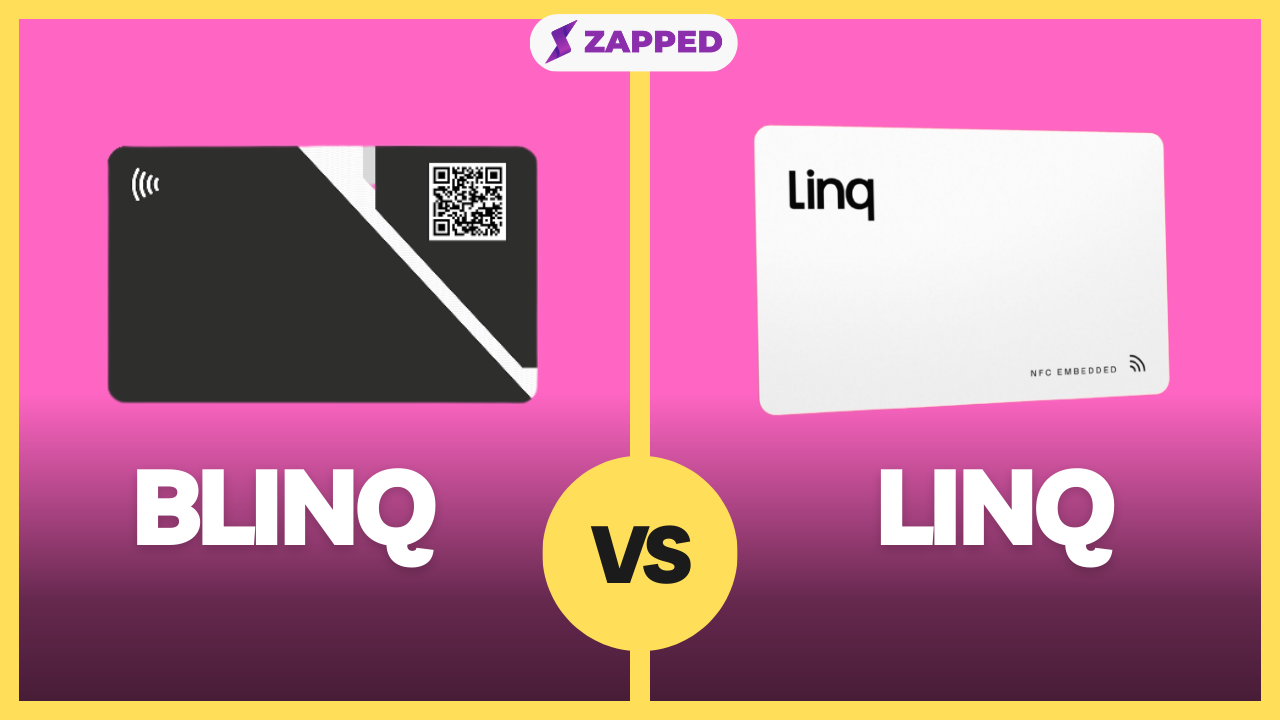
- Read Blinq vs Linq when the hardware and product ecosystem matters.
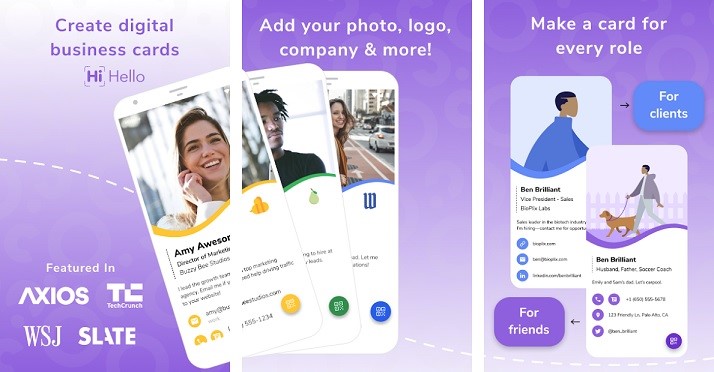
- Read HiHello vs Blinq when you want a direct comparison between two software-oriented card platforms, or the HiHello review for that platform on its own.
Where Zapped fits
Zapped publishes this review and is also an alternative. On our current product page, Zapped describes an editable live profile that can be shared by QR code, NFC, or direct link, with a save-contact action on the public card.
That makes Zapped worth evaluating when the live profile and sharing path matter more than buying into a particular card vendor's hardware ecosystem. Compare the current product and plan details directly rather than assuming one service is cheaper or better for every workflow.
Blinq review verdict
Blinq Free is useful enough to try before paying. It covers two cards, several common sharing methods, Wallet access, and contact creation. Premium has a clear individual role when more cards, design control, scanning, enrichment, or export matter. Business is a more substantial team purchase because it combines per-card pricing with a five-card minimum.
The documented recipient experience is also a strength: QR and link recipients can open the card in a browser and save the contact without a Blinq account. However, the Android VCF path involves more steps, NameDrop is Apple-only, and NFC still depends on compatible devices and settings.
The best decision is therefore based on fit, not a universal product ranking. Try Free for an individual workflow. Evaluate Premium against the specific paid tools you will use. Treat Business as a team rollout decision. Test physical NFC and device behavior before ordering at scale.
Frequently asked questions
Is Blinq free?
Yes. Blinq lists a $0 Free plan described as free forever. It includes two digital cards, unlimited sharing and contact creation, QR, widget, email and SMS sharing, Wallet support, a personal email signature, and virtual backgrounds as checked in July 2026.
How much does Blinq Premium cost?
Blinq Premium costs $9.99 when billed monthly or $7.33 per month when billed annually. Blinq lists a seven-day trial. Prices and terms can change, so check the official pricing page before subscribing.
Do recipients need the Blinq app?
Not for the documented QR and link flow. Blinq says a recipient can open the card in a browser and save it without a Blinq account. A Blinq user may see the card open in the app instead.
How does a Blinq card save to contacts?
The recipient opens the shared card and selects Save Contact. Blinq's iPhone instructions use a contact preview and confirmation, while its Android instructions include downloading and opening a VCF file before choosing where to save it.
Does Blinq NameDrop work with Android?
No. Blinq documents NameDrop as an Apple-only feature. It recommends QR codes, links, and NFC as alternatives for Android recipients.
Is a Blinq NFC card included with a plan?
No physical card is listed as part of the Free, Premium, or Business software plan. Blinq sells NFC cards separately, while describing the connected digital profile as free with no subscription.
Sources
This review uses current official product and support documentation checked in July 2026. Prices, features, compatibility requirements, and billing terms can change.
- Blinq pricing
- Saving a Blinq card to mobile contacts
- Sharing a Blinq card in person
- Blinq in Apple Wallet and Google Wallet
- Blinq NFC business cards
- Blinq system requirements
- Connecting Blinq to a CRM
- Sharing through NameDrop
This edition is document-led. It does not report hands-on phone, Wallet, NFC, cancellation, or team-rollout testing.