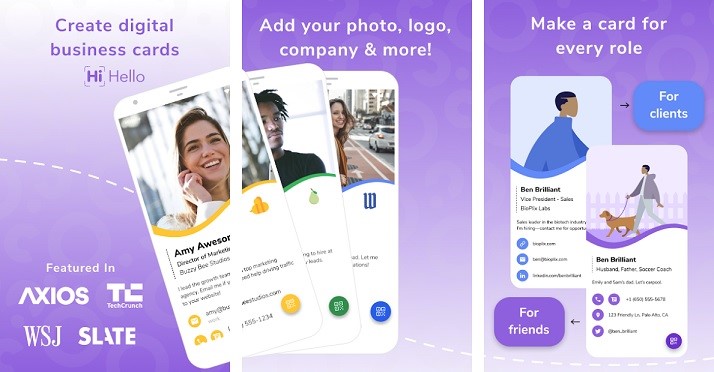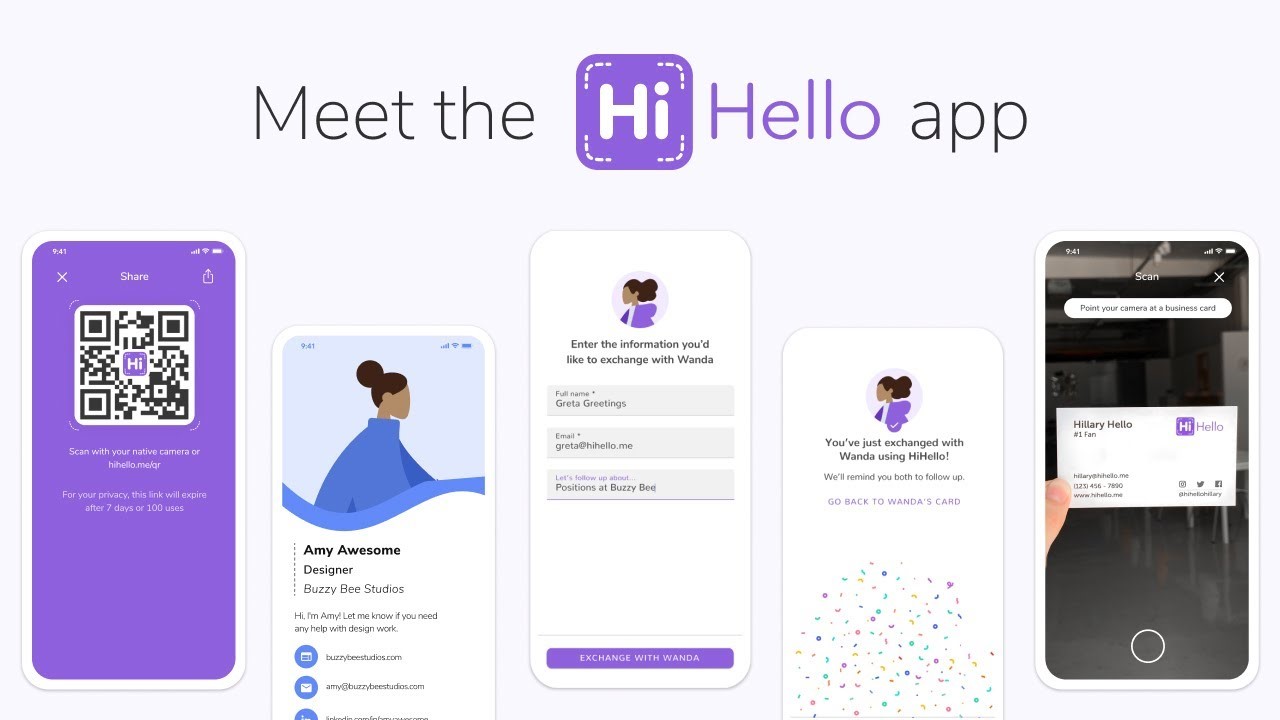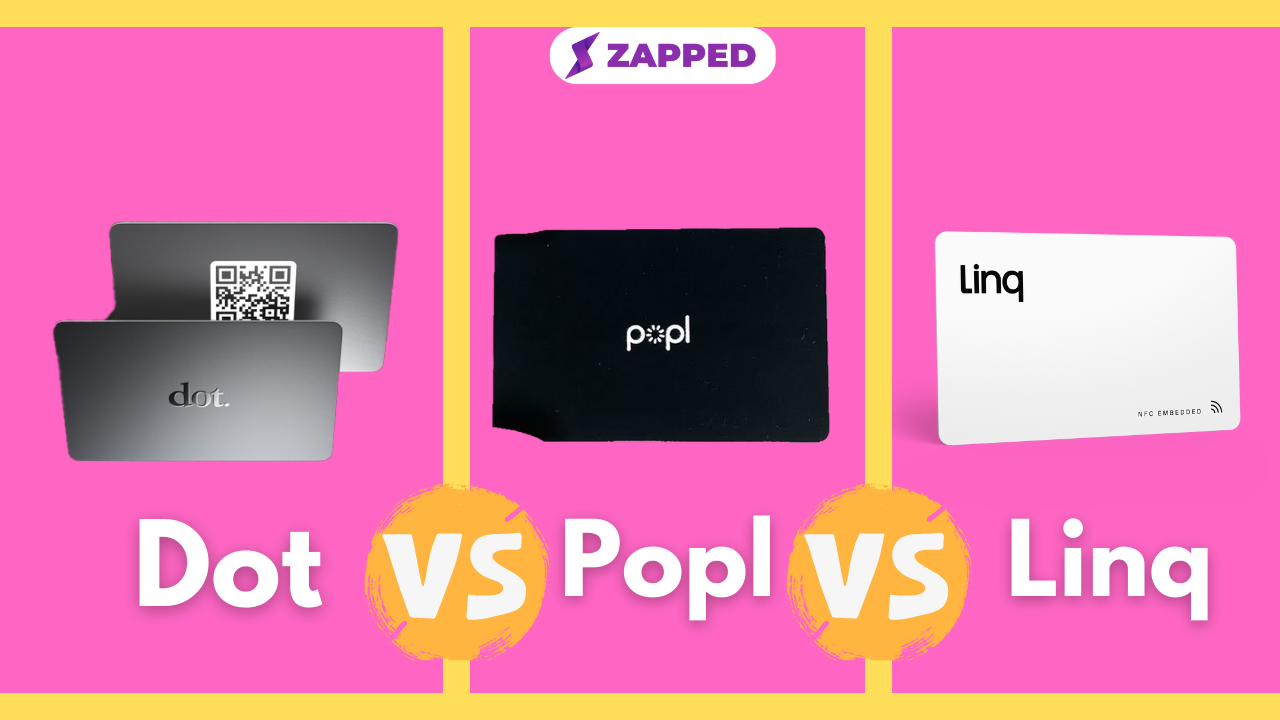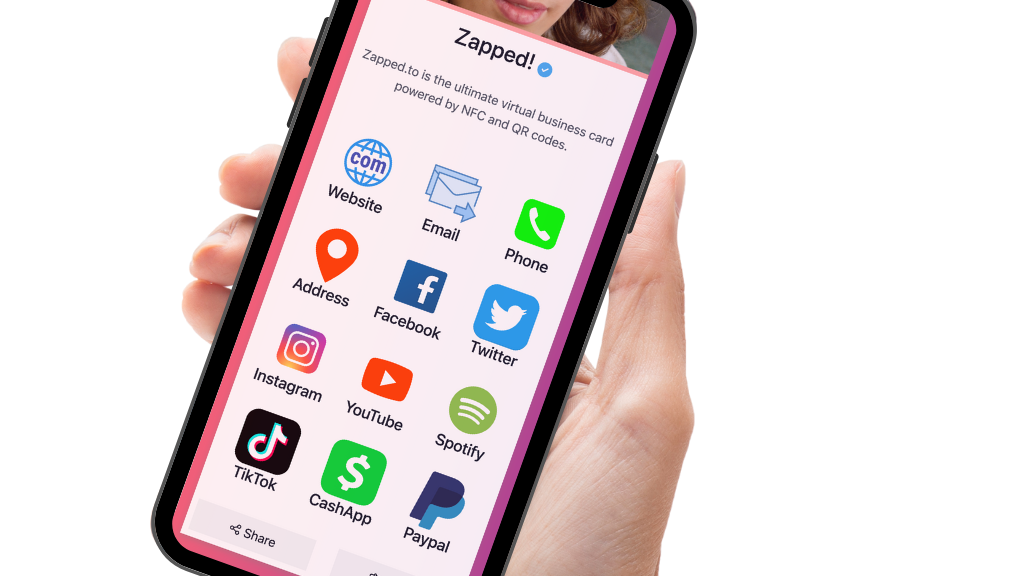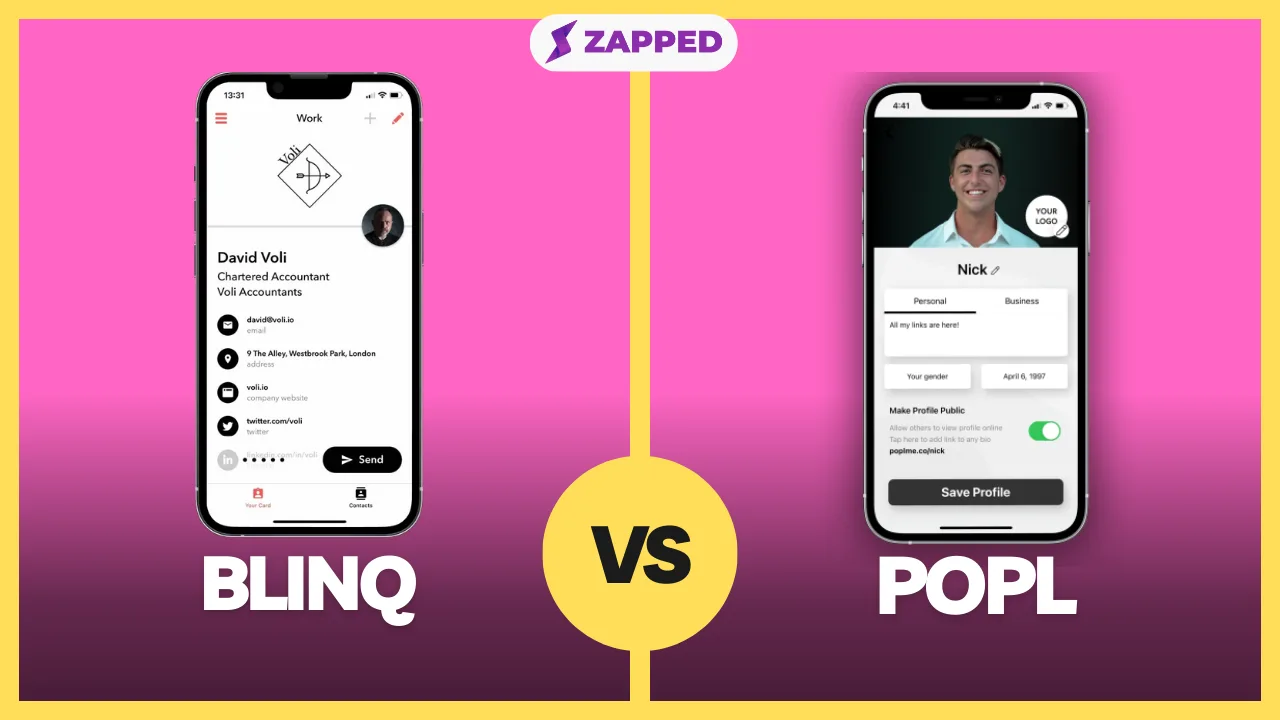
Blinq and Popl are often compared because both sit in the modern business card category. The better choice depends less on which card looks cooler and more on what has to happen after the first tap, scan, or profile view.
Quick answer
Choose Blinq if your priority is teams that want a polished digital card program and contact workflow. Choose Popl if your priority is teams where conferences and field events are a major source of pipeline. Zapped is built for people who want one editable profile that can support QR, NFC, direct links, WhatsApp sharing, team cards, and save contact actions without making the card material the center of the decision.
Key takeaways
- Start with the follow up workflow, then compare card material and hardware.
- Confirm current pricing, plan limits, and included features before buying.
- NFC is helpful, but every card still needs a QR or direct link backup.
- Team buyers should check admin controls, profile ownership, and export options.
- At Zapped, we're strongest when the editable profile and contact sharing path matter more than a vendor specific card ecosystem.
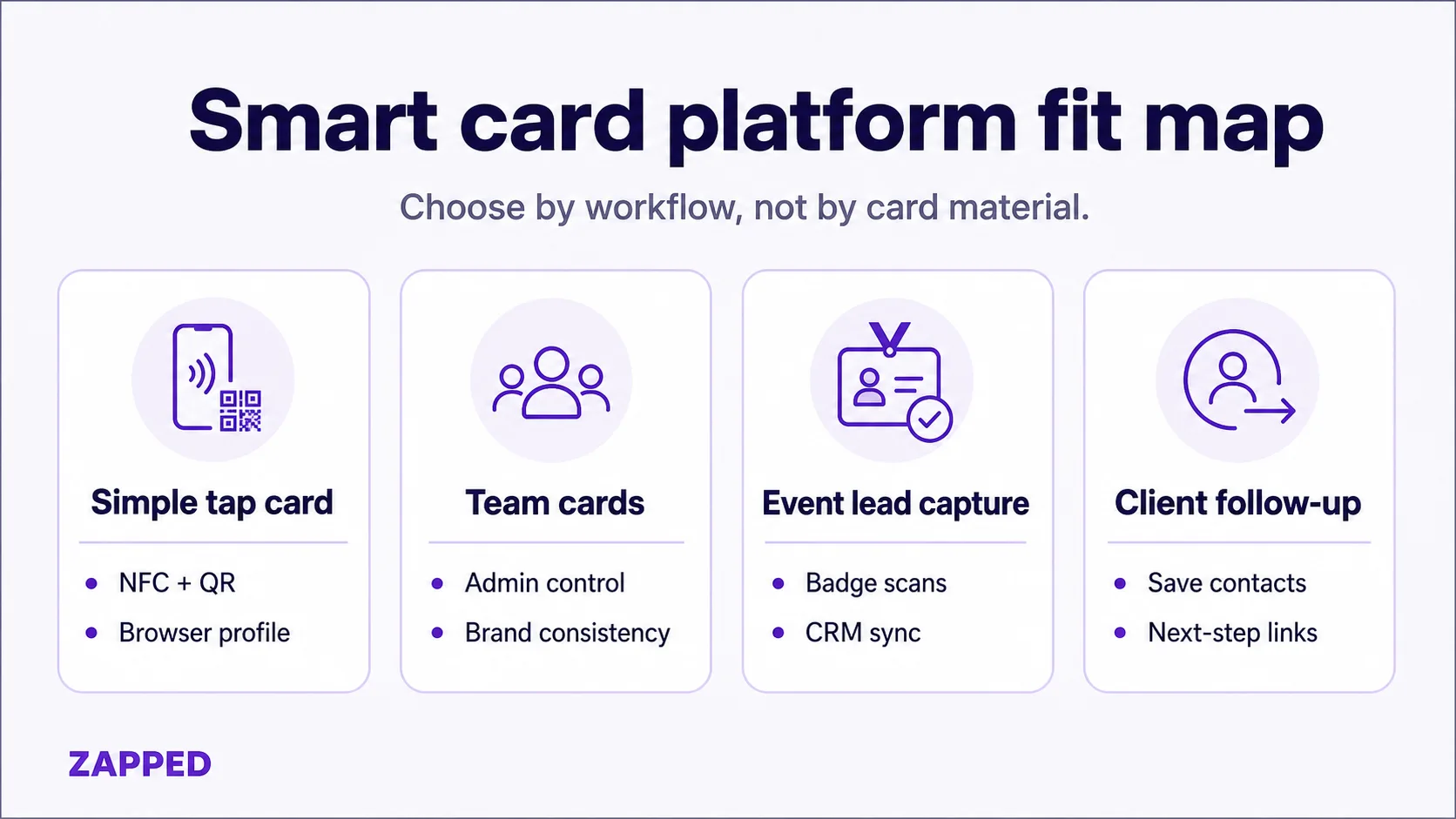
This buyer map is the simplest way to keep the comparison practical.
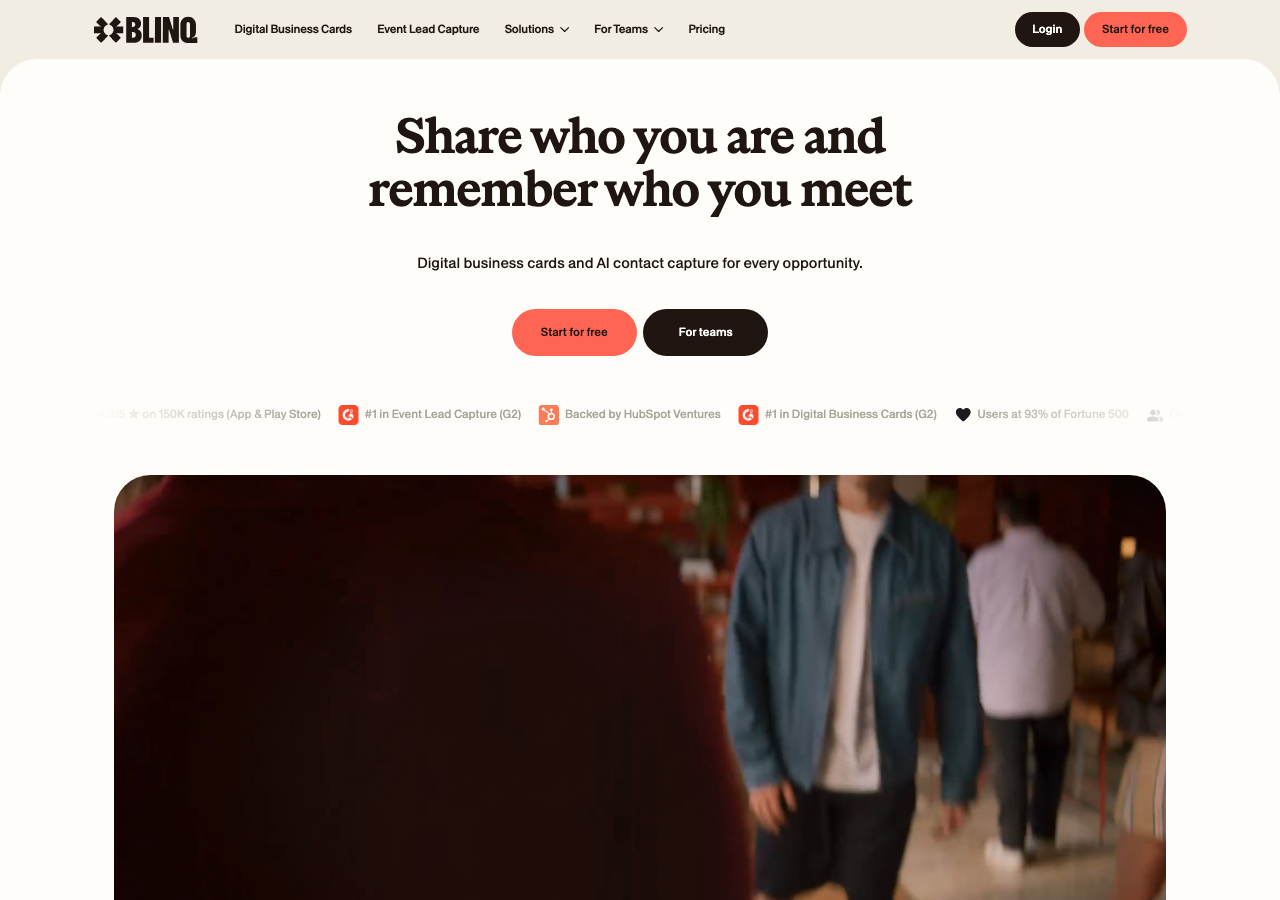 Visual reference: Blinq public homepage captured from Blinq.me.
Blinq vs Popl at a glance
| Category | Blinq | Popl |
|---|---|---|
| Main fit | Digital business cards, team rollout, email signatures, and professional profile sharing | Event lead capture, badge scanning, and sales workflow support |
| Best for | Teams that want a polished digital card program and contact workflow | Teams where conferences and field events are a major source of pipeline |
| NFC and QR | Yes, confirm current hardware and profile setup. | Yes, confirm current hardware and profile setup. |
| Team use | Check admin controls, CRM needs, and plan packaging. | Check admin controls, profile ownership, and plan packaging. |
| Weak fit | Simple personal sharing if the event stack is more than you need. | Heavy event lead capture if you need badge scans and complex routing. |
When Blinq makes more sense
Blinq is the better fit when its current product direction matches the way you actually meet people. If your process includes events, sales conversations, conference booths, or managed employee outreach, look beyond the card itself and check what happens to the contact after the interaction.
For its current free plan, pricing, sharing methods, and limitations, read our full Blinq digital business card review.
Use Blinq when you need:
- A profile that can be shared quickly in person.
- A current plan that supports your team size.
- Enough analytics to understand whether contacts are engaging.
- A clear path from first interaction to follow up.
- Branding that still feels professional after the card is handed over.
The main caution is scope. If you only need a clean profile link, a lighter digital business card may be easier to manage.
When Popl makes more sense
Popl is the better fit when event lead capture, badge scanning, and sales workflow support is closer to your real job. A business card should make the next step obvious. That can be saving a contact, opening a portfolio, booking a call, visiting a company page, or sending someone to a sales follow up link. Popl comparisons often multiply quickly, so if Tappie hardware is also on the list, start with the Popl vs Tappie breakdown before the names blur together.
Use Popl when you need:
- A card or profile experience that fits the way your team networks.
- A simple recipient path that does not require explanation.
- Current product options that match your budget.
- A workflow that is easy to update after the cards are in use.
- A setup that can be tested before a large order.
Before buying, test the profile on both iPhone and Android, then ask how easy it is to change the destination later.
What to check before choosing
| Check | Why it matters |
|---|---|
| Recipient experience | The other person should know what to tap, scan, or save within seconds |
| Editable profile | A live profile protects you when phone numbers, links, or offers change |
| QR backup | NFC is useful, but QR works on more screens and printed materials |
| Team ownership | Company cards should not become employee owned islands |
| Current pricing | Plan names and included features can change |
| Follow up path | Saved contacts and next step links matter more than vanity taps |
Extra checks for event teams
If your team goes to conferences, compare these items before choosing either platform:
- Badge scanning: whether it is included, limited, or sold as an event feature.
- Contact export: CSV, CRM sync, Zapier, HubSpot, Salesforce, or manual export.
- Team ownership: whether the company owns the profiles when an employee leaves.
- Offline reality: whether the profile and QR still work in weak event Wi-Fi.
- Consent and notes: whether reps can add context before the lead goes to sales.
- Follow up timing: whether the workflow helps reps act the same day.
For simple networking, those event features may be overkill. For trade-show pipeline, they can matter more than the physical NFC card.
When Zapped belongs in the comparison
Use Zapped when the decision is less about buying into one card vendor and more about giving every contact a clean profile they can save and use. The tools in this comparison can fit specific hardware or app preferences, but a Zapped profile keeps the focus on the business card workflow itself.
That makes it a stronger fit when the reader needs a QR code, NFC card, email signature link, team profile, or one mobile page that carries phone, email, website, socials, booking, and follow up links. Keep the other tool for its core job if you need it, and use Zapped where the goal is making the person easy to contact after the first interaction.
Rollout checklist
Before you commit to a platform, run a small pilot with the people who will use the card most often. Give each person the same basic profile fields, ask them to share the card in a real conversation, then review what happened after the tap or scan.
Use this checklist:
- Does the profile open quickly on a phone connection?
- Is the main contact action obvious without scrolling?
- Can the team update names, titles, links, and phone numbers without reordering cards?
- Does the QR backup work on printed materials and laptop screens?
- Can contacts be exported, saved, or routed to the right follow up process?
- Is the paid plan still worth it after the first month of use?
This small test prevents a common mistake: choosing the card that looks best in a product photo, then discovering later that the workflow is awkward for real recipients.
FAQs
Is Blinq better than Popl?
Blinq is better when teams that want a polished digital card program and contact workflow. Popl is better when teams where conferences and field events are a major source of pipeline. The right answer depends on the workflow after the first tap.
Do both options use NFC?
Both are associated with NFC or smart card sharing, but you should confirm the current product, card type, app behavior, and QR fallback before buying.
Which one is better for teams?
For teams, compare admin controls, profile ownership, analytics, CRM or export options, pricing, and support. The physical card is only one part of the rollout.
Can I use a digital business card without a special card?
Yes. A profile link or QR code can work before you order any NFC card. That is often the easiest way to test the workflow.
What is a good alternative?
At Zapped, our browser based profile is a good alternative when you want one that supports QR, NFC, links, WhatsApp, teams, and save contact actions.
Sources
- Blinq official site: Used for Blinq product positioning.
- Blinq pricing: Used for Blinq pricing and teams context.
- Popl pricing: Used for Popl event and team positioning.
- Popl digital business cards: Used for Popl card context.