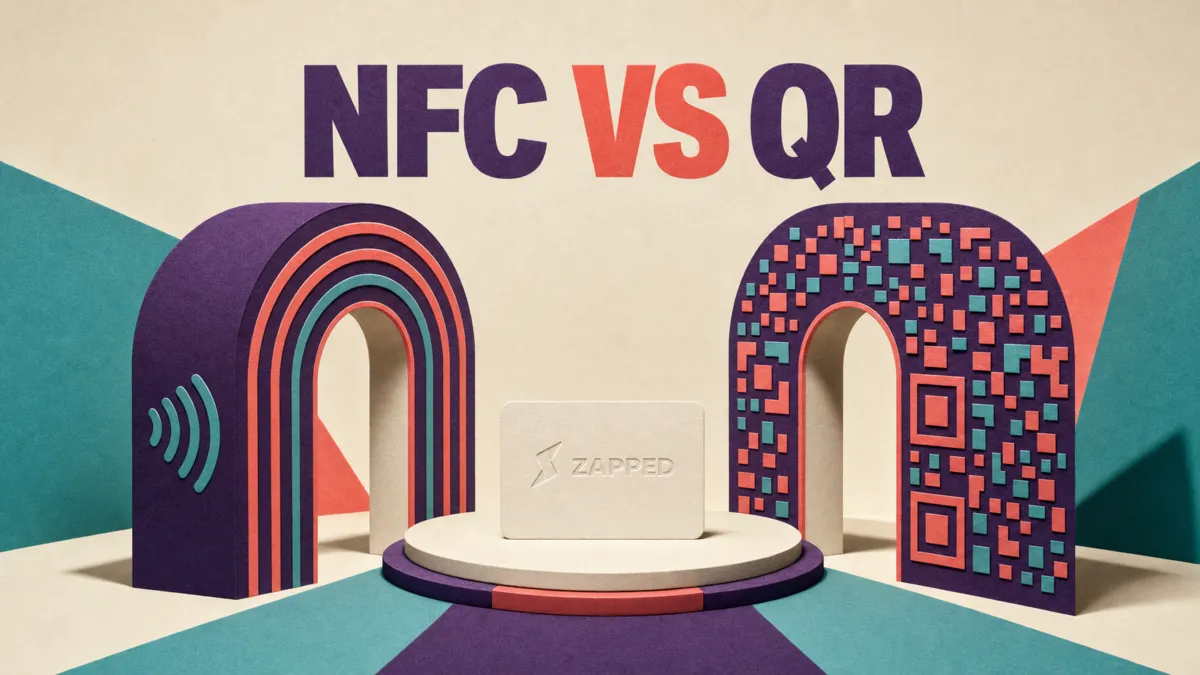
You're comparing two handoffs that only sound alike. Google Wallet keeps a pass on your phone. A physical NFC business card carries a destination that another phone reads at close range. For most people, start with a browser first profile, QR code, and link, then add NFC hardware when your in person meetings justify carrying it.
The word “digital” is doing too much work
A Google Wallet pass is something you present from your phone. A physical NFC card is something you carry and someone else taps. The profile behind either one is the part that should stay editable.
Google describes Generic Pass as a flexible pass type for custom labels and values, but it requires an issuer account and extra Google setup. Wallet is therefore a pass surface, not a standalone business card editor. The current Google Wallet pass flow is built around an issuer creating and adding the pass.
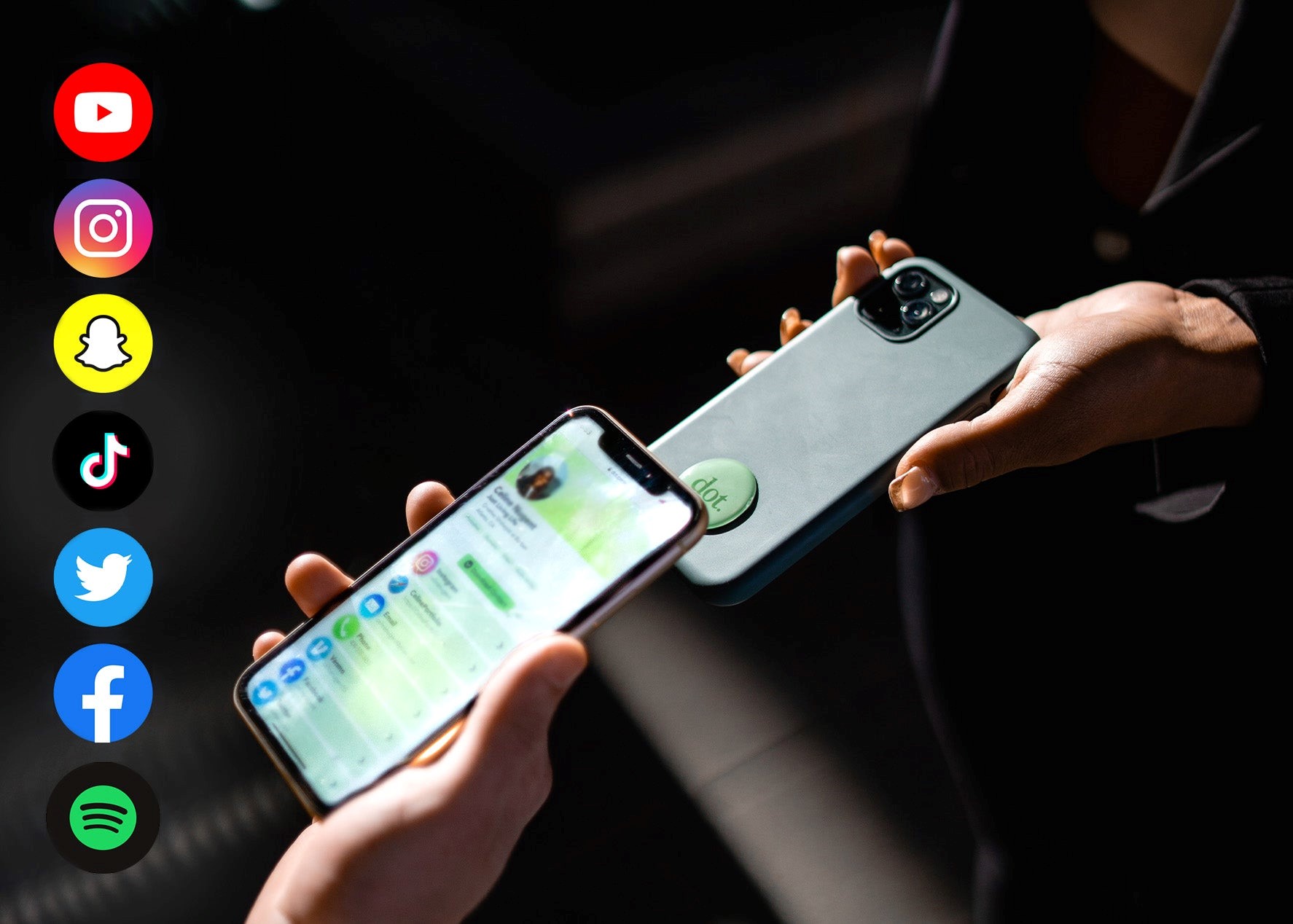
NFC is the short range carrier. Android describes a typical NFC connection as needing about 4 cm or less, and it separates reading a passive tag from making a phone act like a card for an external reader. Those are different jobs, too. A physical NFC business card is usually a tag the recipient's phone reads, not proof that your Wallet pass will impersonate that card.
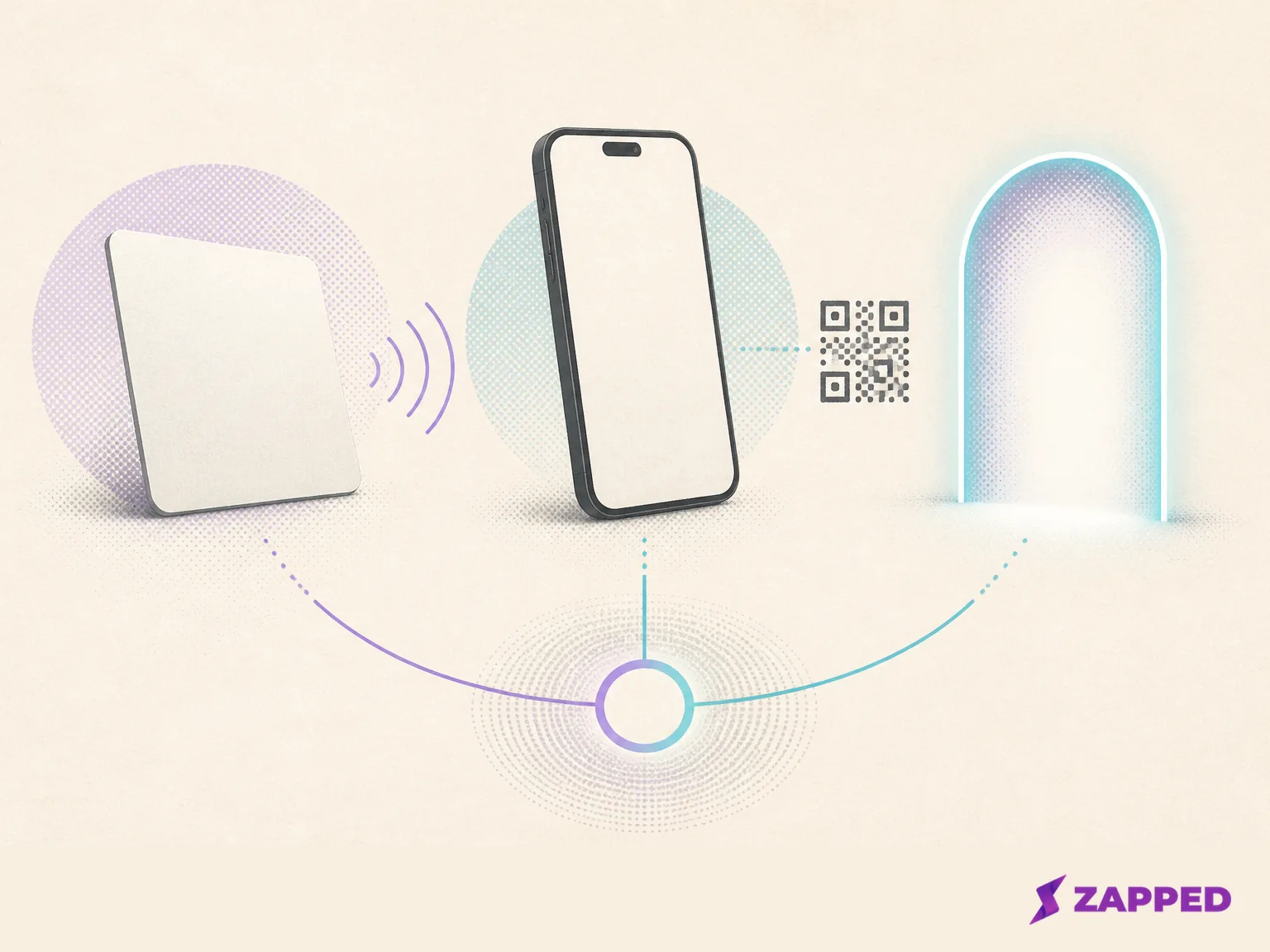
The useful mental model is simple: Wallet is phone side storage and presentation, NFC is a physical carrier, and the profile service controls the destination and what happens after the tap.
What the other person actually does
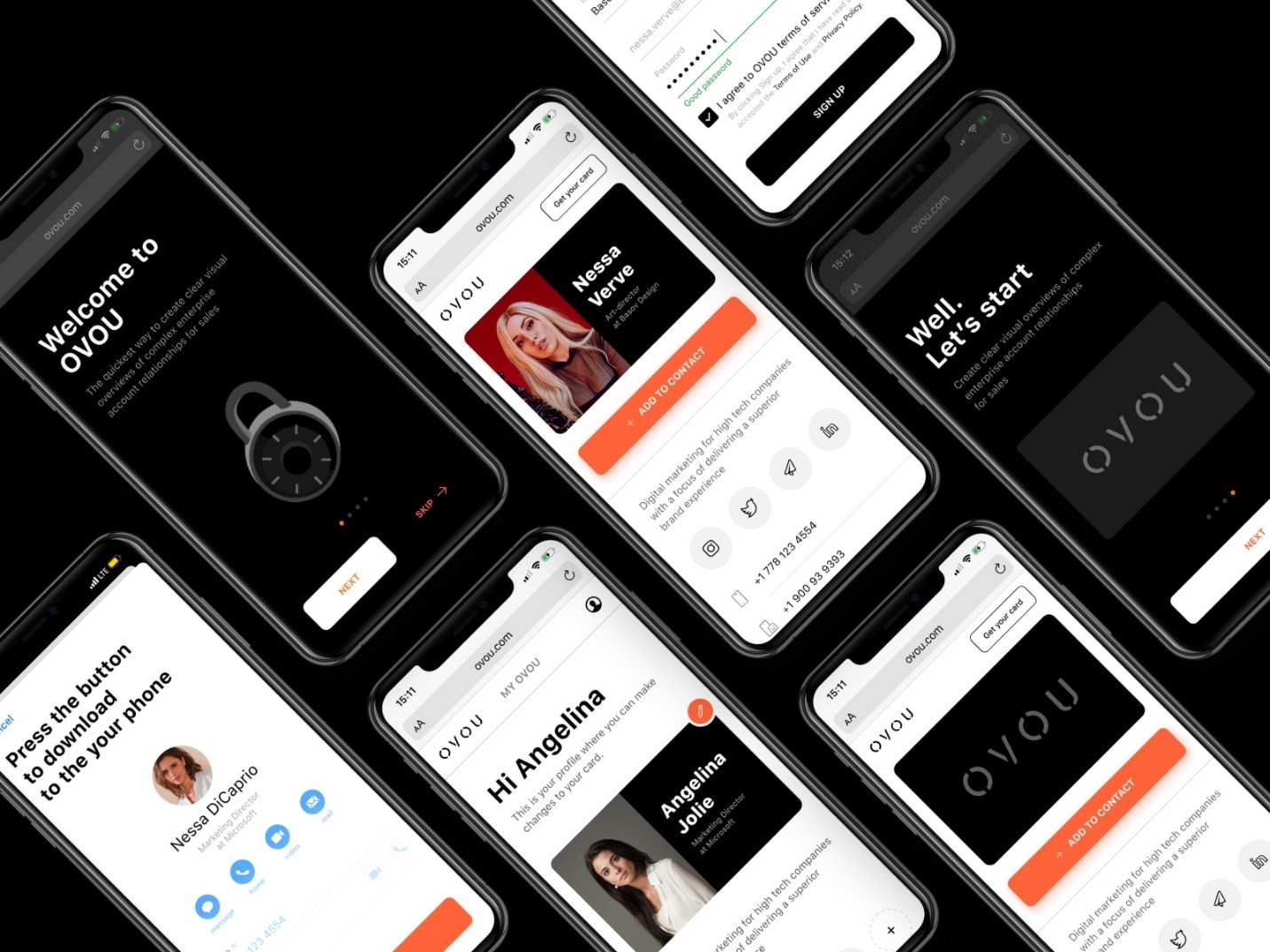
With a Wallet pass, you show the pass and use the sharing surface it provides. Lynkle's current business card pass, for example, shares by QR code. Its separate Tap to Share feature is an Android app feature on Pro or Teams, not a property of the Wallet pass itself. Recipients can view the card in a browser without installing Lynkle, and changes sync to the pass. That distinction matters when a product page makes “Wallet” and “NFC” sound like one tap feature. Read Lynkle's Wallet explanation for the split in its current product.
With a physical NFC card, the other person brings a compatible phone close to the card. The card needs to be in the room and near the phone. That's excellent for a one to one introduction and useless for a list of people watching a presentation from the back row.
QR and links cover that distance. BusinessCards.io describes NFC as a close proximity method and QR as something that can travel through websites, email, messages, presentations, and printed material. If people might meet you online, across a table, or in a group, a QR code and direct link are not backup decorations. They're the reach of the system.
Google's documented web flow also starts with an Add to Google Wallet link or button in the context of a logged in Google identity. Treat the pass as one sharing surface inside a larger profile system, rather than the whole system.
Three ways to choose
| Setup | What you carry or present | Best fit | What still needs to exist |
|---|---|---|---|
| Wallet first | A pass on your phone, shared when the provider's pass offers a QR or link sharing surface | Online sharing, Android centered work, and events where you do not want another object in your pocket | A live profile and a visible QR or link |
| NFC first | A physical card that opens a destination when tapped | Frequent one to one meetings where the tap is memorable and quick | A QR or link fallback for phones that do not tap |
| Hybrid | The card in person and the Wallet pass when the card is missing | People who want reach online and a physical moment in the room | One editable destination behind every surface |
The hybrid setup is the calmest choice if you attend both kinds of event. Use the card when the meeting rewards a tap. Use the phone when the card is in the other jacket. Keep the same destination underneath so an edit doesn't strand one version of your details.
Bizcardy describes Wallet and NFC as complementary methods that can point to the same live profile and analytics. That's the right relationship. Neither object deserves to become the source of truth.
Make the fallback part of the card
Before you buy hardware, choose the destination. It should open in a normal browser, show a QR code when a tap is unavailable, and remain reachable as a direct link. Then put that same live destination behind the NFC card if you buy one.
Zapped follows that browser first pattern: a card opens from a QR code, NFC tap, or link in a normal browser, and the recipient doesn't need an app to save the details. Shared QR codes, NFC cards, and links can keep pointing to the latest profile, while its analytics cover scans, visits, saves, clicks, sources, and campaign signals. The fallback is part of the card's design, not an apology after the first failed tap. See how Zapped cards open for our current sharing model.
If a recipient can't tap, show the QR code or send the link. If you choose a Wallet provider, check whether its pass shares by QR or whether it offers a separate app based phone to phone NFC feature. An NFC setting on an Android phone is not proof that a Wallet pass will emulate a physical business card.
If you choose the physical route and want to prepare your own tag, the next practical question is program an NFC tag. The programming step changes the destination on the tag. It doesn't remove the need for a QR code or link when the recipient can't tap.
The bill is usually two bills
Compare the card cost with the profile cost. Providers may bundle those costs or apply different hardware terms. The editable profile, analytics, lead capture, and team controls may be the recurring part.
The checked August 2026 prices make the split visible:
| Option | Physical or pass cost | Profile cost and useful limits | Fallback or reach |
|---|---|---|---|
| Broad NFC range | BusinessCards.io gives a broad $5 to $50 per card range | Separate profile pricing depends on the provider | NFC is close range; QR works at distance and in print |
| Wave | $42 for one custom NFC card | Free at $0; Pro is $7 per month billed yearly | Dynamic QR on the card, plus QR, NFC, and Apple Wallet sharing |
| Lynkle | No physical card price used here | Teams is $48 per user per year, or $4 per user per month billed annually, with a five user minimum | Wallet or NFC sharing without a recipient app |
| Zapped | Free profile starts at $0 | Free is $0; Starter is $14 per month; Professional is $49 per month in the monthly billing view | QR, link, and NFC sharing, with browser viewing |
That table is why “NFC card price” is not the same as “cost of the system.” A $42 card can be a sensible object, but it doesn't by itself answer who edits the destination, whether the profile works at a distance, or how you will measure what happens afterward.
Pay for the decision you need to make
If you only need a live profile and a few ways to open it, our Free plan at Zapped is a real starting point: one business card, five content blocks, QR, link, and NFC sharing, plus a 60 day analytics snapshot. It has a Zapped badge. Starter expands that to 15 cards, two team workspaces, and 185 day analytics for $14 per month. Professional lists 100 cards, five workspaces, 365 day analytics, 50 branded domains, and no Zapped badge for $49 per month in the monthly billing view. A custom Large rollout covers 100 or more cards, bulk uploads, dedicated domains, and custom integrations. See our current Zapped plan table for the monthly view before paying.
Analytics matter when the card is part of a process rather than a prop. At Zapped, analytics cover scans, visits, saves, clicks, sources, and campaign signals. Wave Pro adds CRM sync and advanced card analytics. Lynkle Teams names lead capture, CRM integrations, analytics, centralized contacts, templates, and sharing through Wallet or NFC. Those are different reasons to pay. Choose the one that matches the follow through you will actually do.
Teams also expose the difference between a platform rollout and a stack of objects. At Zapped, plan limits move from one card to 15, 100, and then a custom 100 plus card rollout. Lynkle Teams starts at five users. Wave advertises bulk discounts from 10 to 45 percent on its checked card page, without defining the qualifying quantities there. For a small team, count users, profiles, workspaces, and card objects separately before comparing the headline price.
Hardware is useful when the room is right
Wave describes its custom card as durable premium PVC, compatible with iOS and Android, with a dynamic QR code on the back. Those are the vendor's material and feature claims, not independent durability testing. The QR matters more than the adjective. It gives the recipient another route when the tap is awkward, the phone settings are unhelpful, or the card is being shown across a table instead of touched.
The same rule applies to any NFC card: check what's printed or available as the fallback before you pay. If the card has no visible QR and the destination is not easy to send as a link, you have bought a handoff that only works in its ideal pose.
The practical call
Wallet first fits online sharing, Android centered work, or anyone who wants a pass available after leaving the physical card at home. Treat QR or link sharing as the normal handoff when the provider's pass offers that surface, and confirm the provider's exact pass behavior before assuming phone to phone NFC.
NFC first fits frequent one to one meetings where you will genuinely carry the card. Buy the card for the moment it improves, not because “digital” makes it sound like a complete profile service. Keep the QR and link ready.
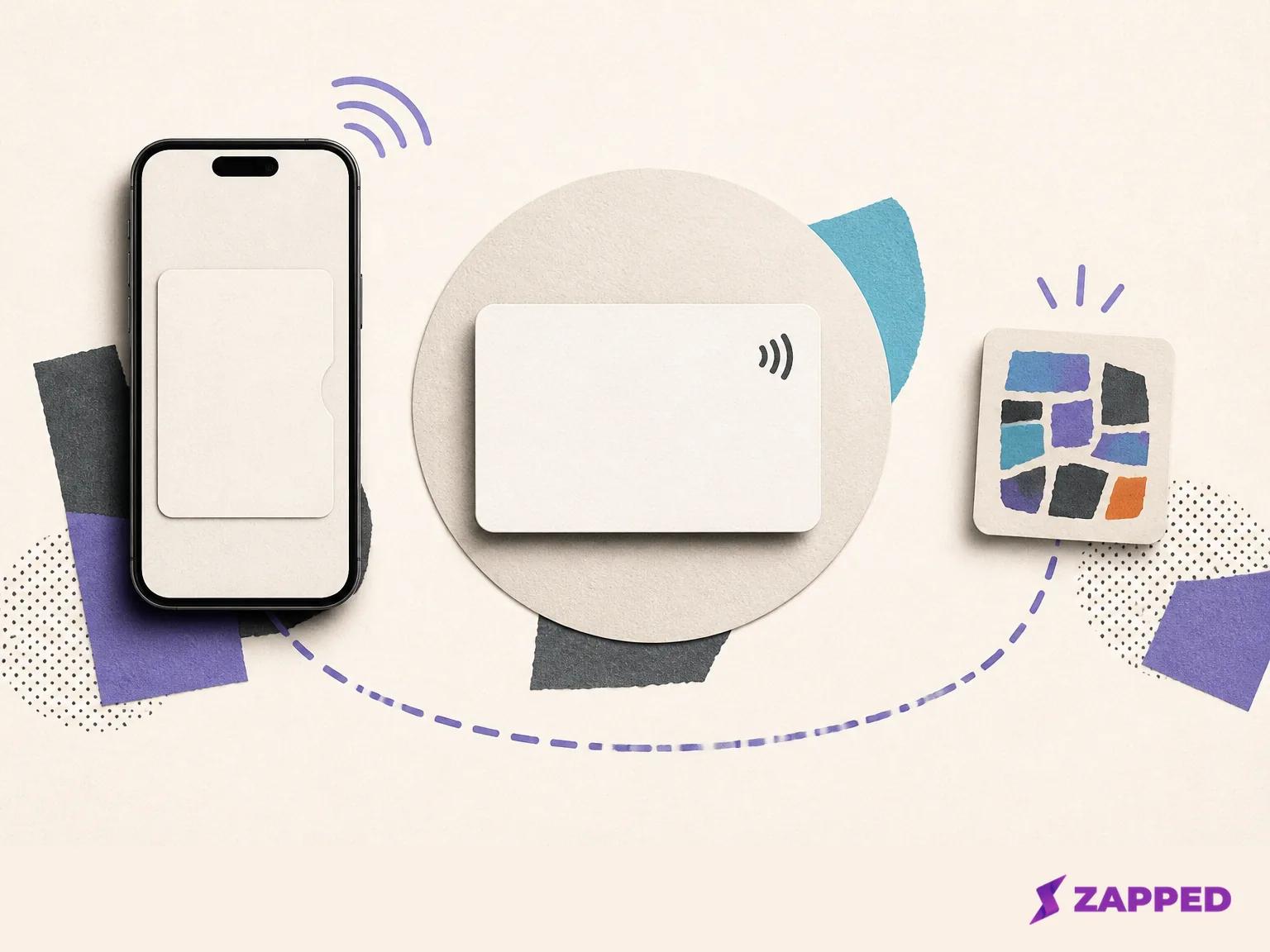
Hybrid fits anyone who wants both reach and a memorable tap. Zapped is our product and we'd happily be your pick, but the underlying choice is broader than one vendor: use a browser first profile, keep one editable destination, and let the Wallet pass and NFC card serve different moments. The physical card is the prop you carry. Wallet is the pass you keep on your phone. The profile is what should survive both.