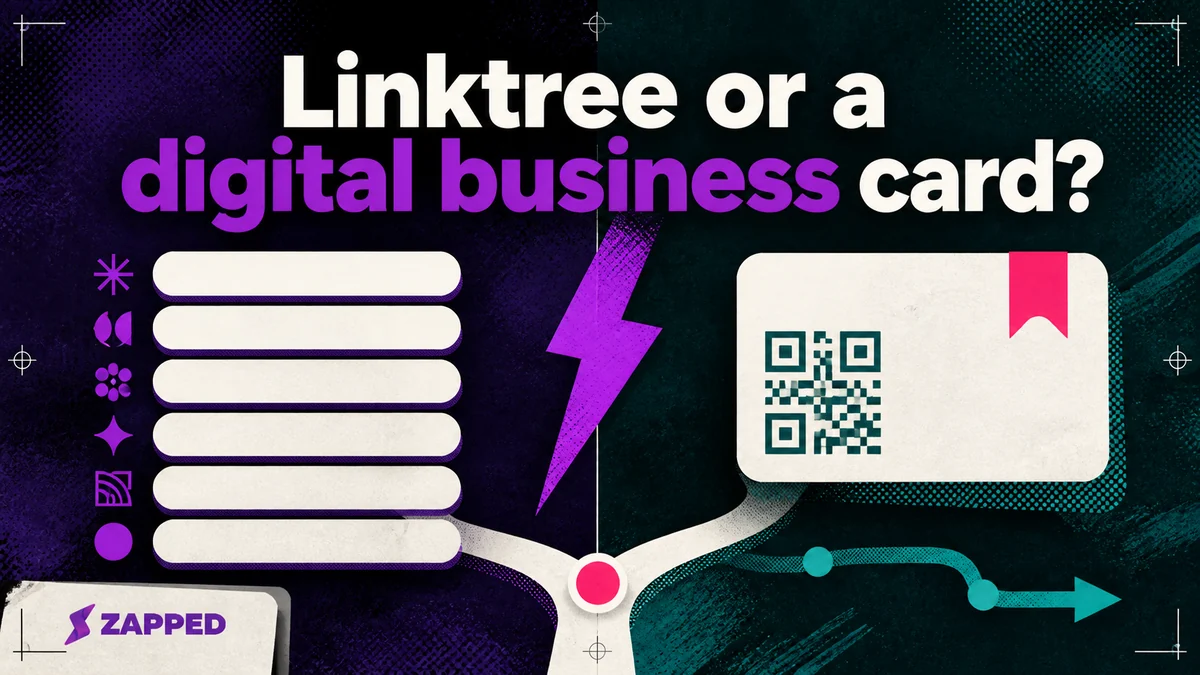
Linktree can work as a digital business card, but it starts with a different job. Choose Linktree when you want people to browse your links. Choose a dedicated digital business card when you want them to save your details and remain a useful contact after the meeting.
Both can give you a page, a QR code, and a tidy list of destinations. That’s where the confusion starts. Ask what the visitor should do after the scan: browse your audience, or exchange contact details with you?
The scan is where the categories split
Linktree is an audience hub. Its own description centers on one link for sharing social profiles, projects, and other destinations, with audience growth and email collection alongside visitor tracking, monetization, and social analytics.
A digital business card is a contact handoff. It should make your details easy to save, give the other person a clear route back to you, and, when the situation calls for it, help you understand which meeting or event produced the contact.
Linktree's checked Digital Card page describes a QR route to a Linktree that can be saved to Apple Wallet or Google Wallet. The page says the feature is in beta, and it doesn't state that the route saves a vCard or captures a contact. That’s a useful boundary on the page. It tells you what the documented flow promises, not what every Linktree page can never become.
Zapped takes the other route. Its cards open in a normal browser from a QR code, link, or NFC tap, and the recipient can save the contact without installing an app. The card can then expose scans, visits, saves, clicks, sources, and campaign signals. We build Zapped, so weigh that example accordingly. Still, the distinction holds: sharing a page is the method; the contact handoff is the job.
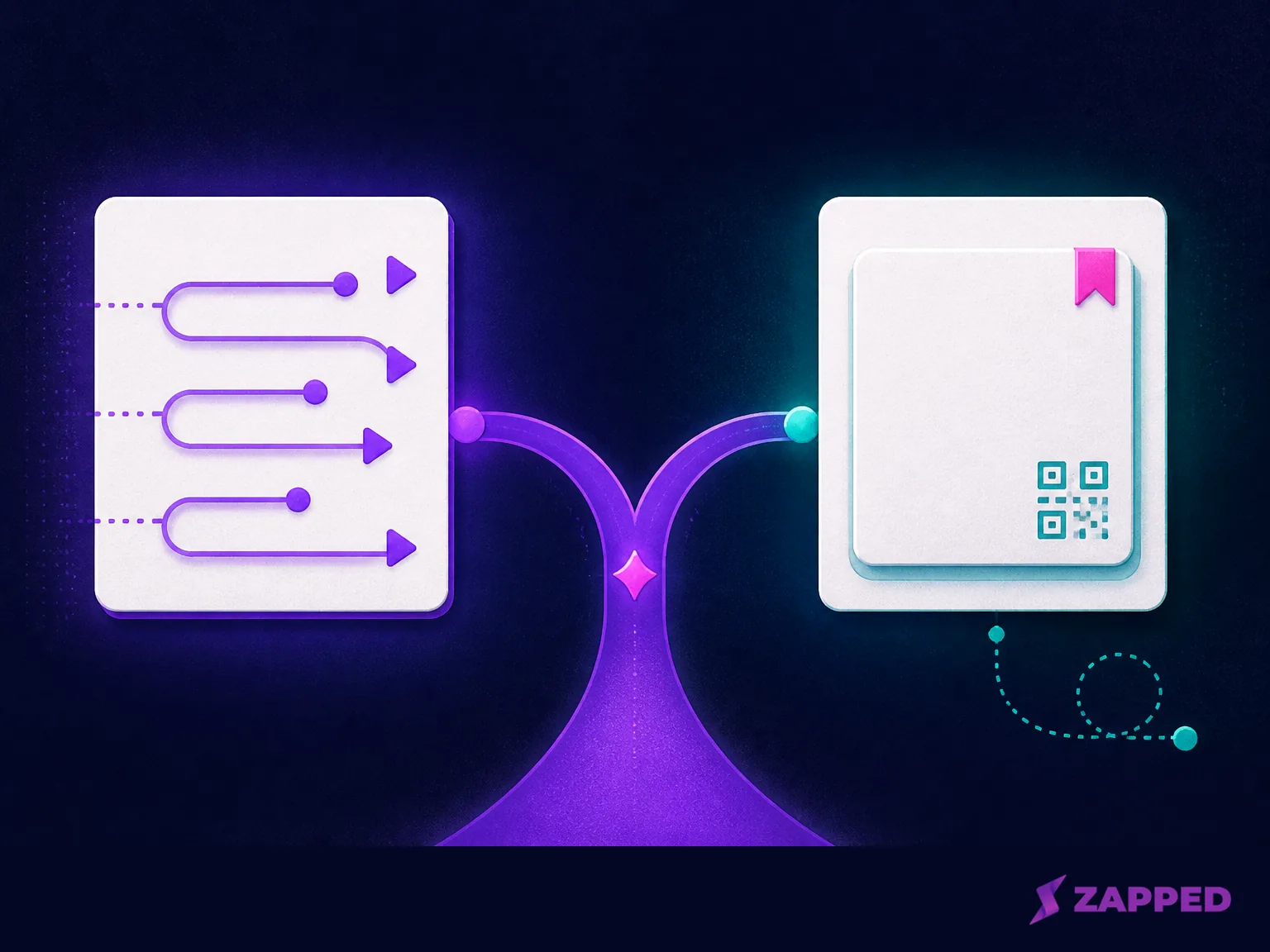
Choose the job, not the page shape
Use Linktree when the next action is discovery. A creator may want someone to move from Instagram to a newsletter, a shop, a podcast, or several social destinations. A local maker may need a QR code that points to Instagram and a few other links. A link hub is a sensible answer when the visitor is there to browse.
Use a dedicated card when the next action is contact exchange. The person in front of you may need to save your name and details, or you may need a record of the handoff so a promising conversation does not disappear into the week.
The distinction looks like this:
| Service | Primary job | What the recipient gets | Contact or lead path | Measurement and management |
|---|---|---|---|---|
| Linktree | Audience discovery | A Linktree page, with a documented Digital Card route to Linktree and Wallet storage | Email collection is part of the broader product story; the checked Digital Card page does not state contact capture | Visitor, audience, and link analytics |
| Blinq | Contact exchange | Digital cards, QR sharing, and Wallet support | Contact creation on the free plan; lead capture and CRM integrations on Business | Contact enrichment and team analytics on paid or business paths |
| HiHello | Contact exchange | Digital cards, QR sharing, and Wallet support | Event lead capture and contact enrichment on Business or Professional | Card analytics and team analytics on paid paths |
| Zapped | Contact exchange with a browser first card | A card opened by QR, link, or NFC, with contact saving in the browser | Contact capture sits alongside card sharing | Scans, visits, saves, clicks, sources, campaign signals, and team controls on paid plans |
Blinq's free plan includes unlimited contact creation, while its Business plan adds lead capture, event attribution, CRM integrations, and team analytics. HiHello's personal and business plans separate individual cards and scans from event lead capture, contact enrichment, and team controls. Those are contact workflows, not just prettier collections of links.
If both jobs are real, use both tools. Keep Linktree as the public audience hub and send a person you’ve just met to a dedicated card for the exchange. A small business discussion makes the tradeoff plain: a team may value analytics and shared management, while a solo maker may need only a simple page and QR code. The hybrid route is reasonable when discovery and continued contact belong to different moments.
Free plans are not equivalent
The free price is where many comparisons go sideways. A free page is not the same thing as a free contact system, and a lower monthly price does not tell you what the visitor can do after the scan.
The listed prices we checked in August 2026 are:
| Product | Free path | First paid path |
|---|---|---|
| Linktree | Free at $0 per month | Starter at $8 per month billed monthly or $6 billed annually; Pro at $15 monthly or $12 annually |
| Blinq | Free forever, with two cards and unlimited sharing and contact creation | Premium at $9.99 per month billed monthly |
| HiHello | Free forever personal plan, with four cards and five card or badge scans per month | Professional at $6 per month or $72 billed yearly |
| Zapped | Free at $0, with one card and five content blocks | Starter at $14 per month |
The Linktree Starter and Pro prices buy more room for audience work, with paid plans adding longer analytics windows and features such as social scheduling or Instagram auto replies higher up the ladder. Its analytics history is 28 days on Free, 90 days on Starter, and 365 days on Pro. Linktree Premium is listed at $30 per month billed annually or $35 billed monthly, with smart routing and analytics export among its additions.
Blinq's free and Premium terms are unusually focused on the contact itself: two free cards, unlimited contact creation, QR, email and SMS sharing, and Wallet support, then a paid tier with a scanner, contact enrichment, branded QR, custom design, and export. HiHello's free and Professional terms put five scans per month on the free personal path, then add 16 cards, 20 scans per month, contact enrichment, analytics, and customization on Professional.
Zapped's monthly plans keep the browser first route available on Free, including QR, link, and NFC sharing. Free is one card with five blocks and a 60 day analytics snapshot. Starter is $14 per month for 15 cards, 10 blocks per card, two team workspaces, and 185 day analytics. That is a clear starting path for a named contact handoff, with a real limit beside it rather than a vague promise of more.
When a team changes the answer
For one person, the choice is mostly about the next action. For a team, the system behind the page starts to matter.
Linktree's Agency or Enterprise path uses custom pricing and names team seats, SSO, dedicated support, and custom contracts. That makes sense when the company already treats its public link hub as a managed audience channel.
Blinq Business is listed at $6.99 per user per month billed monthly. It adds team cards, admin control, automated provisioning, lead capture, event attribution, CRM integrations, and team analytics. HiHello Business is listed at $5 per user per month, or $60 per user per year, for 5 to 100 users, with unlimited cards and scans, event lead capture, contact enrichment, team analytics, sub team templates, SSO, and directory sync.
Zapped Professional is $49 per month. It provides 100 cards, unlimited blocks and campaigns, five team workspaces, up to 10 members per workspace, 50 branded domains, 365 days of analytics, and a card experience without the Zapped badge. At Zapped, our center of gravity is card creation, sharing, contact capture, and analytics. Deep CRM style automation is not the point of Zapped, so a team that needs a full sales handoff should choose a plan that explicitly names that workflow.
The deciding question is not whether a platform has a team plan. It is whether the team needs shared templates and provisioning, event lead capture, CRM or directory connections, or simply a consistent page that everyone can share. Those are different levels of operational need.
QR and NFC are delivery methods
A QR code can open the door, but it can’t decide whether the visitor browses or saves your details. NFC doesn’t change that. Both are ways to get a person to the page.
Zapped gives you QR, link, and NFC sharing across its named plans, including Free. That makes it a useful browser first example for someone who wants a card that can be printed, tapped, or sent directly. Linktree's Digital Card route also uses a QR code, but the documented result is a Linktree and Wallet path, with no stated vCard save or contact capture on the checked page.
If you have chosen a digital card and now want to compare physical tap products, continue with the best NFC business cards. Hardware is worth comparing after the destination and recipient action are clear. Before that, it is just a more interesting way to ask the same unresolved question.
The practical verdict
Choose Linktree if the visitor should browse your social profiles, content, offers, or other destinations. Its free path is enough to start, and its paid tiers make more sense when audience growth, email collection, monetization, and social analytics are the work you need.
Choose a dedicated digital business card if the visitor should save your details, if you need contact capture, or if networking analytics and team management matter. Blinq and HiHello are especially explicit about contact and lead workflows. At Zapped, we built a browser first option for when you want QR, link, or NFC sharing, contact saving, analytics, and a path from one card to team workspaces.
Skip the forced either or when your work has two audiences. Linktree can handle public discovery while a digital card handles the person you met. We would start with the smallest free path that matches the next action, keep a QR fallback, and let a second tool earn its place only when the work after the scan is genuinely different.