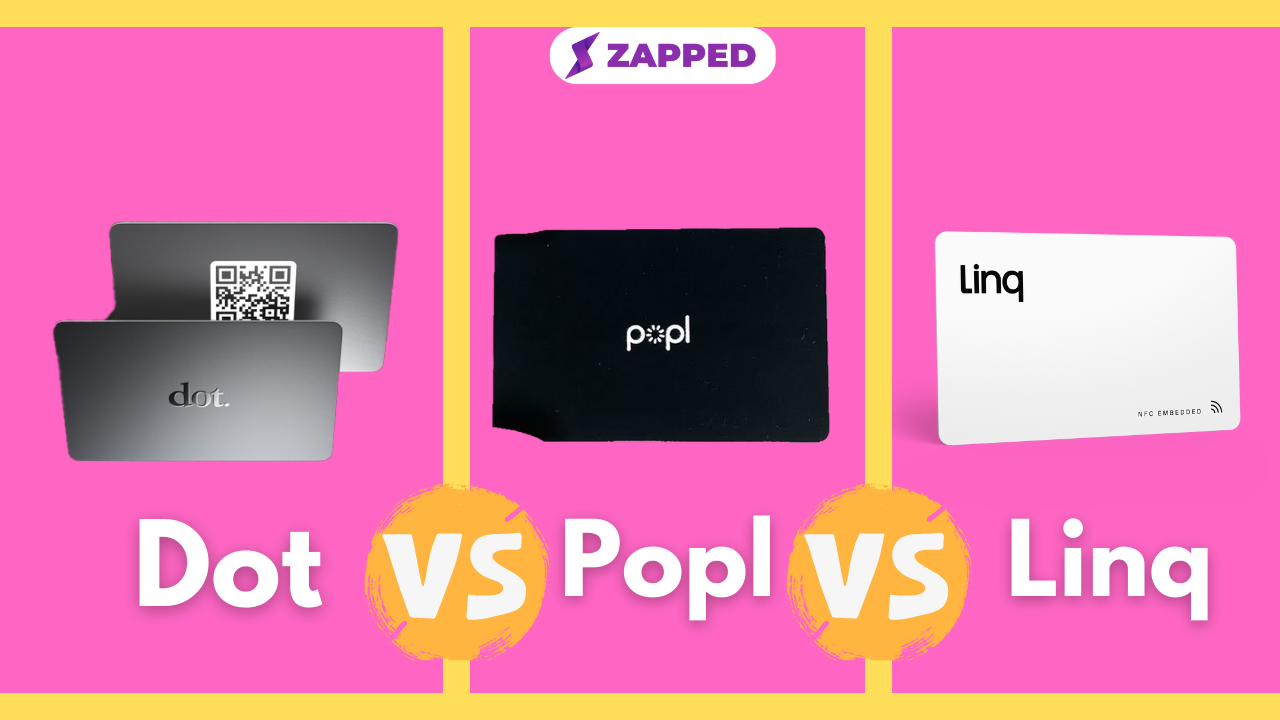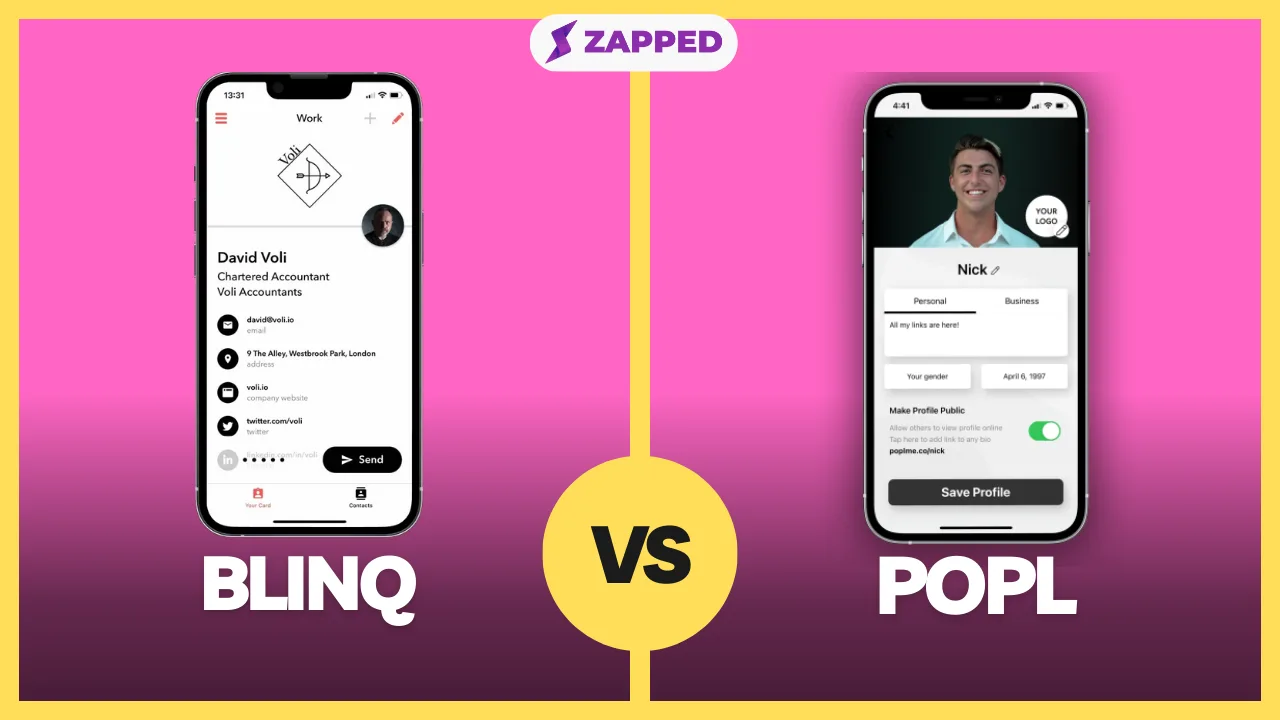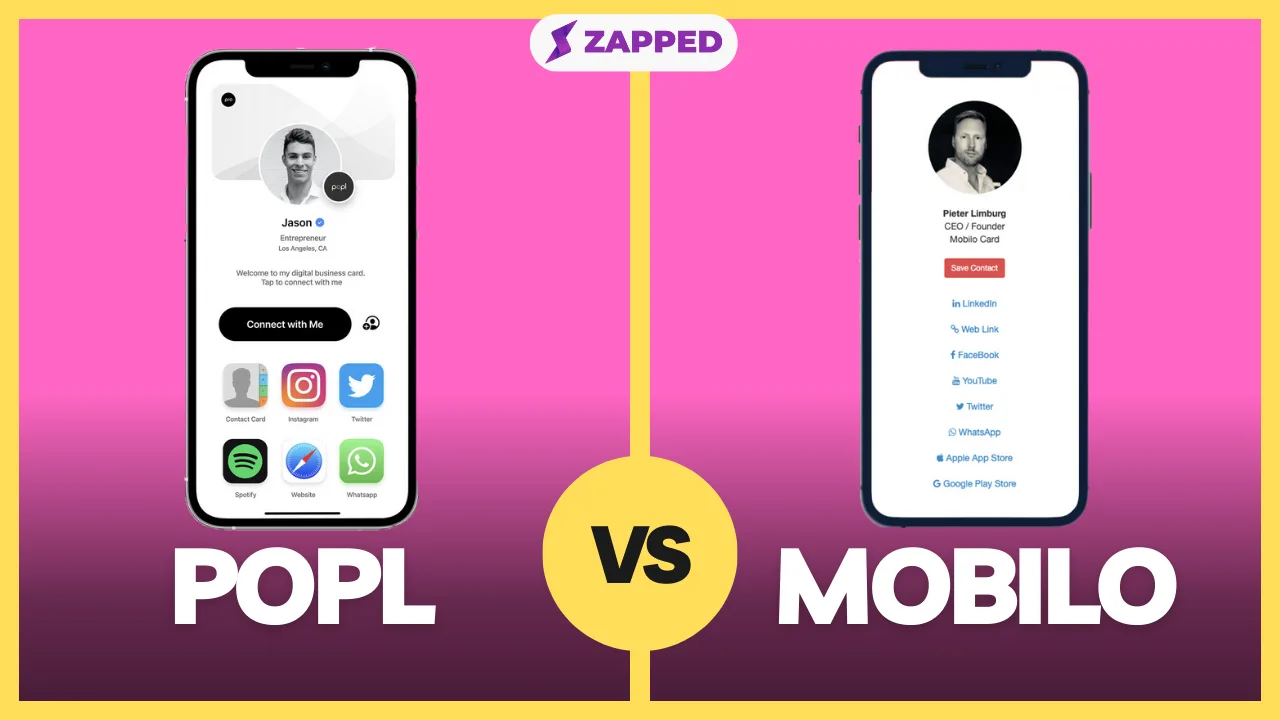
You meet someone worth following up with, reach for your Dot card, and it is in the other jacket. Before you decide Dot has failed you, open your profile on your phone. Dot's Profile page lists a profile username, a link and a QR code alongside the physical device, so a forgotten card is often a habit problem, not a software gap. Switching only makes sense if you want a digital only account, tools for captured contacts, or a team bill you can read in one pass.
If you are still learning what the device and profile do, start with what Dot cards are. If you are choosing a whole category rather than a Dot replacement, the best digital business card guide is the wider map.
Test your existing Dot link before you pay to leave
Dot says the device opens your profile in the recipient's browser, and the recipient needs no Dot account or app to save your contact. That means your profile link works as a sharing route whether or not the card is in your pocket. Run it once as a stranger would:
- Open your profile link on a phone that is not yours, or in a private browser window.
- Tap Download to Contact. Dot's save-contact help says iPhone viewers finish with Create New Contact, and Android viewers tap the + button.
- Confirm the saved entry has the name, number and email you want people to have.
- Show your QR code on your own screen and scan it with a second phone.
If that covers the moment you were worried about, you may not need a new product at all.
One wrinkle is worth knowing. Dot's profile page describes the one time device path as having no subscription, yet the same page lists dot.Profile+ at $15 per month. Profile+ is where Dot puts the paper business card scanner, advanced contact management and export, branding controls and advanced insights. So "no subscription" is true of the basic profile that comes free with a device order, not of every feature. Dot's page also does not say what happens to Profile+ features after you cancel, or how to move a profile to another provider, so don't assume either.
Four ways to pay: the same questions asked of each
The table lists what each vendor's current USD page shows. Billing models are the real difference, so read the team column twice.
| Option | Entry point | Individual paid tier | Team terms |
|---|---|---|---|
| Dot | $30 standard card, free profile with a device order; $50 stainless steel | Profile+ at $15 per month | Essential at $8 per member per month, billed annually; Growth is custom |
| Blinq | Free at $0, two cards | Premium at $9.99 monthly or $7.33 per month billed annually, up to five cards | Business at $6.99 per card monthly or $4.99 per card per month billed annually, five card minimum on the first order |
| Popl | No numeric price published | Lead export needs Pro, Pro+ or Teams | Quoted after a meeting; no extra per seat charge |
| Zapped | Free at $0, one card | Starter at $14 per month or $140 per year; Professional at $49 per month or $499 per year | Workspaces by plan, up to 2 on Starter and 5 on Professional |
Two notes on that table. Dot's stainless steel device is the one Dot itself describes as its most durable, which is Dot's own listing and not a durability test we ran. And a low entry price tells you little about a team: Dot bills per member, Blinq bills assigned cards, Popl quotes, and Zapped limits cards and workspaces. The sections below take each job in turn.
For a free, digital only start, Blinq is an experiment
If your real complaint is that you want to share without a physical token, Blinq's Free plan gives you two cards, unlimited sharing and contact creation, plus QR, widget, email and SMS sharing and Apple or Google Wallet support. In person, you open the app, swipe to the card, and show its QR code. The recipient scans it and opens the card in their browser, and non-Blinq users tap Save Contact. Setup happens in one flow, and you can skip the Premium trial prompt to stay on Free.
The trade off is that Premium, at $9.99 monthly, is where scanning, AI notes and enrichment, branded QR and contact export arrive. If Blinq is your lead candidate, the Blinq versus Dot comparison goes deeper on the head to head.
Zapped also starts at $0, with one card and five content blocks, and a Zapped badge shows on Free cards. Its QR route is to publish the card, open the card action menu, choose QR Code, download the file and scan it to confirm the right public card opens. NFC sharing is included on every plan, as Zapped's pricing page shows, though paid plans set how many NFC cards you get. That makes Zapped a fair pick if you want link, QR and optional NFC from one card, and a poor one if you expect it to read a Dot device, as the next section explains.
When contacts are the point, price the capture and not the card
Capturing the people who scan you is where the four products diverge most, and where a cheap sticker price misleads.
Dot puts scanning, export and advanced insights behind Profile+ at $15 per month. Blinq lists lead capture and CRM features for teams, but its pricing page separately lists $9.99 per lead captured and enriched, billed monthly as credits are used. That fee is easy to miss if you only read the per card rate. Popl's pricing page describes event badge scanning, enrichment, lead capture and CRM synchronization, at a price you only learn after a meeting, while its digital business card help collection covers branded profiles, basic lead capture and CSV or CRM export. If events are your whole use case, the Popl versus Dot comparison is the focused read.
Zapped's approach is lighter. Its Lead Form collects visitor details into an Inbox, separate from Save contact, within plan and block limits. Retention is where the plans differ: 1 month on Free, 6 months on Starter and unlimited on Professional. You can export matching leads to CSV, and it is worth doing before records expire, because a downloaded file does not stop the automatic retention period. Be clear about the limit, though. Reply only opens your email app when the lead gave an address. Nothing is sent automatically and there is no in app conversation, so follow up automation is not what Zapped is built around. Its per card statistics cover visits, visitors and interactions, with devices and referrers where reported.
For a team, the minimum commitment matters more than the headline rate
A team sees "$4.99" or "$8" and assumes the invoice follows. It rarely does.
Dot's Essential plan is $8 per member per month billed annually, with a standard device for each member. Growth, which adds advanced Profile+ features, CRM integrations, team insights and profile controls, is custom. Blinq's Business pricing needs at least five cards on the first order and bills the cards you assign, with lead capture and enrichment charged on top as listed above. Popl says its team price carries no extra per seat or per license charge, but gives no number until after a meeting. Zapped lists cards and workspaces rather than seats: 15 cards and 2 workspaces on Starter, 100 cards and up to 5 workspaces on Professional, which is also where white label branding and lead webhooks live. We do not publish a member count per workspace in Zapped pricing, so ask before you plan a headcount around it.
For a rollout, ask each vendor the same three things: what the first invoice is, what an added or removed person does to it, and who can see captured contacts. Blinq, for example, limits team contact views to admins and the owner, and a contact shared from a personal account is a one time snapshot, not a live link.
Keep the old route live while the new one earns trust
This is the part roundups skip. Nothing here has been tested as a Dot migration by us, and the public pages do not show that a Dot export maps cleanly into any of these tools. So treat the move as two systems running side by side.
- Keep your Dot profile and link live. Hand out nothing new yet.
- Build the replacement profile separately and preview it. For Zapped, that means Cards, Create vcard, then Profile, Theme and Blocks, then Review and Publish, and finally opening the public card URL to check the published result.
- Test the new QR with a real phone, and have someone complete the action you want, whether that is saving your contact or filling in a form.
- Export contacts only if your current Dot plan allows it, and check the target's import format before you rely on it. Popl, for instance, lets any user import by CSV through Leads, + Add Leads and Import via CSV, with a field mapping step. Zapped's CSV import is a different job: it creates private profile drafts, needs Person ID and Name, previews each row and never publishes, so it is for building profile drafts, and we do not offer it as a way to migrate captured leads or contacts.
- Start handing out the new link or QR while existing Dot devices stay in circulation, and retire the old route only after people are using the new one.
Don't assume a Dot device can be rewritten for another service. In the Zapped NFC guide, we warn that cards from other companies are often locked, so we recommend blank, unlocked cards, tested one at a time before a rollout. We have no model specific answer for Dot devices, so plan to keep them as they are. Once you have blank cards, a Zapped NFC card's destination can be changed in Where it opens and takes effect on the next tap without rewriting the card.
Finally, a reality check on tapping. One recent Trustpilot reviewer wrote that phone type, NFC settings and network speed add friction. That is one person's experience of Dot, not a product wide result, but it is a fair reason to keep a QR code ready whichever tool you choose. Popl, for its part, warns that deleting an account does not cancel its subscription and that the data is lost, so cancel first and export before you delete.
Which path fits your situation
If you only need to share without the card in hand, stay on Dot and use the profile link and QR you just tested. If you want the cheapest digital only trial, start with Blinq Free or Zapped Free, and compare both against the same saved contact. If captured contacts and enrichment are the job, price Dot Profile+, Blinq's per lead fee and a Popl quote against how many leads you actually expect. For a team, get the first invoice in writing from each vendor, and keep Dot live until the new link has done real work.