Quick answer
- Sharing your own card?
- Start with the free tiers of Blinq, Wave Connect or Lynkle, or try Zapped Solo free.
- Buying for a team?
- For five people on annual billing, Lynkle is $240 a year, Blinq $299.40 and Wave $300. Lead credits, event capture and hardware are separate.
- Scanning badges into a CRM?
- Start with Blinq, Wave or Popl itself. At Zapped we don't document badge scanning.
We make Zapped and use the same criteria for our card as for the others. Zapped's trial needs a payment card, and you pay nothing if you cancel before it ends.
We checked competitor prices on November 18, 2026, in USD. Zapped prices come from the Zapped plan page.
Start with the job Popl is doing for you
Picture two people at the same conference. One scans attendee badges at a booth all day. The other shares a QR code in the hallway. Both say they use Popl.
Popl's team help article explains which plan covers each job.
- Digital Business Cards covers sharing cards, capturing and organizing contacts, exports and engagement analytics.
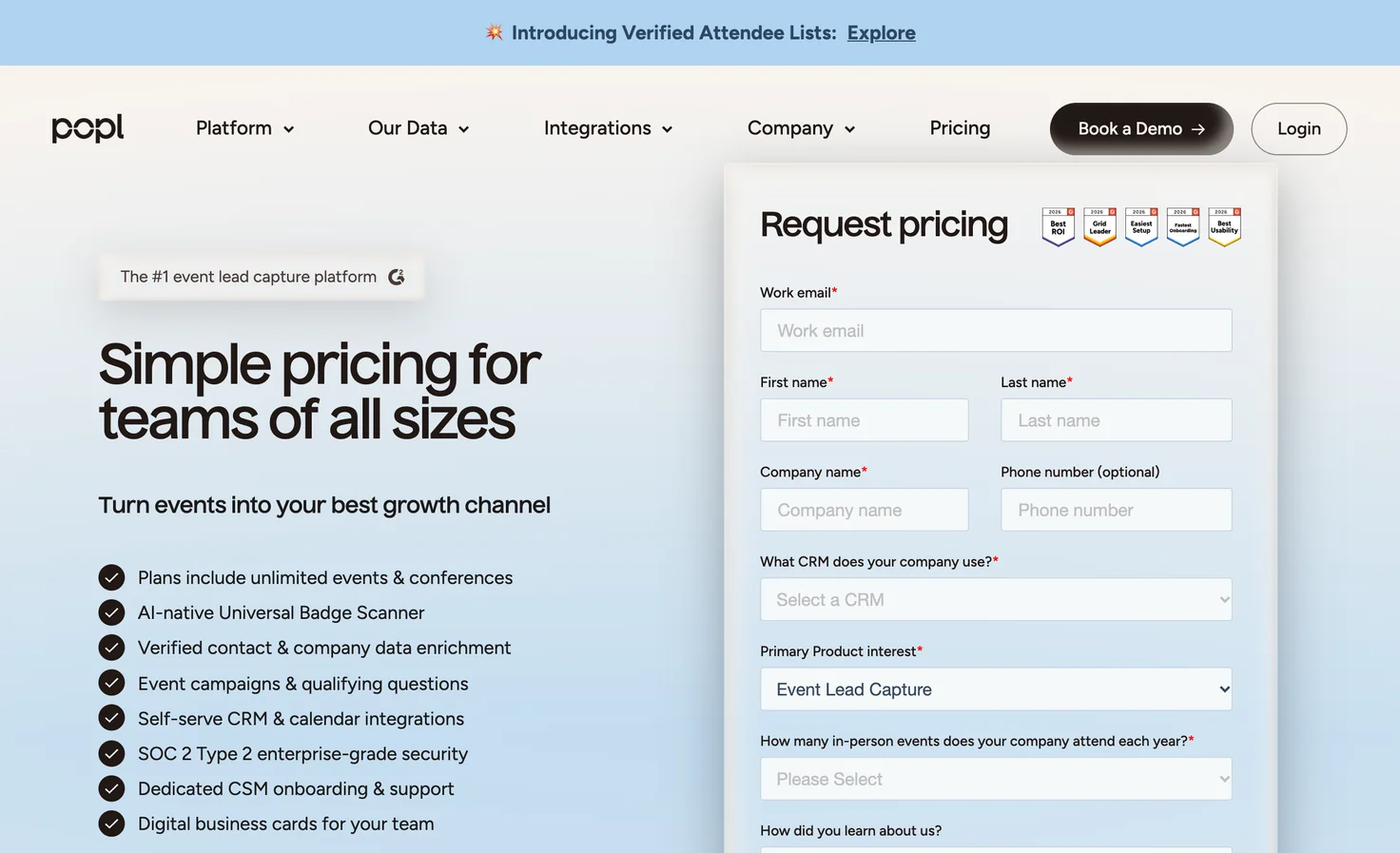
- Event Lead Capture is the separate plan you need for advanced event capture, including the badge scanner.
Popl's pricing page sends teams to a meeting for a custom quote. It lists no team price or minimum and says the team plan has no per seat or consumption based fees.
Seen Popl at $7.99? That's an individual plan. The US App Store listing puts Pro at $7.99 monthly or $76.99 yearly, and Pro Plus at $14.99 monthly or $144.99 yearly. Neither tells you what a team will pay.

What one person pays
A free tier covers a card people can open. A paid plan makes sense when you can name the limit you've hit, whether that's a second or third card, CRM sync or a lead form on the card. “Not stated” means the sources we checked did not give an answer.
| Provider | Free option | Paid monthly | With annual billing |
|---|---|---|---|
| Blinq | 2 cards, universal contact scanner and AI notes from the last 30 days | Premium $9.99 Pro $22.49 | Premium $7.33 a month Pro $16.58 a month |
| Wave Connect | Individual card with lead form and analytics | See yearly rate | Pro $7 a month |
| Lynkle | $0 basic profile, 7 days of unique views | See yearly rate | Pro $45 a year ($3.75 a month) |
| Mobilo | Pro software plan and wallet card. Mobilo's page shows Pro at $0 a month in one place and $3 in another. | Not listed separately | Not listed separately |
| Popl | Not stated | Pro $7.99 Pro Plus $14.99 | Pro $76.99 a year Pro Plus $144.99 a year |
| Zapped (our product) | Free trial on monthly plans | Solo $19 | Solo $180 a year |
On Blinq's individual plans, the upgrade depends on what you need after you meet someone.
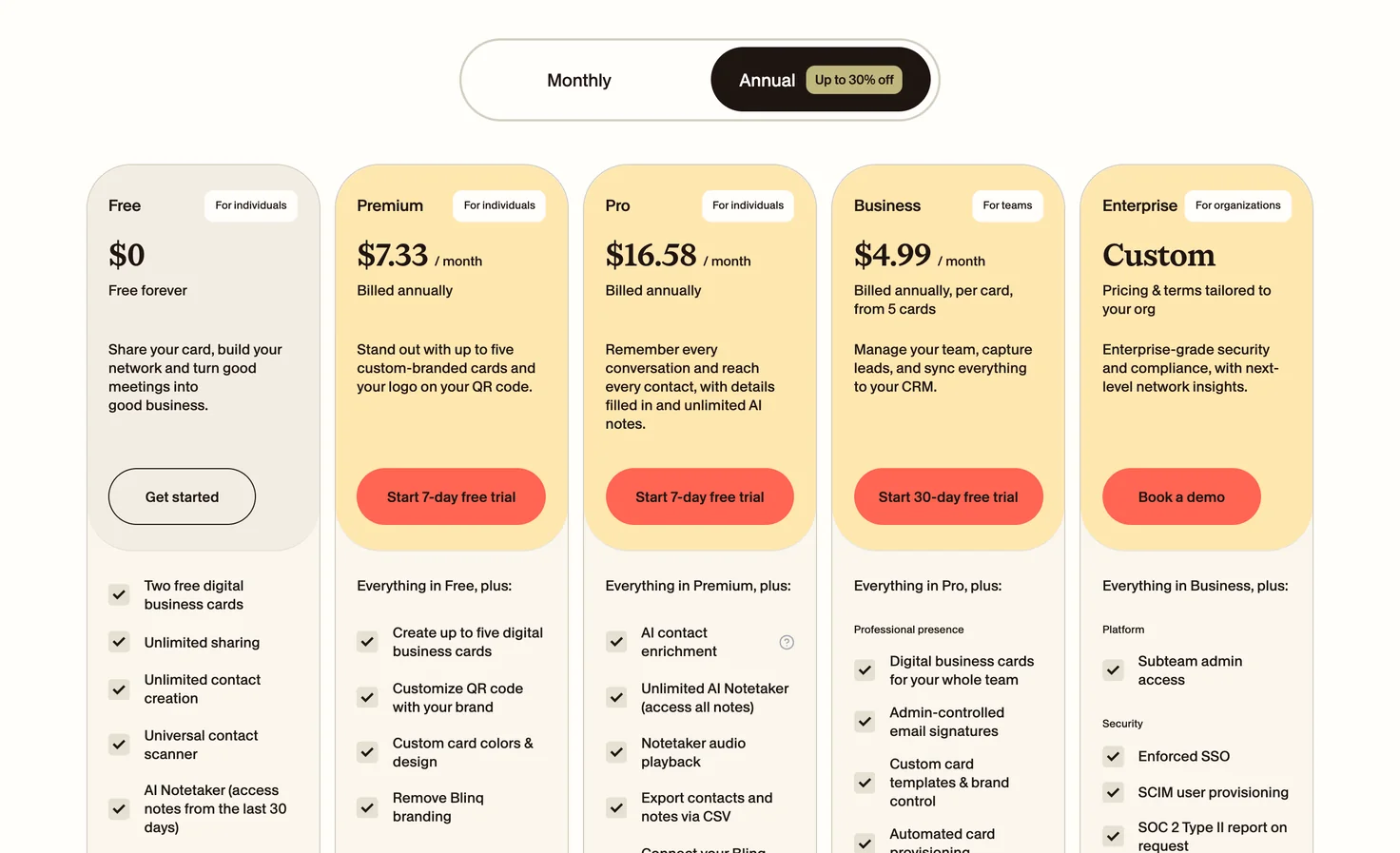
- Free includes two cards, unlimited sharing, unlimited contact creation, a universal contact scanner and an AI notetaker. You can access notes from the last 30 days.
- Premium is $9.99 a month, or $7.33 a month billed annually. You get up to five cards, QR code and card branding, and Blinq branding is removed.
- Pro is $22.49 a month, or $16.58 a month billed annually. It adds AI contact enrichment, an unlimited AI notetaker, CSV export of contacts and notes, and the option to book meetings from contacts.
What a five person team costs before anyone scans a lead
Start with software alone. A price per user, a price per team and a custom quote tell you different things about what five people will pay.
| Provider | Team pricing and minimums | Five people, annual total |
|---|---|---|
| Popl | Custom quote. No minimum published. | By quote |
| Blinq | Business is $4.99 per card per month on annual billing, or $6.99 monthly. 5 card minimum. Add $5 to $9.99 per enriched lead. Blinq's pages differ. | $299.40 |
| Wave Connect | $5 per user per month, billed yearly. Starts at 3 seats. | $300 |
| Lynkle | $48 per user per year for 5 users. | $240 |
| Mobilo | $4 per month billed annually, with unlimited members. | Unlimited members at that rate |
| Zapped (our product) | Team 5 is $79 monthly. Team 10 is $99 monthly or $948 yearly. | $708 on Team 5 |
Get Blinq's per lead price in writing. Lead capture costs sit on top of the seat charge, and Blinq's own pages give different prices.
- Blinq's pricing page says $9.99 per lead captured and enriched, billed monthly, with bulk discounts.
- Blinq's lead capture pricing guide says capturing a lead is free. Each enriched lead uses one credit at $5 on pay as you go. Sales offers bulk and unlimited packages.
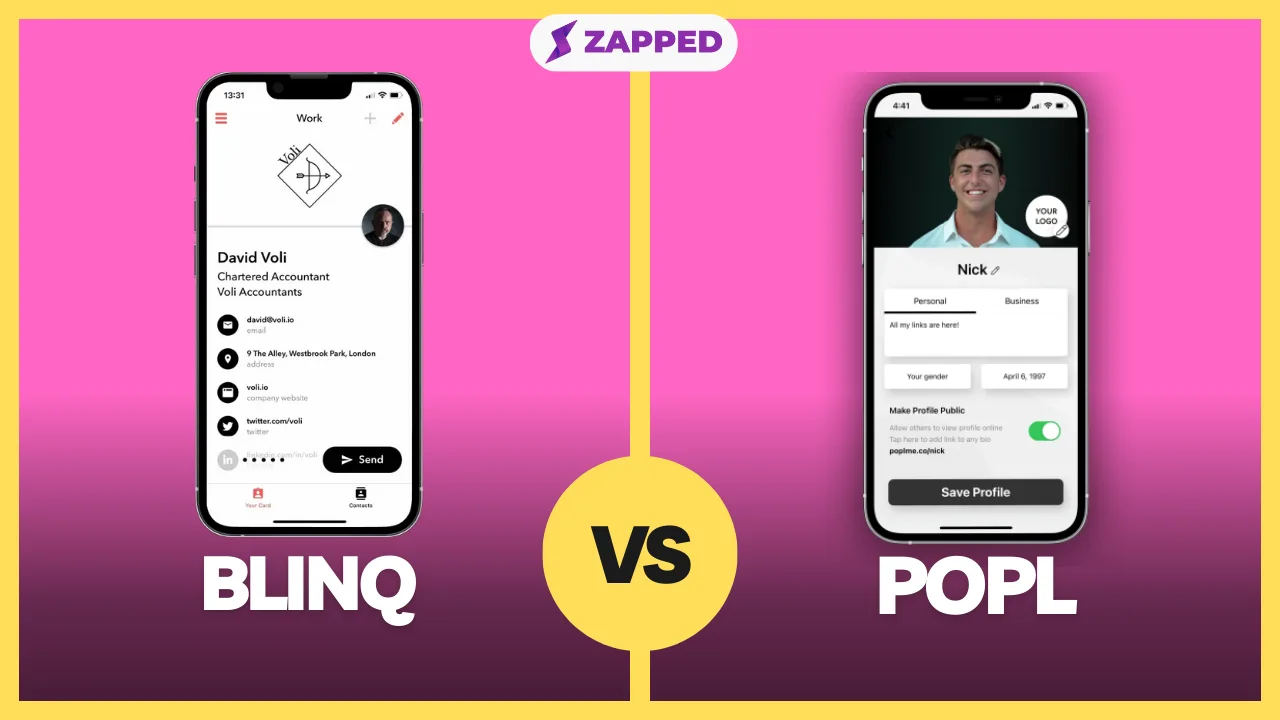
For a team scanning a few hundred badges a year, the card price can be the smallest number on the page. Our Blinq versus Popl comparison goes through the pair directly.
Which ones actually scan badges
Popl, Blinq and Wave document badge scanning. The differences show up after you point the phone at the badge.
Popl
- Best for
- Booth teams using Event Flows
- Price
- Team quote
- Capture
- Universal Badge Scanner
- What to check
- Event Lead Capture tier
Its Universal Badge Scanner guide sets the benchmark. On the Event Lead Capture tier, open Scan, choose Event Badge and frame the whole badge. Add notes, wait for enrichment or save before it completes, then check Leads.
Popl Event Flows take care of data capture, tagging, CRM sync and a follow up email. Full Team Admins and Subteam Admins create and manage flows. Members can only view their assigned flows in the mobile app.
Blinq
- Best for
- Teams scanning into a campaign or CRM
- Price
- Business seat charge plus $5 to $9.99 per enriched lead. Blinq's pages differ.
- Capture
- Badges, QR codes and business cards
- What to check
- Workspace card and Business subscription
The event setup guide describes a close match. Tap Scan and aim at a badge, QR code or business card to start enrichment. Offline scans queue until you reconnect.
To send that lead to a campaign or CRM, your team needs a Business subscription and the rep must use a workspace card. Scan on a personal card and the lead stays a personal contact. The sources we checked do not state what analytics Blinq includes.
Wave Connect
- Best for
- Event teams sending leads to Salesforce, HubSpot or CSV
- Price
- Event quote by annual lead volume
- Capture
- Phone badge scan with enrichment
- What to check
- Include event volume in the quote
Its event lead capture page describes phone badge scanning, enrichment, delivery to Salesforce, HubSpot or CSV, and offline sync. Ask for a quote. Wave prices by annual lead volume and does not publish a figure.
For everyday sharing, Wave's $0 individual card includes unlimited contacts and sharing, wallet passes, QR sharing, a lead form and analytics. Pro adds branding controls and CRM sync.

Mobilo
- Best for
- Paper business cards and QR sharing
- Price
- Pro software at $0 per month
- Capture
- Paper business card scanner
- What to check
- Email address on the paper card
Its guide covers a scanner for paper business cards. The card needs an email address for enrichment. We wouldn't count that as badge scanning. The free wallet card, lead forms, analytics and QR sharing are useful for everyday exchanges. Our guide to Mobilo alternatives for lead capture compares team cards, billing, hardware and CRM workflows.
Lynkle
- Best for
- Visitors who leave their own details
- Price
- Free basic profile or Pro at $45 a year
- Capture
- Visitor form on Save Contact
- What to check
- When the CRM was connected
Its visitor lead form opens when someone taps Save Contact. It asks for their first name and email and adds them to Contacts. Leads captured after you connect the CRM can sync there. The visitor supplies the details themselves.
Pro adds lead capture, private sharing, email signatures and card analytics. Lynkle's analytics docs spell out the difference. Free users see unique views for the last seven days. Pro and Teams unlock the fuller dashboard.
Where Zapped fits, and where it stops
If your team shares a card and wants to see what happens afterward, Zapped covers that everyday job. Our plans include QR sharing and NFC cards. If your team needs badge scanning or a scan to CRM event flow, we don't document either. Start with Blinq, Wave or Popl for that job.
Zapped plans and limits
- Best for
- Everyday card sharing and team access
- Price
- Solo from $15 a month billed yearly, per our plan page
- Capture
- Leads from everyday card sharing
- What to check
- No documented badge scan or scan to CRM event flow
- Solo. $19 a month, or $15 a month billed yearly ($180). One person can have up to 3 live cards.
- Team. Plans start at $79 a month for 5 people. Team 10 costs $99 a month, or $79 a month billed yearly ($948). You get one live card per person plus shared spares.
- Business. From 40 people, Business adds separate workspaces for offices or brands.
What you can measure. Our statistics guide covers per card views, visitors and interactions, plus devices and referrers where available. Those numbers show activity. They can't tell you someone's intent.
How long leads stay. Solo and Team keep leads for 12 months. Business keeps them for 24 months. Export what you need before then.
Who can change a card. Roles and scopes separate what a teammate can do from which cards or projects they can see. Editors cannot delete. Admins can.
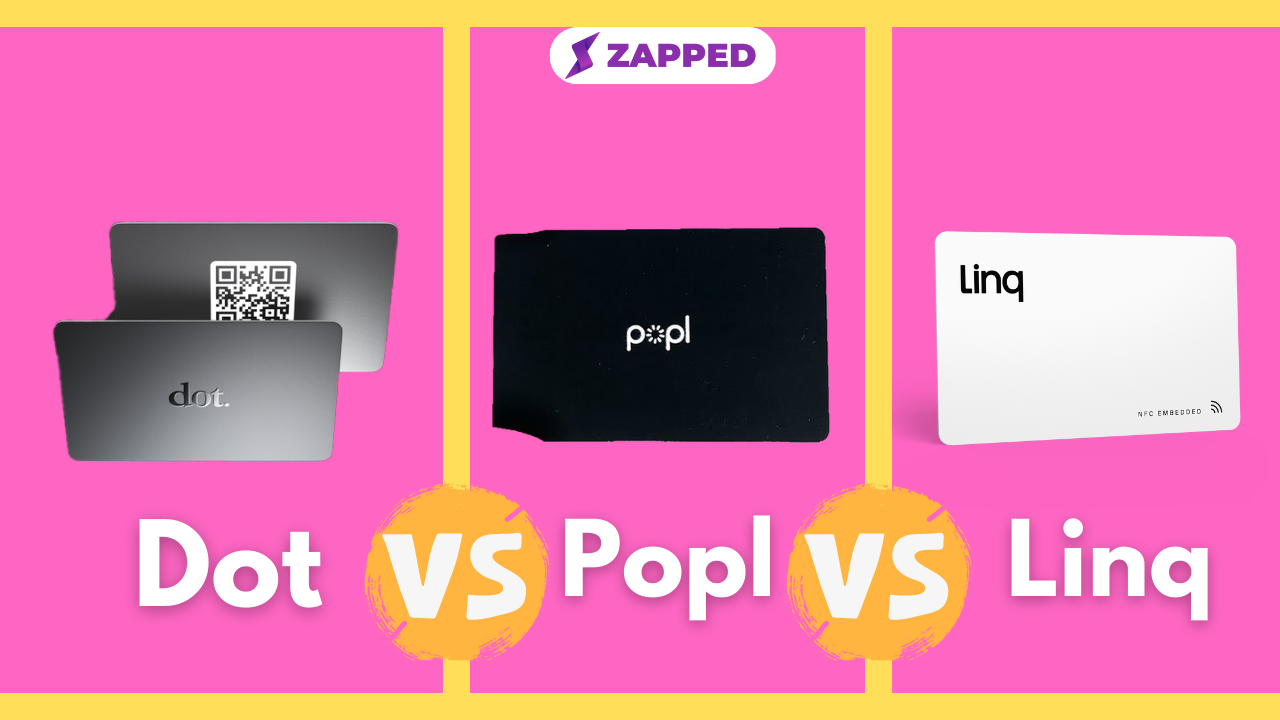
Hardware is a one time cost, so keep it off the software line
- Wave Connect sells an NFC card for $26 one time. Shipping is calculated at checkout.
- Mobilo lists cards from $9.50 to $69.50. The branded NFC card is $9.50, custom is $19.50, wood is $29.50, metal is $69.50 and paper is $29.99. Mobilo showed these as discounts from higher list prices when we checked, so confirm the price at checkout.
- Lynkle does not sell its own cards. Pair it with someone else's hardware. NFC Tap to Share works on Android. On iPhone it works only in the European Economic Area.
- Zapped lets you program a writable NFC card yourself with an Android phone or an iPhone XS or newer. Mark a card lost to turn off its taps and free its place in the plan.
- Popl and Blinq. NFC card details were not stated in the sources we checked.
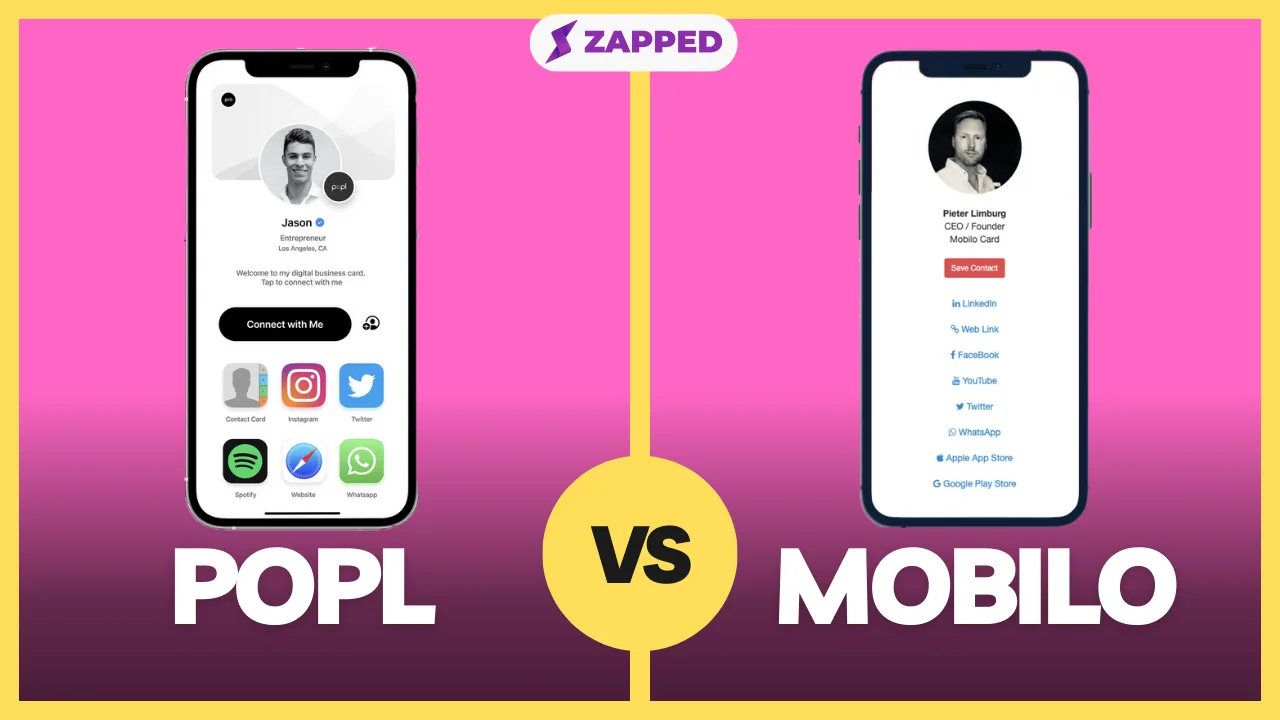
Our guide to the best digital business cards covers a wider shortlist. If your decision comes down to hardware and events, Popl versus Mobilio compares that pair.
Test one real scan before you move a team
One Capterra reviewer found it difficult to read a business card from a photo and typed the details in by hand. Capterra marks the reviewer as vendor referred with a nominal incentive. One report can't tell you the failure rate. Here's how to test your own workflow.
- Pick the job. Choose the action your team does most, sharing a card or scanning a badge.
- Use the rep's phone. Test with a workspace or team card. A personal card can give you a different result.
- For events, trace one lead. Follow Wave's pre event routine. Connect the CRM, map fields, tag the event and set lead ownership. Scan once and open the record in your CRM.
- For sharing, switch phones. Open the card on a second phone with no app installed and save the contact.
- Price the whole job. Ask for a written team quote if Popl or Wave is on your list. Count seats, lead volume and hardware together.
Before you cancel anything, confirm how you'll export your Popl contacts and import them into the new tool.