Nobody leaves Blinq out of boredom. Something specific pinched: you hit the two free cards, a team quote came back stranger than expected, event leads started costing money, or you wanted a metal card in your wallet. There is no single best replacement, so start with the pinch.
If you want more free cards, look at HiHello first. If events and badge scanning are the job, ask Popl for a written quote. If a physical NFC card is the point, Dot is the one-time purchase and Mobilo is the team-priced option. If you want a software-first card with readable plan limits and a lead export, Zapped is a fair candidate too, though the Zapped plan page doesn't say physical cards are included. Prices below are as listed on October 16, 2026, with each billing unit kept as the vendor states it. For the full Blinq walkthrough, our Blinq review covers plans, wallet passes and NFC, and the Best Digital Business Card hub puts the whole category side by side.
What Blinq charges, and where the Business number gets slippery
Blinq's own pricing page lists Free at $0 with two cards, unlimited sharing and contact creation, wallet passes, an email signature and virtual backgrounds. Premium is $9.99 monthly or $7.33 per month billed annually, with up to five cards and contact tools including CSV export.
Business is where you should slow down. The pricing page shows $6.99 per user monthly or $4.99 per user per month billed annually. The same page's FAQ describes a five-card minimum, which reads as per card. A current Blinq help article on how credits work calls the amount a per-seat price. Those aren't the same unit, and for a ten-person team the difference decides the bill. Get the written quote for your exact configuration before you compare it to anyone else.
Event capture is a separate meter. Blinq lists $9.99 per lead captured and enriched on Business, with credits billed monthly. At that rate, 50 captured and enriched leads cost $499.50 on top of the subscription. If you work trade shows, model your own lead count first.
The shortlist at a glance
Here's the same rubric applied to every option. Read the caveat column twice.
| Best fit | Free or entry path | Team or event route | Physical NFC | Caveat to verify | |
|---|---|---|---|---|---|
| Blinq (baseline) | Staying put with light needs | Free, two cards | Business $6.99 per user monthly on the pricing page; $9.99 per lead | Not the focus here | Per user or per card, confirm in writing |
| HiHello | More free cards, small teams | Free, four cards, five scans a month | Business from five users, $5 per user monthly | None assumed | Scan limit; five-user floor |
| Popl | Events and badge capture | Free individual sharing | Team price quoted over a meeting | Not covered here | No published number |
| Mobilo | Teams who want a physical card | Card configurations priced separately | Teams $4 per month billed annually, unlimited members | Yes, several configurations | The $4 unit is not stated |
| Dot | One person, one-time hardware | Free basic profile for life with a $30 card | Not a team product here | Yes, $30 standard, $50 metal | Profile+ is $15 per month |
| Zapped | Software-first cards with export | Free, $0, one card | Starter $14 monthly, Professional $49 monthly | Program your own writable tag | Seats per workspace not published |
HiHello: more free cards, with a scan ceiling
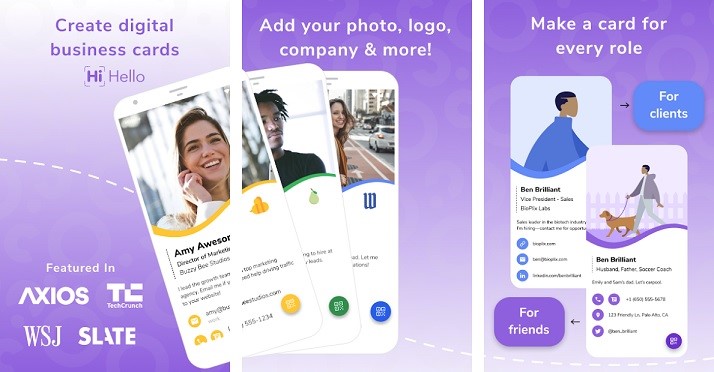
Pick HiHello if the pinch is the two-card cap. HiHello's pricing lists Personal as free with four digital cards and five card or badge scans a month. Professional is $6 monthly or $72 billed yearly with 16 cards and 20 scans. Business starts at five users at $5 per user monthly or $60 per user annually, and lists event lead capture, unlimited scans, team analytics, CRM integrations, templates, SSO and directory sync.
The cost trap is the scan counter. HiHello says a scan counts the moment you tap Submit, even if glare or a cropped corner means it can't be read. Five a month disappears quickly at a conference. Skip it if you scan paper cards often and don't want to upgrade.
One G2 reviewer in October 2026 said QR sharing didn't open cleanly, and G2 labels that review seller-invited. Treat it as one person's account, not a verdict.
Recipients don't need an app or an account, because the card opens in their browser. They still finish the phone's own save step: Create New Contact on an iPhone, or Download, Open and Import on Android. Our HiHello vs Blinq comparison goes deeper if this is your shortlist.
Popl: the event pick, but get the total in writing
Pick Popl when the real job is working a floor. Its team offering lists badge scanning, lead capture forms, CRM synchronization, offline leads and lead enrichment, and it advertises a free individual option for basic sharing. Popl's event guide says scans are saved on the device while you're offline and enriched once you reconnect. It also suggests asking for an email before saving, since enrichment may not find one.
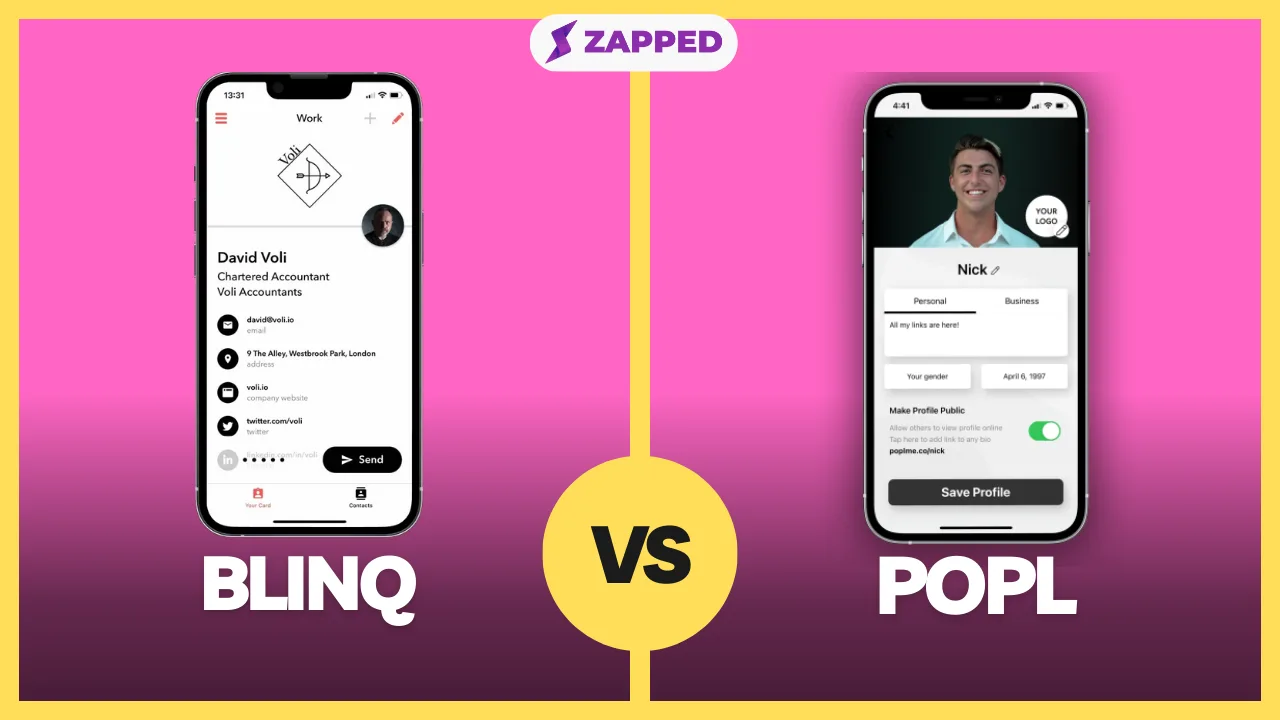
The cost trap is that there is no number to evaluate. Popl's pricing page publishes no team price and says it's quoted over a meeting. Don't estimate. Popl says its quote has no per-seat, usage or consumption fees, so ask for a written total for your headcount and events, then set it next to Blinq's per-lead math. Skip Popl if you need a price before you'll take a call.
After the event, the work is reconciliation. Select leads on the dashboard and export them as CSV, choosing the fields or a saved preset. If you route to a CRM, the integration has to be connected first, and the Sync & Export column tells you whether each lead went through. A failed sync has a log behind the integration icon. The pairwise detail lives in Blinq vs Popl.
Mobilo and Dot: when the card in your pocket is the point
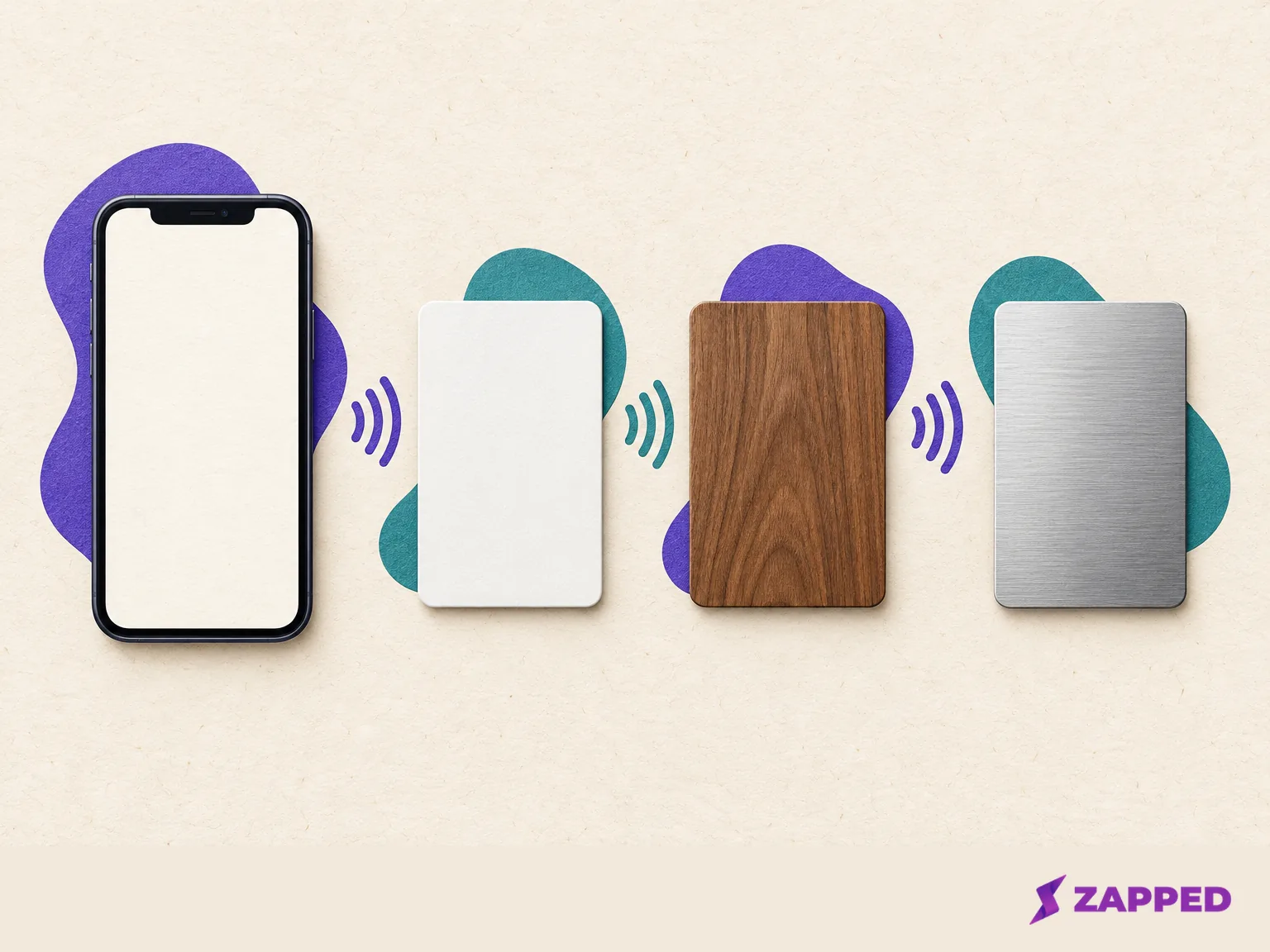
Keep the software plan and the device apart. They are billed differently.
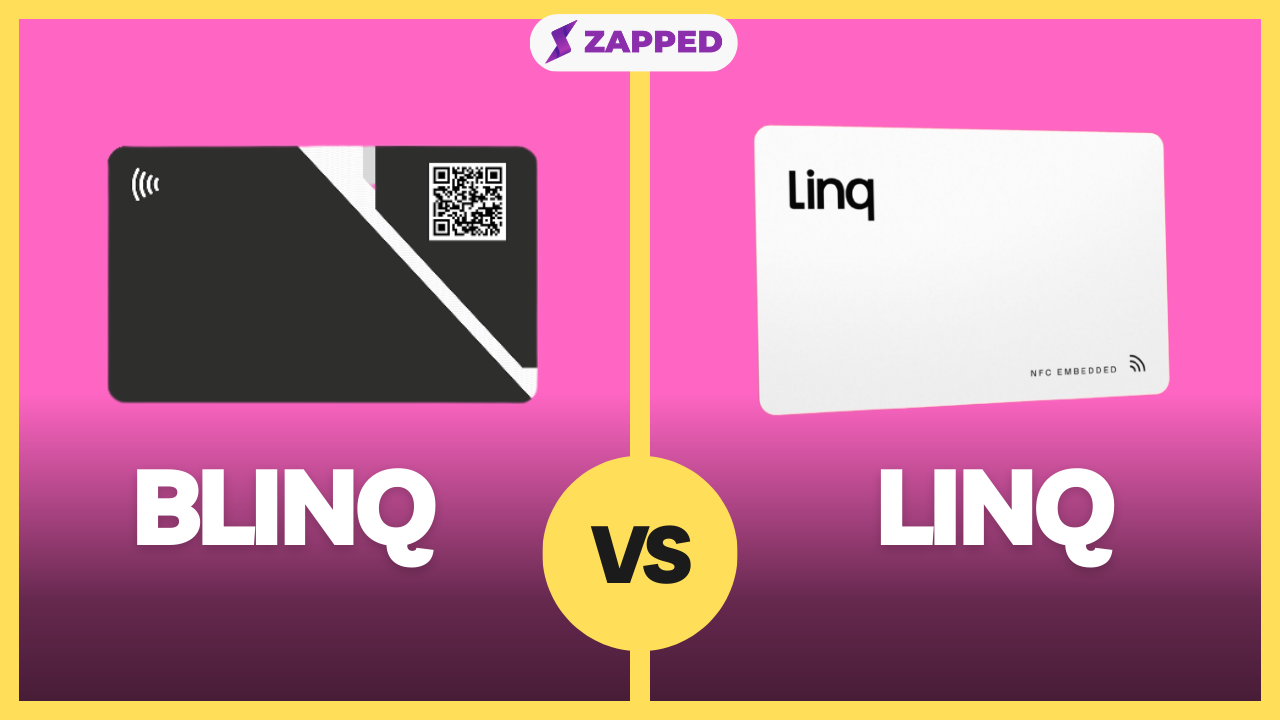
Pick Mobilo if you want a physical card and a team plan from the same vendor. Its pricing page lists device configurations plus $4 per month each: Digital Wallet Card $0, Custom Design $29.50, Wood $39.50 and Metal $69.50. Its Teams plan is $4 per month billed annually with unlimited team members. The page doesn't say that $4 is per person, so don't multiply it by headcount or assume it's flat. Mobilo's Pro price appears twice on its page with different amounts, so we've left it out of any ranking. Its Lead Generation mode shares a form on tap, and both people then get each other's details by SMS.
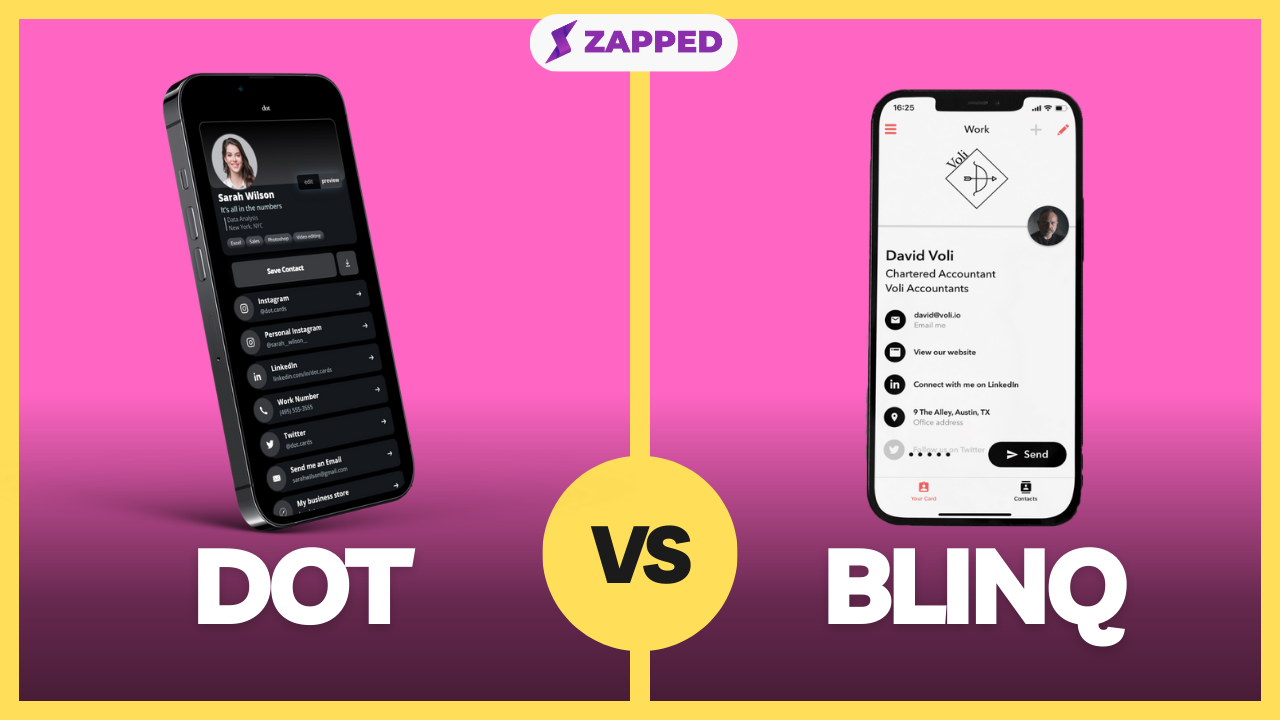
Pick Dot if you're one person who wants hardware without a recurring bill. Dot lists the standard card at $30 as a one-time purchase with a free lifetime basic profile. The metal card is $50. The cost trap is Profile+, $15 per month, which is where CSV export, AI scanning and the contact map live. A Trustpilot reviewer in September 2026 described confusion about a Profile+ trial and a first-year charge, and Dot replied that Profile+ is optional and the basic profile stays usable. That's one exchange, not a pattern. Run the arithmetic before you assume the one-time card is the cheap route: if you need Profile+ features, a year of it costs more than a year of Blinq Premium billed annually, so the hardware only wins while the free basic profile is enough. Dot calls certain models waterproof on its own testing page; that's a vendor statement, not a lab result. If a tap fails on an iPhone, Dot's guide says to keep the screen on, turn off airplane mode, close the Camera app and tap near the top back by the camera, with the QR code as the fallback. See Blinq vs Dot for the head to head.
Zapped: software first, with limits you can read
Zapped is the option for readers who want a card, a workspace and a lead export in software. On our plan page, Free is $0 with one card, five content blocks and one project. Starter is $14 monthly or $140 annually with 15 cards, 10 blocks, 30 NFC cards, up to two workspaces and six months of lead retention. Professional is $49 monthly or $499 annually with 100 cards, 200 NFC cards, up to five workspaces, unlimited lead retention and webhooks. The yearly figures are full annual charges, and Zapped costs more than Blinq Premium or HiHello Professional at the monthly level.
Leads export as CSV on every plan, and retention is 30 days on Free, 180 on Starter and unlimited on Professional. Changing plans doesn't extend leads already received. The export steps are: pick the workspace, open Inbox, choose Leads, apply filters, then Export and CSV. The file includes everything matching your filters, not just the page you're looking at.
Three limits to keep in view. Professional's webhooks send signed JSON to an HTTPS address you configure, which is a webhook route and not a named CRM integration. The public Zapped plan page lists workspaces but not how many members each holds, so ask before buying for a team. And the NFC allowance counts cards you can program, not cards in a box: the NFC guide has you write to a writable tag you supply. Zapped isn't an event badge replacement for Popl. Card statistics cover views, visitors, interactions, devices and referrers when available.
Which one fits your reason for leaving
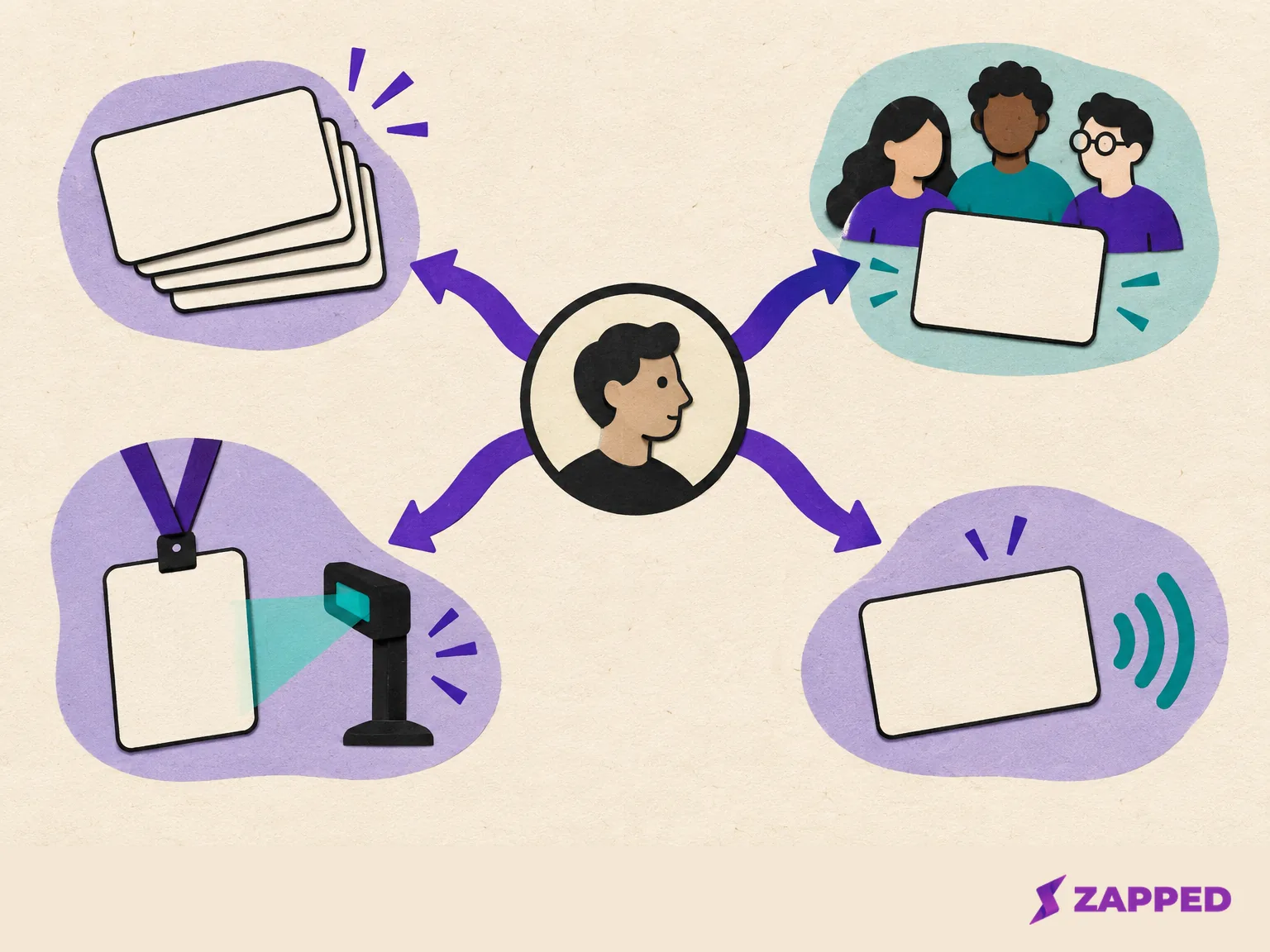
Stop at the first yes.
- The pinch is card capacity or a small team: try HiHello, and count your monthly scans before you commit.
- The pinch is event leads: get Popl's written quote, and price Blinq's $9.99 per lead against it for your actual lead volume.
- The pinch is a physical card: Dot for one person, Mobilo if a team wants cards and a plan together. Add the device cost to the subscription cost on a single line.
- The pinch is total cost and you can live with software only: compare Zapped's plan limits to what you really use, and check the seat question first.
- Nothing above applies: stay on Blinq Free or Premium, and just get Business confirmed in writing if you grow.
Export before you cancel anything
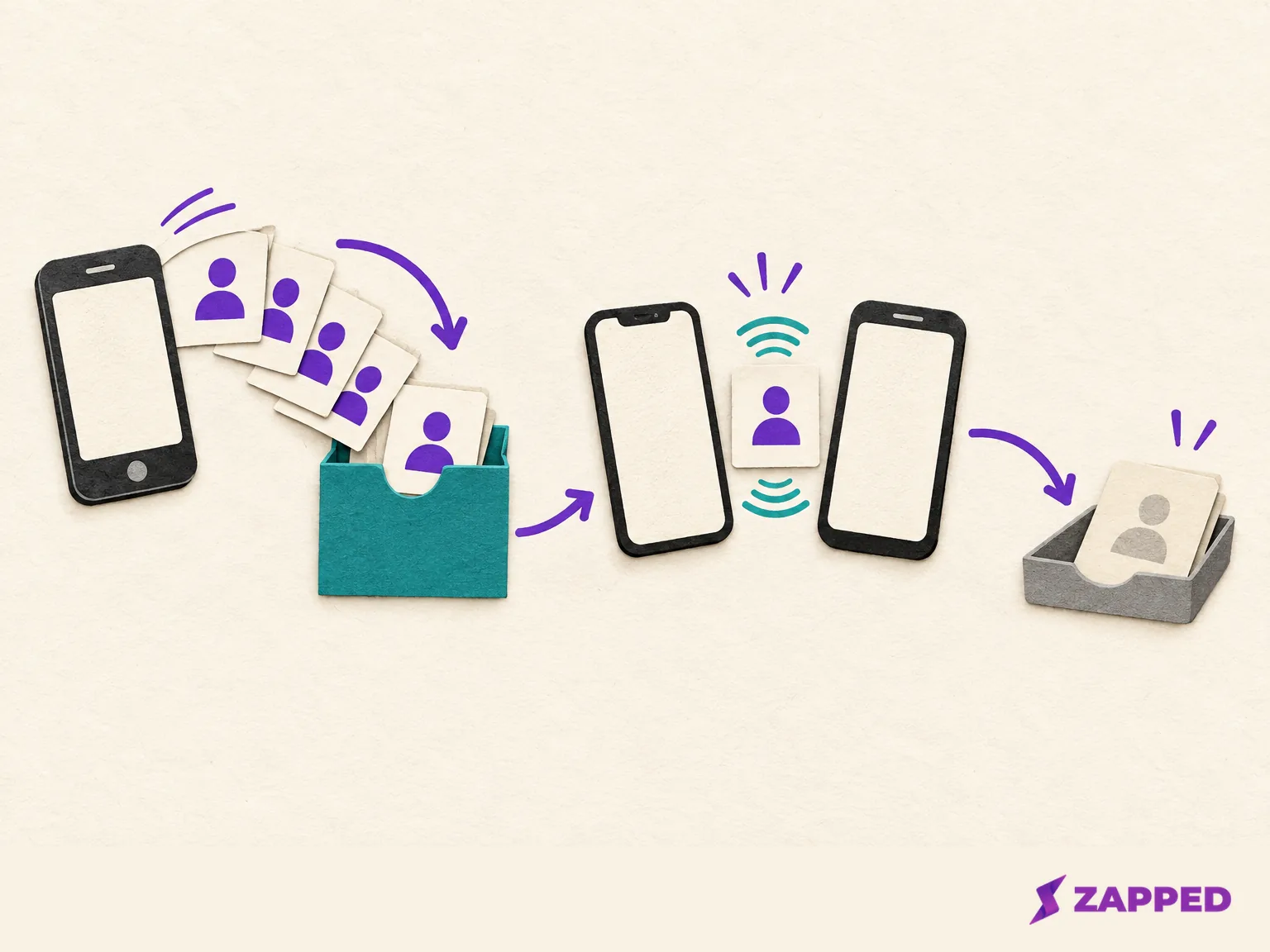
Blinq's cancellation guide says a canceled paid subscription stays accessible without paid features, and its downgrade page says existing cards aren't lost. Neither says what happens to saved contacts or event leads. We can't tell you, so export first and assume nothing. Dashboard subscribers cancel from the workspace name, then Billing & Subscription, then Cancel subscription at the bottom. Apple and Google Play subscribers cancel in their store subscription settings.
Contacts live in three places, and each has its own route:
- Business or Enterprise admins can select contacts on the dashboard's Contacts tab and export to CSV, or export everything without selecting any.
- Event leads export per campaign: Campaigns, pick one, Export contacts, then CSV or a connected CRM, Zapier or Outlook. The campaign guide says the file holds only that campaign.
- If an event lead isn't in All company contacts, it was probably saved as personal. Check My contacts and share it with the workspace first. Sharing is a one-time snapshot, so finish notes and tags before you do.
For one person, the Blinq app can also save a contact to your phone from Contacts, More Actions, then Download contact to phone. For a bulk export of personal Premium contacts, open the Contacts area in your own account and confirm the export option is there before you cancel.
Also note what your new service lets you export. HiHello emails a spreadsheet from Settings, Export Contacts. Popl exports selected leads through Export via CSV and shows sync status for CRM routes. Mobilo exports a CSV from Leads. Save your current billing terms and a list of every card, QR code and link in circulation.
Whether an old Blinq QR code keeps working after you switch isn't something we could confirm. Print nothing new until you've tested the new route.
Pick the one option that matches your bottleneck and trial it or get its quote. Move a single card first, tap it and scan it with an iPhone and an Android phone, then check that a test lead lands where you expect. Only then roll it out to the team and retire the old card.