You're in a TSA line with your driver's license on your phone, and someone you met at the gate asks for your number. Can the same phone do both jobs? You can use the same phone for both jobs, but that does not make a contact card an identity credential. A digital ID in a wallet app shows proof to someone who agrees to accept it, and a digital business card hands over the contact details you chose to publish. Neither replaces the other, and plenty of moments call for both.
"Wallet" tells you where something is kept, not what it proves
The word does a lot of quiet damage here. Google Wallet offers generic passes for flexible, non-identity uses such as parking or membership. It also documents a separate private-pass type for sensitive data like national identification cards and other government IDs. Same app, very different items. The container alone doesn't settle who issued something or whether anyone will accept it as identity.
What does settle it is a chain of three parties. In the W3C model, an issuer, holder and verifier each play a part, and the verifier weighs the issuer, the proof, the subject, the claims and its own rules before relying on anything. A credential can check out cryptographically and still be turned down, because verifiable doesn't mean every verifier must accept it. If you want the longer version of who does what in that chain, our explainer on digital credentials walks through it.
A business card has no such chain. It's a profile you chose to publish, and its job starts after the proof, when the other person needs a way to reach you.
Match the tool to what the other person is asking for
Ask what the request actually is, not which app is open.
| The other person needs | Reach for | What they receive |
|---|---|---|
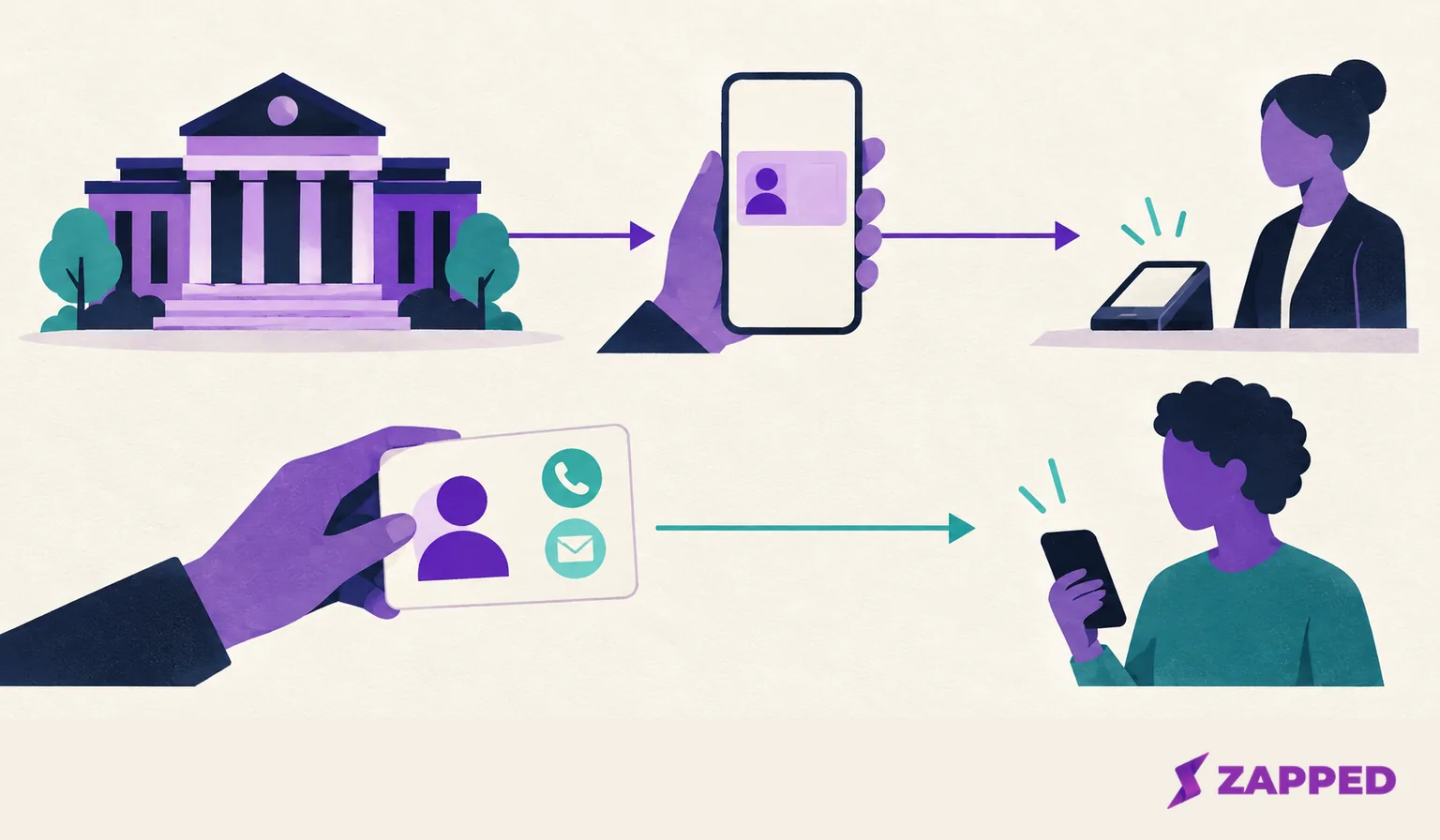
| Proof of an issued identity or attribute, such as age at a checkpoint | An identity wallet, if that verifier accepts it | Information requested by the verifier, subject to the wallet's sharing settings and confirmation flow |
| A way to contact you afterward | A digital business card | The name, number, email and links you put on the profile |
| Both, as in a conference check in followed by a conversation | One after the other | Proof first, contact details second |
An identity presentation answers a verifier's question. A card answers "how do I get in touch?" Notice that the card proves nothing about who stands behind it. Anyone can publish a profile, which is exactly why it suits public details and not credentials.
Check the place, not just the phone
An ID in your wallet is only as useful as the person receiving it. Apple lists the participating jurisdictions for U.S. driver's licenses and state IDs in Wallet, and the United States for its passport derived Digital ID. Apple also says a Digital ID can be presented at select TSA checkpoints and select businesses or organizations, in person, in apps and online. Select is the operative word. Before you leave a physical ID at home, check the current location list and ask the business or organization whether it accepts that exact ID and that presentation method.
Google draws the same lines for its U.S. license and state ID feature: it's listed for specific jurisdictions, works at supported TSA airports and in some apps, and carries REAL ID and physical document conditions for TSA use.
Three limits are worth knowing before you're standing at a counter:
- Apple says its passport derived Digital ID is not a government issued passport and can't replace a physical passport for international travel or border crossing.
- Google says a passport based ID Pass is not an official form of identification or a replacement for physical documents, and that acceptance varies, so check with the requester.
- In Europe, the Commission says Member States will make EU Digital Identity Wallets available by end of 2026. That is a deadline, not a promise that your country has one today. Under Regulation (EU) 2024/1183, wallet use is voluntary and registered relying parties must identify themselves and request only the data declared for their use.
Look at what you're about to share
Digital IDs ask you to review before you approve, which is the part paper never offered. On an iPhone, open the ID and hold it near the reader. Depending on your presentation settings, you may review the requested details and provide consent; with All ID Information selected, Apple says no additional consent is needed. A checkmark and Done confirm it went through. In an app the button reads Verify with Apple Wallet, and in Safari it reads Verify Identity. Both show the requested information first.
Google works similarly. To add a U.S. license or state ID, you photograph both sides and record a short video, and Google says a photo from that video goes to the issuer for verification. A connected app asks whether to use your ID in Google Wallet, you review what will be shared, and Wallet asks you to authenticate. The app's own instructions apply, since they vary from one app to the next. Google also keeps activity history for a U.S. license or state ID, but it's off by default. Turn it on and the device records who received the ID, what was shared and when. Turn it off again and that history is deleted. The log lives on the device that holds the ID, and only you can see it after you verify it's you.
Don't assume you can always trim fields. W3C describes selective disclosure, meaning fine grained choices about what to share, but the available behavior depends on the securing mechanism and the implementation. Read what the screen asks for each time.
The card side runs the opposite way. A public profile has no approval screen, because anyone who gets the link sees the page. Put on it only what you'd be comfortable giving to any stranger who receives it.
Keep a physical fallback where required
Plan for it before the checkpoint. If the receiving organization doesn't take your digital ID, follow what it tells you to use instead, and keep the physical document wherever Apple or Google says it's still needed. Never lean on a passport derived Digital ID to get across a border.
For device-specific recovery, such as an ID that won't scan or share, start with the wallet provider's help pages. If your phone is lost or stolen, Google lets you remove a U.S. ID remotely from your Google Account under Security and sign in, then IDs, then Manage IDs.
When the only thing someone wants is your contact information, skip all of this. A profile link or another sharing route gets it to them without a verifier.
Proof at the checkpoint, contact card afterward
Say you clear an ID check at a venue and then spend an hour talking with someone who wants to continue the conversation. The wallet did its job once, for one verifier. The next job belongs to a card.
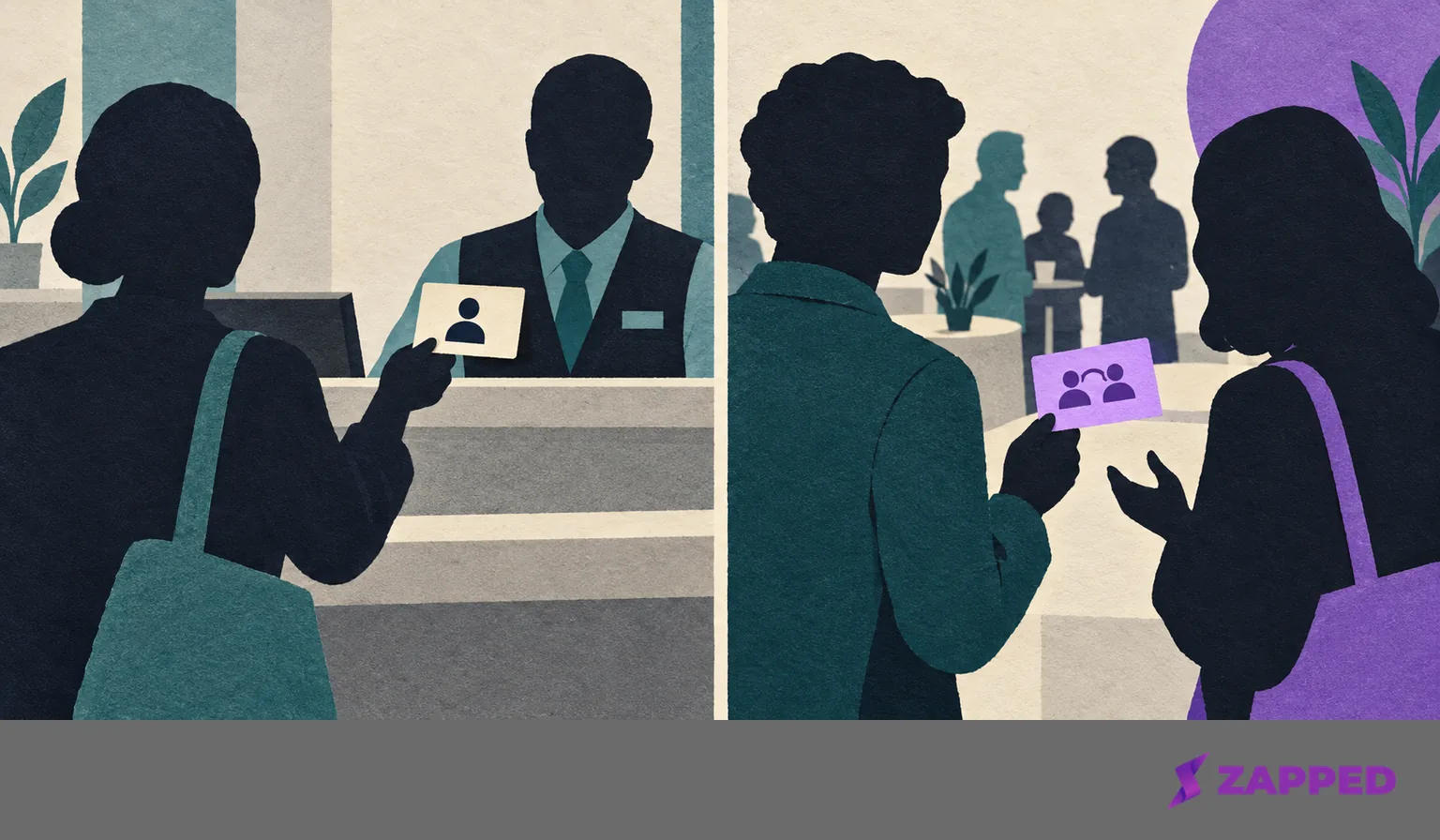
You can even keep that card in your wallet app. Adding a card as a Google Wallet pass makes it a pass, but the pass is still a contact sharing item. Putting it next to your license doesn't give it an issuer or a verifier. If you're weighing a Wallet pass against tapping a phone, Google Wallet versus NFC covers that choice.
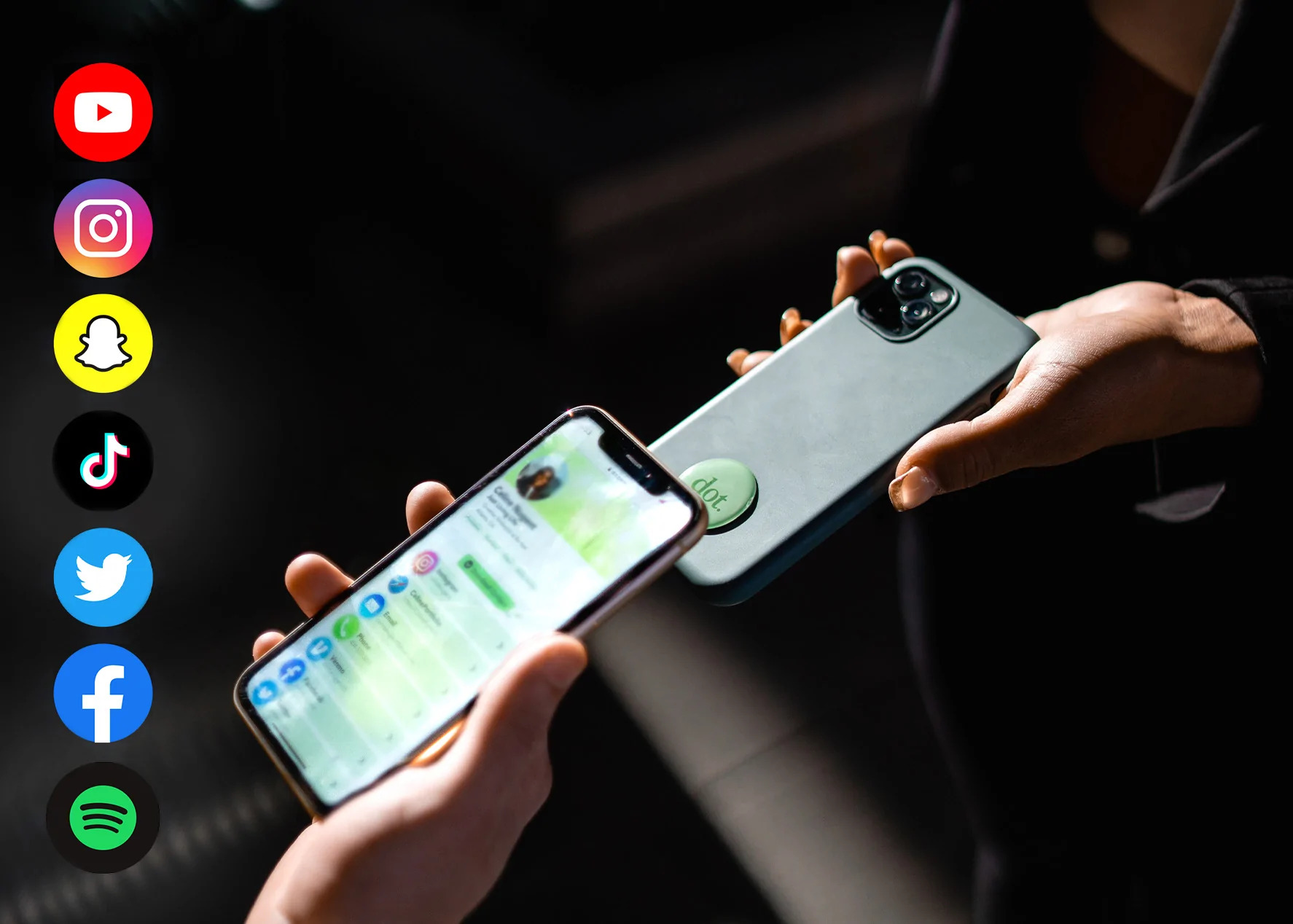
Zapped sits on this contact side only. It's a digital vCard platform: you add contact details and profile links through content blocks that you preview and publish, and people open the card in a normal browser from a link, QR code or NFC tap without installing an app. It isn't an identity wallet and doesn't issue, verify or store verifiable credentials, so nothing on it proves who you are.
Use an accepted credential when someone needs proof. Share the profile when they need to reach you. When the moment needs both, do them in that order.