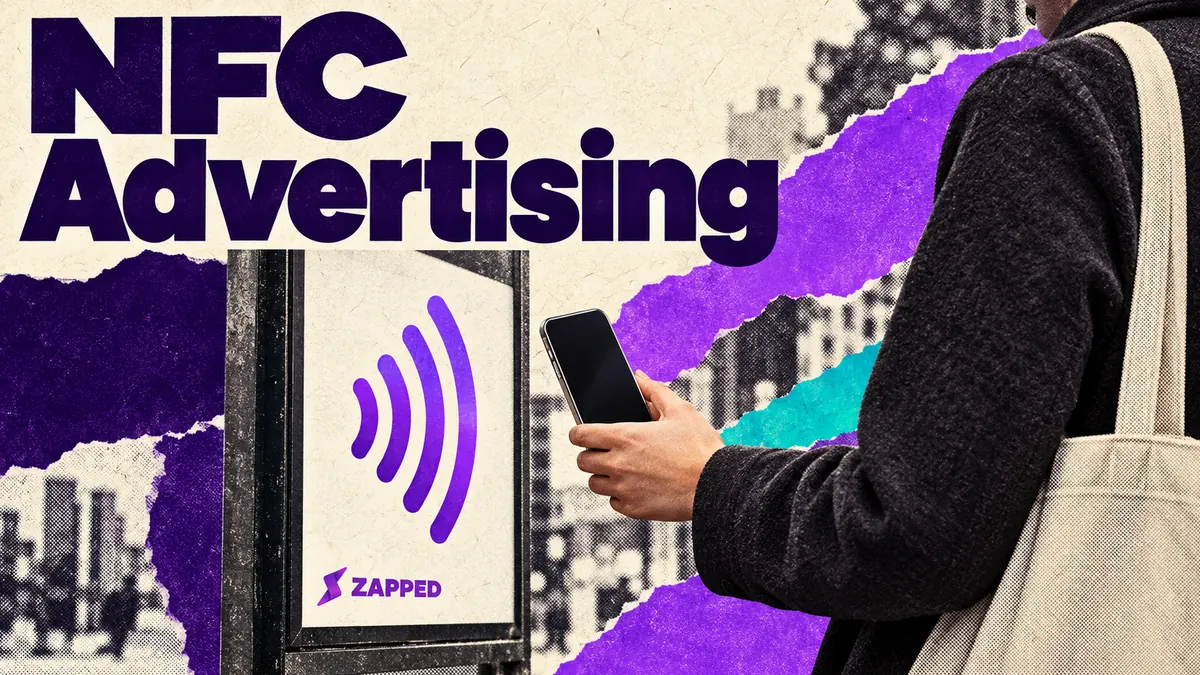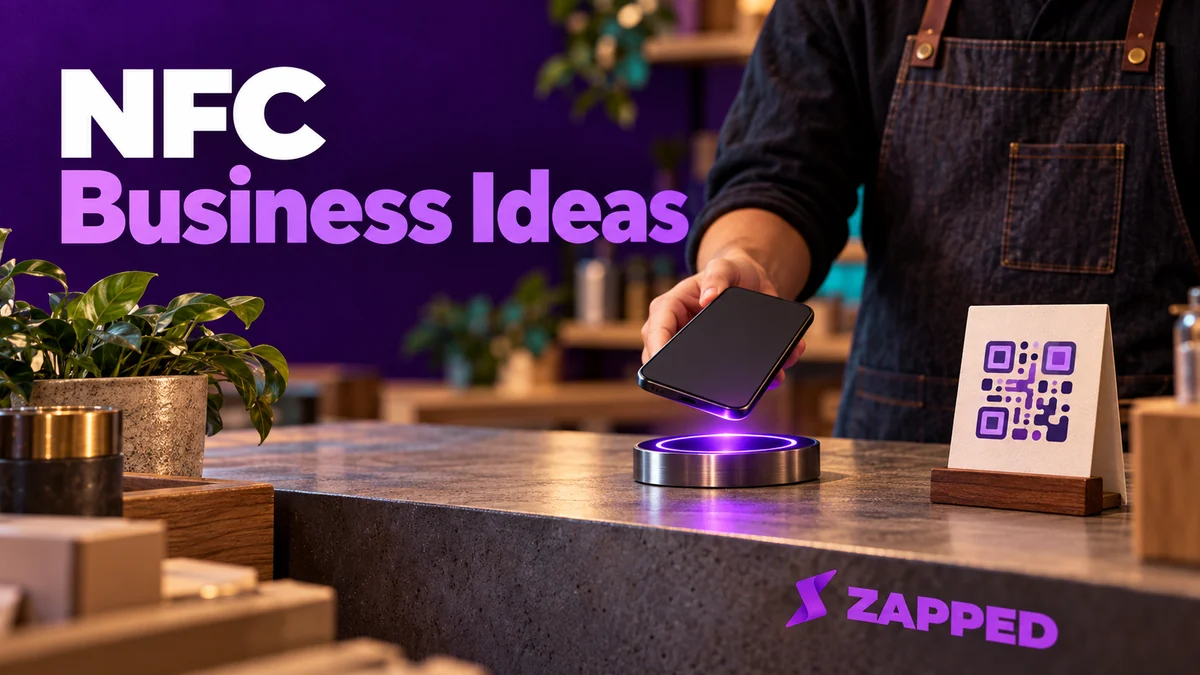
A customer stands at your counter, looking at the menu board, and asks whether you take bookings for Saturday. An NFC tag earns its place when it gives that customer a direct route to the booking page, or whatever next step they need. The page finishes the action; the tag doesn't have to replace anyone. So put a tag where a customer already needs one specific next step, point it at the page that completes it, and put a QR code beside it for everyone the tap doesn't reach.
If you can't name the step, you don't need the tag yet.
Start with the question customers already ask at that spot
The best ideas share a shape. A customer pauses somewhere, has one question, and a page exists that answers it. NFC Forum's retail examples line up with that: product details at the point of sale or use, packaging and shelf labels, post-purchase communication, loyalty and reordering.
- Service counter. The tag opens the real booking page, not a page that describes it.
- Table or menu board. The tag opens your current menu.
- Product or packaging. The tag opens the manual, care instructions or a comparison page.
- Equipment and service points. The tag opens the support page for the machine that always confuses someone, or a warranty registration form.
- Receipt, bag or checkout. The tag opens a return visit offer or your loyalty page, hosted by whatever loyalty service you already run.
- Event desk or front door. The tag opens a check-in form.
- Anywhere you hand over a business card. The tag opens a page where they can save your contact, which we come back to below.
One tag, one action. Leave the booking, the rewards and the check-in to the systems that already do them, and make the tag the shortest path to those pages. Don't send people to a general link hub where they have to hunt. If you do want to offer guest WiFi with a tap, that has its own security questions, and we cover them in the NFC WiFi tag guide.
Choosing tap, scan, or both depends on the customer's phone
Put the tag, a QR code and a short web address in one spot, all opening the same page. If the notification doesn't appear, or the customer would rather use the camera, they still arrive.
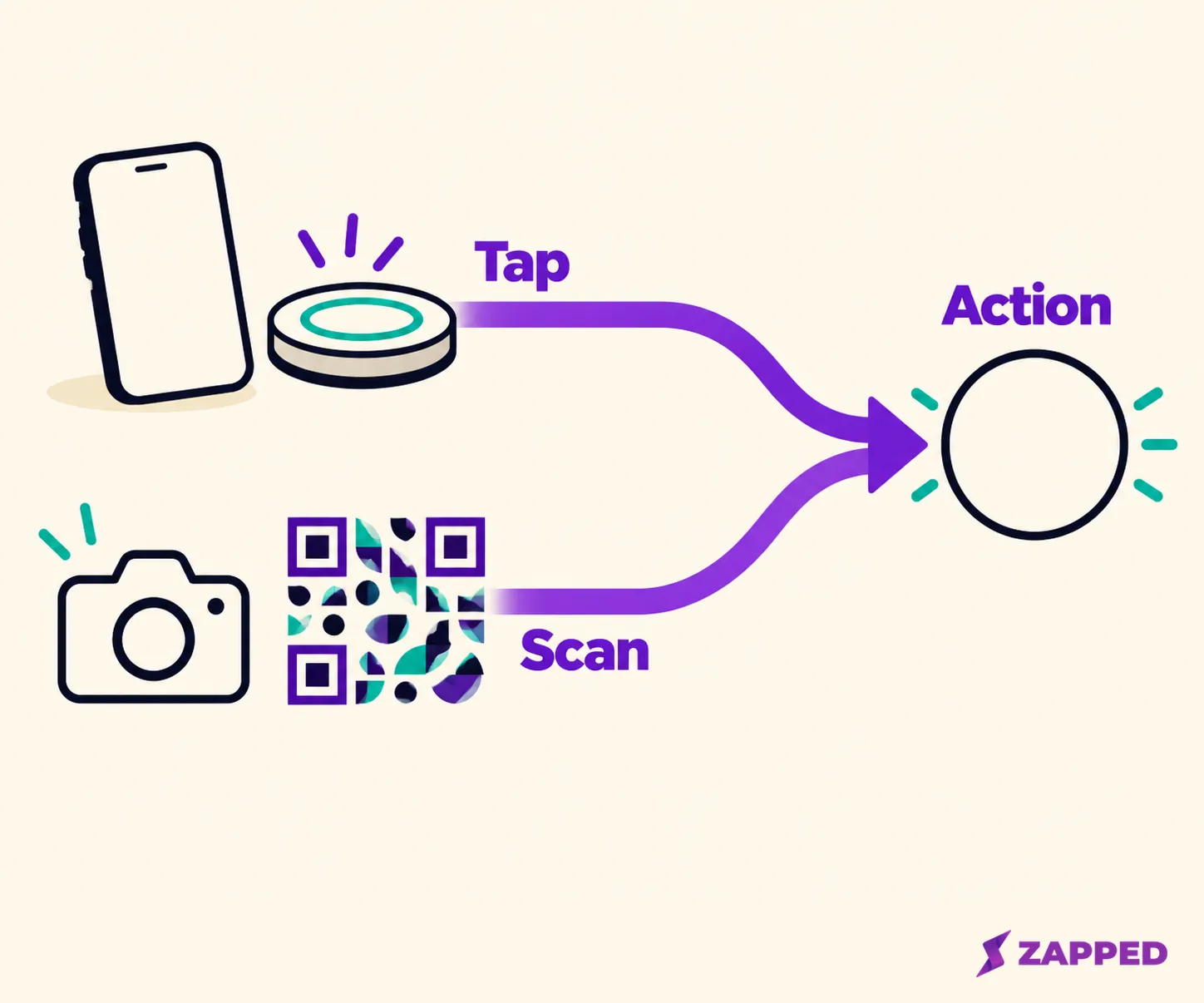
A tag doesn't open itself. On supported iPhones, background reading shows a notification that the person taps, and a locked phone asks to be unlocked first. Apple also lists moments when the display is on but background tag reading is unavailable, including a phone that has never been unlocked, an active Apple Pay Wallet or camera session, and Airplane Mode.
Android has its own wrinkle. Android's NFC documentation says that starting in Android 17, scanning a web-link tag surfaces an "open link" notification that needs a tap. It also notes that devices usually look for tags while the screen is unlocked, unless NFC is switched off in Settings.
So the tap can work, and still ask the customer for one more move. Apple's QR instructions have people open Camera or Code Scanner, frame the code, and tap the link that appears. On Android, Google says QR scanning through the default camera varies by phone model, with a Quick Settings scanner as an alternative.
If neither route works on the day, take the sign down until the page is fixed, because a dead tap point is worse than none.
A review tag needs neutral wording
Reviews are the idea that turns convenience into responsibility. A seller's page promises "Get more 5-star Google reviews with a simple tap or QR scan", and that's the seller talking. It isn't a plan you should copy.
Google's review policy for businesses allows you to ask for content based on a genuine experience. It does not allow incentives such as discounts or free goods, selectively asking only happy customers, pressuring someone to review while they're on the premises, or dictating what the review should say. So the sign beside this tag should say something like "Tell us how it went" and nothing more. Don't ask for a particular rating, offer no reward, and keep staff from hovering as the customer taps.
Check-in and registration pages should ask for less
A tag that opens a check-in or warranty form is useful, and it also means you're collecting personal details. The FTC's guide for business is blunt: if you don't have a legitimate business need for sensitive personal information, don't even collect it, and if you do, keep it only as long as necessary. Ask for the name and email a booking needs, not a date of birth because the form template had a field for it.
A normal URL tag is a pointer to a page, not proof that the person tapping is allowed to do anything. That's our own design inference, in line with the NFC Forum specifications approach of keeping login, payment and eligibility checks on the destination service. So don't describe a public tag as a key, and keep any access or payment check on the page itself.
Saving your contact is the one idea where the profile matters
Everything above leans on pages you already have. The exception is the contact save, because many businesses don't have a page that does it well. Here the profile is the product, so its features and cost matter more than the tag.
Two examples, as dated vendor terms for profiles, not a hardware comparison. Lets Connect's product page lists profile tiers at $0, $79 one time and $129 one time, with the top tier listing CRM, bookings and contact capture, and its page says "no monthly subscription required" for those one-time upgrades. It doesn't state a separate price for the physical review card, so check that before you order.
Zapped is a digital profile that opens by NFC or QR and lets the recipient save your contact details. Our plans start with Solo at $19 a month, or $15 a month billed yearly, for one person, and your Plan page shows how many NFC cards your plan includes. The Zapped NFC help covers the fallback too, since every NFC card has its own QR code, and a card can skip the profile page and save your contact straight away. We'd only point Zapped at this one job. For bookings, loyalty or ordering, keep using the service built for it.
The business card examples show what designs and destinations suit a contact handoff, and the guide to an NFC business card for a small business covers whether to pilot one.
Run it at one location and keep or drop it
Before you spread tags around, test one spot, in this order. First confirm the page is current and that someone owns it. Then take a few phones your customers actually use, including an iPhone and an Android model, and run both the tap and the scan to that page. Finally, check your own record, whether that's the booking calendar, the form entries or the loyalty sign-ups, to see whether the action got completed.
Keep the tag if it gives customers a clearer route. Remove or simplify it if nobody owns the page, staff still have to explain it, or the QR code does the whole job alone. One operator in an r/NFC discussion says local businesses already use QR for menus, WiFi, social links and reviews. Novelty alone isn't a reason to keep a tag, and this keep or drop rule is our editorial advice, not a promised result. The tag earns its counter space when the next customer finishes the action without asking you how.