You have just finished a Mary Kay skin care class. Someone wants the link, another asks where to shop, and your QR code needs to answer both without making you look like Mary Kay corporate. Build the card around your name, an accurate relationship description, one approved shop or contact route, and one obvious next action.
The pink template is the easy part. The real test is whether a customer can tell who you are, where the card leads, and why you’re sharing Mary Kay products without the card borrowing corporate authority.
Put your name in charge
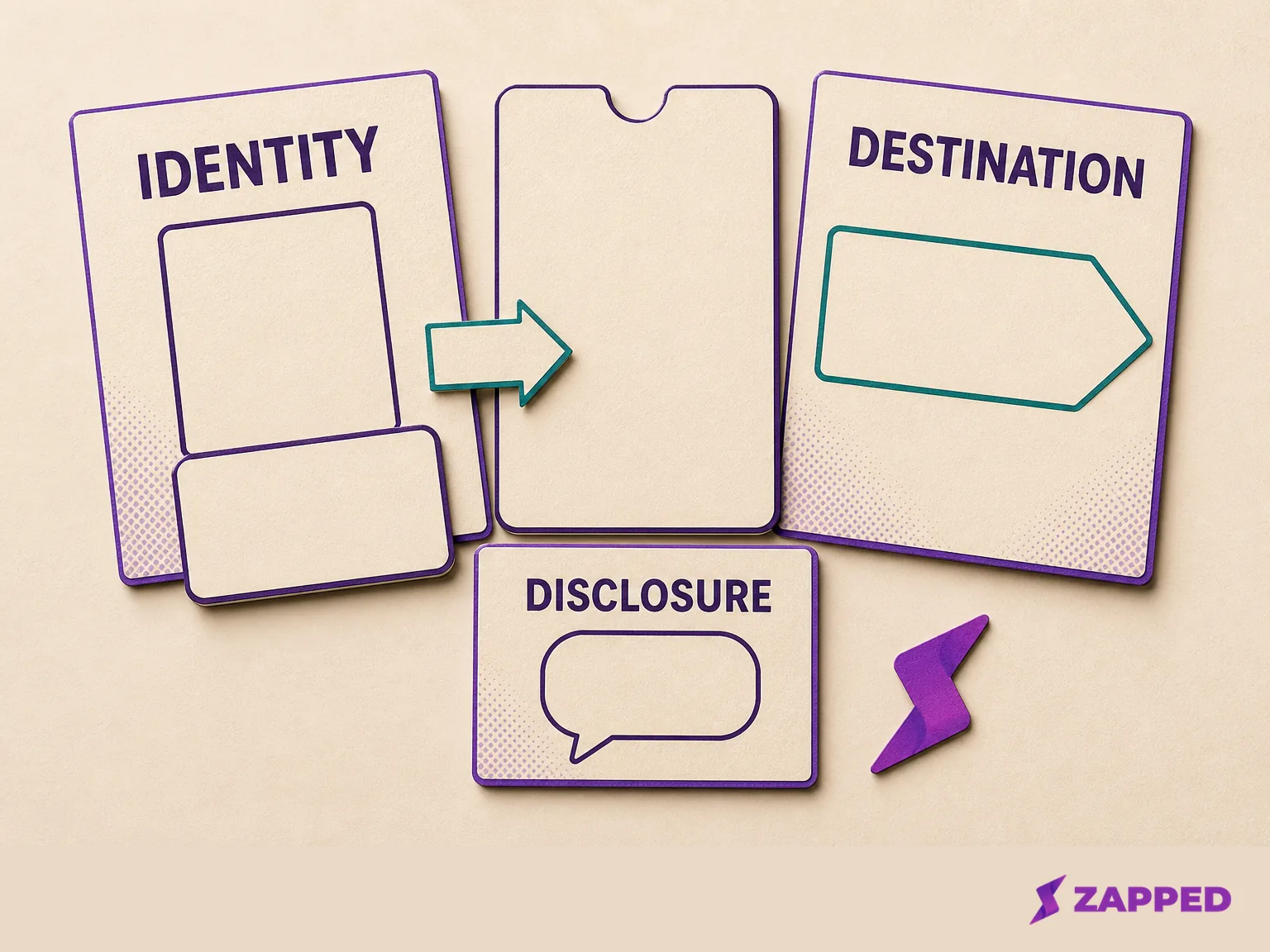
Start with the identity a customer can understand in one glance: your own name, followed by a description such as “Mary Kay Independent Beauty Consultant.” Mary Kay’s social media guidance allows Mary Kay or MK in an account name only when the account is solely for the Mary Kay business, so a personal account should not quietly become a branded storefront by changing its handle.
That distinction matters when the card is shared outside a class. A customer should meet an independent consultant, not wonder whether the link belongs to Mary Kay corporate. The Mary Kay consultant page describes the relationship as one with an Independent Beauty Consultant and points to a personalized online shop. That’s the useful model here: your identity first, the business destination second.
For a one person card, use a title that tells the truth and leaves room for a real next step:
- Your name
- Mary Kay Independent Beauty Consultant
- A short line about how customers can reach you
- One primary button, such as “Visit my shop” or “Contact me”
The title is not the place to cram in every social profile, product category, and recruiting message. A prospect who scans at the end of a class should not have to solve a navigation puzzle before deciding what to do.
If one card becomes a card system for several consultants, the problem changes. The company digital business cards guide covers the team questions that start after one clear profile is working.
Send people to the right next step
Make the approved My Shop your primary destination when the customer is ready to browse, or make a clear contact action primary when the conversation needs a human reply. Mary Kay’s social media guidance says social media should communicate with customers without becoming an online retail store, and it treats selling through unauthorized websites, apps, or channels as inconsistent with the direct sales model. Your card should send the customer onward, not recreate the shop inside a card editor.
That keeps the platform in its proper role. The card service hosts the route and the contact choices. It isn’t Mary Kay, and a Mary Kay themed design is not proof that a destination or promotion is approved.
Before you publish the link, read the preview as if you were the prospect who just scanned it:
- Can I identify the consultant without guessing?
- Is the first action a shop or contact route the consultant actually intends to use?
- Does any button send me to a generic corporate page, an unapproved sales channel, or a destination that has not been checked?
- If I am seeing a product endorsement in the surrounding post, is the relationship clear there too?
One destination beats six vague ones. Keep secondary links for the details that genuinely help, such as scheduling, a review route, or a social profile, and give the primary action the visual weight.
Keep the message and the card honest
The card is only one part of the share. The caption, direct message, story, or email around it carries its own rules, too.
Mary Kay’s account guidance distinguishes informational content on personal accounts from commercial or team building messages on business or professional accounts. It also prohibits public posts about how much a consultant earns or how much someone else could earn. A personal post can point someone toward a class or a conversation. A commercial message belongs on the appropriate business account, and public earnings language stays out.
Product wording needs the same discipline. Use company supported language for product benefits, results, and ingredients. If you describe your own experience, keep it truthful and accurate. If a customer’s result appears in the message or image, get that customer’s explicit permission first.
That’s a better use of a card than trying to make one small page carry every claim. Let the card identify and route. Let the surrounding message explain the context in language you can stand behind.
Put disclosure beside the endorsement
If the post endorses Mary Kay products, disclose the relationship in the post itself. The FTC says a financial, employment, personal, or family relationship with a brand should be disclosed when endorsing it, and the disclosure should be hard to miss and placed with the endorsement rather than hidden on a profile page. A plain line such as “I’m a Mary Kay Independent Beauty Consultant” gives the reader the relevant context where the recommendation appears. The FTC’s social media disclosure guidance explains why the profile page alone is not enough.
The card can repeat that relationship description, but it can’t do the whole job for a post that someone sees before opening the card. Put the clear disclosure next to the endorsement, then let the card provide the shop or contact route.
Use assets you can defend later
The tempting product screenshot is usually where a tidy card gets risky. Mary Kay’s asset guidance says company copyrighted images should come from official sharing tools or the Digital Image Library without modification. It also says customer results need explicit permission, and product claims need exact company supported wording.
That gives you a practical asset rule: use an approved image as provided, use supported wording, and remove anything you cannot verify. Do not turn a template marketplace preview into evidence that Mary Kay approved the design. One editable Canva template listing includes a disclaimer that the design is not affiliated with or endorsed by Mary Kay, while a downloadable template listing sells a digital design rather than a hosted profile or compliance guide. A template is a file, not a policy clearance.
When a rule, image, claim, or destination is unclear, take the plain route: your name, the accurate consultant description, the personalized My Shop or a simple contact action, and no copied product image or rewritten result. Recheck the current Mary Kay InTouch guidance before restoring a richer design. That small pause is cheaper than explaining an unsupported post after it is public.
Choose a platform by the problem it solves
Once the card itself is clear, compare services by the job you need. We’d start digital, adding capture, analytics, or hardware later only where the workflow shows a real need. A second card, a lead form, and a team dashboard are different purchases, even when every vendor calls them a digital business card.
The prices below are the listed monthly options checked in August 2026. Yearly prices are included only where the vendor's pricing page lists them.
| Platform | Free option | Paid path | What the upgrade is for |
|---|---|---|---|
| Blinq pricing | $0, free forever, two cards, unlimited sharing and contacts, QR, wallet, email, and SMS sharing | Premium is $9.99 per month billed monthly for up to five cards, a contact scanner, AI notes, enrichment, and export. Business is $6.99 per user per month billed monthly. | Capture, enrichment, team cards, controlled signatures, templates, lead capture, and event attribution |
| HiHello pricing | Free forever, four cards, five card or badge scans per month, wallet, QR, widget, email, and SMS sharing | Professional is $6 per month or $72 yearly for one user. Business is $5 per user per month or $60 yearly. | Enrichment, analytics, full customization, team cards, event lead capture, and templates |
| Wave pricing | $0 with unlimited sharing and contacts, wallet, QR, email and SMS sharing, a lead form, and advanced analytics | Pro is $7 per month. Teams is $5 per user per month with a three seat minimum. | A branded profile, custom layout, CRM sync, a shared lead dashboard, bulk editing, and event lead handling |
| Zapped monthly pricing | $0, one card, five content blocks, QR, link, and NFC sharing, with a 60 day analytics snapshot | Starter is $14 per month. Professional is $49 per month. | Multiple cards, more content and projects, branded domains, workspaces, longer analytics history, and card branding without a Zapped badge |
For one consultant who needs one live profile, the free tier is often enough. Blinq and HiHello give you more than one free card, while Wave puts a lead form and advanced analytics in its free option. That sounds generous until you ask whether you will use those features. Paying for a dashboard you never open is just a subscription with better typography.
Name the job before you upgrade. Blinq earns its price when scanning contacts, AI notes, enrichment, or lead capture is the work. HiHello is the call when card scans, enrichment, analytics, or event lead capture matter. Wave makes sense when a lead form, CRM connection, or shared lead dashboard will change what happens after the class.
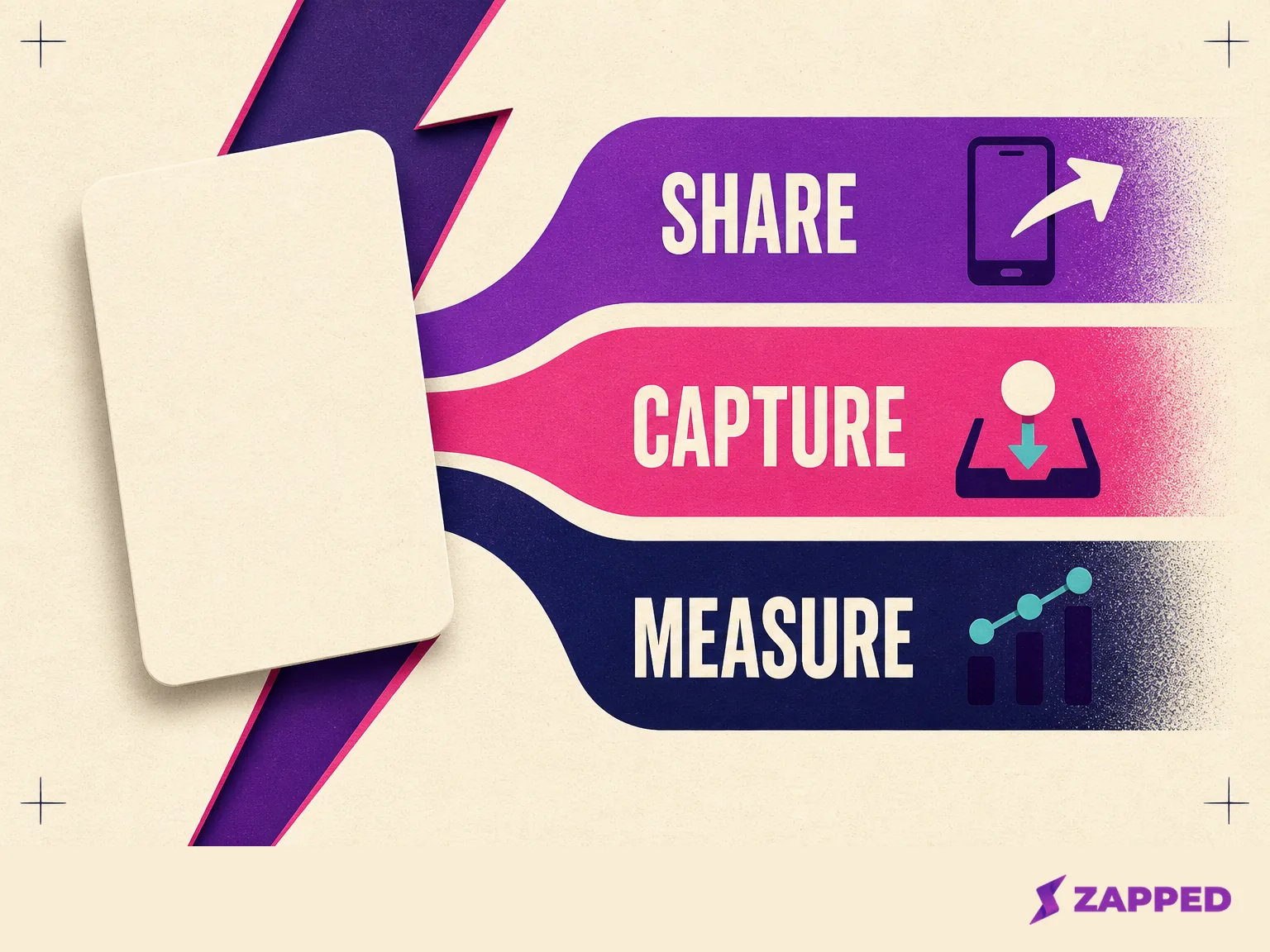
Zapped fits the simpler routing case as well as a future set of cards. Its card can be shared by QR code, link, or NFC tap, and the recipient opens it in a normal browser without installing an app or creating an account. Because the card stays live, you can update the shared page after the link or printed QR code is already out in the world. Zapped gives you analytics by card, while our Professional plan expands to 100 cards, 50 custom branded domains, and five team workspaces. See our Zapped card details when the job is a live routing layer with room to grow, not a Mary Kay approval signal.
Zapped’s Free plan is a real starting point for one consultant: one card, five blocks, and a Zapped badge. Professional removes the badge and adds the capacity and workspace controls that matter when a small team or a larger card library becomes the problem.
Before the card leaves your phone
Use this check immediately before putting the card in a bio, sending it after a class, or displaying its QR code:
- Identity: your name and an accurate relationship description are visible.
- Destination: the primary button reaches your checked My Shop or a clear contact action.
- Account: the surrounding message uses the right personal, business, or professional setting.
- Assets: images come from approved sharing tools or the Digital Image Library, without modification.
- Wording: benefits, results, and ingredients use supported language, and customer results have permission.
- Disclosure: an endorsement carries a clear relationship disclosure in the message itself.
- Recovery: if any rule or destination is unclear, use the plain route and recheck current guidance before adding more.
The order matters. Identity comes before decoration, destination comes before links, and disclosure belongs beside the endorsement rather than at the bottom of a profile page.
The call
Here’s the call: build the card as your consultant profile and routing layer, with your name, a truthful Mary Kay relationship description, and one checked next action. A free plan is enough while one live card solves the job. Pay when capture, analytics, branding, or team control changes the work. If the platform, asset, claim, or current Mary Kay rule can’t be verified, keep the My Shop and contact route, remove the questionable material, and check the current guidance before you make the card richer.