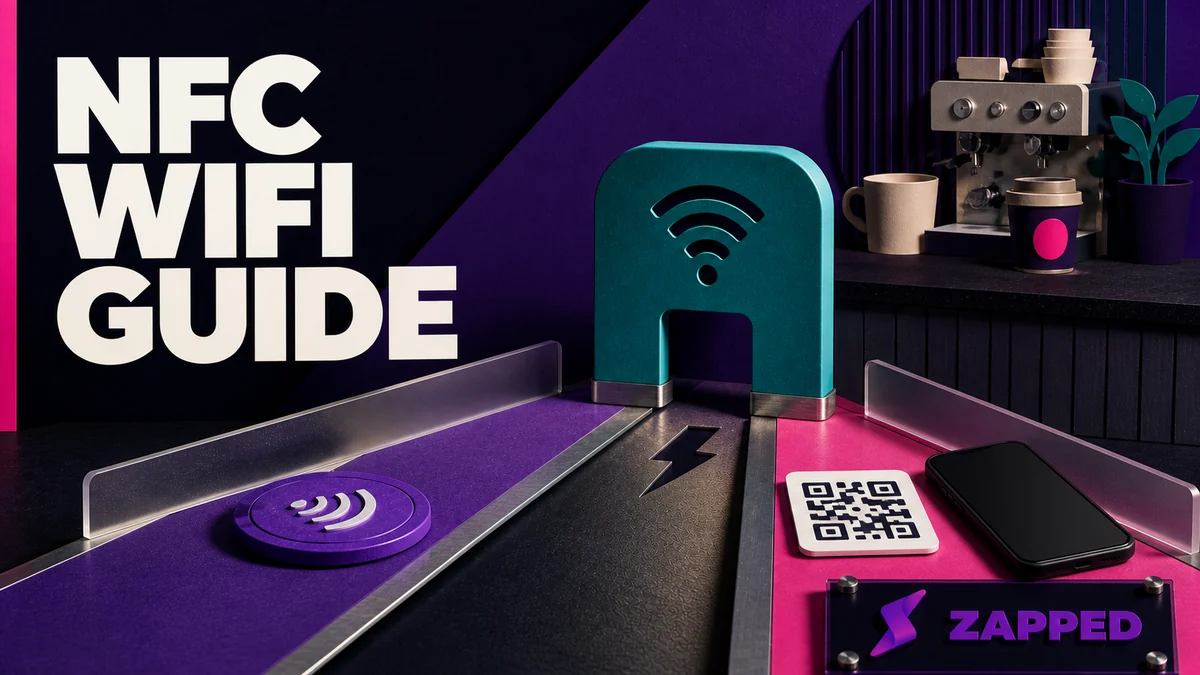
Use an NFC WiFi tag as the close range shortcut, not the whole guest access system. Put a visible standard WiFi QR code beside it, publish only a guest network, and test both paths on the phones and counter where visitors will actually use them.
That sounds less magical than “one tap and you’re online.” It’s also the version that survives an iPhone, a phone with NFC turned off, a metal counter, and the inevitable password change.
The sign needs two paths
Picture a café owner placing a polished WiFi sign beside the register. An Android phone taps, reads the record, and gets on quickly. An iPhone may show a notification or ask for confirmation in Settings from the same raw record. NFCore documents that a WiFi WSC record carries the SSID, authentication type, encryption type, and network key, but says iPhones don’t auto join from it. Kitetags goes further, describing NFC alone as an unreliable cross platform join path and using a standard WiFi QR fallback instead.
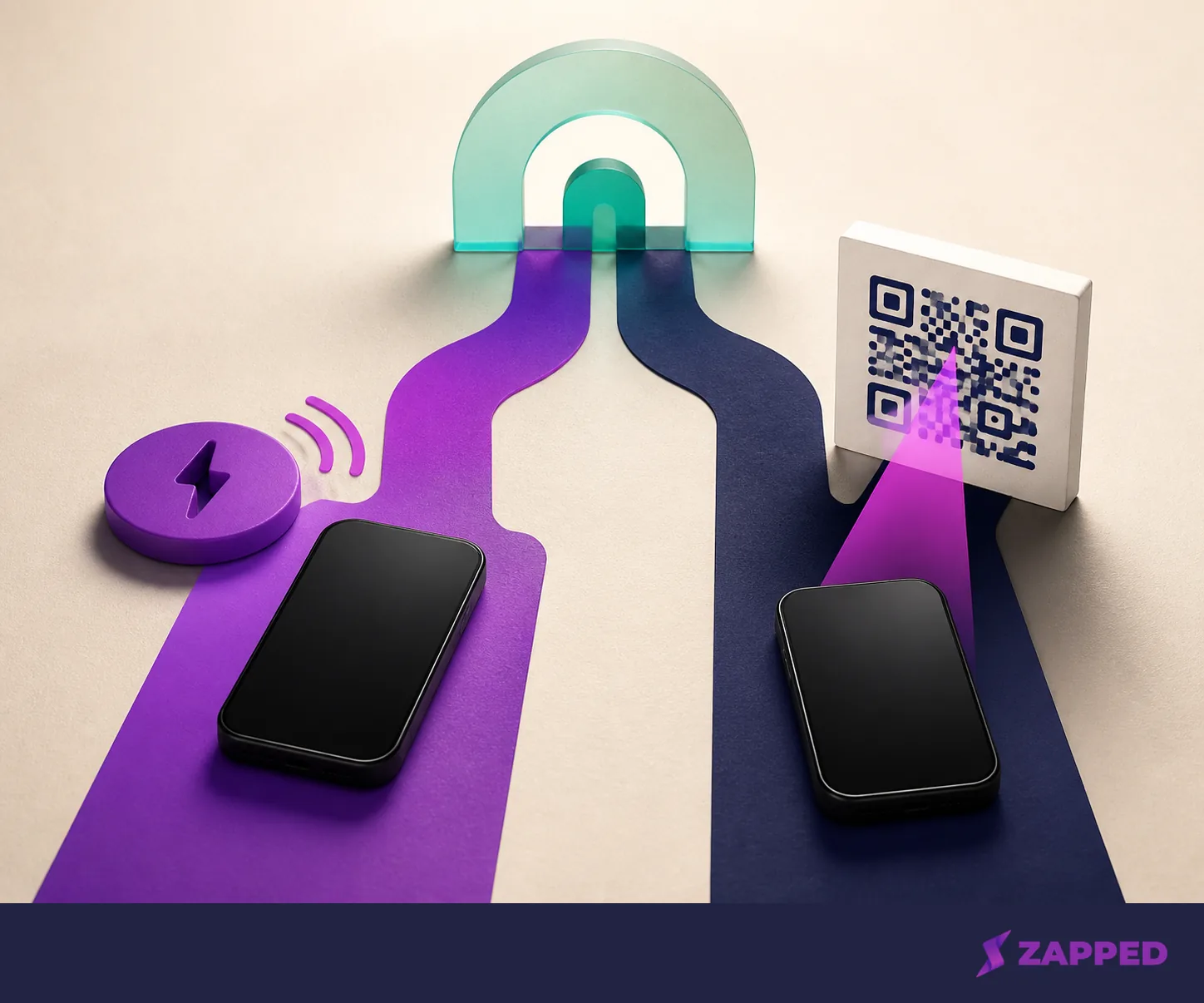
That’s the mechanism behind the recommendation. NFC can be the fast touchpoint for devices that support the flow. The QR code is the escape hatch for iPhone users, phones without convenient NFC, and guests who’d rather scan than hunt for the right place to tap.
Apple's own password sharing feature is a different thing. It uses nearby Apple devices, Bluetooth Low Energy, identity checks, and contact information between the person asking and the person sharing, as Apple's security documentation explains. That makes sense between people who know each other. It’s a poor foundation for a public sign where the guest is a stranger and staff shouldn’t have to approve every connection. Apple also documents a saved network QR code, which is useful when preparing a standard fallback from a device that already knows the network.
The QR code is part of the product, not decoration beside it.
Choose the tag for the surface
NTAG213 is the sensible compact baseline. NXP lists 144 bytes of user memory for NTAG213, 504 for NTAG215, and 888 for NTAG216, and names WiFi pairing as a target use case for the family. If the record or surrounding instructions need more room, NTAG215 or NTAG216 gives you headroom. NXP's memory figures are the useful distinction, not the model number printed on a listing.
Usable NDEF capacity is a little lower in practice. CardWise gives approximate usable capacities of 137, 492, and 868 bytes for those three tags. It also says a standard tag needs an on metal construction on a metal surface. A pretty sticker on a steel refrigerator is still a poor antenna setup.
Put the sign where a guest can reach it without leaning across a counter or moving furniture. Then test the tag in that final position, not on the desk where you wrote it. TapiLink recommends testing with a second phone where possible and scanning the QR fallback if the setup includes one. The sign has to work in its habitat, not just on your desk.
Write a payload the network can support
For a personal guest network, the payload needs the SSID, security type, and password. NFCore describes WPA2 or WPA3 personal networks as the fitting use case for a WiFi WSC record. Enterprise 802.1X and RADIUS networks are a different onboarding problem, so skip the WiFi credential record and use the network's approved onboarding path.
The setup itself is straightforward: use a writable tag, an NFC writing app, and the exact network details. TapiLink recommends guest WiFi instead of a staff or administrator network for businesses. That is the line to hold even if the staff network is easier to remember.
Don’t turn a tag into a password guessing exercise. Copy the SSID exactly, choose the actual security type, and test it from the customer side of the sign. A successful write only proves that the tag contains data. It doesn’t prove that a visitor's phone will complete the connection.
Make the QR fallback prominent
Treat the QR route as a first class access path. Give it enough size and contrast to scan from the normal viewing distance, and put plain instructions next to it so a guest knows what it’s for. The exact visual treatment is yours; the operational requirement is that a person can choose scan without asking staff to repeat a long password.
If direct NFC behavior is inconsistent, don’t keep rewriting the tag until one phone happens to work. Leave the NFC touchpoint in place, make the QR code prominent, and test the scan path on the actual customer devices. If the audience is heavily iPhone based, NFCore suggests a URL record that leads to a hosted WiFi page, because that gives the phone a browser friendly route instead of relying on an auto join behavior the raw record doesn’t provide.
This is where the obvious answer is wrong. NFC should be the shortcut only after the devices in front of you have earned that privilege.
Treat both paths as credential disclosure
The NFC record and the QR code can both carry the guest network's password. Kitetags warns that its WiFi password is embedded in the QR code and stored in the interaction, and recommends guest or public networks rather than private ones. A public sign is a public credential surface. Design it that way.
NXP's NTAG21x chips support a field programmable read only lock and 32 bit password protection against unauthorized memory operations. Locking can stop casual rewrites after the content is correct. It can’t make a password printed in a public QR code secret, and it can’t undo the fact that guests have received the credential.
Use a guest SSID with access appropriate for visitors, keep staff and administrator systems elsewhere, and change the guest password when the risk or operating pattern calls for it. If changing that password would force you to replace every sign, the physical convenience has started to own the network. That’s a warning, not a feature.
Decide whether the physical sign should stay editable
A static tag is enough when the job is simple guest access and the network details are stable. Write the record, print the QR fallback, test both, and stop. You don’t need a campaign dashboard to tell you that a small studio has a guest network.
An editable destination makes more sense when the same physical touchpoint also needs to carry a menu, offer, booking page, review link, or social destination after the access moment. TAPiTAG markets NFC plus QR WiFi products for those changing destinations, so the physical sign can stay in place when the WiFi details or surrounding customer action changes. Those are vendor capabilities, not guarantees that every guest will follow the next link.
Zapped fits the second decision, with a clear boundary. Its browser based card opens from an NFC tap, QR code, or link without an app or account, and the recipient can save the contact. The card stays editable after sharing, so the same physical touchpoint can lead to current content rather than a dead printed page. At Zapped, the card is a profile and measurement destination here, not a direct WiFi provisioning mechanism.
If the follow up destination is the point, Zapped's Free plan at $0 includes one digital card, five content blocks, one project, QR, link, and NFC sharing, with 60 days of analytics history. That’s enough to make a small experiment without turning a guest access sign into a software rollout. The limit is real: one card and five blocks. A venue with several locations or many profiles will need a different operating model.
Price the operating model, not the sticker
The physical hardware is cheap enough to make the operating decision easy to miss. US marketplace examples checked in August 2026 ran from $8.39 to $21.14, including a QR and NFC WiFi sign, an NFC WiFi coaster, and a custom tag. That buys a touchpoint. It doesn’t buy compatibility testing, password rotation, reporting, or a person who’ll notice when the sign stops helping.
For a managed layer, TapInsight lists these monthly options on its checked page:
| Option | Listed price, checked in August 2026 | What the plan includes |
|---|---|---|
| Free | $0 forever | Up to 3 tags, 1 campaign, 30 day analytics, and QR fallback |
| Pro | $29 per month | Up to 10 tags, unlimited campaigns, 90 day analytics, bulk tag operations, and location tracking |
| Business | $79 per month | Up to 50 tags, one year of analytics retention, API access, webhooks, and up to 5 team members |
That table is a change in kind, not merely a nicer sticker. You’re paying for changing content, analytics, bulk work, or team handling when those jobs are actually present. If the only job is “let guests get on the network,” a static sign is the honest baseline.
One detail deserves a direct question before a venue rollout: TapInsight lists retention and plan limits, but its checked page does not say what happens to an existing destination after an account lapses or downgrades. We checked that page August 19, 2026. Ask about continuity before making a paid campaign layer part of the building.
Measure the handoff, not a fantasy conversion
A tap is an interaction. A scan is an interaction. Neither one proves that the guest joined WiFi, viewed an offer, submitted a contact form, booked a table, or bought anything.
Give those moments separate names in the measurement plan:
- Access interaction: the NFC tap or QR scan happened.
- Destination view: the phone opened the hosted page or WiFi instructions.
- Network outcome: the guest actually connected, if the network can expose a trustworthy signal.
- Downstream action: a form submission, booking, review, contact save, or other action happened.
The first two are usually the events a managed touchpoint can observe. Kitetags documents forms that can send results to a webhook or email, CSV bulk management for dozens or hundreds of tags, and organization roles and permissions. Those are distinct management capabilities, not automatic properties of an NFC sticker.
Zapped gives you per card analytics, so a profile destination can help inspect activity after a QR or NFC touchpoint. Use that to understand the card path. Do not label a card view as a WiFi join. For a rollout with staff ownership, Zapped also offers team workspaces with roles, which answers a management need rather than changing what the tag can do.

Check the silences before you buy in
Use Apple's and NFCore's documented behavior for the compatibility plan, then test the actual route you intend to put in front of guests.
The same discipline applies to the hardware. A tag that works on the owner's phone in the writing app isn’t proof of a guest flow. A tag that works on one Android device isn’t proof of an iPhone flow. The counter, case, phone settings, and network type all get a vote.
The practical call
Start with the simple NFC and QR setup if you run a venue with a personal guest network, a stable password, one or a few touchpoints, and someone who can test the sign where guests use it. NTAG213 is the compact baseline. Move to NTAG215 or NTAG216 when the payload needs headroom, and use an on metal construction on metal surfaces.
The case for a managed URL layer is different. Use one when the physical sign must stay useful after the access moment, the content changes, several locations need different destinations, or the team needs analytics and permissions. Zapped fits the editable browser card and follow up path, with one honest boundary: it doesn’t provision the WiFi network itself.
The raw WiFi NFC record shouldn’t be your only plan when iPhone users matter, the network uses enterprise 802.1X or RADIUS, or exposing the credential on a public surface would be unacceptable. Keep the NFC shortcut, make the QR route obvious, and use the approved network onboarding path when the network requires one.
The useful question was never whether NFC WiFi works in the abstract. It is which part of the guest experience NFC should handle, and what the guest can do when the phone or network does something different.