Direct answer
You create an NFC business card online in two parts: build the live profile, then write its public URL to a writable NFC card or tag. Use that URL for the NFC share and QR fallback, so the physical card points to the profile people can read and revisit. See the Zapped vCard guide for the profile and public destination.
What you need before you start
You need a live online profile, its public URL, a writable NFC card or tag, a phone path for writing, and a QR fallback. The order matters. If you write a tag before the destination is ready, you are testing a pointer to unfinished work.
Keep the first pass simple: one profile, one public URL, one primary action, and one way to reach the profile when NFC is unavailable. The card is the trigger. The profile is the useful part.
If you are comparing the price of the physical card or setup, use the NFC business card cost guide; this creation guide keeps pricing separate.
Create the online profile first
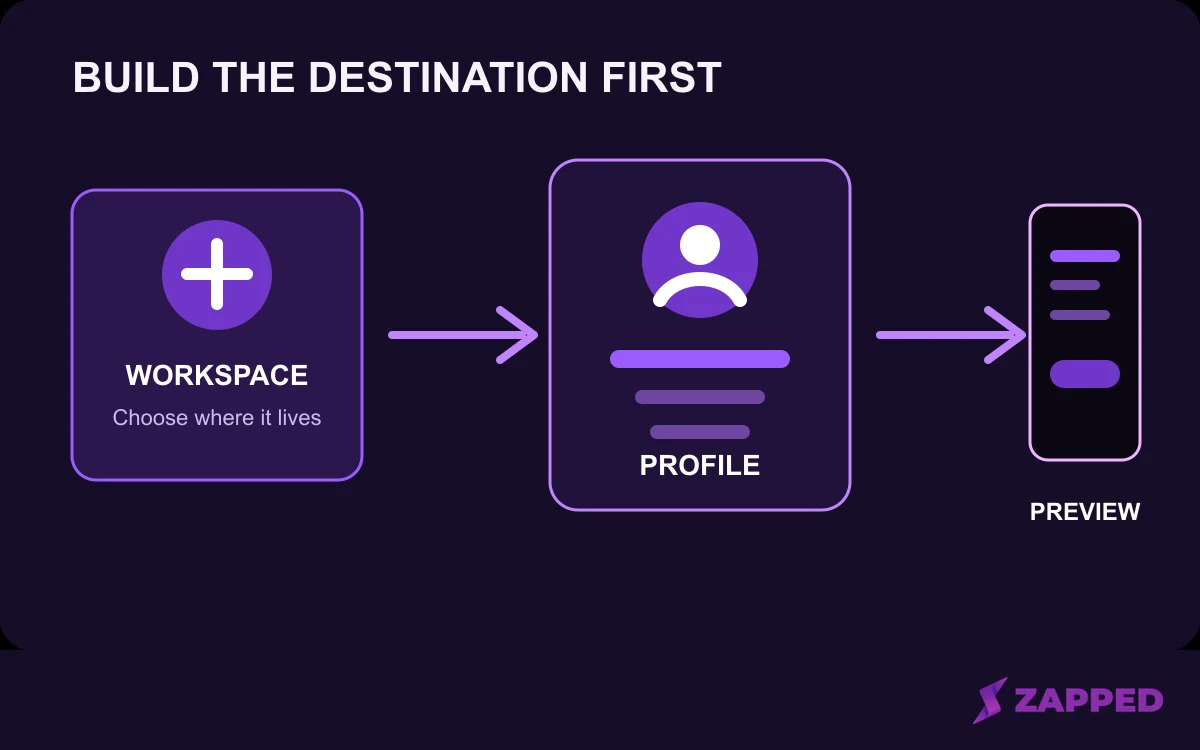 Conceptual sequence for creating the online destination. It is not a product screenshot.
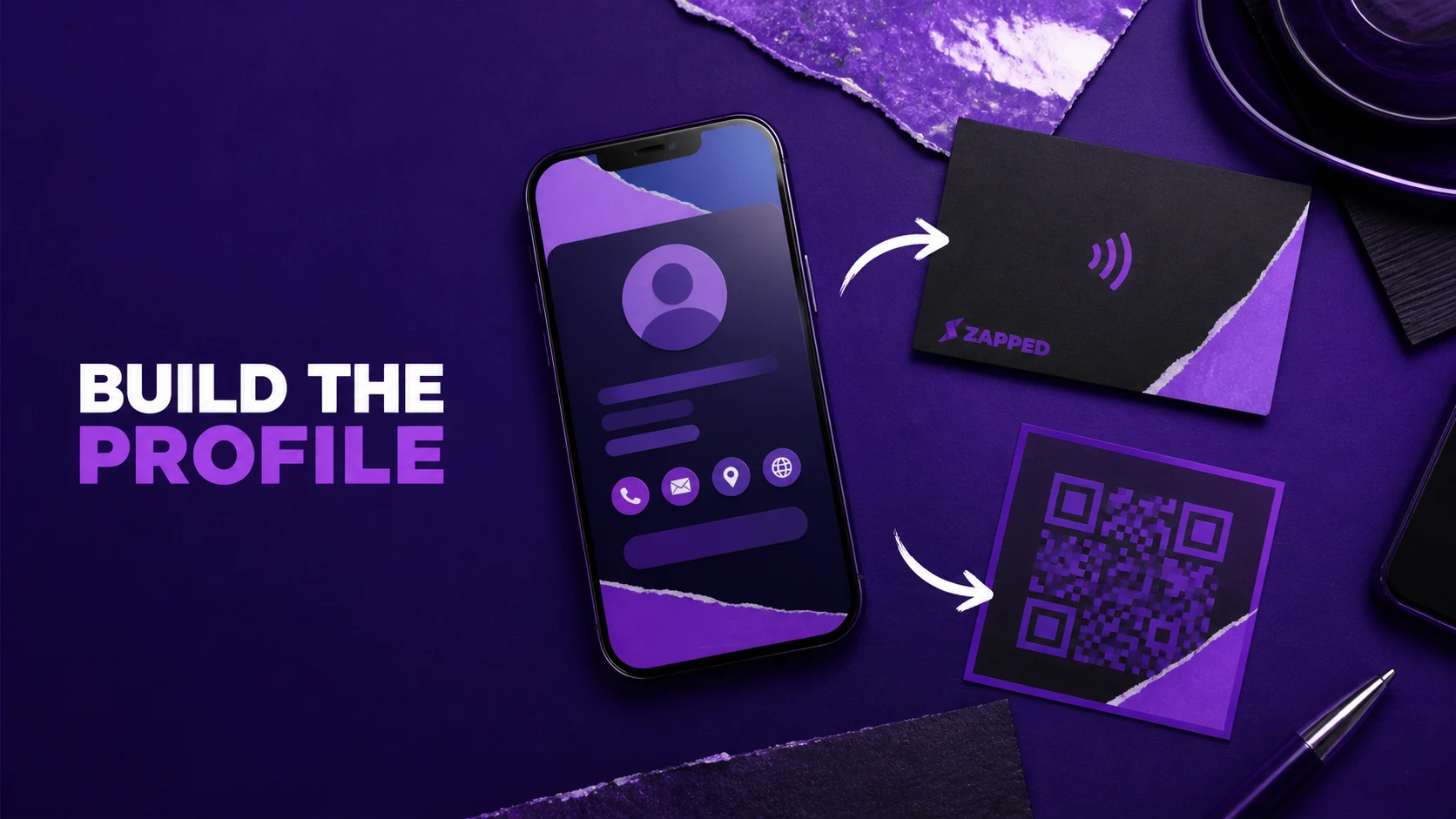
Start by choosing the public name and URL alias for the card. Add your name, role, company, profile image, and contact details, then add only the blocks that help a new contact decide what to do next. Finish by previewing the public profile on a phone. In Zapped's creation flow, you start from the Dashboard, enter a card name and public URL alias, and continue in the editor.
Before you prepare the NFC share, open the public profile link itself. Check that it is the visitor facing address, not an editor or Dashboard address. Zapped's NFC preparation guide distinguishes the public card URL from those working addresses, and our QR guide points the QR code to the selected public vCard link.
That public URL is the destination you will keep sharing. If your phone number, role, booking link, or offer changes later, an editable profile lets you update the destination without rewriting the NFC card, as long as the card still points to the same URL. The Zapped NFC guidance describes that update behavior.
Choose the URL payload
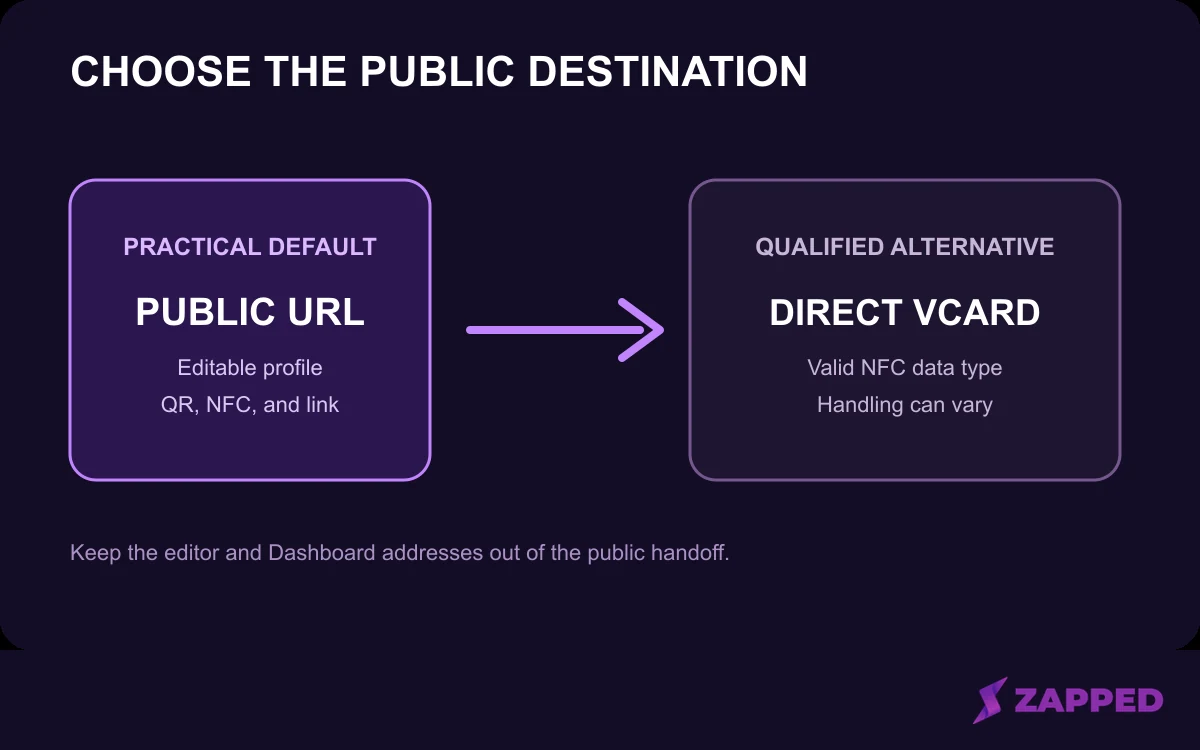 The public URL is the practical default in this guide. Direct vCard data is a qualified alternative, not a universal rule.
A short public profile URL is usually the most practical default for a business card. It keeps the contact details on the web profile, where they can be edited, instead of storing every field directly on the chip. That is a recommendation, not a rule. In Zapped's creation flow, the online destination uses a public profile URL alias.
The same destination can serve NFC, QR, and direct sharing. Android's NdefRecord reference documents URI records, while NFC Forum guidance notes that Android and iOS do not handle every NDEF type and interaction the same way. A web profile is a sensible cross platform starting point, with the final route checked on the phones your audience uses.
Decide what belongs on the profile
Your profile should answer two questions quickly: who are you, and what should this person do next? A useful priority order is identity first, one clear action second, supporting contact details after that, and secondary links only when they support the same next step. The Zapped homepage shows contact details, profile links, payments, media, booking links, and branded destinations. The order here is an editorial recommendation, not a required template.
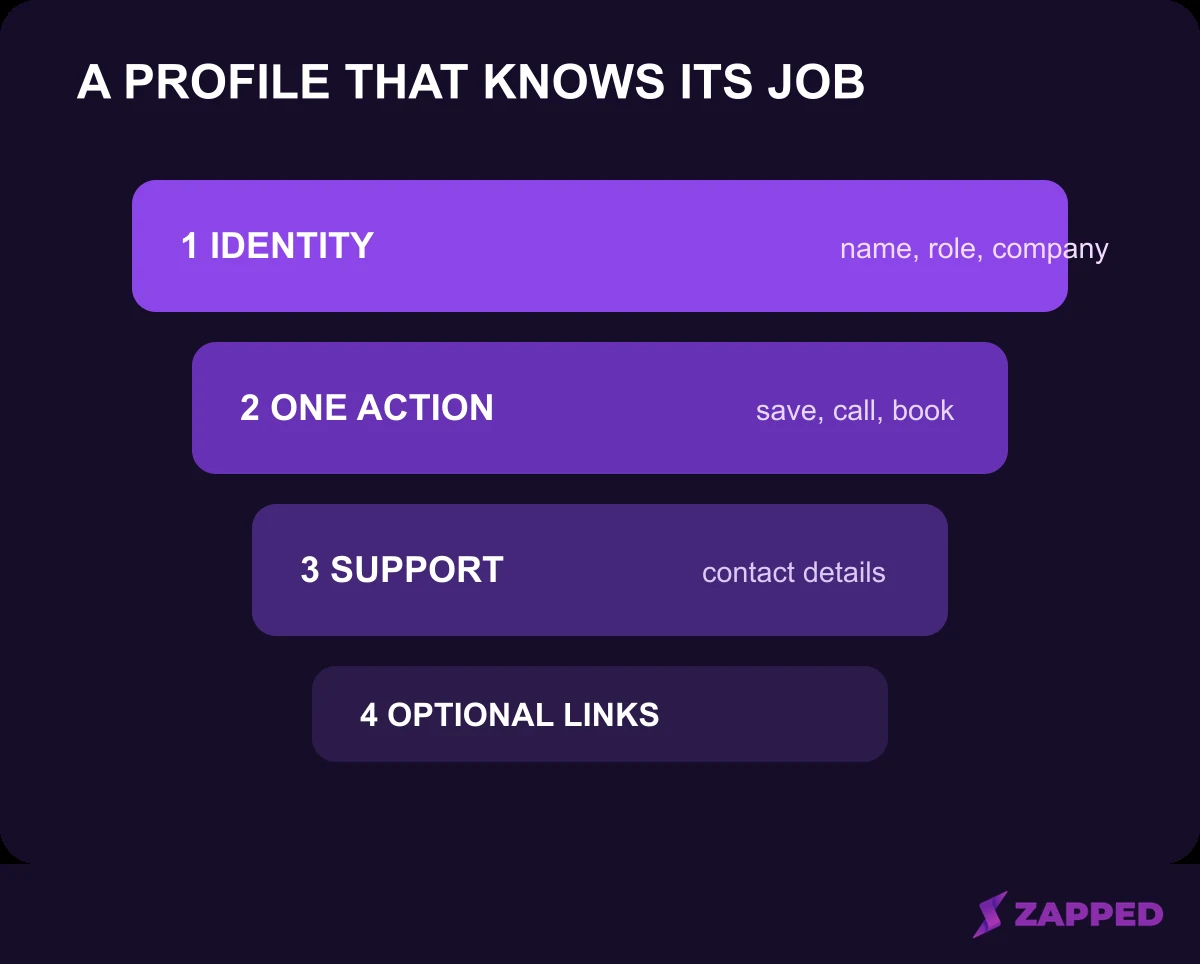 Recommended content order, not a required template.
Start with your name, role, company, and a recognizable image. Then choose one primary action such as saving your contact, sending an email, making a call, booking time, viewing a portfolio, or visiting your main site. Supporting links can follow, but they should earn their place by helping with that action.
Write the short description last. It should explain who you help and what a visitor should do next, not repeat every service or social profile. A crowded profile makes the recipient hunt for the useful button, which defeats the point of a quick tap.
Prepare QR and NFC sharing
Generate the QR code from the intended card, download it for the design or print workflow, and scan it with a phone. Before producing a larger batch, test the final printed sample as well. The Zapped QR instructions include the scan and printed sample check in the workflow.
For NFC, copy the public profile URL, choose a URL or web link record in a writing app, write it to the card, and test with another compatible phone.
This is the platform neutral preparation sequence. Our Zapped NFC preparation guide uses the public card URL as the destination. Keep detailed button paths in guides: program an NFC business card, program with iPhone, and program with Android.
Android availability and settings can vary by device. Google's current NFC help tells users to search Settings for NFC and turn it on when needed. Treat that as a check before blaming the card, not as a promise that every phone follows the same path.
A Zapped profile fits the profile first workflow
In Zapped, you create a vCard with a public URL alias, add details and blocks, preview the public card, and update content later without changing the URL. A Zapped card can be shared by QR, NFC, or link and opened in a normal browser without an app, as the Zapped homepage explains. Zapped offers this as one example of the workflow, not a universal answer.
Use this launch checklist
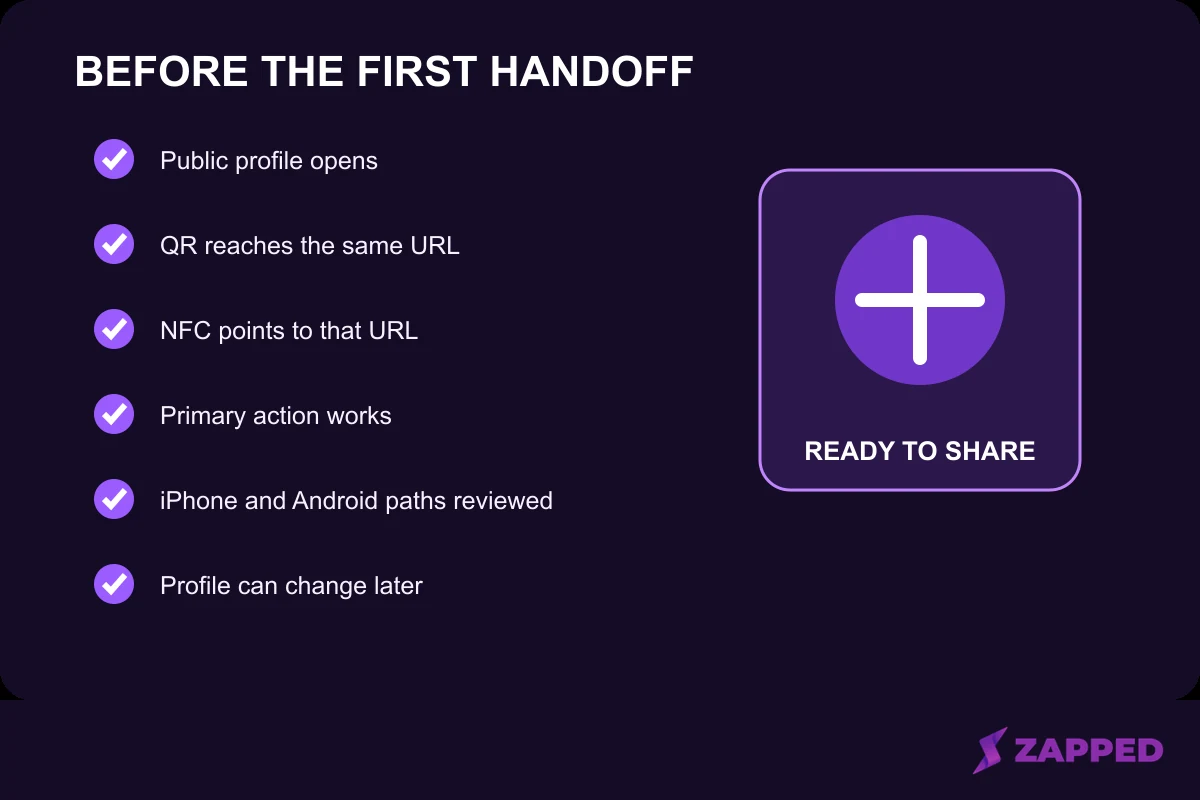 A launch checklist, not a report of completed device testing.
Before you hand out the card, check the sequence from the recipient's point of view:
-
The public profile URL opens the intended profile.
-
The profile leads with your identity and one primary action.
-
The QR code opens the same public profile.
-
The NFC card points to that same public URL.
-
The primary action works on a phone.
-
The final printed sample has been scanned.
-
You have considered the iPhone and Android writing paths relevant to your audience.
-
You know which profile details can be updated later without rewriting the card.
The useful test is not whether the card looks clever on your desk. It is whether a new contact reaches the right profile, sees the next action, and can use the fallback when NFC is not available.
Sources
Sources checked in August 2026. The supporting sources are linked inline where each claim is used.