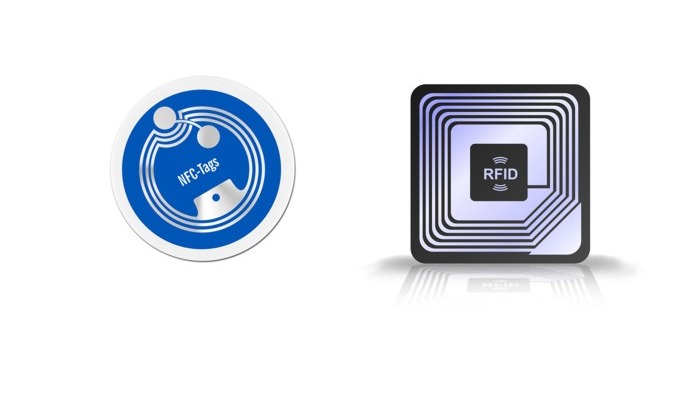
RFID is a broad family of radio-frequency identification technologies. NFC is a specific short-range technology inside that family and is the one most phones can read.
Quick answer
A card is likely NFC if a modern phone can read it at close range and it opens a public URL, contact file, or profile. Other RFID cards may require dedicated readers and may be access, transit, or inventory credentials.
Key takeaways
- NFC is a type of RFID, but not every RFID card is NFC.
- A phone-readable card that opens a URL is usually an NFC tag with an NDEF record.
- Access cards, hotel keys, payment cards, and inventory tags may use RFID systems a phone cannot read.
- Do not try to clone access or payment credentials. Use the official provider flow.
- For business cards, use NFC for the tap and a QR code as backup.
The quick phone test
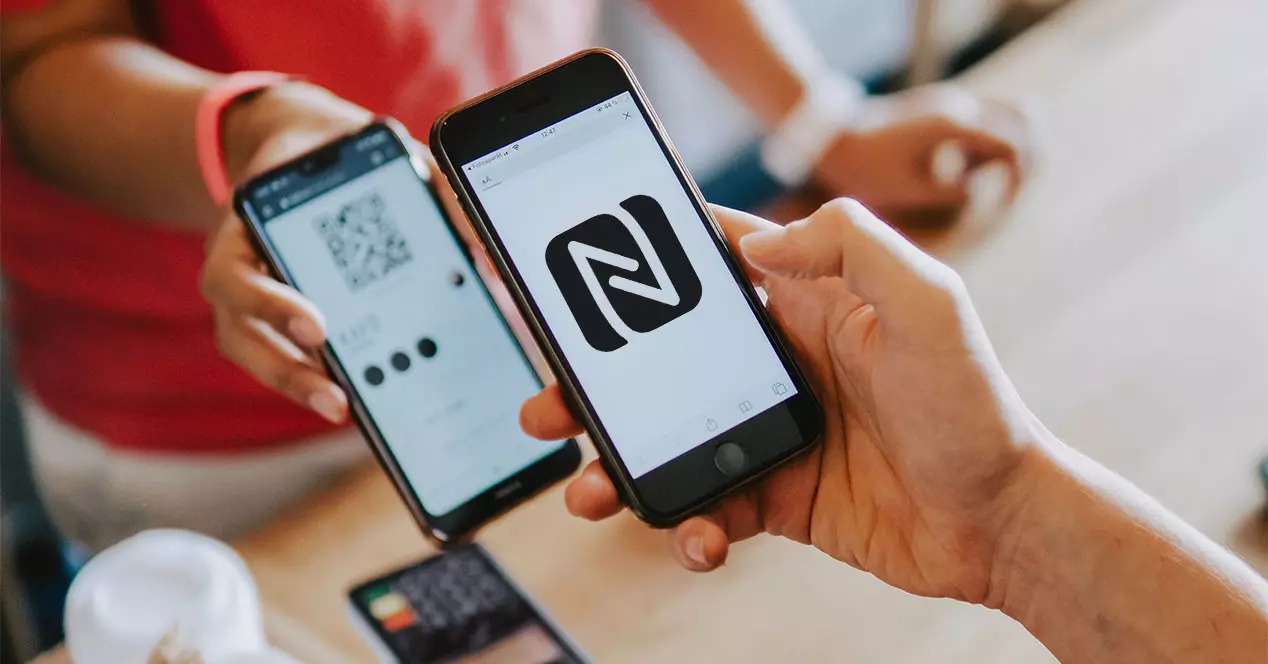
Hold the phone close to the card. On many iPhones, the reader is near the top edge. On many Android phones, the reader is closer to the back center or upper back.
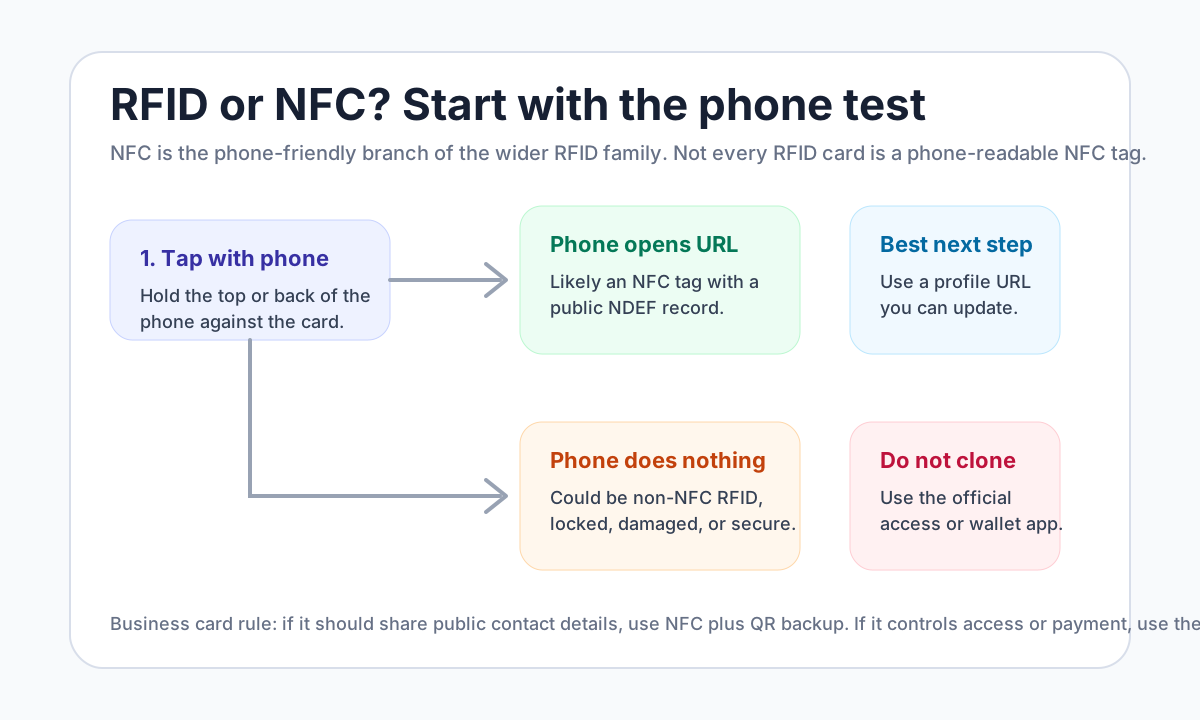
If the phone opens a website, contact page, or profile, the card is probably NFC. If nothing happens, the card might still be RFID, but it may require a dedicated reader, a different frequency, or an authorized system. On an iPhone it is also worth ruling out the reader side first, which our iPhone scanning guide covers step by step.
RFID vs NFC at a glance
| Question | NFC business card | Other RFID card |
|---|---|---|
| Can most modern phones read it? | Usually yes if it stores a public URL | Often no |
| Typical distance | Very close tap | Varies by RFID system |
| Common use | Profiles, URLs, app actions, smart posters | Access, inventory, transit, ID, logistics |
| Data style | Often NDEF records | Depends on system |
| Should you copy it? | Only if it is your writable public tag | No for managed credentials |
What to look for on the card
Physical clues can help, but they are not enough by themselves.
- NFC logo: Often means the card is intended for phone taps.
- Access badge branding: Usually points to an access-control system, not a public NFC tag.
- Payment network marks: Use the approved wallet or card flow, not a cloning app.
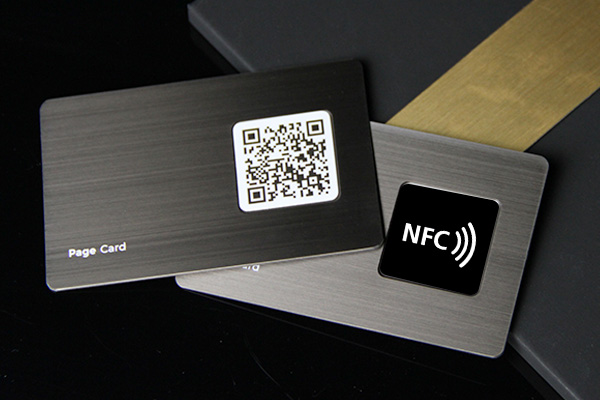
- Printed QR backup: Common on NFC business cards because QR works when NFC does not.
- Vendor spec: If you are buying cards, ask for the chip type and whether it supports NDEF records.
How to use it well
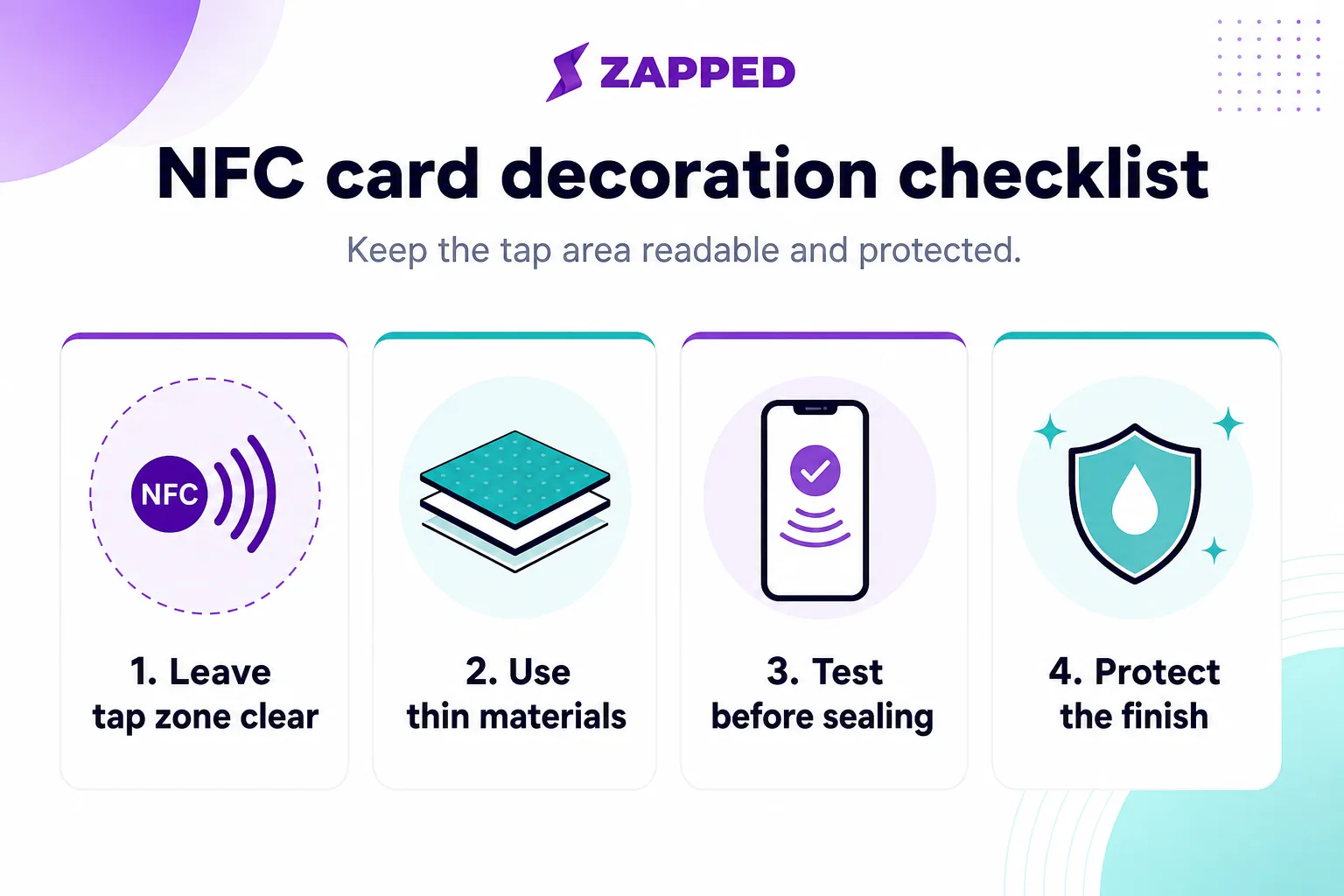
NFC business cards still need physical testing because material and placement can affect tap reliability.
Decision examples
Use a QR code when you need broad compatibility, low cost, and print flexibility. Use NFC when the moment is face-to-face and the tap itself makes the handoff feel easier. Use a plain profile URL as a backup for people who cannot scan or tap. Use official wallet or payment flows when money is involved, and do not turn those into general marketing shortcuts.
This split keeps the experience trustworthy. The visitor should understand what will happen before they scan, tap, or confirm anything.
Practical examples
- A printed card uses a QR code to open a profile with current links.
- A service provider sends scans to a quote or booking path.
- A local business uses a review or directions link as the primary action.
- A team keeps employee cards consistent while allowing individual contact details.
Real-world use cases
Use rfid or nfc card, how to tell the difference in the context where the scan or tap happens. A review QR belongs near checkout, receipts, packaging, or follow-up messages. An NFC card belongs in face-to-face networking. A wallet QR belongs inside the official wallet or payment flow, not on a general marketing card. A social QR belongs where people are ready to follow or message.
The best QR and NFC experiences have a short label, a clear destination, and a working fallback. If someone cannot scan, they should still know what the card or code is for.
Troubleshooting scans, taps, and trust
When a scan or tap fails, check physical and digital causes. The printed code may be too small, glossy, damaged, or low contrast. The NFC chip may be blocked by material or placed awkwardly. The destination may redirect too slowly, require an app, or show a warning. Fix those basics before redesigning the whole campaign.
Common mistakes to avoid
Avoid unclear calls to action, stale links, tiny type, broad claims, untested QR codes, and destinations that do not match the promise on the card or campaign.
Where Zapped fits
Zapped helps when this topic needs one editable destination behind a card, QR code, NFC tap, social profile, email signature, or campaign. You can keep the physical or social touchpoint simple while the live profile carries contact details, booking, reviews, files, payments, videos, and analytics.
Before you publish or share
- Test every QR code, NFC tap, link, and button on a phone.
- Check the first screen for one clear action.
- Update old screenshots, platform steps, or pricing context before publishing.
- Make sure the related profile or landing page matches the reader intent.
FAQs
Is rfid or nfc card, how to tell the difference still useful?
Yes, when it helps someone take the next step faster. The format matters less than the clarity of the offer, contact path, and follow-up destination.
Should I use a QR code?
Use a QR code when the next step is easier on a phone. Test it before printing, keep enough white space around it, and send people to a mobile-friendly page.
Can I use a digital card instead of print?
You can use a digital card by itself for online sharing, but print still helps in face-to-face moments. Many businesses use both.
How often should I update the linked page?
Update it whenever your offer, contact details, portfolio, booking link, pricing context, or campaign changes.
Sources
- NFC Forum, NFC technology for NFC reader and tag basics.
- IETF RFC 6350, vCard format for digital contact-file context.
- Zapped's digital business card features for QR, NFC, and editable profile workflows.