If your phone reads the NFC business card but the page does not open, preserve the tag and inspect the exact stored URI first. Open that same address directly in a browser. If it fails there too, repair the destination, redirect, account, domain, or HTTPS setup before you rewrite the physical card.
If the phone never detects the tag, this is a different problem. Start with the broader NFC business card troubleshooting guide, then use the iPhone scanning guide or Android scanning guide for symptoms on the phone.
Separate a successful read from a failed destination
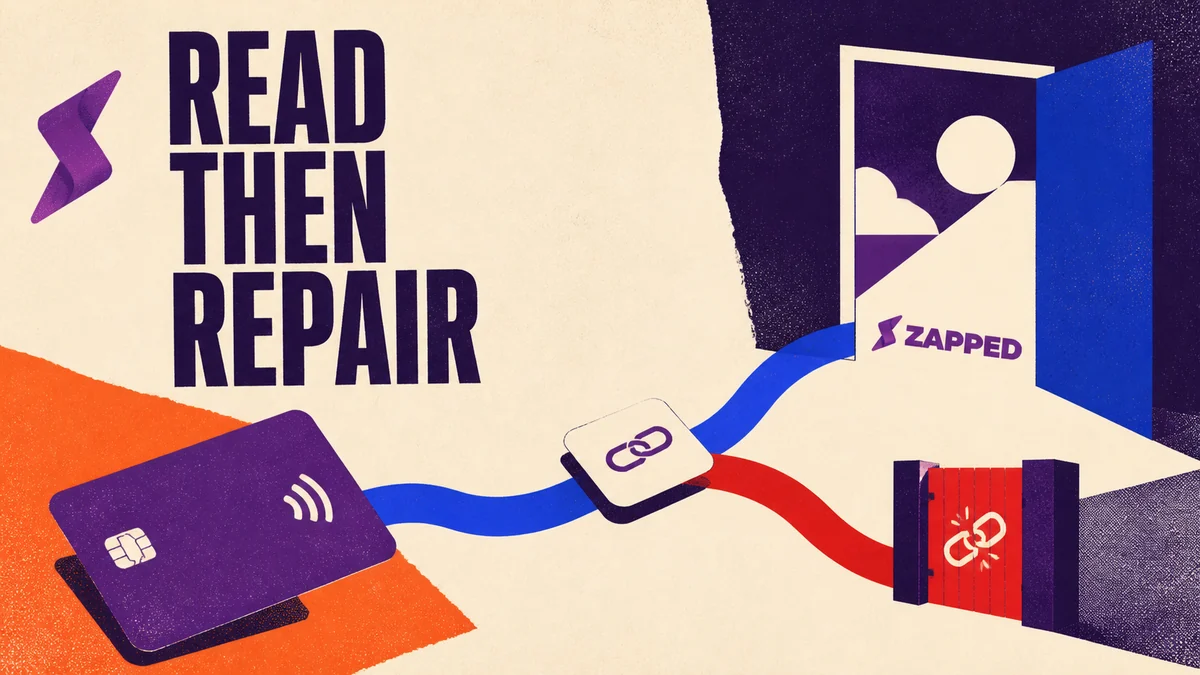
An NFC tap crosses a useful boundary: the phone can read the tag data, extract its URI, and then try to open the destination. A notification, browser attempt, redirect, or error page means the tag read may have succeeded even when the landing page did not.
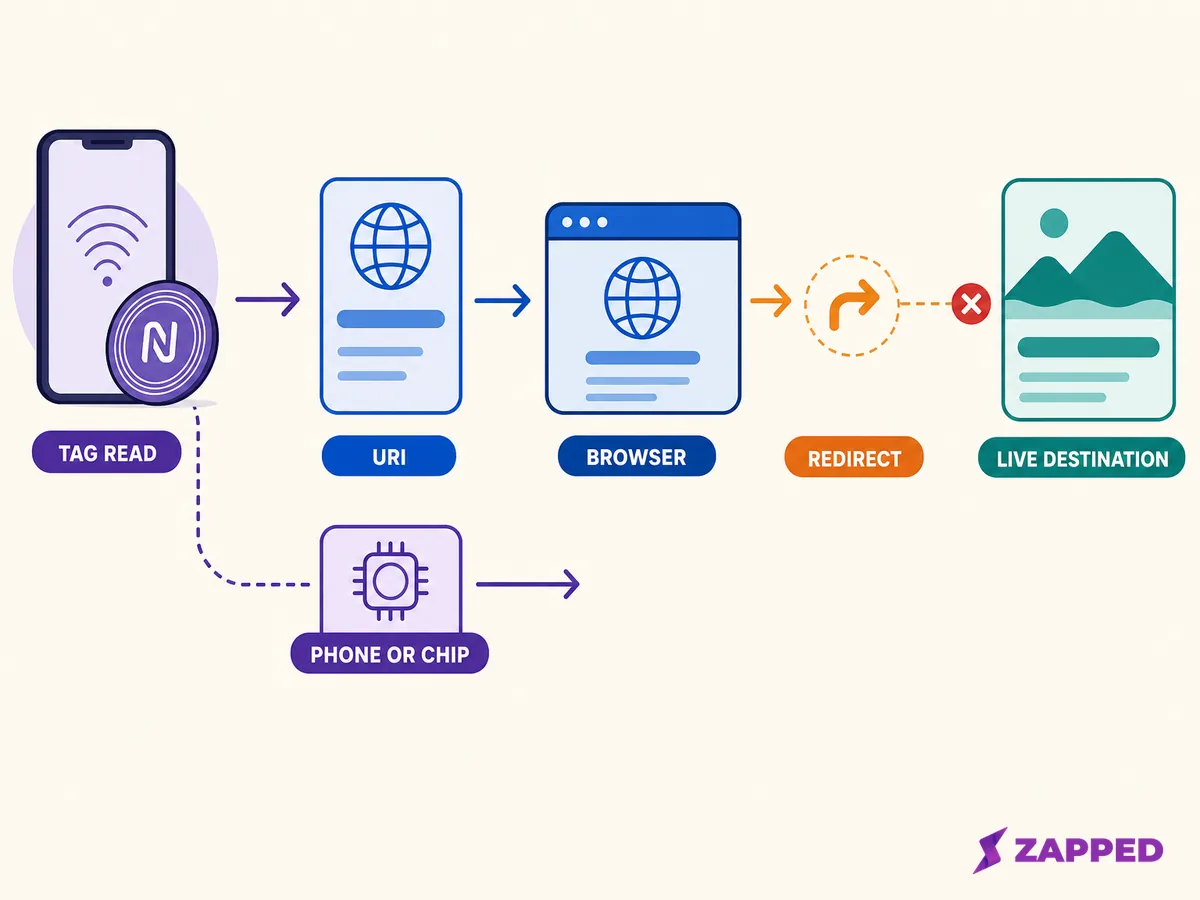
The tag read and the destination are separate points of failure.
That distinction changes your next move. Do not start by replacing a tag that may still contain the right address. Capture the URI and test the web destination independently.
Read the exact URI stored on the tag
The useful evidence is the value stored on the tag, not the design printed on the card. Apple's NFCNDEFPayload documentation describes the payload value that carries the URI, so save the old value before changing it. Record the full address, including its scheme and hostname.
For a web page, check whether the address begins with HTTP or HTTPS. Apple documents HTTP and HTTPS website URLs for background tag reading, while custom URL schemes are not supported in that background flow. Android handles URL links through its NFC dispatch system, with behavior that can vary by Android version, so do not assume every phone will dispatch every URI in the same way.
The quick capture checklist is:
- The exact URI copied from the tag
- The final URL after any redirect
- The visible error or page title
- The last date the destination was known to work
- The provider, account, or domain owner
- A working fallback URL, if one exists
For background on what the tag stores and how its destination works, see what NFC business cards are.
Open the same address outside NFC
Paste the captured URI into a browser address bar. You can also open the same destination from a QR code or a copied direct link. This comparison separates a destination problem from NFC dispatch: if the same URL fails outside the tap, the physical tag is not the first thing to replace.
Check whether other websites open normally. Chrome recommends comparing one failing site with multiple sites, then isolating browser and network conditions with steps such as Incognito, extension checks, browsing data checks, and another network. These steps help identify a local browser or network problem, but they do not prove that an unavailable destination is healthy.
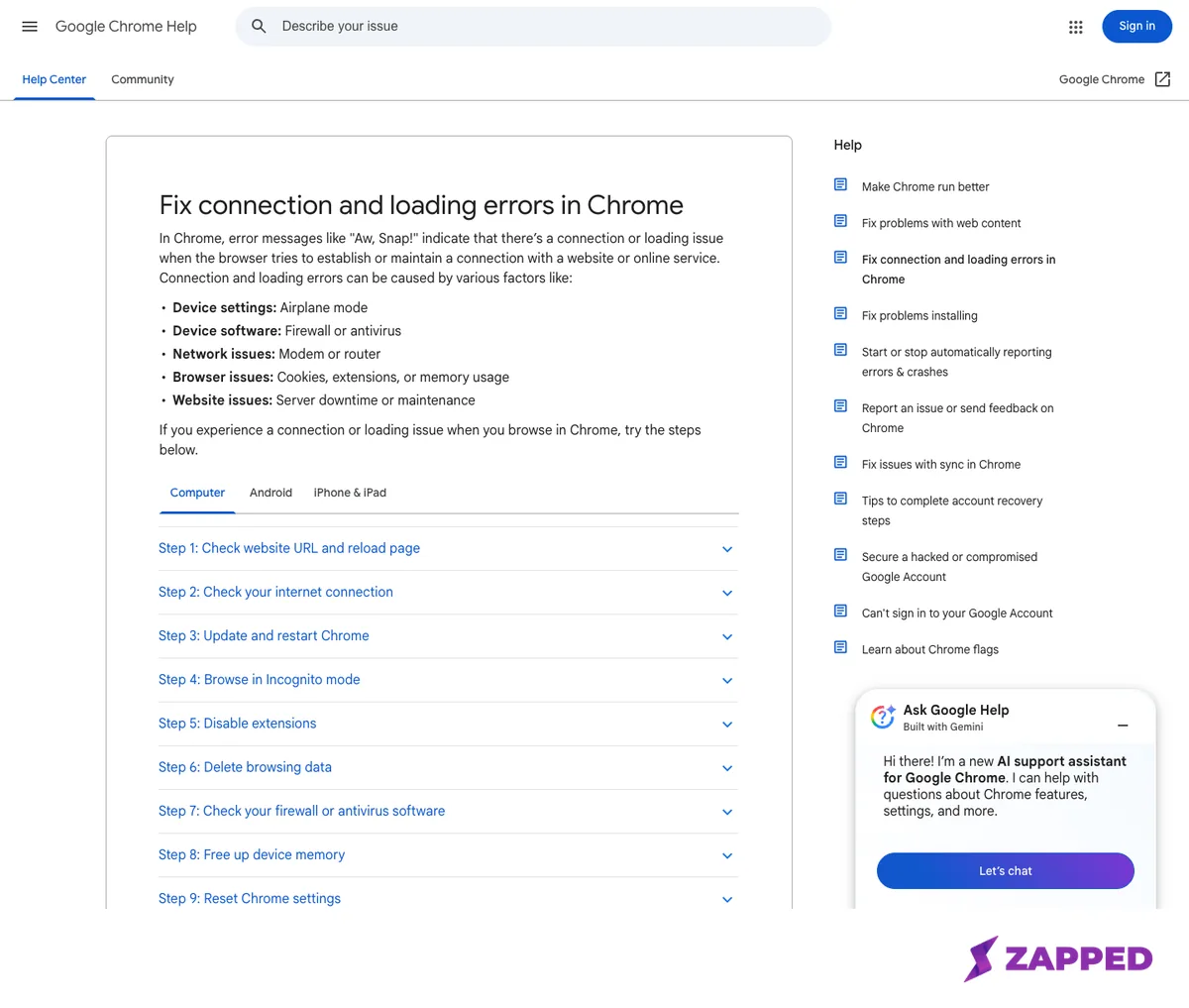
Source: Google Chrome Help, Fix connection and loading errors, captured 2026-08-06. This is general Chrome guidance, not evidence of a Zapped outage or a universal NFC failure.
Match the visible symptom to the fix
The URI is malformed or not a web address
Look for a missing scheme, a typo in the hostname, stray whitespace, an unsupported custom scheme, or an old app route. Correct the destination in the owner dashboard, or choose a normal HTTPS URL that the intended phone can open.
The page shows 404, 410, blank, or unavailable
Check whether the profile, campaign, or public page still exists. Confirm that it is published, that the intended account owns it, and that the address has not changed. A QR or direct link that shows the same unavailable result points to the destination lifecycle rather than the tap.
Provider behavior can differ. For example, Popl documents that deleting an account deactivates its associated QR codes and digital cards. Beacons documents that a paid plan downgrade can unlink a custom domain and that an expired domain can stop working.
Treat those as examples specific to each provider, not a rule for every service. The guide to NFC business cards without a subscription is useful when you are separating a platform lifecycle issue from the physical tag.
The URL redirects forever or lands somewhere unexpected
Inspect the final address and the redirect chain. A loop, an old domain, a login gate, or a tracking route can prevent the intended profile from appearing. Chrome lists redirect loops as a distinct loading error, so repair the redirect at the destination owner instead of hiding it with a blind rewrite.
The browser reports HTTPS, certificate, DNS, or network errors
Chrome separates unresolved hostnames, connection failures, certificate warnings, and redirect loops into different loading errors. Check whether the problem affects one site or many, then check the domain, hosting, network, and browser state.
Do not bypass a certificate or HTTPS warning just to force the NFC landing page open. Chrome warns that these messages can indicate a site, network, or device problem, and advises against entering personal information on a dangerous page.
The address works in one browser or device only
Compare the same URI in a private browser window, another browser, or another network. Cookies, extensions, and cached browser data are among the local conditions Chrome recommends isolating; use another network when you need to isolate a network condition. If the URL fails everywhere, focus on the destination owner and its configuration.
Recover the link without replacing the card
Use this order:
-
Save the old URI and the visible error.
-
Restore the profile, account, subscription, or domain if the owner confirms that lifecycle state caused the failure.
-
Correct the URI or repair the redirect and HTTPS configuration.
-
Give people a QR or direct link while the destination is being repaired. The digital business card QR code guide covers that fallback path.
-
Open the final destination in a browser, then check the intended share paths.
-
Rewrite the NFC tag only when the stored value is unusable or the destination URL itself must change.
An editable destination is the durable choice when the physical card should keep pointing to one stable profile. Zapped cards open from QR, NFC, or a link in a normal browser, and shared links keep working after the card is edited. That makes the Zapped guide to programming NFC business cards the relevant handoff once the destination is verified.
An editable profile cannot repair a malformed URI, deleted account, expired external domain, or browser security block by itself.
NFC business card link questions
Can an NFC tag read successfully but still fail to open a link?
Yes. The phone can read the URI while the browser cannot resolve, load, redirect, or trust the destination. Open the captured address directly to identify which layer failed.
Can an expired subscription or domain stop an NFC link?
It can affect a destination for some providers, but the behavior is not universal. Check the specific account and domain lifecycle, then treat the provider's documented recovery path as the authority.
Why does the link open from a QR code but not after a tap?
Compare the exact URLs. If the QR code and NFC tag contain different destinations, the payloads differ. If both contain the same URL and only the tap fails, return to the phone and NFC dispatch boundary covered by the broad troubleshooting guide.
Should I continue past an HTTPS or certificate warning?
No. Treat the warning as a security or destination problem and repair the domain, certificate, network, or browser condition before entering information.
Sources
- Apple, Adding Support for Background Tag Reading, checked 2026-08-06.
- Apple, NFCNDEFPayload, checked 2026-08-06.
- Android Developers, NFC basics, checked 2026-08-06.
- Google Chrome Help, common error messages, checked 2026-08-06.
- Google Chrome Help, connection and loading errors, checked 2026-08-06.
- Google Chrome Help, site connection security, checked 2026-08-06.
- Popl, deleting an account, checked 2026-08-06.
- Beacons, why a domain may not work, checked 2026-08-06.