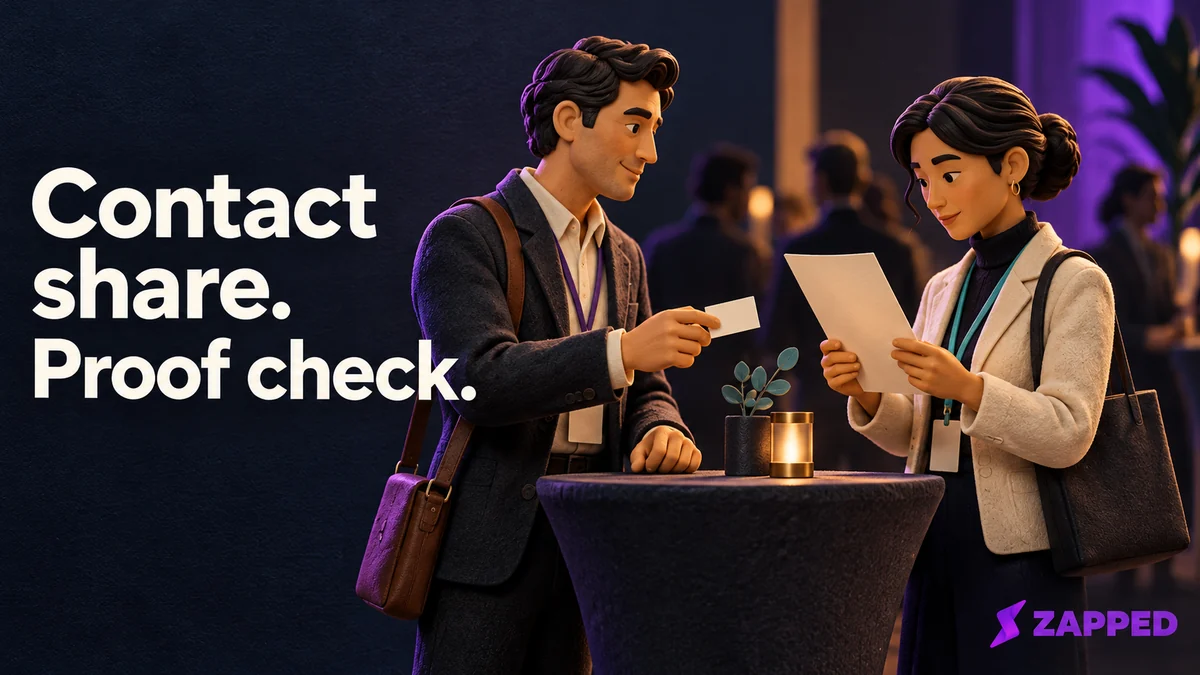
Someone you just met at an event says, "Send me your details," and a week later a client asks, "Can you show me you're licensed?" Those are two different requests, and they need two different things. Use a digital business card when someone needs to reach you. Use a credential when someone needs to check a claim an issuer stands behind, and only after you confirm that the person asking accepts that issuer and that claim.
If you want the groundwork on what a credential is and who the issuer, holder and verifier are, our explainer on digital credentials covers it. Here we stick to the choice in front of you.
Ask what the other person has to rely on
The quickest test is the question the recipient is really asking. "How do I reach you?" is answered by a contact profile: your name, number, email, the links you want followed. "What claim can this issuer support, and will I accept it?" is answered by a credential.
A W3C verifiable credential is a structured way to express claims from an issuer, and it can be checked for authenticity and currency. But "verifiable" does not mean the claim is automatically true. The verifier still weighs the issuer, the proof, the subject and the claim against its own policy, and decides whether to rely on any of it.
So a profile that looks polished, loads fast and carries a QR code is still only a way to reach you. A QR code, a badge image and a spot in a phone's wallet are containers. None of them is the claim.

The same name can mean two different things
In December 2023, BC Registries announced a business ownership credential for qualifying sole proprietors and called it a Digital Business Card, with the City of Vancouver named as an initial participating service. The B.C. Digital Trust Toolkit lists it as a credential issued by B.C. Government and BC Registries, with a business representation use case.
That is not the contact profile most people mean by the phrase. B.C.'s terms of use define it as a verifiable credential tied to a sole proprietorship registration. They also say that after a revocation, a copy can remain in the holder's wallet, and whether a verifier will accept a revoked one is the verifier's call. Holding the thing and having it accepted are separate facts.
Labels drift in other places too. Credly's naming guide says providers may use "digital badge" and "digital credential" interchangeably and suggests picking one umbrella term and sticking to it. The B.C. example is a dated announcement, not proof of where it is accepted today, so treat it as a lesson about names rather than a guarantee. Read what the item claims, not what it is called.
Which one to hand over in each situation
| Situation | What answers it | Watch for |
|---|---|---|
| Networking introduction or event follow up | Your contact card | Nobody needs proof of anything yet |
| Client onboarding | Card for contact; credential only if they name a claim | Ask which claim they need and in what form |
| Job application | Card for contact; credential for a named qualification | Send it through a route they accept |
| License or membership check | The issuer's credential | Their policy decides, not the badge image |
For event follow up, a link, QR code or NFC tap can each be a way to open a contact profile. BoothMaven's guide describes contact capture and CRM handoff as typical event uses. That is the vendor's framing of the follow up.
For onboarding and applications, resist sending anything until you know what is being asked. If they only want to contact you, the profile is enough. If they want evidence of a qualification, a membership or authority, the answer is the issuer's credential, delivered through a route the recipient accepts. A screenshot of a profile is not that route.
What to check on a credential before you rely on it
When the request is a license or membership check, a badge image alone tells you very little. Work through it in order.
- Find the issuer. Who actually stands behind the claim? Loyola University Chicago's glossary frames a credential as recognition by a third party, not something you report about yourself.
- Read the exact claim and its criteria. An Open Badges 3.0 achievement credential says a subject met criteria defined by an issuer for a named achievement. "Met these criteria" is narrower than "is an expert."
- Look for proof, and evaluate it through the route the issuer and recipient accept. Open Badges 3.0 requires a proof mechanism, and the details needed to evaluate it, for a credential to count as verifiable. Seeing a badge image or a proof field does not by itself show the claim is true.
- Check dates and status when they are there. The W3C model defines validFrom, validUntil and status properties, and a status check only happens if the credential includes one. Many credentials won't carry every field, so a missing one is a prompt to ask, not proof of a problem.
- Ask whether the recipient accepts it. This is the step people skip. The verifier's own rules decide, not the credential's good looks.
As one B.C.-specific holder and presentation example, not a universal workflow, B.C.'s credential offer guide has the holder scan the service QR code, open the offer, review it and accept it to add the credential. If the offer has not arrived while the QR page is still open, it suggests generating a new QR code. When a service provider later asks for it, a BC Registries quick guide says you use the BC Wallet app to show it.
A wallet icon doesn't settle it
Wallets hold different kinds of things. Apple's documentation describes passes such as coupons, event tickets and boarding passes, and treats identity verification as a separate capability. Google likewise separates its everyday Generic Pass from a Generic Private Pass built for more sensitive data.
So where an item lives tells you little about what it proves. If you only want to keep your contact card handy on a phone, our wallet guide for contact cards walks through that on its own.
Using both without blurring them
Plenty of people need both jobs at once: easy contact and a claim someone can check. Keep them apart. The contact card stays the front door, and a separate link points to the issuer's own verification or presentation route.
That is the one place Zapped fits here. Zapped is a digital business card that opens from a link, QR code or NFC tap in a normal browser, and a link block can send visitors to an existing site, such as your issuer's verification page. At Zapped, we don't issue, host, store or verify credentials, and Zapped isn't an identity wallet, so the link is only a route and the claim stays with the issuer. Link edits stay in draft until you publish, so check the card's preview before you rely on a new destination.

If the link is down or they won't take it
If the issuer's verification link is unavailable or the recipient doesn't accept that credential, don't paste a badge image or a profile screenshot and call it verification. Ask the issuer for its approved presentation route, and ask the recipient which issuer or proof format it does accept. Use the contact card only for follow up while that gets sorted out.