The post-event report counts your booth visits, but the spreadsheet lists far fewer names. Nobody lost those contacts on purpose, and you can't fix the gap by guessing. A virtual conference gives you activity, and whether you also get a person depends on what the organizer's platform records, what the attendee agreed to share, and who is allowed to export it.
So treat a virtual lead as three linked answers: what the person did, whether you may know who they are, and what they asked for next. The rest of this guide is about getting all three before you write a single follow-up. If you work physical rooms as well, the booth version lives in trade show lead capture, and the broader menu of capture paths sits in the event lead capture hub.
Ask the organizer these questions before the event opens
Reports are the organizer's to build and share. As a sponsor, exhibitor or speaker, you usually don't get host permissions, and nothing in Zoom's custom report documentation says exhibitors or speakers automatically receive a report. So send the organizer a short list while there's still time to change settings:
- Which engagement fields does the platform record: booth visits, file downloads, questions, session attendance, recording views?
- Can an attendee opt out of sharing with exhibitors, and what does your export show for someone who did?
- Who can export, and will you get a file or only a dashboard?
- Do recording views show up separately from live attendance?
- Are outside links or QR codes allowed in your booth or session?
The second question matters more than it looks. Cvent's Attendee Hub lets organizers decide whether exhibitors can see engagement metrics at all, and its guide describes opted-out attendees staying in the totals while their names and personal details are withheld. That is how a total can include people whose names you never receive. Cvent also says attendee details go to the relevant exhibitor when someone sends a booth message or creates or accepts an appointment, whatever the broader opt-in setting. Those are rules for Cvent's documented setup, set by each organizer. Another platform may behave differently, so ask rather than assume.
What a Zoom Events report can give you
If the event runs on Zoom Events, the organizer's route is a custom report, but the menu depends on when the event was created. Zoom says events created on or after September 21, 2026 use only the new analytics, where custom and legacy reports live under a Reports tab. Older events keep legacy analytics, and custom reports built there carry over to the new tab minus panelist and special role data. The steps below are the documented legacy route. For a newly created event, ask the organizer which filters and columns their Reports tab offers before you plan around any one of them. Zoom's steps for the Custom Report builder:
- Open the event creation flow and select Event analytics, then Custom Report, then Create Custom Report.
- Name the report and choose the CSV layout. Sessions by row is the cleaner structure; Sessions by column keeps the original one.
- Add filters for the sessions you care about, plus Expo Booth Attendance, Expo Booth File Download, Recording View Duration, Watched Recording for Session and Marketing Communication as needed.
- Select the columns to display. Optionally tick Download CSV upon creation.
- Choose Create Report. It then sits in Report History, where its owner can select Rerun Report to regenerate it.
Two catches. The account has to be Pro, Business, Enterprise or Education, with Zoom Events Unlimited or Pay Per Attendee. And hosts and hub owners get analytics access by default, while anyone else needs to be added as a co-editor with analytics permission. If you're the exhibitor or speaker, you're asking the organizer to run this for you and send the file.
Once the CSV arrives, confirm it holds the activity columns you asked for and the contact fields you expected. Zoom says custom reports always show the attendee's display name and registrant email. The opt-out warning belongs to the separate registrant export, where contact information is not displayed for registrants who opted out of sharing with the host. And the Marketing Communication filter's three values, Opt-in, Opt-out and N/A (unavailable), are report data, not a verdict on any particular message. The marketing section below covers that limit.
Organizers who run an expo can also see an Exhibitors tab with Views, Chat Messages and Leads Scanned per exhibitor. Clicking the scanned count opens a lead list that can be exported, with attendee names and the scanner's email. If your event uses scanning, see what badge scans capture.
Keep the action and the permission on the same row
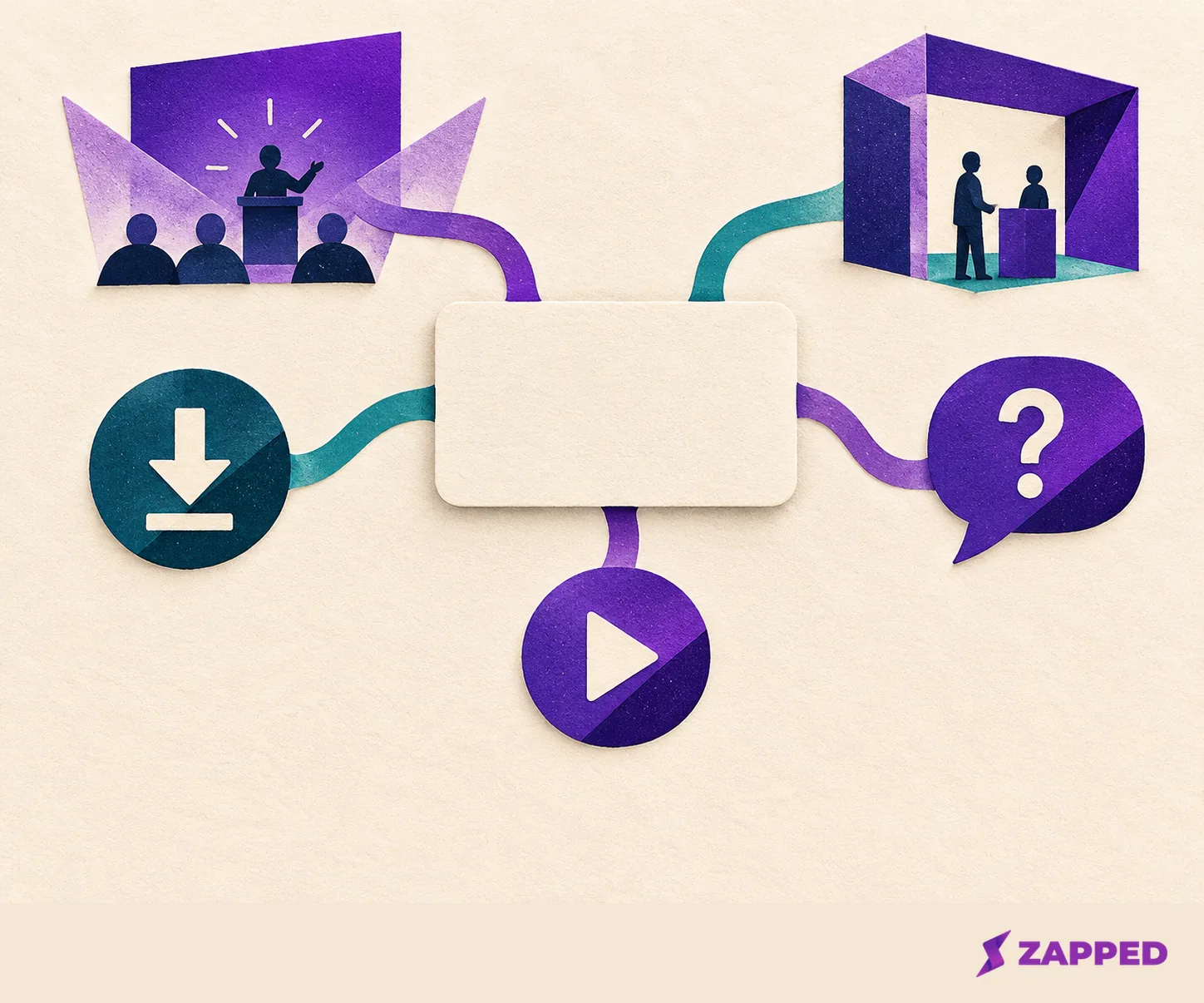
A registration, a booth visit, a file download, a question, an appointment or meeting request and a replay view are different interactions, and they deserve different follow-up. Zoom's own attendee analytics counts them separately: event attendance, group chats, one-to-one chats, polls, surveys, questions and resource-link engagement. Your record should do the same.
For each person, keep these together: the event and platform, the person's identifier if you were given one, the exact action (an appointment request counts as its own), the session or file involved, whether it was live or a recording, the sharing status the export showed, what they said they wanted next, and who on your team owns the reply. Use the columns the report actually offers. This organizes what a report gives you. It is not a tested scoring system, so don't invent a confidence number.
If the platform gives you a count without a name, the count is the finding. Don't rebuild a list from it, and don't assume a speaker or exhibitor can see what the host sees.
Sharing data is not permission to market
Four things get blurred in the weeks after an event: a registration, an activity export, an attendee's opt-in setting and a request for a follow-up. They aren't interchangeable. Someone who asked you a question in the session wants an answer. Someone who watched a recording has done something you can see, and that is all.
The legal side is the organizer's and yours, and it varies by where the recipient lives. Under GDPR, the EDPB says you need an appropriate legal basis, and consent is one possible basis that, when used, must be freely given, informed, specific and unambiguous. For marketing email to people in the EU, Article 13 of the ePrivacy Directive sets prior consent as the baseline for natural-person subscribers, with a limited existing-customer exception and details left to each Member State, so check the rules where your recipient is. In the US, the FTC says CAN-SPAM applies to B2B email too: truthful sender and subject information, ad identification, a valid physical address, an opt-out, and honoring opt-outs within 10 business days.
Reply to people who asked you something. For everyone else, treat the sharing status in your export as the limit of what you were handed, and get advice if you plan to put them into a marketing sequence.
A replay view is its own event, not a live one
A speaker takes a question during the session, then sees a recording view three days later. Those are two actions. The question is a direct request, so answer it with a named owner. The recording view is later viewing activity. Zoom's report has separate filters for Recording View Duration and Watched Recording for Session, so use them when the event provides them, and ask the organizer how repeat views are counted and whether they change the record.
If the platform won't show it, log any later reply or form submission as its own action with its own date. A replay view alone is not a request for sales contact. Rocketly's webinar guide suggests separating attendees from no-shows because no-shows may watch the recording later, publisher advice that is a sensible reason to time a note from the later action, not the event date.

How fast to follow up
Reply promptly to explicit meeting or information requests, and put one person's name on each. For everyone else, the advice you'll find is a range, not a rule. EngageSlide's virtual-event guide recommends follow-up within 24 to 48 hours, and Airmeet suggests same-day or same-hour for highly engaged attendees and within 24 hours for lower involvement. Both are publisher recommendations, not tested deadlines. Pick a window you can actually keep, and start the clock from the action you're responding to.
When it's time to write the message itself, the guide to following up after a conference covers the wording. If the question is whether any of this paid off, the event ROI piece takes the attribution math from here.
When the platform withholds the name
Say the event is still open and you have no export, or the export has counts but no names. Start by asking the organizer for an approved report or a native opt-in route, such as a message the platform sends on your behalf. Only if the organizer allows an outside link or QR code should you offer a short form of your own, one that says what the person will get and asks only for what's needed to deliver it.
A digital business card can serve as that destination, since a published Zapped card opens in a normal browser with no app to install. Its Lead Form sends details to the card owner's Inbox only when a visitor submits it. Zapped gets no event-platform data, so it can't import your attendee list or explain a count. Its Event follow-up template requires name and email, allows company and a short question about where you met, and a submission is an enquiry rather than a marketing opt-in. The form follows your plan and block limits, and Zapped keeps leads for 12 months on Solo and Team plans and 24 months on Business plans, so export what you need before then. To set it up, add a Lead Form to a card, publish it, submit fictional details yourself and confirm they land in Inbox before the event.
If neither route is allowed, follow up only with people who directly gave you their details or asked for a reply. That smaller list is the honest one.
If you're on the attending side of this exchange, virtual networking tips covers how people prepare to be found.