An NFC business card can help you stay memorable after a career fair or portfolio conversation, but only if the tap opens one current professional destination. If you’re still testing your handoff, start with a free profile, QR code, or readable link. Buy the physical card when you have a real event or a repeated reason to use it.
The tap isn’t the product. The current page behind it is the handoff a recruiter, alumni contact, or project collaborator will remember.
First decide whether you need hardware
Business cards can help at career fairs, but they’re optional. Seton Hall’s student business card guidance puts them in the same category for networking events, informational interviews, internships, and impromptu introductions: useful when available, never a condition of showing up prepared.
That’s a good standard for NFC too. If your next event is tomorrow and your LinkedIn page or portfolio is current, use a QR code and a readable public link. Explain what you do, show the right project, and offer to send the page directly. Don’t let a hardware decision get in the way of the conversation.
Physical NFC makes more sense when you expect repeated handoffs. A career fair with several employers, a semester of alumni conversations, or a portfolio review with many people gives the card a job. It saves a small moment of fumbling, and the object can make the exchange easier to remember. It won’t replace your resume, your introduction, or the message you send after the event.
The University of Illinois recommends preparing a brief introduction that covers the position you want, relevant coursework or experience, and what sets you apart, while bringing business cards when available in its career fair guidance. The order matters. Your words do the explaining. The card gives the person a route back.
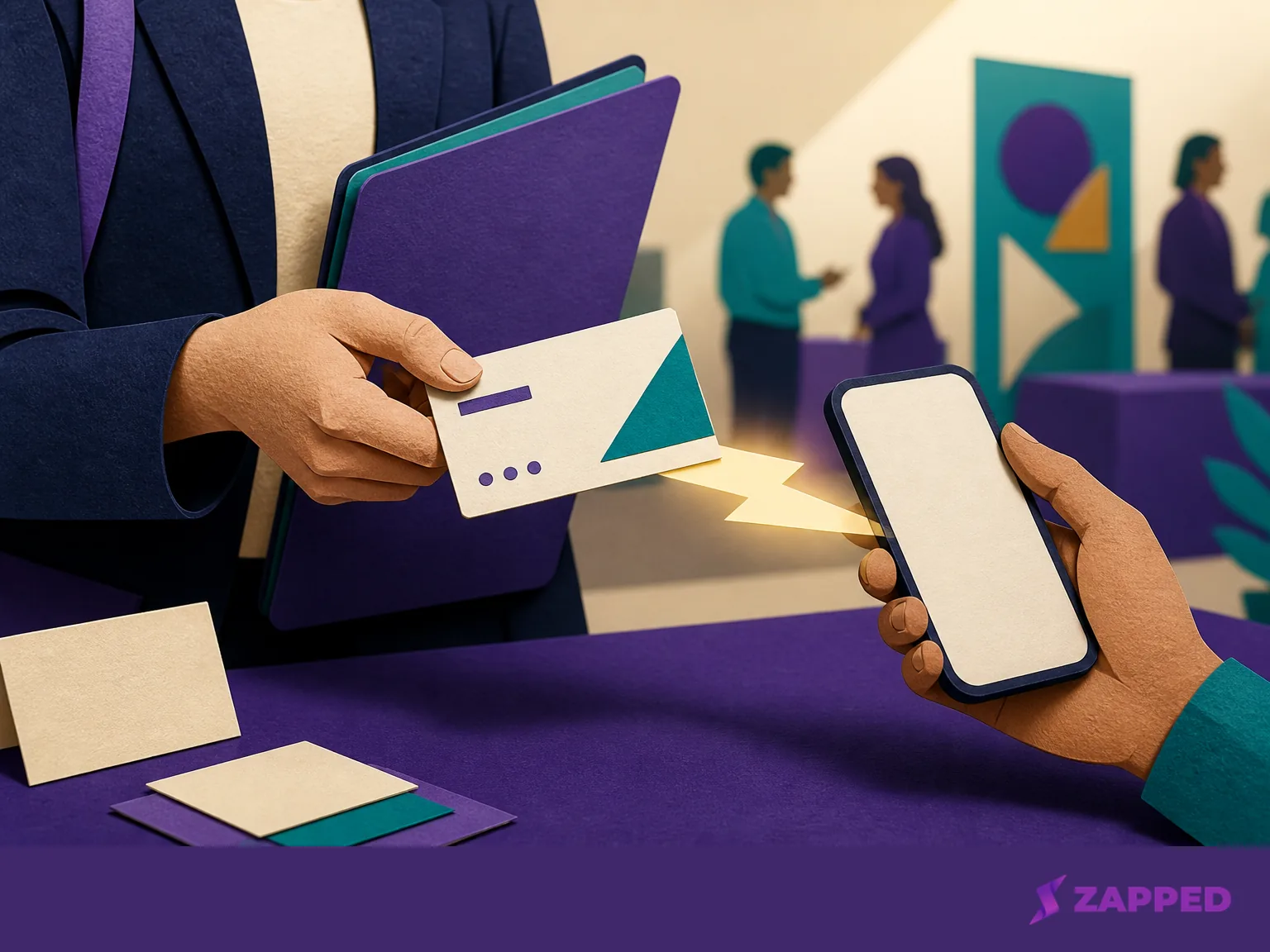
Give the tap one useful destination
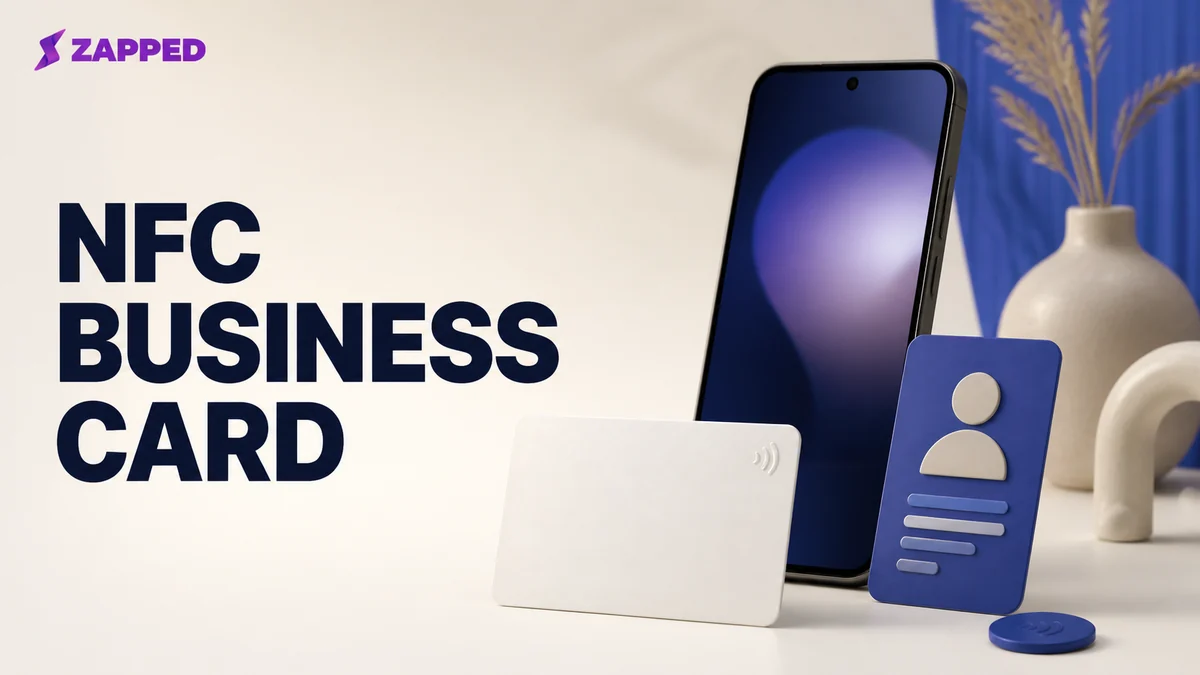
An NFC business card has two parts: the physical tag and the digital page it opens. HiHello explains the pairing in its NFC card overview, including a route where you supply a tag such as a sticker, keychain, or card and connect it to a link.
For a student, that link should open a concise page with:
- your name and the role or field you are pursuing;
- your school, program, or current target;
- a professional email address and phone number;
- LinkedIn or a portfolio;
- one proof point, such as a relevant project, research result, or piece of work; and
- the next action you want the visitor to take, such as viewing one project or contacting you about an internship.
Don’t turn the page into a storage unit for every social profile you have. At a crowded table, someone needs to understand your direction quickly. One good project beats eight icons asking for attention.
The destination should work for someone who doesn’t use your service. A browser page with a public link is safer than a route that demands an app or account before the visitor can see anything. Zapped is one example: our card opens in a browser from a QR code, NFC tap, or link, and the recipient can save the contact without installing an app or creating an account. We build Zapped, so weigh that example accordingly. The useful test is simple: can a busy person open the page and understand what to do next?
If you don’t have a stable destination yet, wait on the physical card. A blank tag pointing to an unfinished page is a very small way to announce that you weren’t ready.
Three routes, with different tradeoffs
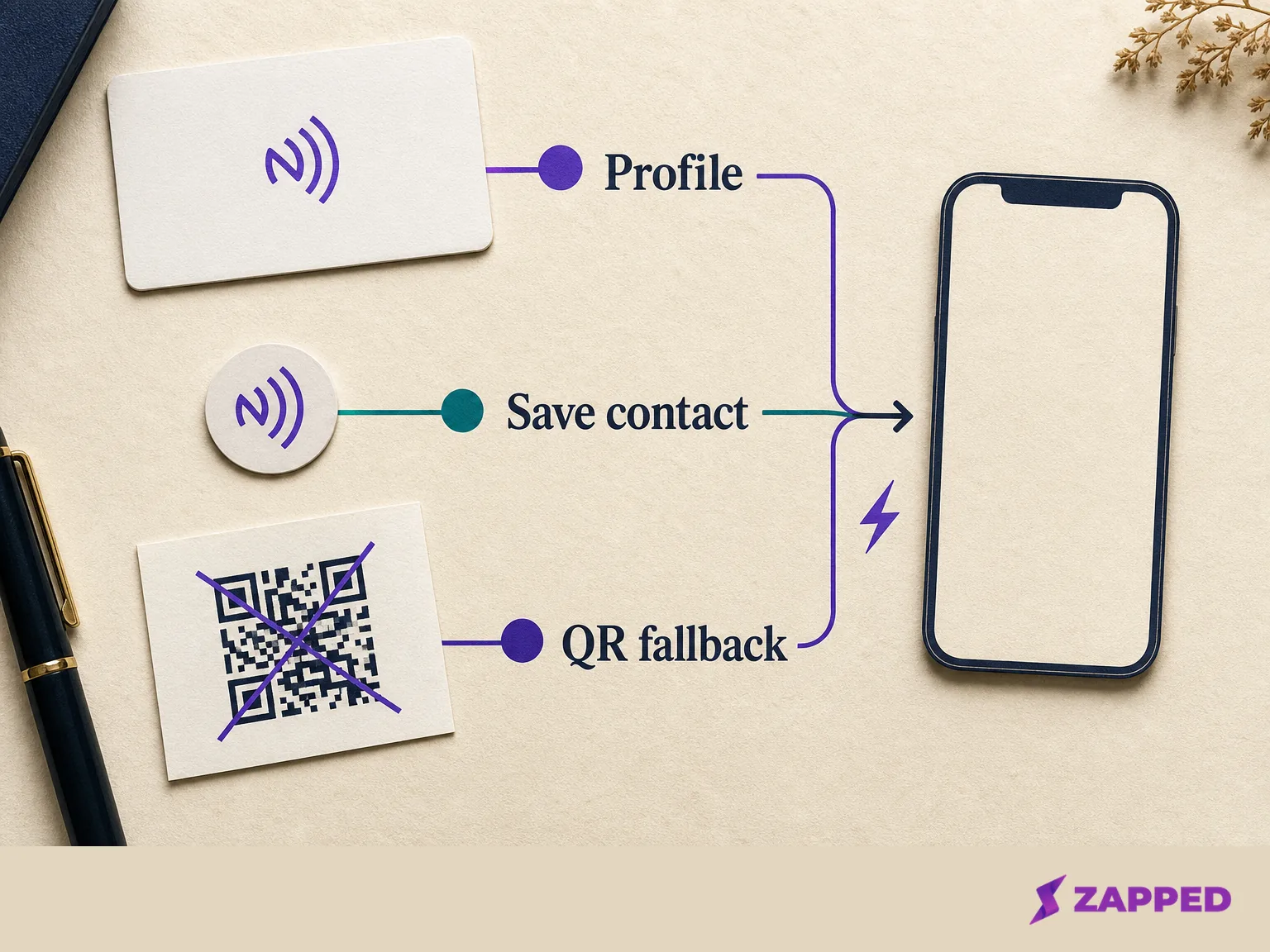
You can use a digital only profile, buy a card with a hosted profile, or program a blank tag yourself. None is universally best. The right route depends on whether you need hardware now, how much control you want, and whether you’ll keep the destination current.
Digital only
Use a free profile with a QR code and readable link when you’re testing your introduction, changing your portfolio, or attending one event. This is the lowest risk route. You can improve the page before paying for hardware, and offer the link directly when a tap would be awkward.
A vendor card with a hosted profile
This is the simplest physical route. You order a card, connect it to the provider’s profile, and carry one object to the event. Blinq lists two free digital cards and says its linked profile is free without a subscription. Its checked NFC store listed a standard card at $19.99, with wooden, metal, and custom options at higher prices.
TapTag’s physical card range was listed from $3.95 for a classic card through wood, metal, steel, brass, and gold plated options, with a free dashboard. The cheap end makes hardware easy to try, but price alone won’t tell you whether the profile is the right destination or whether you’ll keep using it.
The same provider's Free plan lists two digital cards.
A blank tag written to your URL
This route is for a student who wants the hardware without committing to a profile vendor, or who already has a public portfolio page. HiHello documents a free tag based route where you supply the NFC tag. UPrinting says an individual can order as few as one card, rewrite its chip with the free NFC Tools app, and update the webpage while keeping the same NFC URL.
That control is useful when your email address, project, or internship target changes. It also gives you more setup responsibility. You’ll need to write the tag correctly, check the public page, and keep the URL alive. A blank tag is inexpensive only if you’re willing to own the little maintenance job that comes with it.
Price the whole route, not just the card
The physical card is the easiest number to notice and often the least important one to understand. Price the hardware, the profile, the ability to edit the destination, and any recurring feature that actually changes the handoff.
The following snapshot uses the listed prices checked in August 2026. It’s a decision aid, not a ranking.
| Route | Physical cost | Recurring profile cost | Editing or destination control | QR fallback | What could justify paying |
|---|---|---|---|---|---|
| Blinq | Standard card at $19.99 | Free linked profile | Hosted profile | Use the profile's QR or link | A straightforward physical card with a free profile |
| TapTag | Classic card at $3.95, with higher material options listed | Free dashboard | Hosted dashboard | Use the profile's QR or link | Low entry price for trying physical NFC |
| HiHello | Supply a tag for the free tag based route | Free plan, or $6 monthly billed yearly for Professional | Profile and tag based route | Use the profile's QR or link | More digital cards or paid profile features |
| Blank tag or UPrinting card | One UPrinting card is available, with price depending on the order | Depends on the destination you connect | Rewrite the chip and keep the same URL when supported | Add a QR code beside the tag | Hardware control without a required profile subscription |
| Zapped | Use your own card or tag | $0 Free plan, no credit card, or $14 per month Starter | Live card edits keep the shared link and printed QR working | QR, link, and NFC sharing | More cards, more blocks, or longer analytics history |
The free profile options are useful when the core job is simply giving someone a current page. HiHello lists four digital cards on Free and a Professional plan at $6 per month billed yearly, or $72 billed yearly. That recurring price is worth considering only if the extra digital capacity or paid features solve a problem you actually have.
At Zapped, the Free plan is $0 with no credit card. It includes one digital business card, five content blocks, plus QR, link, and NFC sharing, along with 60 days of analytics history. That’s enough for a student who needs one concise handoff. Zapped isn’t built to be a recruiter CRM. Analytics can tell you about card activity, not whether a recruiter liked your project or will reply.
The useful paid feature is the one that removes a real constraint. Extra cards matter if you need separate identities for a club, freelance work, and a job search. More blocks matter if the single page has outgrown a name, contact route, and proof point. Analytics history matters if you’re comparing networking moments over time, but it doesn’t turn a scan into interest. Team and bulk features are for a group rollout, not a student carrying one card.
Keep a recovery route beside NFC
The recipient may not know where to tap. Their phone may have NFC switched off, or the tap may fail at the worst possible moment. Reddit commenters discussing NFC card handoffs describe those recipient knowledge and phone setting problems. They also warn that a destination requiring an app or login can make someone reject the card.
Put the QR code on the card or on something beside it, and keep the public URL readable. If the other person can’t tap, say, “Here is the QR code,” then offer to send the link directly. The conversation keeps moving. A visible fallback helps when someone has NFC disabled or doesn’t want to experiment in front of a busy table.
UPrinting describes a device difference worth knowing: an iPhone shows a pop up before opening an NFC link, while Android opens it immediately, and most modern smartphones support NFC without a special app. That’s why the fallback belongs in the design, not in your emergency improvisation. For a closer comparison, see our guide to NFC versus QR code business cards.
If you use Zapped, see our NFC programming guide for writing the public card link to the tag. Zapped supports QR, link, and NFC sharing, but the same rule applies: make the public route obvious before you hand over the card.
Maintain the page before the next event
The best physical card is one you can keep current without reprinting every time your semester changes. Before each event, open the public destination from the QR code and the link. Check the email address, read the first screen as if you were a recruiter, and confirm that the featured project is still the one you want remembered.
UPrinting documents rewriting its chip and changing the webpage while the NFC URL stays the same. At Zapped, a live card can likewise be edited after sharing, so a printed QR code or shared link can continue working after the profile changes. That’s the difference between hardware you can keep using and a card that quietly points to an old version of you.
Change the live destination first. Reprint only when the physical card no longer represents you or the URL itself must change. If you’ve moved from coursework to an internship, replace the proof point and role on the page, then test the route again before the next person reaches for their phone.
For options beyond student use, our guide to the best NFC business cards covers the broader product landscape. For a failed tap after setup, use our guide to a card that is not working.
The student setup we would use
Start with one page. Put your name, direction, contact route, LinkedIn or portfolio, and one strong proof point on it. Add a QR code and readable URL. Try that setup digitally at one event before buying hardware.
We’d start digital and treat hardware as a later purchase, once events prove it earns its cost. Buy a physical NFC card when you have repeated introductions to make. Choose a vendor card if you value simple setup, or write a blank tag if keeping control of the URL matters more than convenience. Keep the QR code visible either way.
Buy the card if it makes a real exchange easier and the page behind it is ready. Skip it if you’re still changing your professional destination, if the cost would force you into a subscription you don’t need, or if you’re hoping the tap will do the work of a clear introduction. The call changes when you have a stable page, a recurring networking situation, and a fallback that lets the other person leave with your details even when NFC doesn’t cooperate.