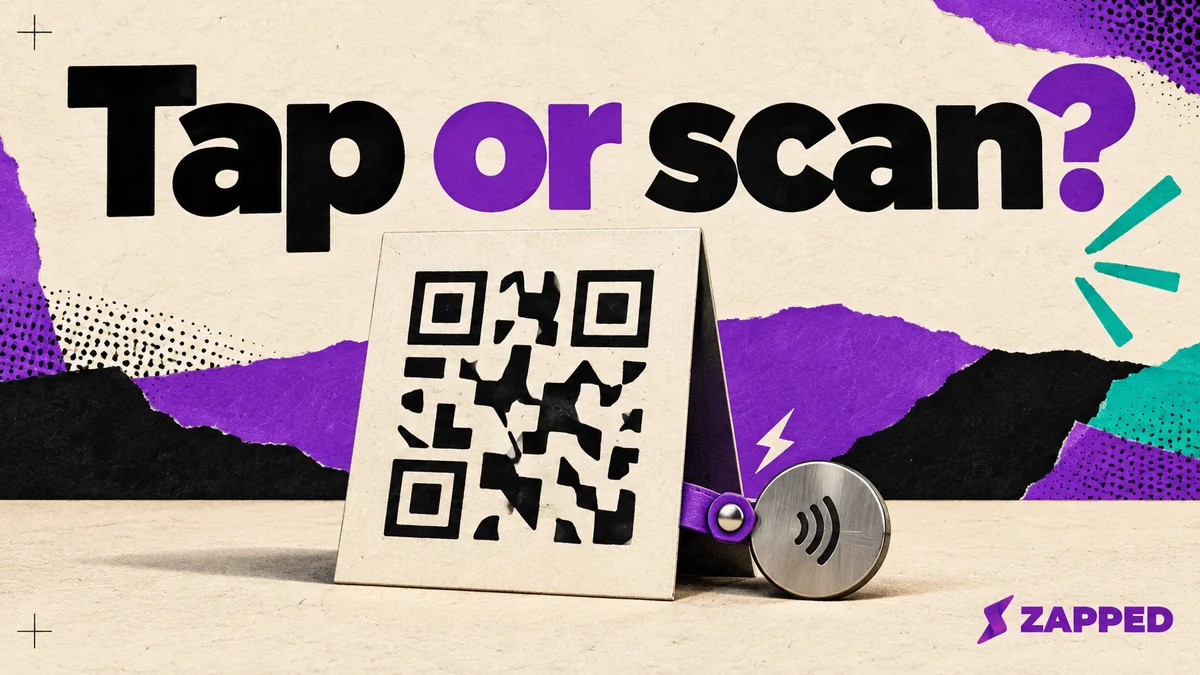
A guest walks up to your counter, holds up their phone and asks for the password. You'd like a sign that answers before they ask. Make it a WiFi QR code. Add an NFC tag beside it only if you've tried the tap on the phones your guests actually carry. Both can hold the same network details, but phones don't treat them the same way once they read them.
QR is the better documented route for a mixed guest audience
A common WiFi QR code is just text in a WIFI: pattern that carries the network name, the security type, the password and an optional hidden network flag, as ZXing describes it. Scan it with a compatible phone and it can prompt the guest to join.
Both big platforms document that behavior. Apple's iPhone guide says friends and family can scan a network's QR code to join. Google's Pixel guide covers scanning a QR code that connects to WiFi with the Camera. For a guest who has never seen your sign, that's a documented path on both phones.
NFC has a hard floor that QR doesn't. On a Pixel, the NFC setting is in Settings, and Google says that if it isn't there, the phone has no NFC. A guest with such a phone can't use your tag at all, however nicely you mounted it.
A tap is not the same shortcut as a scan
A tag can hold WiFi credentials, but that doesn't make it behave like a WiFi QR code. It can store a WiFi Simple Configuration token as an NDEF record with the MIME type application/vnd.wfa.wsc, and that token carries unencrypted credentials. Apple's pages don't promise that the built in iPhone reader joins a network from that record. That reads as a gap, not proof of failure, but it's reason enough not to bet your whole sign on it.
Here is why. Apple's background tag reading works on iPhone XS and later, and only while the phone is in use. It's unavailable in several states, including while the camera or Wallet is open, in Airplane Mode, and after a restart before the first unlock. The system looks for a URI record, uses the first one if there are several, and that record has to hold a universal link or a supported URL scheme. One recent r/NFC poster saw the same thing: the iPhone didn't treat the WiFi string as a join action, and commenters pointed to a custom reader app. That's one person's experience, not a test.
Apple also describes an app-led route. In its Core NFC sample, a guest would open an app, tap Scan and hold the phone near the tag. Nobody wants to ask a visitor to install something to get online.
Android is less clear in the other direction. One Android Open Source Project build includes a handler for that MIME type, but that doesn't tell you what every model from every manufacturer does today.
Camera distance versus a few centimeters
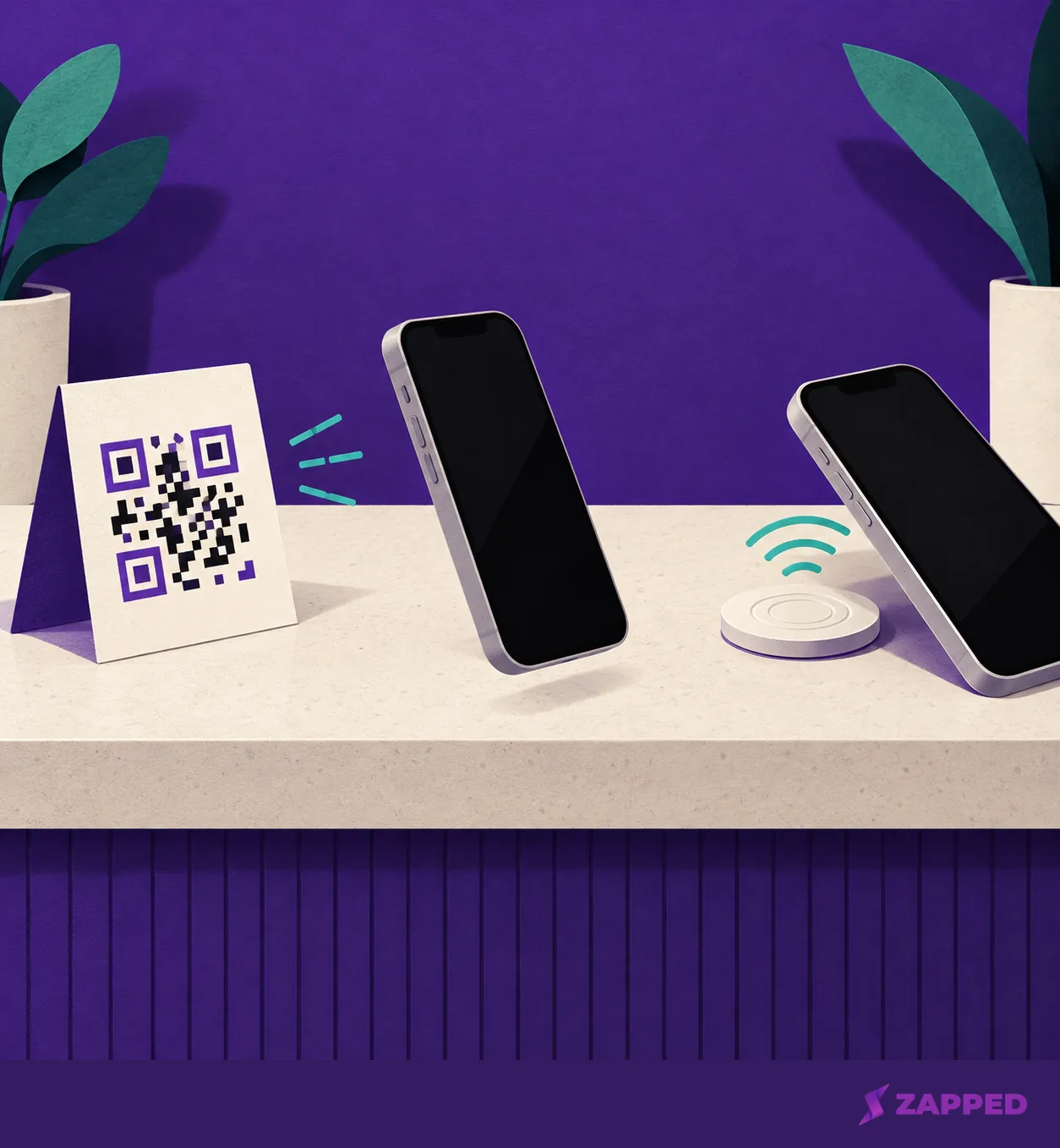
A QR code needs the camera to see the whole square. On a Pixel, the guest opens Camera, makes sure Camera scan suggestions is on under More settings, frames the entire code and taps the bubble or link that appears, no photo needed. On an iPhone they use Camera or Control Center, frame the code and tap the action that appears. That works from across a table, on a wall or on a menu board.
NFC wants contact. NFC Forum puts typical range at up to 2 cm, with 5 mm as the certified compliant range, and that's a technology figure, not a promise for every phone and tag pair. So a tag fits a spot where guests naturally put a phone down or lean in, like a check in desk or the edge of a shared table. It doesn't fit a sign taped up behind the bar.
What changes when the password changes
Say you swap the guest password after printing. A static QR code carries the credentials in the code itself, so the printed code is now wrong and has to be regenerated and replaced. A tag works the same way: a changed network name or password means writing a new record or replacing the tag.
Material is the other upkeep difference. A QR code is an image you can print, while NFC needs a physical tag or chip, as OpenQR's comparison notes (it sells QR tools, so weigh that). We're not quoting a price, since no comparable figure exists for a guest WiFi setup. Count your own printing and tag costs.
Neither carrier protects the password. Anyone who can read the QR code or the tag can read the credentials, and requiring a tap doesn't change that. Treat either format as a public way of sharing the guest credentials.
Offer both, with QR doing the heavy lifting
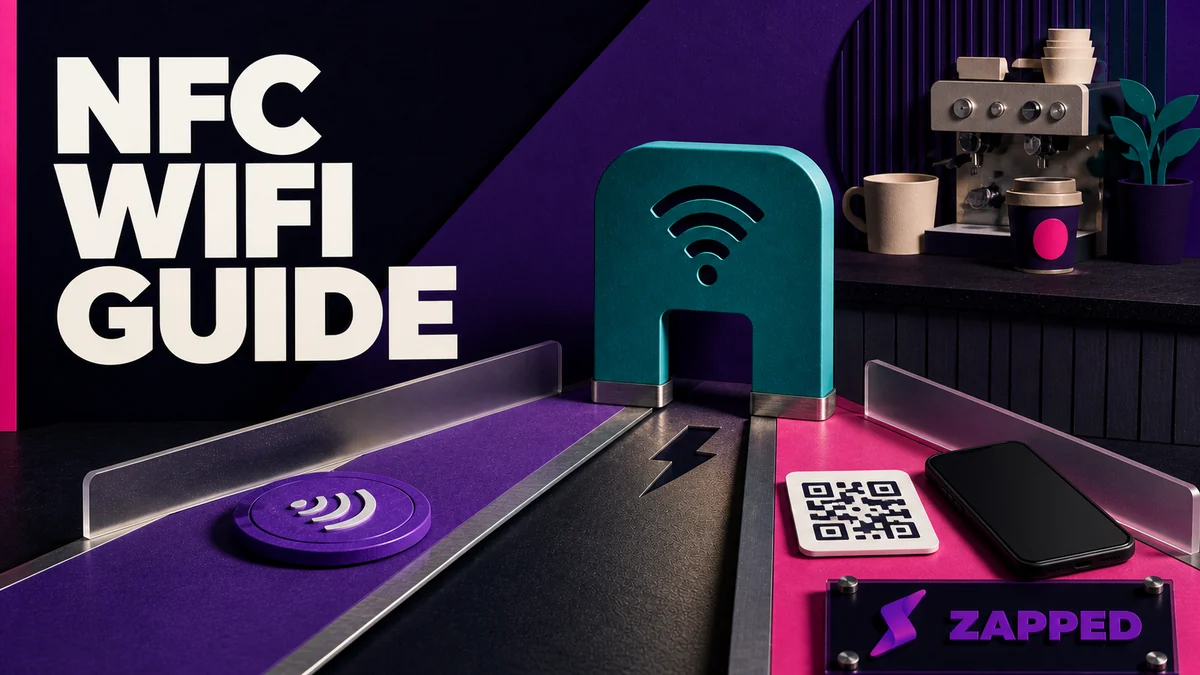
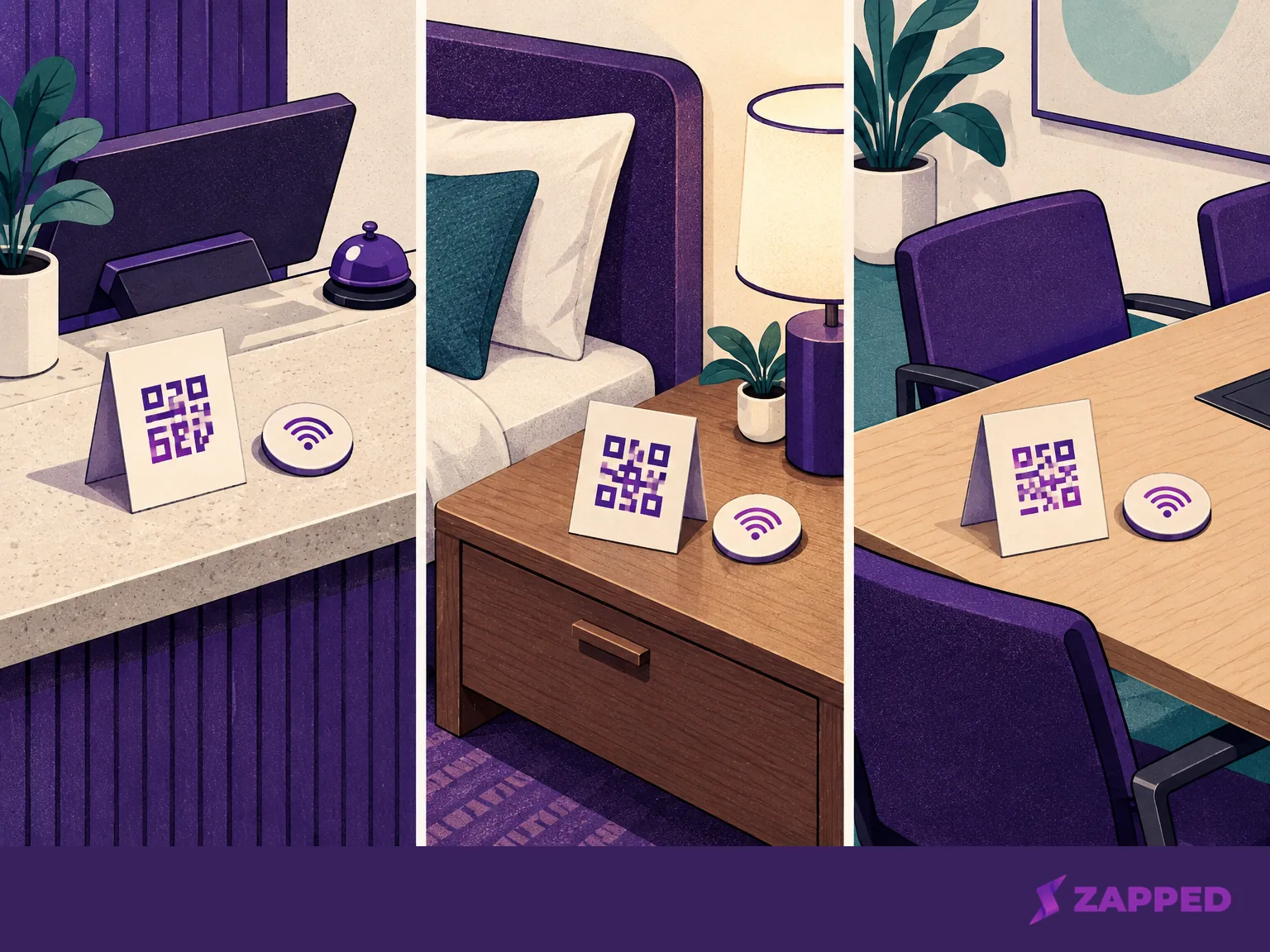
For a hotel room, rental, meeting room or home where you don't know the phone mix, print the QR code first. If there's a spot where guests will be within a few centimeters anyway, add a tag there. Write it following our NFC WiFi tag guide, then test that exact record on the phones and states your guests are likely to use, such as an iPhone and a Pixel, locked and unlocked, before you tell anyone it works. Those two are examples, not a guarantee for every device, so keep the QR route in place.
Keep the recovery path short. If the QR scan fails, Google's Pixel advice is to hold steady, light the code without shadows or glare, wipe the lens and move closer while keeping the whole square on screen. On a Pixel, Quick Settings also has a Scan QR code button with its own scanner. If it's missing, swipe left or use the pencil icon to add it. On an iPhone, a missing Control Center scanner comes back through Customize controls by adding Scan Code.
If nothing scans, print the network name, security type and password under the code. A Pixel guest can then use Add network and type them in. Android says to wait for the list to refresh if a nearby network isn't showing, and for a hidden network, to set Hidden Network to Yes under Advanced options. Comparing the same two formats for a different job? We cover NFC vs QR business cards separately.