Good NFC business card design makes the next action obvious. Mark the tap point, keep a readable QR fallback, preserve contrast and clear space, and put a destination behind both routes that you can maintain after the cards are printed.
Start with the destination and the exchange, not the artwork. A beautiful card that hides the antenna, crowds the QR code, or sends people to a page nobody can update is expensive decoration.
Start with one destination and one action
Before choosing colors or materials, decide what the person should do after the tap or scan. Is the first action to save your contact, book a call, view a portfolio, or open a team page? Choose one primary action, then make the supporting links secondary.
An NFC card has two layers. The physical card carries an NFC record and a visible recovery path. The web destination carries the contact details and the action that can change later. The basic NFC business card model is easier to design once those jobs are separate.
Your printed URL, QR code, and NFC payload should point to the same maintained destination unless you have a documented reason to separate them. That keeps the card stable when your title, phone number, booking link, or portfolio changes.
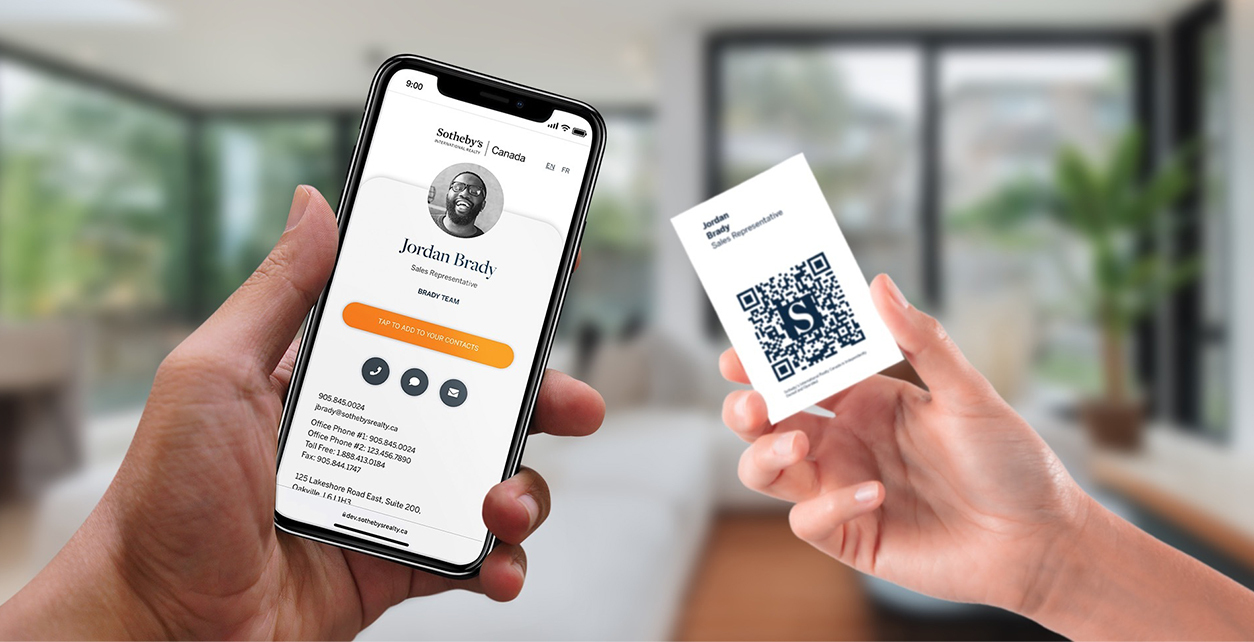
At Zapped, our digital vCard is a useful example of the destination layer. Its digital vCard can be shared by QR code, NFC tap, or link, opens in a normal browser without a recipient app or account, supports contact saving, and can be edited after sharing. That makes it a place for the card to point, not a claim about the physical tag inside the card.
Put the tap point on the face of the card
NFC works at close range, so the reader needs a cue about where to place a phone. The NFC Forum wayfinding mark exists to show the presence and location of the touchpoint, with directional variations when a precise position needs more guidance.
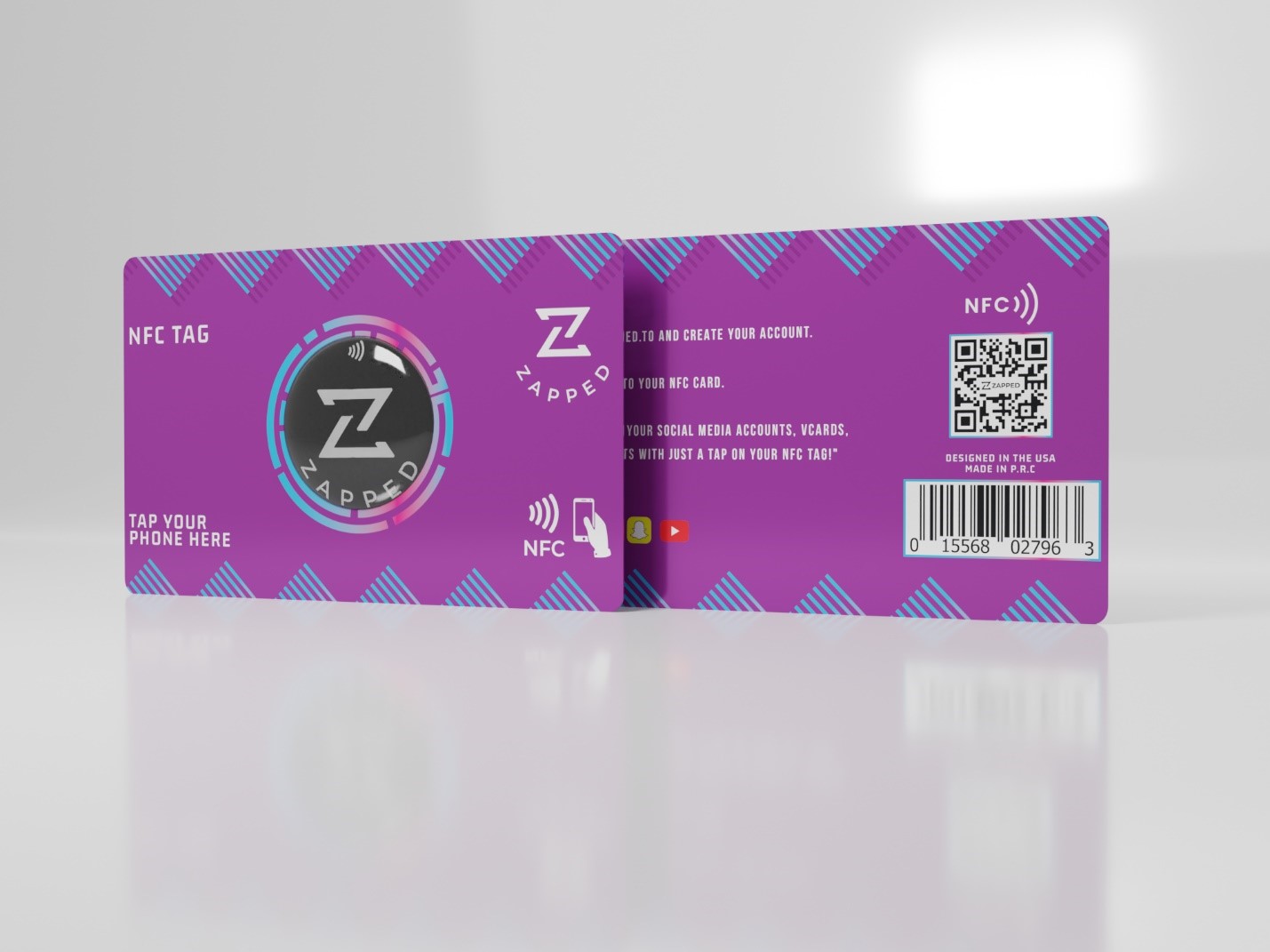
Use a clear tap icon or a short instruction such as “Tap to save contact.” Keep it close to the actual antenna position. If the card has a large logo or decorative pattern, do not assume the recipient will infer the tap point from the presence of an NFC symbol somewhere on the front.
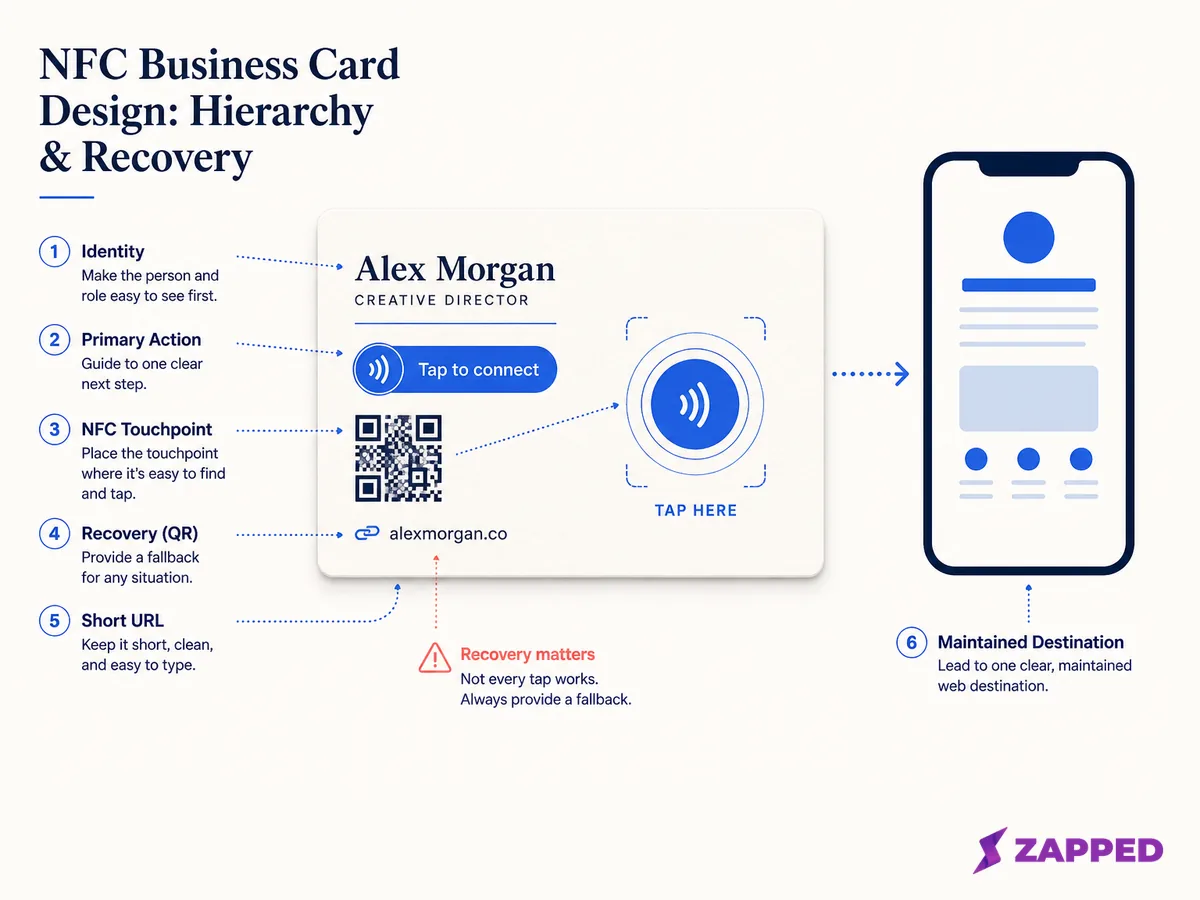
A design wireframe showing the physical hierarchy recommended in this guide. It is an original concept, not a measurement or a print proof.
The instruction should explain the outcome, not the technology. “Tap for my details” is more useful than “NFC enabled” because it tells the other person why the gesture is worth trying.
Leave enough room around the instruction that it does not disappear into the name, logo, or background texture. A tap cue that cannot be found in two seconds has failed its job, even if the tag itself is technically working.
For a material specific version of this review, see wooden NFC business cards, where the visible surface, inlay, finish, and sample process need to be checked together.
Give the QR code a real recovery job
QR is not decoration beside NFC. It is the route for a phone with NFC turned off, a recipient who does not know where to tap, a reader who prefers the camera, or a physical setup that makes the antenna awkward to reach.
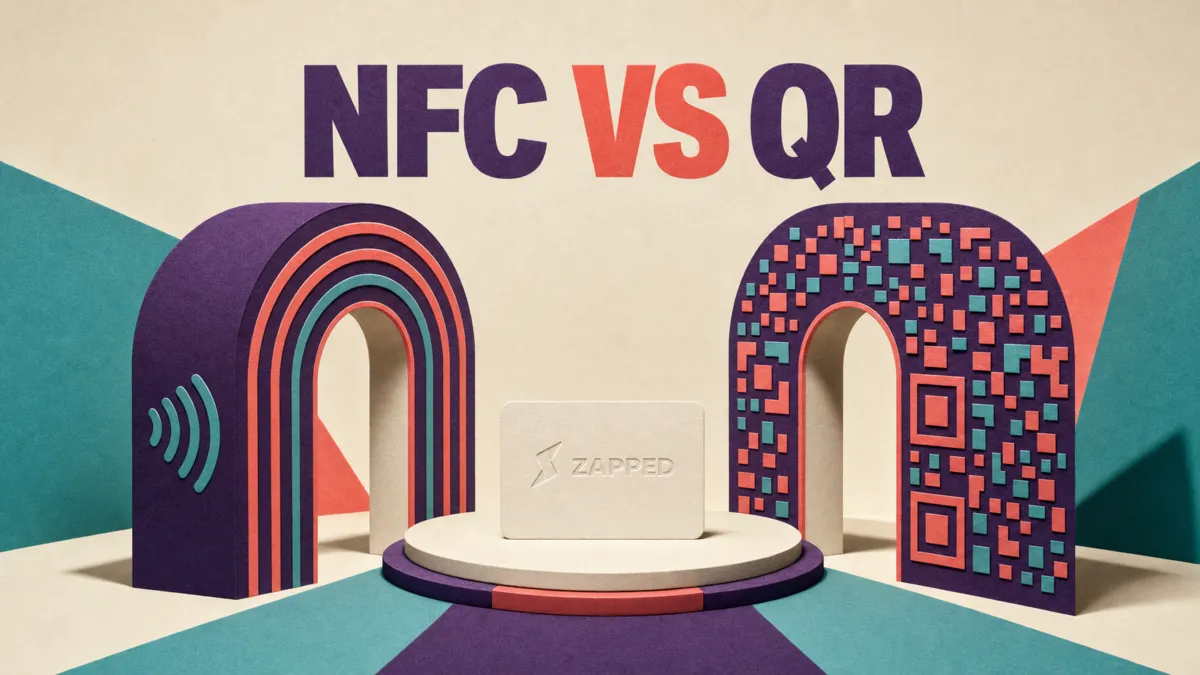
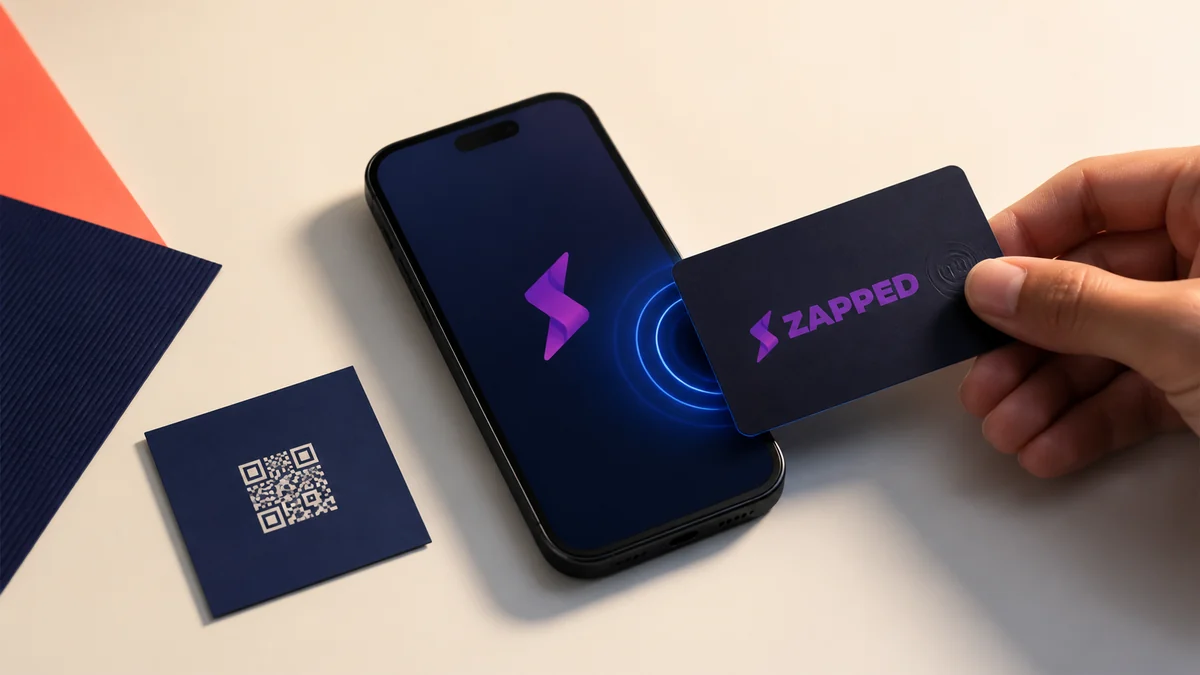
The NFC and QR comparison guide explains why both routes can belong on the same card. Keep them coordinated so a person does not receive one destination from the tap and an older destination from the scan.
Preserve the QR code's quiet zone. DENSO WAVE's QR guidance specifies a clear margin four modules wide on every side of the symbol. A background image, border, or nearby text that enters that space can make the recovery route harder to scan.
The digital business card QR guide covers generation and placement details. For the card itself, the practical rule is simple: give the symbol a calm background, enough contrast, and room to breathe. Do not shrink it until it is technically present but visually apologetic.
Keep a readable short URL on the card when the context deserves a third route. It helps someone type the destination into another device and gives you a way to explain the card when neither tap nor scan is convenient.
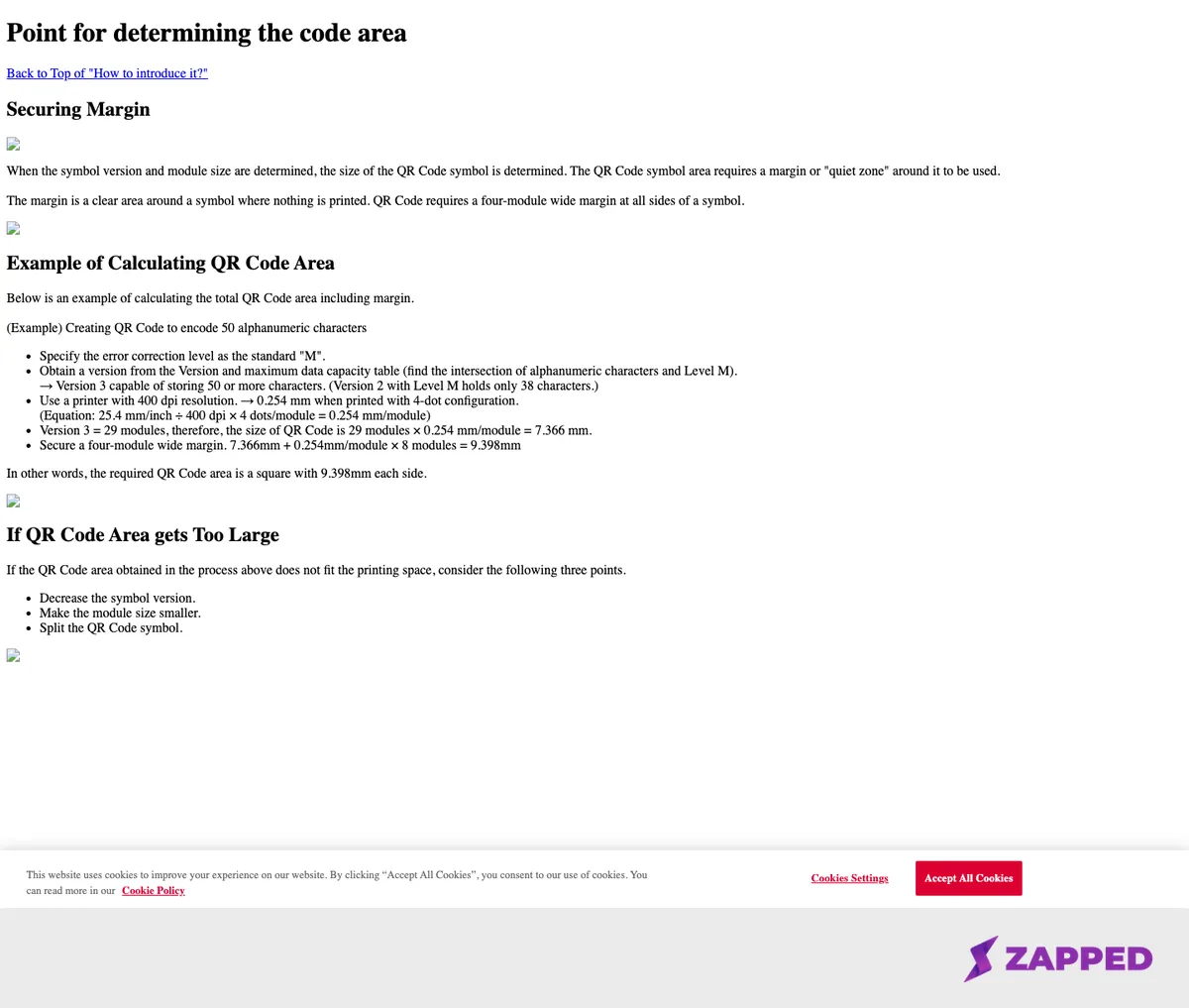
Source: DENSO WAVE, Point for determining the QR Code area, captured 2026-08-06. The screenshot supports the quiet zone guidance only.
Keep the physical design honest
Design choices can affect the carrier. The guide to decorating NFC cards is the better place for material and artwork details, but the design decision here is worth stating: do not let a finish hide the tap zone or place unknown material directly over the antenna.
Metal needs special care. Texas Instruments explains that nearby metal can damp or detune an NFC antenna, so an on metal card needs a documented construction or a sample check with the finished layers. A metal face and an NFC chip name are not enough evidence by themselves.
If you are choosing between a card and a sticker, use the NFC sticker versus NFC business card comparison to think through the surface, placement, and replacement decision. A design that works on a paper card may not behave the same way on a sign, phone case, or metal object.
The printed face should also survive the exchange. Use a name that can be read at arm's length, a role that explains why the person should connect, and one action that is visually stronger than the rest. Do not make the recipient solve a brand puzzle before they can save a phone number.
Separate printed design from tag state
The card's appearance does not tell you what is stored in the tag. Android identifies recognized NDEF URI records through its tag dispatch system, while Apple documents website URL reading through background tag reading on supported iPhones with device and system conditions.
The artwork needs its own placement review too. Use this NFC business card logo placement guide for safe area, tap prompt, QR fallback, and proofing decisions.
That means a design approval should record the destination and the tag state separately. Write the public URL, record whether the tag is writable or locked, and keep the procedure for programming an NFC business card outside the visual design review.
NXP lists different user memory capacities and locking behavior for the NTAG213, NTAG215, and NTAG216 families. Those chip details may matter when you choose a payload, but they do not prove that a finished card has the same antenna performance or that its state can be changed after purchase.
The destination can often change without a new print run when the tag continues to point to the same public URL. A different URL or a locked tag may require a different recovery plan. Ask who owns the destination before you approve the design.
Use this five gate approval scorecard
Run the design through these gates before ordering more than a sample. A pass means the card is ready for the next check. A fail means the design is not ready, no matter how polished the artwork looks.
| Gate | Question | Pass condition | Failure consequence |
|---|---|---|---|
| Destination | What opens after a tap or scan? | One current public destination with one primary action | The card can send people to an obsolete or confusing page |
| Tap guidance | Can a new recipient find the touchpoint? | A visible mark and short instruction sit near the antenna | The tag may work but the exchange feels broken |
| QR recovery | Can the camera route be used immediately? | Clear margin, readable contrast, and the same current destination | The fallback exists only in theory |
| Physical limits | Does the finish respect the carrier? | Material, antenna location, and on metal construction are documented | A print choice can interfere with the tag |
| Sample proof | Does the finished sample survive the intended handoff? | You check the actual finish, routes, and representative phones | A larger order repeats an avoidable surprise |
This scorecard is also useful when comparing providers. The best NFC business cards guide can help with the product comparison after you know which physical and destination requirements are non negotiable.
Approve the sample, not the mockup
The final check must use the actual card stock, coating, metal, adhesive, or sleeve. Test the tap from the marked zone, scan the QR code from the normal angle, type the short URL, and open the destination directly. Record what happens before a larger order.
Check the route on the phones your recipients actually use. Android and Apple document different NFC flows, and device settings can change what the reader sees. A successful design review is not a universal read guarantee. It is proof that this design has a sensible route for the context you support.
Also ask someone who did not design the card to explain what it does from the printed face alone. If they cannot find the tap point, identify the next action, or tell which link is current, fix the hierarchy before you fix the finish.
Questions to settle before print
Should the NFC and QR routes use the same URL?
Usually, yes. A shared destination makes updates easier and gives the recipient a consistent result. Split the routes only when you have an operational reason and an owner for both destinations.
Does a larger NFC chip make the design better?
Not by itself. Memory capacity, lock state, antenna construction, material, and the destination are separate decisions. Choose a tag that fits the payload and verify the finished card rather than judging it from the chip number.
Is a QR code enough without NFC?
It can be a good design when scanning is the primary behavior. An NFC and QR card adds a tap route, but only if the touchpoint is obvious and the fallback remains readable.