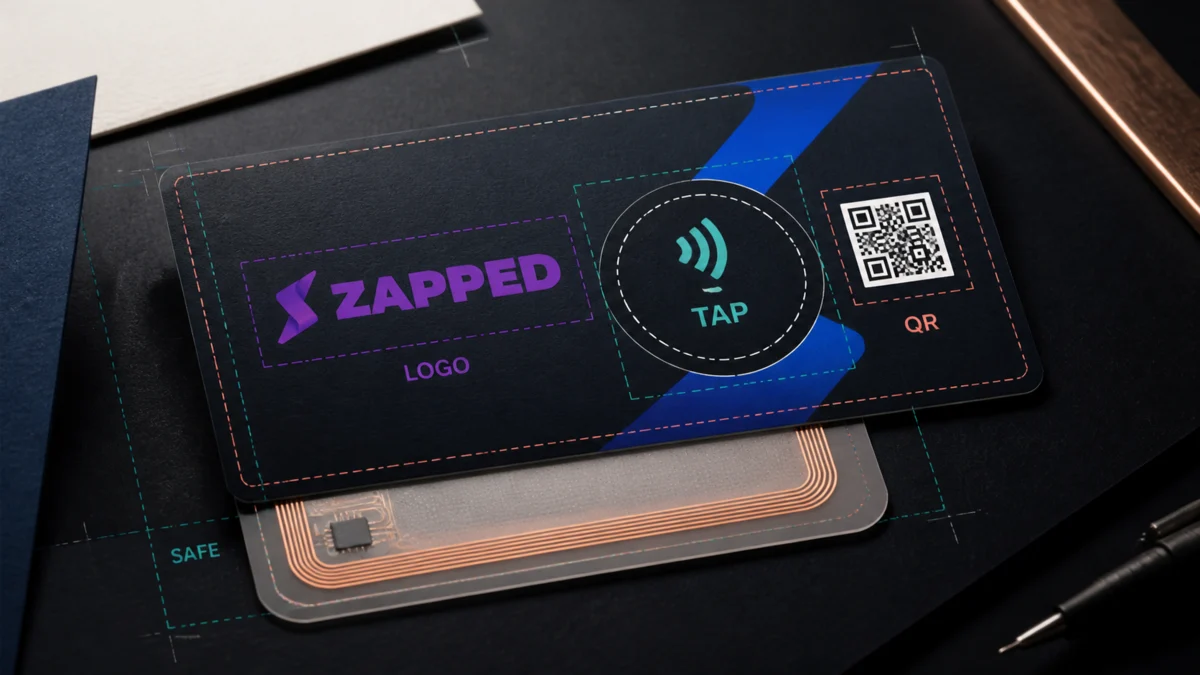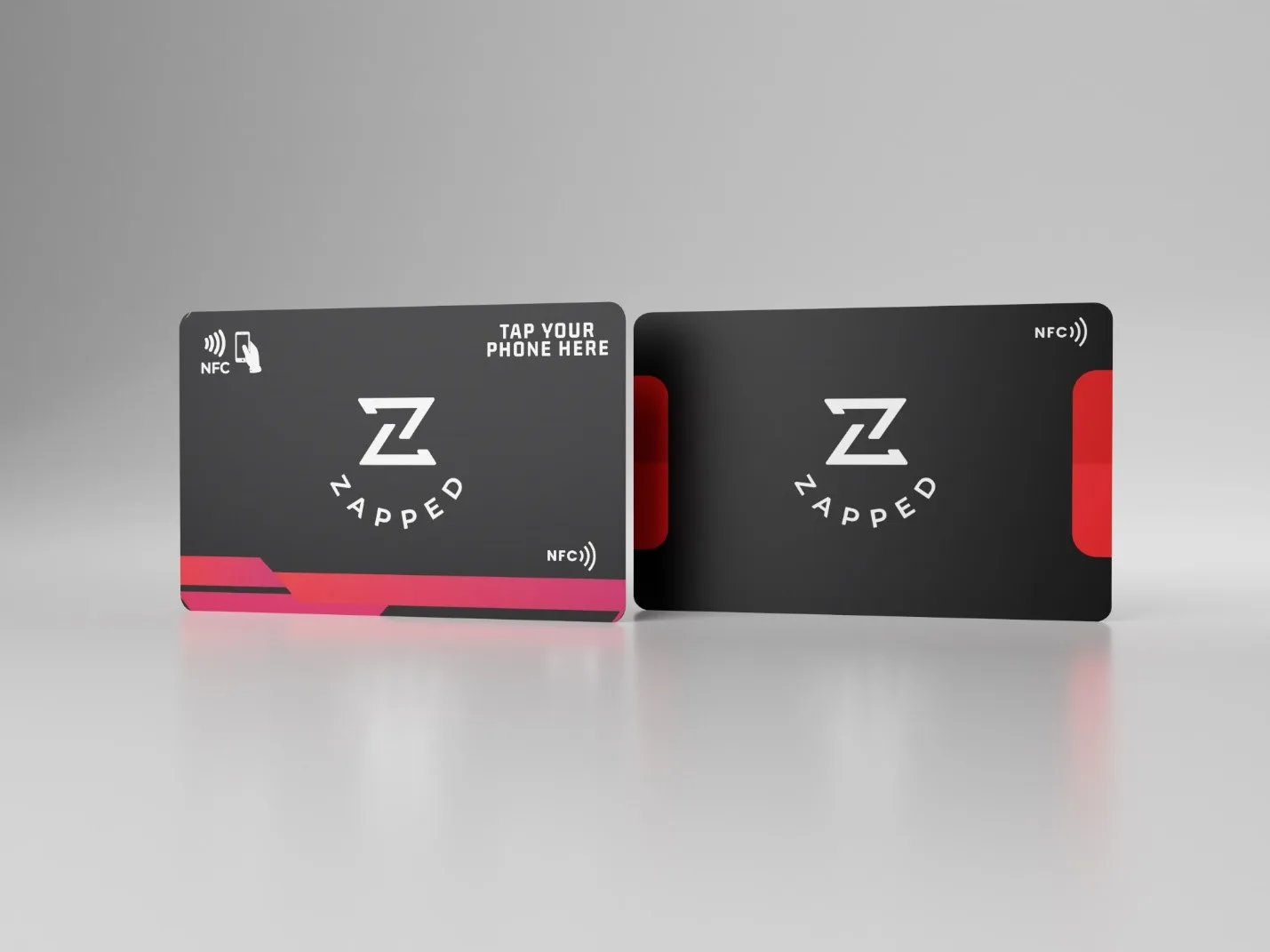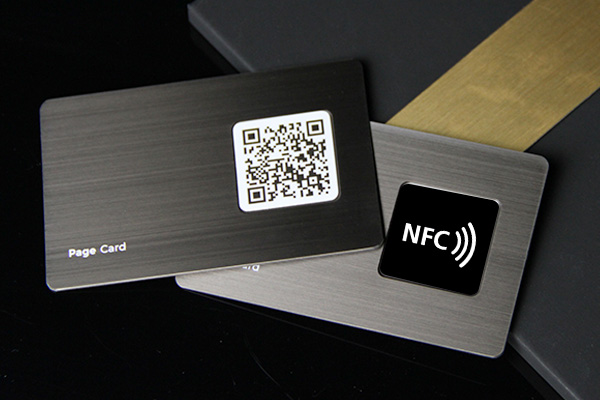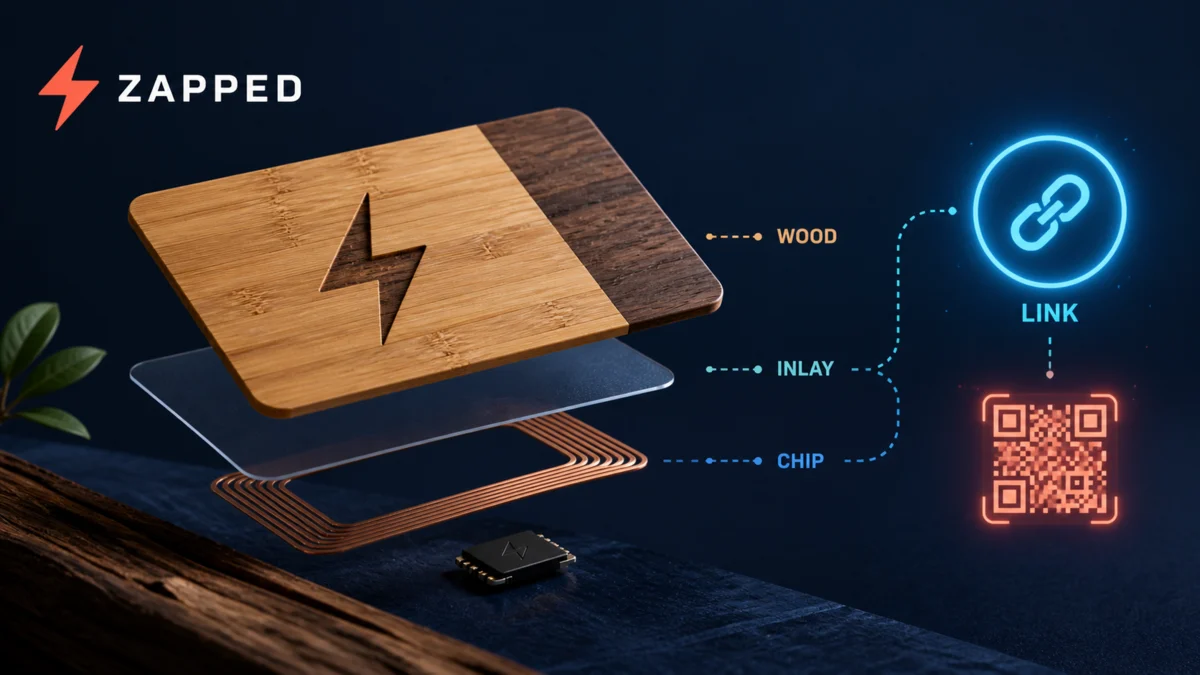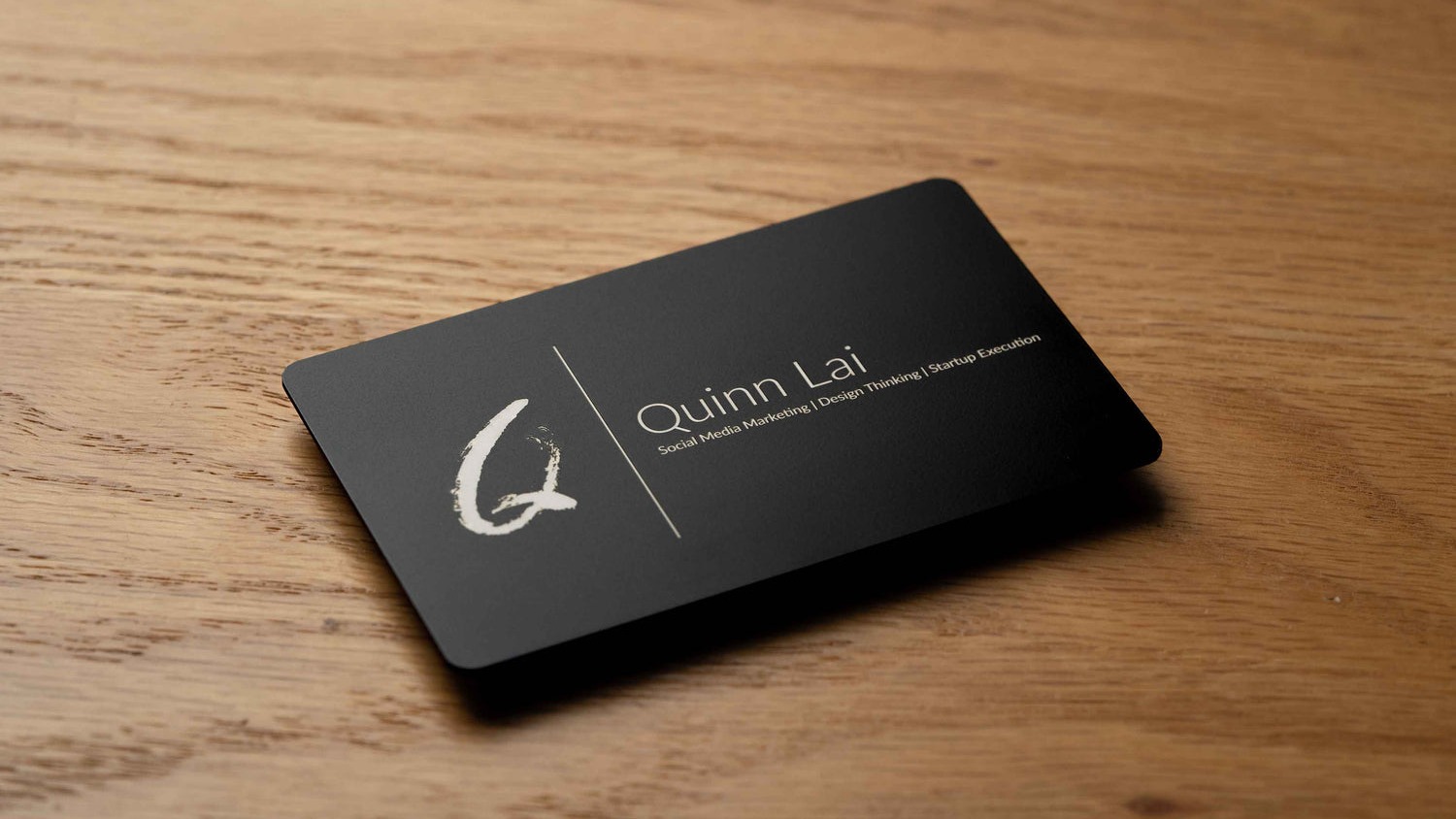
Decorating NFC cards can make them feel premium, but the decoration should never interfere with the tap or make the card hard to read. Treat the chip and antenna as part of the design constraint.
Quick answer
Decorate NFC cards with thin materials, clear branding, and a protected finish. Avoid thick metal layers near the antenna, test every card before sealing it, and keep the tap area easy to understand for the person receiving it. If you have not decided on a format yet, NFC sticker vs NFC business card covers the decision before you get to decoration.
Key takeaways
- Decide what the scan or tap should open before changing the card.
- Keep the physical card readable and test it on real phones.
- Separate public contact sharing from payment, access, or private credential workflows.
- Use an editable destination so the card can stay useful after printing.
What to decide first
Start with the destination. A QR code, NFC tap, review link, crypto wallet action, or public profile all require different testing and trust signals.
| Option | Best for | Watch out for |
|---|---|---|
| QR code | Universal phone scanning | Needs contrast and enough printed size |
| NFC tap | Fast in-person sharing | Needs tag placement and device testing |
| Profile link | Editable contact and business info | Needs current content |
| Payment or wallet action | Approved payment or wallet flow | Do not mix with general contact sharing |
What to include
Include a plain-language label, a destination URL that works on mobile, and a fallback when the person cannot scan or tap. If the workflow involves money, access, or platform accounts, use the official app instructions and check account requirements first.
How to use it well
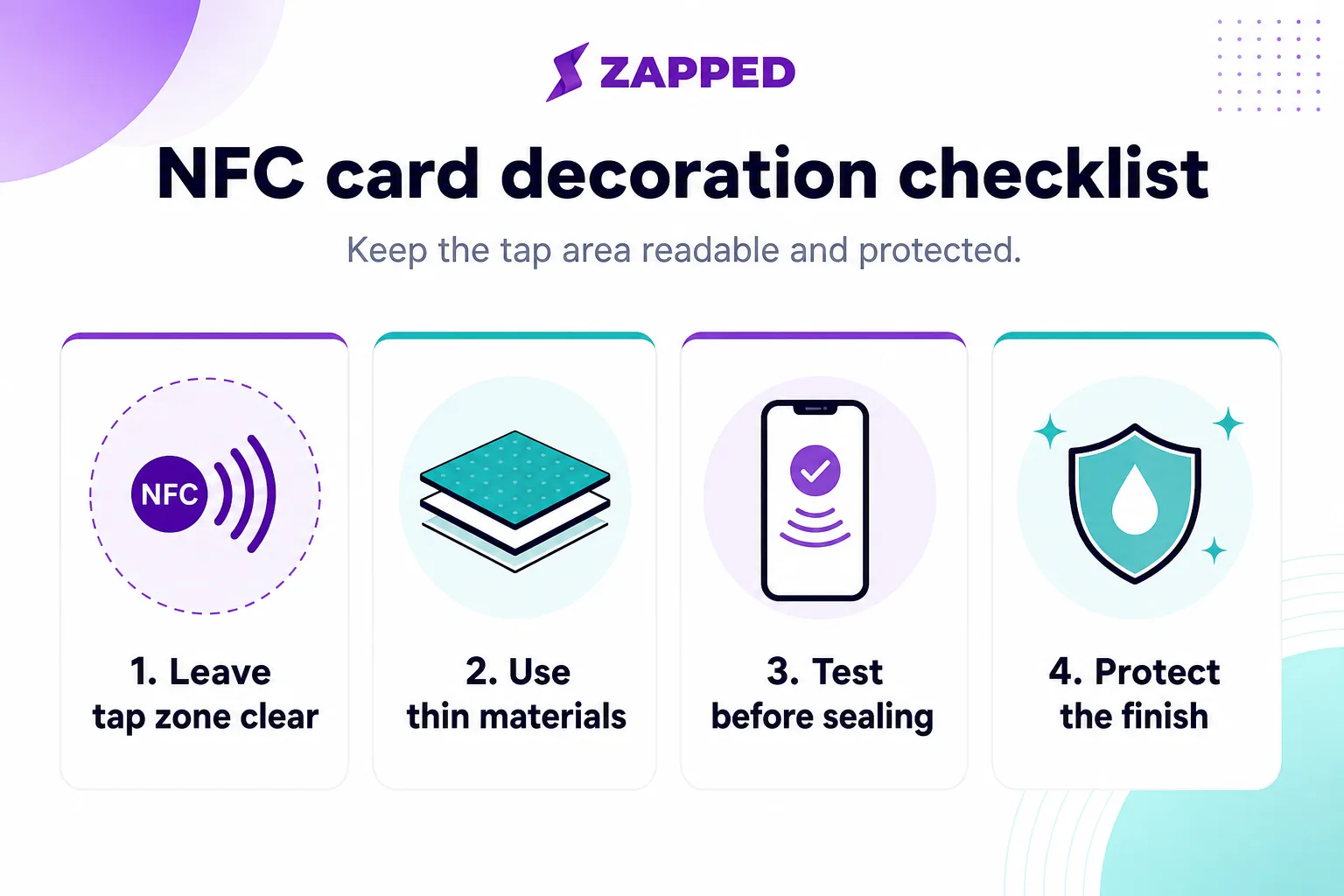
Test the experience from the visitor side. Scan the QR code, tap the card, wait for redirects, and confirm the page loads without needing a login. When decorating or printing, protect the tap zone and avoid materials that block the NFC signal.
Use this checklist before sealing or handing out decorated NFC cards.
Decision examples
Use a QR code when you need broad compatibility, low cost, and print flexibility. Use NFC when the moment is face-to-face and the tap itself makes the handoff feel easier. Use a plain profile URL as a backup for people who cannot scan or tap. Use official wallet or payment flows when money is involved, and do not turn those into general marketing shortcuts.
This split keeps the experience trustworthy. The visitor should understand what will happen before they scan, tap, or confirm anything.
Practical examples
- A printed card uses a QR code to open a profile with current links.
- A service provider sends scans to a quote or booking path.
- A local business uses a review or directions link as the primary action.
- A team keeps employee cards consistent while allowing individual contact details.
Real-world use cases
Use decorate nfc cards without blocking the tap in the context where the scan or tap happens. A review QR belongs near checkout, receipts, packaging, or the message that follows up. An NFC card belongs in face-to-face networking. A wallet QR belongs inside the official wallet or payment flow, not on a general marketing card. A social QR belongs where people are ready to follow or message.
The best QR and NFC experiences have a short label, a clear destination, and a working fallback. If someone cannot scan, they should still know what the card or code is for.
Troubleshooting scans, taps, and trust
When a scan or tap fails, check physical and digital causes. The printed code may be too small, glossy, damaged, or low contrast. The NFC chip may be blocked by material or placed awkwardly. The destination may redirect too slowly, require an app, or show a warning. Fix those basics before redesigning the whole campaign.
Common mistakes to avoid
Avoid unclear calls to action, stale links, tiny type, broad claims, untested QR codes, and destinations that do not match the promise on the card or campaign.
For the next layer of tap guidance, QR recovery, and sample approval, use the NFC business card design guide.
For logo, prompt, safe area, and proof placement, see the NFC business card logo placement guide.
Where Zapped fits
Zapped helps when this topic needs one editable destination behind a card, QR code, NFC tap, social profile, email signature, or campaign. You can keep the physical or social touchpoint simple while the live profile carries contact details, booking, reviews, files, payments, videos, and analytics.
Before you publish or share
- Test every QR code, NFC tap, link, and button on a phone.
- Check the first screen for one clear action.
- Update old screenshots, platform steps, or pricing context before publishing.
- Make sure the related profile or landing page matches the reader intent.
FAQs
Is decorate nfc cards without blocking the tap still useful?
Yes, when it helps someone take the next step faster. The format matters less than the clarity of the offer, the contact path, and the destination you send people to next.
Should I use a QR code?
Use a QR code when the next step is easier on a phone. Test it before printing, keep enough white space around it, and send people to a mobile-friendly page.
Can I use a digital card instead of print?
You can use a digital card by itself for online sharing, but print still helps in face-to-face moments. Many businesses use both.
How often should I update the linked page?
Update it whenever your offer, contact details, portfolio, booking link, pricing context, or campaign changes.
Sources
- NFC Forum, NFC technology for NFC reader and tag basics.
- IETF RFC 6350, vCard format for digital contact-file context.
- Zapped's digital business card features for QR, NFC, and editable profile workflows.