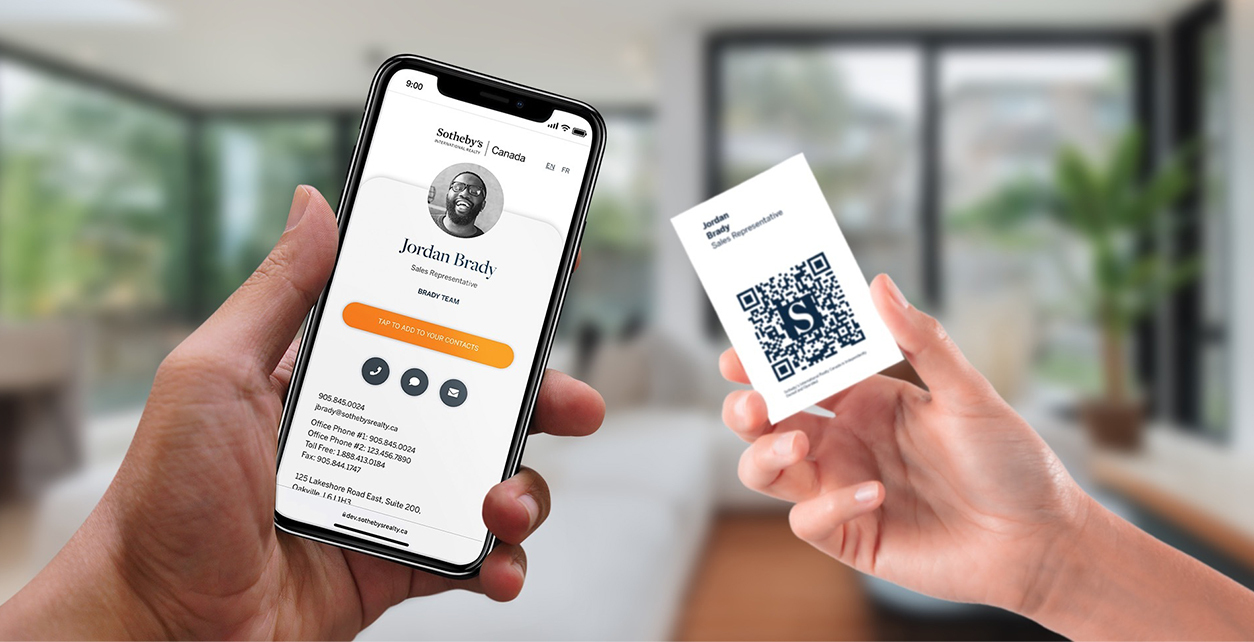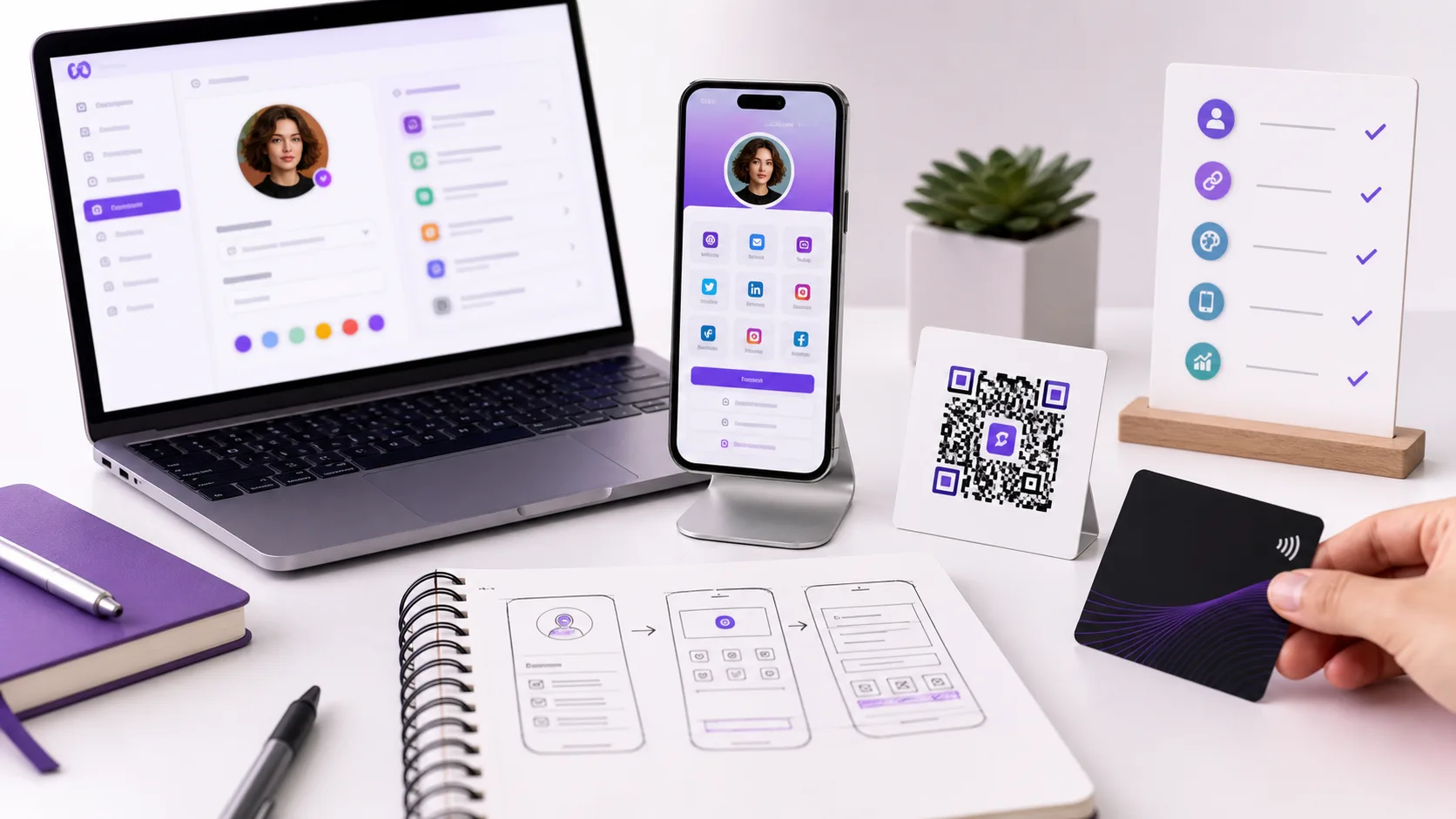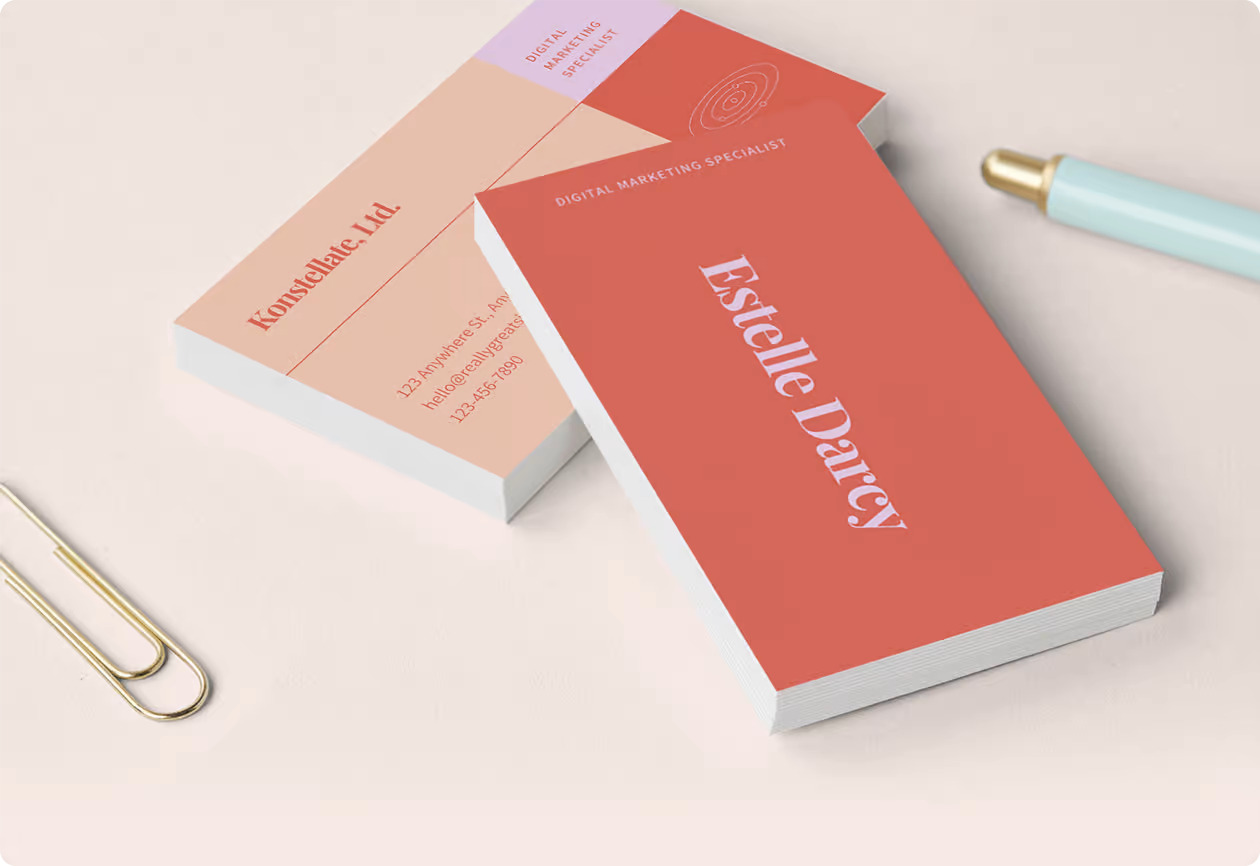
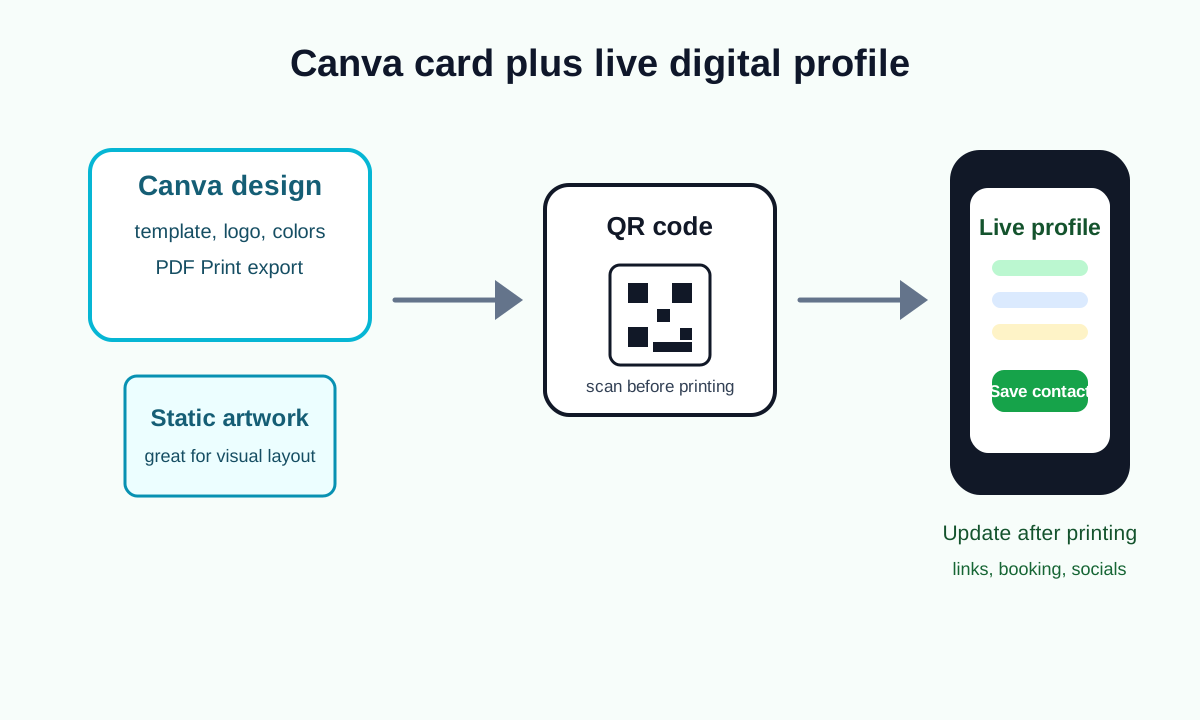
Canva is very useful for designing a polished business card and placing a QR code on it. It is not the same thing as a full digital business card platform unless the QR code points to a live profile you can update.
Quick answer
Use Canva to design the card, add a QR code from Canva's QR Code app or upload the QR code from your digital card platform, then export the design as PDF Print for printing or PNG/PDF for sharing. Use a live profile such as Zapped as the QR destination if you want editable details, analytics, team controls, NFC cards, or save contact actions.
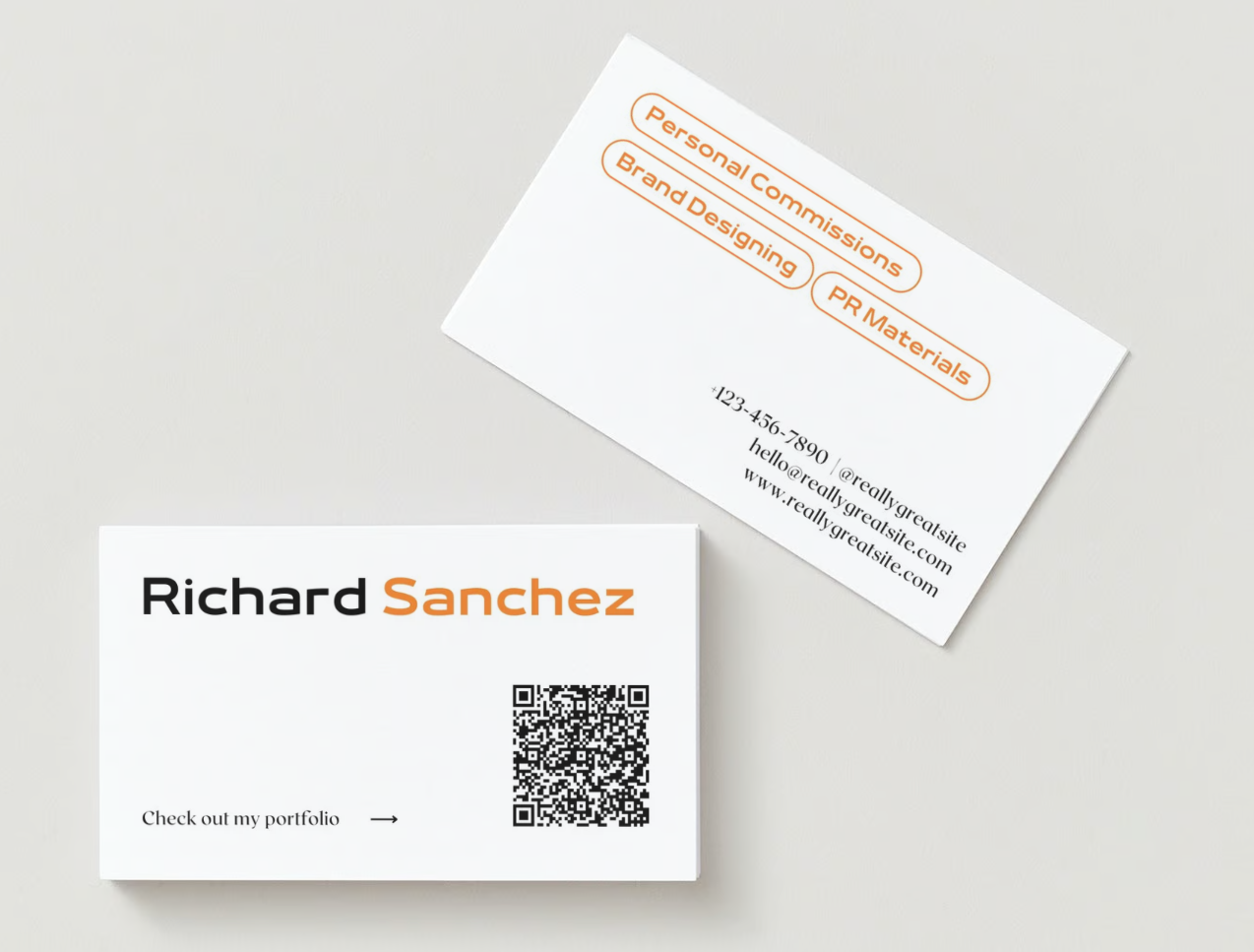
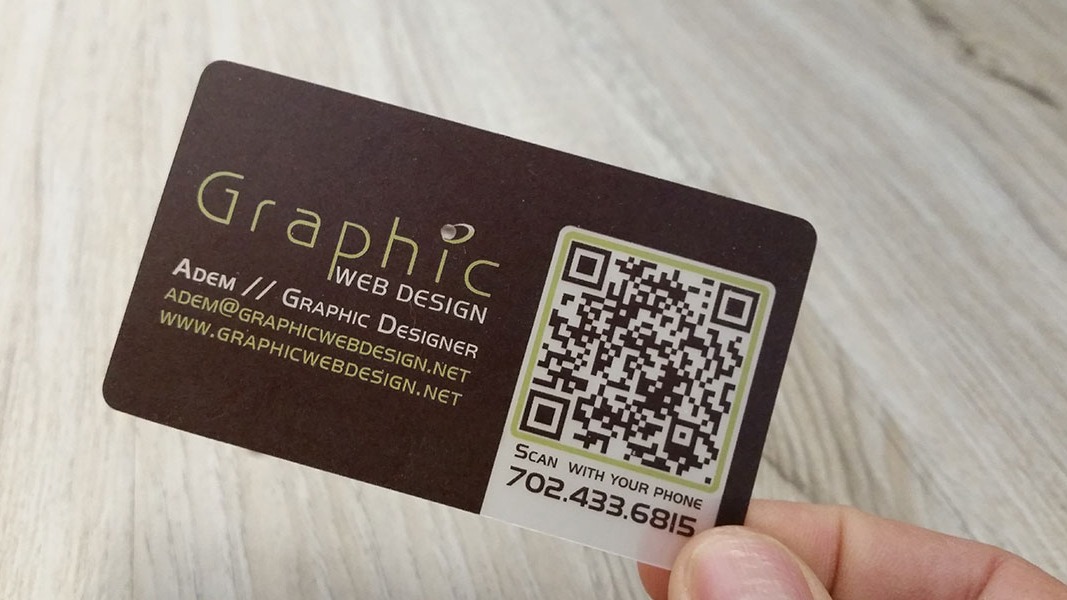
Visual reference: QR business card example from Hovercode's guide to QR codes for business cards.
Canva can do this well
Canva is a strong choice for:
- Visual layout.
- Brand colors and fonts.
- Business card templates.
- QR code placement.
- PDF Print export.
- Social graphics that match the printed card.
It is especially helpful when you want a clean card design without opening Photoshop or Illustrator.
Canva cannot replace every digital card feature
Canva does not automatically give you:
- A live contact profile.
- Save contact buttons.
- NFC card management.
- Team member permissions.
- Lead capture.
- Profile analytics.
- Central updates across many employees.
That is why the best setup is often Canva for the design and Zapped for the live destination.
Create the Canva business card
- Open Canva.
- Search for Business Card.
- Choose a template or start from a blank card.
- Add your logo, name, role, company, phone, email, website, and social handle.
- Keep the layout readable at small print size.
- Leave space for a QR code.
- Use the back of the card for the QR code if the front is crowded.
For a standard US printed card, confirm the design is 3.5 by 2 inches and check your printer's bleed requirements before ordering.
Add a QR code in Canva
Canva's public business card instructions describe this path:
- From the editing dashboard, click Apps on the left sidebar.
- Search for QR Code Generator.
- Click the QR Code app.
- Enter the URL you want people to open.
- Customize the QR code color and margin if needed.
- Click Generate QR code.
- Move the QR code into position on the business card.
Use a high-contrast QR code. Black on white is still the safest choice for print. If you use brand colors, test the printed code before ordering a full batch.
Better option, add a live profile QR code
If you use a Zapped profile:
- Create or open your Zapped digital card.
- Confirm the profile has the right phone, email, links, booking buttons, social links, and call to action.
- Copy the profile URL or download its QR code.
- Add that URL to Canva's QR app or upload the downloaded QR image.
- Put the QR code on the Canva card.
- Export a proof and scan it.
This keeps the printed Canva card from becoming outdated when your contact details or links change.
Export the Canva card
For printing:
- Click Share.
- Choose Download.
- Select PDF Print.
- Include crop marks and bleed only if your printer requests them.
- Download the file.
- Open the PDF and inspect it before uploading.
For digital sharing:
- Use PDF if you want a document-style handoff.
- Use PNG if you need a simple image preview.
- Use the live profile link when the recipient needs to save or act on your contact details.
Test before printing
Do not skip the proof step:
- Scan the QR code from your screen.
- Print one paper proof and scan it again.
- Check the smallest text.
- Make sure the QR code has enough white space.
- Confirm the profile loads fast on mobile.
- Check that every button on the profile works.
Canva vs Zapped
| Need | Canva | Zapped |
|---|---|---|
| Design a branded card | Yes | No, use the profile theme instead |
| Export a print PDF | Yes | Not the main use |
| Create a live digital profile | Limited | Yes |
| Update details after printing | Only if QR points to an editable page | Yes |
| Share by QR | Yes | Yes |
| Share by NFC | No | Yes |
| Manage a team | Limited for design assets | Yes |
Common mistakes
Pointing the QR code to the Canva design itself
That can work for a visual preview, but it is usually weaker than a mobile profile with save contact, booking, social, and tracking options.
Making the QR code too decorative
Printed QR codes need contrast and quiet space. A pretty code that does not scan is a failed card.
Exporting the wrong file type
Use PDF Print for professional printing. Use PNG or PDF only when the receiving channel calls for it.
Where Zapped fits
Use Canva for the static artwork and Zapped for the live card. The QR code on the Canva design should send people to the Zapped profile, where they can save your contact, open links, book, view a portfolio, or contact you.
Sources
- Canva business card maker for Canva's business card and QR code workflow.
- Canva Help, create QR codes for QR code setup.
- Canva QR Code app for the app description.
- Hovercode, how to create QR codes for business cards for the QR business card visual reference and placement best practices.
- Apple Support, scan a QR code with iPhone camera for QR test steps on iPhone.
- Zapped digital business card features for editable profile, QR, NFC, and team workflows.