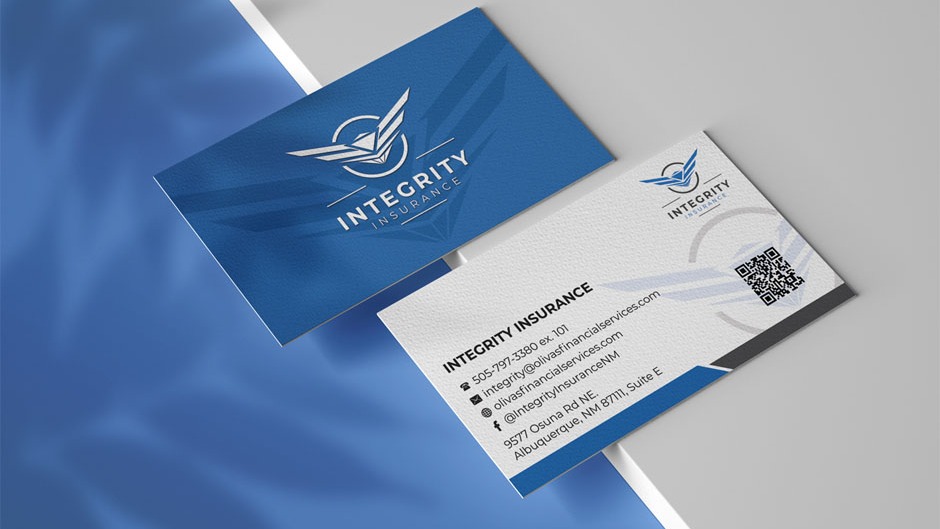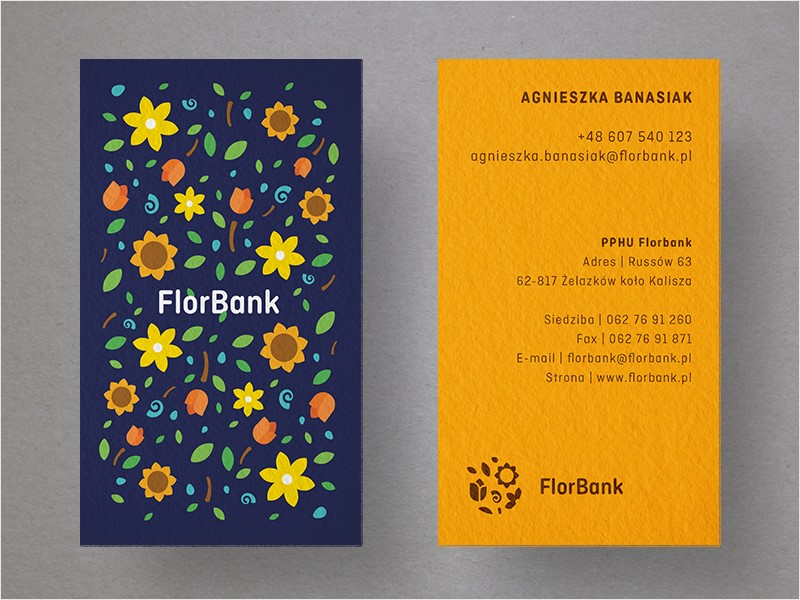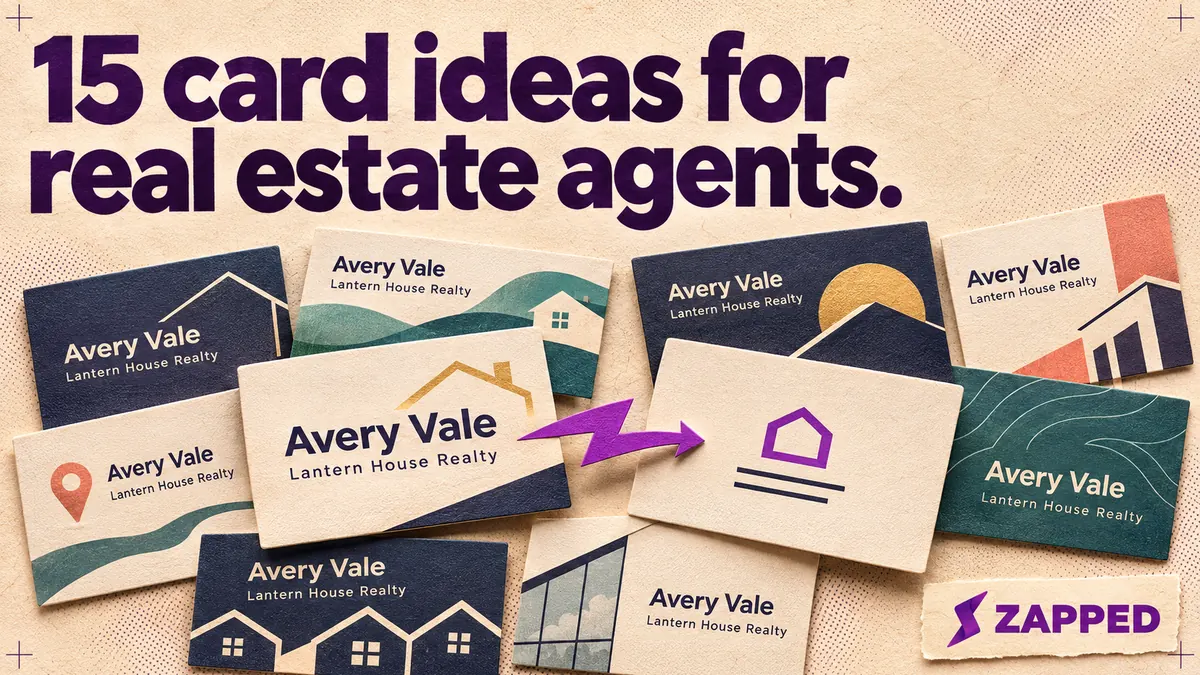
A good business card helps a new contact recognize you and know what to do next. These 15 fictional layouts show different ways to divide that job between the front and back. Choose a style that fits your audience, adapt the wording, then confirm your local disclosure before ordering.
Realtor business card ideas
Every name, brokerage, phone number, listing, and call to action below is fictional. Treat each as a layout prompt, not a claim about a particular agent.
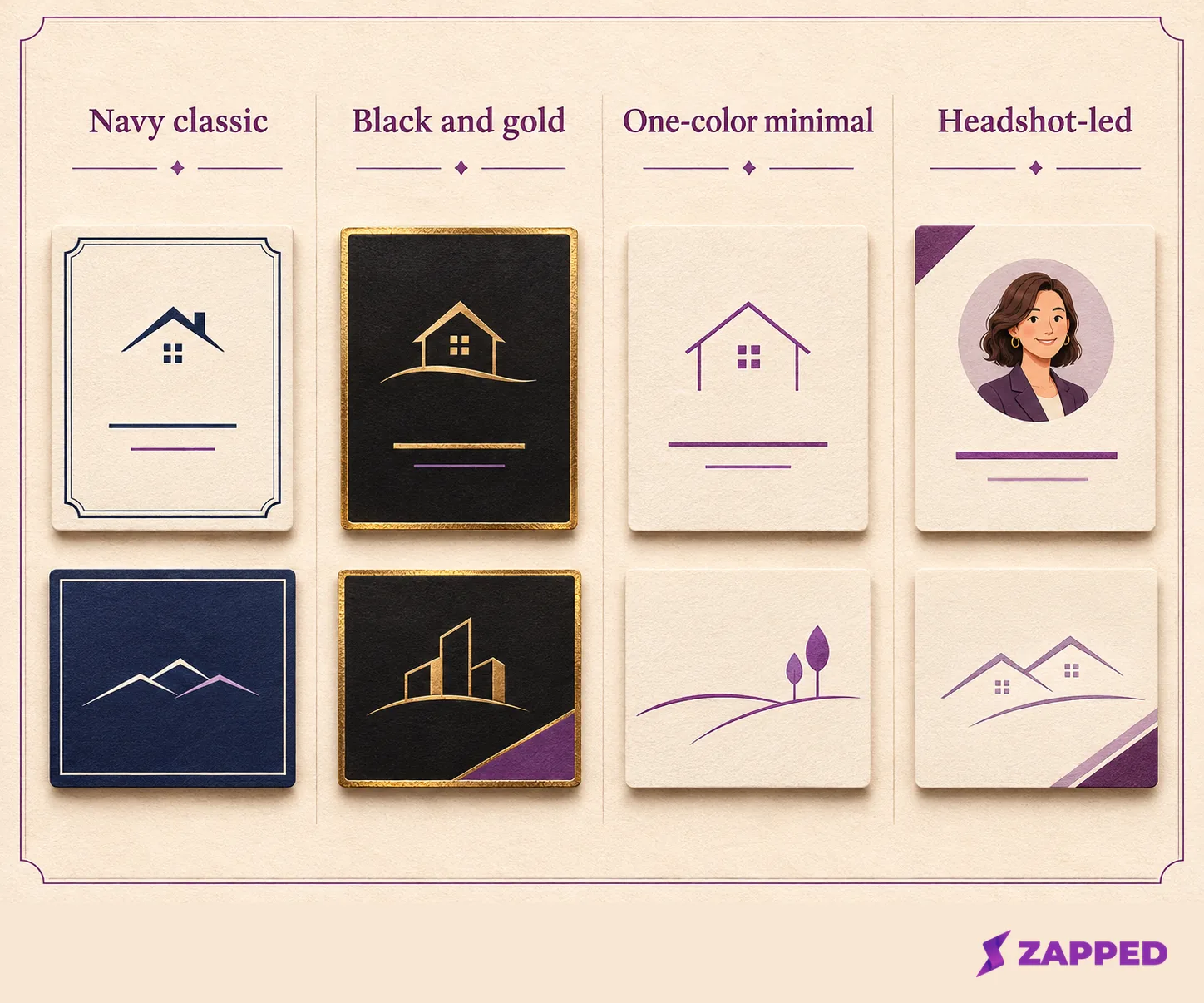
1. Classic navy
A traditional residential practice can use navy for a calm, familiar look. Keep the layout restrained so the name, brokerage, and required disclosure have room.
Front: Name, real estate agent, brokerage, phone.
Back: Service area and one invitation to get in touch.
Sample wording: “Questions about Cedar Point? Call Maya at 555-0101.”
2. Black and gold
For a formal look at a higher end listing or client meeting, use black with gold as a small accent. The name and contact details should still be the easiest information to read.
Front: Name, brokerage, phone, small gold nameplate.
Back: Website and a short appointment invitation.
Sample wording: “A considered move starts with a conversation.”
3. Minimal contact card
A minimal card works when people already know your market or meet you through a referral. One phone number or email is easier to find than a row of competing social accounts.
Front: Name, role, brokerage, one contact method.
Back: One service area and a short next step.
Sample wording: “Planning a move in Alder Park? Let’s talk.”
4. Headshot led
A current portrait can help someone remember which agent they met at an open house or event. Keep it clear at card size, and leave the contact details readable whether or not you use a photo.
Front: Name, role, brokerage, optional portrait.
Back: Phone and email in a plain, readable block.
Sample wording: “Maya Chen, here when home plans change.”
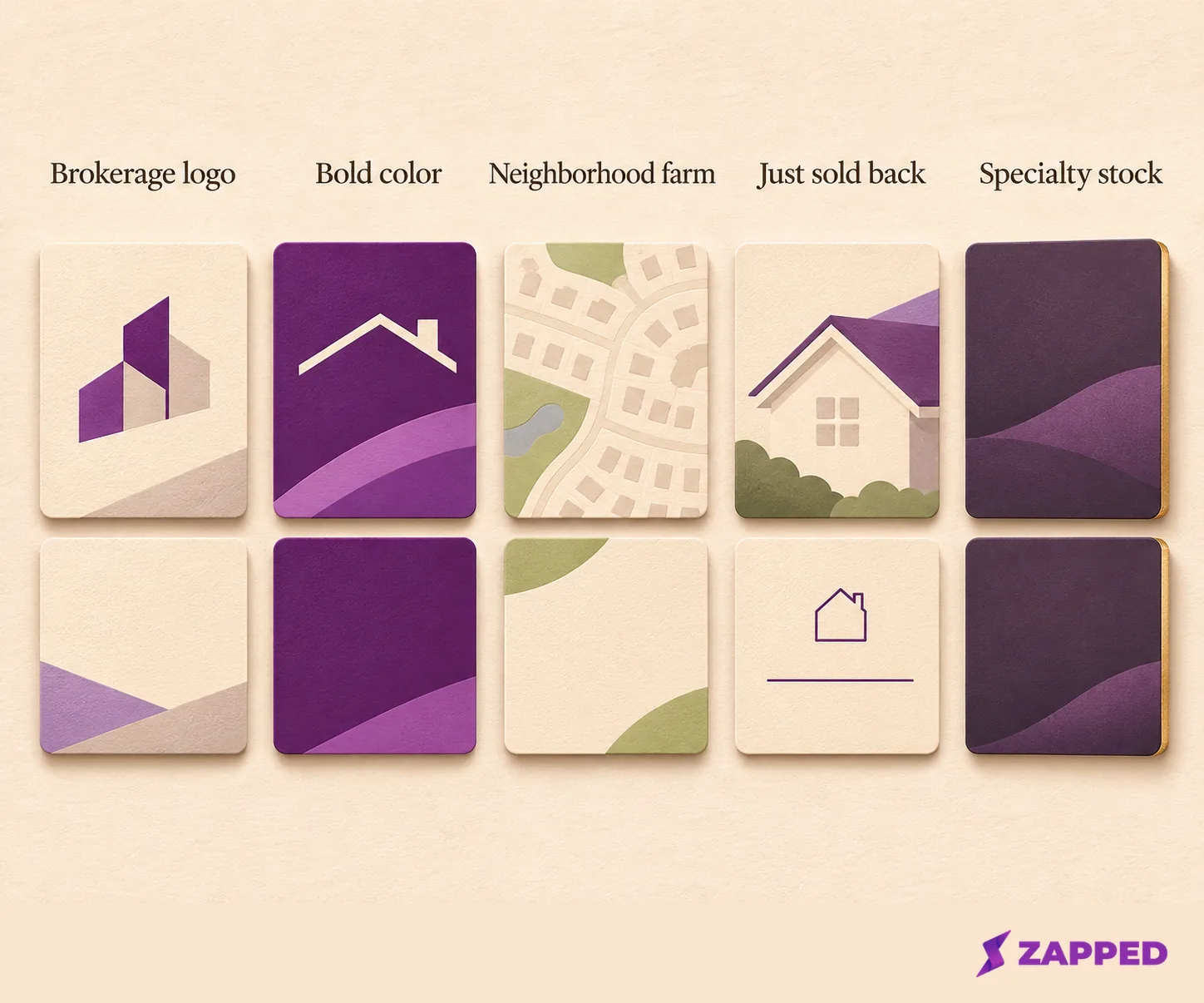
5. Brokerage logo led
Give the brokerage logo a prominent place when its name is already recognized in the local market. Leave enough space for a new contact to find the agent’s name first.
Front: Agent name and role beside the brokerage logo.
Back: Phone, email, and one next step.
Sample wording: “Maya Chen, Harbor & Home Realty.”
6. Bold color
A strong color can help a card stand out in a stack. Use one bright panel and clear text contrast so the small print remains easy to read.
Front: Name and brokerage on a bright color field.
Back: One contact method, service area, and invitation.
Sample wording: “Let’s talk homes in Riverview.”
7. Neighborhood or farming card
An agent focused on one neighborhood can make that service area feel specific with a small map or landmark. Keep the contact route obvious on the back.
Front: Name, brokerage, and a small neighborhood map.
Back: Phone and a local question or invitation.
Sample wording: “Curious about life near Oakline Square? Call Jordan.”
8. Listing or just sold card
Use a property detail when a specific listing starts the conversation, then update the back when that property is no longer current. The home gives the recipient something concrete to remember without making a result promise.
Front: Agent identity beside a fictional listing photo or property detail.
Back: Listing address or just sold label, plus contact details.
Sample wording: “Ask Jordan about the homes around 18 Willow Lane.”
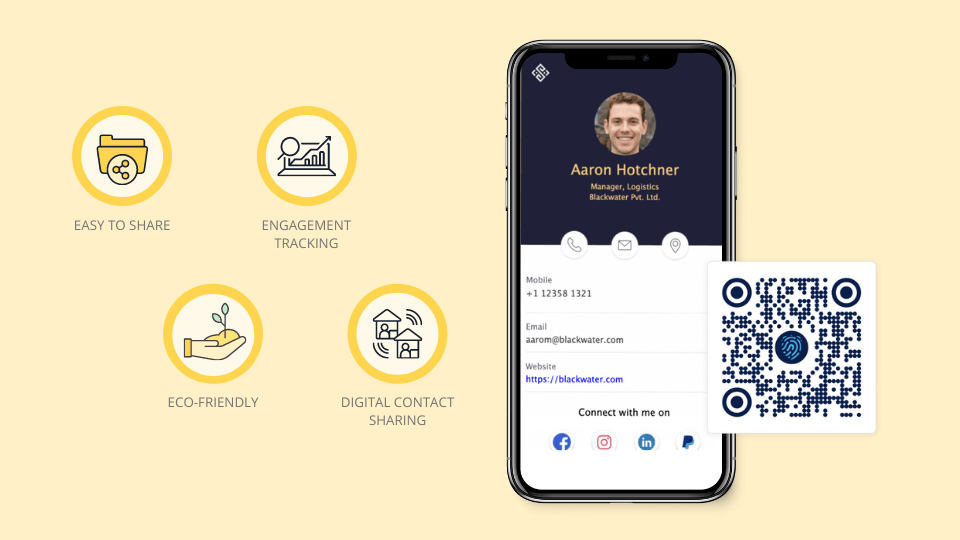
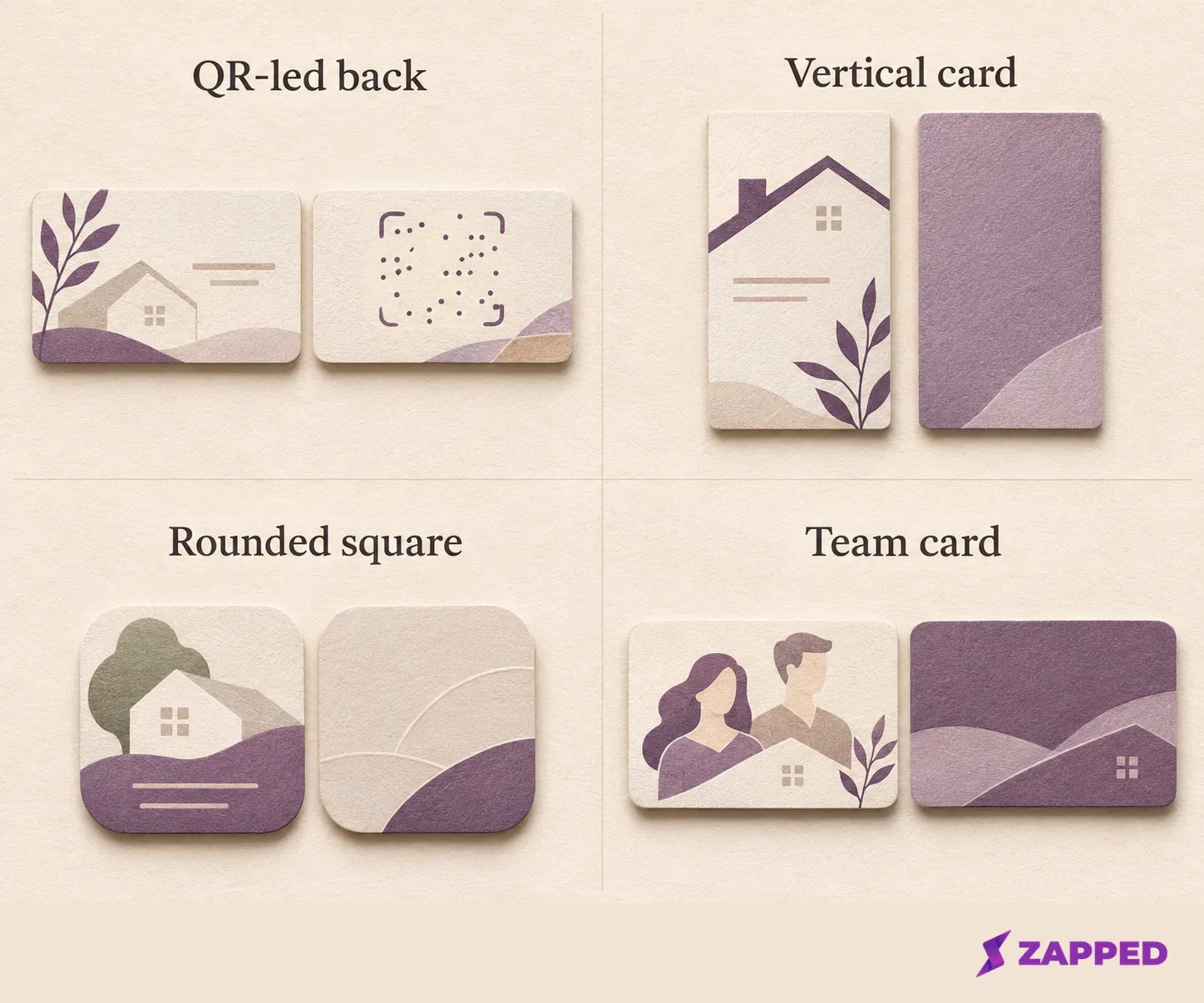
9. QR led
A QR suits a card when the recipient should open a page instead of typing a long address. Give the code breathing room and label what opens when it is scanned.
Front: Name, brokerage, phone, and a clearly labeled QR.
Back: A short service area line and a direct contact fallback.
Sample wording: “Scan to view Maya’s card.”
10. Vertical layout
A vertical card adds a different shape to a stack when the content can stay short. Put the name near the top, then arrange the contact details in a simple column.
Front: Name, role, and brokerage in a vertical stack.
Back: Phone, email, and one next step, also stacked.
Sample wording: “Maya Chen, your Oakline real estate contact.”
11. Square or rounded corners
A square card or rounded corners can make a handout distinctive if the printer offers that format. Keep essential text away from the edges so the trim does not crowd it.
Front: Name and brokerage with open space around the edge.
Back: One contact route and a compact invitation.
Sample wording: “Let’s find the right fit in Cedar Point.”
12. Specialty paper
Specialty stock lets the feel of the card carry some of its identity. Keep the design simple, and choose a finish that fits how you use the card.
Front: Name and brokerage with a small mark or color accent.
Back: Phone, email, and a plain text call to action.
Sample wording: “Maya Chen, residential real estate.”
13. Team card
A team card helps at shared events where the recipient may not know which agent will follow up. Name the team clearly, then make the individual or team contact route easy to spot.
Front: Team name, brokerage, and the main contact route.
Back: Agent names or a single team phone and email.
Sample wording: “The Northline Team, one contact for your next move.”
14. Commercial or investor
Commercial clients may need to know the property types or markets you handle before calling. Name the specialty plainly instead of filling the back with a broad service list.
Front: Name, brokerage, and commercial real estate role.
Back: Property focus, one contact method, and a request for a conversation.
Sample wording: “Discussing a small retail space? Contact Jordan Reyes.”
15. New agent
A new agent can lead with a service area and a direct way to get in touch. A clean layout also leaves room to update the role or brokerage details when they change.
Front: Name, accurate license title, brokerage, phone.
Back: Service area and a specific question or invitation.
Sample wording: “New to Oakline, ready to talk homes.”
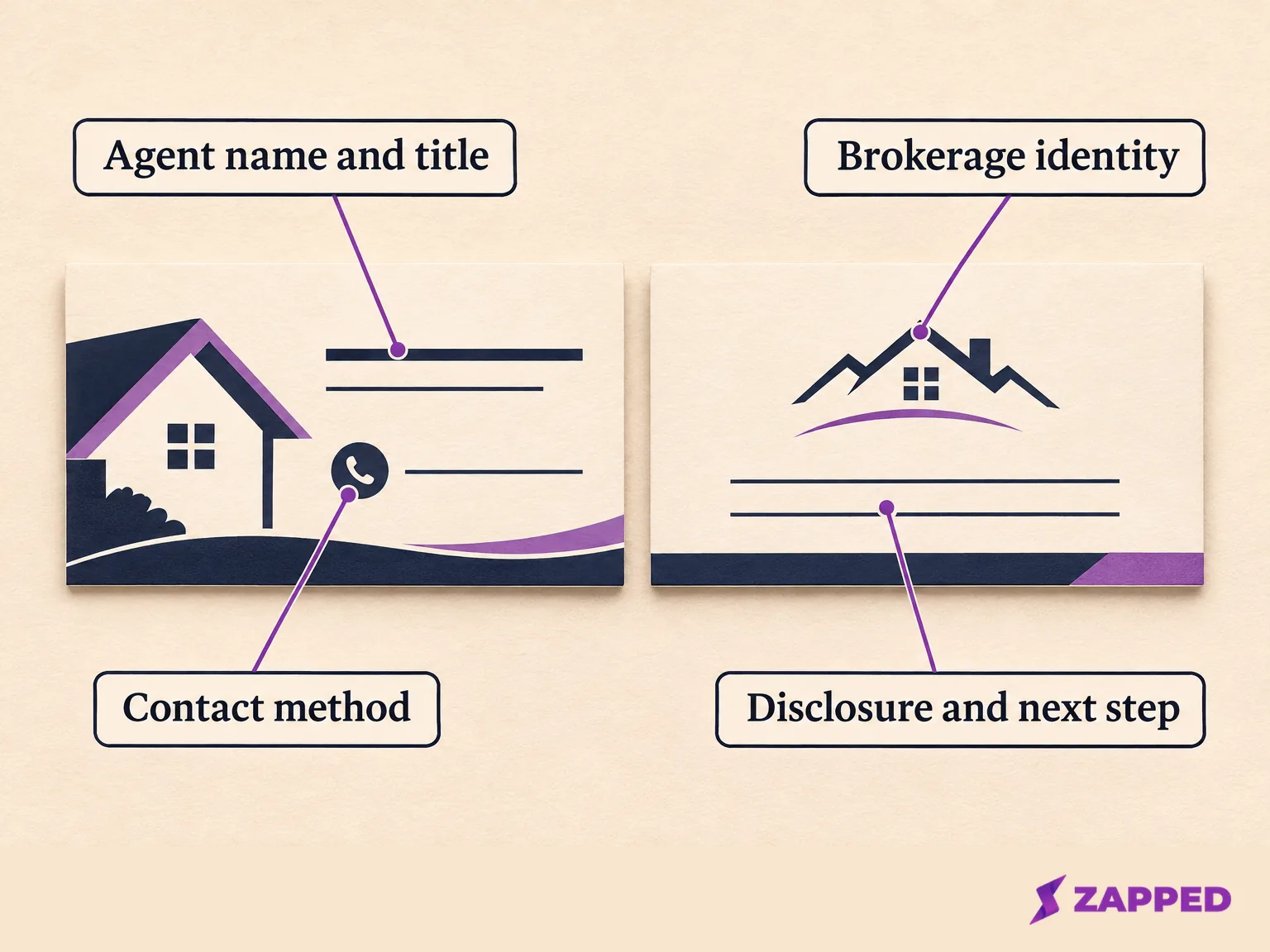
Put identity on the front and a next step on the back
Before adding decoration, make room for the lines a recipient needs and any disclosure your jurisdiction requires.
Essentials to place
- Your name and the license title used in your jurisdiction
- Your brokerage name and any locally required disclosure
- One direct contact method
- One next step, such as a call, text, site visit, or scan
- Optional: a photo, logo, social handle, or QR code
| Front | Back |
|---|---|
| Name, license title, brokerage, and strongest contact method | One next step, service area, web address, or labeled QR |
| Optional photo or logo, if it helps recognition | Optional social handle or second contact route, if space allows |
| Required disclosure, placed where it remains readable | Avoid repeating every front detail just to fill space |
These fictional examples show how the same information can move around without asking the back to do two jobs:
Example A, referral conversation
- Front: Maya Chen, real estate agent, Harbor & Home Realty, 555-0101.
- Back: “Buying or selling in Harborview? Text Maya at 555-0101.”
Example B, open house
- Front: Jordan Reyes, real estate agent, Northline Realty, 555-0102.
- Back: “Want details about this property? Scan for the visitor inquiry form.”
Eight short lines to adapt
Use one line to name a service area or give a specific next step. Replace the sample place names with your market, and keep promises out of the copy.
- “Call Maya about homes in Cedar Point.”
- “Text Jordan to discuss a property.”
- “Scan to view Maya’s contact details.”
- “Ask about homes near Oakline Square.”
- “Planning a move in Riverview? Let’s talk.”
- “Request details about this listing.”
- “Meet the Northline team.”
- “Find Jordan at the next open house.”
Check REALTOR® and local disclosure lines
REALTOR® identifies membership in the National Association of REALTORS®, not a generic occupation. The NAR membership mark rules prefer uppercase spelling with the registration symbol. NAR members may use REALTOR®; if you are not a member, use your accurate license title instead.
Disclosure rules depend on jurisdiction. California’s 2026 rule treats business cards as first point of contact solicitation material. It requires the licensee’s eight digit number and responsible broker’s licensed name, and the number cannot be smaller than the smallest type in the written material. Read the California DRE business card rule as a California example.
In Texas, an advertisement must show the license holder or team name and broker name, with the broker name at least half the size of the largest contact information. TREC also says a license number is not required on a sign or other advertising. See TREC advertising name requirements and its license number answer. These examples do not establish another state’s rules.
Before approving the art, check current advertising rules with your state regulator and ask your broker or compliance contact to review the finished layout. Confirm the exact name, license title, brokerage wording, number, and size requirements before the printer makes the full run.
Choose a template and compare print options
A template can speed up the layout, but it does not confirm that a card has the right disclosure for your state. Start with Canva real estate templates, VistaPrint agent templates, or MOO Original cards.
| Printer | Listed quantity and price | Useful choices |
|---|---|---|
| VistaPrint | 50 standard cards for $10 | Standard cards are the smaller listed quantity in this comparison. |
| MOO Original | 100 cards for $45 | 16pt stock, matte or gloss, standard, MOO, and square sizes. Printfinity can put a different design on each card at no extra cost. |
| Smartpress | 100 cards from $36.93 | Stock, paper weight, ink, and finish choices; variable data; split shipping to multiple addresses for an additional $40. |
Prices listed November 25, 2026, in USD. Quantities and configurations differ, and final shipping and tax are not comparable here. MOO lists different designs per card, Smartpress lists more material and finish choices plus split shipping, and VistaPrint lists the smaller quantity. Choose based on how many versions you need and what you want to check in hand, not unit price alone.
Match size, finish, and quantity
Start with the printer’s template, then add its bleed and safe margins before placing text or a photo. For a 3.5 by 2 inch card with full color printing on both sides, use the dimensions in U.S. Press product specs. Its print guide calls for a .125 inch bleed, .125 inch margins for important elements, and recommends images at 300 PPI. Apply the specifications for the printer you choose.
Choose a finish based on what the recipient should do with the card. If someone may write on it, select None under Coating to leave off UV; U.S. Press product specs say cards with UV coating cannot be written on. Gloss is a poor fit if it makes a note harder to add.
Order a quantity that fits how settled your details are. If your brokerage, required wording, or contact information might change soon, start with fewer cards. A large stack of correct looking cards becomes waste as soon as an essential line changes.
Seven mistakes worth catching
- Too many contact methods competing for attention.
- Type so small that a phone number or disclosure is hard to read.
- Weak contrast between letters and background.
- A soft or pixelated headshot. Follow the printer’s image guidance for the file you send.
- A QR code with its white border removed or a busy pattern behind it.
- A coating that prevents someone from writing a note on the card.
- Old contact details, brokerage wording, or listing information.
Choose what the QR should do
Decide who should share information before reserving space for a code. One QR can give the visitor the agent’s details; another can ask the visitor to share theirs. Those are different calls to action and need different backs.
A Zapped Main QR opens the agent’s published card and can be downloaded as PNG or SVG. Its destination stays with that card, so the code remains useful if the card address or name changes. See how to download a Main QR. Use the SVG for print and scan a proof before distributing a larger run.
A Lead Form collects visitor details into Inbox, while Save contact gives the visitor the card owner’s details. For open house inquiries, Zapped’s Real estate enquiry purpose asks for a name and phone number, with email, message, and property listing URL as optional fields. In the card editor, go to Cards, Blocks, then Lead Form. Choose the visitor goal and reply channel, customize the form, save, and publish it. Visitors cannot use an unpublished form. The Lead Form setup guide recommends testing the public card with fictional details and checking the same workspace’s Inbox. Real estate enquiry options show which details can be required or optional.
If a printed code may need a different destination later, choose a Flexible QR before printing. Zapped lets you change that code’s destination after copies are out; the Main QR destination cannot change. Follow the Flexible QR guide to create one and update its destination.
A QR is optional. If it would be too small or awkward for the exchange, put a phone number, email, or website on the card with one clear invitation. For an open house where paper is easier to manage, use the printable open house sign in sheet, which lets you choose columns, add a logo, and print or download a PDF or Word version.
Check the proof before a larger order
Smartpress says its PDF soft proof helps check copy, placement, and size, but does not reproduce the physical stock or finish. Smartpress proof limits explain that digital proofs show color only as an approximation. When checking color, remember that MOO’s sample packs are preprinted, not custom proofs, and the MOO sample and preview options provide a downloadable PDF preview instead of a custom printed proof.
If the printer offers a printed proof, inspect the actual text size and crop, then scan the QR with a phone. For a Zapped QR, use an SVG, make it at least 2 cm wide, keep its white border intact on a light background, and test it on the printed proof. If it does not scan, print it larger and move it away from a busy background. Follow Zapped QR print guidance while preparing the art. The proof should show readable details and a working code before you order more.
Realtor business card FAQ
What size should a real estate agent business card be?
Use the size offered by the printer whose template you will send. U.S. Press lists 3.5 by 2 inches for its business cards; check your selected printer’s file dimensions and bleed before designing.
How many cards should I order?
Choose the smallest quantity that fits your next event or handout needs while your contact details and disclosure are settled. The listings above show 50 cards from VistaPrint and 100 from MOO or Smartpress, with different materials and configurations.
Should I put a headshot on my card?
Use one if it helps people recognize you and you have a clear, current portrait. Skip it if it takes space from the details a recipient needs. A photo is optional.
Should I put a QR code on the card?
Add one when the destination earns its space. Label it so the recipient knows whether it opens your contact details or asks them to leave theirs, and keep a phone, email, or web address available for someone who does not scan it.
When should I redesign my card?
Update it when your contact details, brokerage, license information, service area, or next step changes. Review it before a new print run, especially if an old card points to a listing or a QR destination that is no longer right.
Can a digital card replace a printed card?
A digital profile can be the destination for a QR or link, while a printed card is useful when someone expects a handout. If your main question is what to put on that digital profile and how to share it, continue to the digital business cards for realtors guide.