If an NFC business card eventually reads, do not replace it first. The delay can begin with marginal alignment, the phone's reader state, the card's construction, or the handoff after the tag has already been detected.
The first question is simple: did the phone show a tag notification or another sign of detection? If yes, the slow part may not be the NFC radio at all.
Find the clock that is slow
A tap has three useful timestamps. The phone and tag first establish a field and exchange enough data for the phone to recognize the tag. The operating system then parses the record and decides whether to show a notification, chooser, app, or browser action. Only after that does the linked page begin to open.
The NFC Forum explains that the phone generates the field that powers a passive tag, and that the field defines the operating volume where exchange can succeed. Marginal coupling can make discovery start late or require you to reposition the phone. The NFC Forum's Reader Mode explanation supports that physical distinction.
Use the first visible signal to choose your next move:
- No notification or tag response: keep the phone close, check the relevant phone state, and make one careful alignment attempt. If the card still stays silent, use the broader NFC business card troubleshooting guide instead of treating a no read as a slow read.
- A notification appears after repositioning: focus on the phone's reader area, the distance and angle, nearby NFC material, and the card's construction.
- The notification appears promptly but the page opens later: the tag may already have been detected. Look at the platform handoff and page opening as separate events.
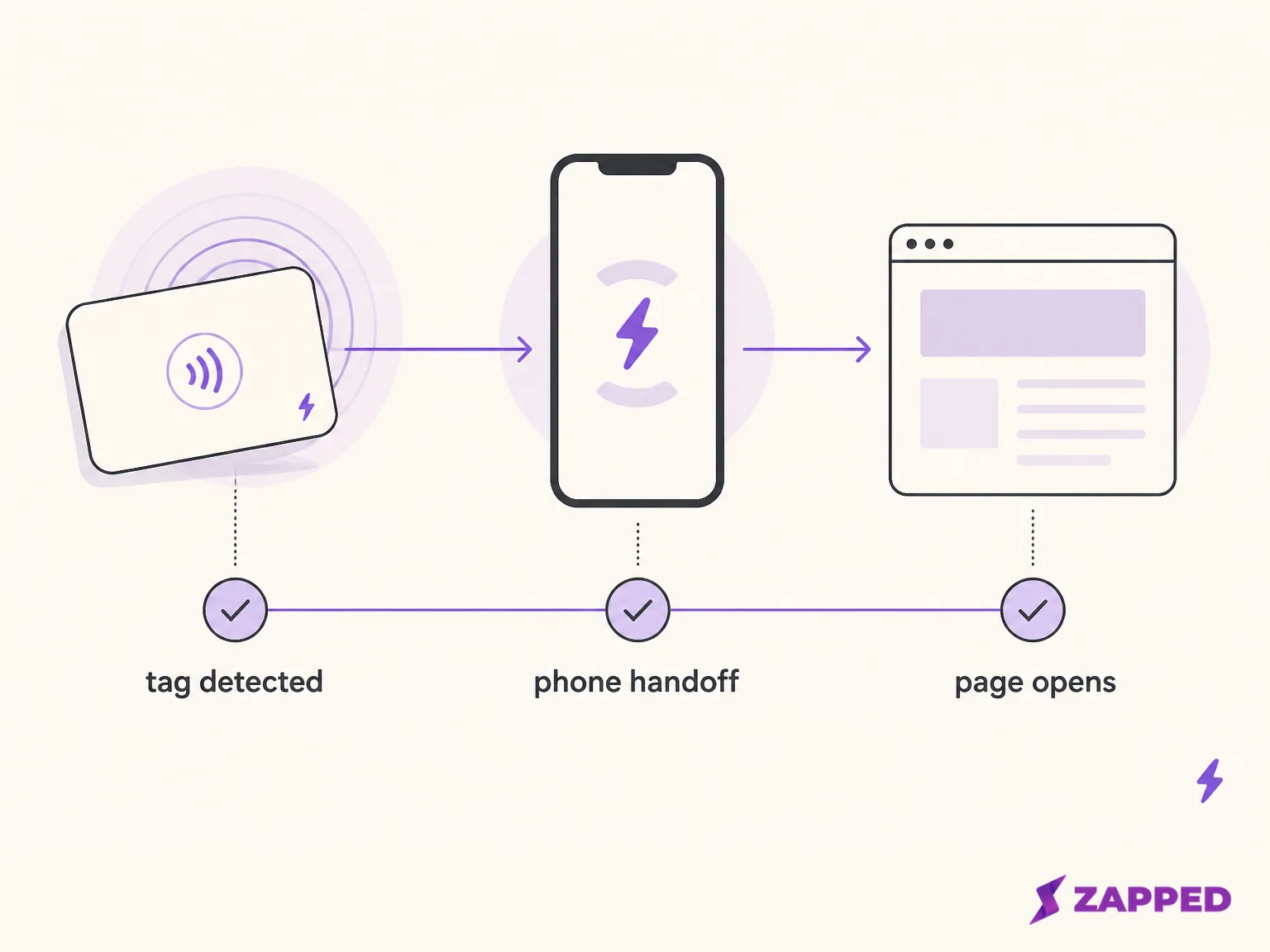
That split matters because the time until a profile appears includes more than the time needed to read the tag. A page that opens slowly is not, by itself, evidence that the card's chip is weak.
Make the tap easier before changing the card
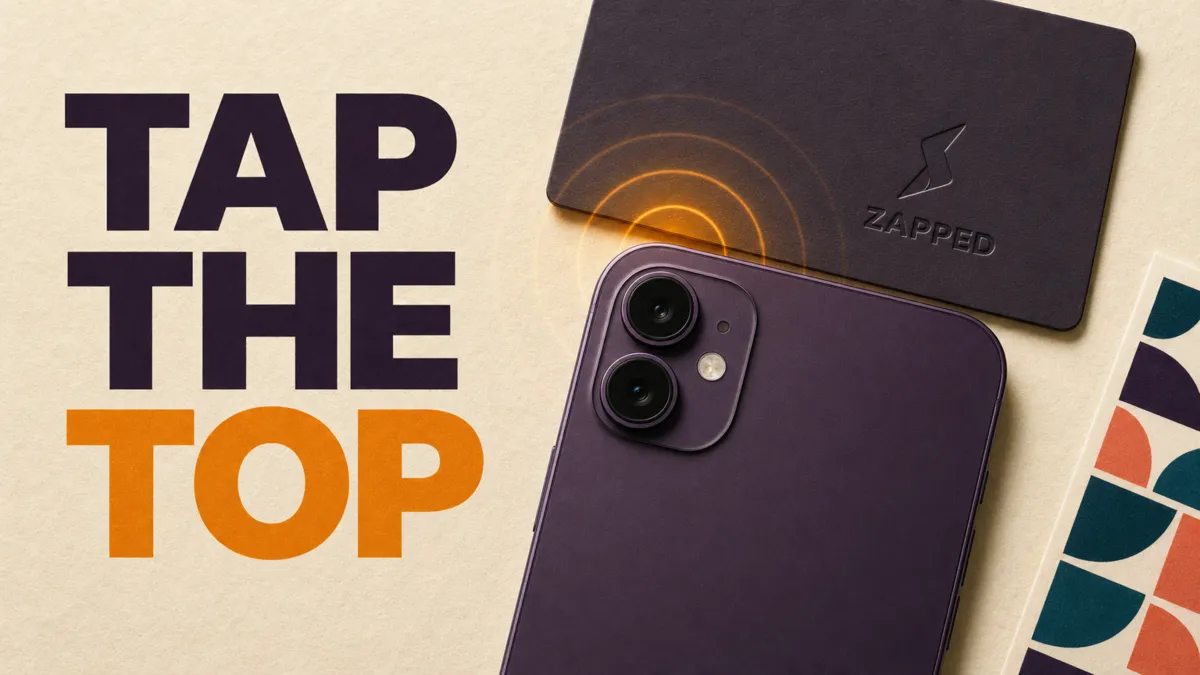
Start with the reversible fix. Keep the phone close to the card, move it slowly across the card's surface, and bring the phone and card faces into a close, parallel position. Once the phone reacts, hold it there rather than moving away during the handoff.
ST's NFC touchpoint guidance says the phone and tag antennas should face each other and that the practical distance between them should be minimized. Recessed or concave surfaces can increase the distance at the point where the reader is trying to connect.
There is no universal spot on the back of every phone. ST describes differences in antenna position, antenna size and quality, nearby components, power levels, manufacturer choices, and operating system behavior.
Power settings and background activity also vary, and phones may scan periodically rather than continuously. That can make the start feel delayed. Its overview of NFC and mobile devices is the useful reference here.
On Android, devices usually look for tags while the screen is unlocked and NFC is enabled, though behavior varies by version and supported device. Android also documents the tag's very short operating range, so moving the phone away while the system is deciding what to do can interrupt the interaction. See the Android settings and notification path for steps for your model.
On supported iPhone models, background tag reading can detect a compatible tag and display a notification. The user taps that notification to deliver the tag data, and a locked phone may prompt for unlock first.
Apple also lists states that prevent background reading, including a phone that has not been unlocked since restart, an active Core NFC session, Apple Pay Wallet use, camera use, and Airplane Mode. The iPhone scan path for your model covers the details for your model.
Individual reports describe phones that respond faster after the reader area is found, or that take several seconds to activate in a particular setup. Those are useful clues for trying a different position, not a rule for every phone or a reliable scan time.
Remove nearby material from the test
If the tap is slow only when the card is in a wallet, take the card out and try it alone. Remove nearby payment cards, transit cards, tags, and other NFC chips for the test. The goal is to change one variable, not to guess which material is responsible while everything remains stacked together.
Google's Pixel guidance specifically warns that a nearby payment card or NFC chip can interfere and recommends testing without a wallet case. It also notes that the sensor location varies by phone model.
That is Pixel guidance, not a rule for every Android phone, but it is a sensible reversible check for a Pixel user. The carrier comparison explains why the physical carrier changes NFC behavior when material and antenna design become the variable.
A conductive surface near an NFC antenna can change its tuning, inductance, and quality factor, which can reduce performance. ST's engineering note demonstrates the mechanism with a controlled antenna example. It does not measure an unspecified business card, so the useful conclusion is narrower: the result depends on the antenna, the materials, and the final construction.
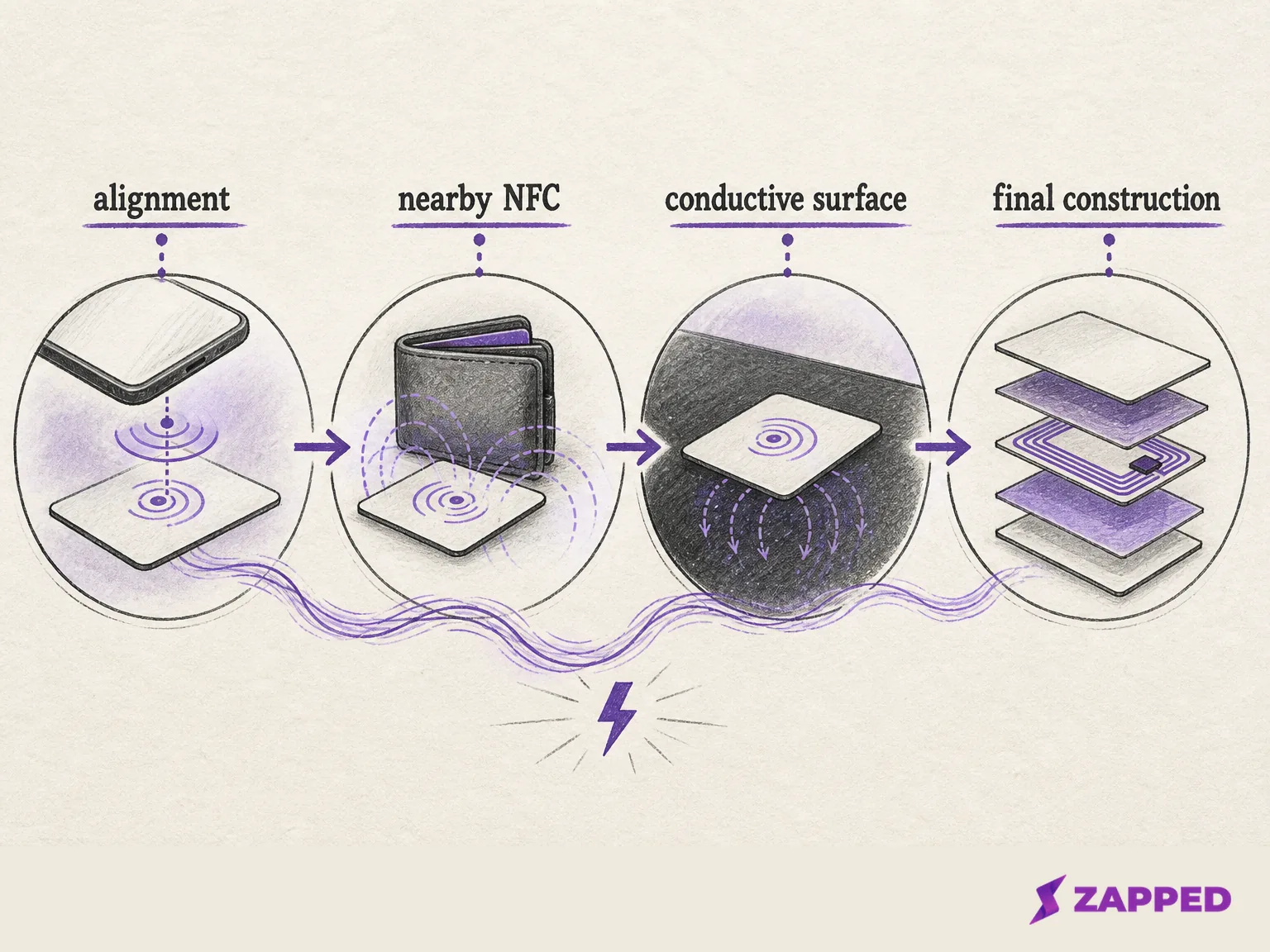
One named build makes the construction issue concrete without turning it into a category rule. Ethan Greenhouse reports that an NFC sticker placed directly on anodized aluminum was unreadable in his build. He then used ferrite isolation and revised the sticker and materials before reporting a reliable final setup on his Android and iOS devices. That is evidence about his build, not a rule for cards with a metal finish.
Treat construction as a variable, not a verdict
The antenna's size and geometry, its surrounding material, and the separation between the antenna and a conductive surface can all change how forgiving a tap feels. A larger and more stable NFC operating volume reduces alignment sensitivity and can make a connection start sooner and feel more consistent, according to the NFC Forum's operating volume explanation.
That explanation describes operating volume, not a fixed range for a finished business card.
The same caution applies to measured research. Rahman, Abdelatti, Sodhi, and Mankodiya report a study of 22 participants comparing a fabricated flexible tag with a commercial tag, and the two constructions had different measured average connection times.
The study concerns flexible tags and posters, not finished business cards, so it supports the narrow point that construction can affect detection time. It does not tell you how long your card should take. Read the reported study for its actual boundary.
NXP's guidance warns that environmental conditions and interaction with different readers or mobile phones can limit NFC performance. Its guidance calls for application level validation of compatibility and robustness. That means a card maker needs to evaluate the finished construction with the intended phone and reader, rather than infer behavior from a chip specification or from how the card looks.
Do not bend, heat, open, or retune a consumer card to chase a faster tap. First test the card alone, in a close aligned position, with the phone in the state its platform expects. If it works only after repeated repositioning, the evidence points toward coupling or construction, but it still does not supply a universal timing threshold.
Know when the NFC read is already over
Android's documented tag flow includes NDEF parsing, URI or MIME matching, intent construction, and activity startup. A visible delay can therefore happen after RF detection, while the phone is deciding which action to take. That does not mean NDEF parsing is slow on every device. It means a late page is not proof that the radio was late.
Apple shows the same separation in a different interface. A supported iPhone can detect a compatible tag, display a notification, and provide the tag data after the user taps the notification. A locked phone may add an unlock step. The notification is a visible handoff between detection and the action that follows.
NDEF is the common format for application data, and the content stored in the record helps determine what happens next. A URI can lead to a browser action, while another record can lead to a different platform path.
The NFC Forum's NDEF specification defines that data boundary. Android's tag dispatch documentation and Apple's background reading documentation show how the platforms handle it.
The practical rule is blunt: do not judge the card from the time until the page appears until you know when the phone detected the tag. If the notification arrives quickly and the page takes longer, the next investigation belongs to the platform or destination handoff, not automatically to the card's antenna.
Keep a second route for rushed handoffs
NFC works best when the recipient can bring a compatible phone close to the intended reader area and follow the platform's prompt. A QR code or readable link gives the same person a fallback when a tap is inconvenient, especially when the phone lacks NFC, the case is interfering, the tap point is unfamiliar, or the room is too rushed for a second attempt.
That is resilience, not an admission that NFC always fails. In a dated review, Tushar Mehta describes using an mTap card for more than two months and keeping QR and VCF paths available, but he does not measure scan latency.
In another review, MD Ijaj Khan describes a QR fallback when an Android phone lacked NFC, along with a notification and browser handoff after tapping. These are named accounts of particular setups, not compatibility rules for every phone.
If the tag is detected but the result is not the profile you expected, first verify what was written to the tag. That is a payload check after a confirmed physical read. It is different from moving the phone around while waiting for the first response.
For a public card that needs to survive mixed devices and hurried exchanges, Zapped supports sharing by NFC tap, QR code, or link. The recipient opens the public card in a normal browser, without installing an app or creating an account, and can save the contact from there.
See the Zapped guide to programming NFC business cards, which keeps a second route available when the tap is inconvenient.
Short answers for the next attempt
Does a tag's data rate tell me how long the scan should take?
No. A tag specification covers one part of the communication. Phone behavior, antenna coupling, construction, environmental conditions, platform handling, and the action after detection can all affect the time a reader sees. NXP's application guidance calls for validation with the final application, and the flexible tag study does not turn its measured times into business card expectations.
Should I replace a card that reads only after repositioning?
Not before checking the phone position, close face to face alignment, wallet or nearby NFC material, and the point where the notification appears. A card that eventually reads is giving you more information than a silent card. If careful alignment and a simple state check still produce no response, continue with the broader NFC business card troubleshooting guide.
Sources
Sources reviewed in August 2026:
- NFC Forum Reader Mode interoperability
- NFC Forum Release 15 operating volume
- ST NFC and mobile devices
- ST NFC touchpoints
- ST antenna guidance for conductive surfaces
- Google Pixel NFC help
- Android NFC documentation
- Apple background tag reading
- NFC Forum NDEF specification
- NXP application guidance for NFC robustness
- Athenil mTap review
- HT Tech mTap review
- Ethan Greenhouse Pulse NFC build
- Rahman and colleagues NFC study