Yes, an NFC business card can tap while it sits in a holder. But only when the holder gives the phone a way in. Metal, a blocking liner, the card's position, and the direction of the tap decide whether the card shares your details or stays quiet.
So decide what you want the holder to do before you fall for a material. Some holders let you tap without opening them, through an outer slot or a liner that shields the antenna from surrounding metal. Some expect you to slide the card out first. And a blocking wallet is built to keep the card unreadable until you remove it. Pick the behavior. The leather is secondary.
Blocking and sharing are opposite jobs
NFC is a short range radio technology operating at 13.56 MHz. The NFC Forum describes a typical range of up to 2 cm, with certified compliant connections at 5 mm, so the final few millimetres around the card matter far more than they would for Bluetooth.
Plastic, fabric, glass, wood, paper, and cardboard can sit in that path without being the main problem. Nearby metal is different. ST says metal can distort the magnetic radio communication and recommends a ferrite protection layer for metal environments, while NXP explains that metal can create eddy currents that absorb power and detune the antenna.
That's why a card that taps perfectly on a table can fail the moment you slide it behind a metal panel or a blocking liner. And "RFID" on a product page doesn't mean NFC friendly. It can mean the holder is built to stop your card from being read.
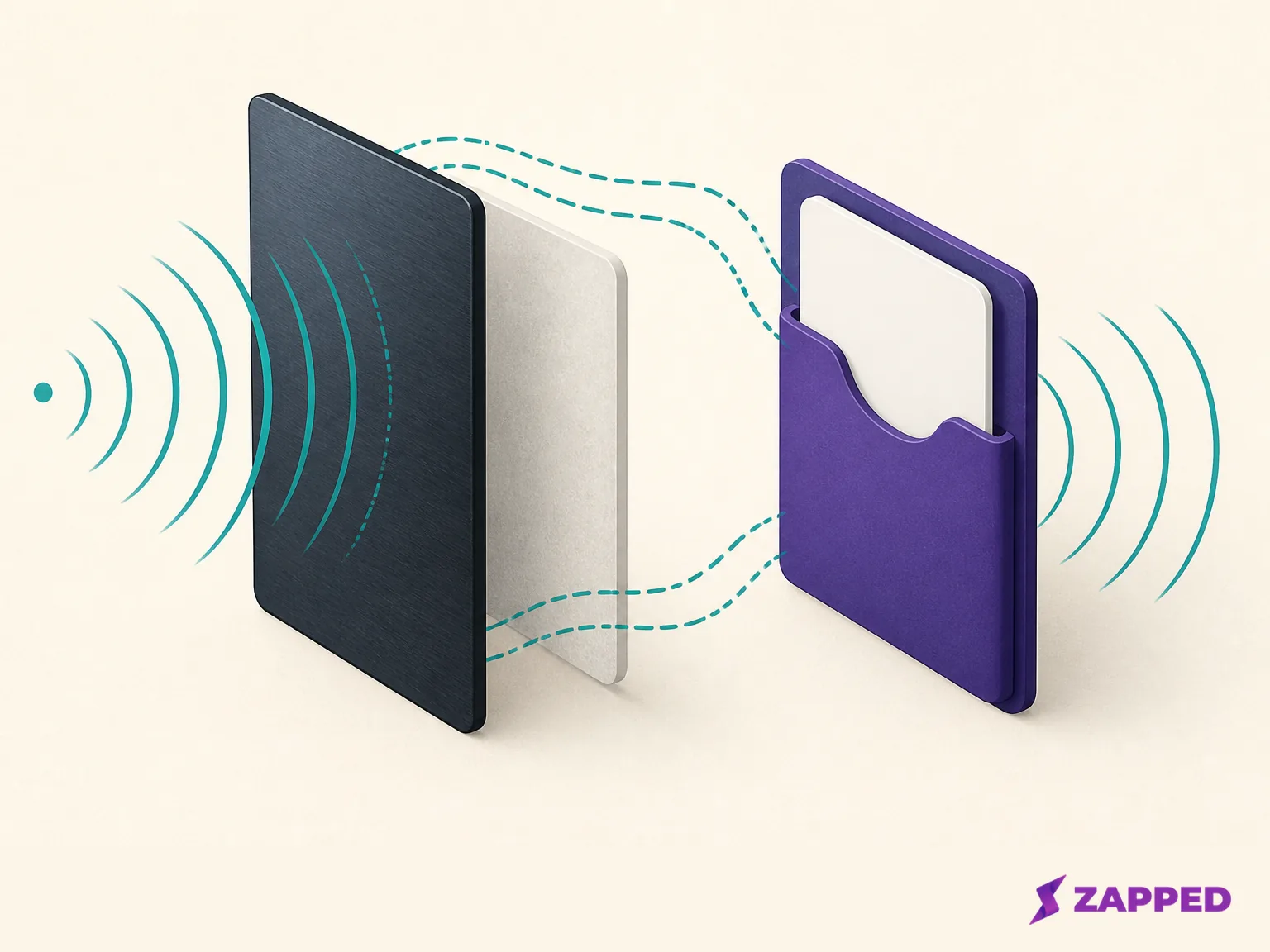
Pick the card's path through the holder
Keep the card inside while you share
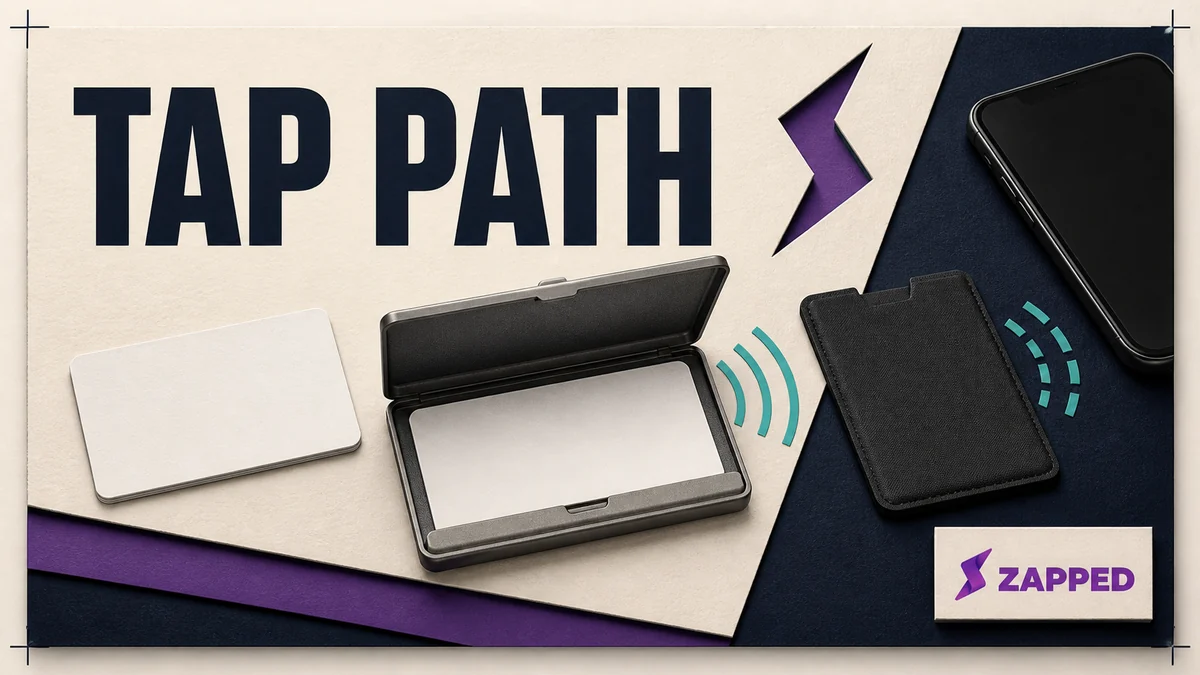
This is the mode you want when you'd rather touch the closed holder to a phone and move on. Look for a claim that the card taps through the closed holder, an exposed outer slot, or construction that names a ferrite layer shielding the antenna from metal. Those details describe a route for the card's signal, not just a material choice.
One Good Card listed its Duo Flip MagSafe Card Holder at $29.90 when we checked in August 2026. The vendor describes a two card leather bifold with a metal shielding layer, an external card slot, and NFC that works without removing the card. That's the wording you want when the card has to stay usable inside the holder.
A shielding layer is a design clue, not a lab report. The reader, card, holder layers, and phone still meet as one physical stack, and that stack is what you test.
Pull the card out when you need it
An external slot is the sensible middle route for an existing NFC card. The card stays protected in storage, then becomes the outermost object when you tap. If the holder doesn't say the card works while it's inside, make sliding it out part of your routine instead of waiting for a failed scan to teach you.
This choice suits someone who wants a conventional wallet shape and doesn't need the card to work through leather, metal, or a case. Once the NFC question is settled, our conventional business card holders guide covers the separate question of paper card storage.
Keep the card deliberately silent
An RFID and NFC blocking holder isn't defective because the card won't tap through it. Blocking is the feature. TapTag listed its RFID Blocking Slim Pop Wallet at a $12.99 sale price against a $29.99 regular price, and its product page says it is designed to block NFC and RFID signals while the card is stored. Choose it when you want the card unreadable in a pocket, then remove it before sharing.
Independent reporting describes the same behavior. Ars Technica reported that RFID blocking wallets in its tests stopped NFC payment or transit reads when cards were inside and held within 5 mm of terminals for three to five seconds. Pack Hacker likewise reported that a blocking wallet stopped its test with the card inside, while an exposed chip could still be scanned. Those are attributed tests, not a promise that every wallet, card, and reader will produce the same result.
Read the layout, not just the label
The physical layout can matter more than the material name. ST documents one antenna that reached 7.5 cm in open air but was not detected close to a metal table; after retuning, it reached 2.5 cm near the metal. Treat it as a warning against carrying an open air read range into every sleeve and case.
When a product page says "RFID protected," ask what happens at the moment of sharing. Does the card sit in an exposed outer slot? Does the maker name a ferrite or shielding layer? Is the blocking compartment where the card lives, with a separate route for showing a QR code or removing the card? The answer tells you which job the product is built to do.
An enclosed card behind a blocking liner is a privacy compartment. A card in an external slot is a sharing path. A purpose designed shielding layer is an attempt to let the antenna operate near a material that would otherwise detune it. Same words on the page, different behavior in your hand.
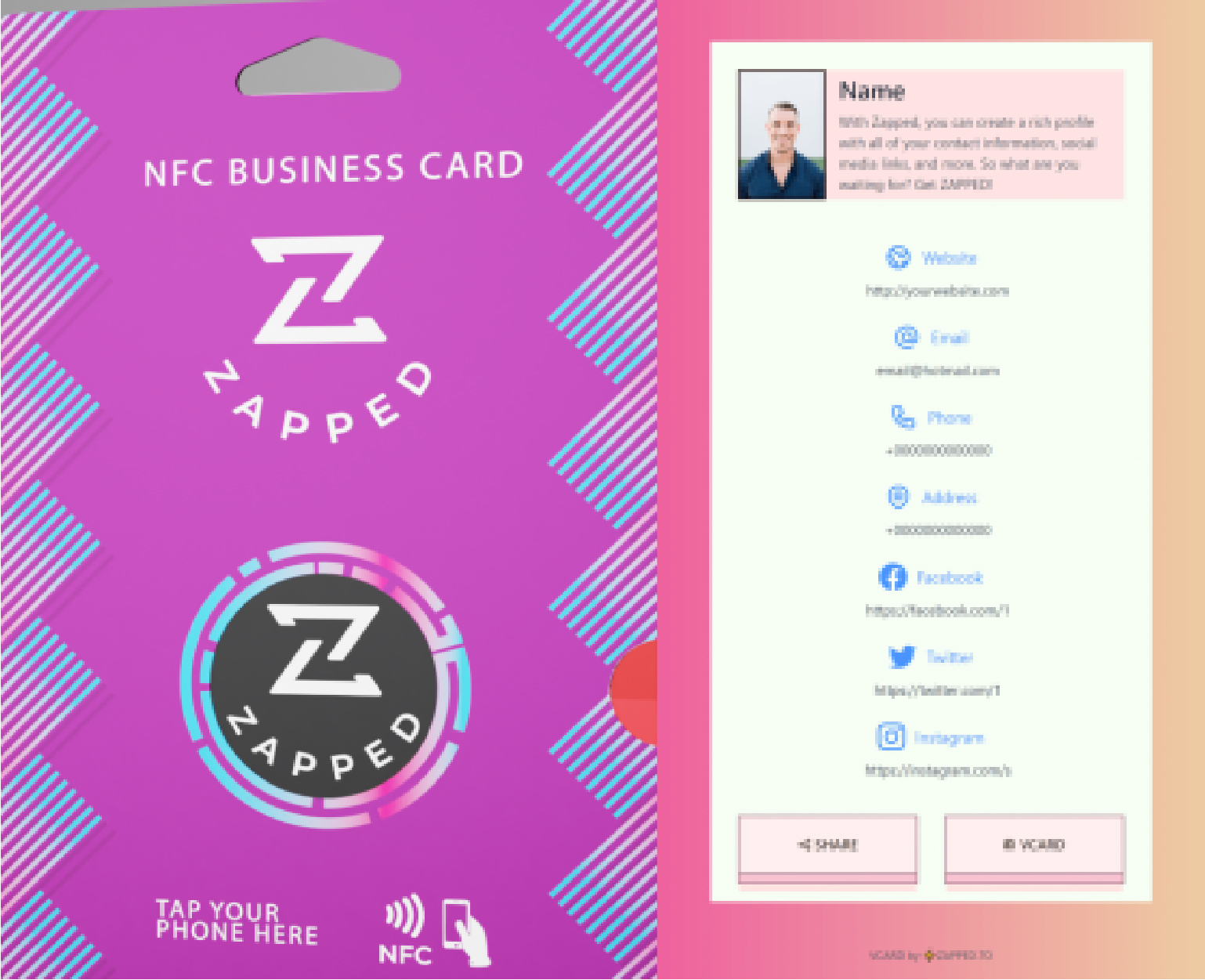
A Zapped profile gives the card somewhere useful to go: the free tier includes QR, link, and NFC sharing with no app for the recipient, and paid plans expand analytics and remove the badge.
A bundled NFC wallet is a separate purchase
Some products aren't neutral holders for the NFC card you already own. SlickTek listed its Zip Tap NFC Digital Contact Sharing Wallet with SlickTek One NFC Business Card at roughly $18, converted from its Rs. 1,499 listing. The vendor says it holds up to six cards, combines NFC and QR sharing with RFID blocking, and includes a one year software subscription that starts on activation.
That changes the buying question. If you already have an NFC business card, a neutral holder with a known tap path may be all you need. If you want a managed digital profile with contact information tabs, the bundled product may be closer to the thing you're considering, but its software terms become part of the decision.
SlickTek's digital card page advertises profile customisation, analytics, and CRM synchronisation, with an annual renewal at roughly $6, converted from Rs. 499. Those belong to SlickTek's own system, not to NFC holders in general. A separate SlickTek collection page listed a customised Zip Tap at roughly $16 when we checked, another reason to treat product page prices as dated snapshots.
The following comparison uses prices and terms shown on August 15, 2026. It compares the shape of each purchase, not a permanent price list.
| Product | Intended behavior | Price or term when we checked |
|---|---|---|
| One Good Card Duo Flip | Tap through the shielded design or use the external slot | $29.90 |
| TapTag Slim Pop Wallet | Block NFC and RFID while stored, then remove the card to share | $12.99 sale, $29.99 regular |
| SlickTek Zip Tap bundle | Use the bundled NFC card and QR system in a wallet that also blocks stored cards | Roughly $18 (Rs. 1,499), with a one year subscription starting on activation |
When the tap fails, change the stack first
Start with the simplest recovery. Remove the card from the loaded holder, or move it to an exposed outer slot, and try again with your own phone and card. If it works outside the holder, the card isn't the first suspect. The material stack or card position is the part you changed.
If the holder is explicitly a blocking model, a failed tap inside it is the expected result. Keep the card shielded while stored and use a separate visible QR route when the card or its profile provides one. SlickTek's bundle documents NFC and QR sharing, but plenty of NFC business cards ship without any QR route at all.
Don't solve one failed tap by assuming a different phone will behave identically, or by buying a holder with a larger claimed range. NFC is short range, and the final card, holder, and phone configuration is what you need to check. If the card must remain inside during sharing, go back to the product page and look for the card staying readable inside, a ferrite or shielding layer, or an exposed slot.
If you decide the card no longer needs to tap through a holder, our DIY business card holder guide answers the next practical question without pretending the paper holder is an NFC antenna design.
The verdict
Storage you can tap through wins when speed matters and the holder actually describes the path. A wallet you slide the card out of fits when you want a conventional shape around an existing card. Blocking is the right call when keeping the card quiet in your pocket is the point.
Don't buy a generic "RFID protected" holder expecting one touch sharing through closed leather; that label is as likely to mean the opposite. The SlickTek bundle earns its price only when its card, QR sharing, profile tools, and recurring software term are things you'd actually use. We'd start with the profile and pick the holder around it, not the other way around. And if a listing can't tell you how the card stays readable inside, assume it doesn't.
Sources
- NFC Forum, NFC technology
- ST, NFC touchpoints and materials
- NXP note on NFC near metal
- Duo Flip MagSafe Card Holder, One Good Card
- TapTag, RFID Blocking Slim Pop Wallet
- ST antenna application note
- Zip Tap wallet, SlickTek
- SlickTek One card
- SlickTek, NFC collection
- Ars Technica blocker tests
- Pack Hacker, best RFID wallet test