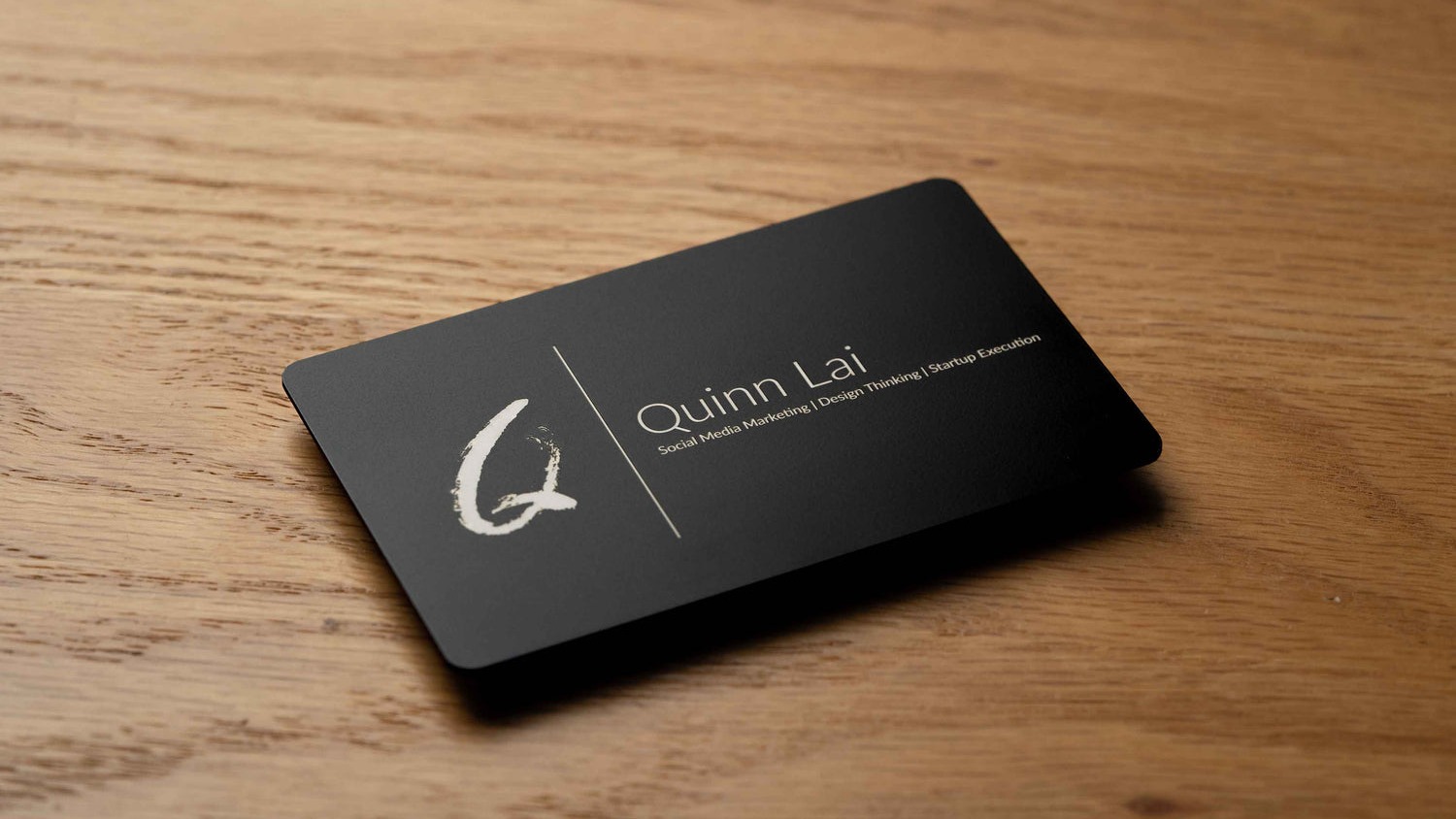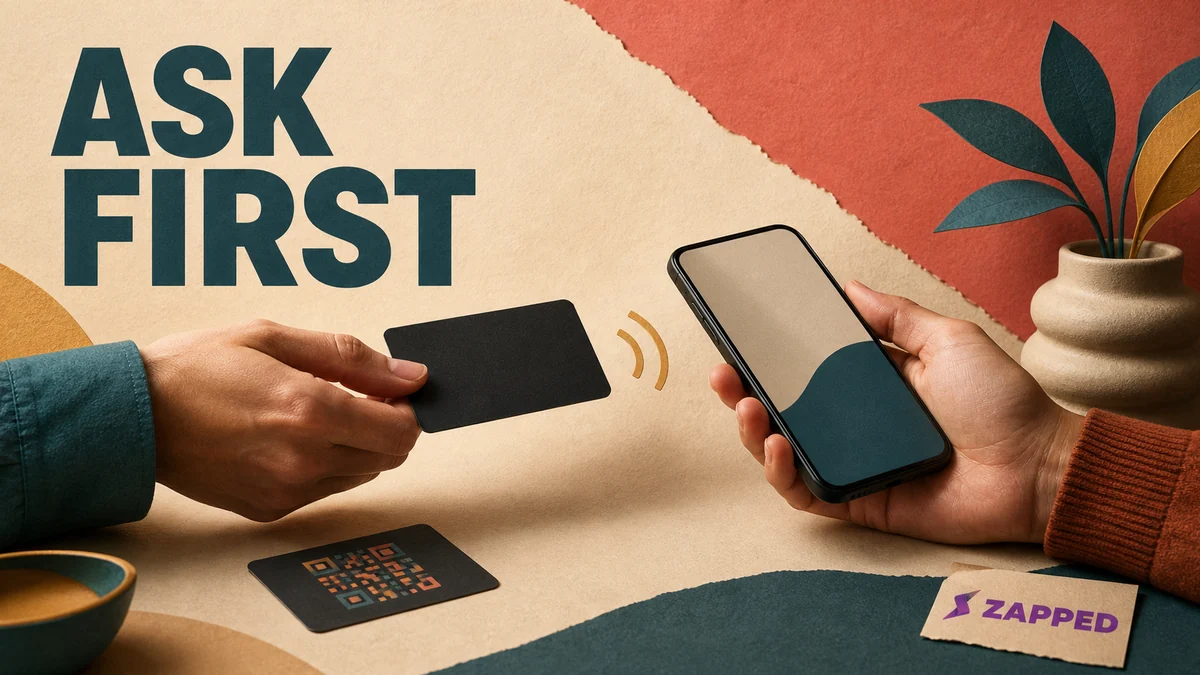
Your card is ready. Their phone is still their space. When the conversation turns naturally toward staying in touch, ask whether they want your details, explain what the tap will open, and let them choose NFC, QR, or a link.
An NFC business card is a small physical action near someone else's personal device. It may be quick, but the recipient still gets to choose what happens next. Good etiquette keeps that choice visible from the first question through the follow up.
Wait for a reason to share
Offer the card when the conversation has earned it. You have found a shared topic, made a plan, or heard a clear signal that staying in touch would help. Then ask, “Would you like my details?”
That question leaves room for a yes, a preferred method, or no exchange at all. Pushing a card forward without context can feel transactional when the other person is not engaged, as one etiquette guide points out. NexaLink and One Good Card make the same practical case: wait for a natural opening, then ask before sharing.
There is no single ritual for every room. Cultural customs vary, so read the setting and the person in front of you. At a crowded conference table, a QR code people can scan when ready may be less intrusive than moving a card toward every phone. At a quiet coffee meeting, a willing one to one tap may fit perfectly.
If the conversation has not reached that point, keep talking. The card can wait.
Offer a method, not a surprise
Once they say yes, make the choices plain: “I can tap this, show you a QR code, or send you the link. Which is easiest?”
Use NFC for a willing one to one exchange. Offer QR or a link when the recipient is unfamiliar with NFC, when several people need the same destination, or when someone would rather open it later. A direct link removes the physical movement altogether. Pair NFC with a QR code, TAPiTAG recommends, so older or incompatible phones still have a route to the destination.
Zapped offers one browser first option for this exchange. Its digital card can be shared by NFC tap, QR code, or link, then opened in a browser so the recipient does not need an app or an account to save your details. We build Zapped, so weigh that as you would any named option. The useful test is simple: does the other person get a clear choice and a page they can use?
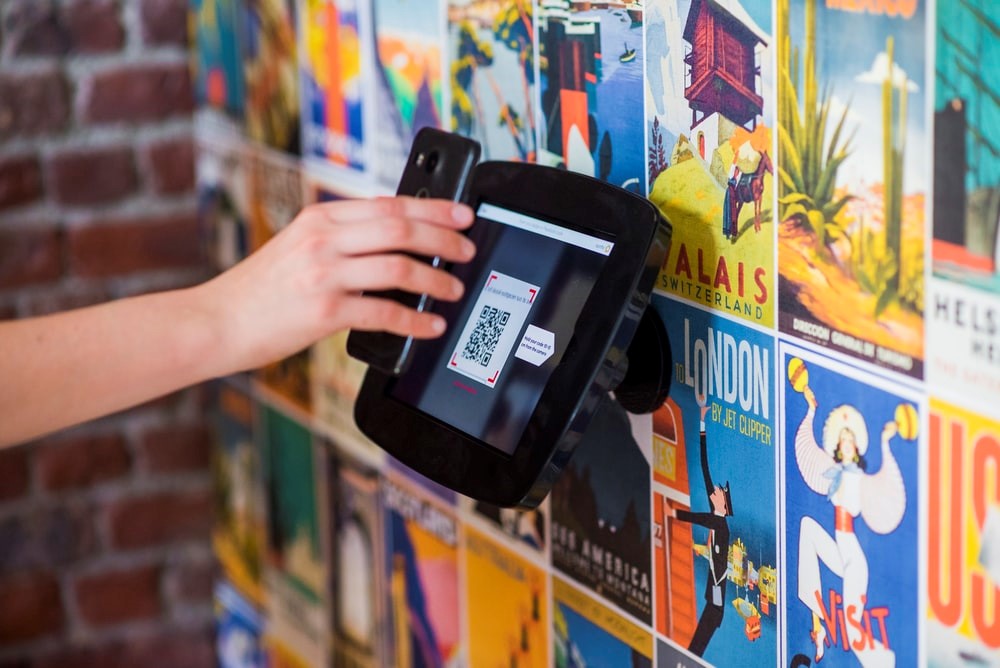
If people are standing around a table, show the QR code once and let them scan at their own pace. NFC is close and personal. QR is easier to offer without making every phone part of the choreography.
For the basic mechanics, what an NFC business card is explains the object. For setup, program and test one covers the public destination before you use it with someone else.
Make the tap a visible handoff
Tell the recipient what should happen before the card moves: “This opens my profile in your browser, and you can save my contact from there.” If the destination is a contact page or website, name it plainly. The NFC Forum describes a typical range of up to 2 cm and lists web addresses and contact information among the things an NFC tag can carry. That short range is exactly why the movement should be deliberate, announced, and brief.
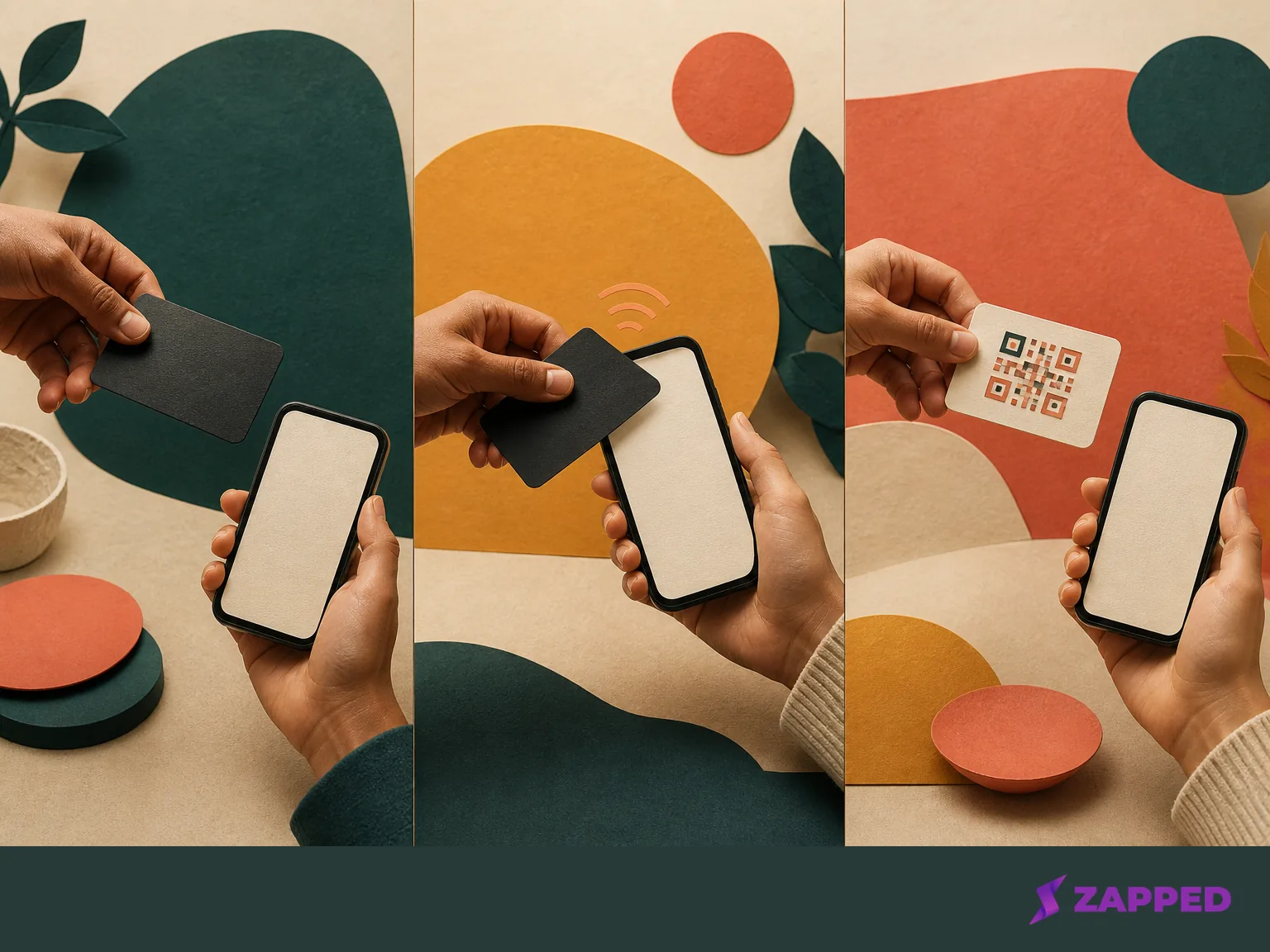
Before reaching toward an unlocked screen, ask whether the other person has a phone they want to use and let them hold and position it. That is the practical advice in Reddit's NFC UX discussion. NFC requires the devices to come close together, so the movement is a deliberate physical action, not an ambient broadcast. The NFC Forum's close exchange makes the same point.
The recipient should see the prompt, the browser, and the next action for themselves. Apple's iPhone guidance tells iPhone users to hold the phone near an NFC tag and choose Open or Play when a supported App Clip prompt appears. On Pixel phones, NFC is a setting that can be turned on, and Google says a missing NFC setting means that phone does not have NFC.
The card's physical presentation matters too. Mark the tap point and keep the destination clear before you print or program the next card. That gives the recipient a visible cue without turning the explanation into a lecture.
Let the first screen do its job
The handoff is not finished when the browser opens. The first screen should answer three things quickly: who is this, why am I looking at it, and what can I do next?
Keep the person's name and context obvious. A Reddit contributor with a maker disclosure says a clear save contact action matters, and the NFC UX discussion recommends making it easy to find. Show a visible domain or a clear profile rather than sending someone toward a surprise download or credential prompt. Visible domain and metadata are part of Mobilo's safety guidance, including timestamps, location markers, and device metadata, before treating the destination as routine.
Privacy belongs in this moment too. A tap can lead to a page, but it is not permission to collect every possible signal or start a relationship the recipient did not choose. Tap related metadata can include timestamps, location markers, and device metadata, so ask what the destination needs and keep the exchange proportionate. The page should help the recipient decide, not quietly make the decision for them.
If you use Zapped, the card and its shared links can keep pointing to the latest version after you update the profile. That is useful when your role, booking link, or contact detail changes. It also means the public page deserves maintenance. A current destination is part of the etiquette, not an admin task you can forget.
When the tap fails, change the route
Stop after a brief, reasonable attempt. The person may not want to tap, their phone may have no NFC option, they may be unfamiliar with the method, or the read may simply stall. None of those moments needs an apology or a second round of persuasion.
Allow one calm repositioning attempt if the recipient wants to try again. Google's Pixel antenna guidance says an antenna can be near the top or bottom of the phone and recommends changing position or holding the phone closer when a close NFC exchange does not work. If it still fails, say, “No problem, I can show you the QR code,” and hold the code where they can scan it themselves.
Offer the direct link when that is easier. A paper card is also a valid fallback when the setting calls for something physical. The goal is to preserve the exchange, not to prove that the chip works.
Before the next conversation, check the public destination with another compatible phone. Write down the public card URL, test the programmed card, keep a QR fallback, and rewrite the card if the wrong profile opens. For the steps, see the Zapped programming guide. Do that preparation before you ask a stranger to troubleshoot your card. A stale or incorrect destination is your preparation problem, not theirs.
Follow up on the conversation, not the tap
After the exchange, acknowledge it while the context is still fresh. Refer to the specific subject you discussed, then offer one useful next step: a promised link, a short answer, or a time to continue the conversation. NexaLink's follow up advice points back to the conversation, and One Good Card's follow up also belongs after a natural card exchange.
Do not treat a tap as automatic permission to save someone's contact data or begin outreach. A saved profile, a scan, or a dashboard signal tells you that a route was available. It does not tell you that the person wants a sales sequence. Even when Zapped shows views, saves, clicks, sources, or campaign signals, those are inputs for follow up, not consent.
Ask for the next step in the same plain way you asked to share your details. “Would it be useful if I sent you the example we discussed?” is a better bridge than assuming a tap created an obligation.
The rule to carry into the room
Ask before you offer the card. Give NFC, QR, and link as choices. Explain what will open, let the recipient keep control of the phone, and allow one brief repositioning attempt. If the tap is declined or fails, move to QR, a link, or paper without fuss. Check the destination before the next event, then follow up with the subject you actually discussed.
The tap fits a willing one to one moment when you have a QR code or link ready behind it. Choose another route when the setting is crowded, the recipient is unfamiliar with NFC, or reaching toward the phone would make the exchange feel intrusive. Your card should shorten the path to your details, never the other person's choice.